
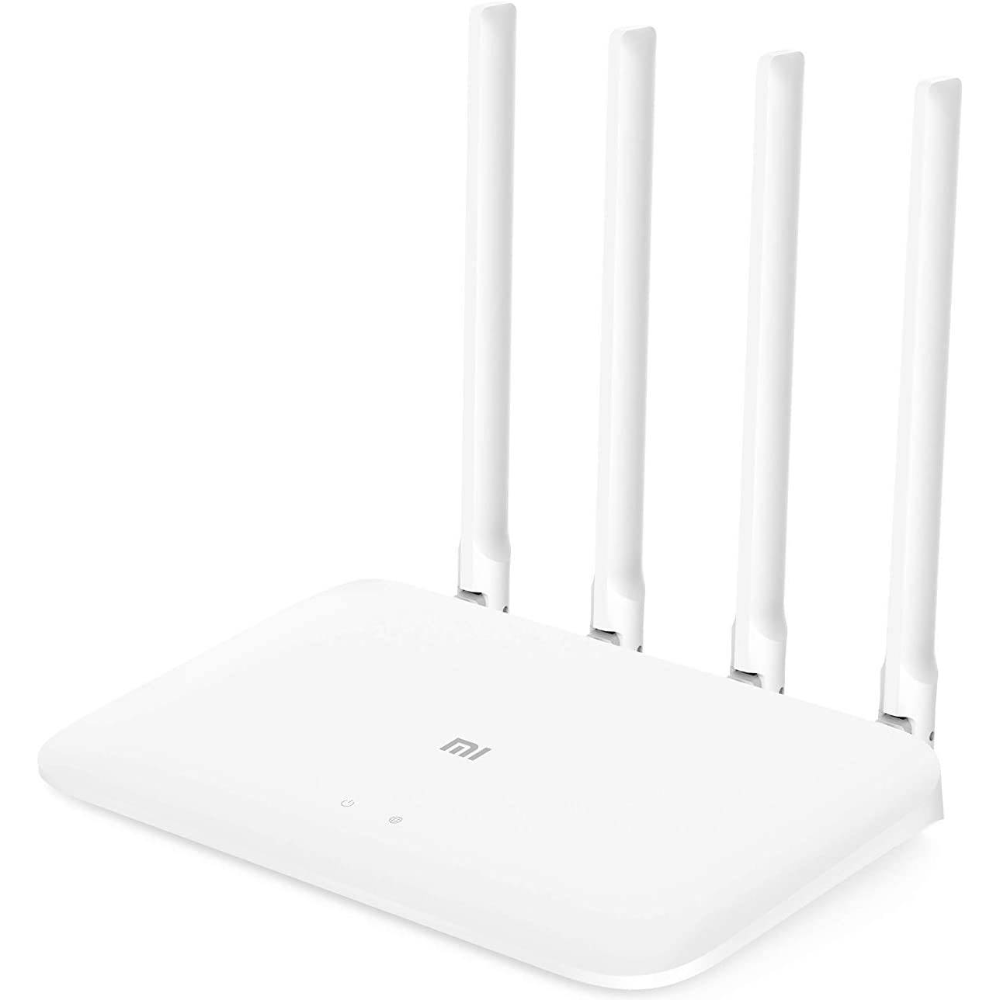
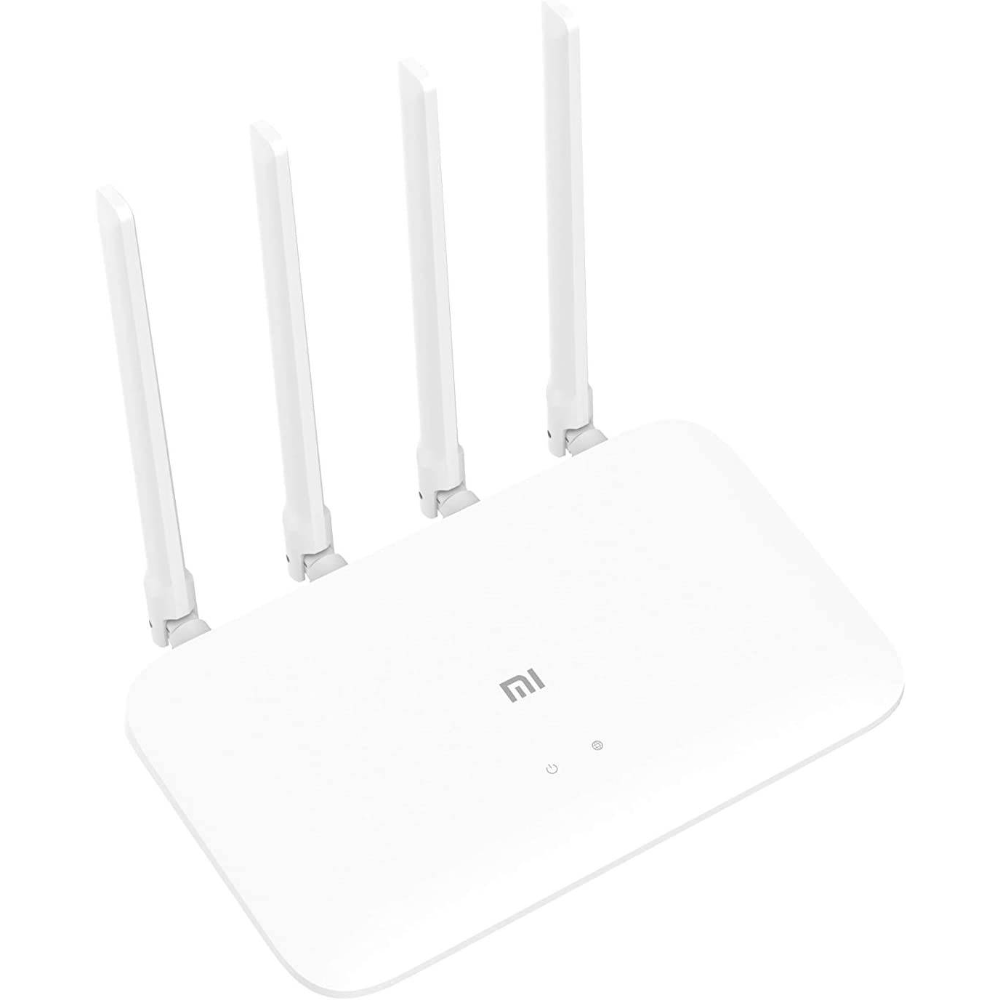

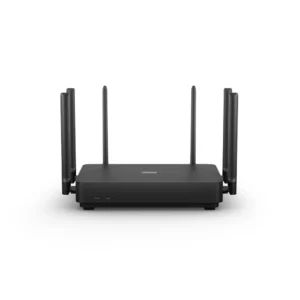
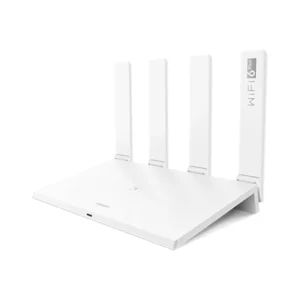
The Xiaomi Router 4C is a small, inexpensive Wi-Fi router for homes and rooms that need dependable basic coverage rather than top speed. It works on the 2.4GHz band only, using 802.11n with a 2×2 radio for a maximum wireless rate of 300Mbps, and it spreads the signal through four external antennas, each rated at 5dBi. Inside is a MediaTek MT7628DA chip with 64MB of DDR2 memory and 16MB of flash. Setup and day-to-day control run through the Mi Wi-Fi app on iOS or Android, or through a web browser, and the matte white body sits quietly on a shelf or desk.

Table of Contents
Single-band 2.4GHz at up to 300Mbps
Xiaomi lists the Xiaomi Router 4C as a 2.4GHz-only router: 5GHz is not supported. The radio follows IEEE 802.11b/g/n, with a 2×2 configuration that reaches up to 300Mbps under 802.11n, and it has an integrated low-noise amplifier and power amplifier on the 2.4GHz band. The 2.4GHz band travels further and passes walls better than 5GHz, but it is slower and more crowded in apartment buildings where many neighbours share the same channels. That makes the router a sensible fit for browsing, messaging, video calls, streaming in HD and smart-home gadgets, many of which only connect on 2.4GHz anyway, rather than for large downloads or heavy gaming.

Four external 5dBi antennas
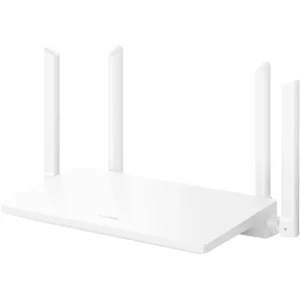
Coverage comes from four external omnidirectional antennas with 5dBi gain each, according to Xiaomi. External antennas can be angled, which helps when the router has to reach a bedroom or a majlis on the far side of a wall. A practical tip: place the Xiaomi Router 4C in a central, raised spot, away from metal cabinets and microwaves, and point two antennas straight up and two at an angle so the signal spreads both horizontally and between floors. In a small apartment or a single floor of a villa this is usually enough; for a large house with thick walls you will want a mesh system or an extender alongside it.

64MB memory and how many devices it handles
The router uses a MediaTek MT7628DA processor with 64MB of DDR2 memory and 16MB of NOR flash, cooled passively with no fan, so it runs silently. Xiaomi states that the Xiaomi Router 4C can connect up to 64 devices, but that figure is a lab maximum measured on 2.4GHz and LAN; for the best experience Xiaomi recommends keeping it to no more than 32 devices. In real use that comfortably covers a family’s phones, a couple of laptops, a smart TV and a handful of smart plugs or cameras. Xiaomi does not publish the clock speed or core count of the processor on its specification page.

Control from the Mi Wi-Fi app
The Mi Wi-Fi app is where most of the useful features live. Intelligent speed limiting lets you choose a router profile in the app or let the router optimise automatically, and you can give one device priority bandwidth, for example a laptop on a work call. When a new device joins, the app alerts you, and depending on the security level you set it either blocks a suspicious device or asks whether to add it to a blacklist. A Wi-Fi optimisation tool in the app’s toolbox checks the channel and adjusts it, and you can check the network status remotely when you are away from home. The router also supports WPA-PSK/WPA2-PSK encryption, blacklists and whitelists, and hidden SSIDs.
Setup in three steps
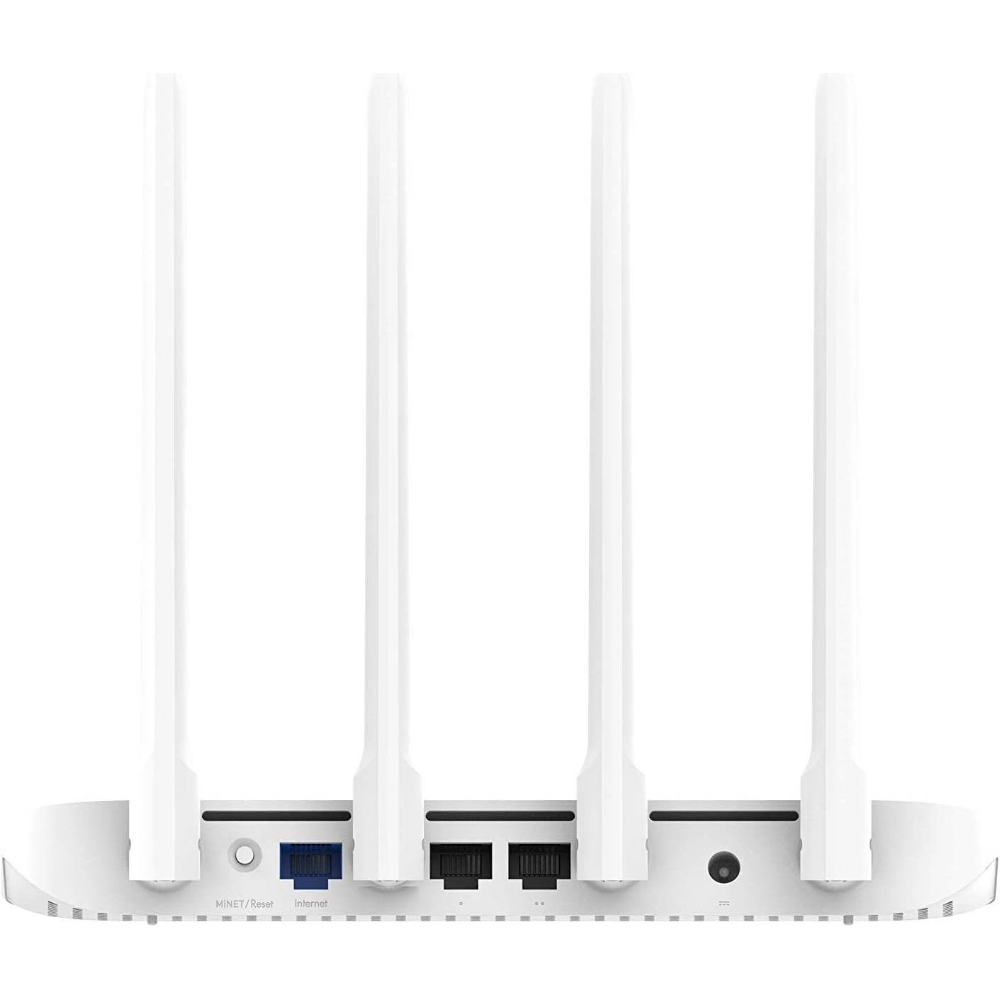
Xiaomi describes setup in three steps. Connect the power adapter and plug the cable from your modem or fibre terminal into the WAN port. Join the open network named Xiaomi_XXXX from your phone or laptop. Then log in through a browser or the Mi Wi-Fi app and set your Wi-Fi name and password. The software is Mi Wi-Fi ROM, a customised version of OpenWRT, and it can be managed from the web, iOS or Android. If something goes wrong, a reset button returns the Xiaomi Router 4C to factory settings, and two status lights show the system state and the internet connection.
Ports, build and what is in the box
On the back there is one WAN port and two LAN ports, all 10/100Mbps auto-sensing with auto MDI/MDIX, plus the power input and the reset button. The two LAN ports suit a desktop PC, a TV box or a games console that you prefer to keep wired. The body is matte white plastic with a simple geometric shape, and Xiaomi rates it for operation between 0 and 40°C, so keep it out of direct sun and away from hot equipment. In the box you get the Xiaomi Router 4C, its power adapter and a user manual. Xiaomi does not list the dimensions, the weight or the power adapter rating on its specification page.
Who This Is Not For
The Xiaomi Router 4C is not for fast fibre plans: its WAN and LAN ports are 10/100Mbps, so any connection above 100Mbps will be held back by the router itself. It has no 5GHz band and no Wi-Fi 6, so newer phones and laptops will not reach their top wireless speeds. There is no USB port for sharing a drive or printer, and Xiaomi recommends no more than 32 connected devices, so busy households with many smart devices or several gamers should choose a dual-band router or mesh system instead.
Ordering from Totot
Totot sells the Xiaomi Router 4C brand-new and genuine in its sealed box, backed by a 1-year warranty from Totot. We deliver UAE-wide in up to 3 business days, and delivery is free on orders from AED 300, with cash on delivery or instalments via Tabby and Tamara. Items that arrive defective or not as ordered can be returned within 14 days, and any shipping damage should be reported within 48 hours of delivery. Browse more in our Networking Equipment range, or see the official Xiaomi Mi Router 4C specifications page.
Xiaomi Router 4C Specifications
- Model: Xiaomi Router 4C (Mi Router 4C)
- Colour: White
- Processor: MediaTek MT7628DA
- Memory: 64MB DDR2
- Flash: 16MB NOR
- Wi-Fi standards: IEEE 802.11b/g/n
- Band: 2.4GHz only (5GHz not supported)
- Maximum wireless rate: Up to 300Mbps (2×2, 802.11n)
- Antennas: 4 external omnidirectional antennas, 5dBi each
- Ports: 1 × WAN + 2 × LAN, 10/100Mbps auto-sensing, auto MDI/MDIX
- Connected devices: Up to 64 (lab maximum); Xiaomi recommends no more than 32
- Security: WPA-PSK/WPA2-PSK, blacklist/whitelist, SSID hiding
- Software: Mi Wi-Fi ROM (customised OpenWRT)
- Management: Web, Mi Wi-Fi app for iOS and Android
- Cooling: Passive (no fan)
- Operating temperature: 0–40°C
- Lights and buttons: System light, internet light, reset button
- In the box: Xiaomi Router 4C, power adapter, user manual
- Warranty: 1-year warranty from Totot
Xiaomi Router 4C FAQ
Does the Xiaomi Router 4C have a 5GHz band?
No. Xiaomi lists it as 2.4GHz only, at up to 300Mbps.
Are the ports gigabit?
No. The WAN port and both LAN ports are 10/100Mbps, so plans faster than 100Mbps will be limited by the router.
How many devices can the Xiaomi Router 4C handle?
64 is the lab maximum Xiaomi quotes; Xiaomi recommends no more than 32 devices for the best experience.
Can I set it up without a computer?
Yes. You can join the Xiaomi_XXXX network from your phone and finish setup in the Mi Wi-Fi app or a browser.
Can I block unknown devices?
Yes. The app alerts you when a new device joins, and you can use the blacklist and whitelist to control access.
Does it have a USB port?
No. Xiaomi lists only the WAN, two LAN ports, power input and reset button.
Is it genuine?
Yes. We sell the genuine Xiaomi Router 4C, brand-new in its sealed box.
How long does delivery take?
No more than 3 business days to any emirate, free from AED 300; the live fee for your order appears at checkout.


 No products in the cart.

MOKA HK (verified owner) –