
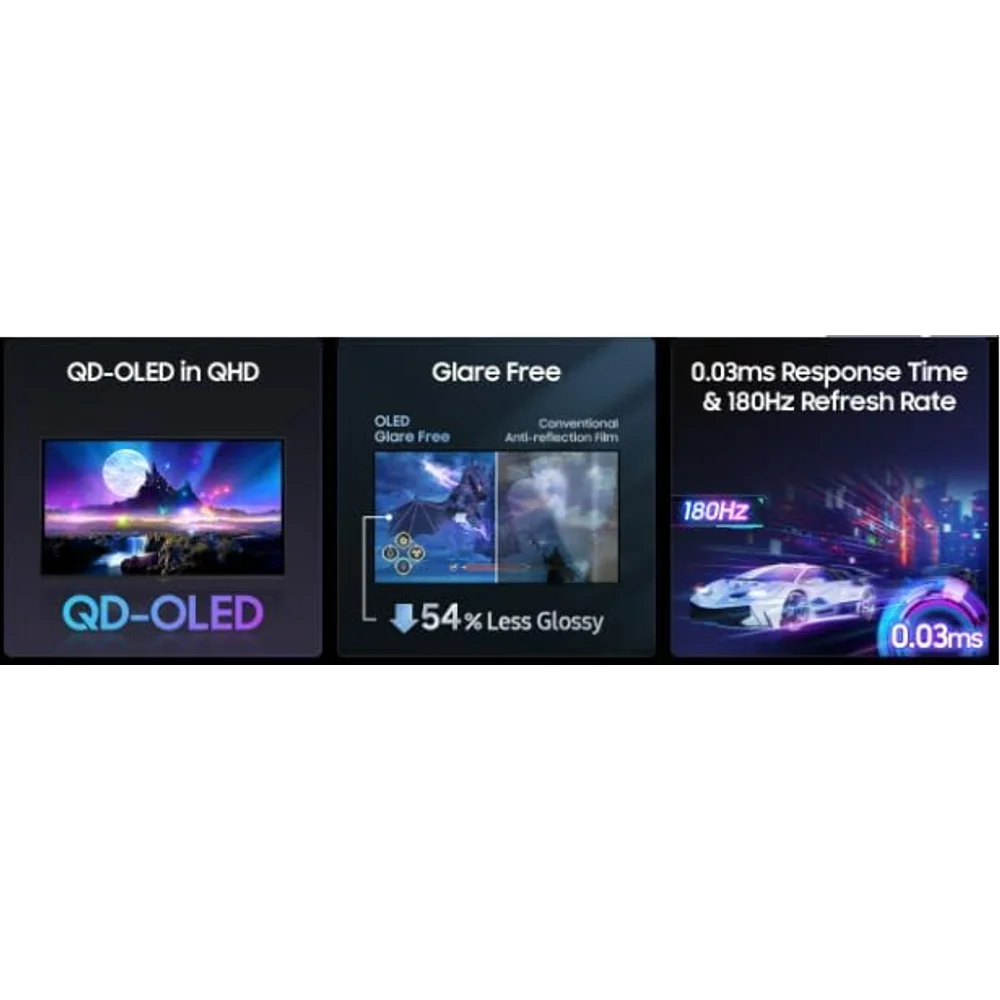
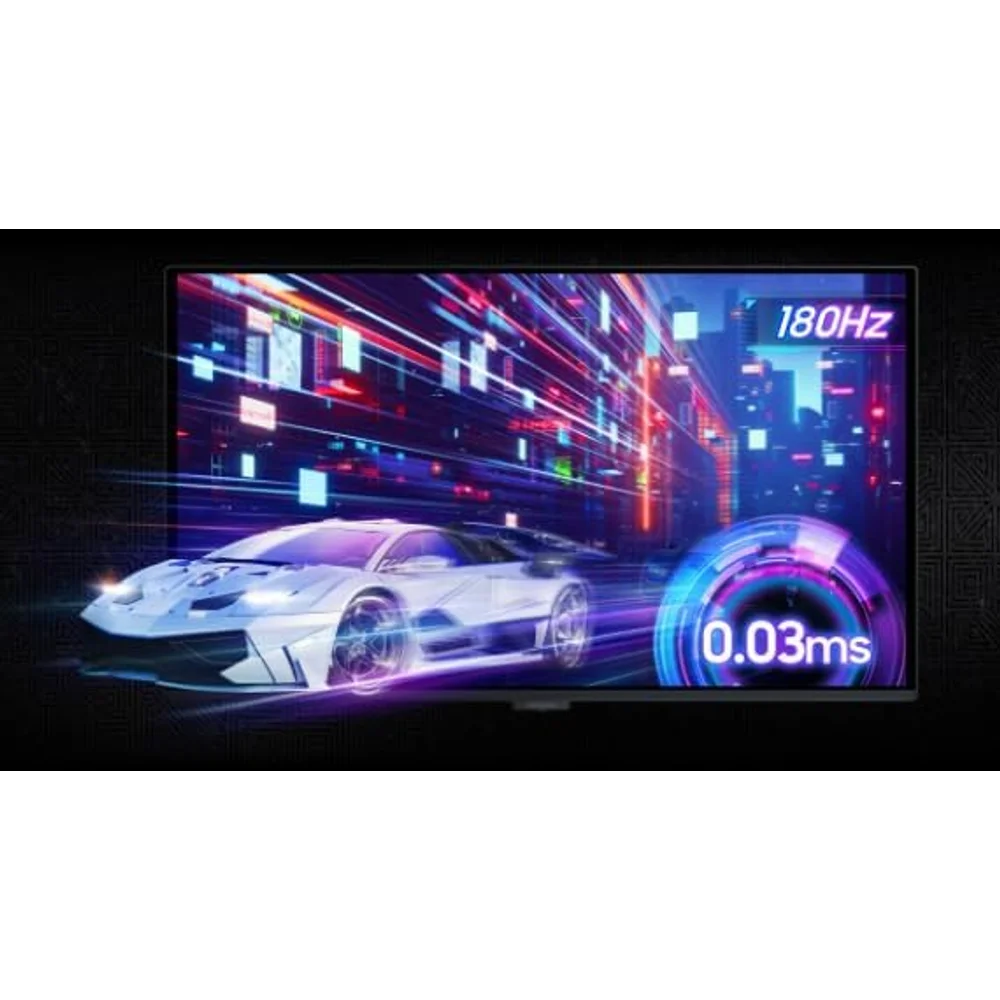
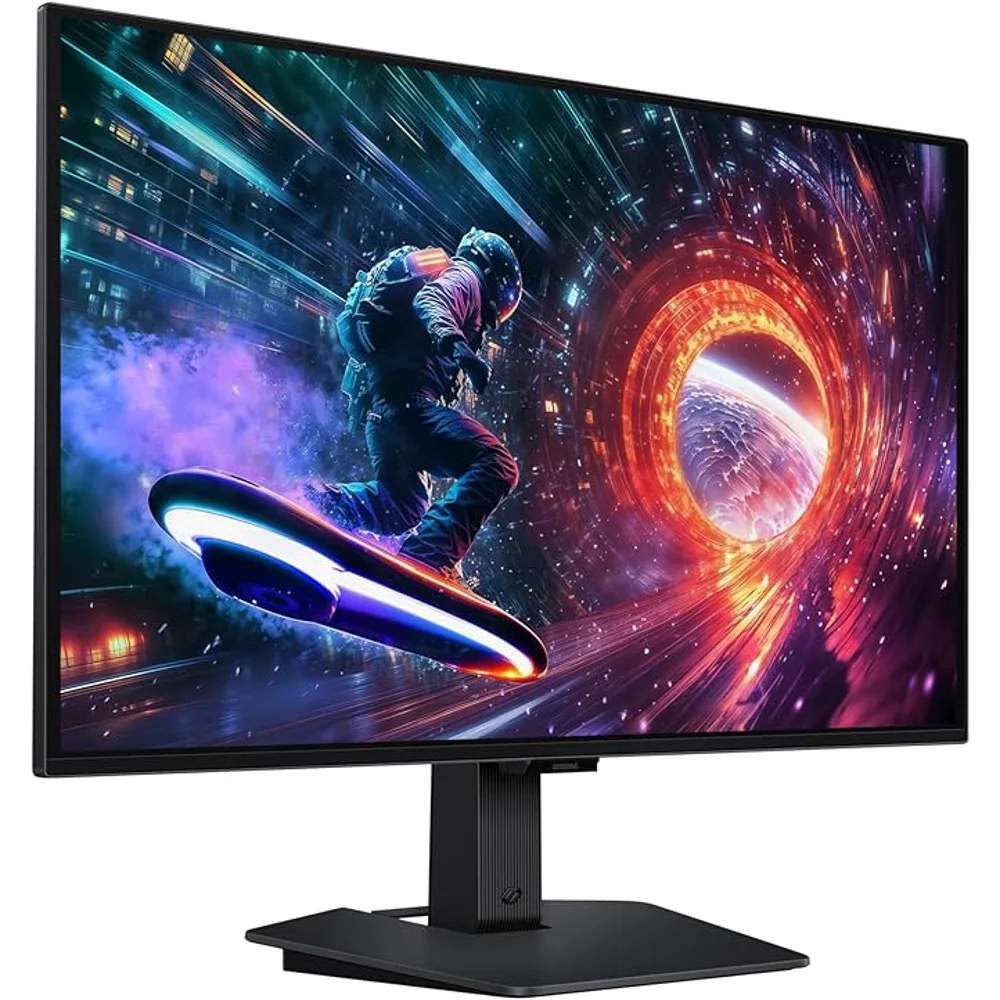
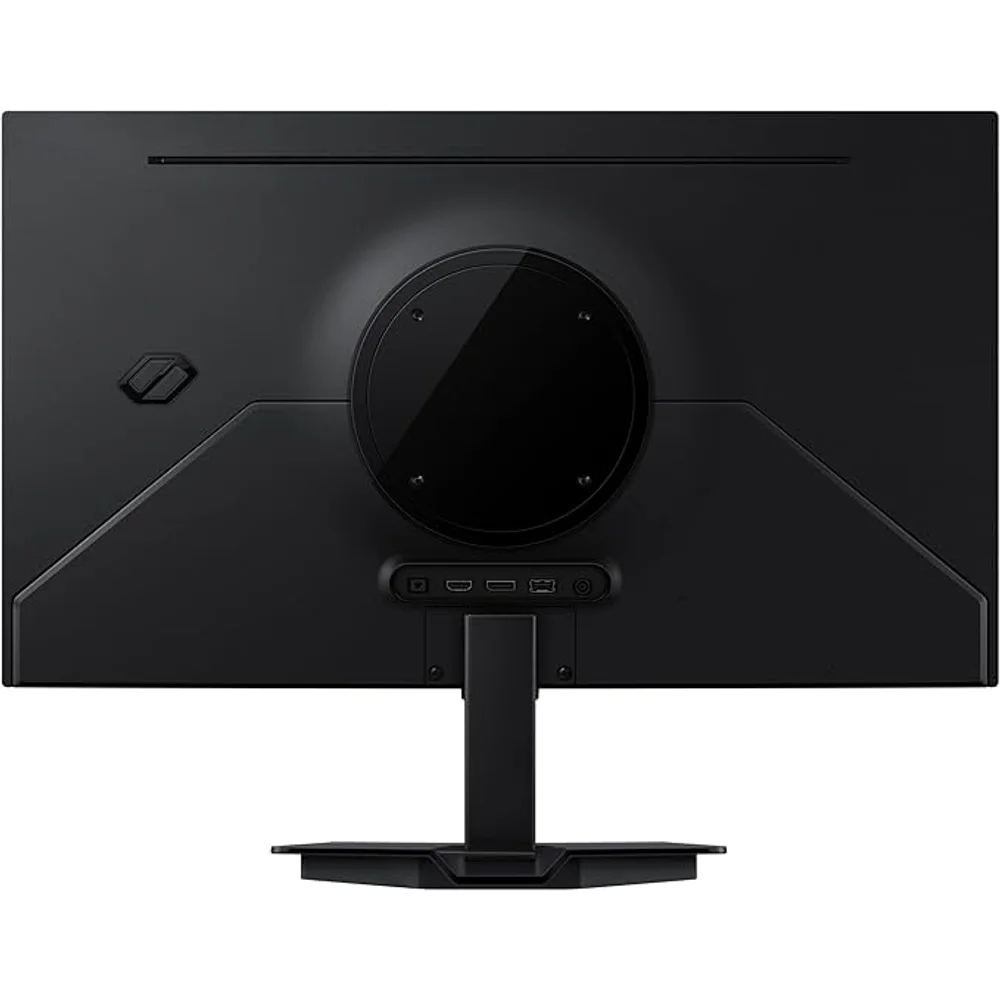
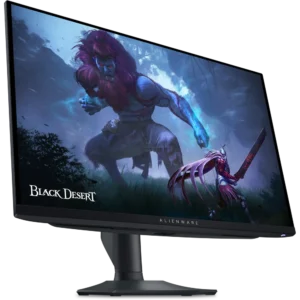
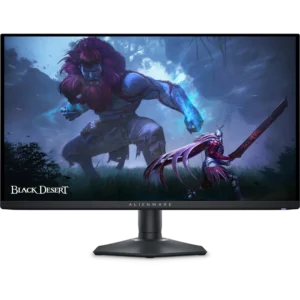
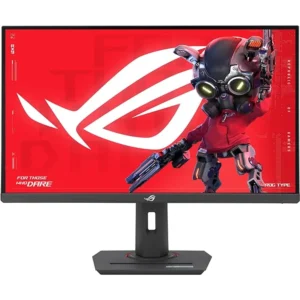
The Samsung Odyssey OLED G5 G50SF is a 27-inch QHD gaming monitor built on a QD-OLED panel, so every pixel makes its own light and switches off completely for true black. Samsung rates it at 0.03ms grey-to-grey and up to 180Hz, but the refresh rate depends on the cable: 180Hz over DisplayPort, 144Hz over HDMI. As with every OLED, it also needs a little care to avoid burn-in, and Samsung builds in several tools for that.
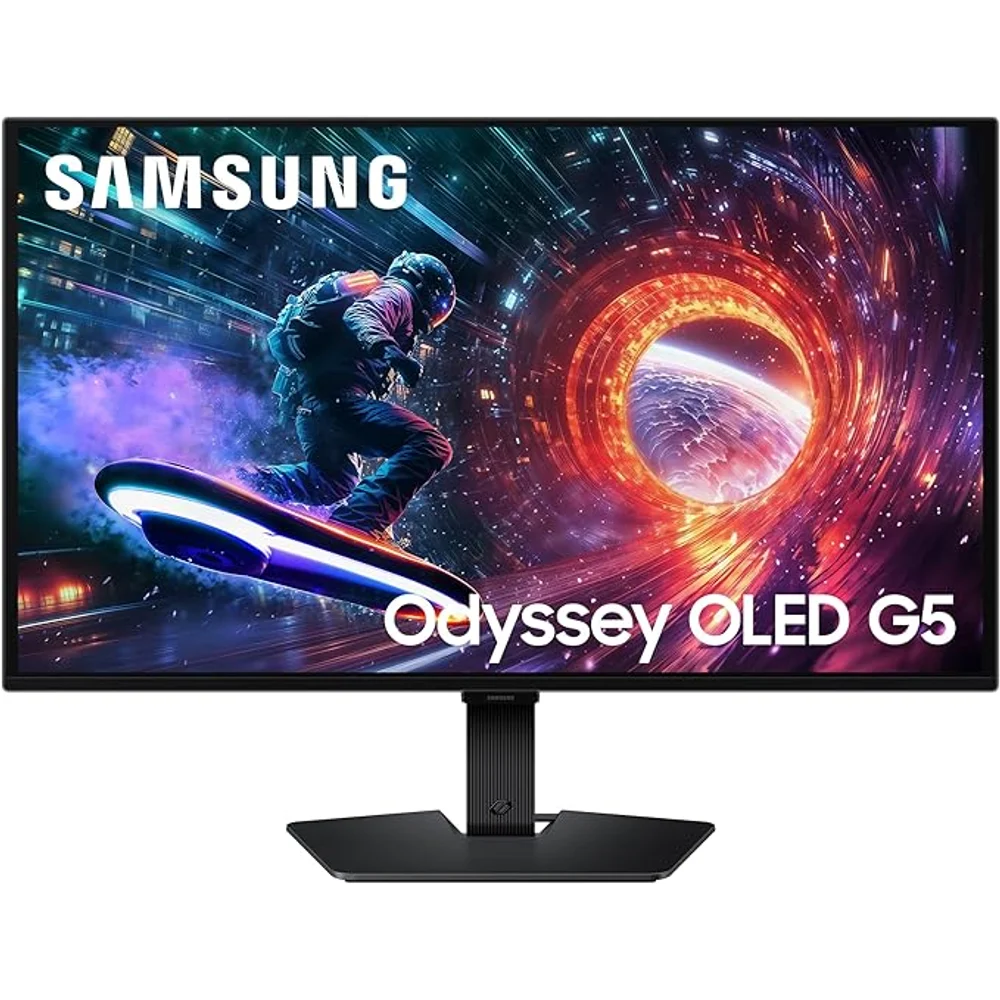
Table of Contents
The Samsung Odyssey OLED G5 G50SF in Short
The OLED G5 G50SF pairs a 27-inch 2560 × 1440 QD-OLED panel with a 1,000,000:1 static contrast ratio, 99% DCI coverage (CIE1976), up to 1 billion colours and 178° viewing angles. Samsung also lists Pantone Validated colour, covering 2,100+ Pantone colours and 110+ SkinTone shades, which helps for photo editing as well as games.
Because OLED pixels switch fully off, dark game scenes and letterboxed films show deep black without the grey glow or blooming of an LCD. The 0.03ms GtG response time keeps fast motion clean, which is where the OLED G5 G50SF feels most different from an IPS gaming monitor.
180Hz on DisplayPort, 144Hz on HDMI
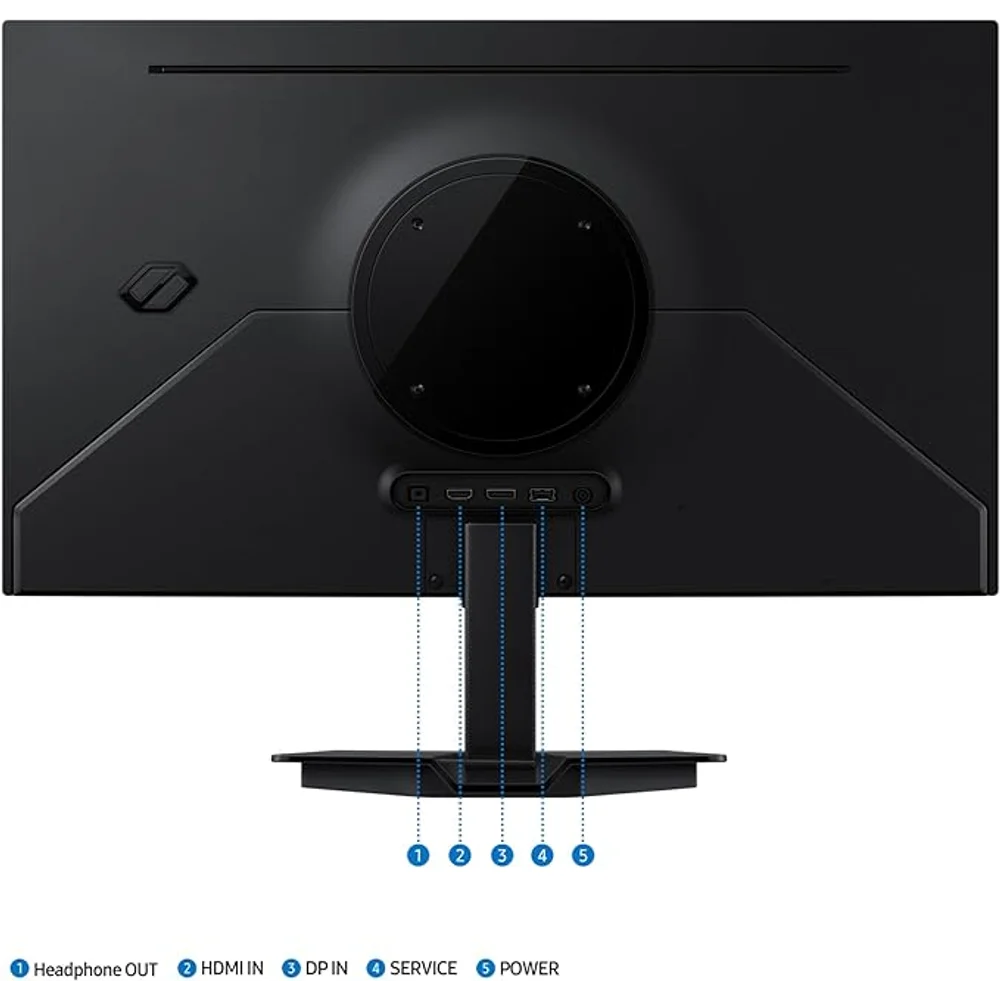
Samsung lists a maximum of 180Hz over DisplayPort and 144Hz over HDMI. The monitor has one DisplayPort 1.2 input and one HDMI 2.0 input, both with HDCP 2.2, plus a headphone jack; there is no USB-C input and no USB hub. A gaming PC should use DisplayPort to reach 180Hz on the OLED G5 G50SF.
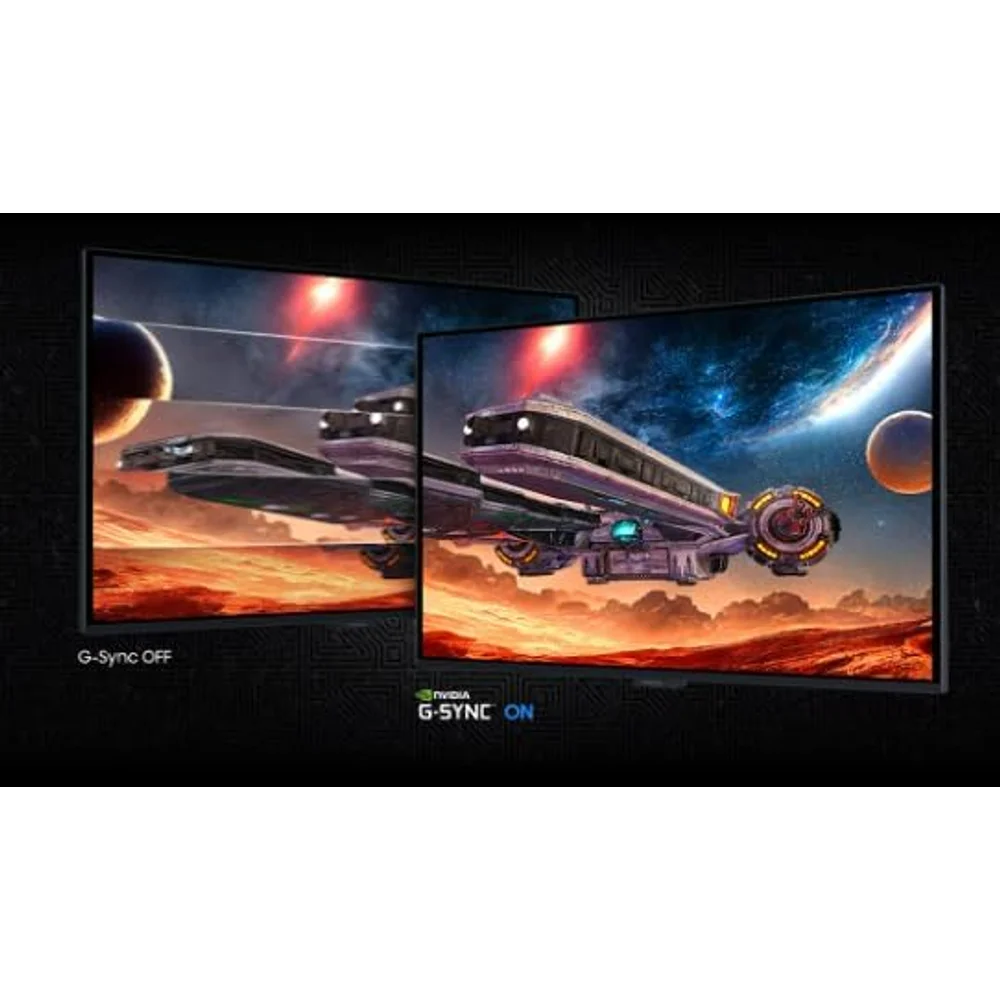
Consoles connect over HDMI, where the limit is 144Hz. With a single HDMI port, a PS5 and an Xbox cannot both stay plugged in without an HDMI switch. The OLED G5 G50SF supports AMD FreeSync and is NVIDIA G-Sync Compatible, which cuts tearing when frame rates vary.
Brightness, HDR and Glare Free
Samsung lists 200 cd/m² typical and 190 cd/m² minimum brightness, with HDR10 support. The Samsung Gulf page does not list a peak HDR brightness or a VESA DisplayHDR certification for this model, so treat HDR here as a format it accepts rather than a high-brightness HDR experience.
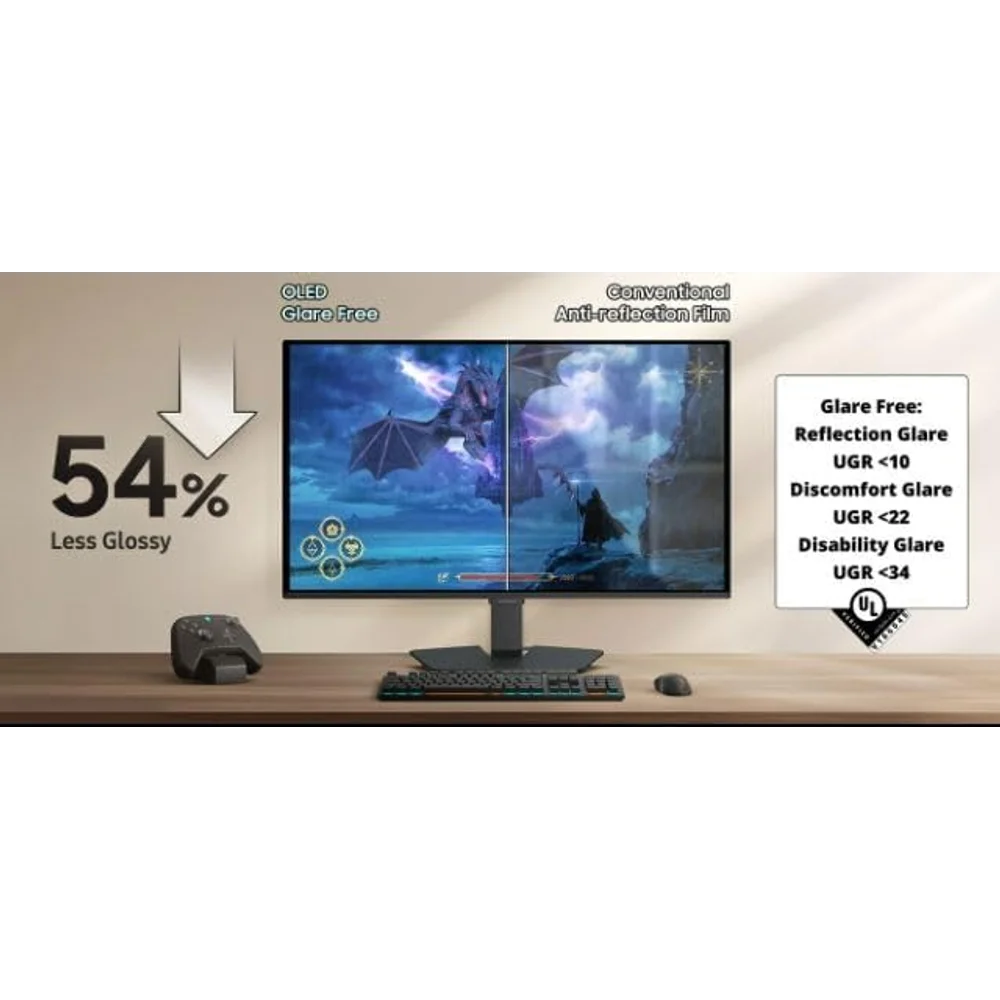
The screen uses Samsung’s Glare Free film, which Samsung says is 54% less glossy than conventional anti-reflection film, verified by UL. That matters in bright UAE rooms with large windows, where reflections are often a bigger problem than brightness.
Burn-In Care: What Samsung Builds In
OLED panels can retain an image if the same static content stays on screen for long periods. Samsung OLED Safeguard on the OLED G5 G50SF includes a Thermal Modulation System that uses algorithms to control brightness and prevent overheating; Samsung notes it is always active when Adjust Logo Brightness is set to High, and active only in preset picture modes when that setting is Off or Low.
Logo and Taskbar Detection lowers the brightness of static elements such as logos and taskbars, although Samsung states that logo detection is not available in PC mode. A screen saver dims the screen after 10 minutes without input. On top of that, simple habits help: set the Windows taskbar to auto-hide, use a dark or moving wallpaper, let the monitor sleep when idle, and avoid leaving a paused game HUD on screen for hours.
Gaming Tools, Stand and Power
Black Equalizer brightens dark areas so enemies in shadows are easier to see, Virtual Aim Point adds an on-screen crosshair, and Samsung’s Super Arena Gaming UX groups the game settings in one menu. The monitor is Windows 11 certified.
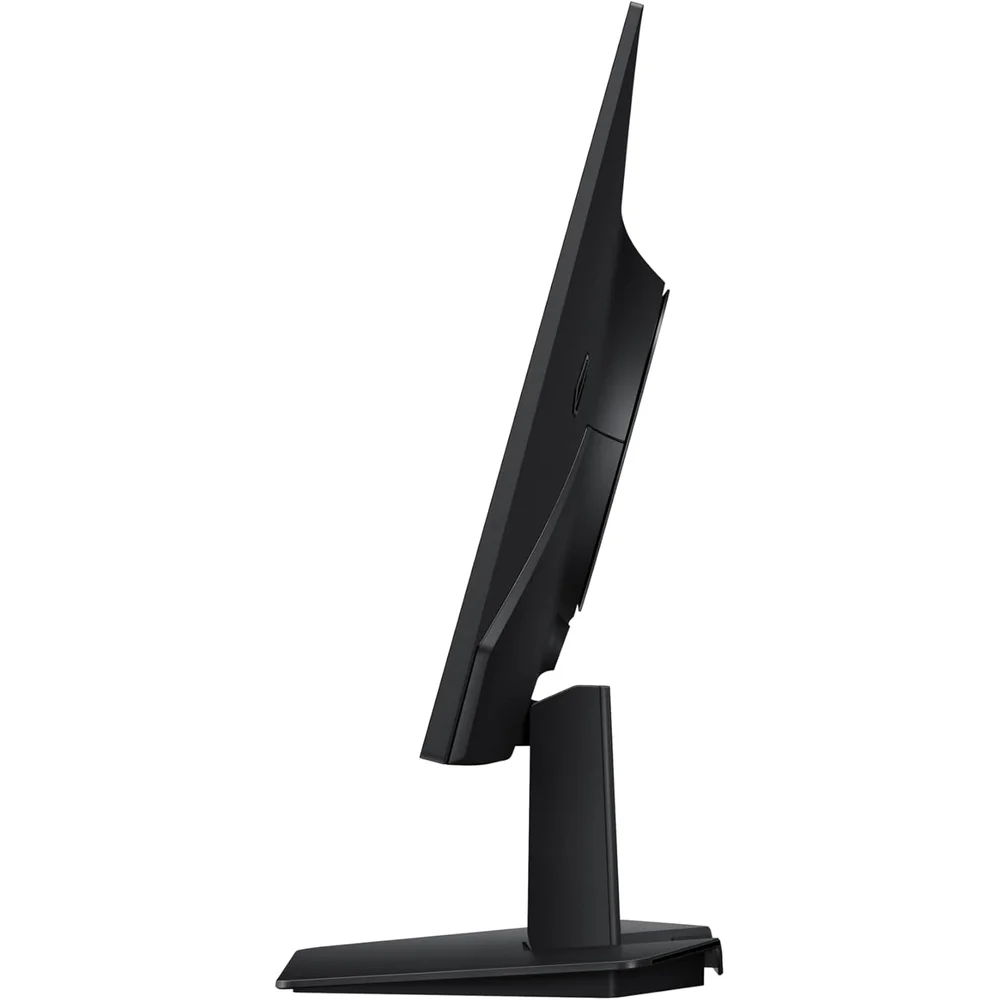
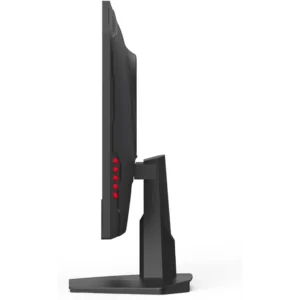
The simple stand tilts from −2° to +15°; Samsung does not list height adjustment. For more flexibility, the OLED G5 G50SF takes a VESA 100 × 100 mm mount. Power comes from an external adapter rated AC 100–240V, with a 78W maximum consumption, so it runs on UAE mains directly. With the stand it weighs 3.3 kg and measures 609.9 × 463.8 × 234.5 mm.
Who This Is Not For
If your screen shows the same spreadsheet, trading chart or static dashboard for eight hours a day, an IPS monitor is a safer choice than any OLED, because static content carries a burn-in risk. The OLED G5 G50SF is best for mixed gaming, video and general use.
The stand tilts only, there is just one HDMI and one DisplayPort input, and there is no USB-C or USB hub. Typical brightness is 200 cd/m², which suits most rooms, but it is not a high-brightness HDR monitor.
Ordering in the UAE
Delivered across the UAE in up to 3 business days, free on orders from AED 300. The OLED G5 G50SF is covered by a 1-year warranty from Totot, with returns within 14 days for defective or non-matching items; please report any shipping damage within 48 hours.
Technical Specifications
- Model: Samsung Odyssey OLED G5 G50SF, 27-inch
- Panel: QD-OLED, non-curved, 16:9
- Resolution: 2560 × 1440 (QHD)
- Refresh rate: Up to 180Hz via DisplayPort; up to 144Hz via HDMI
- Response time: 0.03ms (GtG)
- Brightness: 200 cd/m² typical, 190 cd/m² minimum
- Contrast: 1,000,000:1 static
- HDR: HDR10
- Colour: 99% DCI (CIE1976), up to 1 billion colours, Pantone Validated
- Viewing angle: 178° / 178°
- Adaptive sync: AMD FreeSync; NVIDIA G-Sync Compatible
- Screen finish: Glare Free (UL verified)
- OLED care: Samsung OLED Safeguard: Thermal Modulation System, Logo and Taskbar Detection, screen saver
- Inputs: 1 × DisplayPort 1.2, 1 × HDMI 2.0 (HDCP 2.2), headphone jack; no USB-C
- Stand: Tilt −2° to +15°
- Mounting: VESA 100 × 100 mm
- Power: External adapter, AC 100–240V; 78W maximum
- Dimensions with stand: 609.9 × 463.8 × 234.5 mm
- Weight: 3.3 kg with stand, 2.5 kg without
- In the box: Power cable, HDMI cable, DisplayPort cable
- Warranty: 1-year warranty from Totot
Specifications are taken from Samsung’s own Odyssey OLED G5 G50SF page for the Gulf region. Full details are published on the Samsung Gulf Odyssey OLED G5 G50SF page.
FAQ
Does the OLED G5 G50SF run at 180Hz over HDMI?
No. Samsung lists 180Hz over DisplayPort and 144Hz over HDMI.
Can OLED burn-in happen on this monitor?
Yes, as on any OLED, if static images stay on screen for long periods. Samsung OLED Safeguard reduces the risk with thermal modulation, logo and taskbar dimming and a 10-minute screen saver.
Does logo detection work in PC mode?
No. Samsung states that logo detection is not available in PC mode.
Is the stand height adjustable?
No. The stand tilts from −2° to +15°; use a VESA 100 × 100 mm arm for height adjustment.
Can I connect a PS5 and a PC to the OLED G5 G50SF at the same time?
Yes: the PS5 on HDMI (up to 144Hz) and the PC on DisplayPort (up to 180Hz). A second console needs an HDMI switch.
Browse more in our Gaming Monitors range. Every order from Totot carries a 1-year warranty covering manufacturing defects, with our 14-day return policy for defective or non-compliant items, and nationwide UAE delivery.



 No products in the cart.
Reviews
There are no reviews yet