
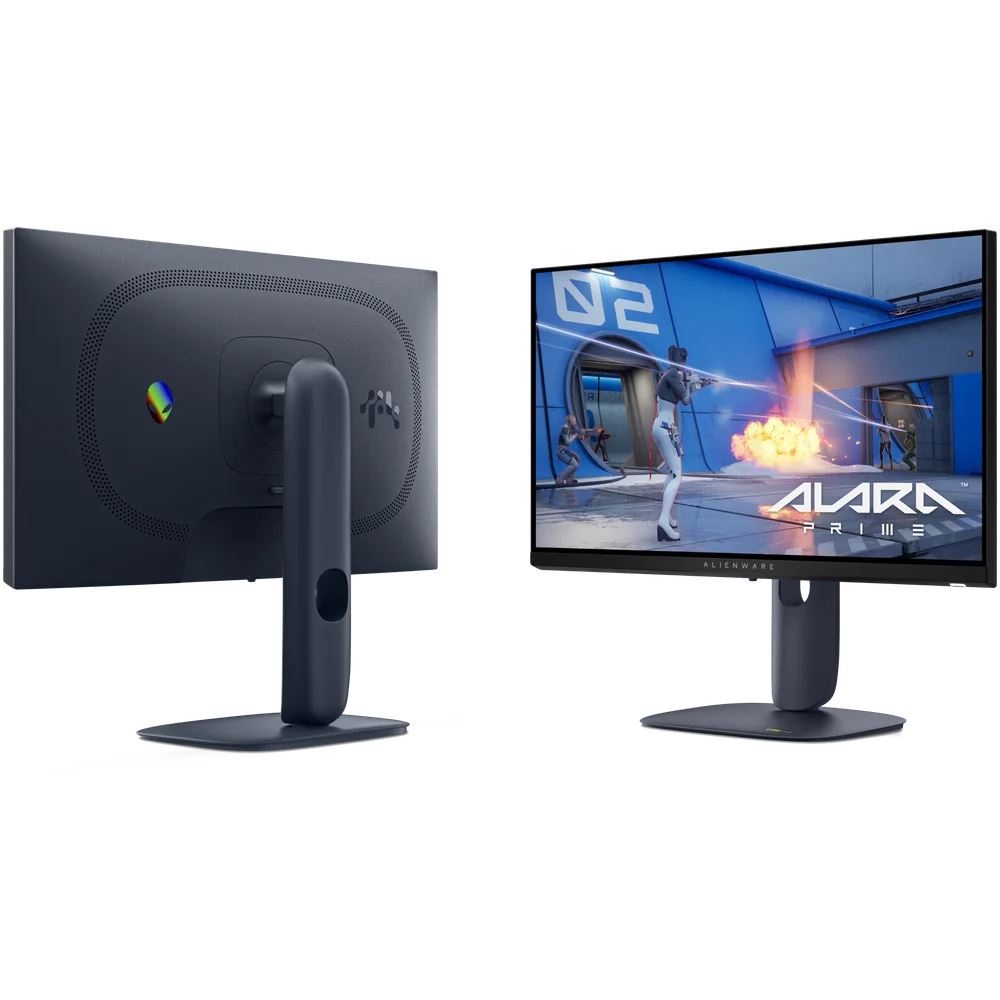
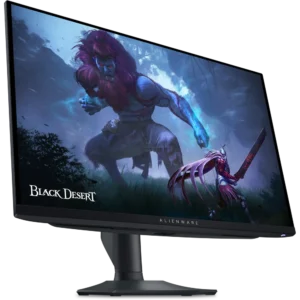
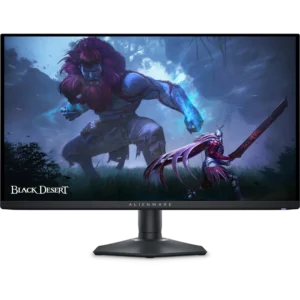
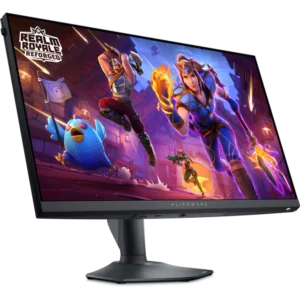
The Alienware AW2525HM is a 24.5-inch (25-inch class) Full HD esports monitor built around one priority: refresh rate. Dell rates its Fast IPS panel at 320Hz over DisplayPort 1.4, while the two HDMI ports support up to 255Hz, and it lists 1 ms grey-to-grey response with a 0.5 ms GTG figure as well. There is no 1440p, no OLED and no DisplayHDR tier here. What you get instead is a very high refresh rate in the 24.5-inch size competitive players favour, a fully adjustable Alienware stand, and DisplayPort, HDMI and USB cables in the box.
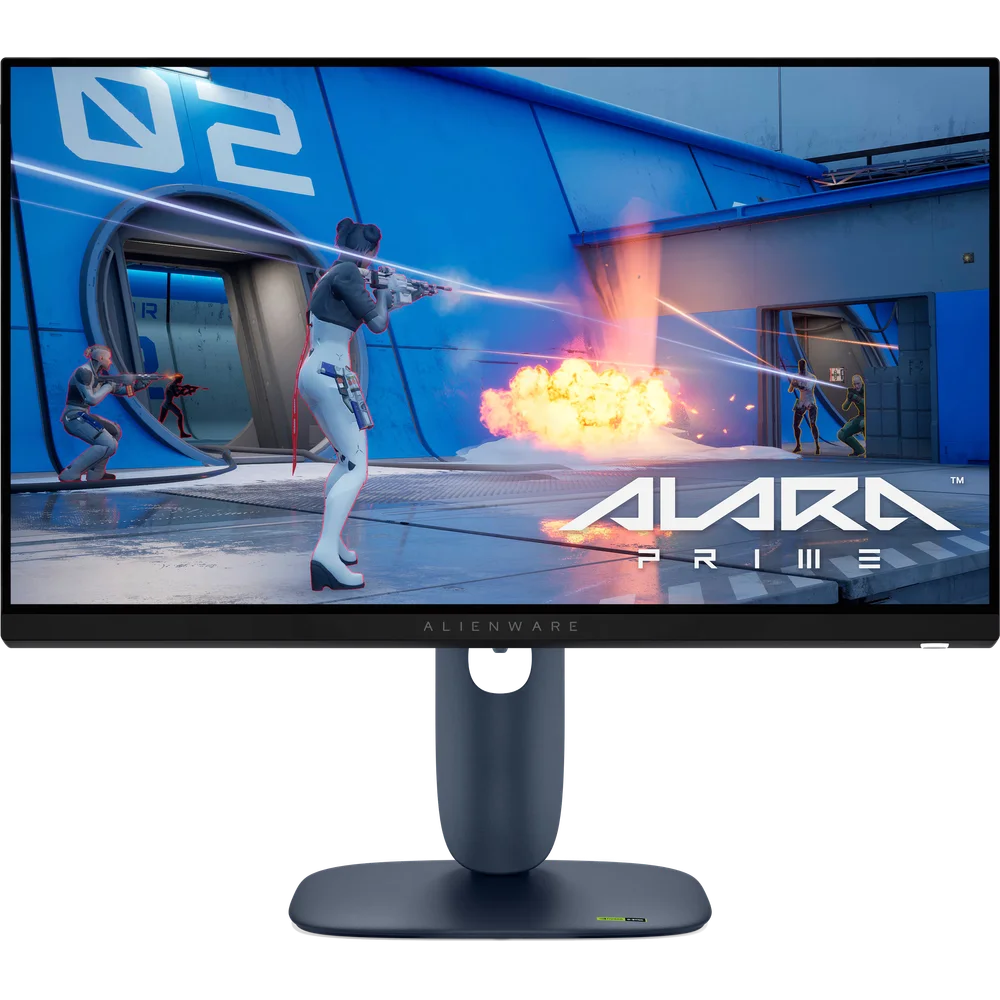
Table of Contents
320Hz on DisplayPort, 255Hz on HDMI
Dell’s specification for the Alienware AW2525HM is explicit: 1920 x 1080 at 320Hz is supported over the DisplayPort 1.4 input, while the HDMI ports support up to 255Hz. The cable you use therefore decides what the monitor can show. A PC with a capable graphics card should use the included DisplayPort cable and select 320Hz in Windows display settings or the graphics driver. Consoles connected over HDMI are limited by what the console itself outputs, so the 320Hz headline is a PC feature. Adaptive sync is covered on both inputs: Dell lists NVIDIA G-SYNC Compatible, AMD FreeSync Premium and VESA Adaptive-Sync, so tearing is handled whether your card is NVIDIA or AMD.
Fast IPS panel, response time and image
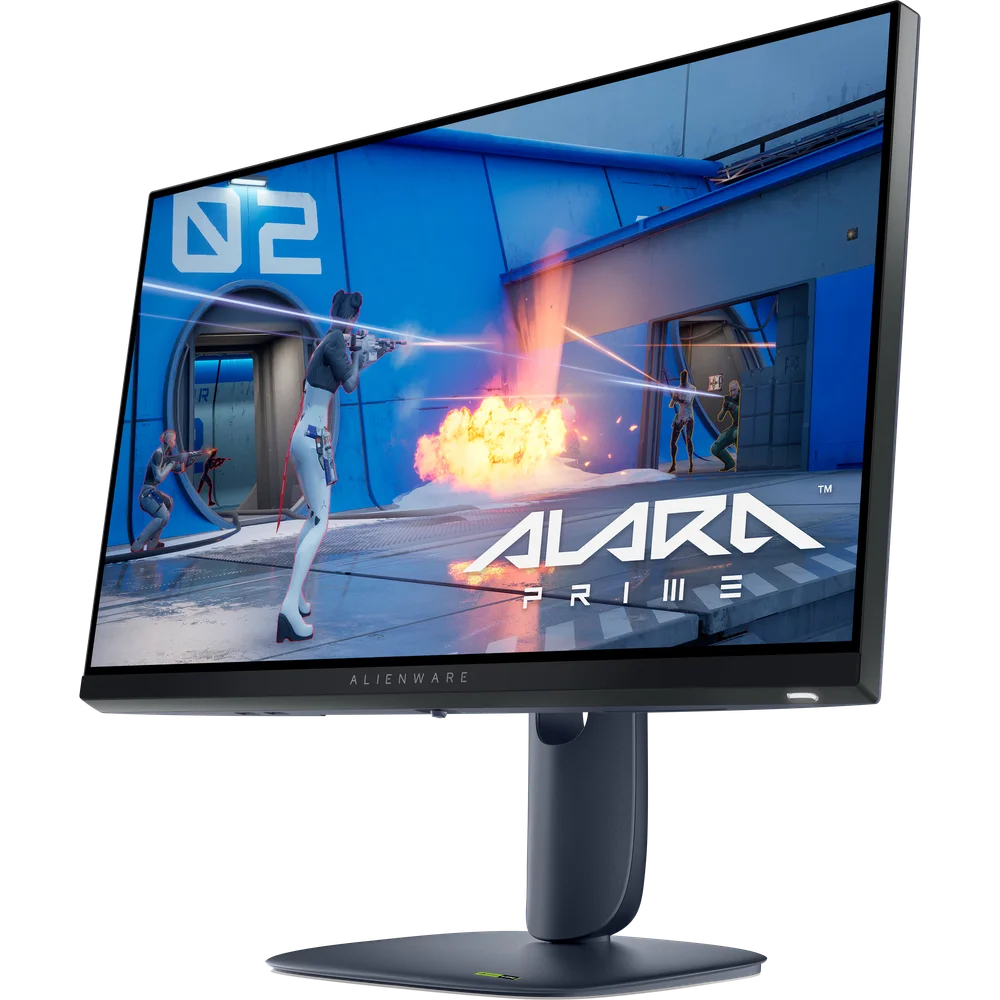
The Alienware AW2525HM uses a Fast IPS panel at 1920 x 1080 with an anti-glare coating. Dell lists 1 ms GTG response time and also lists 0.5 ms GTG, without stating which overdrive mode produces the faster figure; on IPS panels the most aggressive overdrive setting usually adds some overshoot, so test both. Brightness is 400 cd/m², contrast 1,000:1, colour coverage 99% sRGB and colour support 16.7 million colours. Dell lists HDR among the supported signals on DisplayPort and HDMI, but no VESA DisplayHDR certification, so treat HDR as a signal the monitor accepts rather than a reason to buy it. This is a standard-gamut panel, accurate for games and everyday work.
Why 24.5 inches at 1080p
At 24.5 inches and 1080p, the pixel density is about 90 pixels per inch. That is a deliberate choice for esports: the whole image sits inside your central vision, so you track targets without moving your head, and a mid-range graphics card can feed very high frame rates in titles such as Valorant, Counter-Strike 2, Fortnite, Apex Legends and Overwatch 2. Higher resolution would demand far more GPU power to reach 300-plus frames per second. The flip side is that text and fine detail look softer than on a 1440p screen, so the Alienware AW2525HM is a competitive tool first and a productivity display second.
Stand, ports and what is in the box
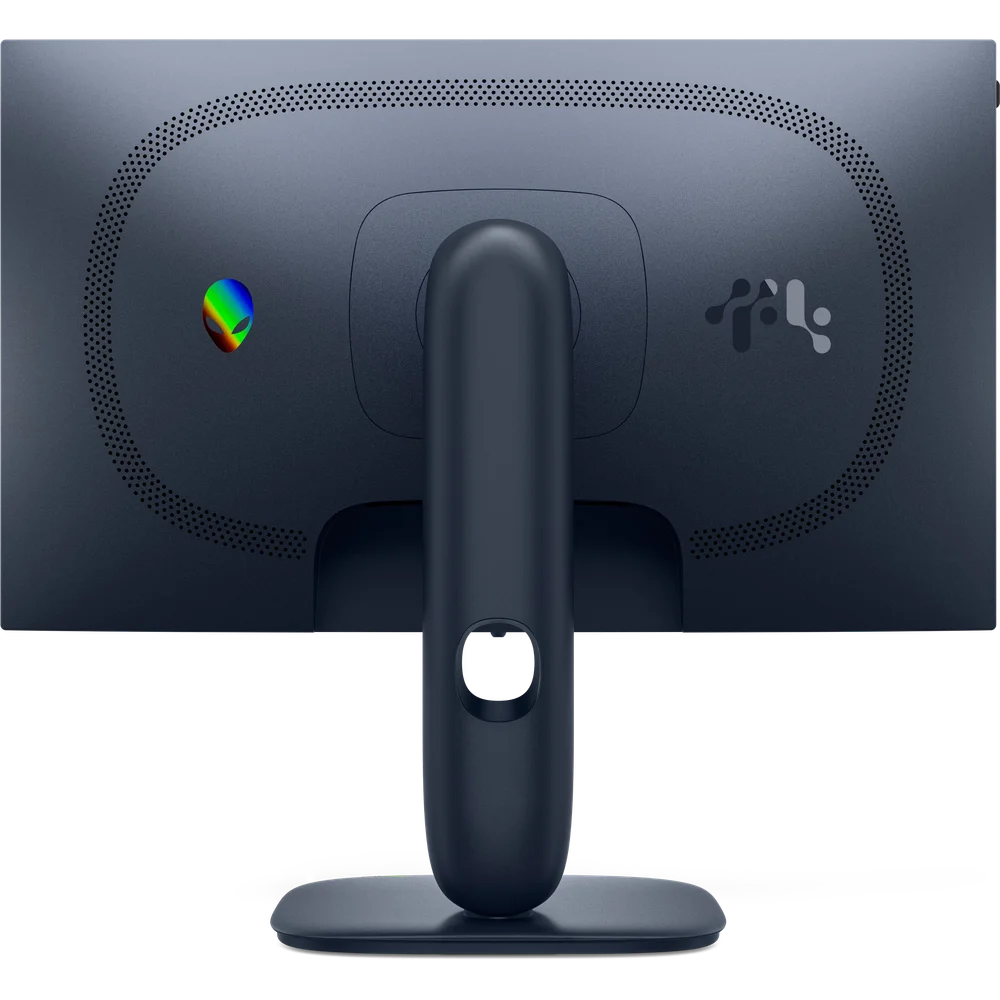
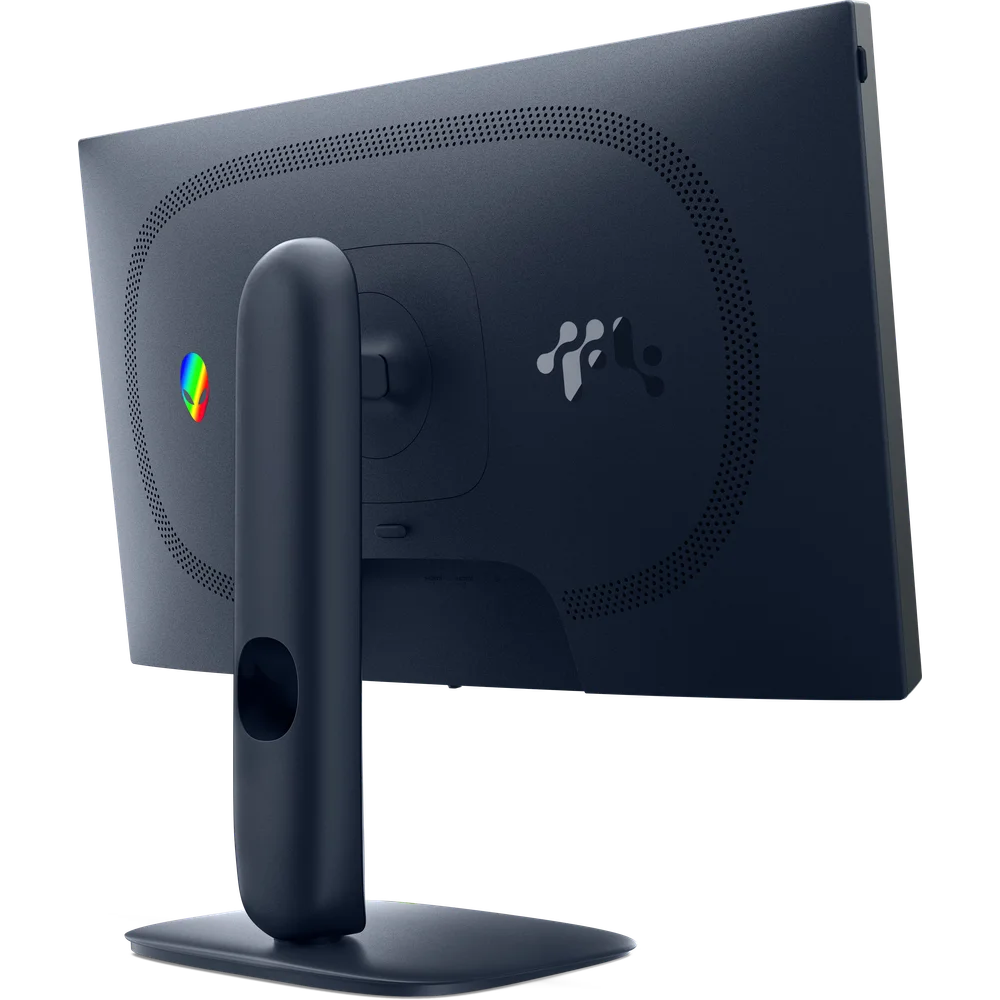
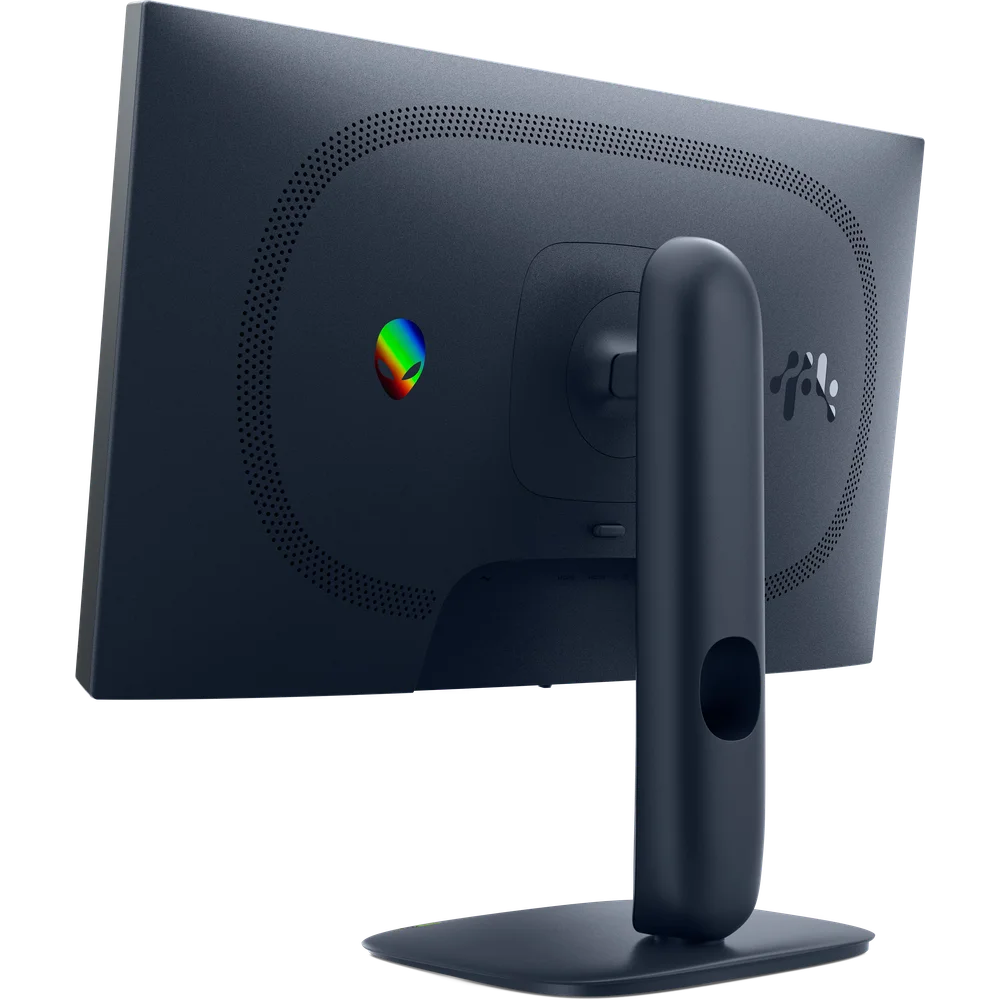
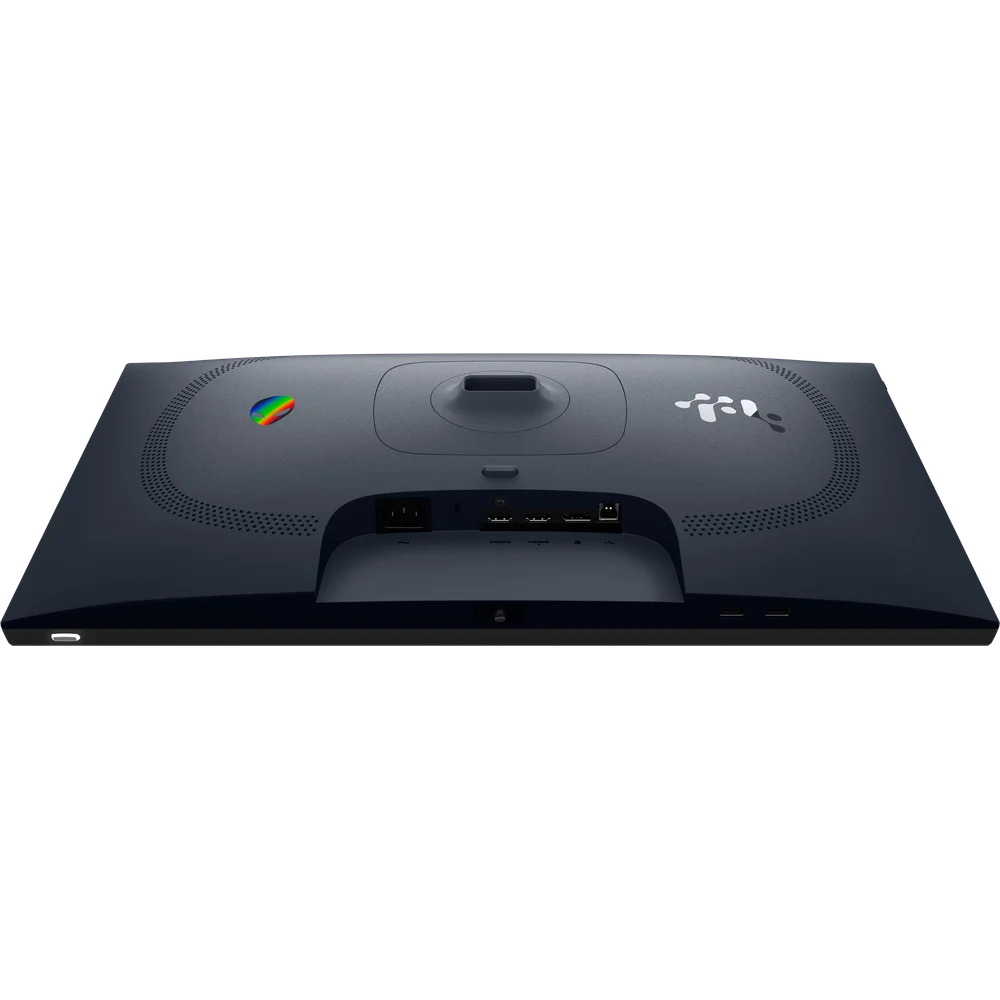
The stand offers 110 mm of height adjustment, tilt from -5 to 21 degrees, swivel from -20 to 20 degrees and pivot of 90 degrees either way, and there is a 100 x 100 mm VESA mount for monitor arms. Inputs are 1 DisplayPort 1.4 and 2 HDMI ports, with HDCP 1.4 and 2.3. A USB 5Gbps Type-B upstream port feeds 2 USB 5Gbps Type-A downstream ports, one with BC1.2 charging. In the box Dell includes the monitor, stand, power cable, and a DisplayPort 1.4 cable, an HDMI 2.1 cable and a USB 5Gbps cable, each 1.80 m long, so nothing extra is needed on day one. A cable lock slot is listed.
Size, weight, power and setup
With the stand the Alienware AW2525HM measures 555.59 mm wide, 206 mm deep and between 390.73 mm and 500.73 mm tall. It weighs 6.07 kg with the stand and 3.69 kg without, which matters if you plan to use a monitor arm. Dell rates power at 18.10 W in operation, 65 W maximum and 0.5 W in standby. For setup, connect the DisplayPort cable, open Windows advanced display settings and choose 320Hz, then enable G-SYNC or FreeSync in the NVIDIA or AMD control panel. Dell lists no built-in speakers, so plan on a headset or separate speakers.
Who This Is Not For
The Alienware AW2525HM is not for console-only players, since the 320Hz rating needs DisplayPort and HDMI tops out at 255Hz. It does not suit HDR fans: 400 cd/m² and no DisplayHDR certification mean HDR adds little. Colour-critical or wide-gamut work is outside its 99% sRGB scope, and 24.5 inches at 1080p is small and soft for spreadsheets, code or photo editing. Laptops with HDMI-only outputs cannot reach 320Hz, and there are no speakers.
Ordering from Totot
Totot sells the Alienware AW2525HM brand-new and genuine in its sealed box, backed by a 1-year warranty from Totot. It reaches any emirate within 3 business days at most, with free delivery on orders from AED 300, with cash on delivery or instalments via Tabby and Tamara. Items that arrive defective or not as ordered can be returned within 14 days, and any shipping damage should be reported within 48 hours of delivery. Browse more in our Gaming Monitors range, or see the official Dell Alienware AW2525HM product page.
Alienware AW2525HM Specifications
- Model: Alienware 25 320Hz Gaming Monitor AW2525HM
- Screen: 24.5-inch viewable (25-inch class) Fast IPS, 16:9, anti-glare
- Resolution: 1920 x 1080 Full HD
- Refresh rate: 320Hz over DisplayPort 1.4; up to 255Hz over HDMI
- Response time: 1 ms GTG; 0.5 ms GTG also listed by Dell
- Brightness: 400 cd/m²
- Contrast: 1,000:1
- Colour: 99% sRGB, 16.7 million colours
- HDR: HDR signal supported over DisplayPort and HDMI; no DisplayHDR certification listed
- Adaptive sync: NVIDIA G-SYNC Compatible, AMD FreeSync Premium, VESA Adaptive-Sync
- Video inputs: 1 x DisplayPort 1.4, 2 x HDMI (HDCP 1.4 and 2.3)
- USB: 1 x USB 5Gbps Type-B upstream, 2 x USB 5Gbps Type-A downstream (one with BC1.2 charging)
- Stand: Height 110 mm, tilt -5 to 21 degrees, swivel -20 to 20 degrees, pivot +/-90 degrees
- VESA: 100 x 100 mm
- Dimensions with stand: 555.59 x 390.73-500.73 x 206 mm (W x H x D)
- Weight: 6.07 kg with stand, 3.69 kg without stand
- Power: 18.10 W operating, 65 W maximum, 0.5 W standby
- Speakers: None
- In the box: Monitor, stand, power cable, DisplayPort 1.4 cable, HDMI 2.1 cable, USB 5Gbps cable (each 1.80 m)
- Warranty: 1-year warranty from Totot
Alienware AW2525HM FAQ
Does the Alienware AW2525HM run 320Hz over HDMI?
No. Dell rates 320Hz over DisplayPort 1.4; HDMI supports up to 255Hz.
Is the Alienware AW2525HM 0.5 ms or 1 ms?
Dell lists both: 1 ms GTG and 0.5 ms GTG, without stating the mode for the faster figure.
Does it support HDR?
Yes, as an input signal, but Dell lists no DisplayHDR certification and brightness is 400 cd/m².
Are cables included?
Yes. DisplayPort 1.4, HDMI 2.1 and USB 5Gbps cables, each 1.80 m, plus the power cable.
Does it have speakers?
No. Dell lists no built-in devices.
Can I mount it on an arm?
Yes. It has a 100 x 100 mm VESA pattern and weighs 3.69 kg without the stand.
Is it genuine?
Yes. We sell the genuine Alienware AW2525HM, brand-new in its sealed box.
How long does delivery take?
3 business days at most across the UAE. Orders from AED 300 ship free, and the checkout page shows any current fee for your order.








 No products in the cart.
Reviews
There are no reviews yet