
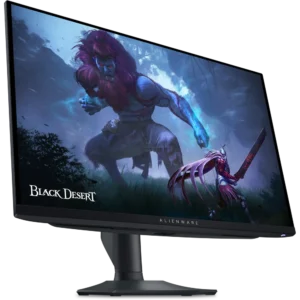
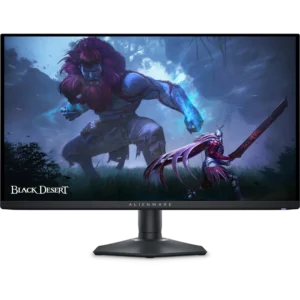
The Alienware AW2724HF is a 27-inch Fast IPS monitor built for competitive shooters, where frame rate matters more than pixel count. Dell rates it at 360Hz over DisplayPort 1.4 and 255Hz over its single HDMI input, at a resolution of 1920 x 1080. Response time is listed as 0.5ms grey-to-grey minimum and 1ms most observed, both in Extreme mode. Add VESA Adaptive-Sync with AMD FreeSync Premium, HDR10 support, a four-port USB hub and a stand that adjusts in height, tilt, swivel and pivot, and you have a refresh-rate-first monitor in Dell’s Dark Side of the Moon finish.
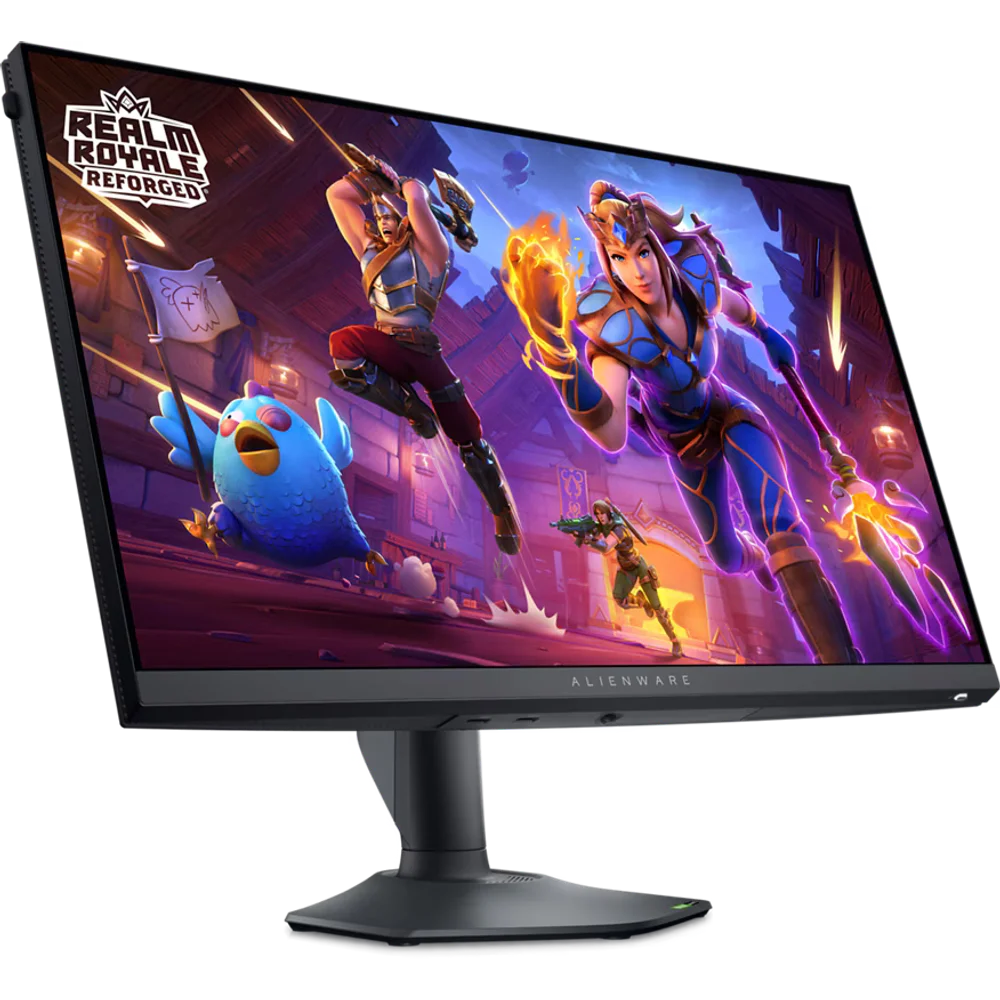
Table of Contents
360Hz over DisplayPort, 255Hz over HDMI
Dell publishes the maximum refresh rate of the Alienware AW2724HF per input rather than as one number. Over either of the two DisplayPort 1.4 inputs the panel runs at 1920 x 1080 and 360Hz; over the single HDMI input it is limited to 255Hz. If you are buying the monitor for its refresh rate, connect it over DisplayPort with a graphics card that has a spare DisplayPort output, then select 360Hz in Windows. A console or HDMI-only laptop will still work and will still feel fast, but it will not reach the headline figure. Dell does not list any factory overclock: 360Hz is the rated maximum.
The 27-inch Fast IPS panel at 1080p
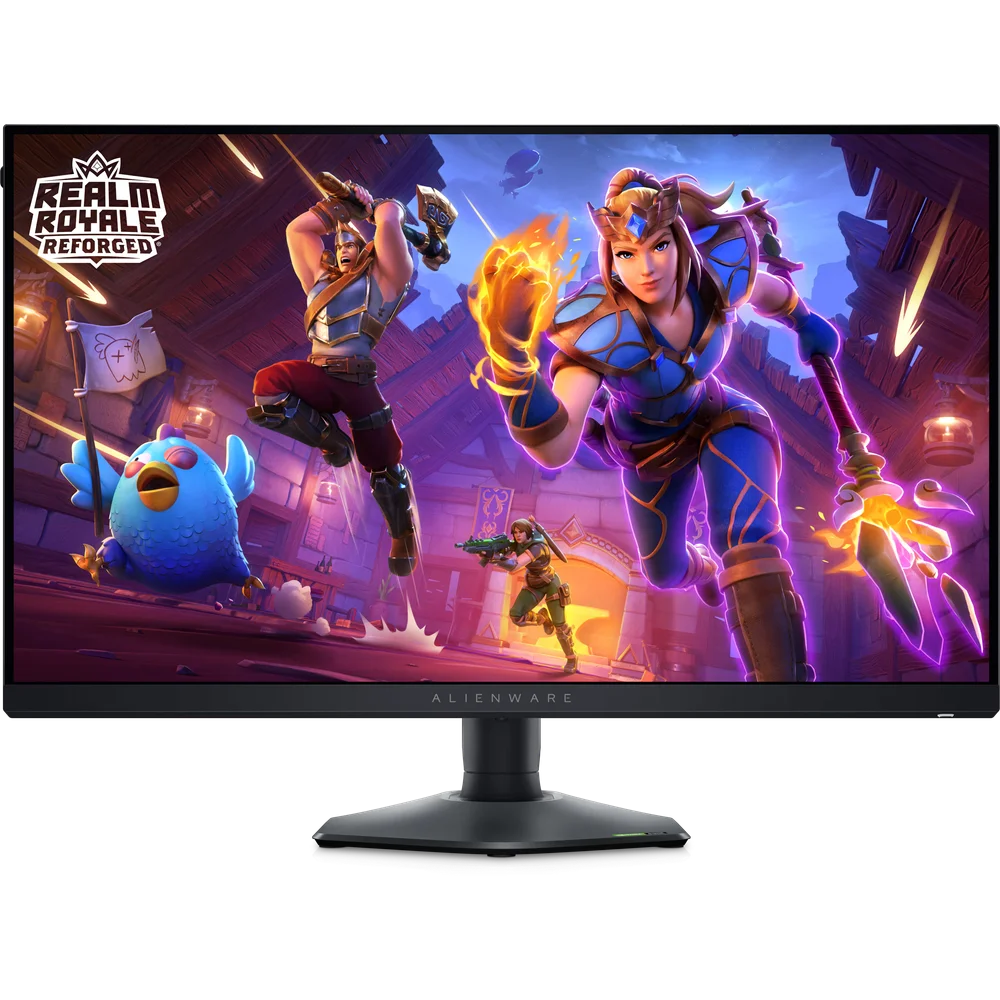
The Alienware AW2724HF panel is a 27-inch (26.96-inch viewable) Fast IPS at 1920 x 1080, with a pixel pitch of 0.3108mm, which Dell gives as 81.72 pixels per inch, and 178-degree viewing angles both ways. 1080p on 27 inches is a deliberate trade: it lets a mid-range graphics card produce the 300-plus frames per second the panel can show. The cost is that text and desktop detail look softer than on a 1440p screen of the same size. The backlight is WLED edge-lit, the anti-glare coating has 25% haze and 3H hardness, and contrast is 1000:1, typical for IPS rather than OLED-class blacks.
Response time in Extreme mode
Dell quotes 0.5ms grey-to-grey as the minimum and 1ms grey-to-grey as the most observed figure, both in Extreme mode. The aggressive overdrive needed for the lowest number can introduce some overshoot, seen as a light halo behind moving objects, so it is worth trying the response settings in the on-screen menu to find the cleanest picture for your games. Even at 1ms, pixel response is fast enough that it is not the limiting factor on the Alienware AW2724HF at 360Hz. Dell also lists FPS, RTS and RPG preset modes, ComfortView Plus low blue light, a flicker-free panel and AlienVision.
Adaptive sync, HDR10 and colour
The Alienware AW2724HF supports VESA Adaptive-Sync and is certified for AMD FreeSync Premium, so frame rates that fall below 360Hz stay free of tearing without the input lag of V-Sync. Dell’s technical specifications do not list NVIDIA G-SYNC Compatible certification, although Adaptive-Sync monitors generally work with NVIDIA cards that support it. Brightness is 400 cd/m², colour coverage is 99% sRGB and Dell lists 1.07 billion colours. HDR10 is supported as a format, but on a 400-nit edge-lit IPS panel with 1000:1 contrast, HDR content will be displayed without the highlight impact of a local-dimming display.
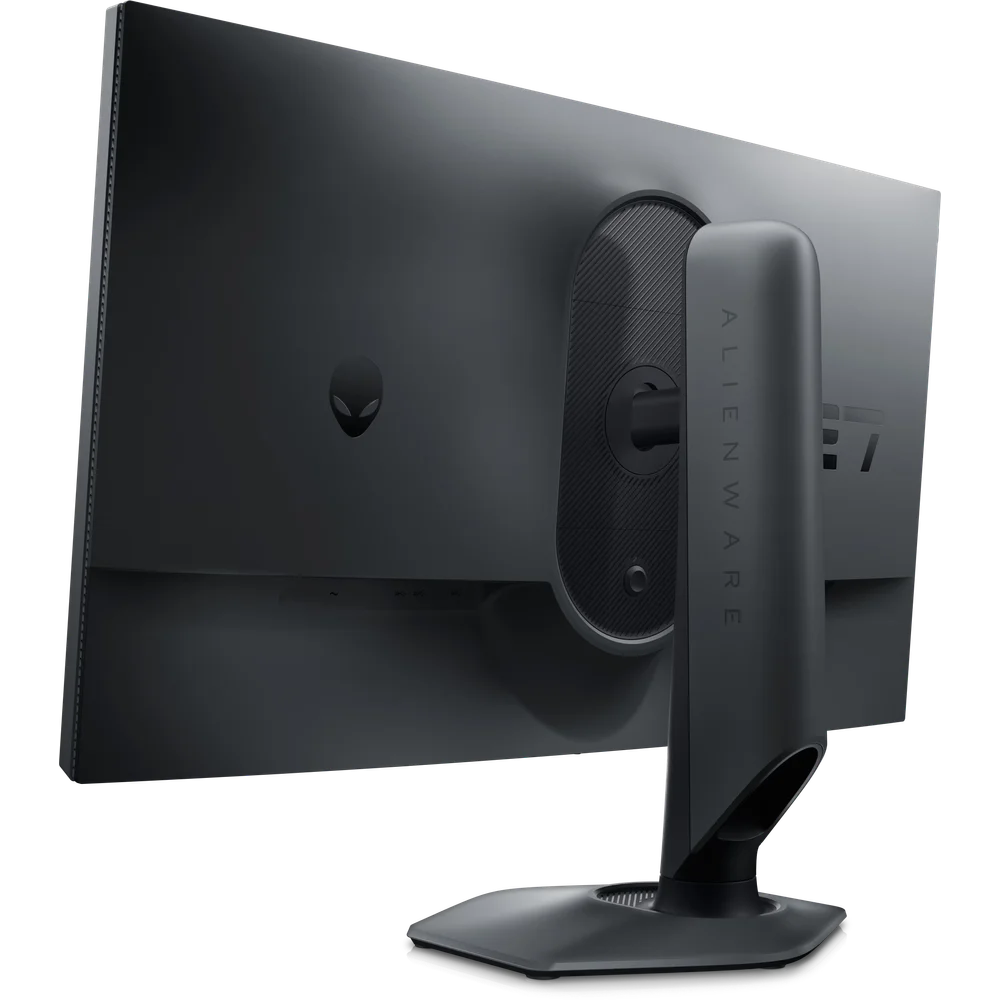
Ports, USB hub, stand and box contents
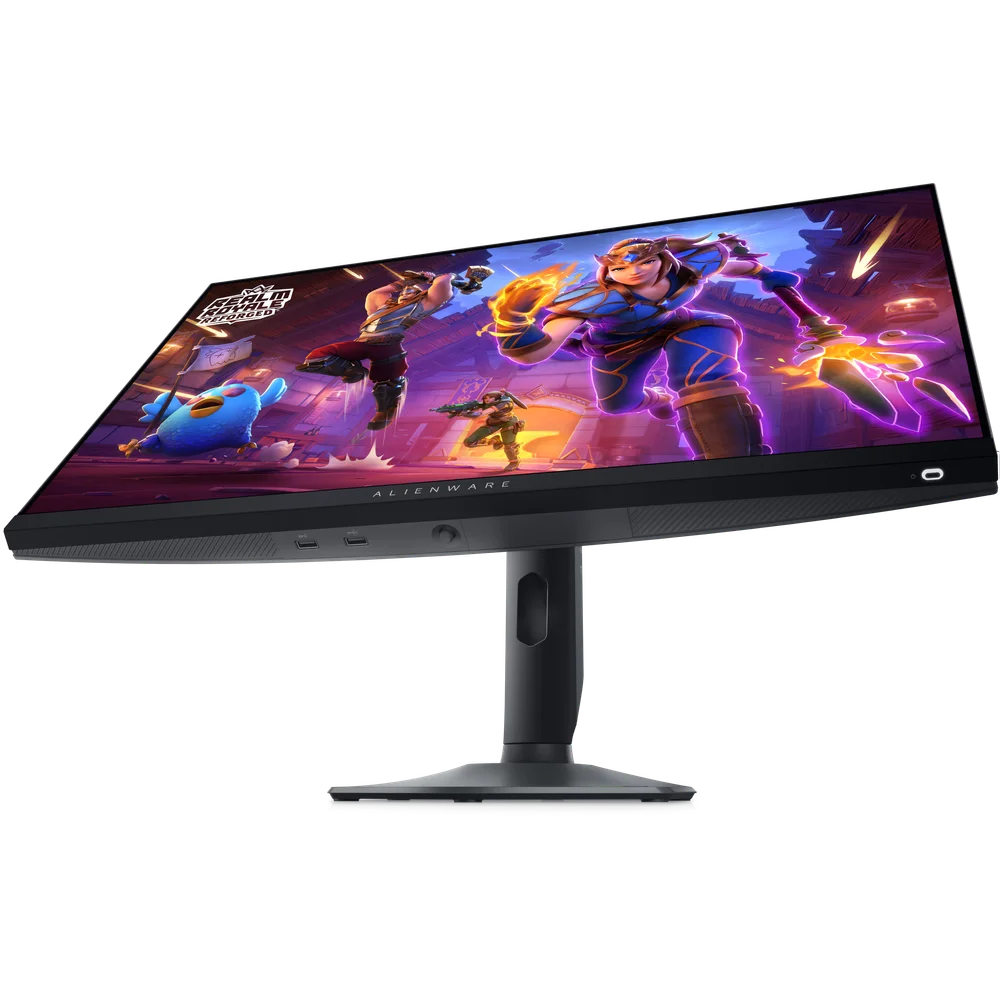
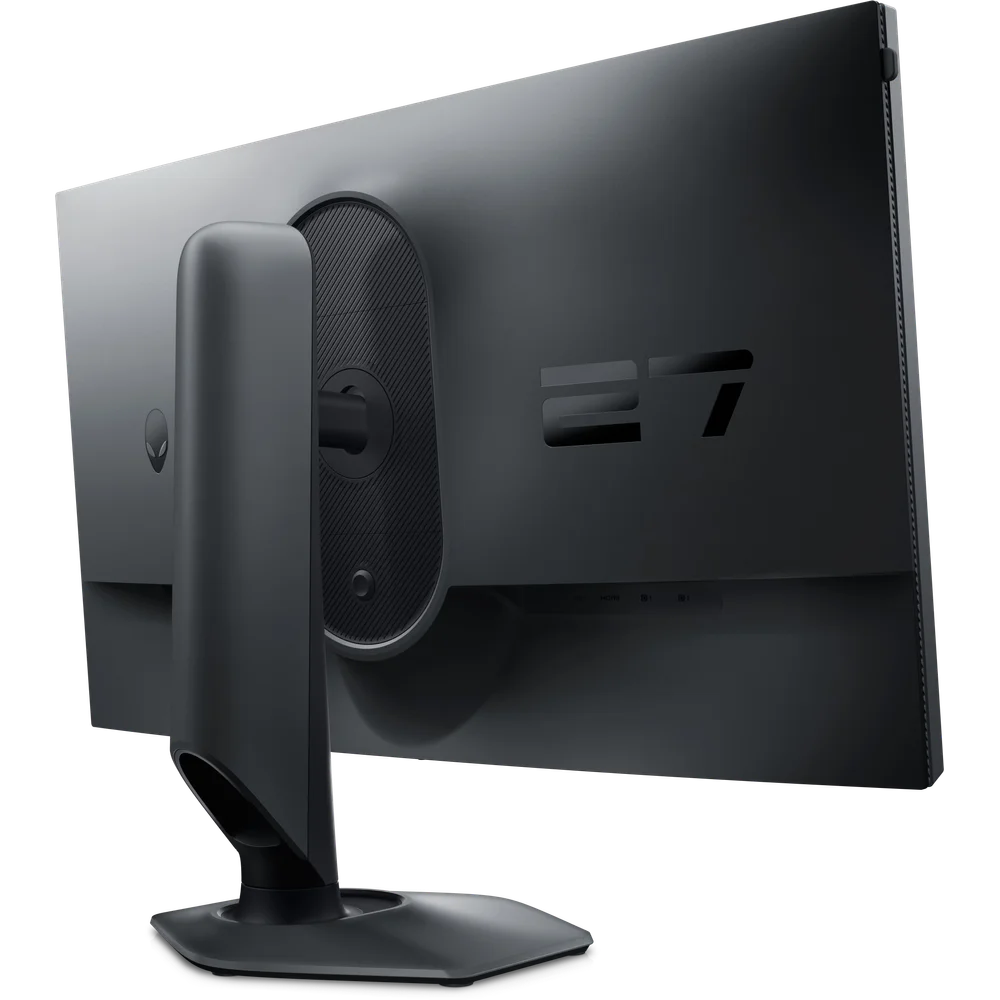
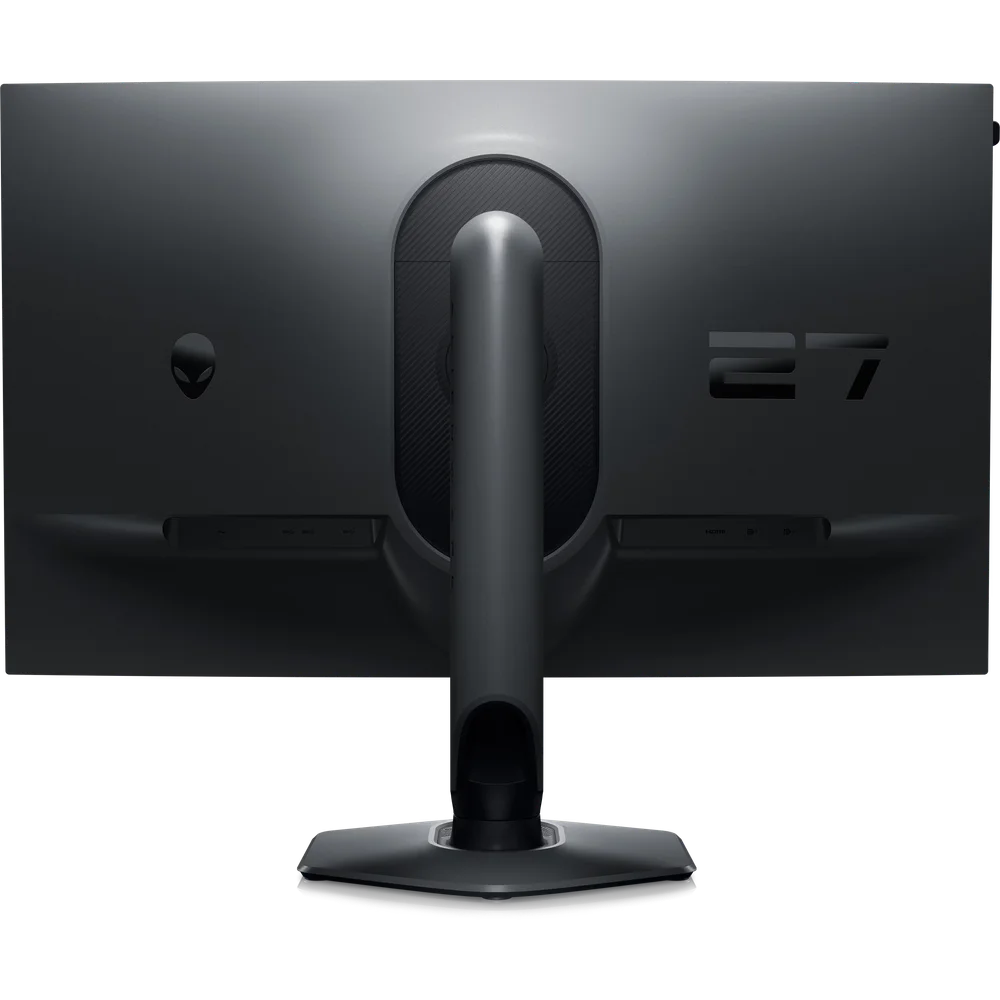
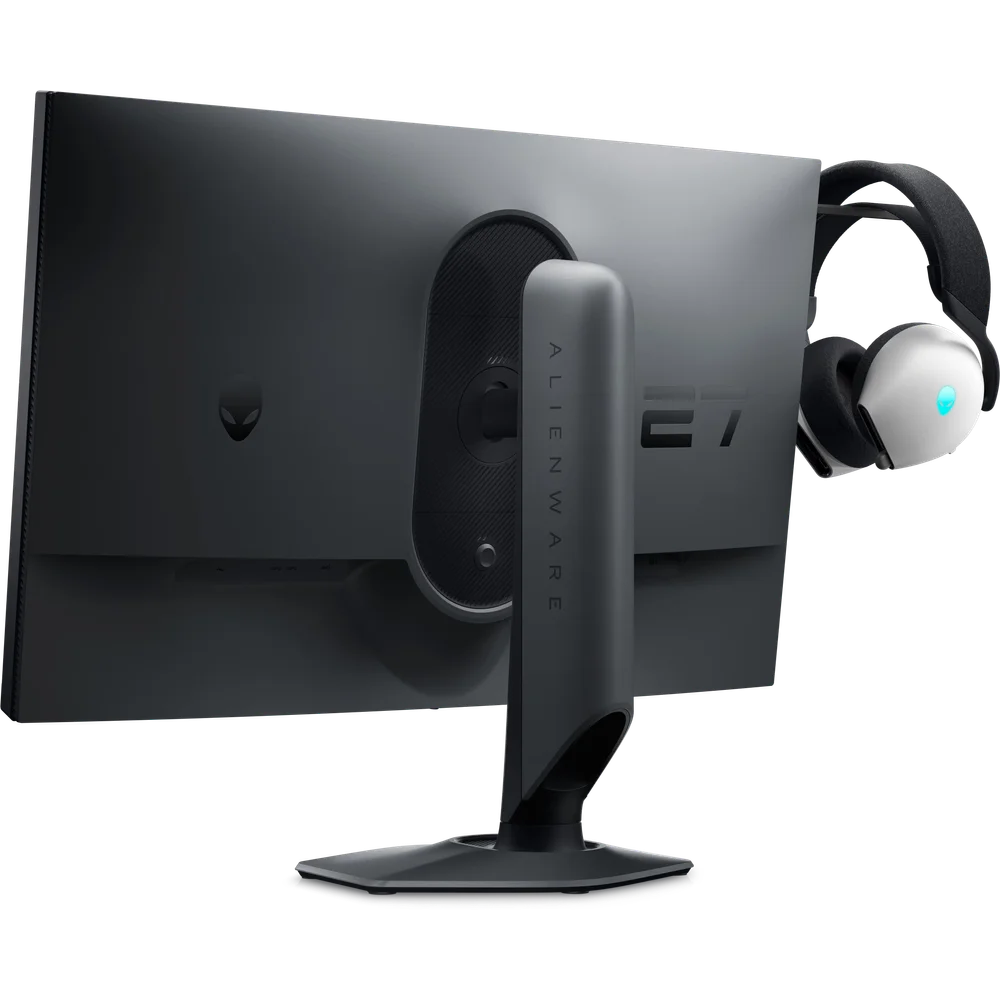
Inputs on the Alienware AW2724HF are 2 DisplayPort 1.4 and 1 HDMI, all with HDCP 1.4. A USB 3.2 Gen 1 hub provides 4 downstream ports fed by 1 upstream port, handy for a keyboard, mouse and headset dongle. The stand offers about 4.3 inches (110mm) of height adjustment, tilt from -5 to +21 degrees, swivel of 20 degrees either way and pivot of 90 degrees either way; the VESA pattern is 100 x 100mm and there is a Kensington slot. In the box Dell lists a 6 ft DisplayPort cable, a 3.3 ft USB-C to DisplayPort cable, a 6 ft USB 3.2 Gen 1 upstream cable and an Alienware sticker. The monitor has no USB-C video input.
Who This Is Not For
The Alienware AW2724HF is not for anyone who wants a sharp desktop or plays mainly for visuals: 1080p across 27 inches looks soft next to a 1440p panel. Console players over HDMI are capped at 255Hz and cannot use the headroom. HDR fans will not be impressed by a 400-nit edge-lit IPS panel. If your graphics card cannot hold very high frame rates at 1080p, a 360Hz panel offers little over a 144Hz one. There are no speakers.
Ordering from Totot
Totot sells the Alienware AW2724HF brand-new and genuine in its sealed box, backed by a 1-year warranty from Totot. We deliver UAE-wide in up to 3 business days, and delivery is free on orders from AED 300, with cash on delivery or instalments via Tabby and Tamara. Items that arrive defective or not as ordered can be returned within 14 days, and any shipping damage should be reported within 48 hours of delivery. Browse more in our Gaming Monitors range, or see the official Dell Alienware AW2724HF product page.
Alienware AW2724HF Specifications
- Model: Alienware 27 Gaming Monitor AW2724HF
- Screen: 27-inch (26.96-inch viewable) Fast IPS, 16:9, anti-glare (25% haze, 3H)
- Resolution: 1920 x 1080 Full HD, 81.72 PPI
- Refresh rate: 360Hz over DisplayPort 1.4; 255Hz over HDMI
- Response time: 0.5ms GtG minimum, 1ms GtG most observed (Extreme mode)
- Brightness: 400 cd/m²
- Contrast: 1000:1
- Colour: 99% sRGB, 1.07 billion colours
- HDR: HDR10
- Backlight: WLED edge-lit
- Adaptive sync: VESA Adaptive-Sync, AMD FreeSync Premium
- Viewing angles: 178 degrees horizontal and vertical
- Video inputs: 2 x DisplayPort 1.4, 1 x HDMI (HDCP 1.4)
- USB hub: 4 x USB 3.2 Gen 1 downstream, 1 x upstream
- Stand: Height about 110mm (4.3 in), tilt -5 to +21 degrees, swivel -20 to +20 degrees, pivot -90 to +90 degrees
- VESA: 100 x 100mm
- Dimensions with stand: 24.1 x 9.6 x 16.1-20.4 in (W x D x H)
- Dimensions without stand: 24.1 x 2.7 x 14.4 in, 9.2 lb
- Power: 100-240V AC; 21.4W on, 0.5W standby
- Speakers: None
- Colour finish: Dark Side of the Moon
- In the box: DisplayPort cable (6 ft), USB-C to DisplayPort cable (3.3 ft), USB 3.2 Gen 1 upstream cable (6 ft), Alienware sticker
- Warranty: 1-year warranty from Totot
Alienware AW2724HF FAQ
Does the Alienware AW2724HF really do 360Hz?
Yes, over DisplayPort 1.4. The HDMI input is limited to 255Hz.
What resolution is the Alienware AW2724HF?
1920 x 1080 Full HD across 27 inches; it is not a 1440p monitor.
How many DisplayPort inputs are there?
2 DisplayPort 1.4 inputs, plus 1 HDMI input.
Is it G-SYNC Compatible?
Dell’s technical specifications list VESA Adaptive-Sync and AMD FreeSync Premium, not G-SYNC Compatible certification.
Is the HDR any good?
No, not in a meaningful sense. HDR10 is accepted, but brightness is 400 cd/m² with edge-lit backlighting.
Can I mount it on an arm?
Yes. The VESA pattern is 100 x 100mm and the panel weighs 9.2 lb without the stand.
Is it genuine?
Yes. We sell the genuine Alienware AW2724HF, brand-new in its sealed box.
How long does delivery take?
No more than 3 business days to any emirate, free from AED 300; the live fee for your order appears at checkout.







 No products in the cart.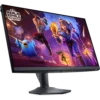
Reviews
There are no reviews yet