
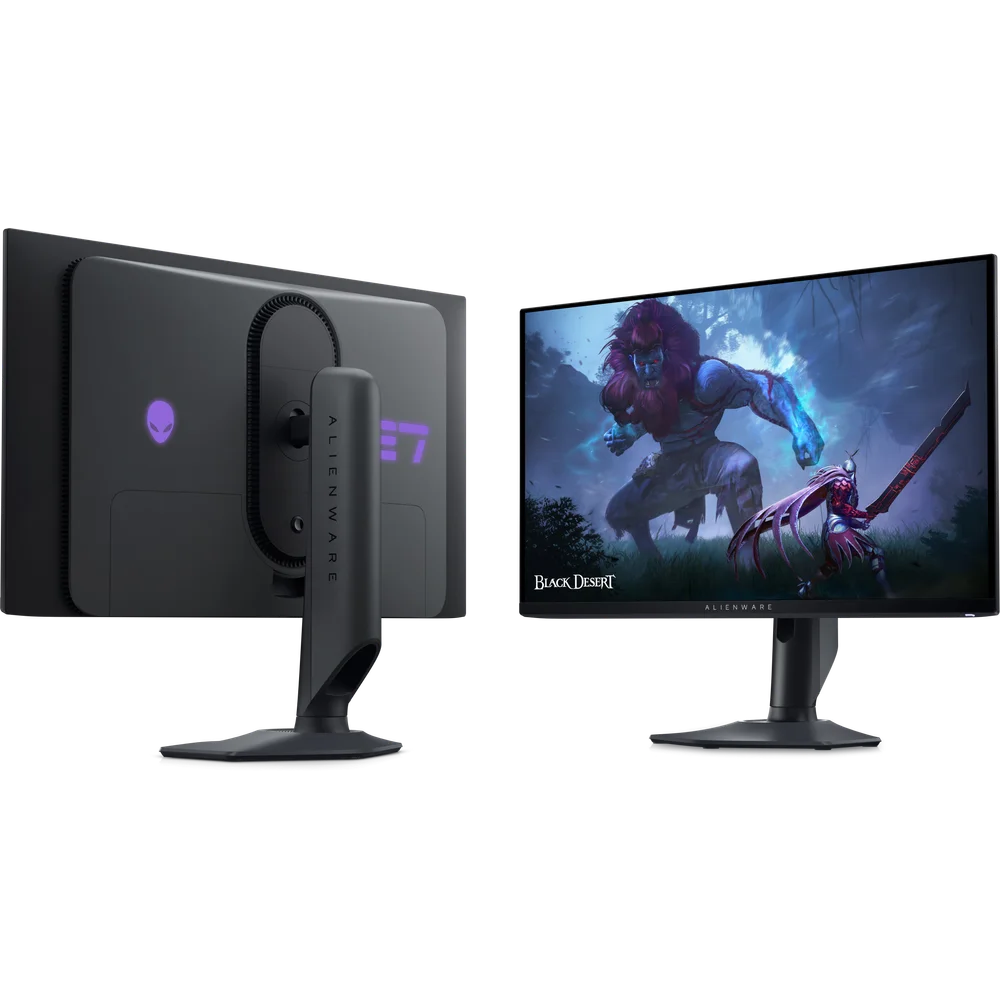
The Alienware AW2725DF is Dell’s 27-inch QD-OLED gaming monitor for fast, competitive play that still looks rich in single-player games. Dell lists a 26.7-inch viewable Quantum Dot OLED panel at 2560 x 1440, 360Hz over DisplayPort 1.4 and 144Hz over HDMI 2.1, a 0.03ms grey-to-grey response time, VESA DisplayHDR True Black 400 certification and 99.3% DCI-P3 colour. It adds AMD FreeSync Premium Pro and VESA Adaptive Sync, a USB hub with USB-C, a fully adjustable stand and a factory calibration report in the box.
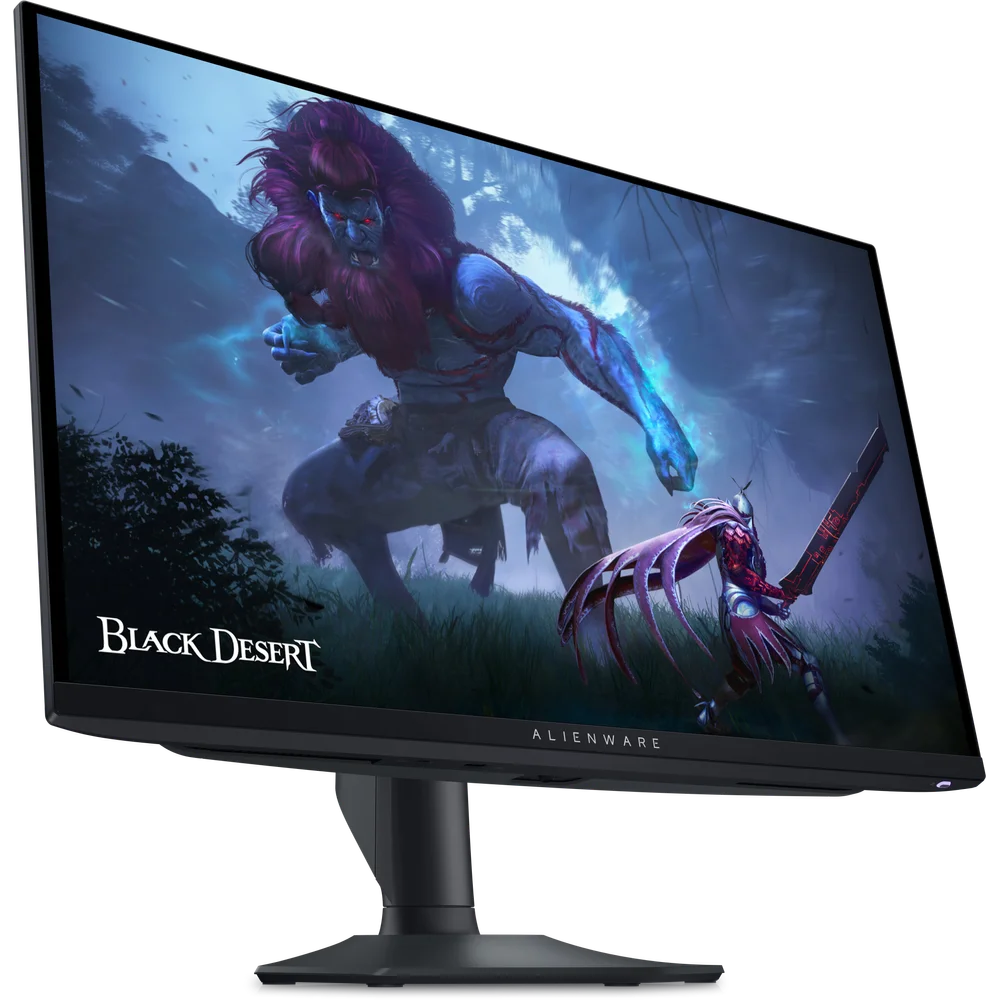
Table of Contents
360Hz QD-OLED at 1440p
The Alienware AW2725DF panel is Quantum Dot OLED, 26.7 inches viewable, at 2560 x 1440 with a pixel density of about 111 pixels per inch. Dell rates the two DisplayPort 1.4 inputs at QHD 360Hz with HDR and VRR, while the HDMI 2.1 input supports QHD at 144Hz with HDR and VRR. A PC with a DisplayPort output is therefore needed for the full 360Hz. Response time is 0.03ms grey-to-grey, which is the near-instant pixel switching OLED is known for, so motion stays clear even in fast shooters. At 1440p a strong graphics card is needed to approach 360 frames per second in demanding titles; in esports games it is much easier.
HDR, contrast and colour
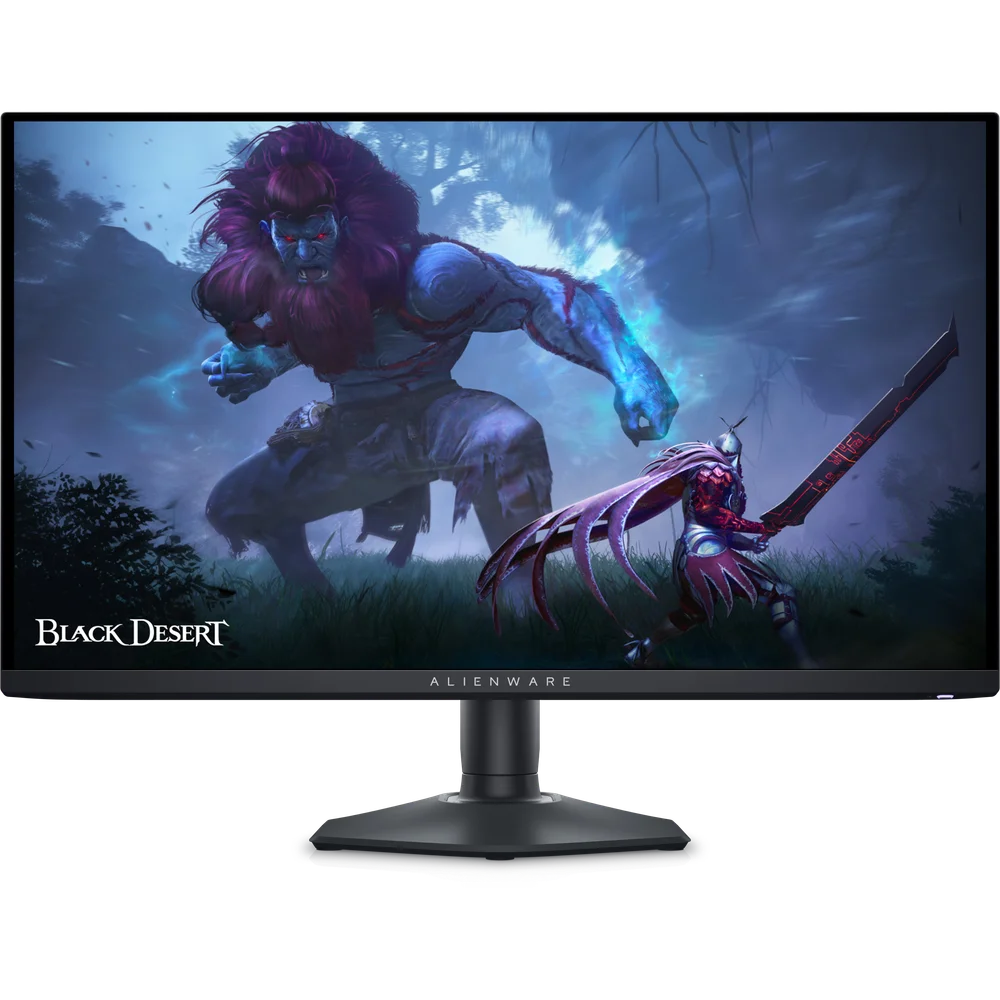
The Alienware AW2725DF is certified VESA DisplayHDR True Black 400. Dell’s product page lists 400 cd/m² typical brightness and a 1000 cd/m² peak, without stating the screen area at which the peak is measured; on OLED, peak brightness applies to small highlights rather than a full white screen. Because each pixel lights itself, black is true black, and Dell lists a 1,500,000:1 dynamic contrast ratio. Colour coverage is 99.3% of DCI-P3 with about 1.07 billion colours, and Dell quotes an average DeltaE below 2 in the sRGB and DCI-P3 preset modes, backed by a factory calibration report in the box.
Adaptive sync and connectivity
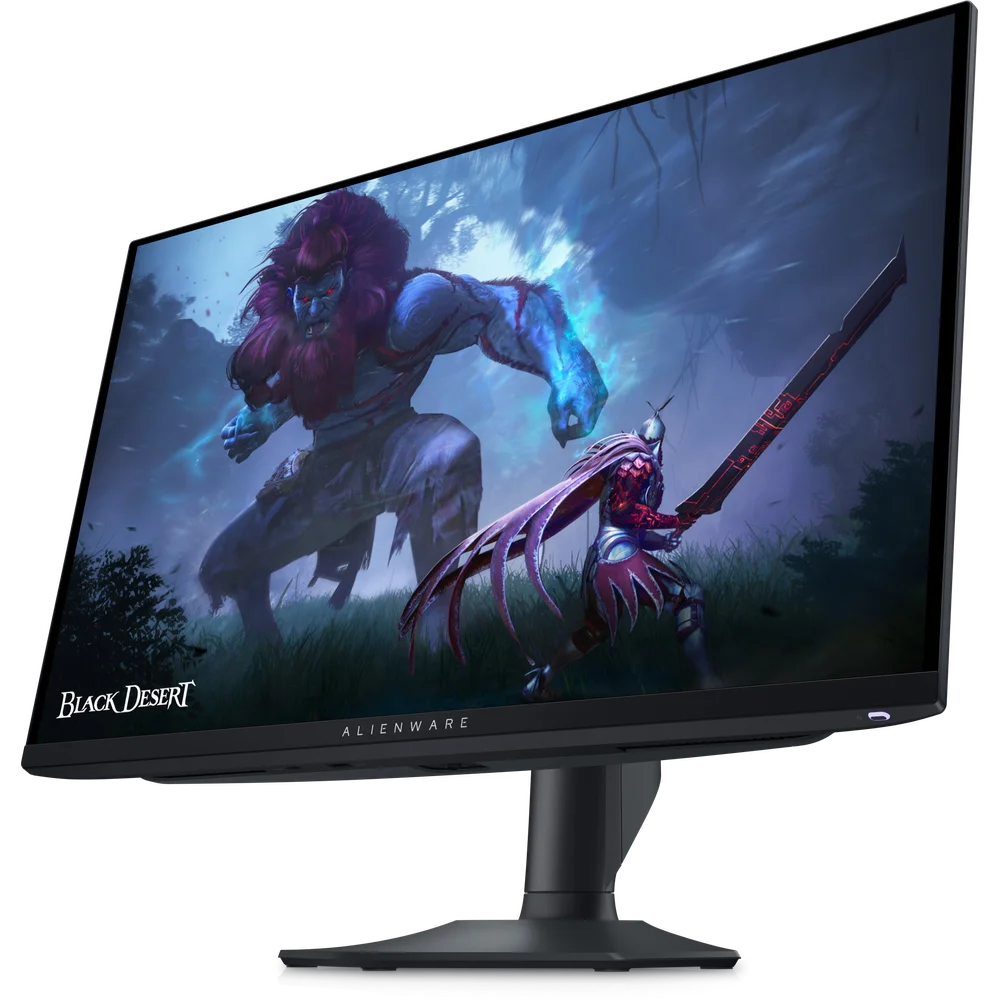
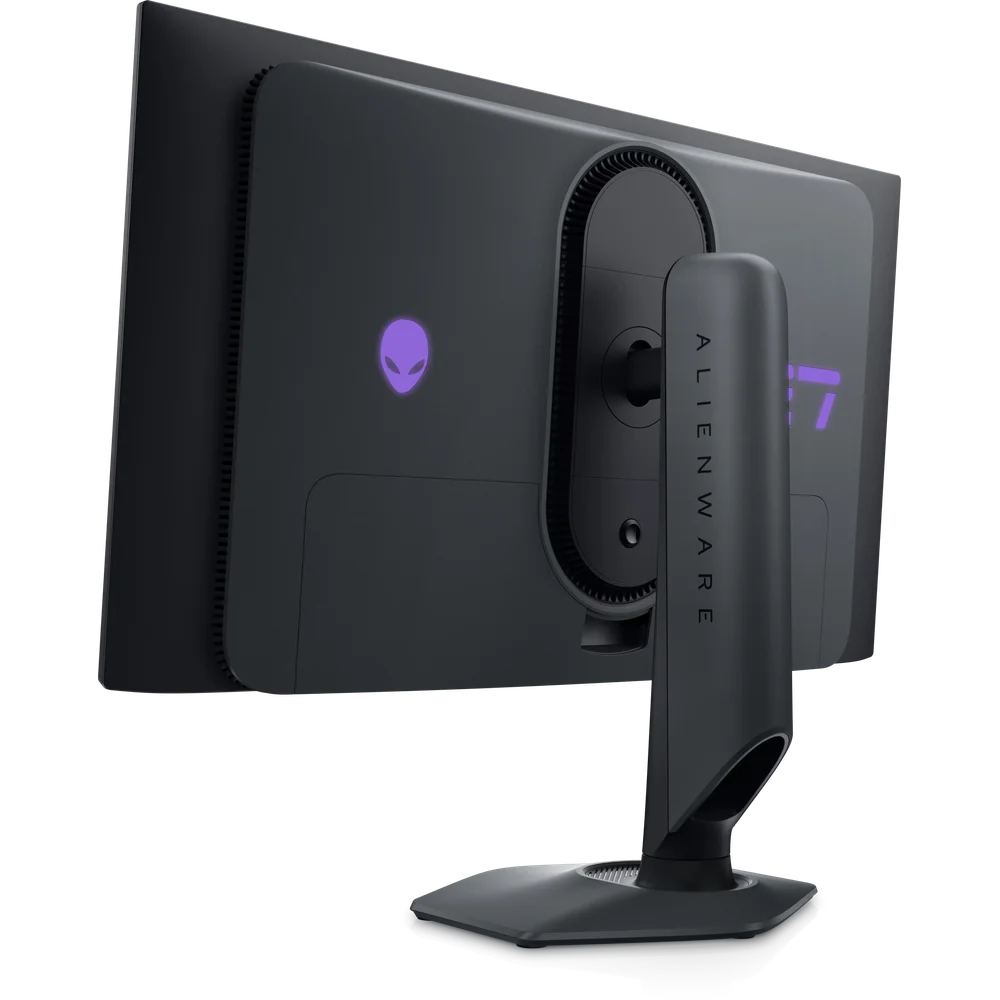
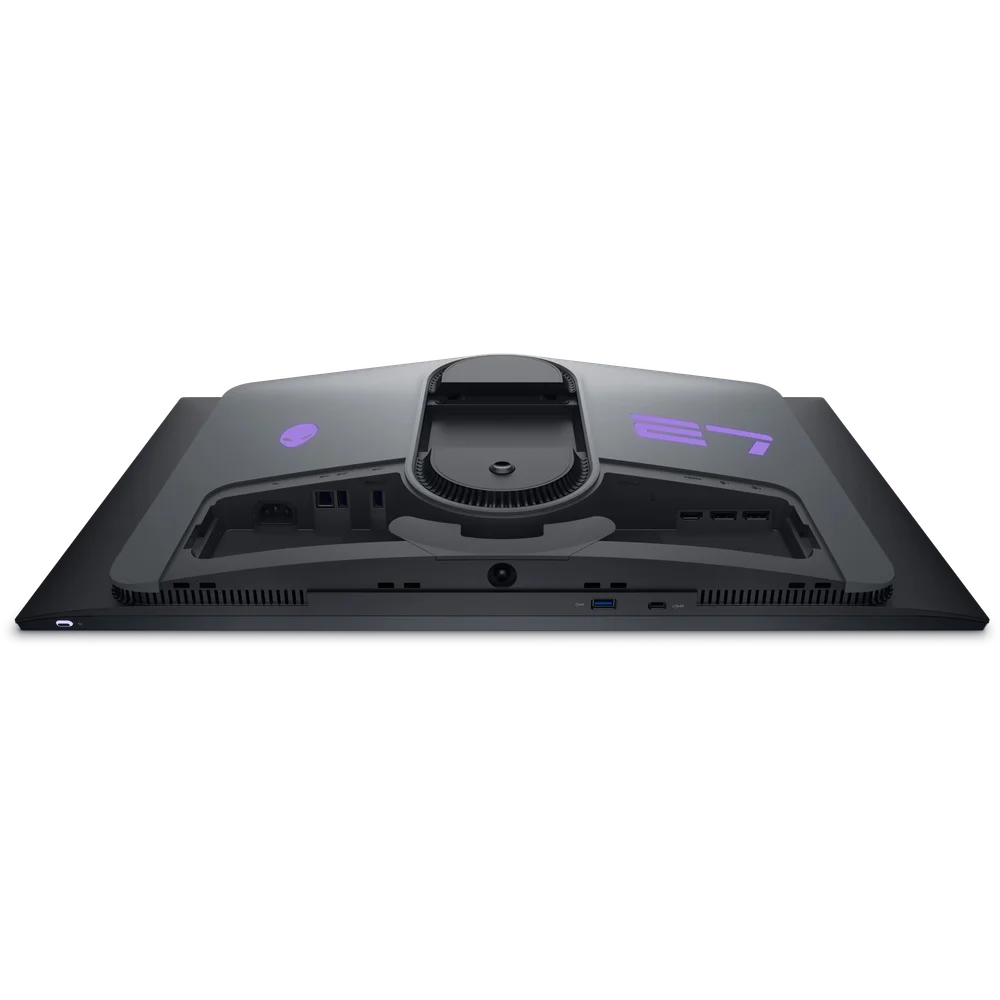
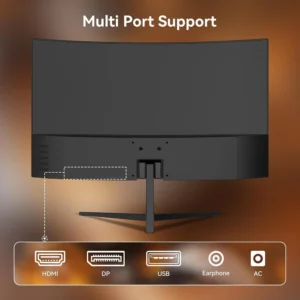
Dell’s specification list for the Alienware AW2725DF shows AMD FreeSync Premium Pro and VESA Adaptive Sync; the page description also mentions NVIDIA G-SYNC, but the spec list does not show a separate certification. Video inputs are 2 DisplayPort 1.4 and 1 HDMI 2.1. The USB hub has 1 USB 3.2 Gen 1 Type-B upstream port, 3 USB-A downstream ports (two at the rear, one underneath) and 1 USB-C downstream port with BC1.2 charging. The USB-C port is for devices and charging, not a video input. There are no speakers and no audio line-out, so plan on a headset or separate speakers.
Stand, size and power
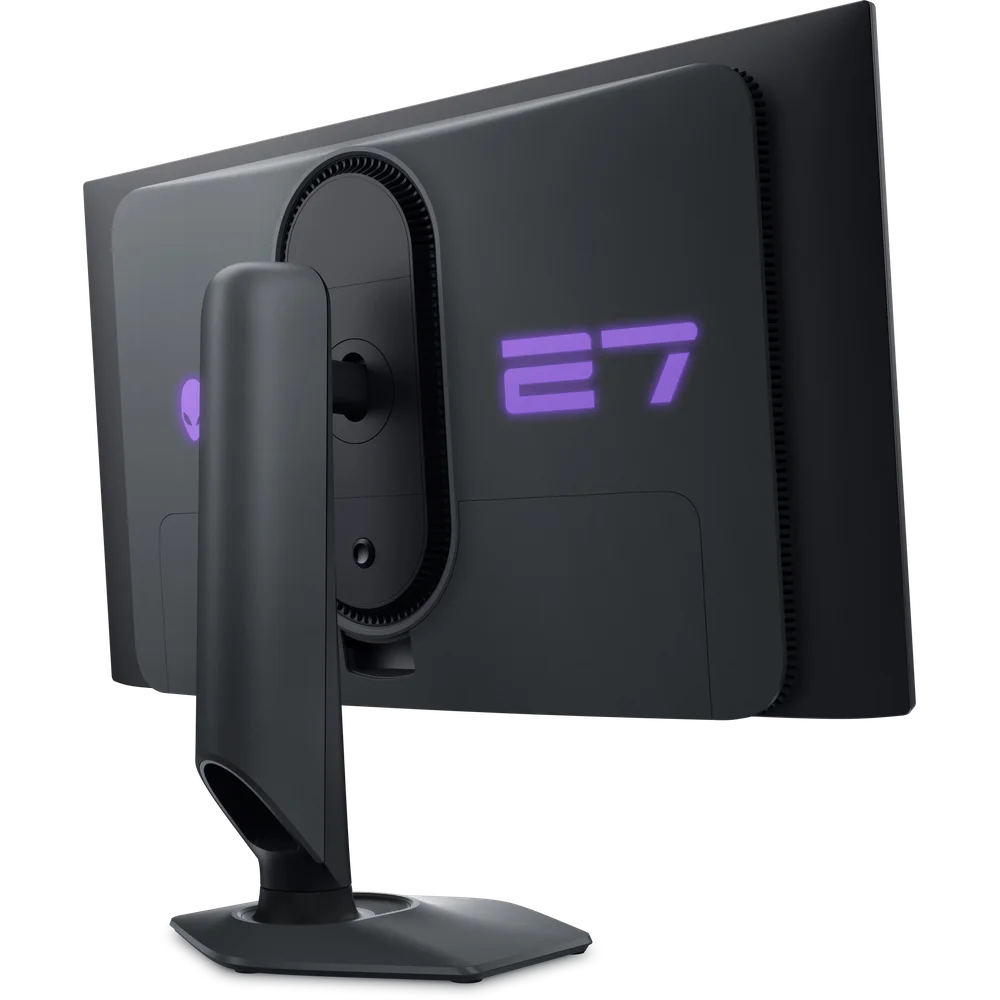
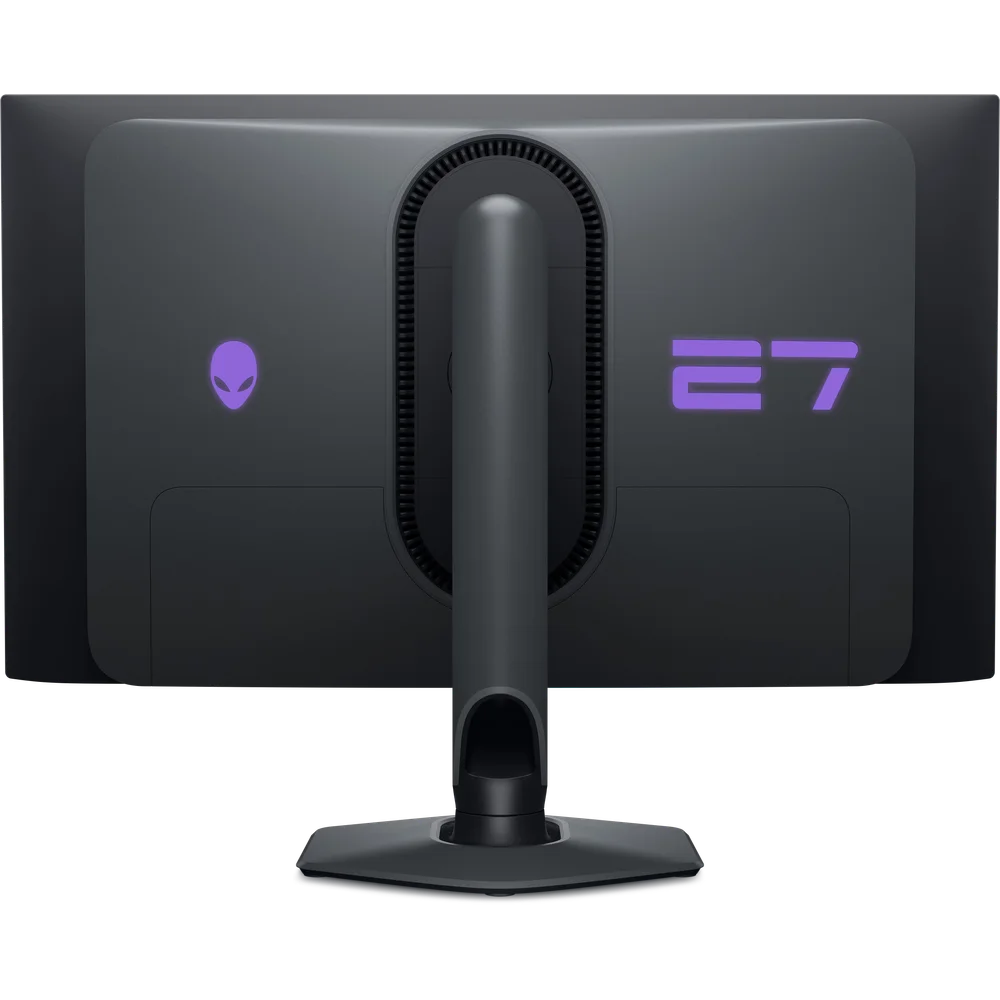
The Alienware AW2725DF stand offers up to 110mm of height adjustment, tilt from -5 to 21 degrees, swivel from -20 to 20 degrees and pivot of 90 degrees either way, and the monitor accepts a 100 x 100mm VESA mount. With the stand it measures 609.11mm wide, 243.69mm deep and between 406.20mm and 516.20mm tall; without the stand it is 359mm tall and 67.60mm deep. It weighs about 6.30kg with the stand and 4.30kg without. Dell rates power at 27.60W typical, 130W maximum and 0.5W standby, with a 100-240V AC input. An anti-reflective coating, ComfortView Plus and flicker-free operation are listed.
Box contents and OLED care
Dell lists the monitor, stand riser and base, an I/O cover, a power cable, a 1.80m DisplayPort 1.4 cable, a 1.0m USB-C to DisplayPort 1.4 cable, a 1.80m USB 3.2 Gen 1 upstream cable, a microfibre cloth, a quick start guide, the factory calibration report and an Alienware sticker. Like any OLED, the Alienware AW2725DF can show image retention or burn-in if the same static content, such as a taskbar or HUD, stays on screen for many hours every day. Using a dark auto-hiding taskbar, a screen saver and the monitor’s built-in panel refresh routines helps keep the panel even over time.
Who This Is Not For
The Alienware AW2725DF is not for console players who expect 360Hz: HDMI 2.1 runs up to 144Hz. It suits poorly anyone who leaves static office windows on screen all day, because OLED panels can show burn-in with long static content. It is not 4K, and full-screen brightness on OLED is lower than its 1000 cd/m² peak, so very bright rooms favour a high-brightness LCD. There are no speakers.
Ordering from Totot
Totot sells the Alienware AW2725DF brand-new and genuine in its sealed box, backed by a 1-year warranty from Totot. Delivered across the UAE in up to 3 business days, free on orders from AED 300, with cash on delivery or instalments via Tabby and Tamara. Items that arrive defective or not as ordered can be returned within 14 days, and any shipping damage should be reported within 48 hours of delivery. Browse more in our Gaming Monitors range, or see the official Dell Alienware AW2725DF product page.
Alienware AW2725DF Specifications
- Model: Alienware 27 360Hz QD-OLED Gaming Monitor AW2725DF
- Panel: QD-OLED, 26.7-inch viewable, anti-reflective
- Resolution: 2560 x 1440 (QHD), 111 PPI
- Refresh rate: 360Hz over DisplayPort 1.4; 144Hz over HDMI 2.1
- Response time: 0.03ms GtG
- HDR: VESA DisplayHDR True Black 400
- Brightness: 400 cd/m² typical, 1000 cd/m² peak (window size not stated)
- Contrast: 1,500,000:1 dynamic
- Colour: 99.3% DCI-P3, about 1.07 billion colours, DeltaE < 2 average (sRGB and DCI-P3 modes)
- Viewing angles: 178 degrees horizontal and vertical
- Adaptive sync: AMD FreeSync Premium Pro, VESA Adaptive Sync
- Video inputs: 2 x DisplayPort 1.4, 1 x HDMI 2.1
- USB: 1 x USB 3.2 Gen 1 Type-B upstream, 3 x USB-A downstream, 1 x USB-C downstream (BC1.2 charging)
- Stand: Height 110mm, tilt -5 to 21 degrees, swivel -20 to 20 degrees, pivot +/-90 degrees
- VESA: 100 x 100mm
- Dimensions with stand: 609.11 x 406.20-516.20 x 243.69mm (W x H x D)
- Weight: About 6.30kg with stand, 4.30kg without
- Power: 100-240V AC; 27.60W typical, 130W max, 0.5W standby
- Speakers: None
- In the box: Monitor, stand riser and base, I/O cover, power cable, DP 1.4 cable (1.80m), USB-C to DP cable (1.0m), USB upstream cable (1.80m), microfibre cloth, calibration report, sticker
- Warranty: 1-year warranty from Totot
Alienware AW2725DF FAQ
Does the Alienware AW2725DF reach 360Hz over HDMI?
No. 360Hz is over DisplayPort 1.4; HDMI 2.1 runs up to 144Hz, according to Dell.
Is the Alienware AW2725DF 4K?
No. It is 2560 x 1440 (QHD) on a 26.7-inch viewable panel.
Which adaptive sync does it support?
2 standards are listed in Dell’s specifications: AMD FreeSync Premium Pro and VESA Adaptive Sync.
Can it rotate to portrait?
Yes. The stand pivots 90 degrees either way.
Does it come with a DisplayPort cable?
Yes. Dell lists a 1.80m DisplayPort 1.4 cable and a 1.0m USB-C to DisplayPort cable.
Can an OLED monitor get burn-in?
Yes. Long periods of static content can cause burn-in on any OLED, so varied use and auto-hiding taskbars are recommended.
Is it genuine?
Yes. We sell the genuine Alienware AW2725DF, brand-new in its sealed box.
How long does delivery take?
Up to 3 business days anywhere in the UAE, free on orders from AED 300; any current delivery fee for your order is shown at checkout.





 No products in the cart.
Reviews
There are no reviews yet