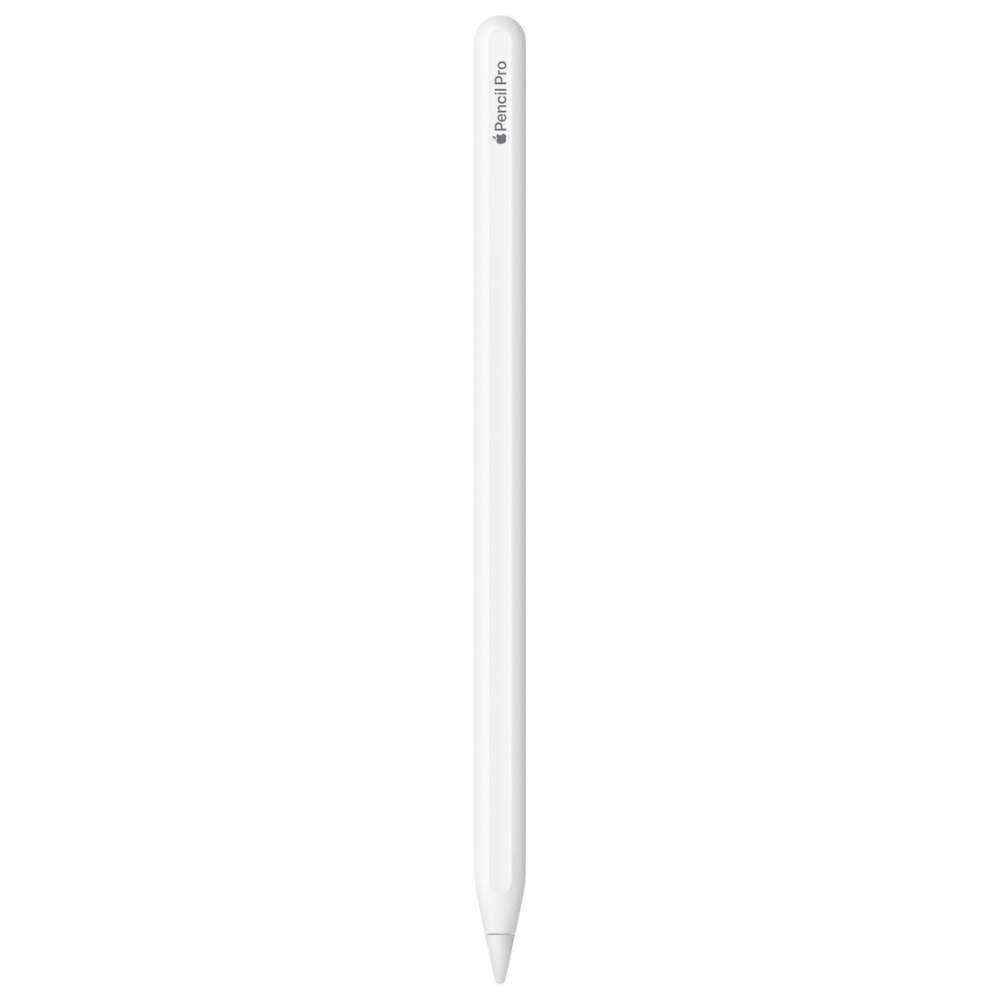
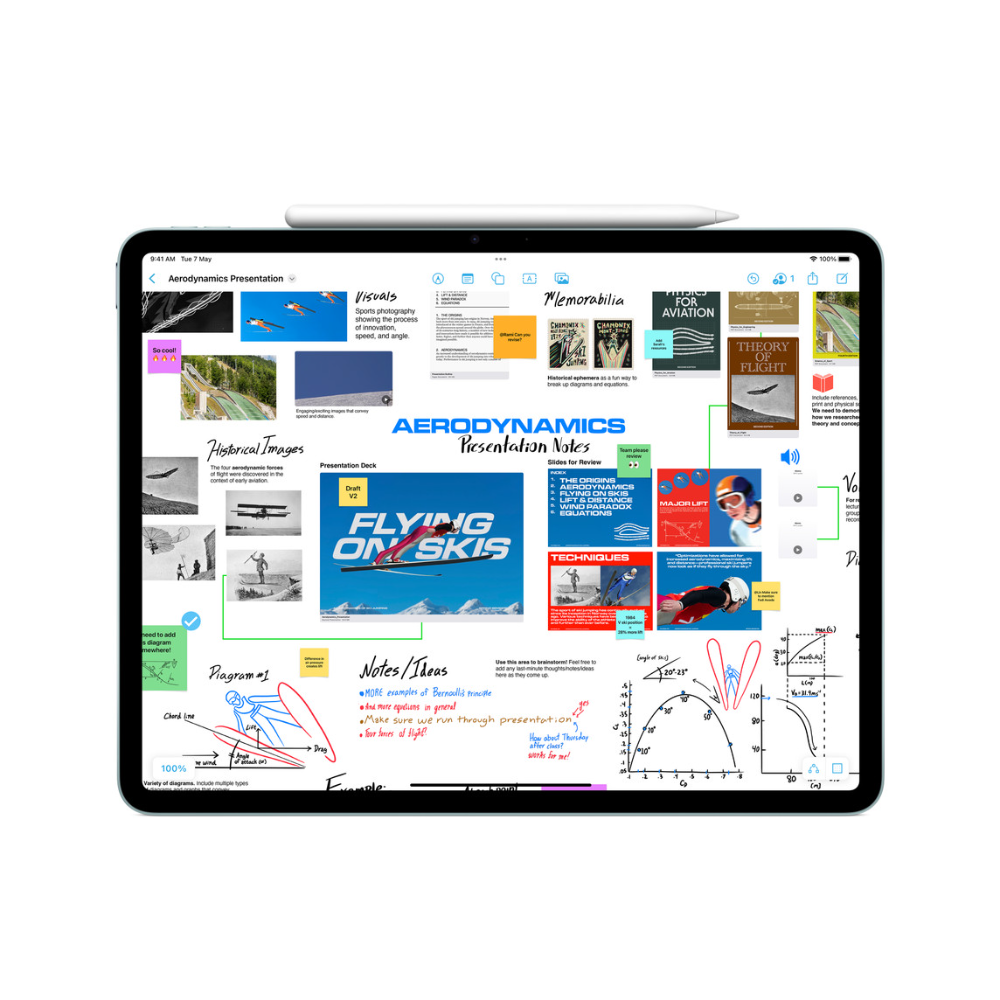
Apple Pencil Pro is the most capable stylus Apple makes. Beyond pixel-precise writing and drawing, it adds a squeeze gesture that opens a tool palette, a gyroscope for barrel roll, a haptic engine that gives a light pulse in your fingers, and Find My support if it goes missing. It attaches magnetically to the side of a compatible iPad to pair and charge. The one thing to settle first is compatibility: it works only with recent iPad Pro, iPad Air and iPad mini models running iPadOS 17.5 or later.

Table of Contents
Which iPads work with Apple Pencil Pro
Apple lists these models: iPad Pro 13-inch and 11-inch (M4 and M5), iPad Air 13-inch and 11-inch (M2, M3 and M4), and iPad mini (A17 Pro), all on iPadOS 17.5 or later. Apple Pencil Pro does not work with the standard iPad (A16 or 10th generation), with iPad Pro models from before M4, with iPad Air M1 or earlier, or with the 6th-generation iPad mini. Many of those models work with the Apple Pencil (USB-C) instead, so check the exact model name in Settings, General, About before you order.

Squeeze and barrel roll
A sensor in the barrel detects a squeeze and opens a palette for switching tools, line weights and colours without reaching for the screen. A built-in gyroscope tracks how the pencil turns between your fingers; Apple calls this barrel roll. Rotate the Apple Pencil Pro and a shaped pen or brush tip rotates with it, as a real calligraphy nib or chisel brush would. Both features need app support: Apple’s own apps such as Notes and Freeform use them, while third-party drawing apps have to add them, so confirm your favourite app supports them.

Haptic feedback, double tap and hover
Apple built a haptic engine into the pencil, so a light pulse confirms each squeeze and double tap, which tells you the command registered without looking. Double tap still switches tools quickly, for example between pen and eraser. Apple Pencil hover shows where the tip will land before it touches the glass, with a virtual shadow of the tool; Apple supports hover on iPad Pro (M4 and M5), iPad Air (M2, M3, M4) and iPad mini (A17 Pro) among the Apple Pencil Pro models.
Pairing, charging and Find My
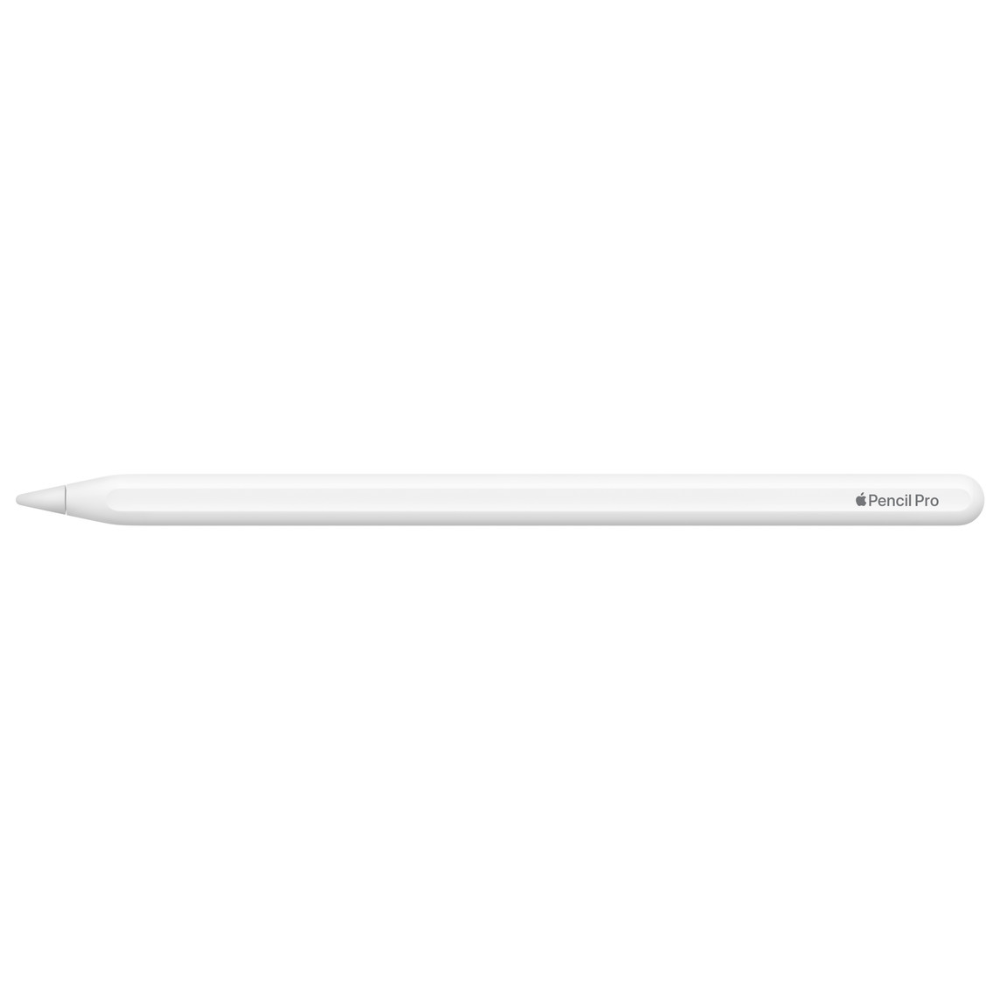
The Apple Pencil Pro connects over Bluetooth. Snap it onto the magnetic side of a compatible iPad and it pairs and charges in one step, so there is no port, cap or cable to lose. It is also the first Apple Pencil that works with the Find My app, which helps locate a misplaced pencil. Apple lists the size as 166 mm long and 8.9 mm in diameter, with a weight of 19.15 g, and the box contains the pencil only.
Who gets the most from it
Illustrators, letterers and students who annotate a lot benefit most. Barrel roll matters to anyone using shaped brushes, and squeeze saves trips to the toolbar during long drawing sessions. Note-takers who only write may find the Apple Pencil (USB-C) enough on a compatible iPad, but the Apple Pencil Pro adds pressure-sensitive drawing and wireless charging that the USB-C model lacks, plus Find My, which is useful for a small accessory that is easy to leave behind.
Who This Is Not For
The Apple Pencil Pro will not pair, draw or charge with any iPad outside Apple’s list, including the base iPad, the 6th-generation iPad mini, and iPad Pro and iPad Air models older than M4 and M2. Squeeze and barrel roll only work in apps that support them. It has no cable charging, so it depends on the magnetic connector of a compatible iPad. If you only jot short notes, a simpler pencil may cover your needs at a lower price.
Ordering from Totot
Totot sells the Apple Pencil Pro brand-new and genuine in its sealed box, backed by a 1-year warranty from Totot. We deliver UAE-wide in up to 3 business days, and delivery is free on orders from AED 300, with cash on delivery or instalments via Tabby and Tamara. Items that arrive defective or not as ordered can be returned within 14 days, and any shipping damage should be reported within 48 hours of delivery. Browse more in our Mobile Devices and Accessories range, or see the Apple Pencil Pro tech specs on Apple Support.
Apple Pencil Pro Specifications
- Brand: Apple
- Model: Apple Pencil Pro
- Compatible iPads: iPad Pro 13-inch and 11-inch (M4, M5); iPad Air 13-inch and 11-inch (M2, M3, M4); iPad mini (A17 Pro)
- Software: iPadOS 17.5 or later
- Features: Squeeze, barrel roll (gyroscope), haptic feedback, double tap, Apple Pencil hover, Find My
- Connection: Bluetooth
- Pairing and charging: Magnetic attachment to the side of a compatible iPad
- Length: 166 mm
- Diameter: 8.9 mm
- Weight: 19.15 g
- In the box: Apple Pencil Pro
- Warranty: 1-year warranty from Totot
Apple Pencil Pro FAQ
Does Apple Pencil Pro work with the standard iPad?
No. Apple lists only iPad Pro (M4, M5), iPad Air (M2, M3, M4) and iPad mini (A17 Pro).
Does Apple Pencil Pro work with iPad Pro M2?
No. Only the M4 and M5 iPad Pro models are on Apple’s list.
Does Apple Pencil Pro charge with a cable?
No. It attaches magnetically to the side of a compatible iPad, which pairs and charges it.
Can I find a lost Apple Pencil Pro?
Yes. It works with the Find My app.
Which iPadOS version does Apple Pencil Pro need?
17.5 or later, according to Apple.
Is a spare tip included?
No. Apple lists only the Apple Pencil Pro in the box.
Is it genuine?
Yes. We sell the genuine Apple Pencil Pro, brand-new in its sealed box.
How long does delivery take?
No more than 3 business days to any emirate, free from AED 300; the live fee for your order appears at checkout.


 No products in the cart.

Reviews
There are no reviews yet