
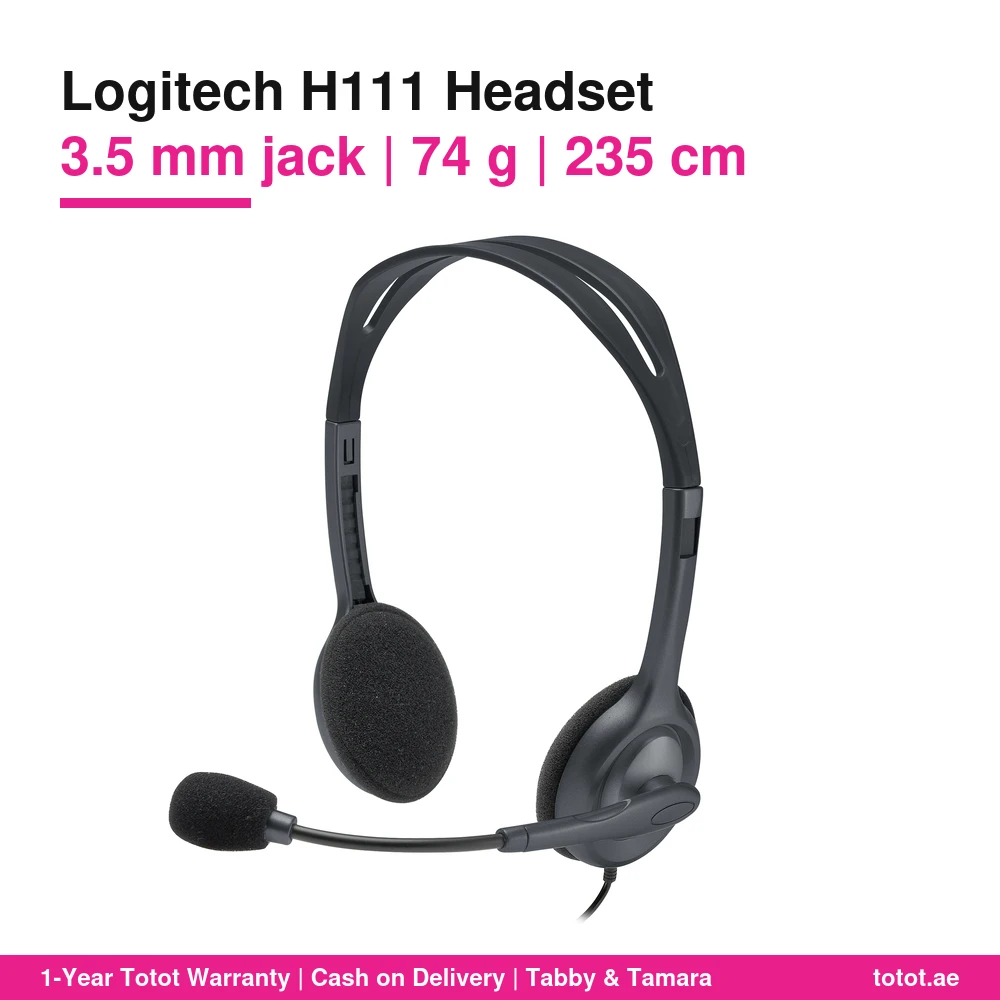

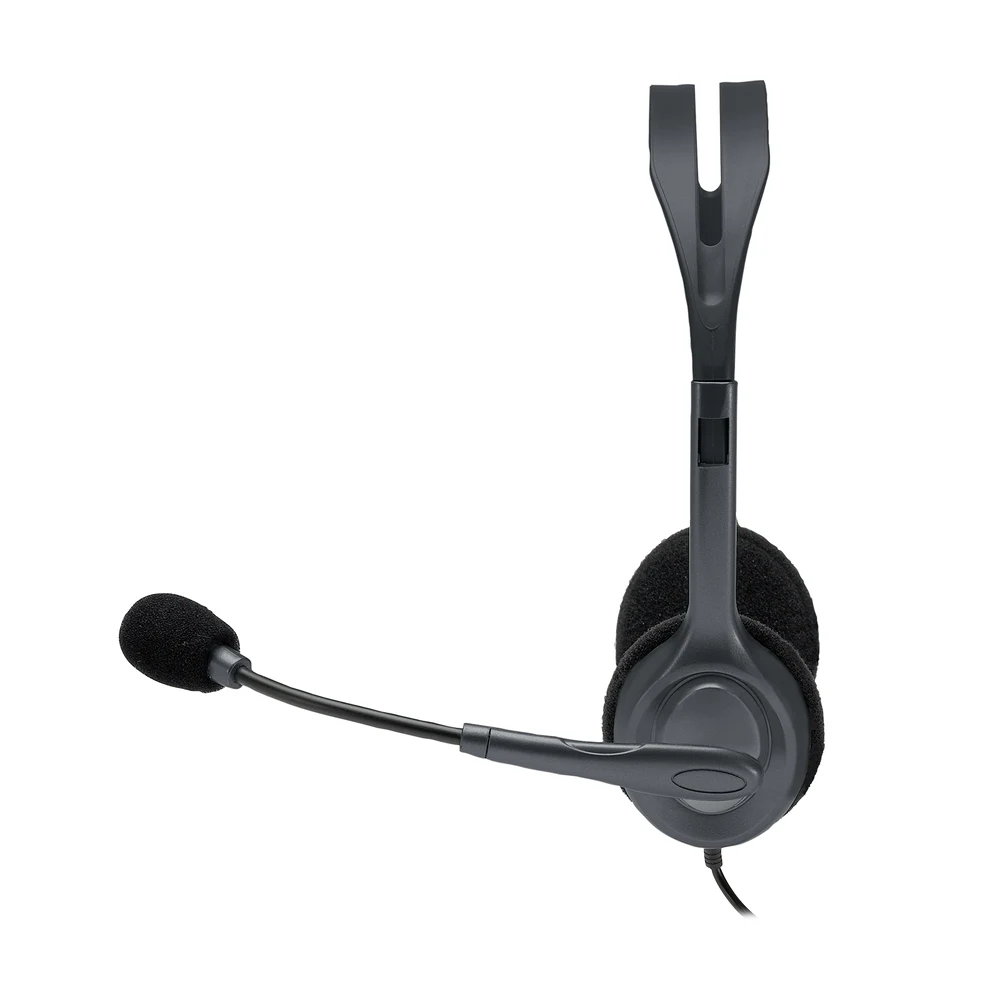
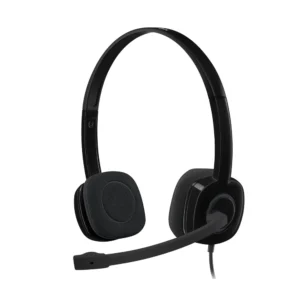
The Logitech H111 is Logitech’s simplest wired stereo headset with a boom microphone: one 3.5 mm plug, one cable, no drivers, no batteries and nothing to pair. This is part number 981-000593, the black H111 Stereo Headset listed on Logitech’s UAE site, where Logitech calls it a 3.5 mm multi-device headset that is compatible with most operating systems and platforms. It suits a laptop for online lessons, a phone with a headphone jack for calls, or a tablet for homework, and it weighs 74 g according to Logitech’s specifications.
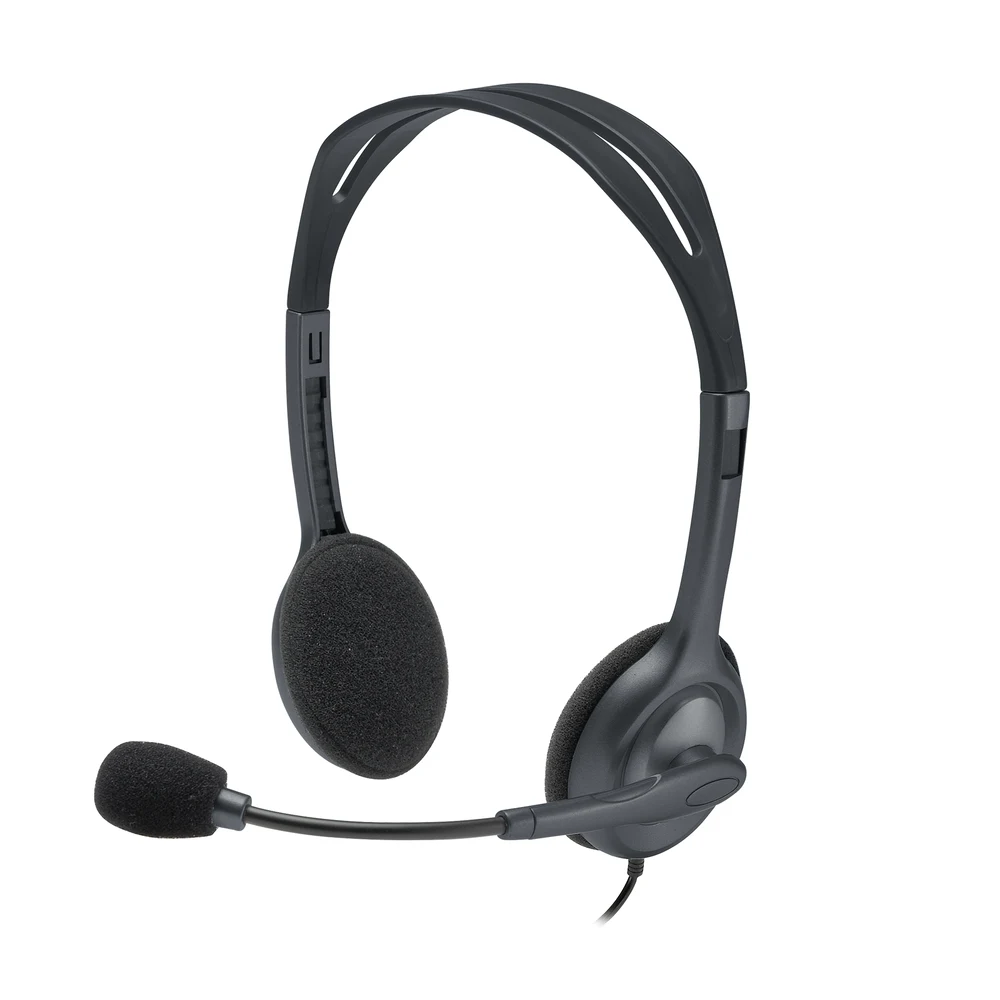
Table of Contents
Why the Logitech H111 Is the Easy Choice
Most people who search for a cheap headset with a microphone want three things: it should work the moment it is plugged in, it should be light enough to forget about, and the person on the other end should hear a clear voice. The Logitech H111 is built around exactly that brief. Logitech describes it as “an affordable headset for all your devices” and as “the simple way to start talking when using computers, smartphones and tablets.” There is no software to install and no setting to learn. You plug the jack in, choose the headset as the audio device if your system asks, and talk.
Because the Logitech H111 has no electronics of its own beyond the drivers and the microphone, there is also nothing to charge and nothing to update. That makes it a good spare to keep in a drawer, a bag or a classroom cupboard, and an easy headset to hand to a child who will not look after a battery.
One 3.5 mm Plug for Laptop, Phone and Tablet
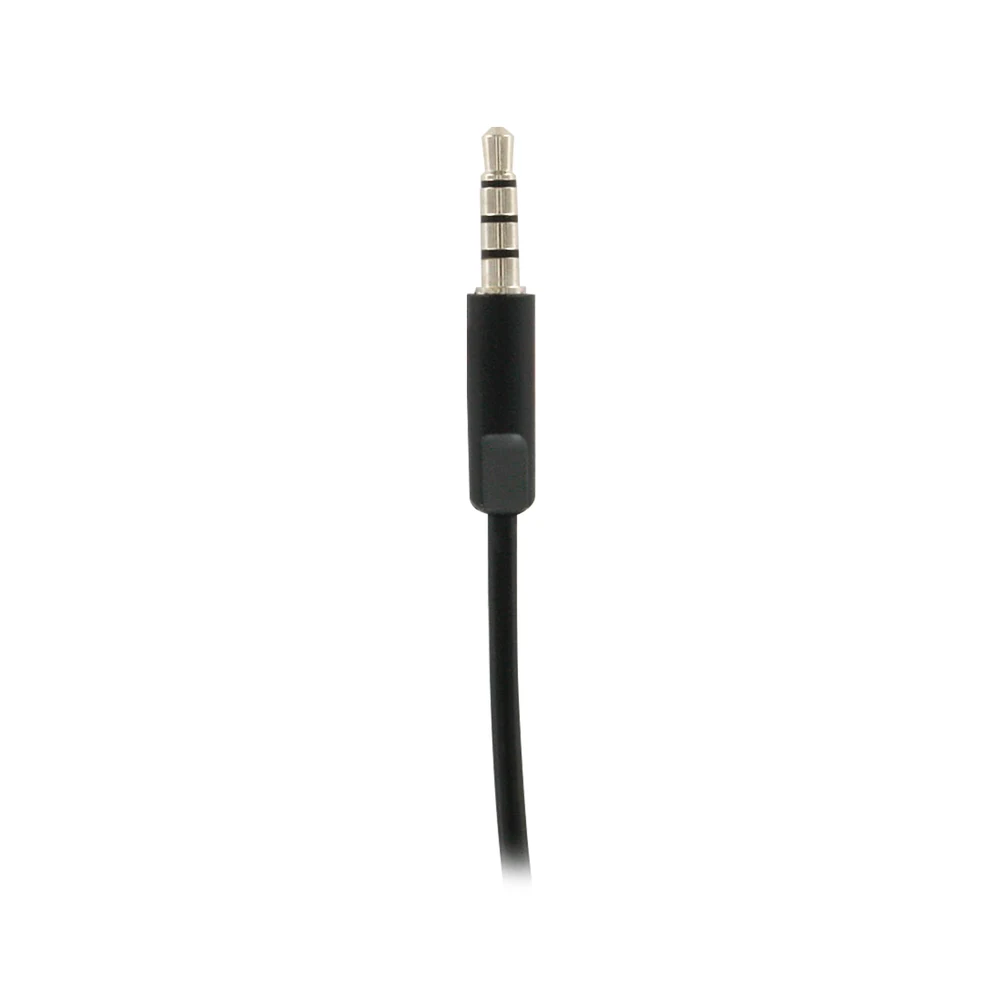
The Logitech H111 ends in a single 3.5 mm jack that carries both the stereo sound and the microphone signal. Logitech lists “Single 3.5 mm jack” as the connection requirement and says the H111 works with Windows, macOS or ChromeOS and popular calling platforms. The H111 is also listed by Logitech as Certified Works With Chromebook, which matters for schools that run Chromebooks for lessons and exams.
In practice, this one plug fits the combined headset port on most laptops, many tablets and phones that still have a headphone jack. A phone or tablet that only has USB-C or Lightning needs a separate adapter that supports a microphone; that adapter is not part of the box. A desktop PC that only has separate pink and green ports falls outside the single-jack requirement Logitech lists, so check your computer before you order.
The Logitech H111 for School and Online Classes
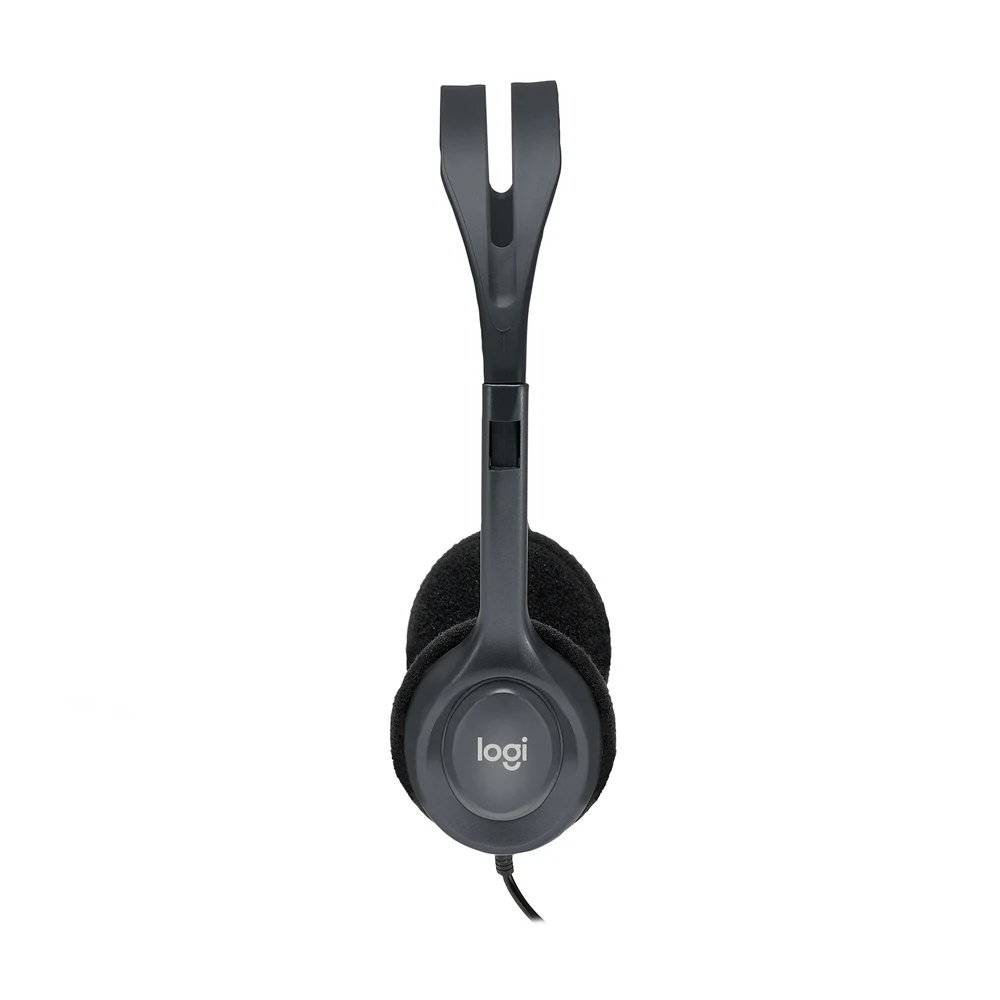
The Logitech H111 is a natural fit for students. It is light at 74 g, it has no buttons to fiddle with, and it plugs into the laptop or tablet a school already uses. For online classes it gives the teacher a cleaner voice than a laptop’s built-in microphone, and it keeps the lesson audio in the student’s ears instead of the whole room. Parents with two or three children studying at the same table often buy one headset per child for that reason.
The same features help adults at home. The Logitech H111 handles video calls with family, a webinar, an online course or a language app, and when the call ends it plays music, video and games in stereo. Logitech says the H111 offers “clear audio for music, games and calls” and calls it “a reliable headset for daily tasks.”
The Rotating Boom Microphone
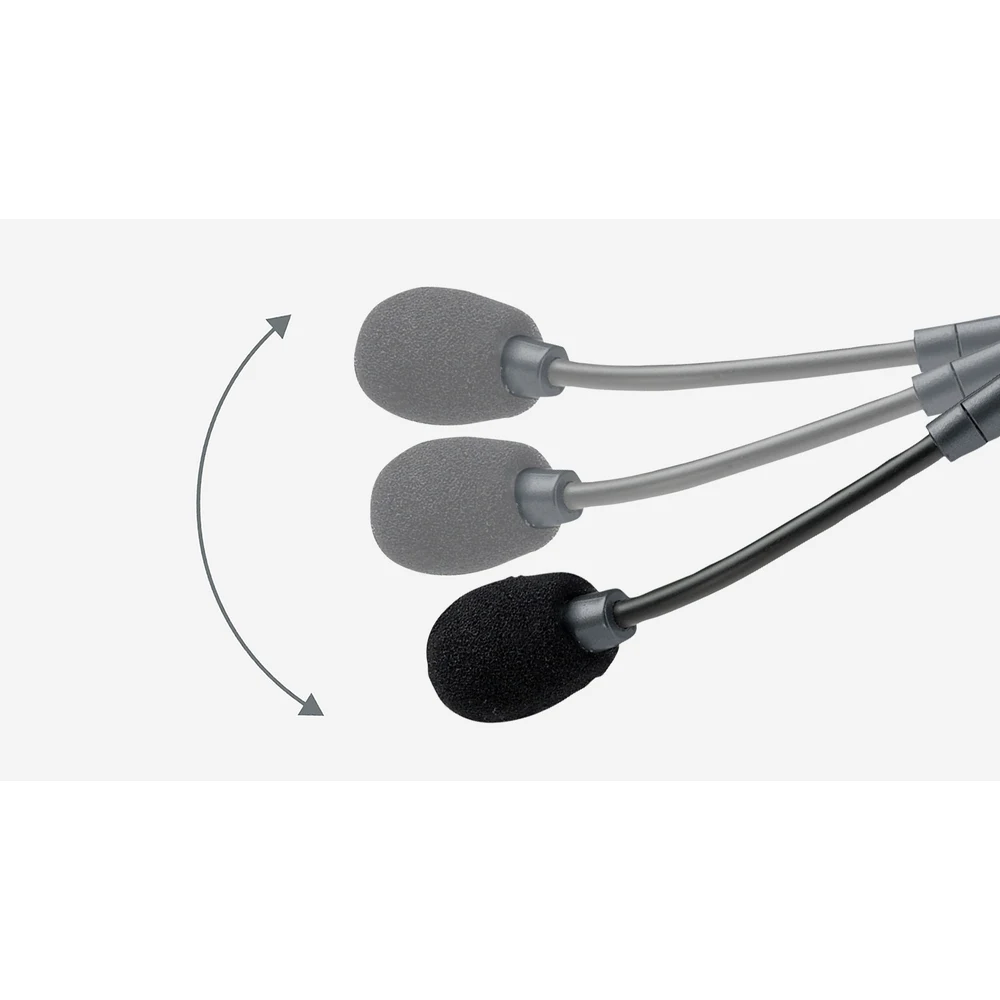
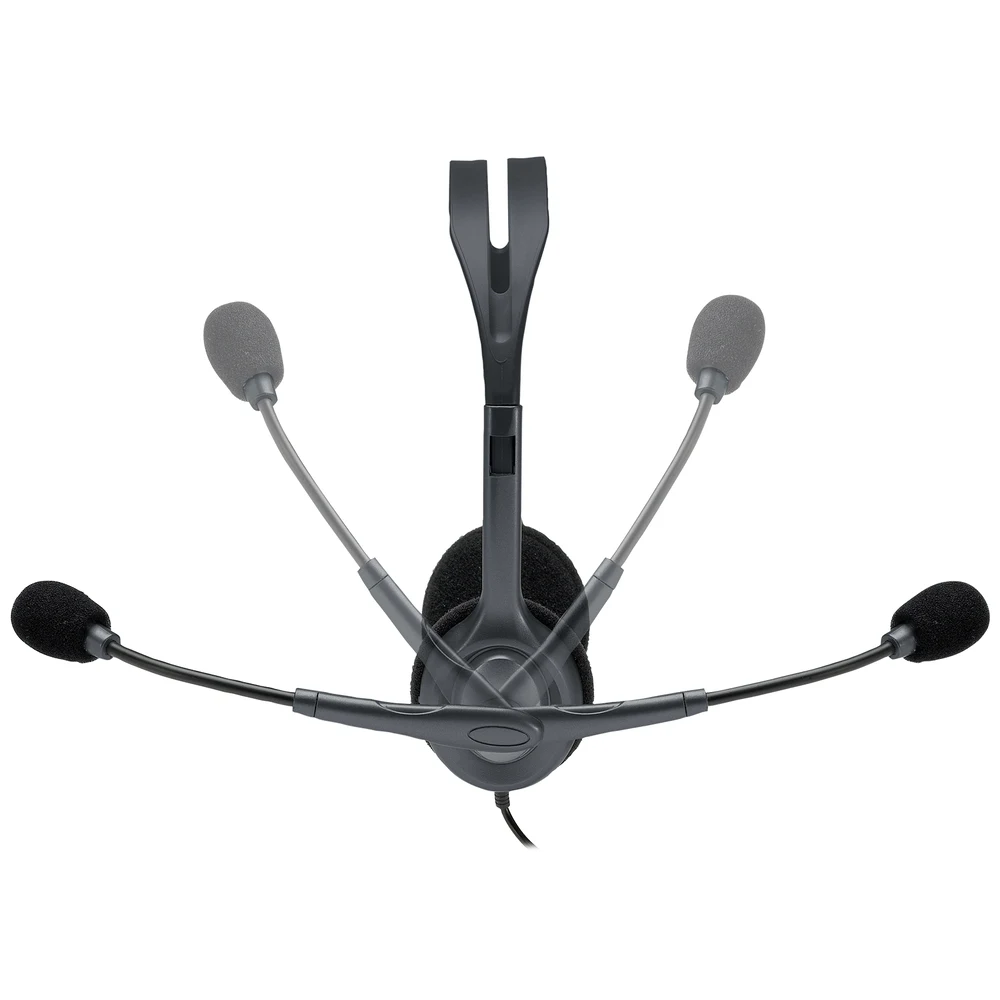
Logitech states that the boom on the H111 rotates 180° so you can wear the microphone on the left or the right side. The boom is flexible, so you can bend it closer to your mouth for better voice capture and for less background noise, and when you only want to listen you can swing it up and out of the way. Logitech lists the microphone as unidirectional, which means it is designed to pick up sound mainly from the direction it points.
Logitech does not call the H111 microphone noise-cancelling. Positioning is what helps here: keep the foam tip a few centimetres from the corner of your mouth and your voice stays clear even in a busy home.
Comfort, Fit and the 235 cm Cable
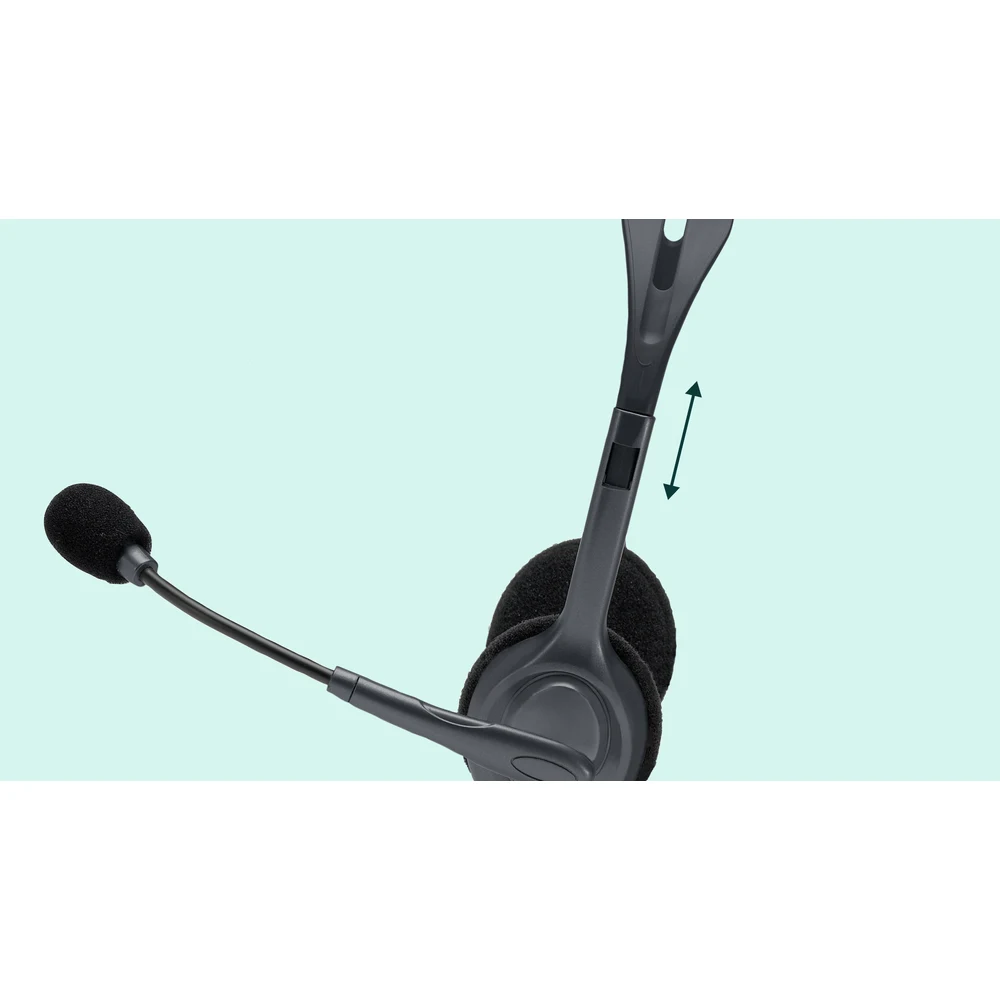
Logitech describes the headband as sturdy yet lightweight with a broad range of adjustment, and the ear cushions as ultra-soft foam for hours of comfort. The headset sits on the ears rather than around them, which keeps it cool for long study sessions but lets some outside sound in.
The cable is generous. Logitech says the 235 cm cable is just the right length to give you the freedom to stand up and stretch during long conversations. That extra length also helps when the laptop sits on a desk and the user sits back on a sofa or a bed.

Sound and Microphone Figures from Logitech
Logitech publishes the following figures for the H111. The headphones cover 20 Hz to 20 kHz, with 32 Ohms impedance and a sensitivity of 100 dB +/-3 dB. The microphone covers 100 Hz to 16 kHz with a sensitivity of -58 dBV/µBar, -38 dBV/Pa +/-4 dB. The headset measures 162 mm high, 144 mm wide and 46 mm deep and weighs 74 g.
Who This Is Not For
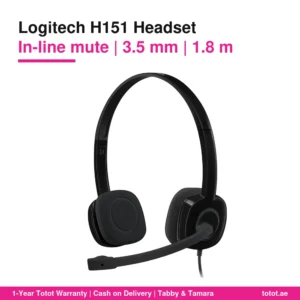
The Logitech H111 has no in-line volume or mute control; Logitech lists none, so you adjust volume and mute on the device or in the calling app. If you want a remote on the cable, the Logitech H151 adds one. It is not a USB headset, so a computer without a combined 3.5 mm port needs an adapter or a splitter. Logitech does not describe the microphone as noise-cancelling, and the on-ear foam cushions do not block outside noise. It is wired only, with no Bluetooth. Gamers who want surround sound or a large over-ear design should look at a gaming headset.
Ordering in the UAE
Totot delivers across the UAE within three business days, and delivery is free on orders from AED 300. A defective item or one that does not match your order can be returned within 14 days, and any shipping damage should be reported within 48 hours of delivery. You can pay by cash on delivery, Tabby or Tamara. The Logitech H111 we sell is the 981-000593 black unit and comes as Logitech packs it.
Browse more Headphones at Totot, or see the official Logitech page for full product details.
Technical Specifications
- Official name: Logitech H111 Stereo Headset
- Part number: 981-000593
- Colour: Black
- Connection: Single 3.5 mm audio jack (sound and microphone on one plug)
- Cable length: 235 cm (Logitech product description)
- Microphone type: Unidirectional, boom rotates 180° for left or right wear
- Headphone impedance: 32 Ohms
- Headphone sensitivity: 100 dB +/-3 dB
- Microphone sensitivity: -58 dBV/µBar, -38 dBV/Pa +/- 4 dB
- Frequency response (headset): 20 Hz – 20 kHz
- Frequency response (microphone): 100 Hz – 16 KHz
- Controls: None on the cable (Logitech lists no in-line controls)
- Compatibility: Windows, macOS or ChromeOS and popular calling platforms; Certified Works With Chromebook
- Weight: 74 g
- Dimensions: Height 162 mm, Width 144 mm, Depth 46 mm
- In the box: Stereo headset, user documentation
- Warranty: 1-year warranty from Totot
FAQ
Does the Logitech H111 work with a Chromebook?
Yes. Logitech lists the H111 as Certified Works With Chromebook and names ChromeOS among the supported systems.
Does the Logitech H111 have volume or mute buttons?
No. Logitech lists no in-line controls for the H111, so volume and mute are set on the laptop, phone or calling app.
How long is the Logitech H111 cable?
235 cm, according to Logitech’s product description.
Will the Logitech H111 plug into a phone?
Yes, if the phone has a 3.5 mm headphone jack. A phone with only USB-C or Lightning needs a separate adapter that supports a microphone, which is not in the box.
How much does the Logitech H111 weigh?
74 g, according to Logitech’s specifications.
Can a left-handed student wear the Logitech H111 microphone on the other side?
Yes. Logitech says the boom rotates 180°, so the microphone can sit on the left or the right.
Is the Logitech H111 a USB headset?
No. It connects through a single 3.5 mm jack only.









 No products in the cart.

Reviews
There are no reviews yet