
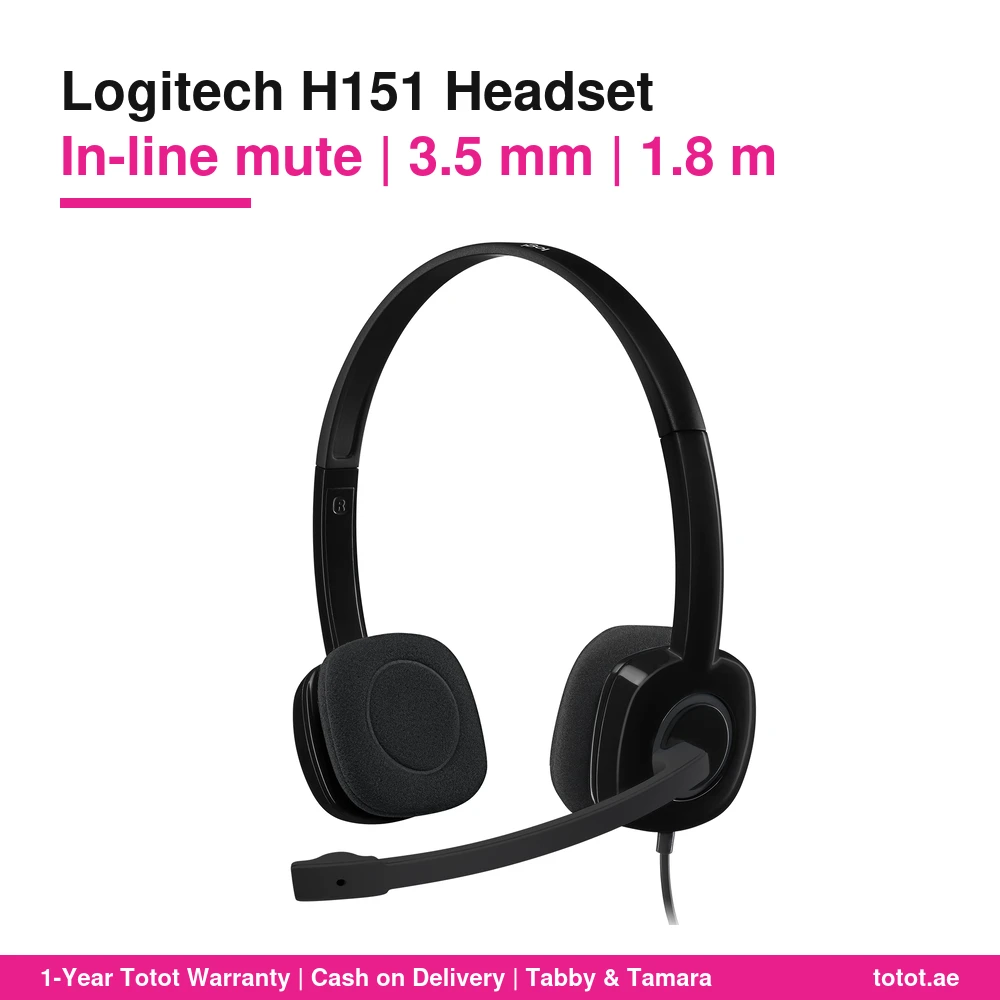
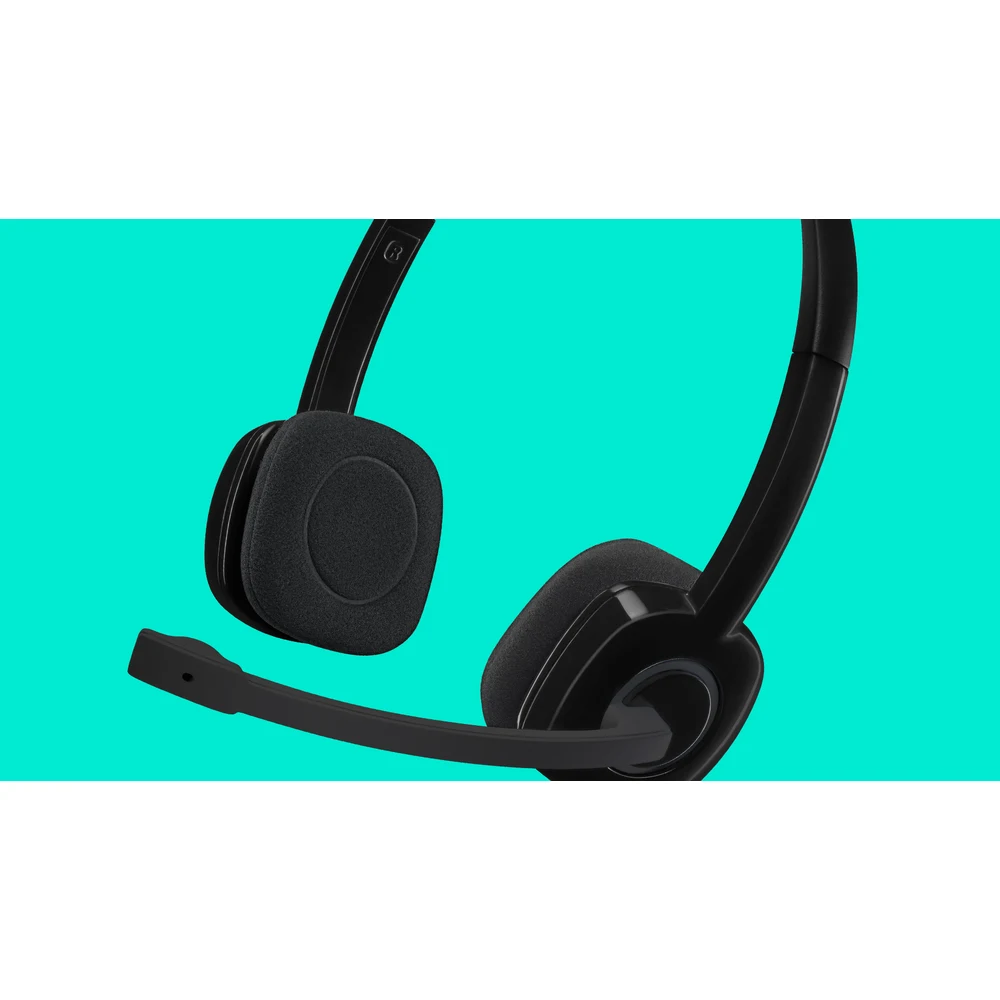
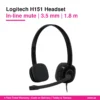
The Logitech H151 is a wired stereo headset that puts volume and mute on the cable, so you can silence your microphone in the middle of a call without hunting for a button on the screen. It is part number 981-000589 in black, sold on Logitech’s UAE site as the H151 Stereo Headset, which Logitech titles “Stereo Headset with Noise-Cancelling Mic” and describes as a multi-device headset with in-line controls. It plugs into a laptop, phone or tablet through one 3.5 mm jack and weighs 0.08 kg according to Logitech.
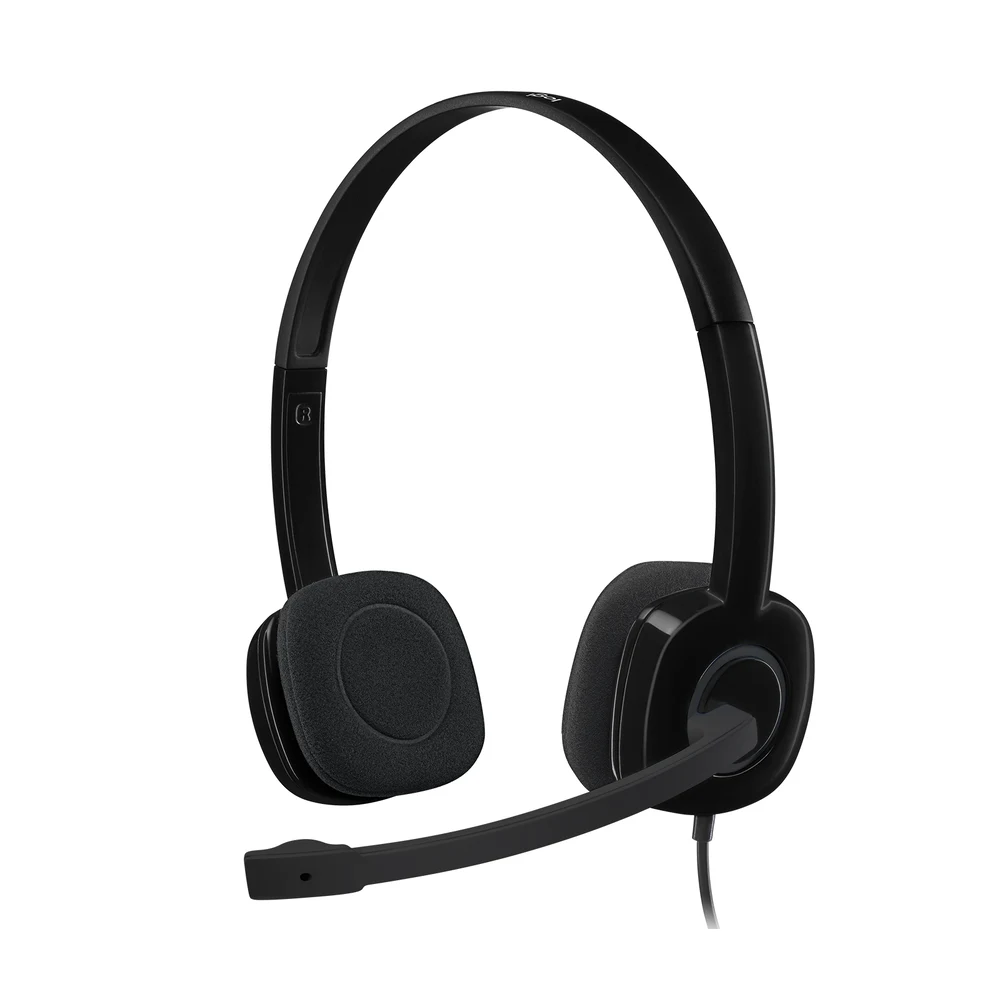
Table of Contents
- What Sets the Logitech H151 Apart
- In-Line Volume and Mute on the Cord
- A Boom Mic Logitech Calls Noise-Cancelling
- The Logitech H151 with a Laptop, a Phone or a Tablet
- Everyday Use: Home Office, Study and Music
- What Logitech Publishes About the Sound
- Who This Is Not For
- Ordering in the UAE
- Technical Specifications
- FAQ
What Sets the Logitech H151 Apart
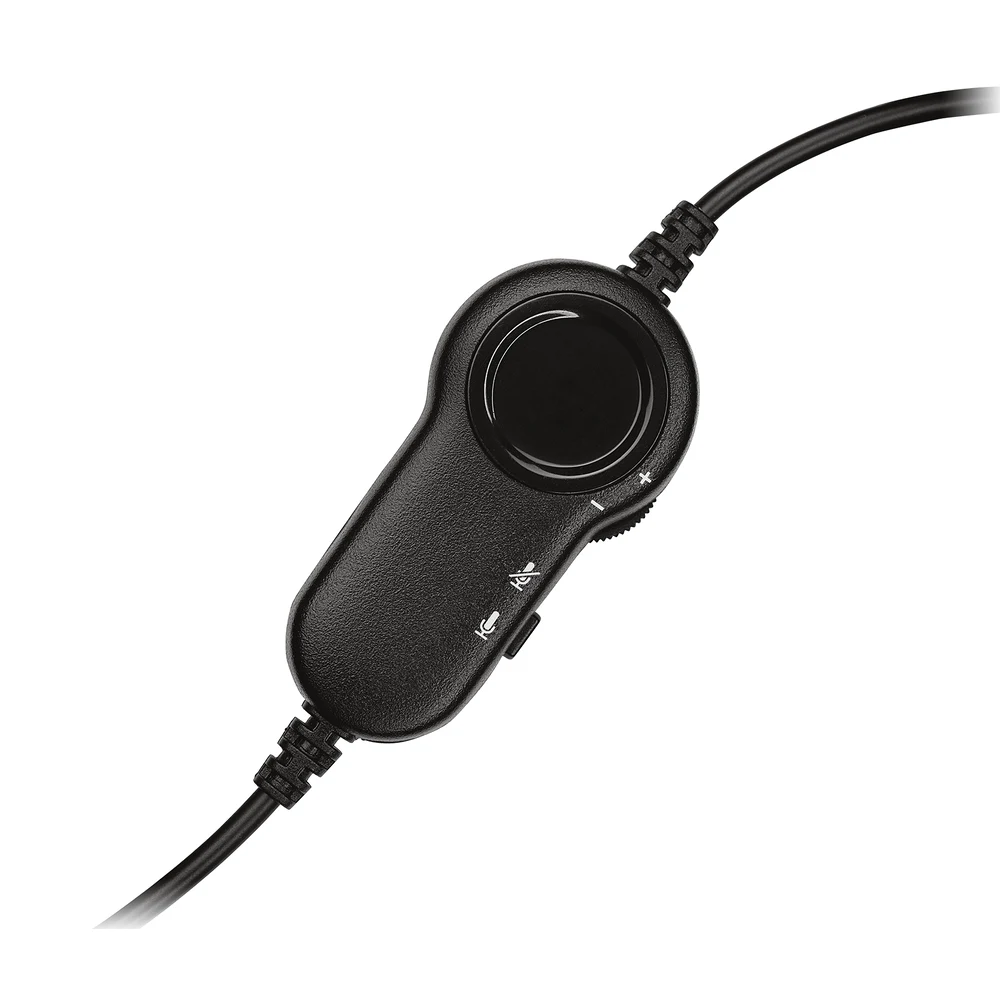
Among Logitech’s 3.5 mm headsets, the Logitech H151 is the one with a remote on the cord. Logitech’s own words are that convenient in-line controls on the headset cord let you adjust the volume or mute calls without disruption. That small box changes how the headset is used: you can turn a loud participant down, or mute while a delivery arrives, with one press and without leaving the meeting window.
The rest of the design is about simplicity. The Logitech H151 needs no software, no charging and no pairing. Logitech says you just plug it into the 3.5 mm port on your computer, tablet or smartphone and it is ready to go.
In-Line Volume and Mute on the Cord
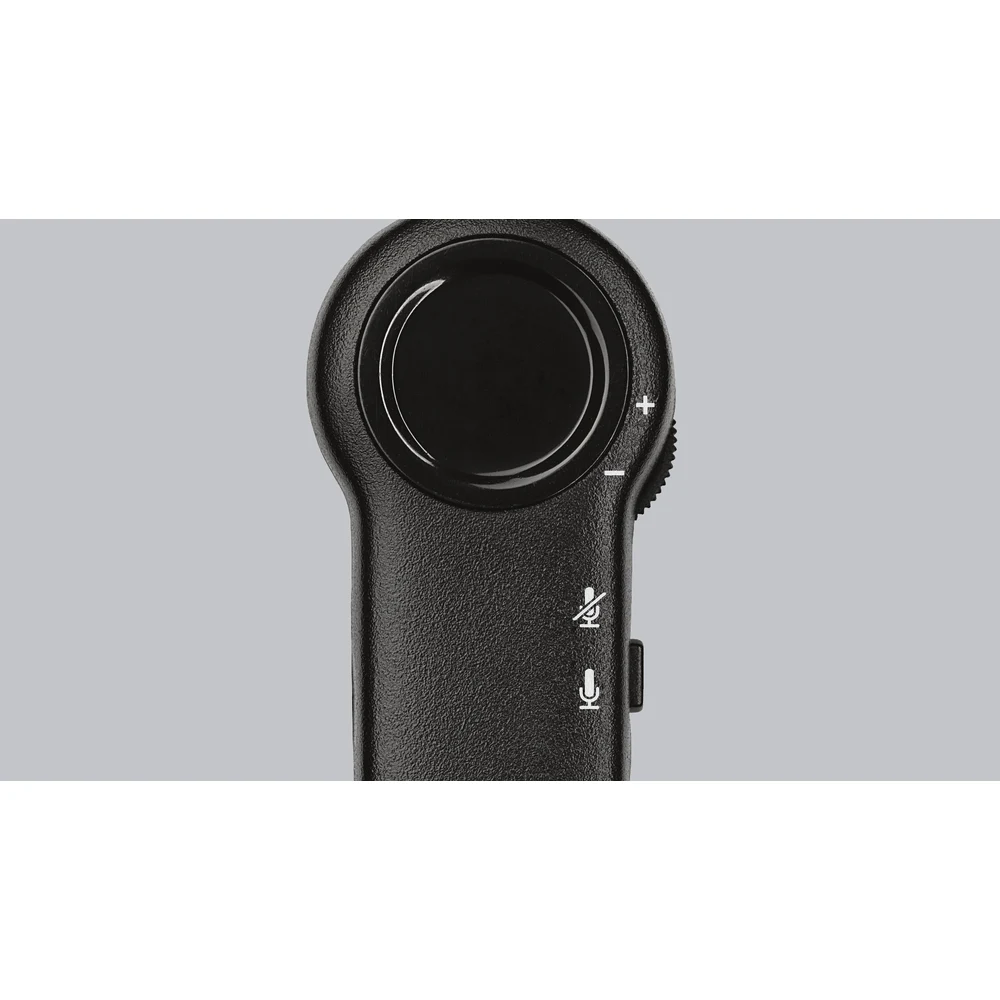
The in-line control sits partway along the cable. Logitech’s product images show a volume wheel and a microphone mute switch, and Logitech describes the function as adjusting volume and muting calls. Logitech’s plug-and-go description involves no software, so there is nothing to install before the controls work on Windows, macOS, ChromeOS, a phone or a tablet.
For anyone who joins a lot of calls, a physical mute switch is a real comfort. You can feel its position by touch and know your microphone is off, instead of trusting an on-screen icon that may belong to another window.
A Boom Mic Logitech Calls Noise-Cancelling
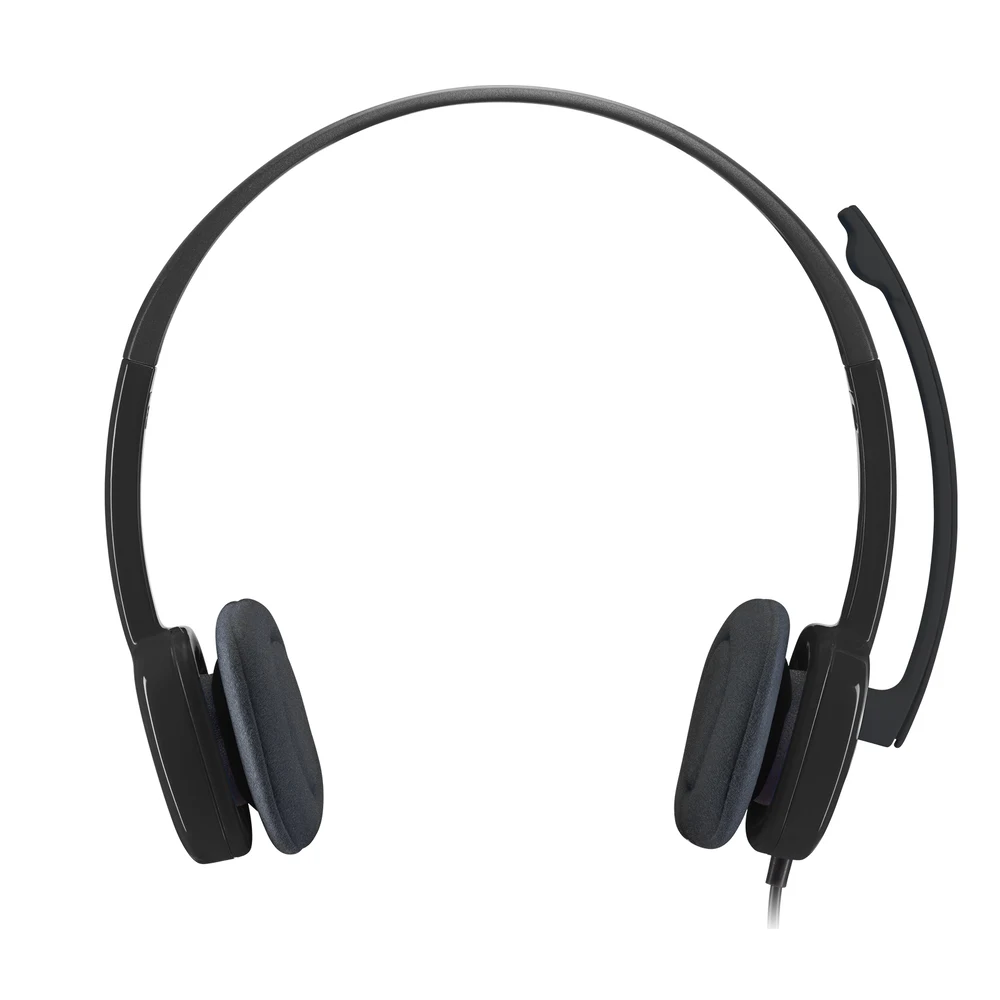
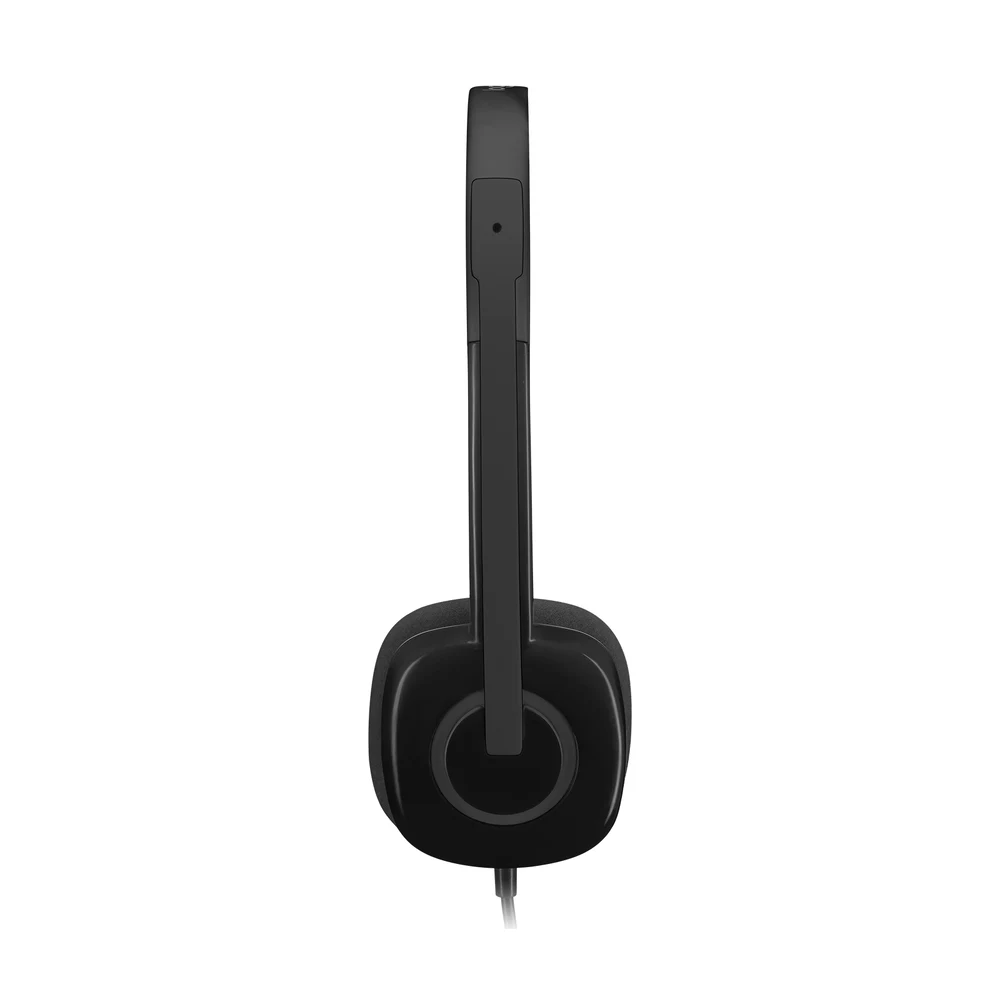
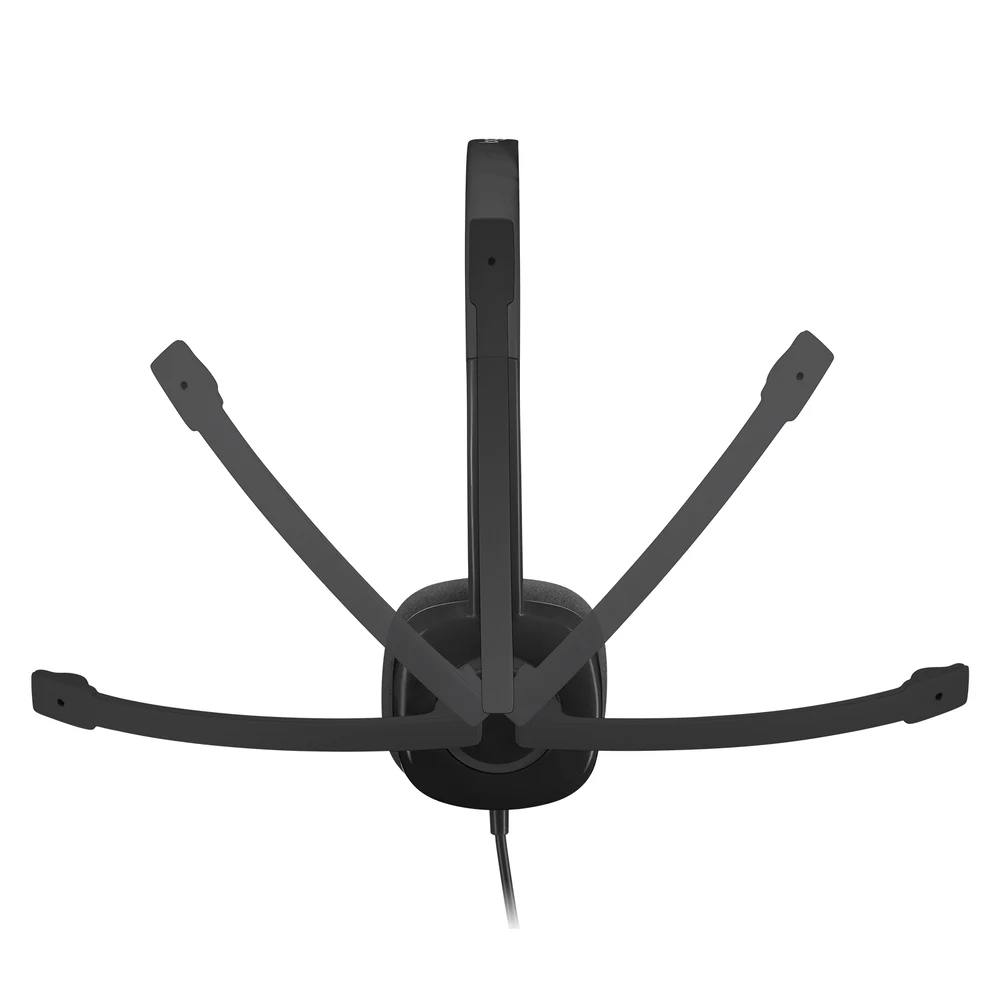
Logitech’s page title for the H151 refers to a noise-cancelling mic, and its feature text explains how the boom helps: the flexible microphone can be positioned for better voice capture and background noise reduction. The boom also rotates 180°, so you can wear it on the left or right, and it can be tucked out of the way when you are not using it. Logitech lists the microphone type as bi-directional, with a frequency response of 100 Hz to 6.5 kHz, a range that is focused on the human voice.
Logitech does not publish a decibel figure for how much background noise the microphone removes, so the honest summary is this: bring the boom close to your mouth and the microphone favours your voice over the room.
The Logitech H151 with a Laptop, a Phone or a Tablet
The Logitech H151 uses a single 3.5 mm jack that carries both sound and microphone. Logitech lists Windows, macOS or ChromeOS and popular calling platforms as supported, with a single 3.5 mm jack as the connection requirement. That covers most laptops and many tablets, and phones that still have a headphone jack.
A phone with only a USB-C or Lightning port needs an adapter that supports microphones; it is not included. A desktop computer that offers only separate microphone and headphone sockets also sits outside the single-jack requirement, so a splitter would be needed there.
Everyday Use: Home Office, Study and Music
Logitech calls the Logitech H151 an essential stereo headset for either personal use or the office, with full stereo sound for voice and video calls, music, games and more. In a home office it handles a morning of meetings, then switches to a playlist for focused work. For university students it covers lectures, group calls and revision videos. For a shared family laptop it is a sturdy, no-fuss headset that anyone can pick up.
Comfort comes from an adjustable headband that Logitech describes as sturdy yet lightweight, with ultra-soft foam ear cushions that provide hours of comfort. The cable is 1.8 m long according to Logitech, enough to reach from a laptop on a desk to a chair pushed back a little.
What Logitech Publishes About the Sound
For the headphones, Logitech lists a frequency response of 20 Hz to 20 kHz, an input impedance of 22 Ohms and a sensitivity of 122 dB +/-3 dB. For the microphone it lists a sensitivity of -44 dBV/Pa +/-2.5 dB and a frequency response of 100 Hz to 6.5 kHz. Logitech gives the headset dimensions as 200 mm high, 245 mm wide and 65 mm deep, with a weight of 0.08 kg.
Who This Is Not For
The Logitech H151 is wired only, with no Bluetooth and no USB plug, so it does not suit a phone without a headphone jack unless you add an adapter. Its 1.8 m cable is shorter than the 235 cm cable Logitech lists for the H111. Unlike the H111, Logitech does not list the H151 as Certified Works With Chromebook, although ChromeOS is among the supported systems. The ear cushions sit on the ear and do not block outside noise, and Logitech publishes no figure for how much noise the microphone removes. Gamers who need surround sound or a large over-ear design should choose a gaming headset.
Ordering in the UAE
Totot delivers across the UAE within three business days, and delivery is free on orders from AED 300. A defective item or one that does not match your order can be returned within 14 days, and any shipping damage should be reported within 48 hours of delivery. You can pay by cash on delivery, Tabby or Tamara. The unit we ship is the Logitech H151 in black, part number 981-000589, in Logitech’s retail box.
Browse more Headphones at Totot, or see the official Logitech page for full product details.
Technical Specifications
- Official name: Logitech H151 Stereo Headset
- Part number: 981-000589
- Colour: Black
- Connection: Single 3.5 mm audio jack
- Cable length: 1.8 m
- Controls: In-line volume and microphone mute on the cord
- Microphone type: Bi-directional, boom rotates 180° (Logitech: noise-cancelling mic)
- Input impedance: 22 Ohms
- Headphone sensitivity: 122 dB +/-3 dB
- Microphone sensitivity: -44 dBV/Pa +/- 2.5 dB
- Frequency response (headset): 20 Hz – 20 kHz
- Frequency response (microphone): 100 Hz – 6.5 KHz
- Compatibility: Windows, macOS or ChromeOS and popular calling platforms
- Weight: 0.08 kg
- Dimensions: Height 200 mm, Width 245 mm, Depth 65 mm
- In the box: Headset, user documentation
- Warranty: 1-year warranty from Totot
FAQ
Can I mute the Logitech H151 microphone from the cable?
Yes. Logitech says the in-line controls on the cord let you adjust the volume or mute calls.
Does the Logitech H151 need a driver or app?
No. Logitech says you plug it into the 3.5 mm port and it is ready to go.
How long is the Logitech H151 cable?
1.8 m, according to Logitech’s specifications.
Is the Logitech H151 microphone noise-cancelling?
Yes, Logitech’s page title calls it a noise-cancelling mic, and Logitech says positioning the flexible boom helps reduce background noise. Logitech publishes no decibel figure for the reduction.
Does the Logitech H151 work with an iPhone?
Yes, through an adapter. iPhones without a headphone jack need a Lightning or USB-C adapter that supports microphones, which is not included.
How heavy is the Logitech H151?
0.08 kg, according to Logitech.
Can the Logitech H151 microphone go on the left side?
Yes. Logitech says the boom rotates 180°, so it can be worn on the left or right.







 No products in the cart.
Reviews
There are no reviews yet