
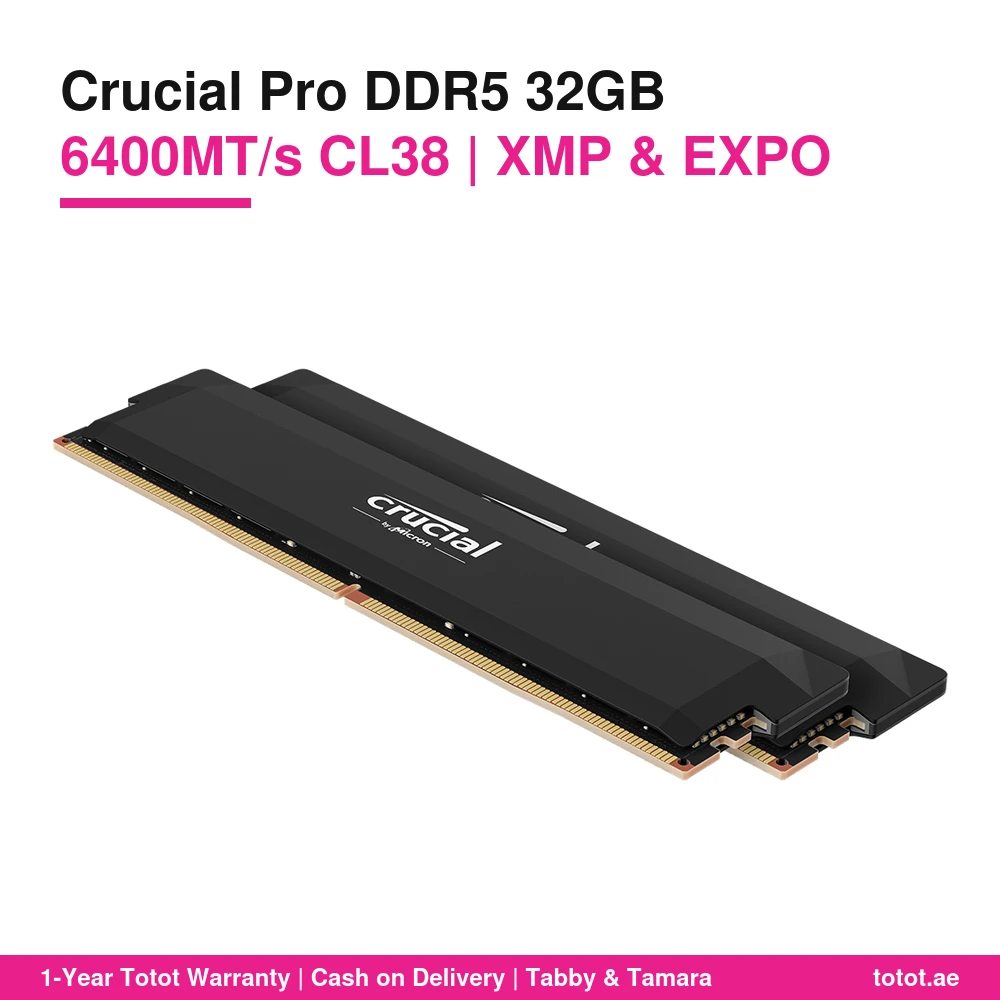
The Crucial Pro DDR5 32GB 6400 kit is Crucial’s Pro Overclocking memory in black, part number CP2K16G64C38U5B: two 16GB DDR5 UDIMMs rated at 6,400MT/s with CL38 timings (38-40-40-84) at 1.35V. Crucial, the consumer brand of Micron, calls it OC Gaming memory and gives it both Intel XMP 3.0 and AMD EXPO profiles, so one kit can move between an Intel Core and an AMD Ryzen build. It is in stock in the UAE and ships from Totot.
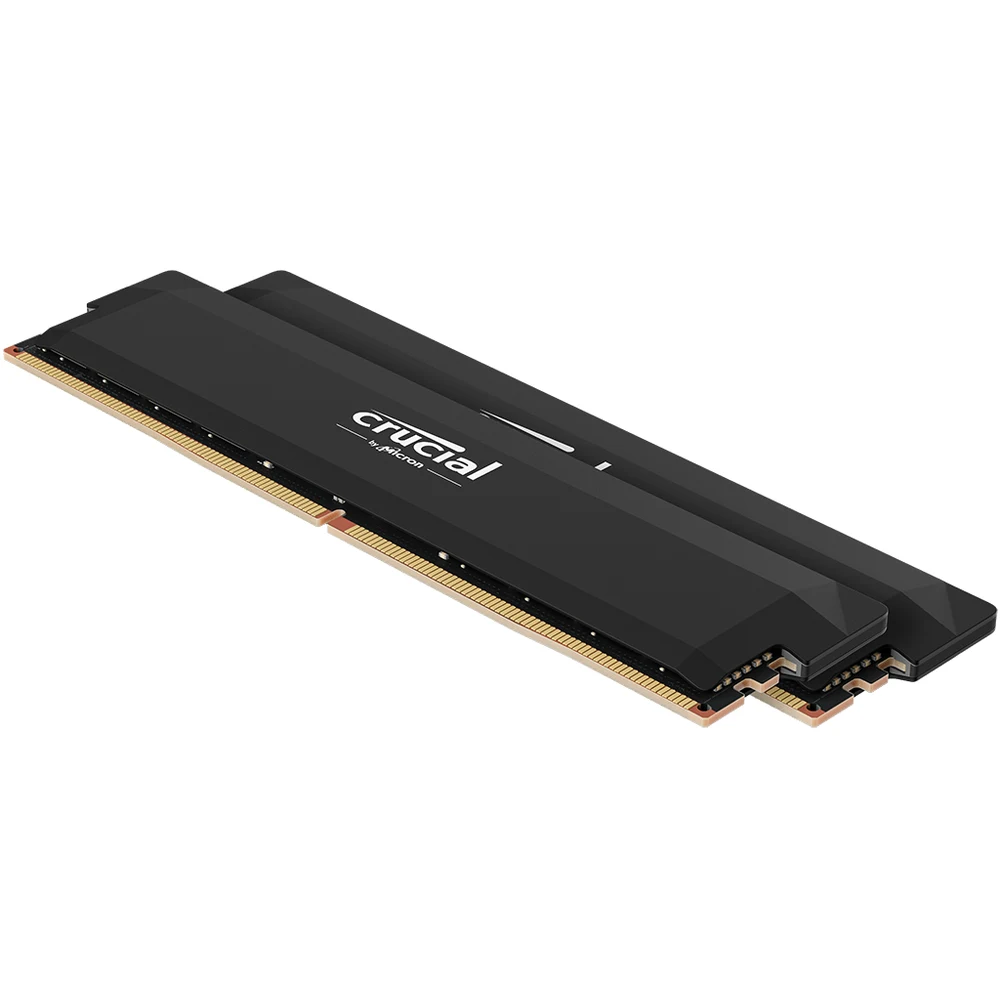
Table of Contents
What You Get With the Crucial Pro DDR5 32GB 6400 Kit
Inside the pack are two identical 16GB modules, 32GB in total, built as single-rank (1Rx8) sticks on 16Gb Micron DRAM dies. Crucial lists the kit as a 288-pin unbuffered DIMM with the PC5-51200 speed rating, which is the bandwidth label for DDR5-6400.
Two 16GB sticks are the common choice for a gaming PC in 2026: they fill one slot per channel, keep the board in dual-channel mode and leave two slots free on a four-slot motherboard if you later want to add more. The Crucial Pro DDR5 32GB 6400 kit is the black version; Crucial also sells the same Pro OC design in white under a different part number.
XMP and EXPO Profiles on the Crucial Pro DDR5 32GB 6400 Kit
The Crucial Pro DDR5 32GB 6400 kit stores four overclocking profiles, two for each platform, according to Crucial’s specification table:
- XMP 3.0 Profile 1: 6,400MT/s at 38-40-40-84
- XMP 3.0 Profile 2: 6,000MT/s at 36-38-38-80
- EXPO Profile 1: 6,400MT/s at 38-40-40-84
- EXPO Profile 2: 6,000MT/s at 36-38-38-80
The second profile is useful on AMD Ryzen systems, where many builders prefer 6,000MT/s to keep the memory clock in step with the processor’s Infinity Fabric. On an Intel board you can start with Profile 1 for the full 6,400MT/s and fall back to Profile 2 if the system does not post. Without a profile, the modules run at their default JEDEC settings, so remember to enable XMP or EXPO in the BIOS after installation.
Is the Crucial Pro DDR5 32GB 6400 Kit Compatible With My PC?
Crucial states that the Pro OC Gaming memory is compatible with Intel Core 13th and 14th Gen processors and AMD Ryzen 9000 Series processors. For Ryzen 7000 and 8000 chips, Crucial asks buyers to check compatibility with the board maker, because results can vary.
Crucial is also clear about what its compatibility list means: a confirmed system can boot at the default (JEDEC) profile, while booting at the advertised overclocked speed is not guaranteed. That depends on the CPU tier, the motherboard, the BIOS version and how many modules sit on each channel. If the PC fails to boot with XMP or EXPO on, reset the CMOS and the board will return to a safe speed. In practice, a recent BIOS update solves most first-boot problems with 6,400MT/s kits.
DDR5 Features Built Into Every Module
Like all DDR5 UDIMMs, each stick of the Crucial Pro DDR5 32GB 6400 kit carries its own power management integrated circuit (PMIC), so voltage regulation happens on the module instead of on the motherboard. Crucial notes that this gives better power regulation and less work for the board’s memory power circuitry.
The DRAM chips also include on-die ECC (ODECC), part of the DDR5 component standard. Crucial points out that this is not the same as module-level ECC on server or workstation memory: these sticks do not have the extra parts for system-level error correction, so they will not work as ECC memory in a workstation that requires it.
Crucial rates the modules for 6,400MT/s, 40-40-40-80 at 1.35V in its warranty notes and warns that running them beyond their rated clock, timings or voltage may damage components.
Who This Is Not For
Skip the Crucial Pro DDR5 32GB 6400 kit if your motherboard or laptop uses DDR4; DDR5 UDIMMs do not fit DDR4 slots. It is also not for laptops, which use SODIMM modules. Owners of Ryzen 7000 or 8000 systems should check their board’s memory support list first, as Crucial does not list those chips as confirmed. If you need true ECC memory for a workstation or server, look elsewhere. And if your games or projects already fill 32GB, a 64GB kit is the better long-term buy. Crucial does not publish the module height in its specification table, so builders with very large air coolers should measure clearance before ordering.
Ordering in the UAE
Totot delivers across the UAE within up to 3 business days, and delivery is free on orders from AED 300. You can pay cash on delivery, or split the payment with Tabby or Tamara. If your Crucial Pro DDR5 32GB 6400 kit arrives defective or is not what you ordered, you can return it within 14 days, and any damage from shipping should be reported within 48 hours of delivery.
Browse more RAM (Random Access Memory) at Totot, or see the official Crucial page for full product details.
Technical Specifications
- Model: Crucial Pro DDR5-6400 CL38 32GB Kit (16GBx2) UDIMM: OC Gaming Memory, Black
- Part number: CP2K16G64C38U5B
- Capacity: 32GB kit (2 x 16GB)
- Module type: DDR5 UDIMM, unbuffered, 288-pin
- Speed: DDR5-6400 (PC5-51200)
- CAS latency / timings: CL38, 38-40-40-84
- Voltage: 1.35V
- XMP 3.0 profiles: 6,400MT/s 38-40-40-84; 6,000MT/s 36-38-38-80
- AMD EXPO profiles: 6,400MT/s 38-40-40-84; 6,000MT/s 36-38-38-80
- Rank / die: 1Rx8, 16Gb die density
- Error correction: On-die ECC (not system-level ECC)
- Colour: Black
- Platform support (per Crucial): Intel Core 13th-14th Gen, AMD Ryzen 9000; Ryzen 7000-8000 to be verified with the board maker
- Warranty: 1-year warranty from Totot
FAQ
Does the Crucial Pro DDR5 32GB 6400 kit run at 6,400MT/s out of the box?
No. It boots at its default JEDEC settings; you reach 6,400MT/s by enabling XMP 3.0 or AMD EXPO Profile 1 in the BIOS, and Crucial says the overclocked speed depends on your CPU, board and BIOS.
Does it work on AMD Ryzen?
Yes. It has AMD EXPO profiles, and Crucial lists Ryzen 9000 Series as compatible; for Ryzen 7000 and 8000 check your motherboard’s support list.
What is the second profile for?
6,000MT/s at 36-38-38-80 is stored as XMP and EXPO Profile 2, a slightly lower speed with tighter timings that many Ryzen builders prefer.
Is the Crucial Pro DDR5 32GB 6400 kit ECC memory?
No. The chips have DDR5 on-die ECC, but the modules lack the parts for system-level ECC used in servers and workstations.
Are the modules single rank?
Yes. Crucial lists the organisation as 1Rx8 with 16Gb die density.
Will it fit under a large CPU air cooler?
Crucial does not publish the module height on its specification page, so measure the space between your cooler and the RAM slots before ordering.

 No products in the cart.
Reviews
There are no reviews yet