
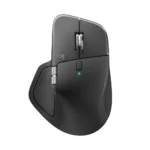
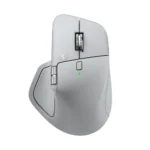
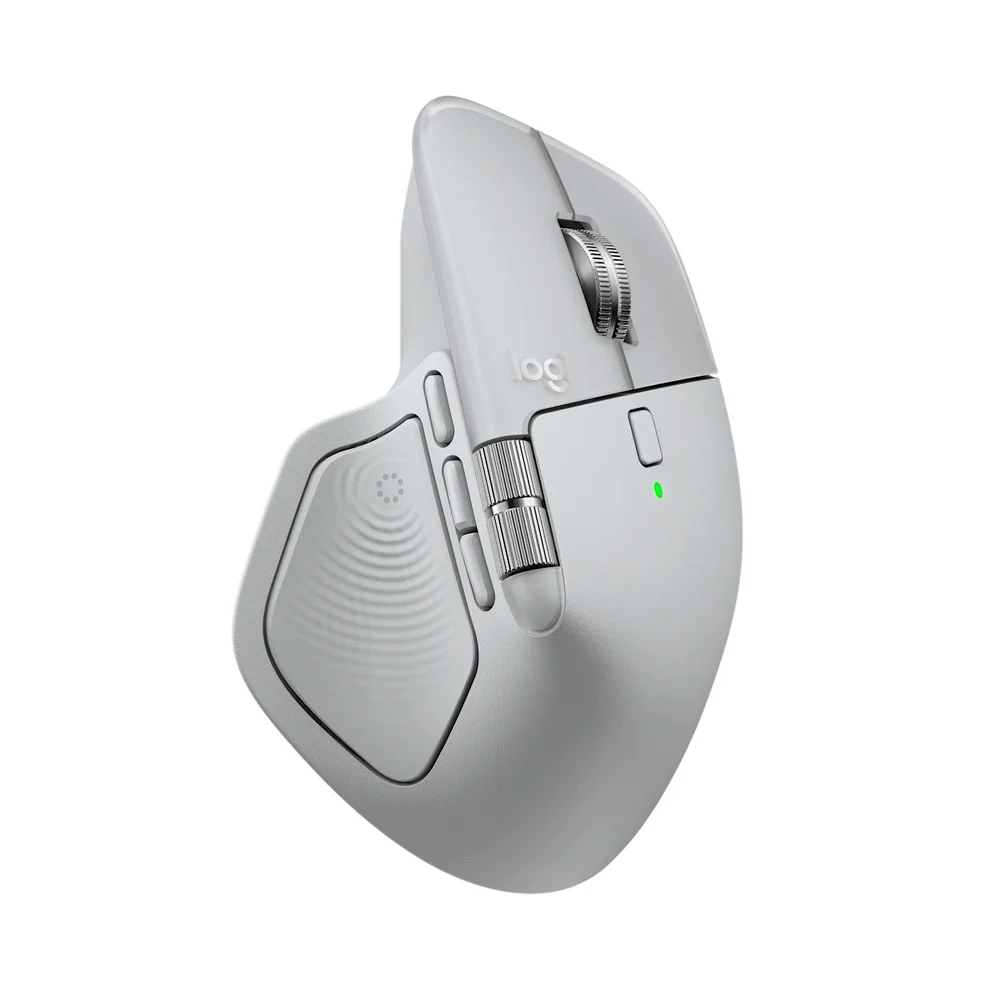
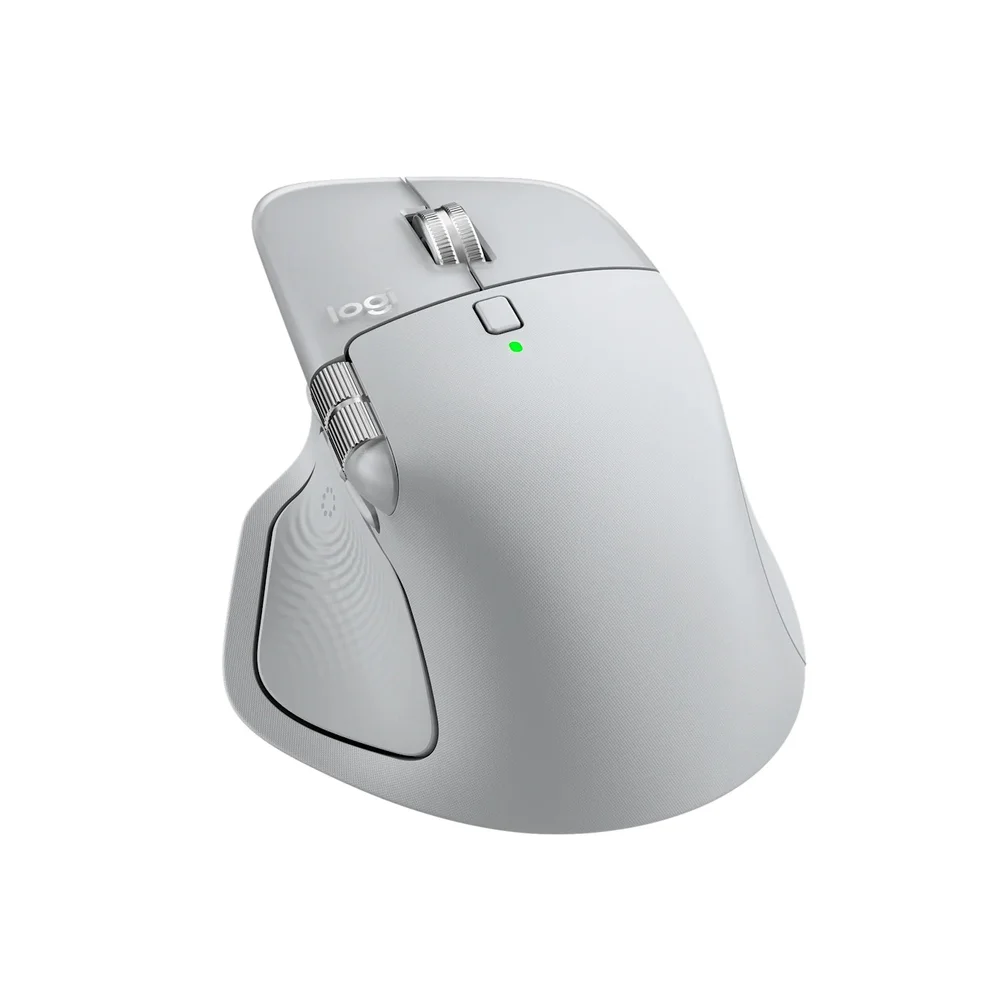
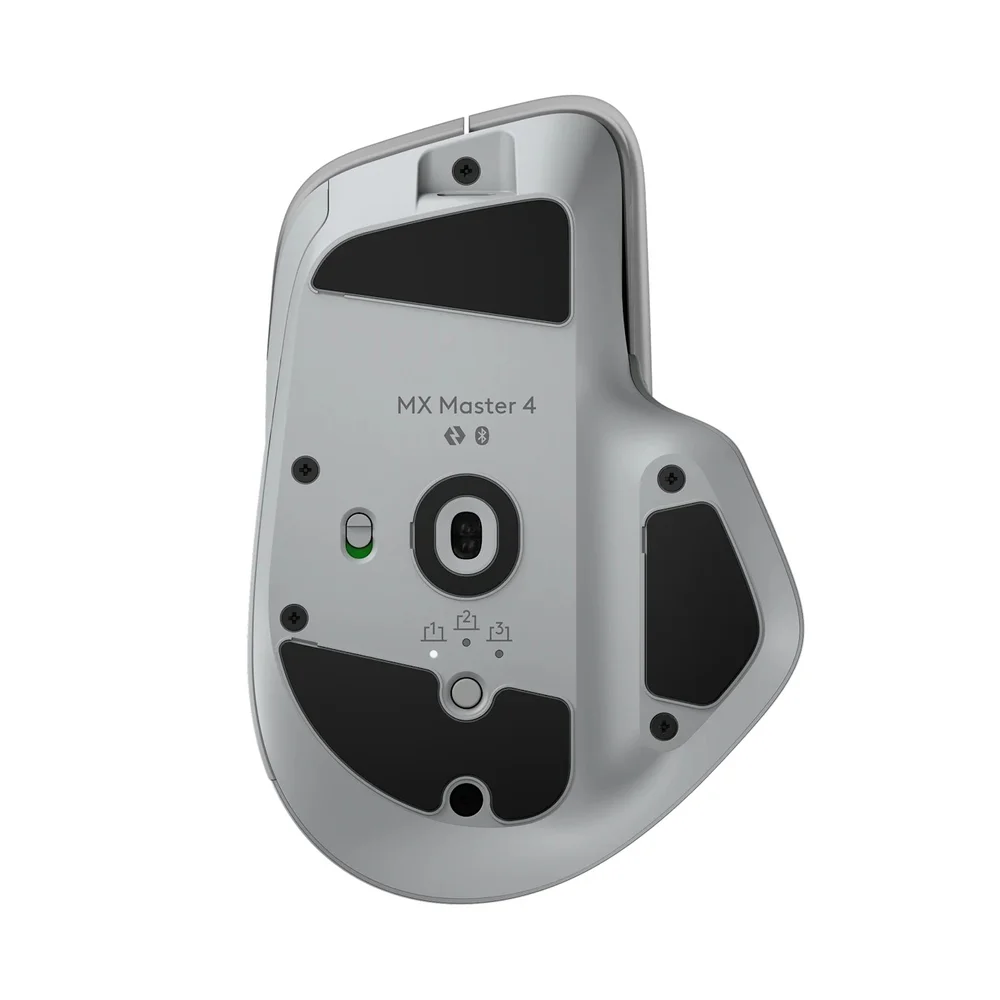
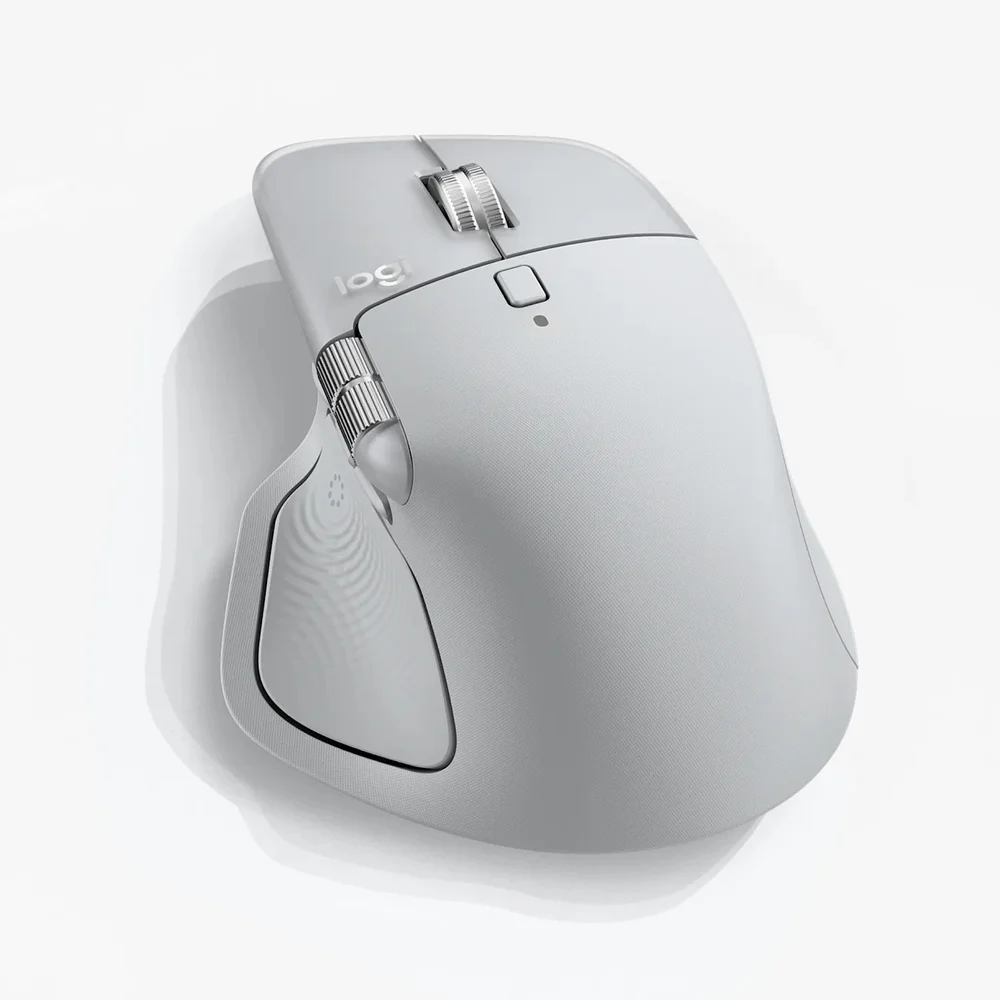
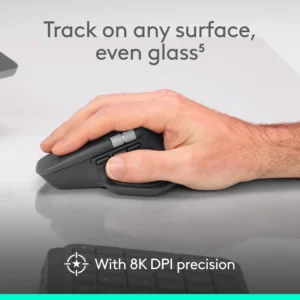
The MX Master 4 Pale Gray is the light colour of Logitech’s flagship productivity mouse, part number 910-007559: an off-white grey shell with lighter grey accents. It is the shade that matches a silver MacBook, a white iMac or a bright Scandinavian-style desk. Inside it is identical to the other colours: a Haptic Sense Panel under the thumb, the Actions Ring shortcut menu, an 8,000 DPI sensor that works even on glass, the MagSpeed wheel, Bluetooth or the included USB-C Logi Bolt receiver, and up to 70 days per full charge.
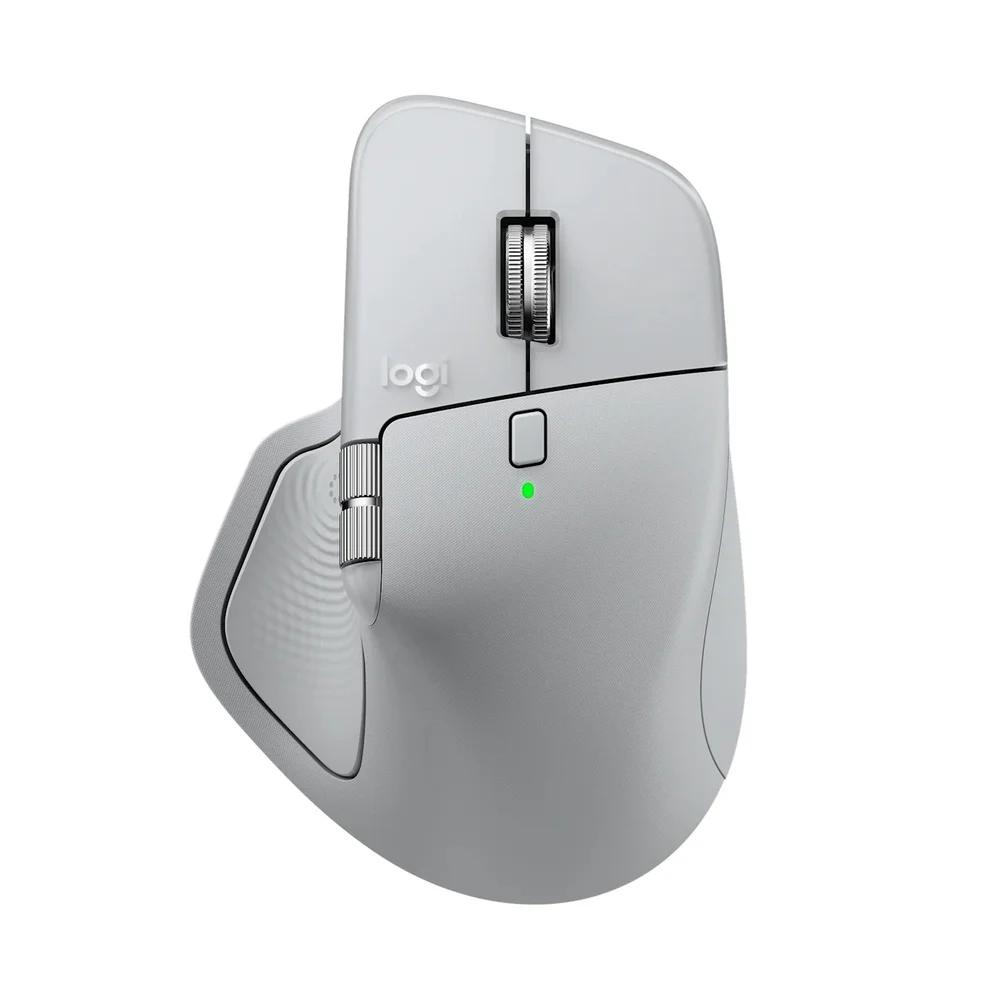
Table of Contents
Who Pale Gray suits
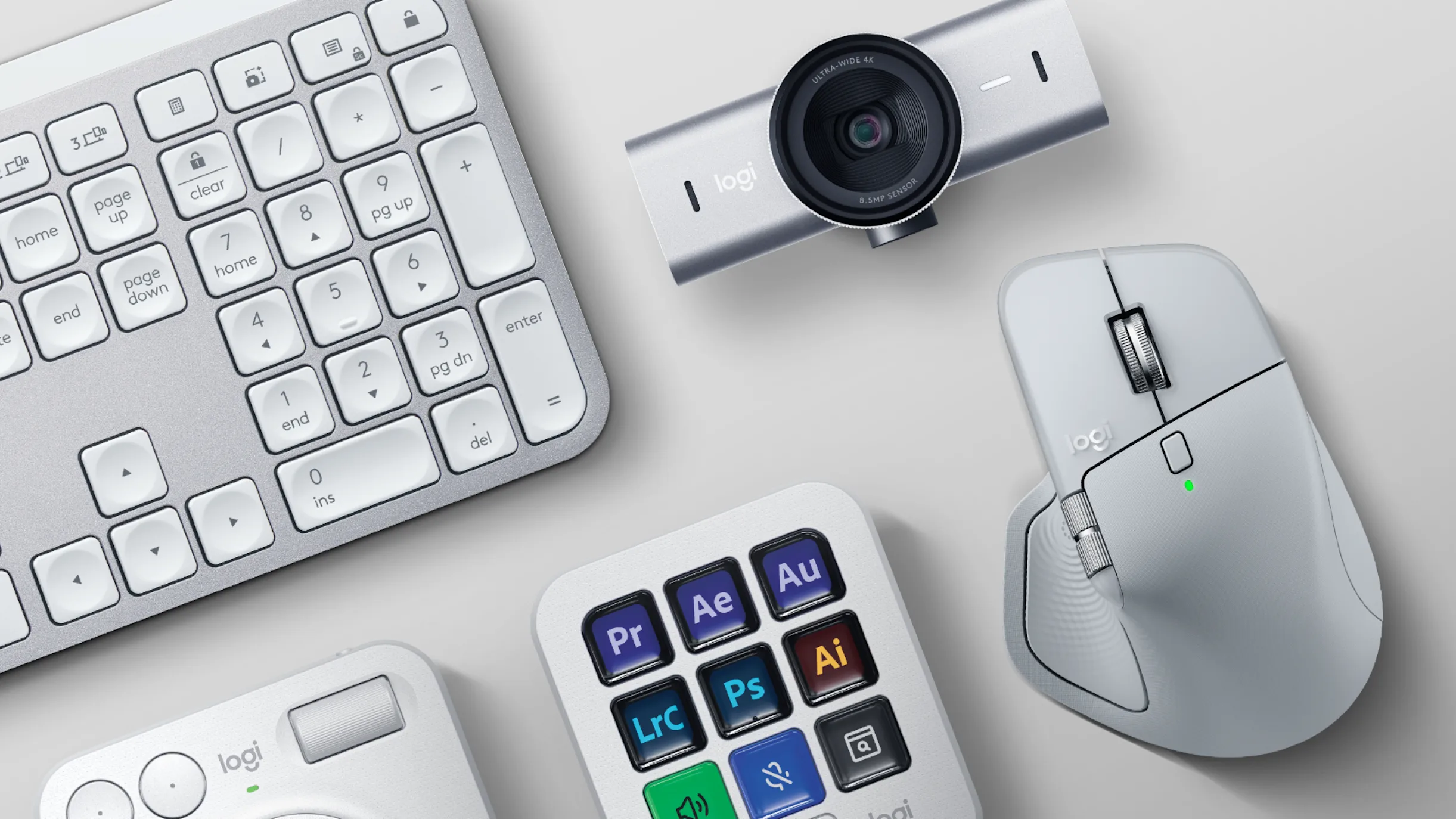
Pale Gray is for people who work on a light setup: a silver or Starlight MacBook, a white keyboard such as the MX Keys S Pale Gray, white desk mats and light wood. On camera in video calls and on a clean desk it looks calmer than a dark mouse. The honest trade-off is care. A light thumb rest and palm area slowly show skin oils and the grey tint of daily use, more so in a warm room. Wiping the MX Master 4 Pale Gray with a slightly damp microfibre cloth once a week keeps it looking new; avoid strong solvents that can affect the soft-touch coating.
A good fit for Mac users
Logitech supports the MX Master 4 Pale Gray fully on macOS 13 or later through Logi Options+, including haptics, the Actions Ring, Smart Actions and Flow, which lets you move the cursor, copy and paste and drag files between a Mac and a Windows PC. Because the Bolt receiver is now USB-C, it plugs straight into a MacBook without an adapter, or you can pair over Bluetooth and keep the port free. Up to three devices can be paired to the MX Master 4 Pale Gray and switched with the Easy-Switch button or from the Actions Ring.
Haptics and the Actions Ring, in brief
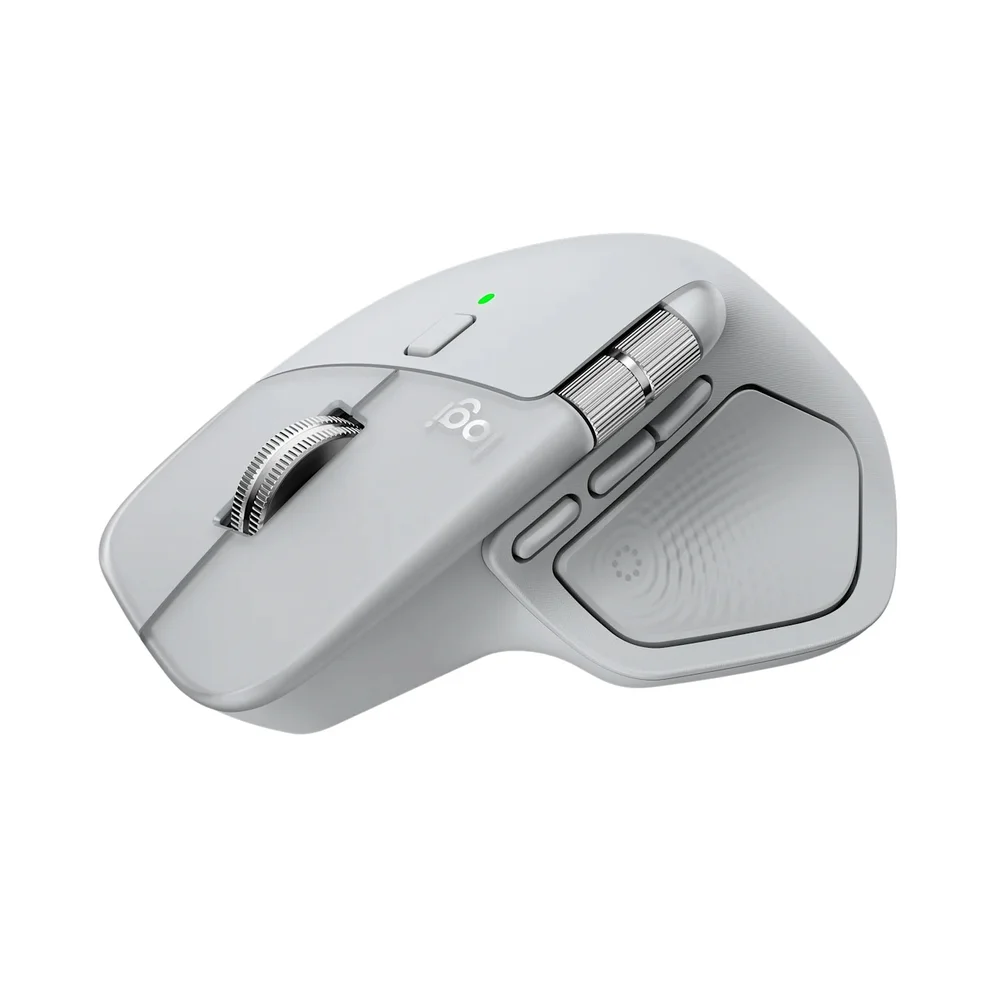
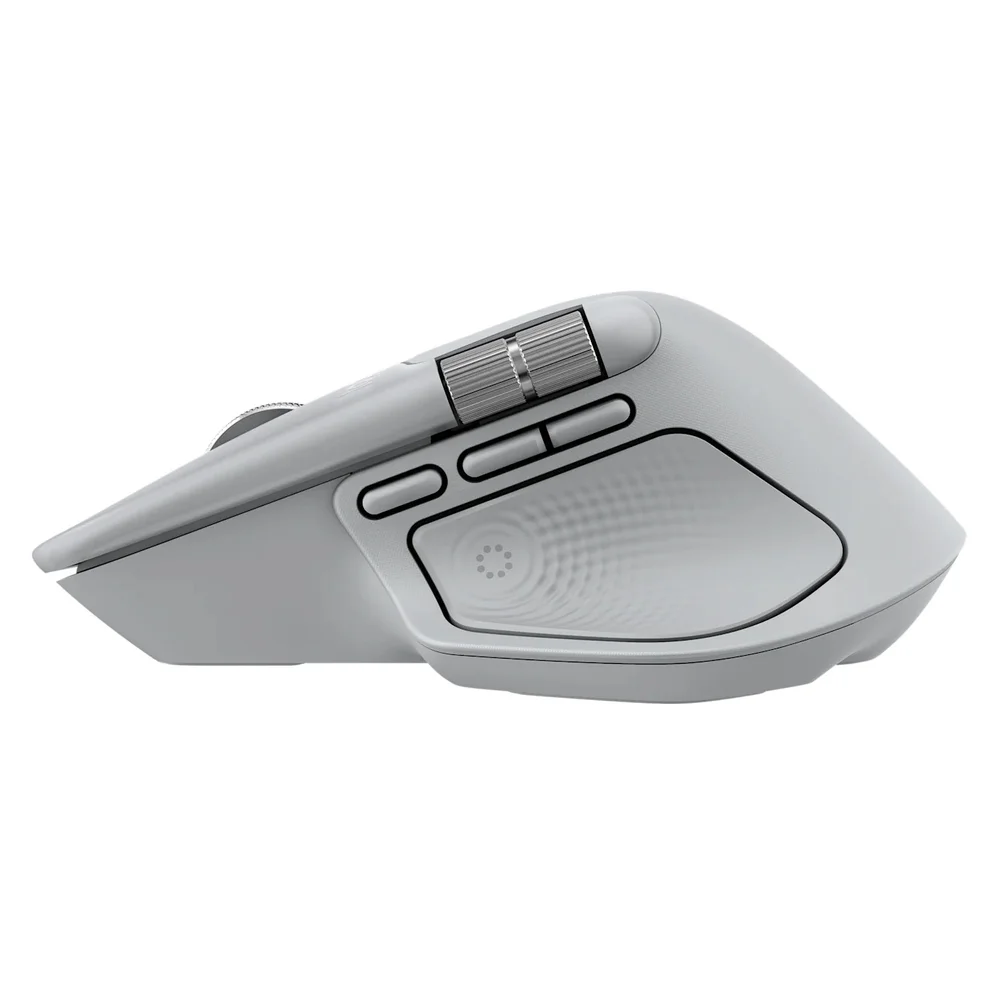
The Haptic Sense Panel on the MX Master 4 Pale Gray gives a short tactile pulse for actions like snapping to a grid, desktop switching and slider changes, with plugins for Photoshop, Lightroom Desktop and Zoom. The Actions Ring brings your chosen shortcuts to the cursor; Logitech says it can save up to 33% of your time. Both are configured in Logi Options+, and the haptics can be turned down or off.
The rest, in brief
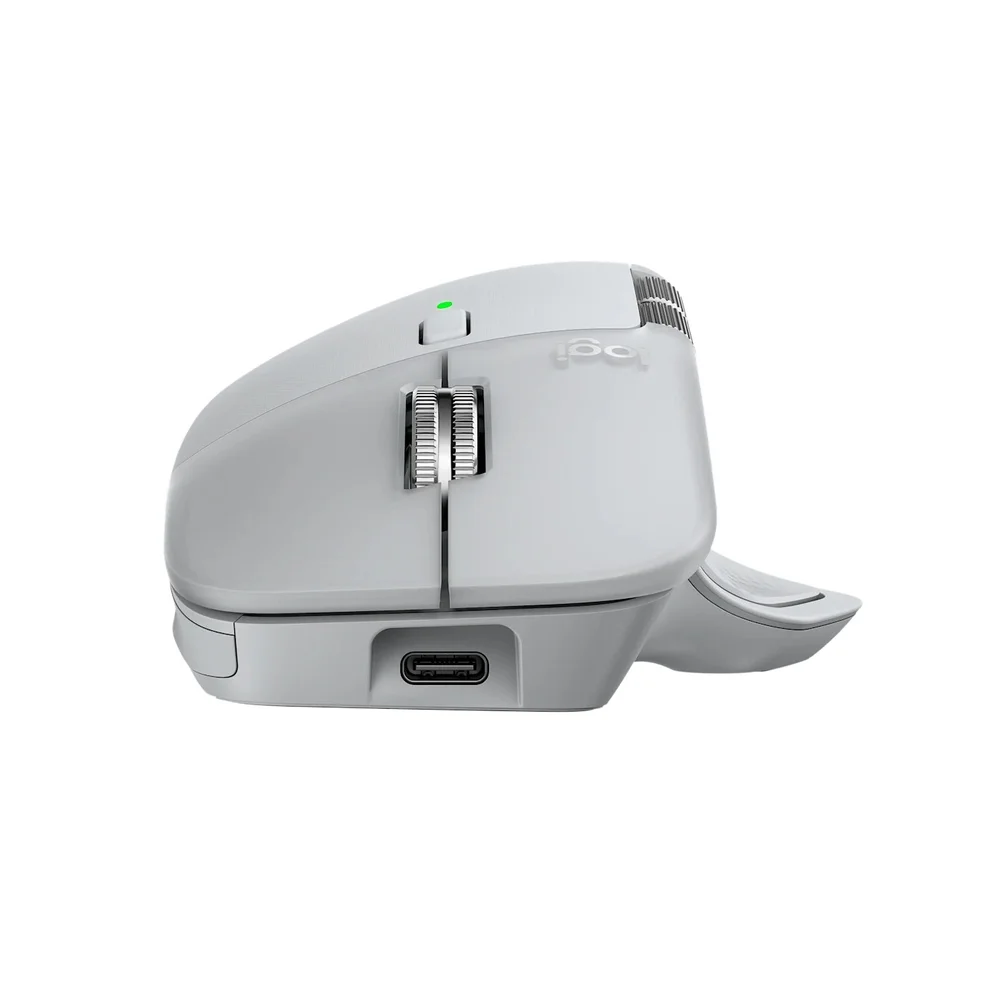
The MX Master 4 Pale Gray Darkfield sensor covers 200 to 8,000 DPI in steps of 50 and tracks on virtually any surface, glass included. The MagSpeed wheel scrolls up to 1,000 lines per second in free-spin mode, the thumb wheel handles horizontal scrolling, and there are 8 buttons in total. Logitech rates the 650 mAh battery for up to 70 days, with three hours from a one-minute charge. The weight is 150 g and the size 128.15 × 88.35 × 50.8 mm. The box holds the mouse, the USB-C Bolt receiver and documentation; no charging cable is included.
Who This Is Not For
The MX Master 4 Pale Gray is not for anyone who wants a mouse that hides dirt; the light shell shows use sooner than Graphite. Like every MX Master 4 it is right-handed only, weighs 150 g, is not a gaming mouse, ships without a charging cable, and offers only basic functions on Linux, ChromeOS, iPadOS and Android.
Ordering from Totot
Totot sells the MX Master 4 Pale Gray brand-new and genuine in its sealed box, backed by a 1-year warranty from Totot. Delivered across the UAE in up to 3 business days, free on orders from AED 300, with cash on delivery or instalments via Tabby and Tamara. Items that arrive defective or not as ordered can be returned within 14 days, and any shipping damage should be reported within 48 hours of delivery. Browse more in our Mouse range, or see the official Logitech MX Master 4 page.


MX Master 4 Pale Gray Specifications
- Model: Logitech MX Master 4
- Part number: 910-007559
- Colour: Pale Gray
- Sensor: Darkfield high precision, 8,000 DPI, tracks on glass
- DPI range: 200 – 8,000 in steps of 50 (nominal 1,000)
- Buttons: 8, including gesture button
- Haptics: Haptic Sense Panel with customizable feedback via Logi Options+
- Scroll wheel: MagSpeed electromagnetic with SmartShift, up to 1,000 lines per second
- Thumb wheel: Yes, for horizontal scrolling
- Connection: Bluetooth Low Energy 5.1 or Logi Bolt USB-C receiver (included)
- Wireless range: 10 m
- Multi-device: Up to 3 devices, Easy-Switch and Actions Ring
- Battery: Rechargeable 650 mAh; up to 70 days per full charge; 1-minute quick charge = 3 hours
- Charging: USB-C (charging cable not included)
- Dimensions: 128.15 × 88.35 × 50.8 mm
- Weight: 150 g
- Systems: Windows, macOS (full features with Logi Options+); Linux, ChromeOS, iPadOS, Android (basic functions)
- In the box: Mouse, USB-C Logi Bolt receiver, user documentation
- Warranty: 1-year warranty from Totot
MX Master 4 Pale Gray FAQ
Does the MX Master 4 Pale Gray get dirty easily?
Yes, the light finish shows skin oils sooner than Graphite; a weekly wipe with a damp microfibre cloth keeps it clean.
Does it work fully on a Mac?
Yes. Logi Options+ on macOS 13 or later supports haptics, the Actions Ring, Smart Actions and Flow.
Does the receiver fit a MacBook directly?
Yes. The included Logi Bolt receiver is USB-C, or you can connect over Bluetooth.
Is a charging cable included?
No. The box contains the mouse, the USB-C Bolt receiver and documentation.
How many devices can it switch between?
3 devices, via Easy-Switch or the Actions Ring.
Is it genuine?
Yes. We sell the genuine Logitech MX Master 4 in Pale Gray, brand-new in its sealed box.
How long does delivery take?
Up to 3 business days anywhere in the UAE, free on orders from AED 300; any current delivery fee for your order is shown at checkout.




 No products in the cart.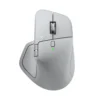
Reviews
There are no reviews yet