
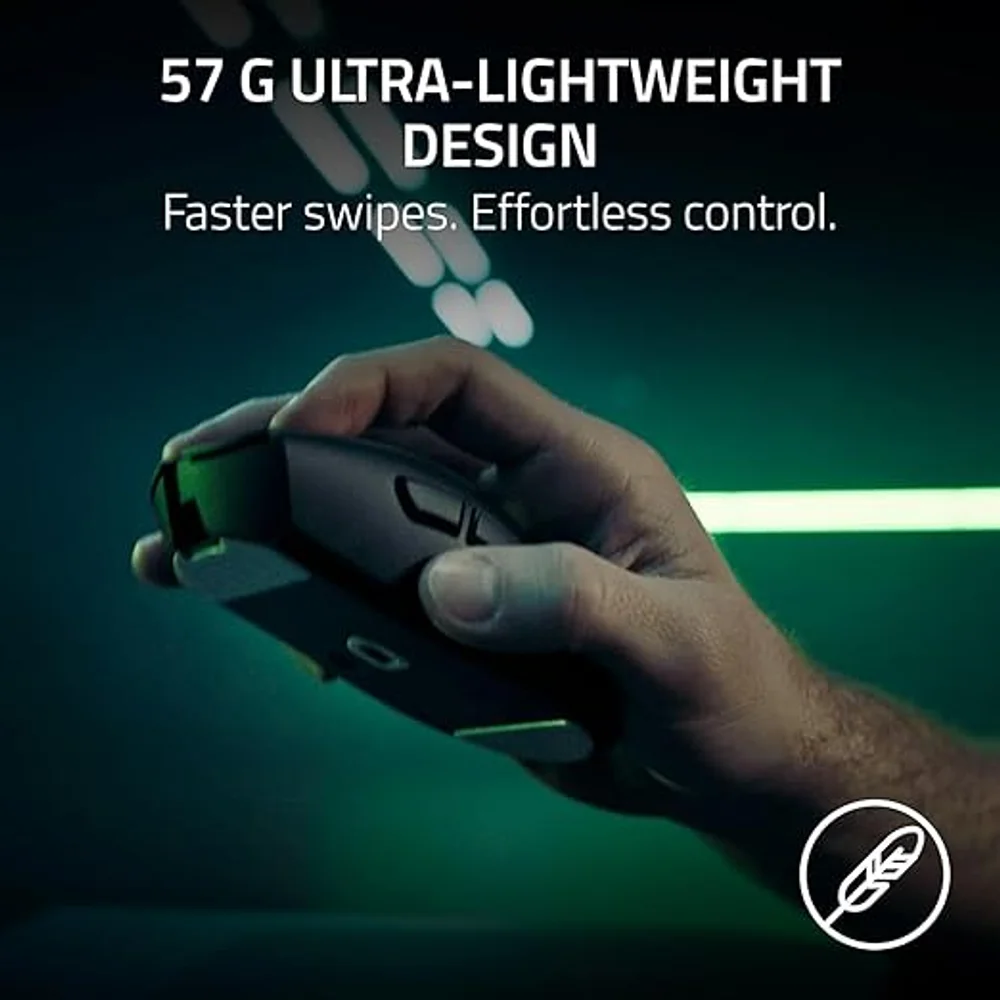
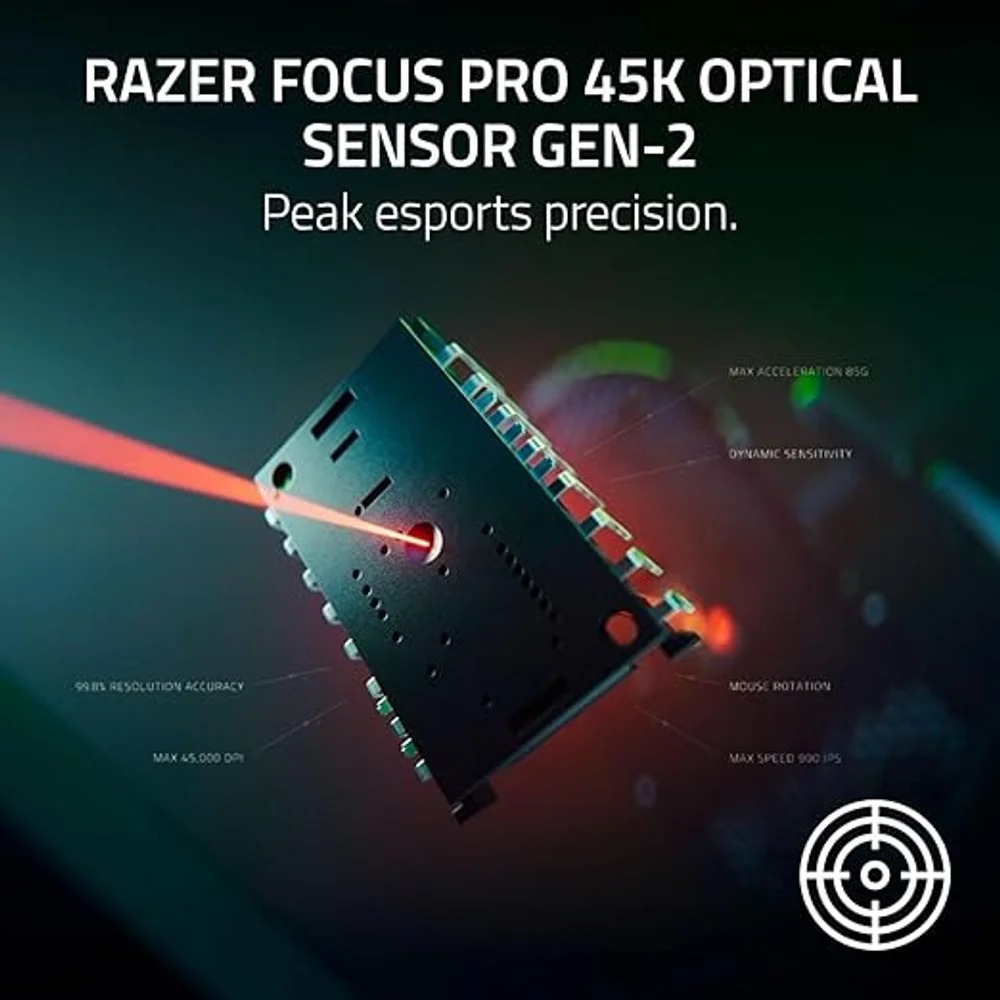
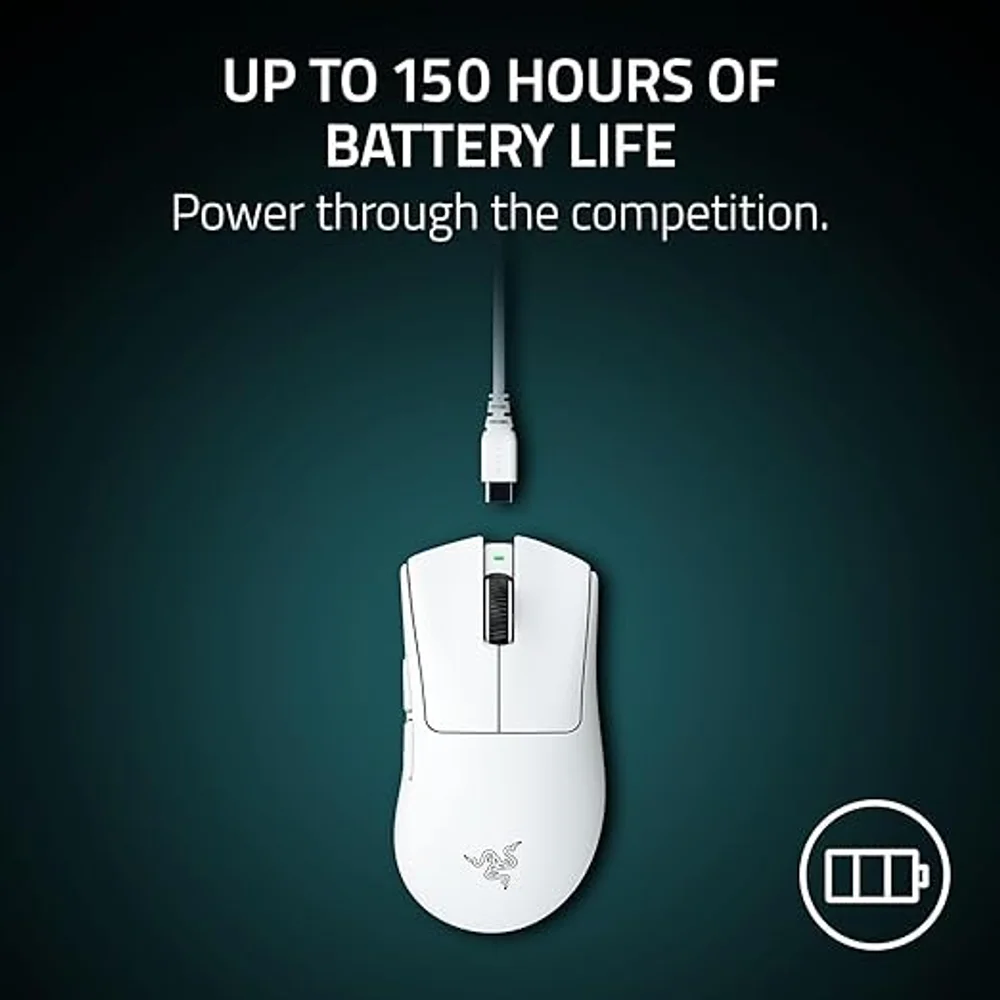

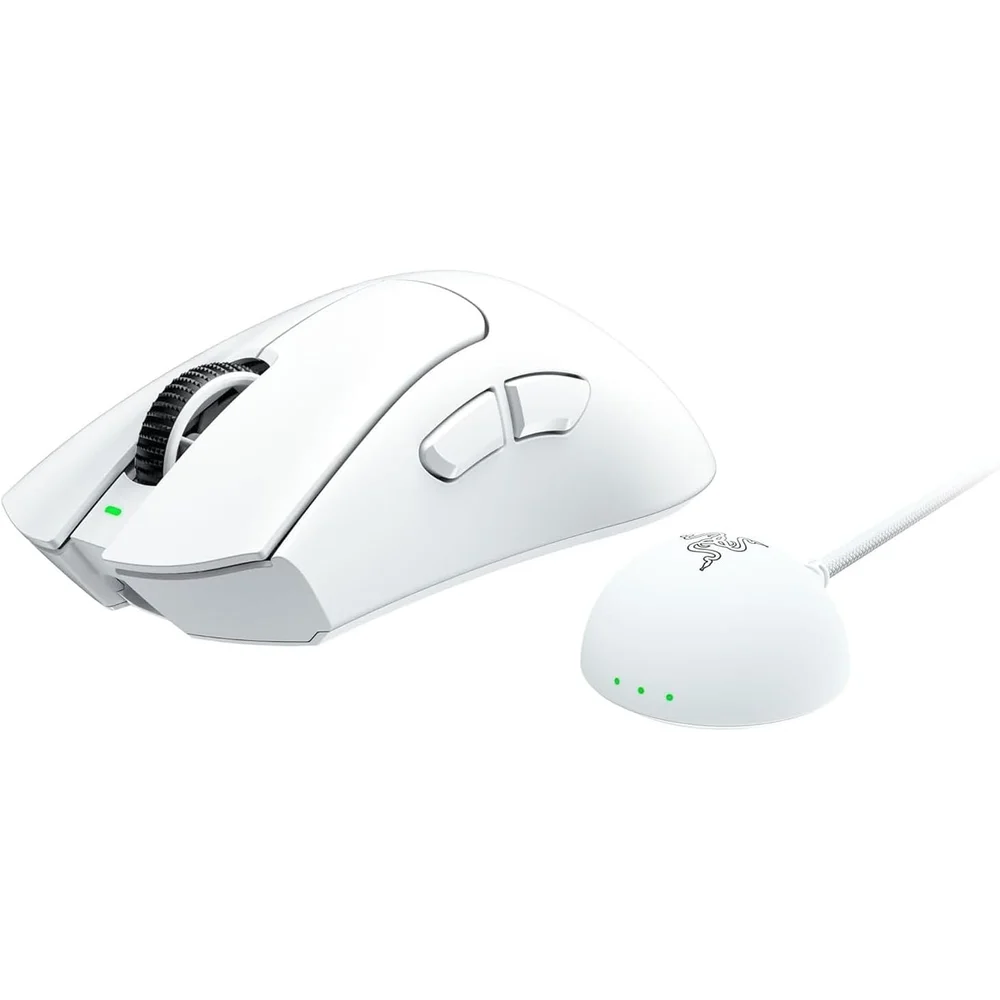
The DeathAdder V4 Pro White is the same right-handed esports mouse as the black version in a clean white shell. Razer lists it at 57 g, one gram more than the black model, and keeps everything else identical: the Focus Pro 45K Optical Sensor Gen-2, HyperSpeed Wireless Gen-2 with up to 8000 Hz polling, and Optical Mouse Switches Gen-4. So the real question on this page is not performance but whether white suits your desk and how you look after it.
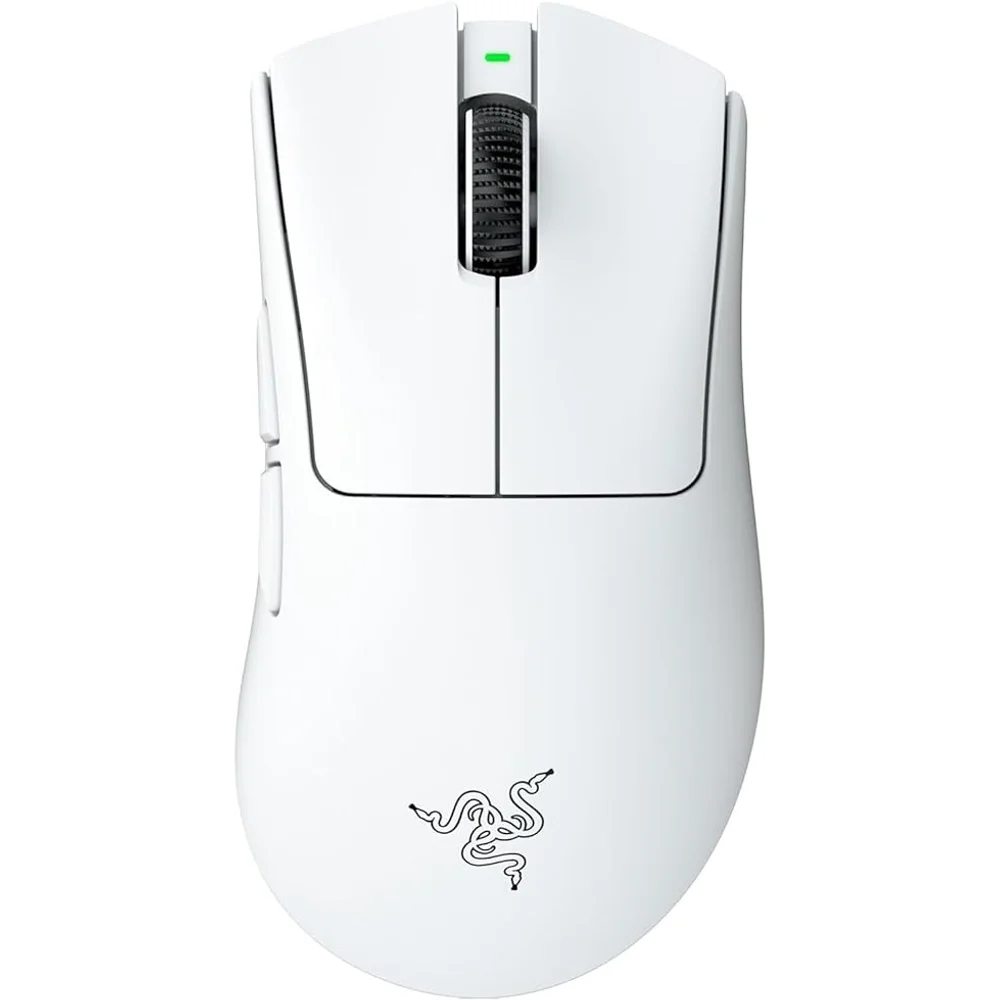
Table of Contents
What the White Edition Changes, and What It Does Not
Razer’s specification lists two weights for the standard models: 56 g for black and 57 g for the DeathAdder V4 Pro White, both measured without cable and dongle. One gram is below what most players can feel, and it comes from the different finish, not from different parts. Shape, sensor, switches, polling rate, battery and software are the same.
That makes the DeathAdder V4 Pro White an easy decision if you like the look. You give up nothing that shows up in your aim.
Setups Where the DeathAdder V4 Pro White Makes Sense
White peripherals are the core of the popular all-white desk: white keyboard, white headset, a light grey or white mouse pad and a monitor on a pale arm. A black mouse breaks that look; the DeathAdder V4 Pro White completes it. It also suits a shared study or home office where a black gaming mouse looks out of place, and it photographs well if you stream with a camera on your hands.
On a dark desk mat a white mouse stands out clearly, which some players like because they can find it by feel and sight in a dim room. If your whole setup is black and you just want the mouse to disappear, the black model is the better match.
Keeping a White Mouse Clean
Be realistic: white shows use. After weeks of daily play the DeathAdder V4 Pro White will pick up grey marks where your palm and fingertips rest, and dye from dark jeans or a new leather sleeve can transfer. In a hot UAE summer with sweaty hands this happens faster.
The fix is routine rather than hard. Switch the mouse off, wipe the shell with a microfibre cloth that is barely damp, and dry it. For stubborn marks a tiny amount of mild soapy water on the cloth works; avoid alcohol wipes, bleach and abrasive sponges, which can wear the coating. Wash your hands before long sessions and the DeathAdder V4 Pro White stays bright for much longer. Clear grip tape on the sides protects the most-touched areas without hiding the colour.
Shape and Grip
Razer describes the DeathAdder V4 Pro as a right-handed ergonomic mouse measuring 128.0 x 68.0 x 44.0 mm. The raised back fills the palm, which suits palm and relaxed claw grips. Razer’s newsroom mentions split side buttons to cut accidental presses and larger PTFE feet than the previous generation.
The Rest, in Brief
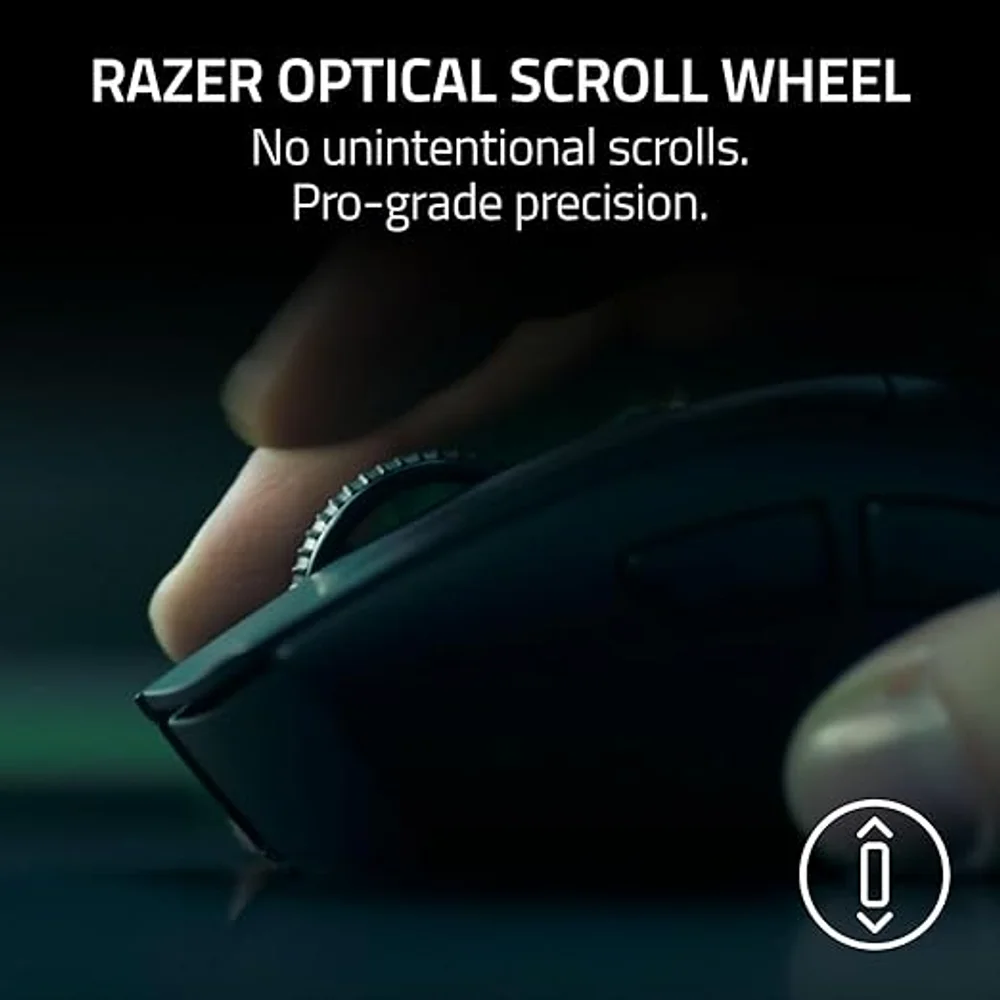
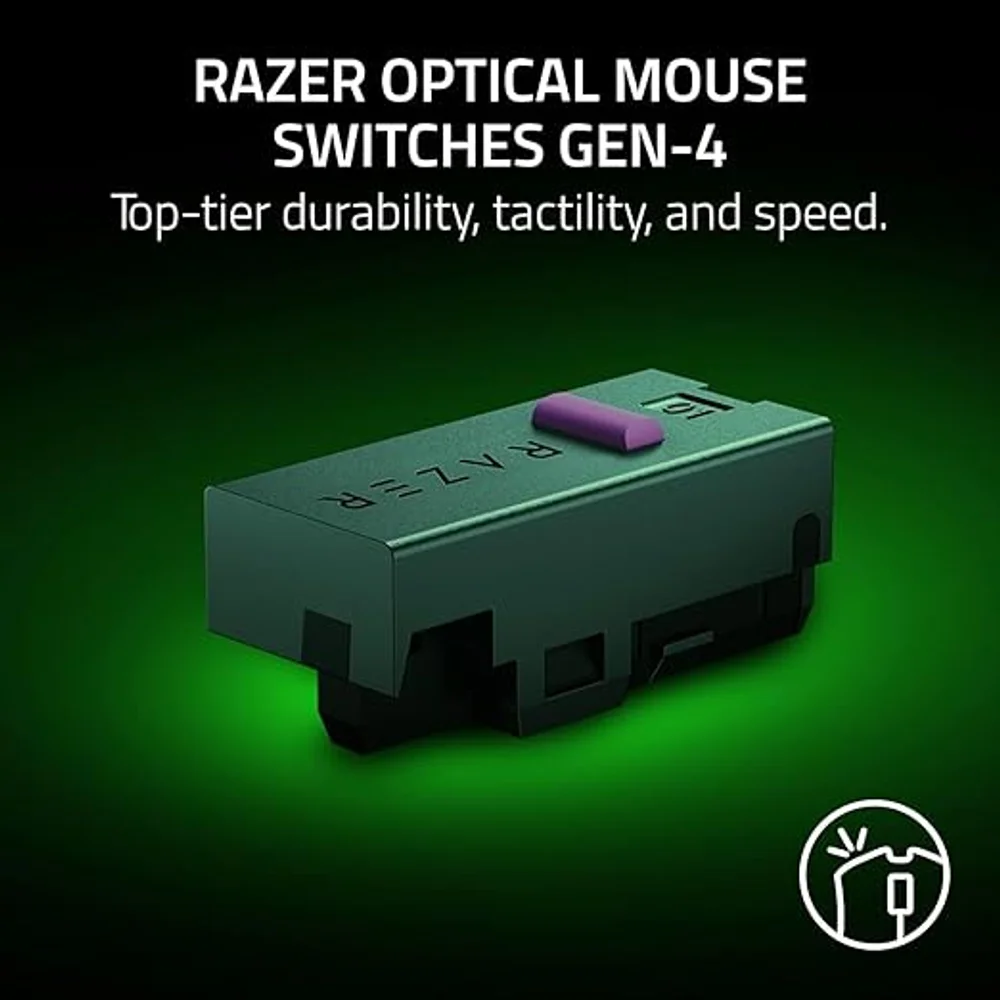
The Focus Pro 45K Optical Sensor Gen-2 reaches 45,000 DPI, 900 IPS and 85 G. Polling goes up to 8000 Hz wireless and wired. Razer rates the battery at up to 150 hours at 1000 Hz (with the latest firmware) and up to 22 hours at 8000 Hz. The switches are Optical Mouse Switches Gen-4 rated for 100 million clicks, the scroll wheel is a 24-step optical wheel, and there is one onboard profile. Default DPI stages are 400, 800, 1600, 3200 and 6400.
Who This Is Not For
Left-handed players, because the DeathAdder V4 Pro White is a right-handed shape. Anyone who does not want to wipe a mouse regularly: white shows palm marks sooner than black. Buyers who need Bluetooth, since Razer lists only the HyperSpeed dongle and a cable. Players who want 8000 Hz full-time and rarely charge, as battery life at 8000 Hz is up to 22 hours.
Ordering the DeathAdder V4 Pro White in the UAE
We deliver the DeathAdder V4 Pro White anywhere in the UAE in up to 3 business days, free on orders from AED 300. It carries a 1-year warranty from Totot. A defective or non-matching item can be returned within 14 days, and shipping damage should be reported within 48 hours of delivery.
Technical Specifications
- Model: Razer DeathAdder V4 Pro, White
- Form factor: Right-handed ergonomic
- Sensor: Focus Pro 45K Optical Sensor Gen-2
- Max sensitivity: 45,000 DPI
- Max speed / acceleration: 900 IPS / 85 G
- Polling rate: Up to 8000 Hz (0.125 ms), wireless and wired
- Connectivity: Razer HyperSpeed Wireless Gen-2 (dongle), wired; no Bluetooth
- Battery life: Up to 150 hours at 1000 Hz; up to 22 hours at 8000 Hz (latest firmware)
- Switches: Razer Optical Mouse Switches Gen-4, 100-million-click lifecycle
- Scroll wheel: 24-step optical
- Programmable buttons: 6 (Razer spec table); Razer feature copy counts 8 programmable controls
- On-board memory: 1 profile
- Mouse feet: 100% PTFE
- RGB lighting: None
- Cable: USB Type-A to USB Type-C
- Dimensions: 128.0 x 68.0 x 44.0 mm
- Weight: 57 g (excluding cable and dongle)
- Warranty: 1-year warranty from Totot
Specifications are from Razer’s DeathAdder V4 Pro product page and technical specifications, and the Razer newsroom launch announcement. Full details are published on the Razer DeathAdder V4 Pro page.
FAQ
Is the DeathAdder V4 Pro White heavier than the black one?
Yes, by 1 g. Razer lists 57 g for white and 56 g for black, both without cable and dongle.
Does the white finish get dirty?
Yes, over time. Palm and fingertip areas pick up grey marks; wipe it with a barely damp microfibre cloth and avoid alcohol.
Is the white model slower or less accurate?
No. Razer lists the same sensor, polling rate, switches and battery for both colours.
What is the battery life?
150 hours at 1000 Hz with the latest firmware, and up to 22 hours at 8000 Hz, according to Razer.
Can I use the DeathAdder V4 Pro White wired?
Yes. It works wired through the USB Type-A to USB Type-C cable, at up to 8000 Hz.
Browse more in our Mouse range. Every order from Totot carries a 1-year warranty covering manufacturing defects, with our 14-day return policy for defective or non-compliant items, and nationwide UAE delivery.





 No products in the cart.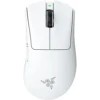
Reviews
There are no reviews yet