
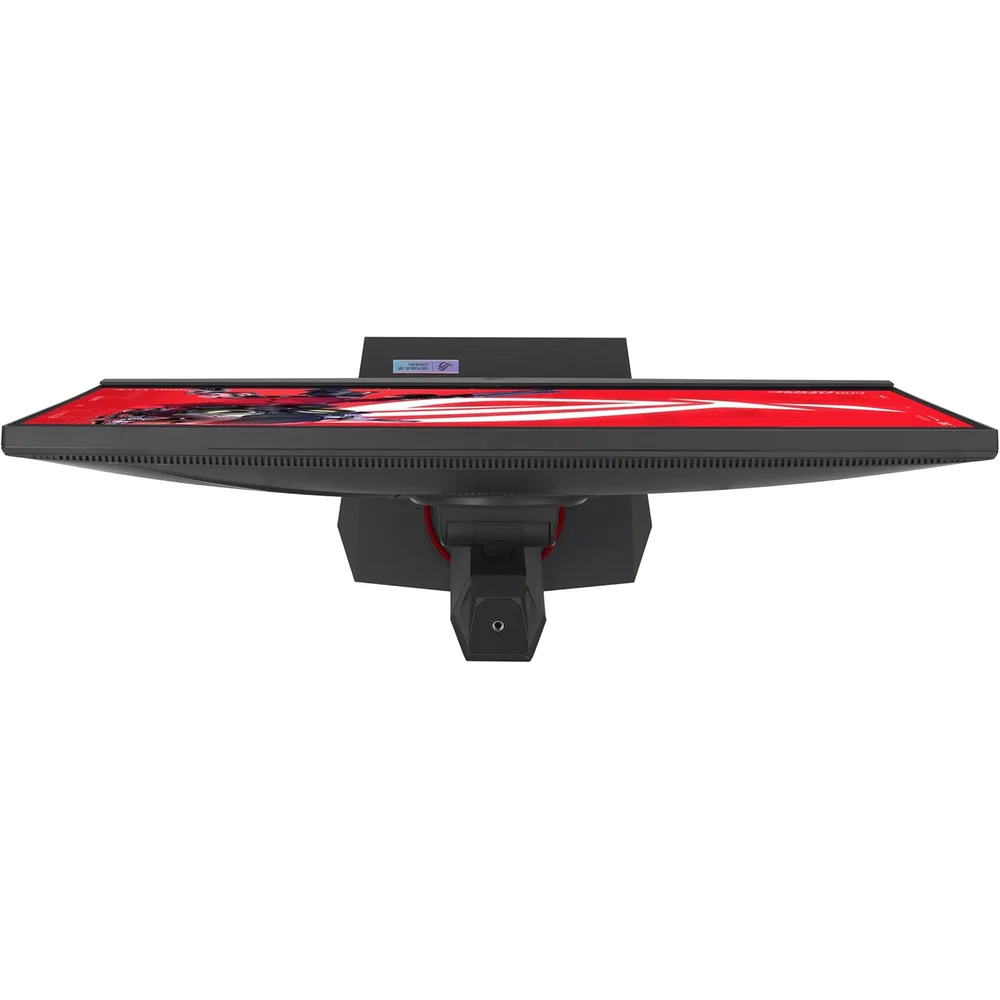
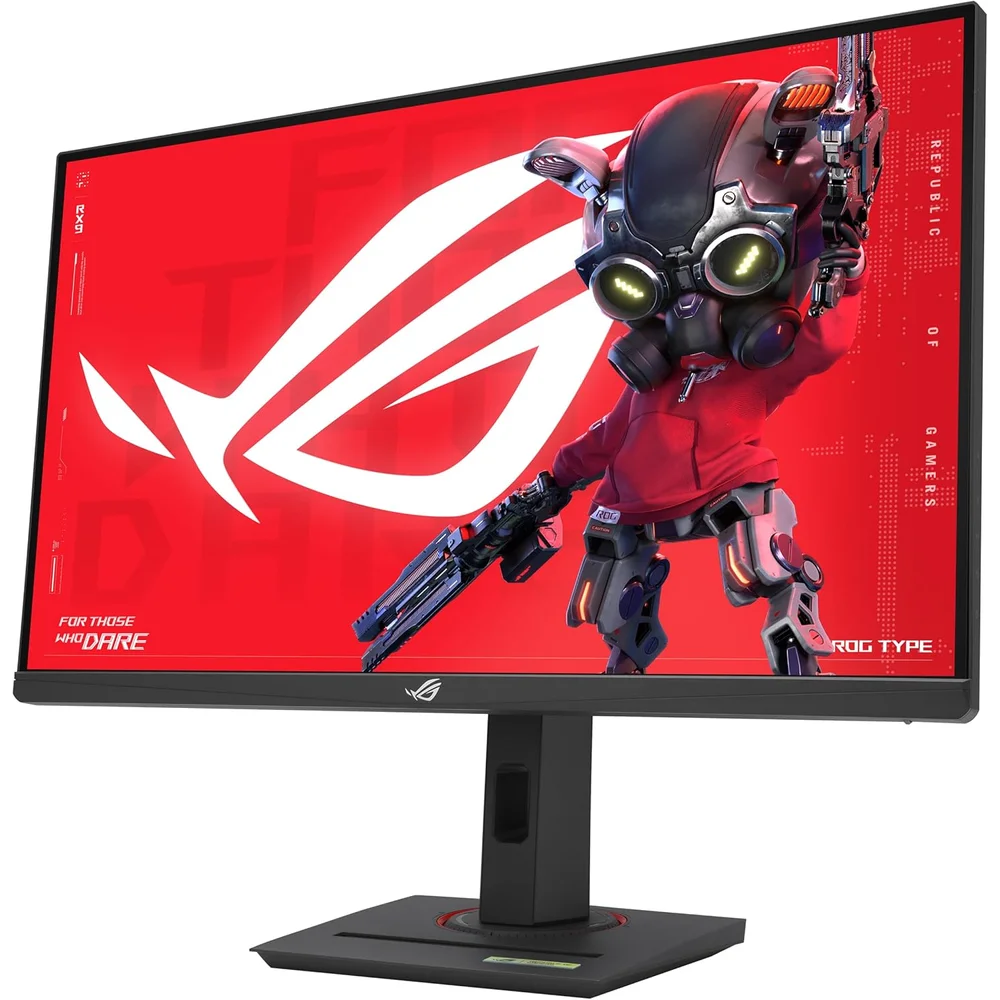
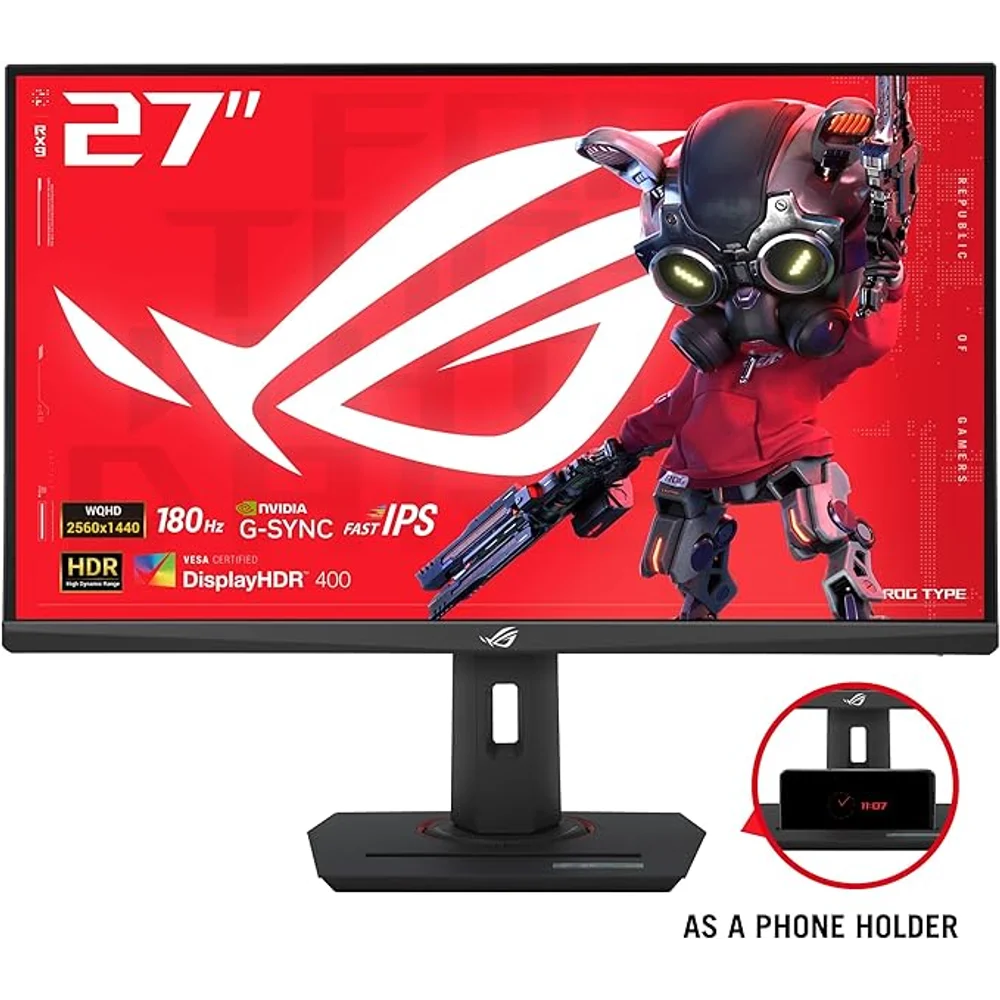
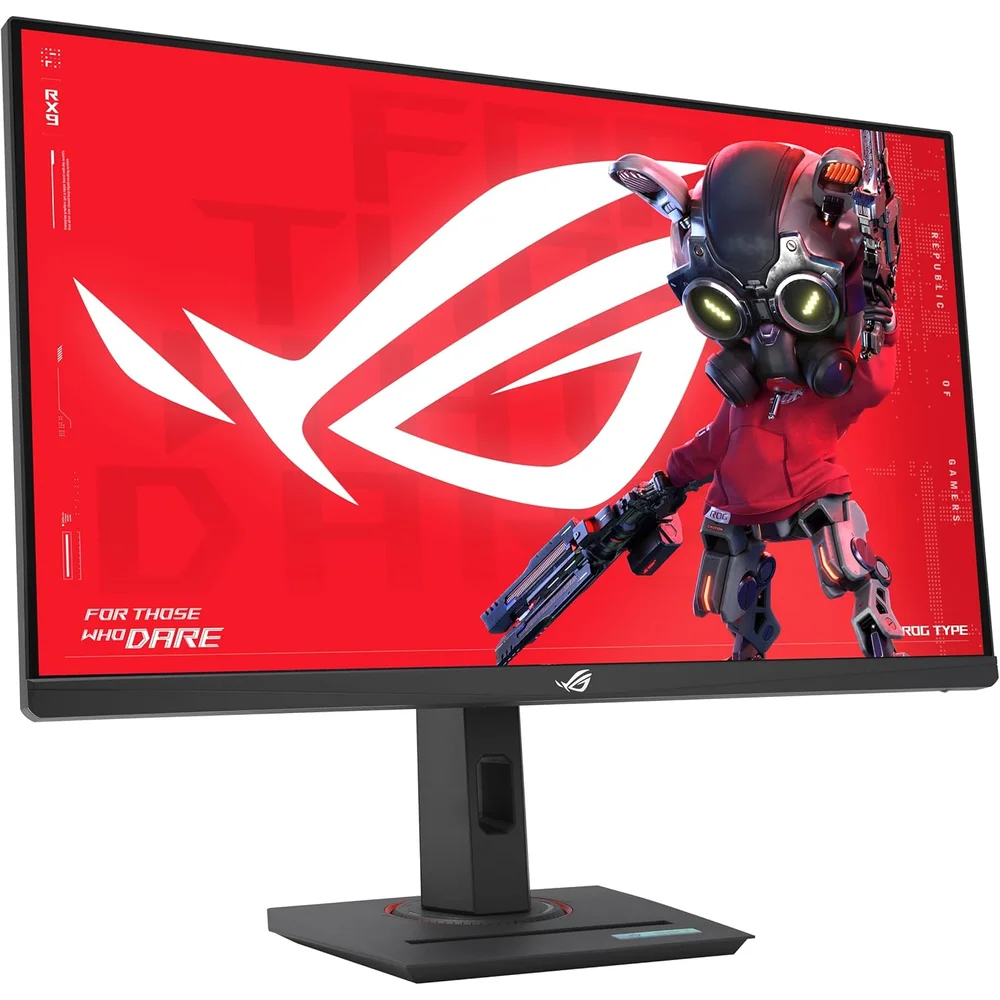
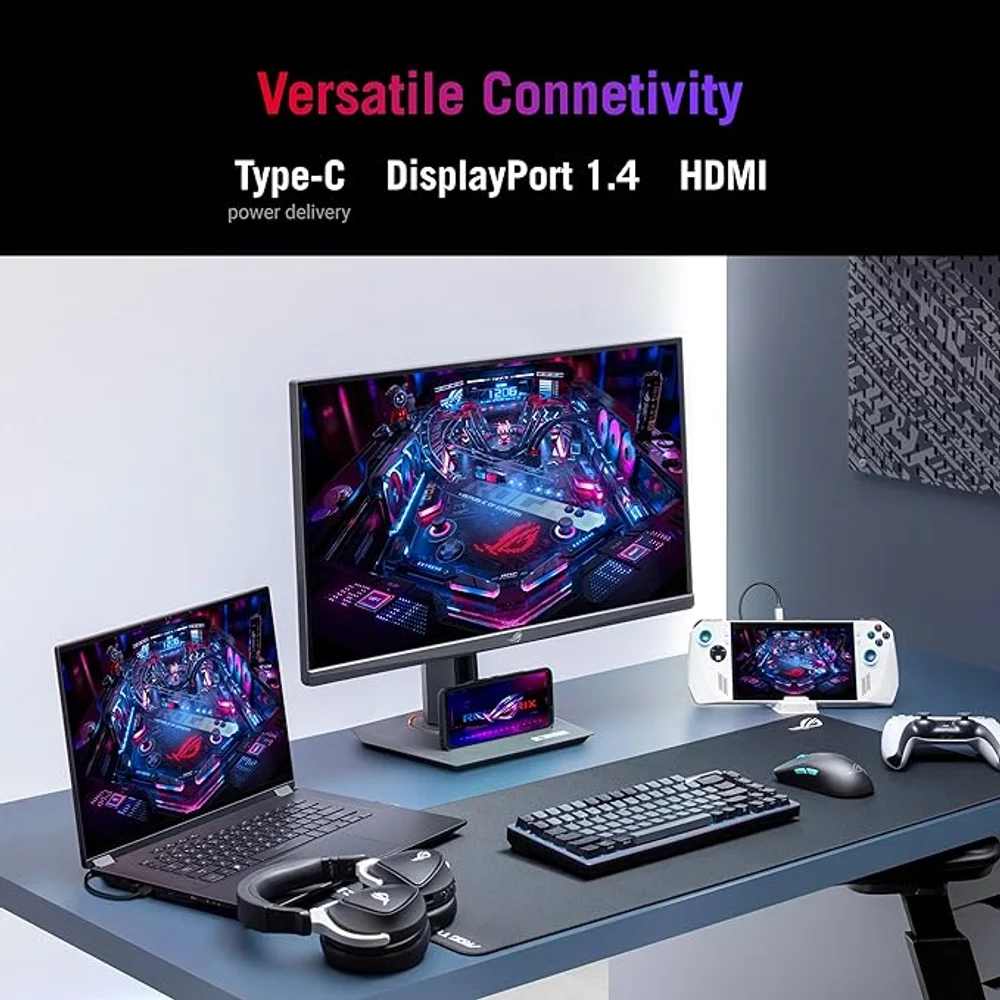
The ASUS ROG Strix XG27ACS is a 27-inch, 2560 x 1440 Fast IPS gaming monitor that runs at up to 180Hz with a 1ms grey-to-grey response time. It is built for players who have outgrown 1080p and want sharper detail without giving up speed, and it adds two things many monitors at this level skip: a USB-C input with DisplayPort Alt Mode, and a stand that adjusts in height, tilt, swivel and pivot.
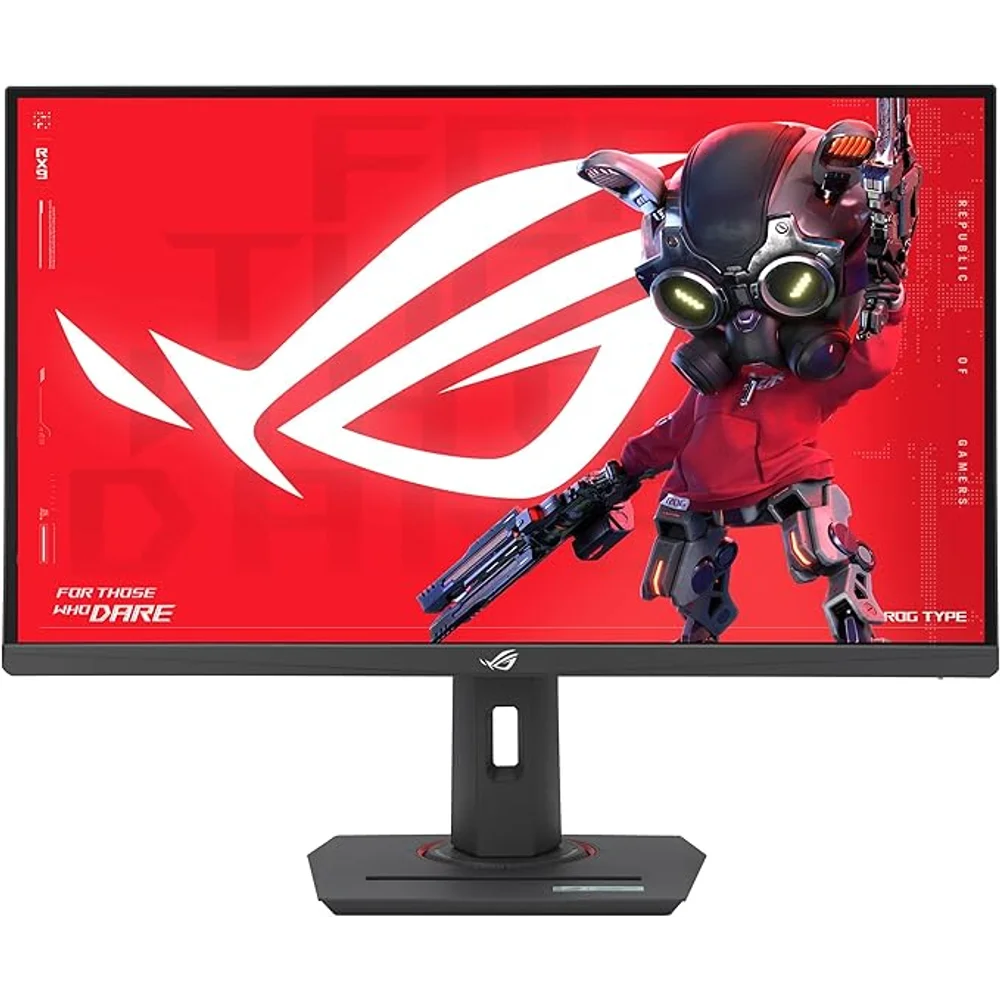
Table of Contents
180Hz on DisplayPort and USB-C, 144Hz on HDMI
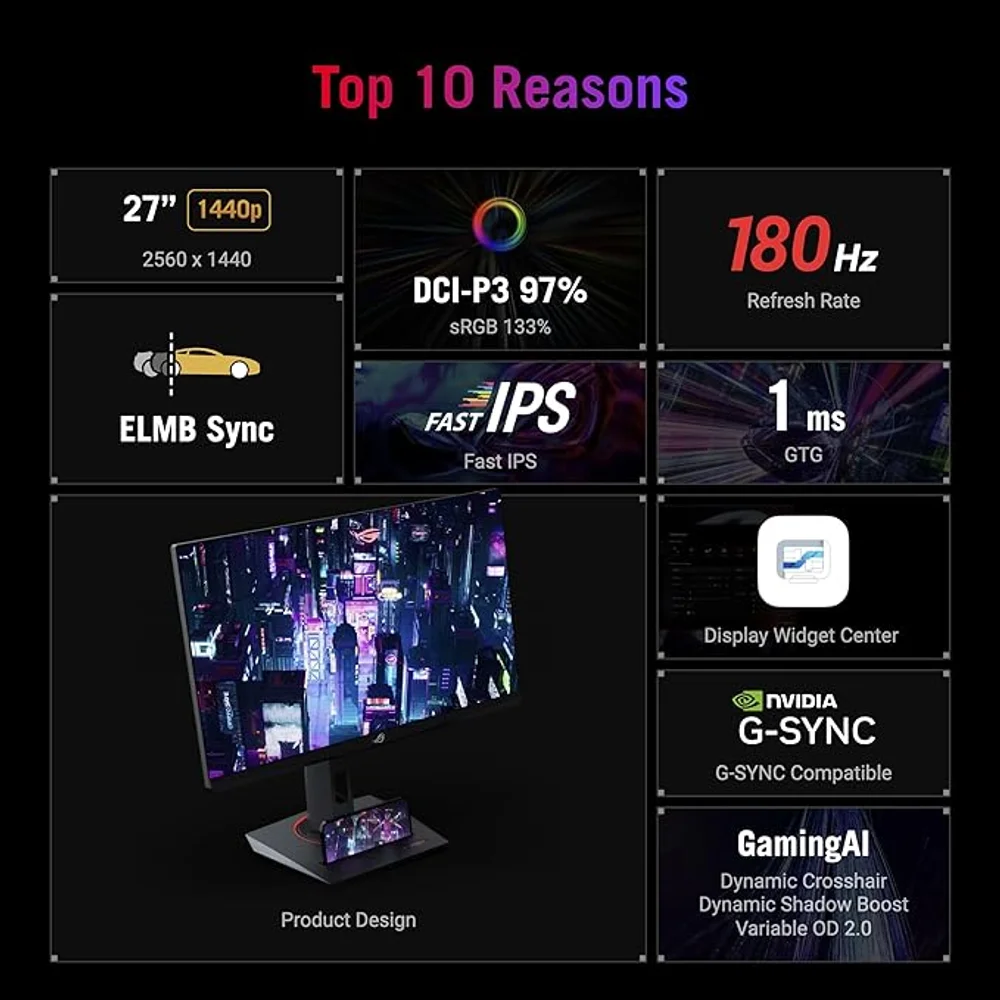
ASUS lists 180Hz as the maximum refresh rate of the ASUS ROG Strix XG27ACS, and it is not marked as an overclocked figure. What matters is the cable you use. According to the signal-frequency table on the ASUS specification page, the DisplayPort 1.4 input (HBR3) and the USB-C input both accept 48 to 180Hz vertical, while the HDMI 2.0 input tops out at 144Hz.
In practice that means a gaming PC connected to the ASUS ROG Strix XG27ACS should use DisplayPort, or over USB-C from a laptop or graphics card whose port carries DisplayPort video, to reach the full 180Hz. A console or a second device on HDMI will run the panel at 144Hz or below. At 2560 x 1440 on a 27-inch screen you get roughly 109 pixels per inch, a clear step up in text and texture sharpness over a 27-inch 1080p monitor.
Response time, motion clarity and sync
ASUS rates the panel at 1ms measured grey-to-grey (GTG). It does not publish an MPRT (moving picture response time) figure for this model in its specification table, so we do not quote one. GTG describes how quickly a pixel changes colour; MPRT describes how long an image persists to the eye, and the two numbers are not interchangeable.
For motion clarity the ASUS ROG Strix XG27ACS offers ELMB Sync, which lets the backlight strobing of Extreme Low Motion Blur run at the same time as variable refresh rate, plus variable overdrive. On the adaptive-sync side, ASUS lists both G-SYNC Compatible and AMD FreeSync among the certifications for this model. That is G-SYNC Compatible status for NVIDIA cards, not a monitor with a dedicated G-SYNC module.
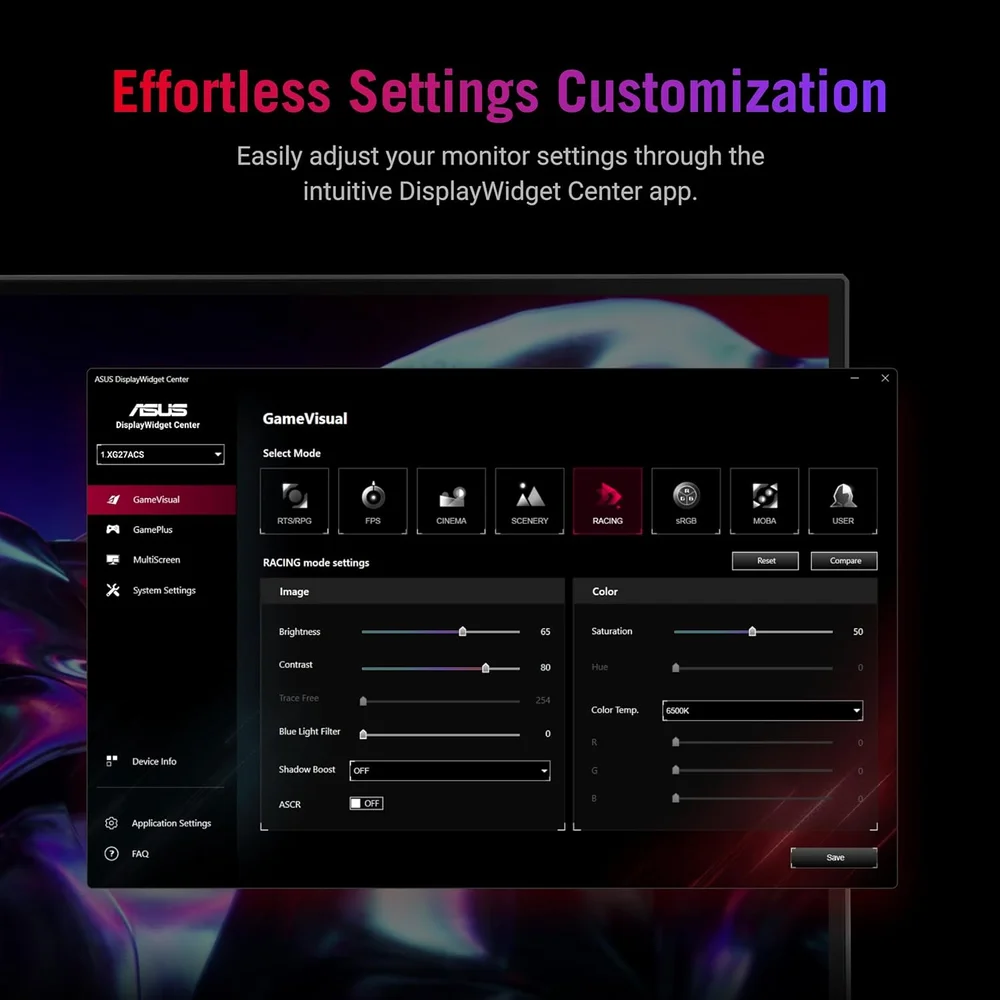
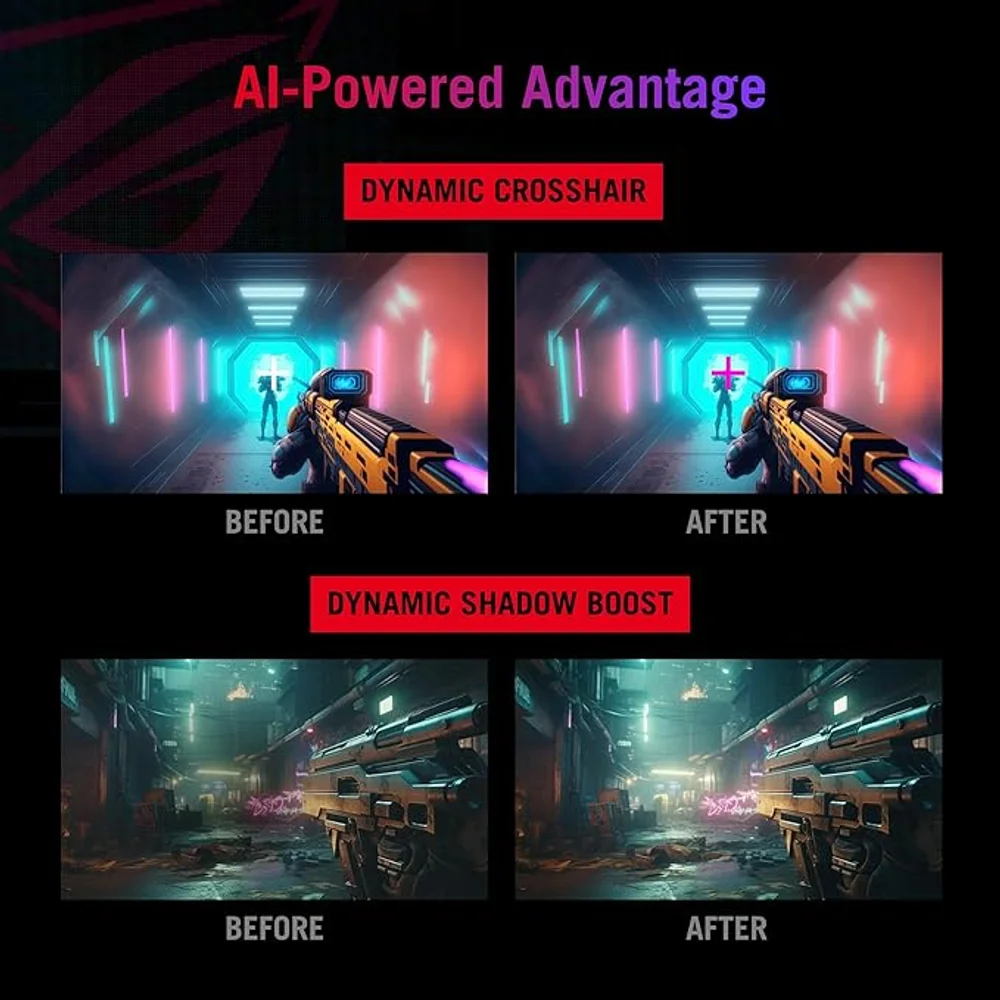
On the ASUS ROG Strix XG27ACS, GamePlus adds on-screen crosshairs and timers, and Dynamic Shadow Boost lifts dark areas of the image so players hiding in shadow are easier to see.
Colour and what DisplayHDR 400 really means
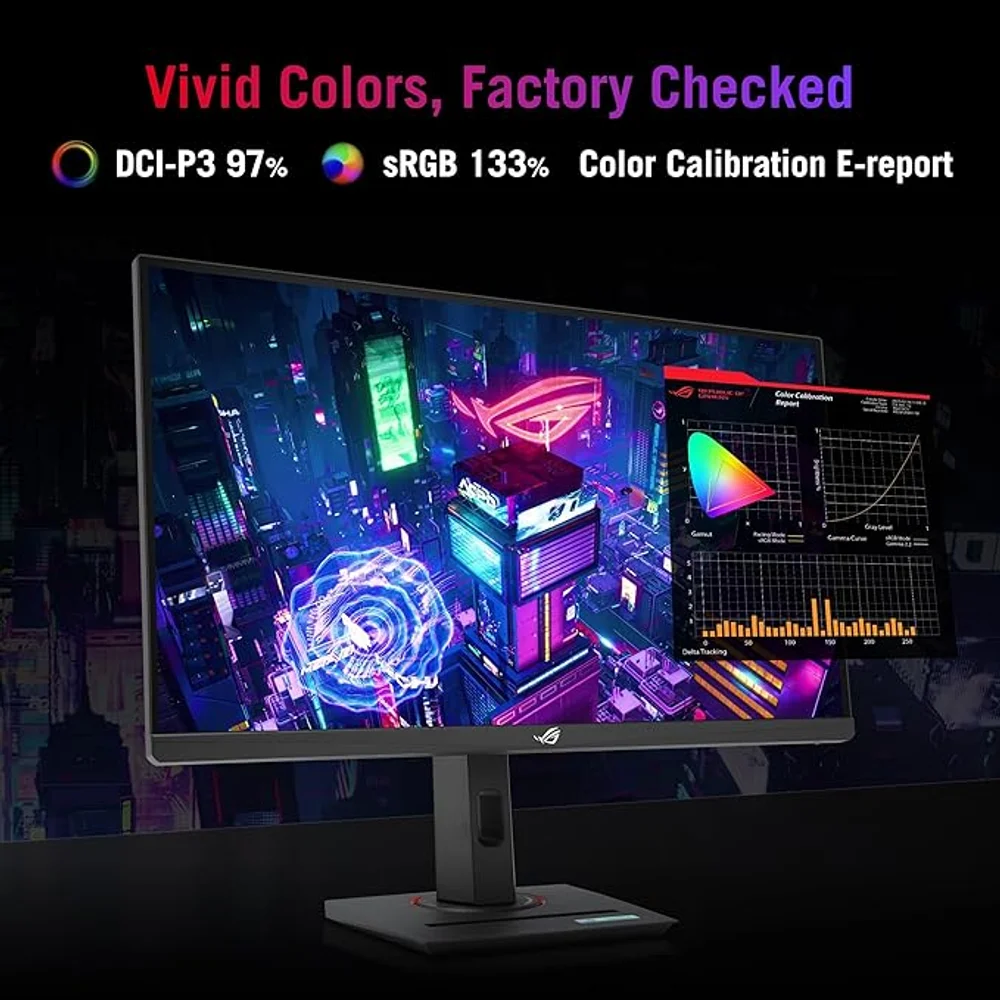
ASUS quotes 97% DCI-P3 and 133% sRGB colour coverage, 16.7 million colours, a 1000:1 typical contrast ratio and 178-degree viewing angles, which is a wide gamut for a monitor in this class and makes games and video look saturated out of the box.
Brightness is 350 nits typical and 400 nits peak in HDR, and the monitor is VESA DisplayHDR 400 certified with HDR10 support. Read that carefully: HDR10 is a signal format the monitor accepts, and DisplayHDR 400 is the entry level of VESA’s HDR scale. It will show HDR content correctly, but a 400-nit panel with a 1000:1 contrast ratio cannot produce the bright highlights and deep blacks of a high-brightness or OLED HDR display. Treat HDR on the ASUS ROG Strix XG27ACS as a bonus, not a reason to buy it.
USB-C, stand and desk setup
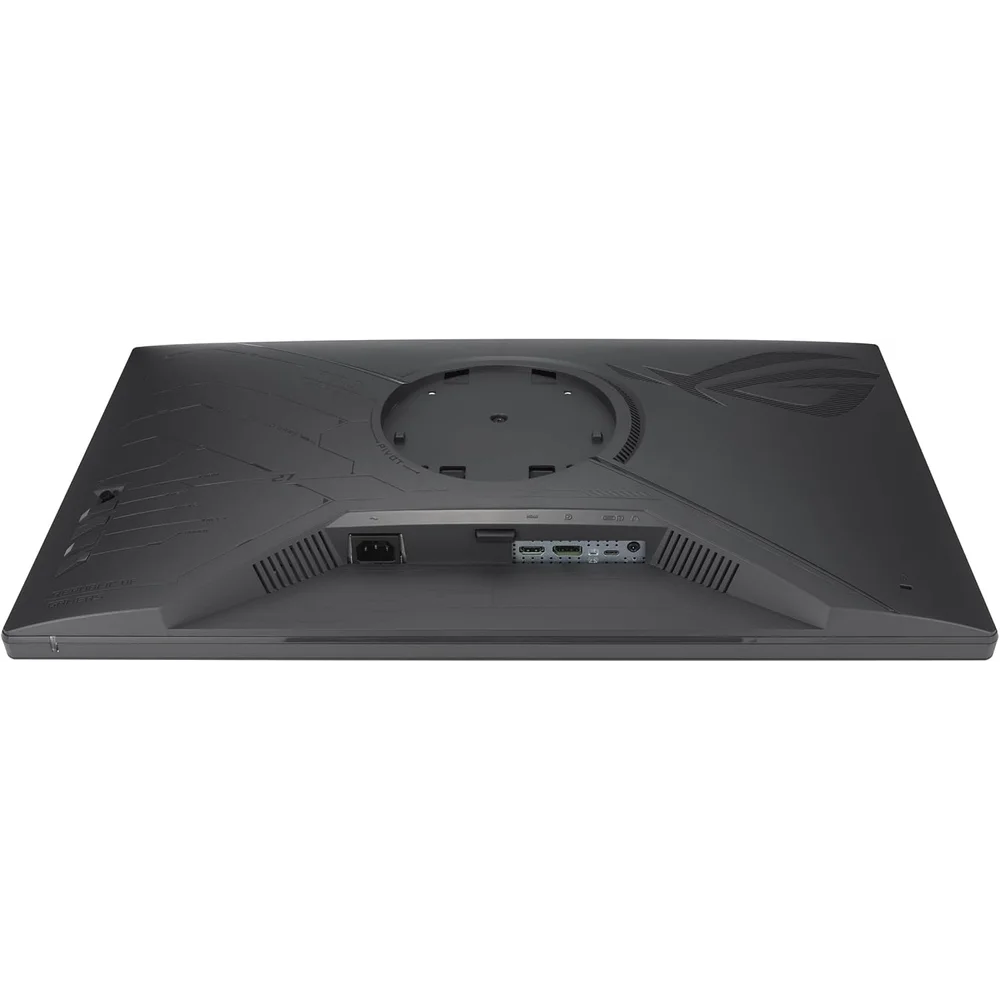
The USB-C port on the ASUS ROG Strix XG27ACS carries DisplayPort Alt Mode video, so a compatible laptop can drive the screen with one cable. ASUS lists USB-C Power Delivery at 7.5W, which is enough to keep a phone topped up but will not charge a laptop in any meaningful way.
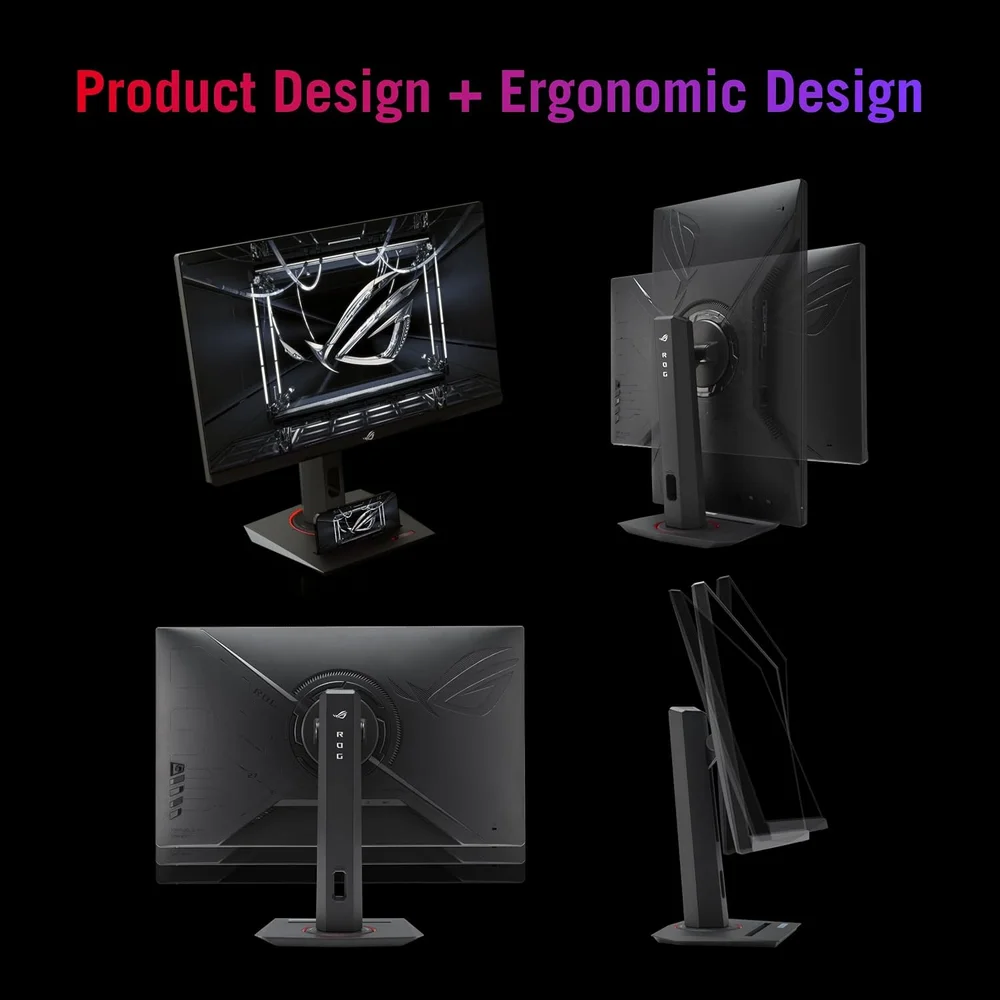
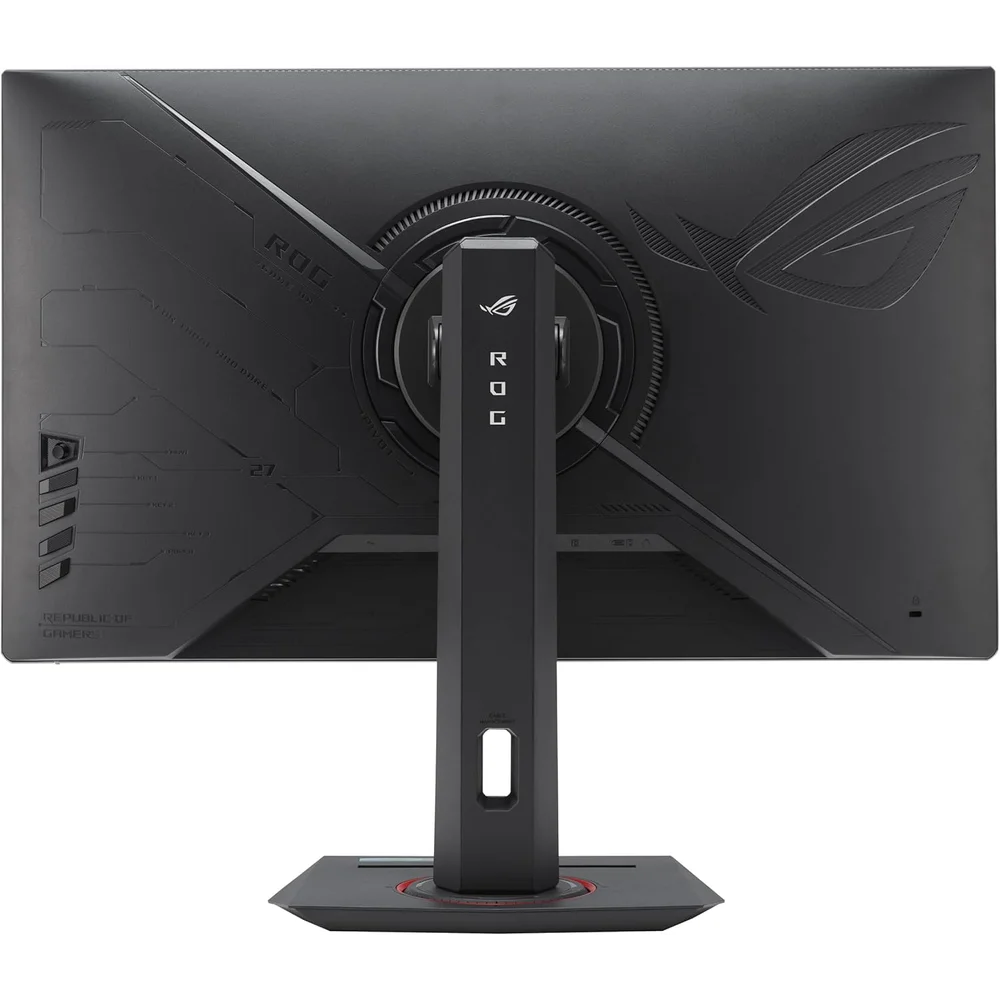
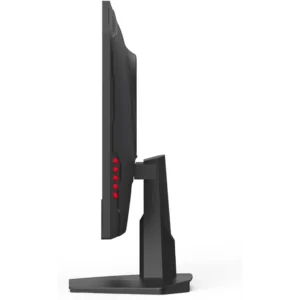
The stand is where the ASUS ROG Strix XG27ACS stands out at this price: tilt from +20 to -5 degrees, swivel 45 degrees each way, pivot 90 degrees either direction into portrait, and 120mm of height adjustment. The base has a smaller footprint than older ROG stands and a groove to prop up a phone. If you prefer an arm, the panel has a 100 x 100mm VESA mount.
There are no built-in speakers, but there is a headphone jack. Power consumption is listed at under 23.1W.
Who This Is Not For
If you play mostly on a PS5 or Xbox over HDMI, the ASUS ROG Strix XG27ACS has you paying for a 180Hz panel you will run at 144Hz at most, and a monitor with HDMI 2.1 would make more sense.
If HDR is your main interest, DisplayHDR 400 with a 1000:1 contrast ratio will disappoint next to a mini-LED or OLED screen. If you need a single-cable laptop dock that also charges, 7.5W of USB-C power is far too little. And there are no speakers, so budget for headphones or desktop speakers.
Also note that with the ASUS ROG Strix XG27ACS an HDMI cable and a USB-C cable are not in the box; ASUS includes a DisplayPort cable only.
Order from Totot
The ASUS ROG Strix XG27ACS is delivered across the UAE in up to 3 business days, free on orders from AED 300, with cash on delivery and Tabby or Tamara instalments at checkout. It comes with a 1-year warranty from Totot. Returns are accepted within 14 days for a defective or non-conforming item, and please report any shipping damage within 48 hours of delivery.
Technical Specifications
- Model: ASUS ROG Strix XG27ACS (black)
- Panel: 27-inch Fast IPS, 16:9
- Resolution: 2560 x 1440 (QHD)
- Refresh rate: Up to 180Hz over DisplayPort 1.4 and USB-C; up to 144Hz over HDMI 2.0
- Response time: 1ms (GTG); MPRT not published by ASUS
- Brightness: 350 nits typical; 400 nits peak (HDR)
- HDR: HDR10 format support, VESA DisplayHDR 400 certified
- Contrast ratio: 1000:1
- Colour gamut: 97% DCI-P3, 133% sRGB; 16.7M colours
- Viewing angle: 178° / 178°
- Adaptive sync: G-SYNC Compatible and AMD FreeSync (as listed by ASUS)
- Motion features: ELMB Sync, variable overdrive
- Gaming features: GamePlus, Dynamic Shadow Boost
- Inputs: 1x DisplayPort 1.4 (HBR3), 1x HDMI 2.0, 1x USB-C (DP Alt Mode, 7.5W Power Delivery)
- Audio: Earphone jack; no speakers
- Stand: Tilt +20° to -5°, swivel ±45°, pivot ±90°, height 0-120mm
- VESA: 100 x 100mm
- Power consumption: <23.1W (on), <0.5W (saving), <0.3W (off)
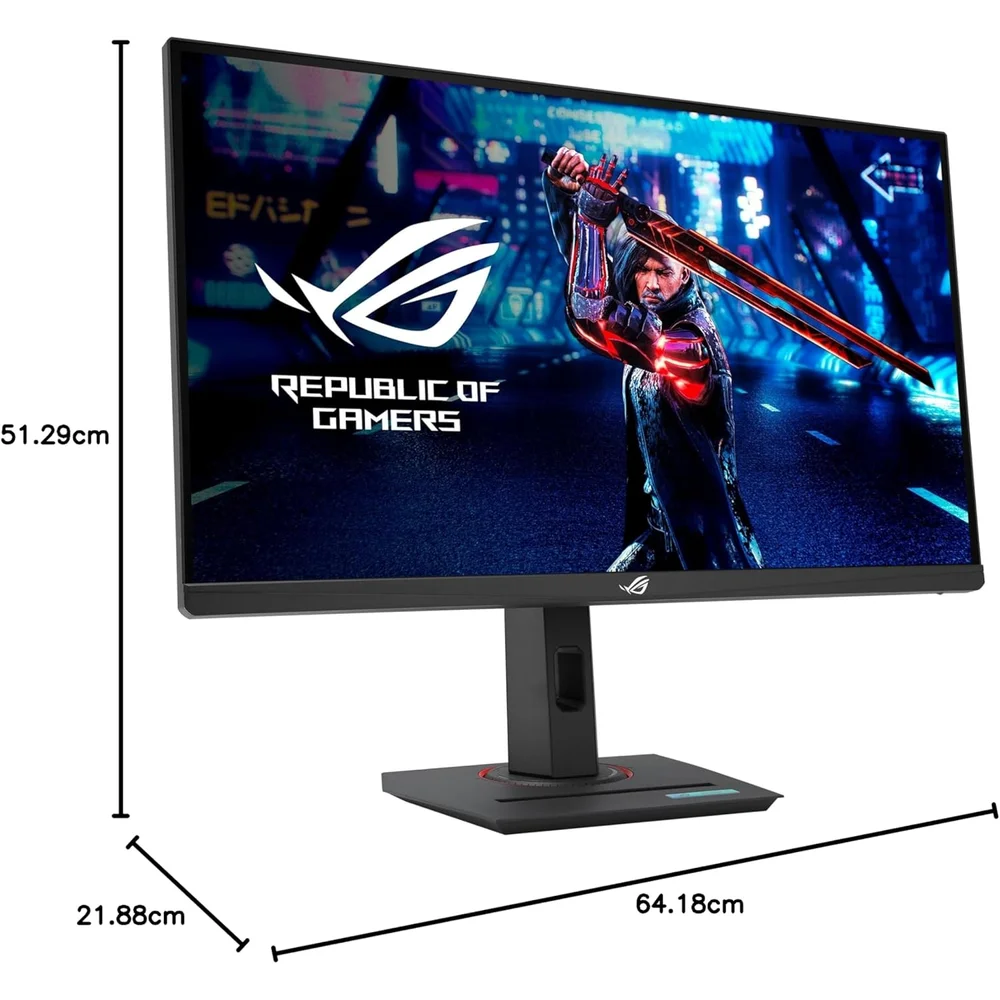
- Dimensions: 61.48 x 51.29 x 21.88 cm with stand; 61.48 x 36.71 x 6.01 cm without
- Weight: 6.61 kg with stand; 3.93 kg without
- In the box: DisplayPort cable, power cord, quick start guide, ROG pouch, ROG sticker, warranty card
- Warranty: 1-year warranty from Totot
All specifications above are taken from the official ASUS ROG specification page for the ASUS ROG Strix XG27ACS and the ASUS launch announcement. Full details are published on the ASUS ROG Middle East website.
FAQ
Does the ASUS ROG Strix XG27ACS reach 180Hz over HDMI?
No. ASUS lists HDMI 2.0 at up to 144Hz. The full 180Hz is available over DisplayPort 1.4 or USB-C with DisplayPort Alt Mode.
Is the 180Hz refresh rate an overclock?
No. ASUS lists 180Hz as the maximum refresh rate without an OC label on this model.
Is the ASUS ROG Strix XG27ACS G-SYNC?
No dedicated G-SYNC module. ASUS lists it as G-SYNC Compatible, alongside AMD FreeSync, so variable refresh works with NVIDIA and AMD graphics cards.
Is 1ms GTG the same as 1ms MPRT?
No. The 1ms figure is grey-to-grey. ASUS does not publish an MPRT figure for this model.
Can the USB-C port charge my laptop?
No, not in practice. ASUS lists 7.5W of USB-C Power Delivery, enough for a phone but not a laptop.
Is the ASUS ROG Strix XG27ACS good for HDR?
Only at a basic level. It is DisplayHDR 400 certified with 400 nits peak, so HDR10 content plays correctly but without strong highlights.
Is the ASUS ROG Strix XG27ACS an original sealed product?
Yes. Every unit we ship is original ASUS stock, sealed in its retail box.
Browse more in our Gaming Monitors range. Every order from Totot carries a 1-year warranty covering manufacturing defects, with our 14-day return policy for defective or non-compliant items, and nationwide UAE delivery.




 No products in the cart.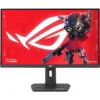
Reviews
There are no reviews yet