
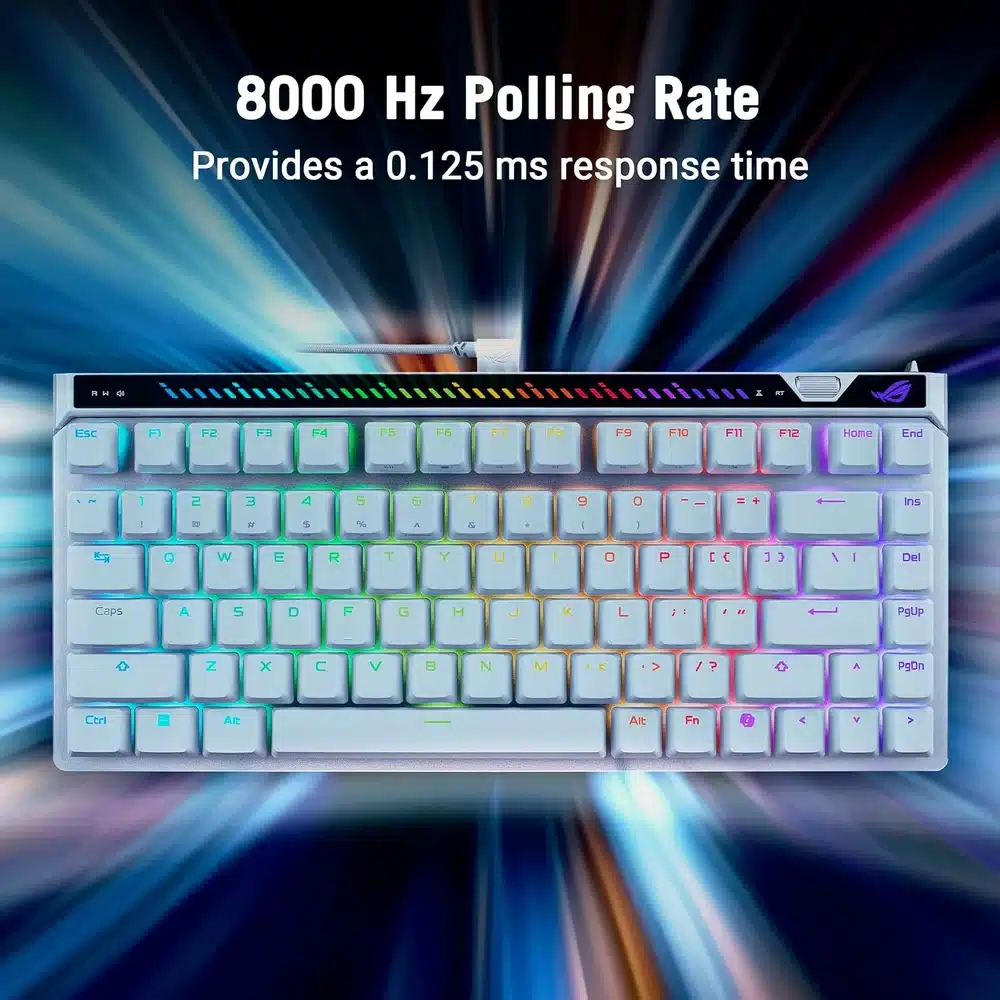


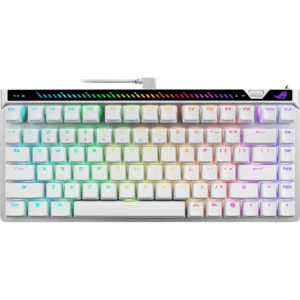
ASUS ROG Falchion Ace 75 HE in White represents the pinnacle of competitive gaming keyboard technology, engineered for esports professionals, competitive gamers, and enthusiasts who demand unparalleled precision, speed, and customization. Unlike traditional mechanical keyboards limited by physical contact points, the Falchion Ace 75 HE integrates cutting-edge Hall Effect magnetic switches with analog input capability, Rapid Trigger technology for instant keystroke registration, 8000Hz polling rate for near-zero latency, hot-swappable HFX V2 magnetic switches, and web-based configuration—enabling game-changing performance whether you are executing frame-perfect inputs in competitive shooters, customizing actuation points for different games, or building a portable, premium white-themed setup with the included carry case.
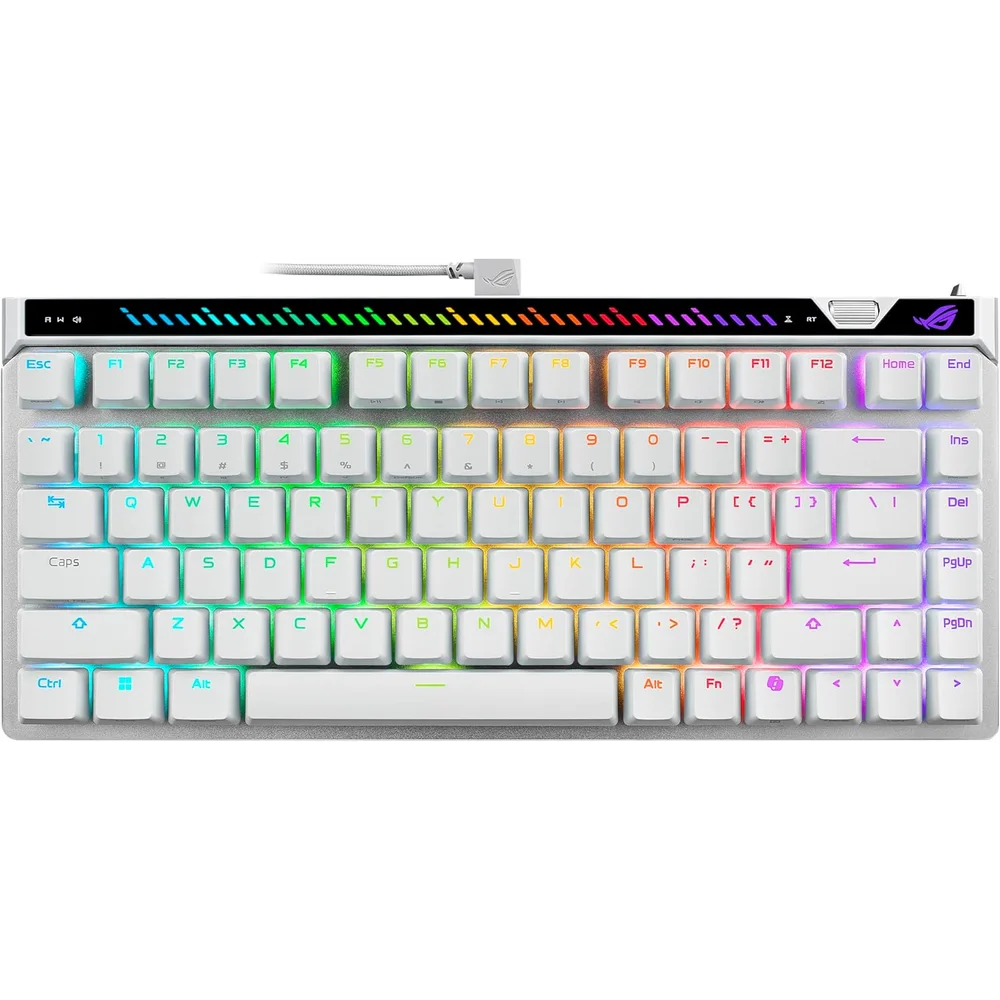
Table of Contents
- 75% TKL Compact Layout with Premium White Aesthetic
- Hall Effect Magnetic Switches with Analog Input Precision
- Rapid Trigger Technology for Instant Keystroke Registration
- 8000Hz Polling Rate for Near-Zero Latency Performance
- Hot-Swappable HFX V2 Magnetic Switches for Future-Proof Customization
- Premium Build Quality with Included Carry Case for Portability
- Technical Specifications:
- Who Is This For?
- Why It Stands Out:
- FAQ
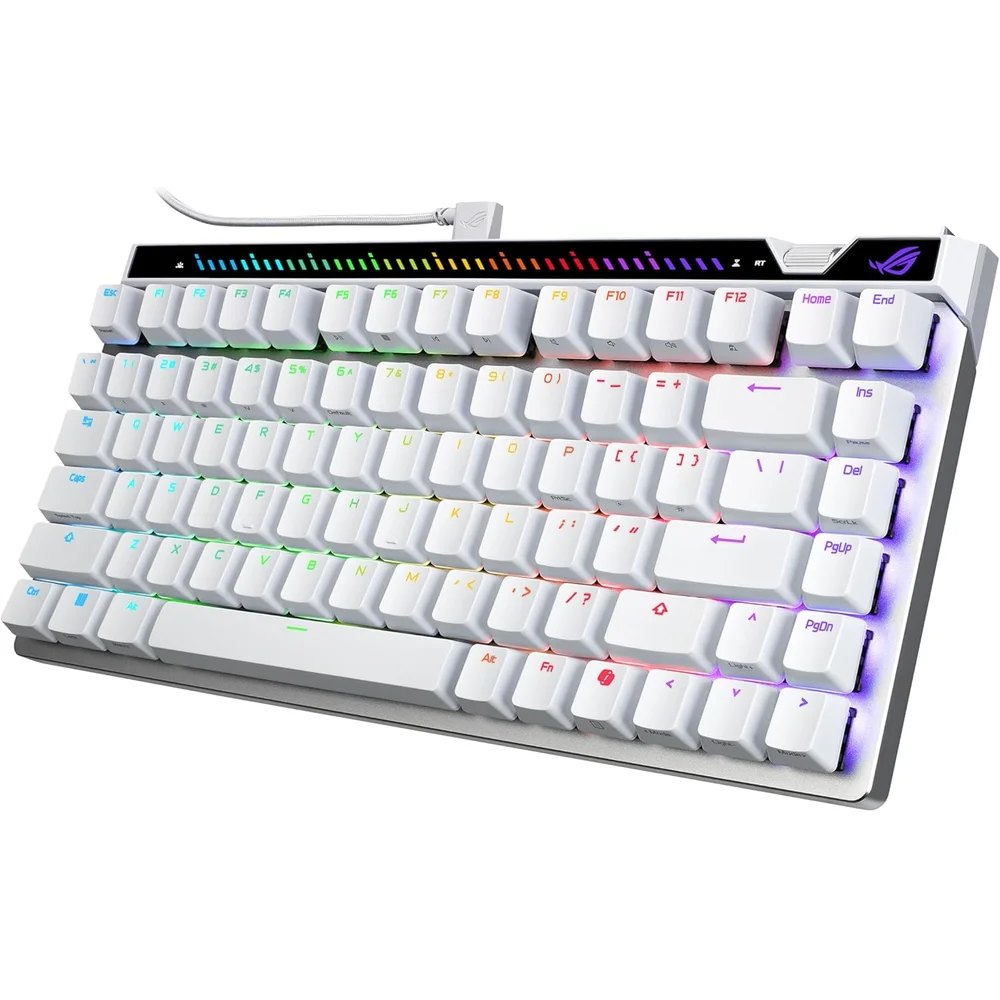
75% TKL Compact Layout with Premium White Aesthetic
Hall Effect Magnetic Switches with Analog Input Precision
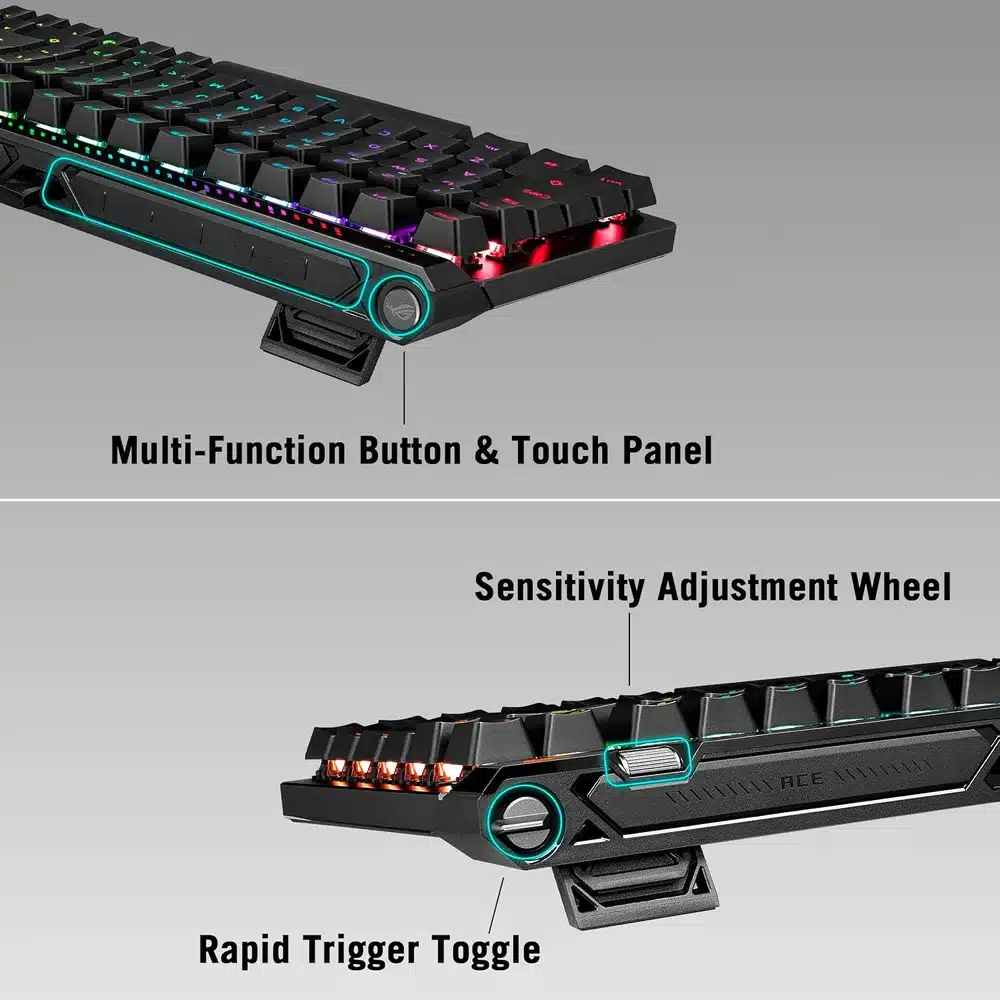
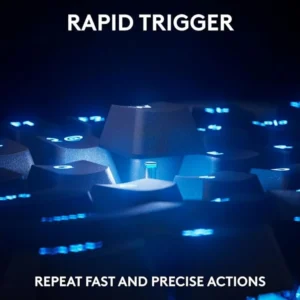
Rapid Trigger Technology for Instant Keystroke Registration
8000Hz Polling Rate for Near-Zero Latency Performance
Hot-Swappable HFX V2 Magnetic Switches for Future-Proof Customization
Web-Based Configuration for Instant Customization Without Software Installation
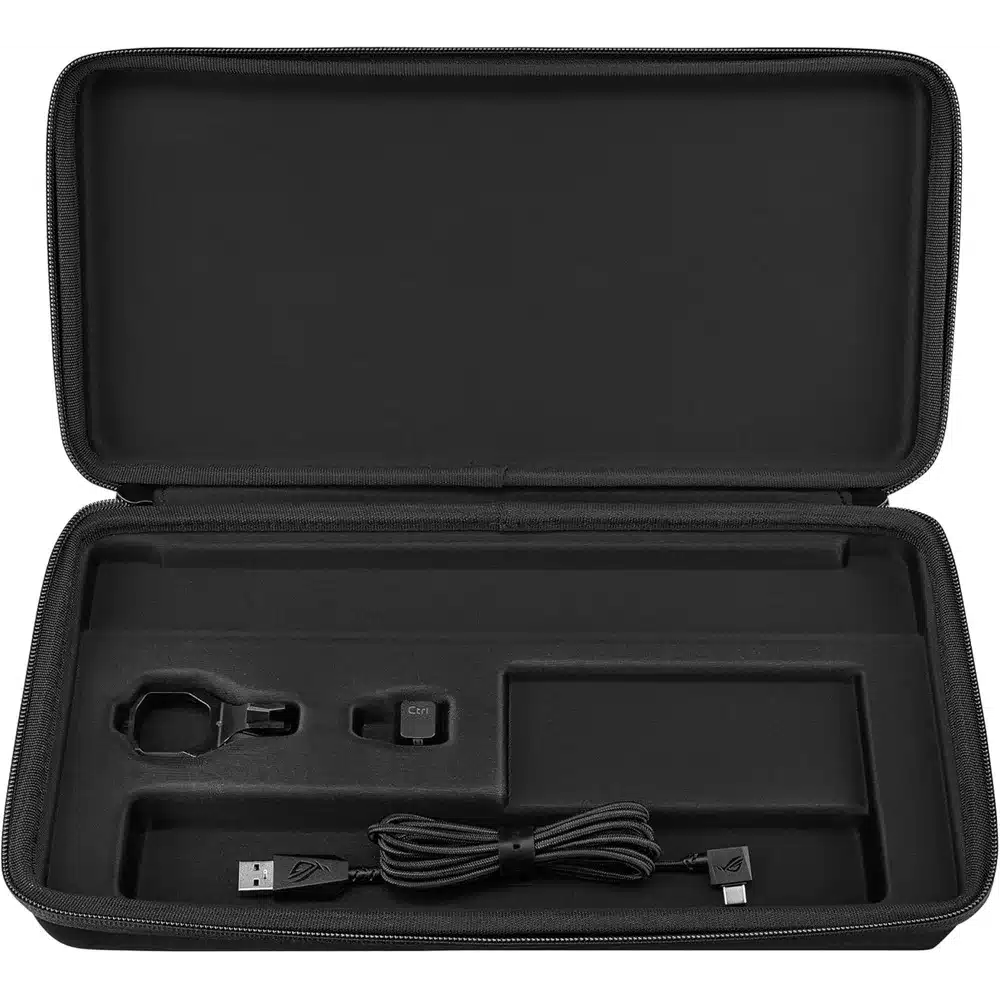
Premium Build Quality with Included Carry Case for Portability
Technical Specifications:
Layout: 75% TKL compact (84 keys), standard international layout
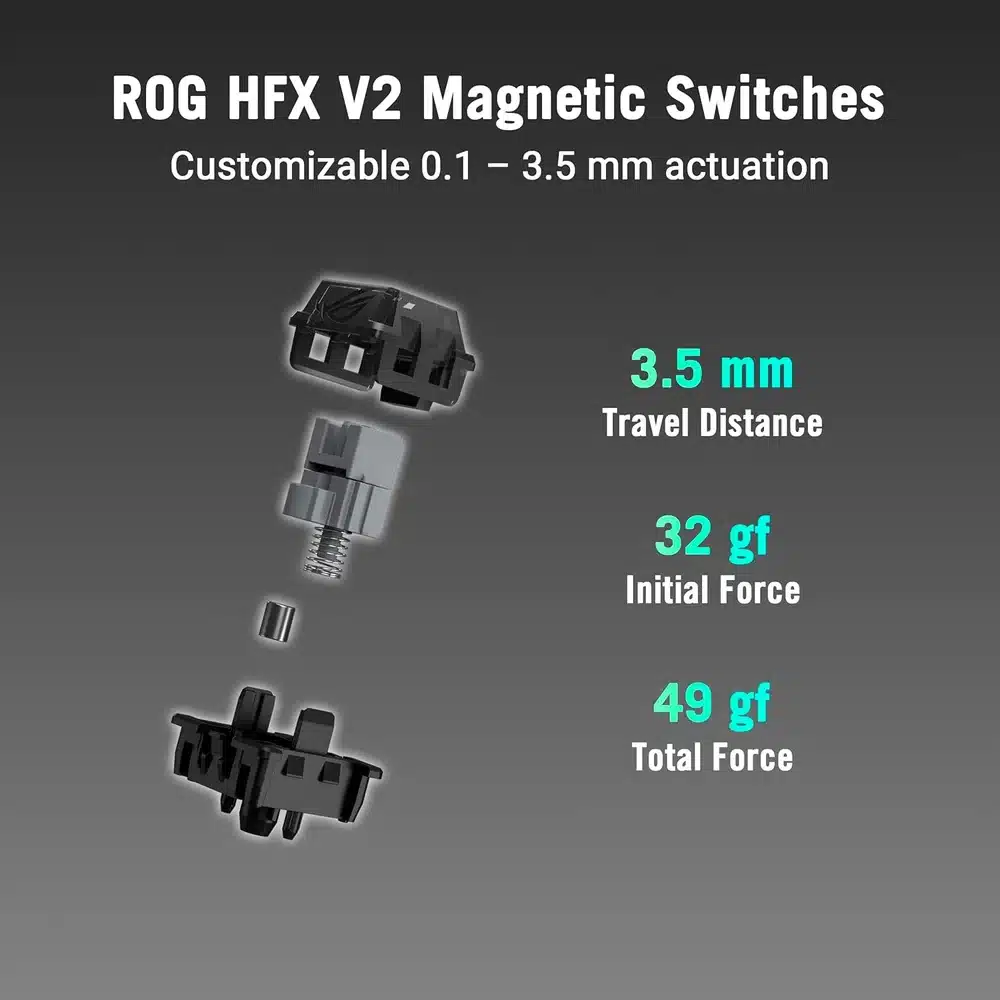
Switch Type: ROG HFX V2 Magnetic (Hall Effect, hot-swappable)
Actuation Technology: Hall Effect magnetic sensing (analog input support)
Actuation Point: Software-adjustable 0.1mm–3.5mm per key, in 0.01mm steps
Reset Point: Software-adjustable, Rapid Trigger support
Actuation Force: 32gf actuation / 49gf bottom-out (ROG HFX V2); HFX V2X is lighter at 30gf / 45gf
Total Travel: 3.5 mm
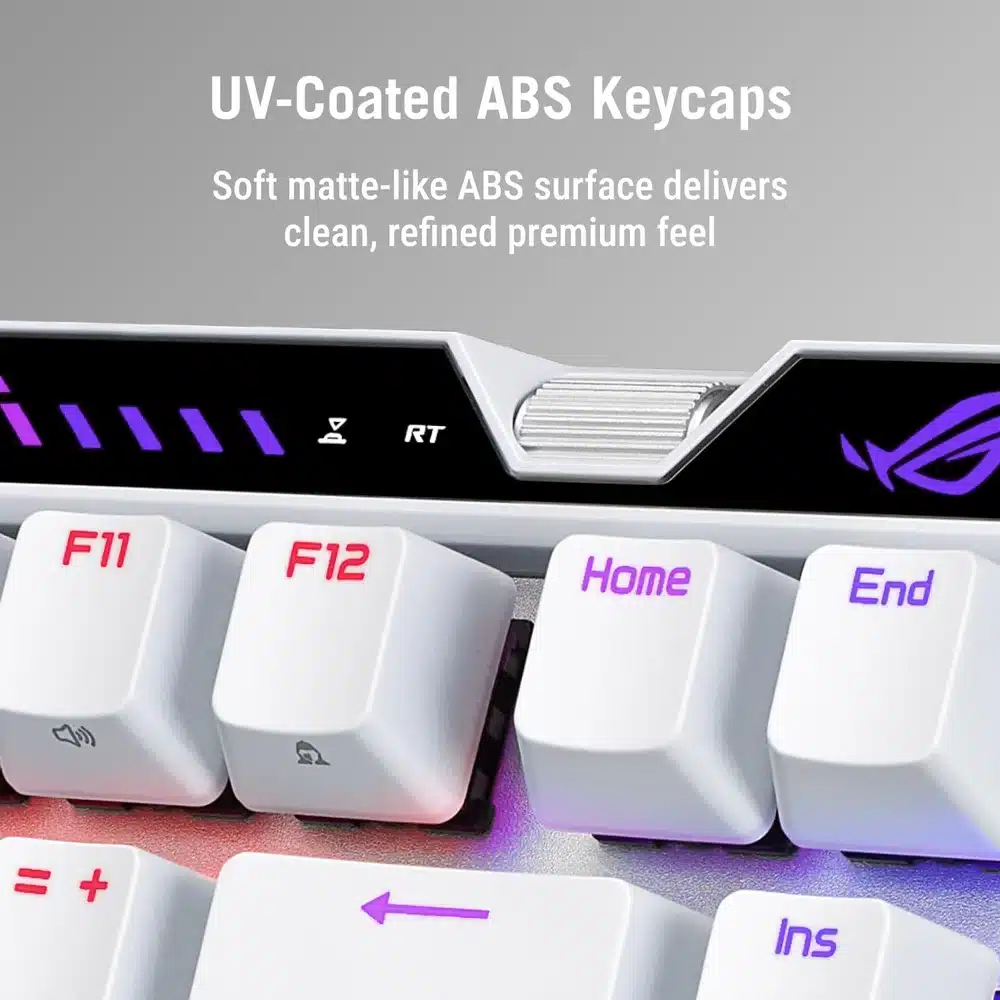
Keycap Material: ABS keycaps (the HFX V2X edition ships with PBT keycaps instead)
Connectivity: Wired USB-C (detachable cable)
Polling Rate: 8000Hz (0.125ms response), adjustable 125/250/500/1000/2000/4000/8000Hz
Lighting: Per-key RGB, Aura Sync compatible
Special Features: Rapid Trigger, analog input, hot-swappable switches, web-based config, onboard memory, N-key rollover, anti-ghosting
Software: ROG web-based configuration portal (browser-based, no install)
Dimensions: ~32.5 x 13.5 x 4.0 cm
Weight: Approximately 850 grams
Included: ROG Falchion Ace 75 HE keyboard (White), detachable USB-C cable, premium carry case, switch puller, keycap puller, user manual, ROG sticker
Color: White with RGB lighting
Certifications: CE, FCC, RoHS compliant
Warranty: 1-year warranty from Totot
Who Is This For?
Hall Effect Enthusiasts & Tinkerers: Hot-swappable magnetic switches + web-based config perfect for experimenting with actuation points and analog input mapping.
Portable Setup Builders: 75% compact layout + included carry case ideal for LAN events, tournaments, and travel without sacrificing performance.
White Build Aesthetics Seekers: Premium white finish + RGB lighting perfect for cohesive, sophisticated white-themed gaming setups.
Why It Stands Out:
Rapid Trigger Technology: Instant keystroke registration on upward movement vs. standard switches requiring full reset before re-actuation.
8000Hz Polling Rate: 0.125ms response time for near-zero latency vs. standard 1000Hz keyboards with 1ms polling.
Web-Based Configuration: Browser-based customization without software installation vs. keyboards requiring dedicated software downloads.
Hot-Swappable HFX V2 + Carry Case: Tool-free switch customization + premium portable storage vs. fixed-switch keyboards without travel protection.
Bullet Points:
- 75% TKL Compact Layout: Space-efficient design retains arrow keys and function row while maximizing mouse space, wrapped in premium white aesthetic for sophisticated setups.
- Hall Effect HFX V2 Magnetic Switches: Magnetic sensing enables software-defined actuation (0.1–3.5mm) and analog input mapping for unprecedented customization and durability exceeding 100M keystrokes.
- Rapid Trigger Technology: Instant keystroke registration on upward key movement eliminates reset delay for faster double-tapping and responsive inputs in competitive titles.
- 8000Hz Polling Rate: Industry-leading 0.125ms response time via wired USB-C delivers near-zero latency for esports-level precision and competitive advantage.
- Hot-Swappable Design: Tool-free switch replacement enables customization of actuation point, feel, and sound without soldering for future-proof personalization.
- Web-Based Configuration: Browser-based portal enables actuation tuning, Rapid Trigger setup, macros, and profile saving without software installation—works across Windows, macOS, and consoles.
- Premium Build + Carry Case: Aluminum top plate, UV-coated keycaps, detachable USB-C cable, and included premium carry case ensure durability and portability for competitive gamers on the go.
Browse more in our Gaming Keyboards range to compare options side by side before deciding.
Worth comparing against the Ducky One 3 TKL Mechanical Keyboard Mist Grey, 80% Layout, C, which sits in the same category and suits a slightly different buyer.
The FAQ – ASUS ROG Falchion Ace 75
Is it wired or wireless?
Check the connection type above. Wired removes any latency question entirely, while wireless trades a small amount of latency for freedom of movement and needs charging.
Does it need software to work?
Core functions work on plug-in. Custom lighting, macros and button remapping normally require the manufacturer software, which matters on a work machine where installing software is restricted.
Will it work on console as well as PC?
Console support varies by model and is often limited to specific platforms. Check the compatibility list above rather than assuming.
What warranty comes with it?
Every unit carries a 1-year warranty from Totot covering manufacturing defects, alongside our 14-day return policy for defective or non-compliant items.
Does Totot deliver across the UAE?
Yes. We ship nationwide via Aramex for a fixed AED 10, with cash on delivery, Tabby and Tamara payment options available at checkout, so it reaches you anywhere in the country.
Full official details are published on the official ASUS website.
من نفس العلامة التجارية
- ASUS ROG Strix Scope II 96 Wireless – Tri-Mode Gaming Keyboard, Hot-Sw… — د.إ649
- ASUS ROG Astral RTX 5090 OC White 32GB GDDR7 – PCIe 5.0, 4-Fan, Vapor … — د.إ20,522
قد يناسبك أيضاً





 No products in the cart.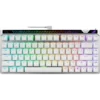
Reviews
There are no reviews yet