

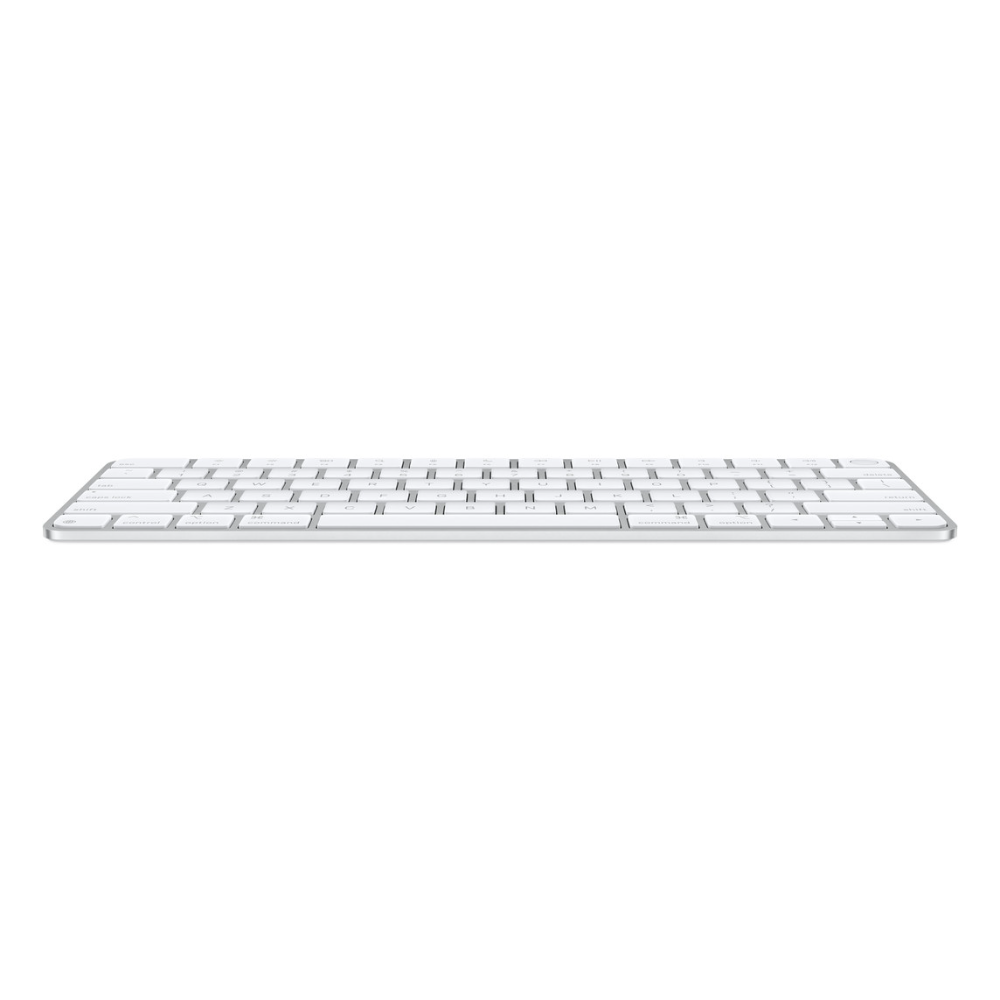
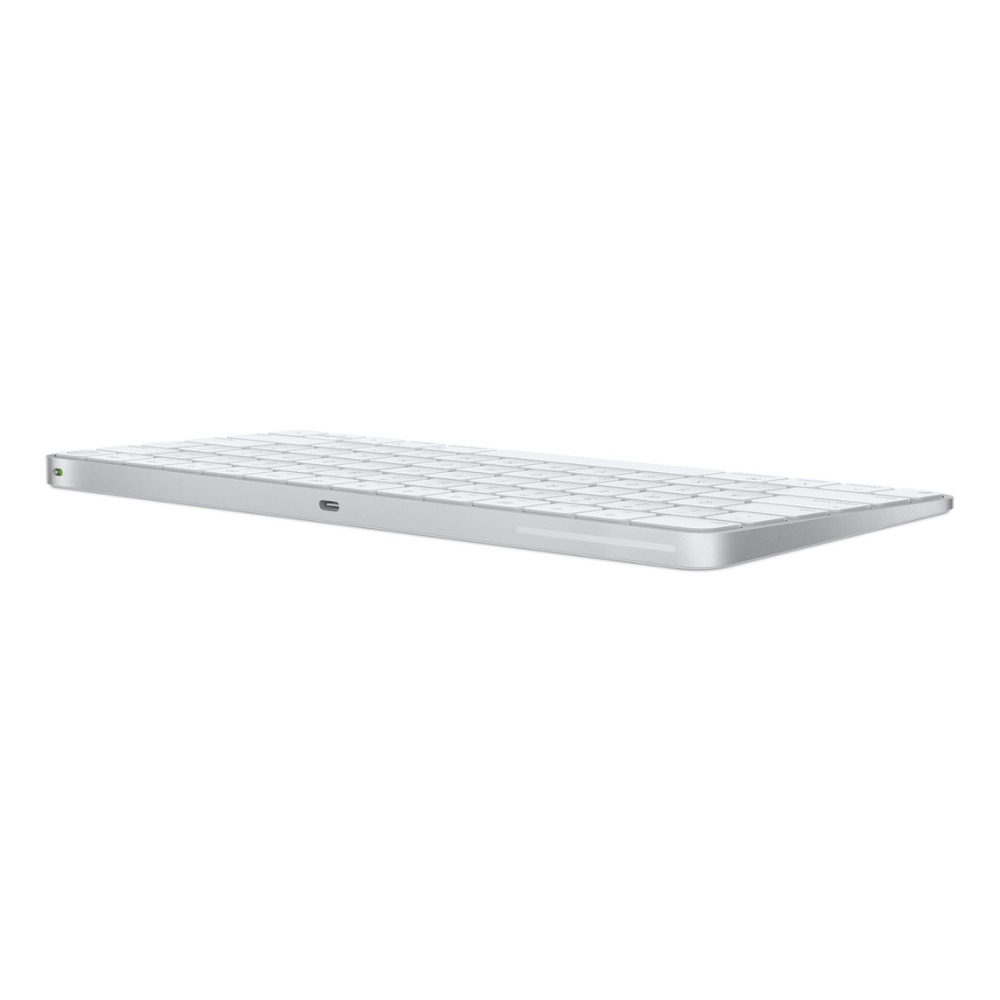
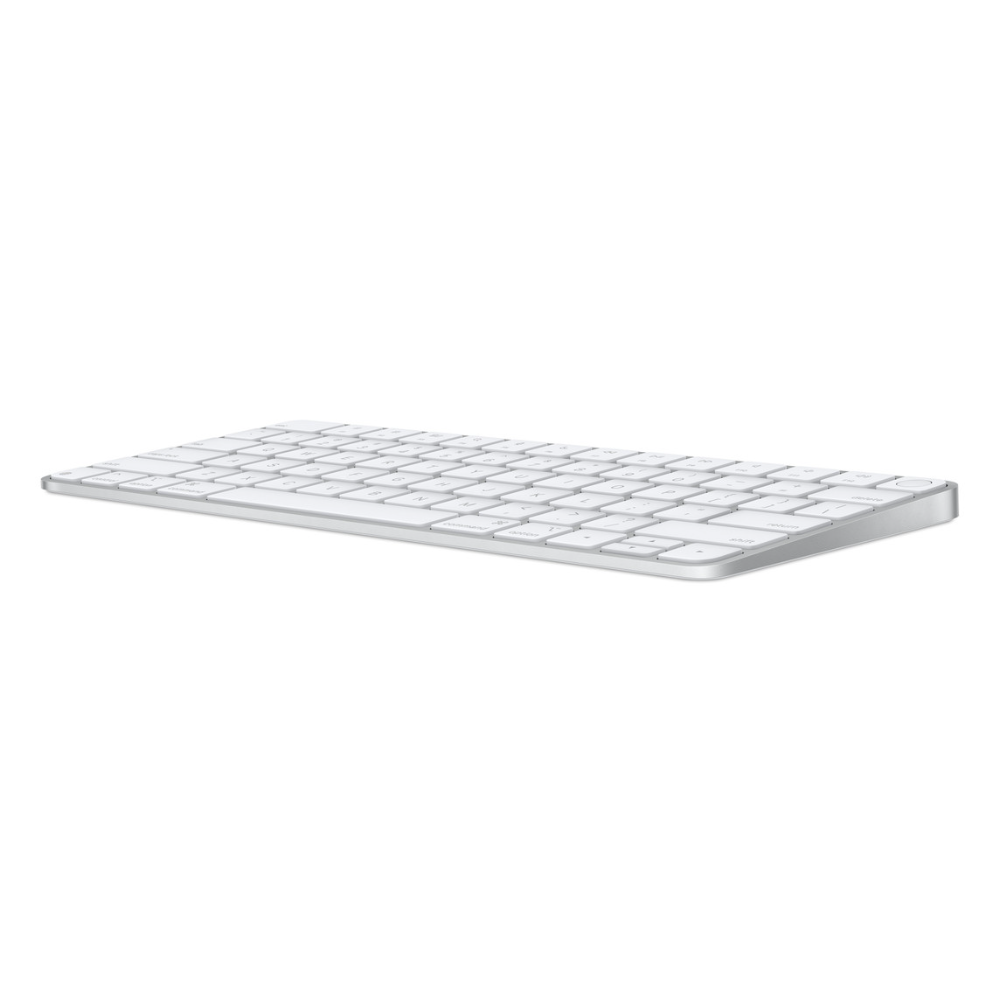
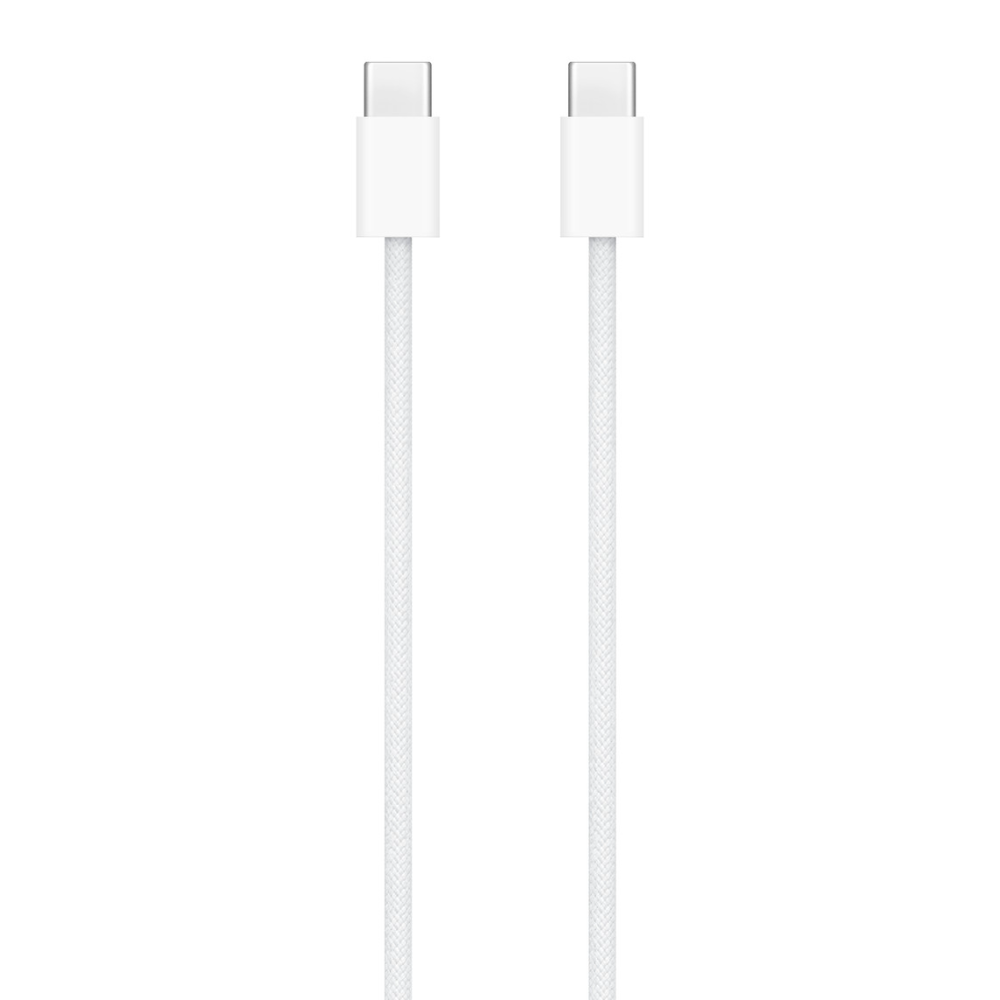
The Magic Keyboard Touch ID model is Apple’s desktop keyboard with a fingerprint sensor in the top-right key. Apple’s full name for it is Magic Keyboard with Touch ID for Mac models with Apple silicon (USB-C), and this one has the US English layout. Touch ID lets you log in and approve purchases with a fingertip, the battery lasts about a month or more between charges according to Apple, and the woven USB-C cable in the box both charges and pairs it.

Table of Contents
Touch ID on the Magic Keyboard Touch ID Model
Apple places the Touch ID sensor in the top-right corner, where the lock key sits on other Magic Keyboards. Apple describes it as fast, easy and secure authentication for logins and purchases: instead of typing your Mac password, you rest a registered finger on the key.
Touch ID on this keyboard needs a Mac with Apple silicon running macOS 15.1 or later, which is Apple’s stated system requirement. On a Mac that meets it, the Magic Keyboard Touch ID pairs automatically when you connect it with the cable, so there is no separate setup app.
Typing Feel and Layout
Apple describes the typing experience as remarkably comfortable and precise. The keyboard is very low: Apple lists a height of 0.41 cm at the front rising to 1.09 cm at the back, so your wrists stay close to the desk in the same posture as on a MacBook.
This version has the US English layout, with a full function row of multimedia keys across the top for brightness, playback and volume. There is no numeric keypad; Apple sells a separate, wider Magic Keyboard Touch ID version with a keypad for people who enter a lot of numbers.
About a Month per Charge, Over USB-C
The internal battery powers the keyboard for about a month or more between charges, according to Apple. Apple’s footnote explains that the figure comes from testing in August and September 2024 with preproduction units paired with an M4 iMac, and that real battery life depends on settings and use.
When it does need charging, the USB-C port on the back takes the woven USB-C Charge Cable from the box. Because it is the same connector as current Macs, iPads and iPhones, one cable can charge your Magic Keyboard Touch ID and your other devices.
Size, Weight and Desk Fit
Apple lists the keyboard at 27.89 cm wide and 11.49 cm deep, with a weight of 0.243 kg. That compact footprint leaves more room for the mouse on a small desk and slides easily into a laptop bag alongside a MacBook.
The Magic Keyboard Touch ID connects over Bluetooth once paired, so there is no cable across the desk during normal use.
Which Devices Work With the Magic Keyboard Touch ID
Apple’s compatibility list for this keyboard covers Apple silicon Macs from the M1 MacBook Air, MacBook Pro, iMac and Mac mini up to current M5-generation models, plus Mac Studio and Mac Pro (2023). Apple also lists recent iPad models, from iPad (10th generation) and iPad mini (A17 Pro) to iPad Pro (M4), and iPhone models from iPhone 13 onwards, which can use it as a Bluetooth keyboard.
The Touch ID key itself is tied to the Mac requirement above. On an iPad or iPhone, the keyboard is for typing.
Who This Is Not For
Intel-based Macs are not on Apple’s compatibility list, and Touch ID requires Apple silicon, so an older Intel Mac owner should not buy the Magic Keyboard Touch ID for its fingerprint sensor. A Mac on macOS older than 15.1 also needs updating first.
The keys carry US English legends only, with no Arabic letters printed, which matters if you type Arabic by sight. Apple does not list backlit keys, so typing in a dark room relies on touch. Anyone who works in spreadsheets all day may prefer the version with a numeric keypad, and Apple lists no support for Windows PCs.
Ordering in the UAE
Delivered across the UAE in up to 3 business days, free on orders from AED 300. Defective or non-matching items can be returned within 14 days, and shipping damage should be reported within 48 hours of delivery.
The Magic Keyboard Touch ID from Totot comes with a 1-year warranty from Totot.
Technical Specifications
- Model: Magic Keyboard with Touch ID for Mac models with Apple silicon (USB-C) – US English (MXCK3)
- Layout: US English, no numeric keypad
- Touch ID: Integrated, for logins and purchases
- System requirements: Mac with Apple silicon using macOS 15.1 or later
- Connections: Bluetooth wireless; USB-C port for charging and pairing
- Battery: Built-in rechargeable, about a month or more between charges (Apple testing)
- Keys: Multimedia function keys
- Height: 0.41 to 1.09 cm
- Width: 27.89 cm
- Depth: 11.49 cm
- Weight: 0.243 kg (varies by configuration and manufacturing process)
- In the box: Magic Keyboard with Touch ID, woven USB-C Charge Cable
- Warranty: 1-year warranty from Totot
Specifications come from Apple’s official tech specs page for the Magic Keyboard with Touch ID (USB-C) and Apple’s UAE product page, which also lists compatible Mac, iPad and iPhone models. Full details are published on the official Apple tech specs page.
FAQ
Does the Magic Keyboard Touch ID work with an Intel Mac?
No, not for Touch ID. Apple’s requirement is a Mac with Apple silicon on macOS 15.1 or later, and Intel Macs are not on its compatibility list.
How long does the battery last?
About a month or more between charges, according to Apple’s testing with an M4 iMac. Actual life depends on settings and use.
Is a cable included?
Yes. Apple includes a woven USB-C Charge Cable that charges the keyboard and pairs it when connected to the Mac.
Does it have a numeric keypad?
No. This is the compact version; Apple sells a separate Magic Keyboard with Touch ID and Numeric Keypad.
Are Arabic letters printed on the keys?
No. This is the US English layout. You can still switch to an Arabic input source in macOS and type Arabic, but the keys only show English legends.
How much does the Magic Keyboard Touch ID weigh?
0.243 kg, according to Apple, with small variations by configuration and manufacturing.
Browse more in our Keyboards range. Every order from Totot carries a 1-year warranty covering manufacturing defects, with our 14-day return policy for defective or non-compliant items, and nationwide UAE delivery.



 No products in the cart.
أنس الفتال (verified owner) –