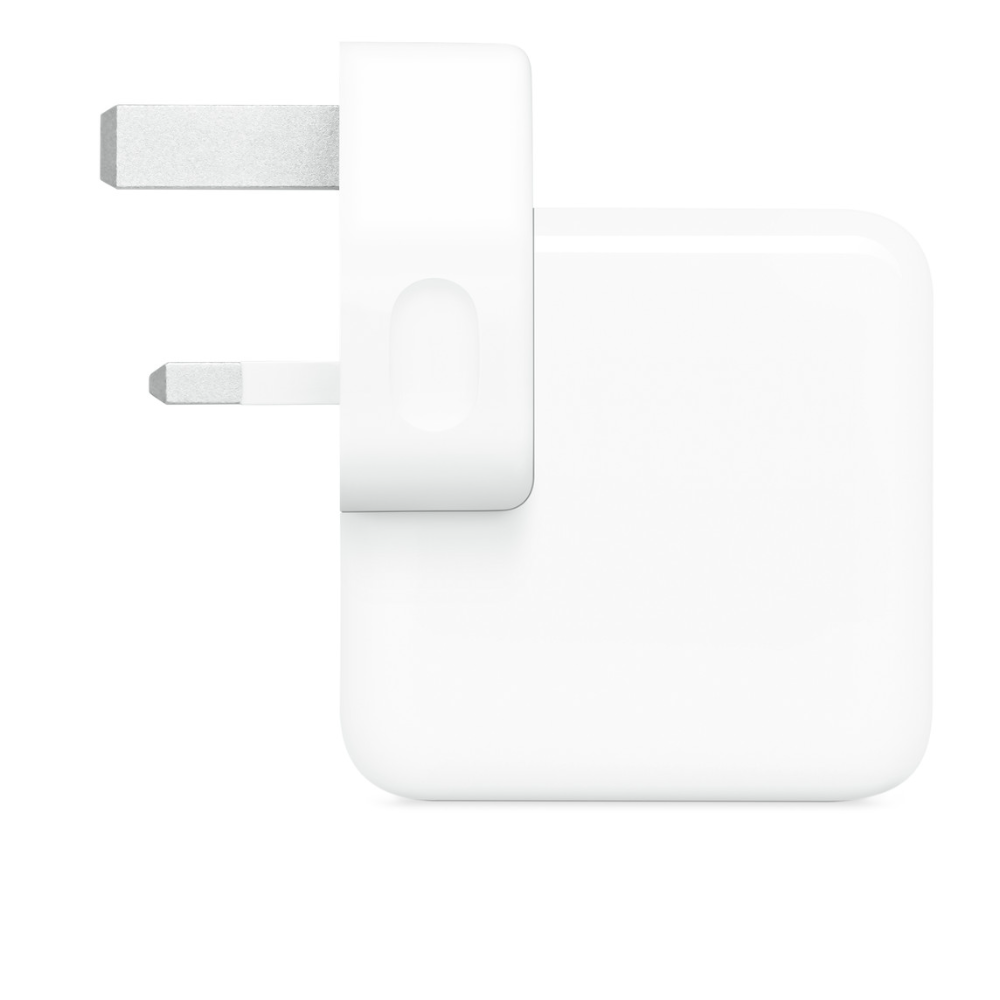
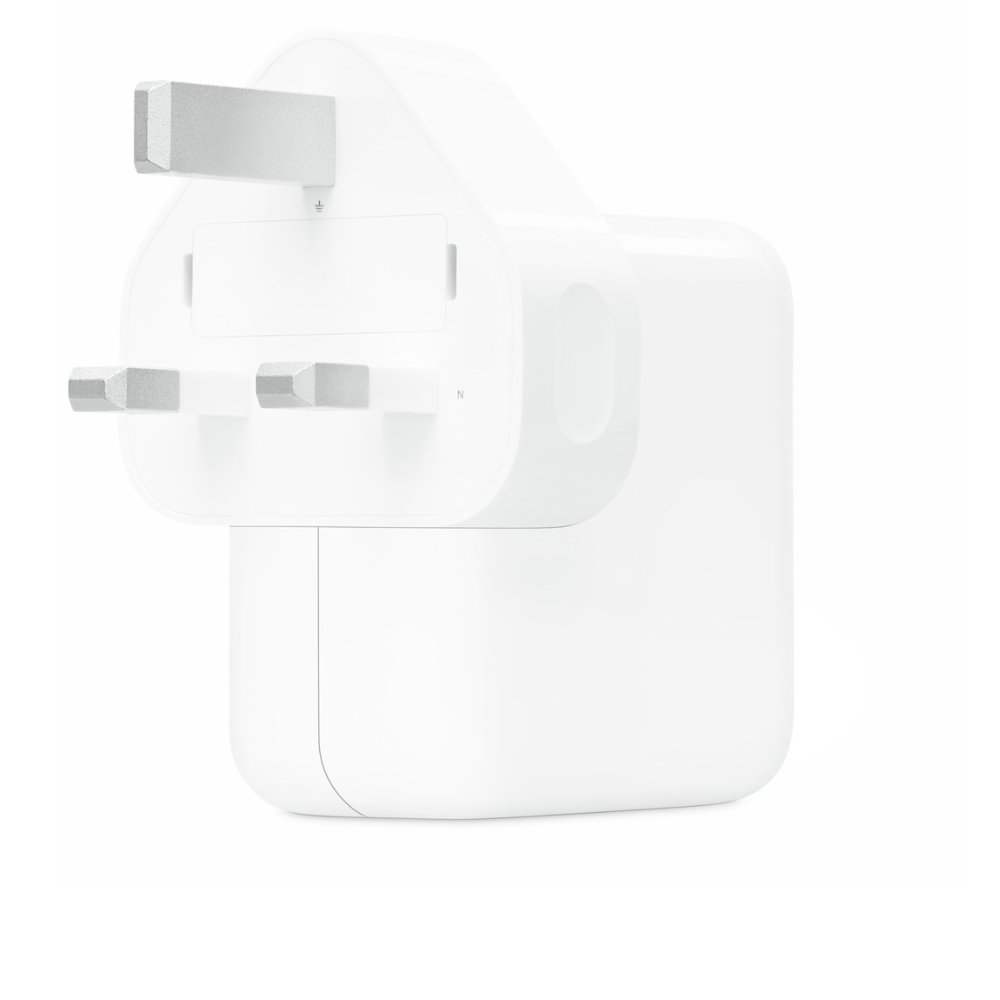
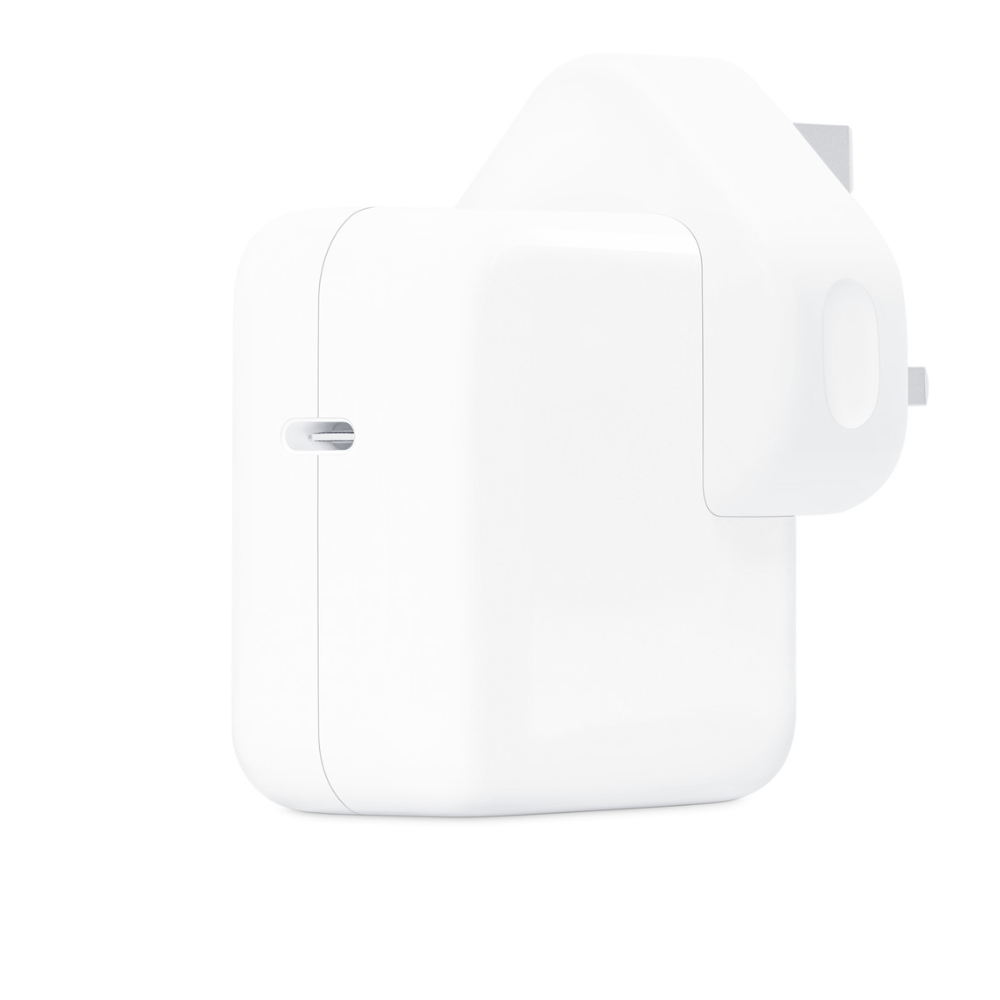
The Apple 30W USB-C Power Adapter is Apple’s compact single-port wall charger, here with the three-pin plug used in UAE sockets. Apple’s user guide lists an input of 100-240V AC at 50-60Hz and four USB-C output levels, the highest being 20V at 1.5A, which is where the 30W rating comes from. It charges iPhone, iPad, AirPods, Apple Watch chargers and MacBook Air, and Apple names this 30W model in its own iPhone fast-charge testing. The box holds the adapter only, so plan on a USB-C cable.

Table of Contents
Output and input, from Apple’s user guide
Apple publishes four output levels for the Apple 30W USB-C Power Adapter: 5V at 3A, 9V at 3A, 15V at 2A and 20V at 1.5A. The connected device and adapter agree on one of these over USB Power Delivery, so a pair of AirPods takes the low 5V level while an iPad or MacBook Air asks for the higher ones. On the input side it accepts 100-240V AC at 50-60Hz, which covers the UAE supply and almost every country you might travel to; abroad you need only a simple plug converter, not a voltage converter.

Fast charging iPhone
Apple’s fast-charge article lists an Apple 18W or greater USB-C Power Adapter among the options for fast charging iPhone 15 and later, and for iPhone Air and iPhone 17e it states up to 50 percent in around 30 minutes with a 20W adapter or higher, so the Apple 30W USB-C Power Adapter qualifies on both counts. For iPhone 17, iPhone 17 Pro and iPhone 17 Pro Max, Apple quotes its fastest figure with a 40W adapter or higher; this 30W unit still charges them quickly, just not at that headline rate. For MagSafe on iPhone 16, iPhone 17 and iPhone Air, Apple lists an Apple 30W or greater adapter, and its testing used the 30W model A2164.

MacBook Air and iPad
The Apple 30W USB-C Power Adapter charges a MacBook Air over a USB-C cable or a USB-C to MagSafe 3 cable at normal speed. Apple’s MacBook fast-charge page asks for more power for the 50-percent-in-30-minutes figure, for example a 67W, 70W, 96W or 140W adapter on MacBook Air (M2, 2022), so treat 30W as an everyday and travel charger for the Air rather than a fast one. iPads with USB-C or Lightning charge from it with the matching cable, and the higher voltage levels suit iPad Pro.
Choosing the cable
There is no cable in the box. Use a USB-C to USB-C cable for iPhone 15 and later, iPad models with USB-C and MacBook Air; a USB-C to Lightning cable for iPhone 14 and earlier; or a USB-C to MagSafe 3 cable for a MacBook Air with a MagSafe port. Old USB-A cables do not fit this adapter. A MagSafe Charger plugged into the Apple 30W USB-C Power Adapter covers wireless charging on iPhone.
Safe use in UAE conditions
Apple’s user guide notes that the adapter can get very warm in normal use. Keep it ventilated, do not leave it under a pillow, blanket or your body while plugged in, and do not sleep with it plugged into a power source in contact with you. Keep it away from sinks, baths and showers and do not handle it with wet hands. Unplug it if the cable, plug or case is damaged or has been exposed to liquid, and keep the wall socket easy to reach so you can disconnect it quickly.
Who This Is Not For
The Apple 30W USB-C Power Adapter is not for charging two devices at once: it has a single USB-C port. It is not the right pick for MacBook Pro owners or anyone who wants MacBook Air fast charging, since Apple asks for 67W or more for that. Owners of iPhone 17 Pro models who want Apple’s fastest wired figure need a 40W or higher adapter. And it does not include a cable, so anyone without a USB-C cable must buy one separately.
Ordering from Totot
Totot sells the Apple 30W USB-C Power Adapter brand-new and genuine in its sealed box, backed by a 1-year warranty from Totot. We deliver UAE-wide in up to 3 business days, and delivery is free on orders from AED 300, with cash on delivery or instalments via Tabby and Tamara. Items that arrive defective or not as ordered can be returned within 14 days, and any shipping damage should be reported within 48 hours of delivery. Browse more in our Chargers range, or see the official Apple 30W USB-C Power Adapter user guide (PDF).
Apple 30W USB-C Power Adapter Specifications
- Product: Apple 30W USB-C Power Adapter
- Plug: UAE three-pin plug (as pictured)
- Port: 1 x USB-C
- Input: 100-240V AC, 50-60Hz
- Output: 5V 3A, 9V 3A, 15V 2A, 20V 1.5A (30W maximum)
- Charging standard: USB Power Delivery
- iPhone wired fast charge: Meets Apple’s 18W-or-greater and 20W-or-higher requirements; iPhone 17 / 17 Pro fastest figure needs 40W or higher
- MagSafe Charger: Meets Apple’s 30W-or-greater requirement for iPhone 16, iPhone 17 and iPhone Air
- MacBook Air: Charges at normal speed; fast charge needs 67W or higher
- In the box: Power adapter only; cable sold separately
- Warranty: 1-year warranty from Totot
Apple 30W USB-C Power Adapter FAQ
Does the Apple 30W USB-C Power Adapter fast charge iPhone 16?
Yes. iPhone 15 and later fast charge with an Apple 18W or greater USB-C adapter, and for MagSafe on iPhone 16 Apple lists an adapter of 30W or more.
Will it fast charge a MacBook Air?
No. It charges a MacBook Air at normal speed; Apple’s fast-charge list for MacBook Air (M2, 2022) starts at 67W.
Is a cable included?
No. The box contains the adapter only.
Can I use it abroad?
Yes. It accepts 100-240V at 50-60Hz, so you only need a plug converter.
Can it charge two devices at once?
No. It has 1 USB-C port.
What is the maximum output?
30W, at 20V and 1.5A, according to Apple’s user guide.
Is it genuine?
Yes. We sell the genuine Apple 30W USB-C Power Adapter, new in its sealed box.
How long does delivery take?
No more than 3 business days to any emirate, free from AED 300; the live fee for your order appears at checkout.




 No products in the cart.

Reviews
There are no reviews yet