
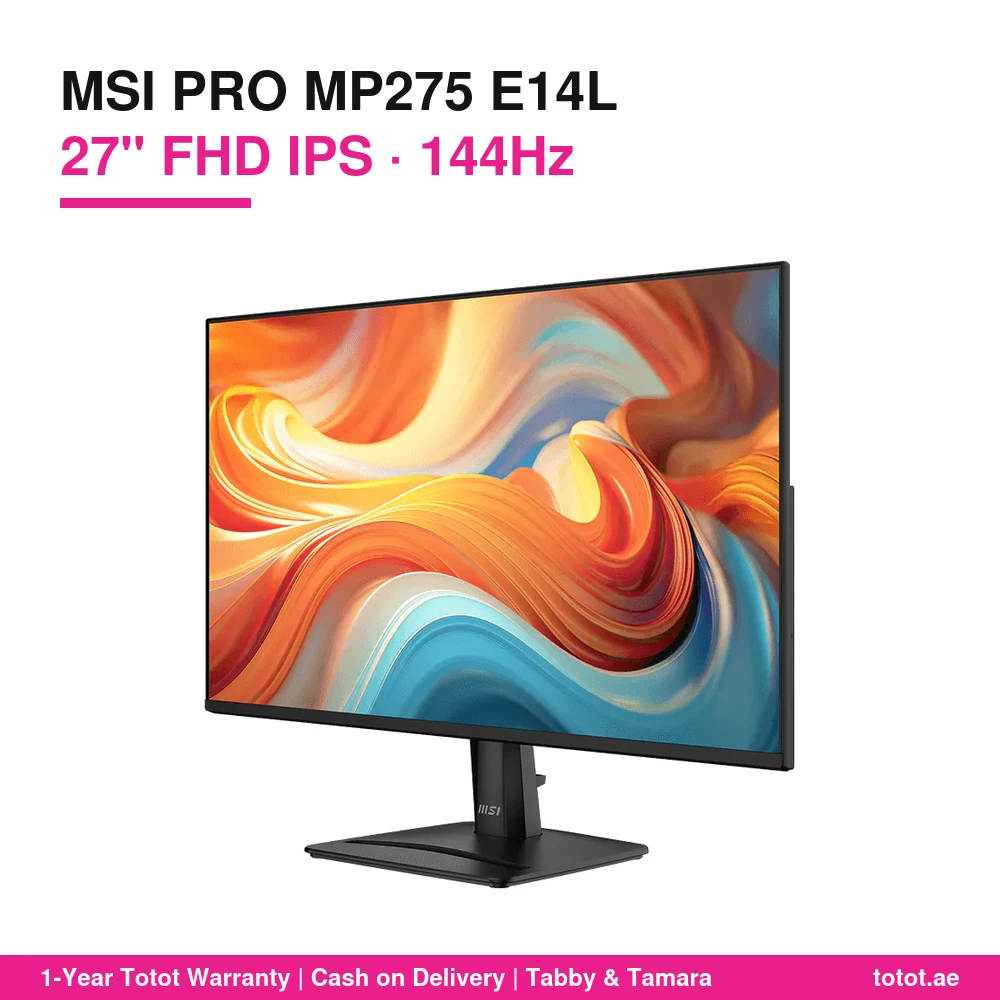
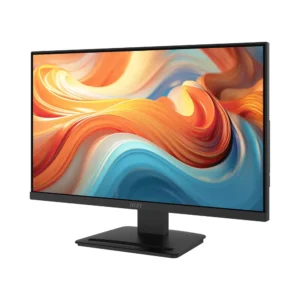
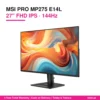
The MSI PRO MP275 E14L is a 27-inch business monitor from MSI’s PRO line. It uses a Full HD (1920 x 1080) IPS panel at up to 144Hz with AMD FreeSync, so it handles spreadsheets and video calls during the day and casual gaming in the evening.
MSI built it around everyday comfort and simple setup: two built-in 2W speakers, anti-flicker and low blue light modes, a slim four-side bezel and a VESA mount on the back.
Contents
Why choose the MSI PRO MP275 E14L for work
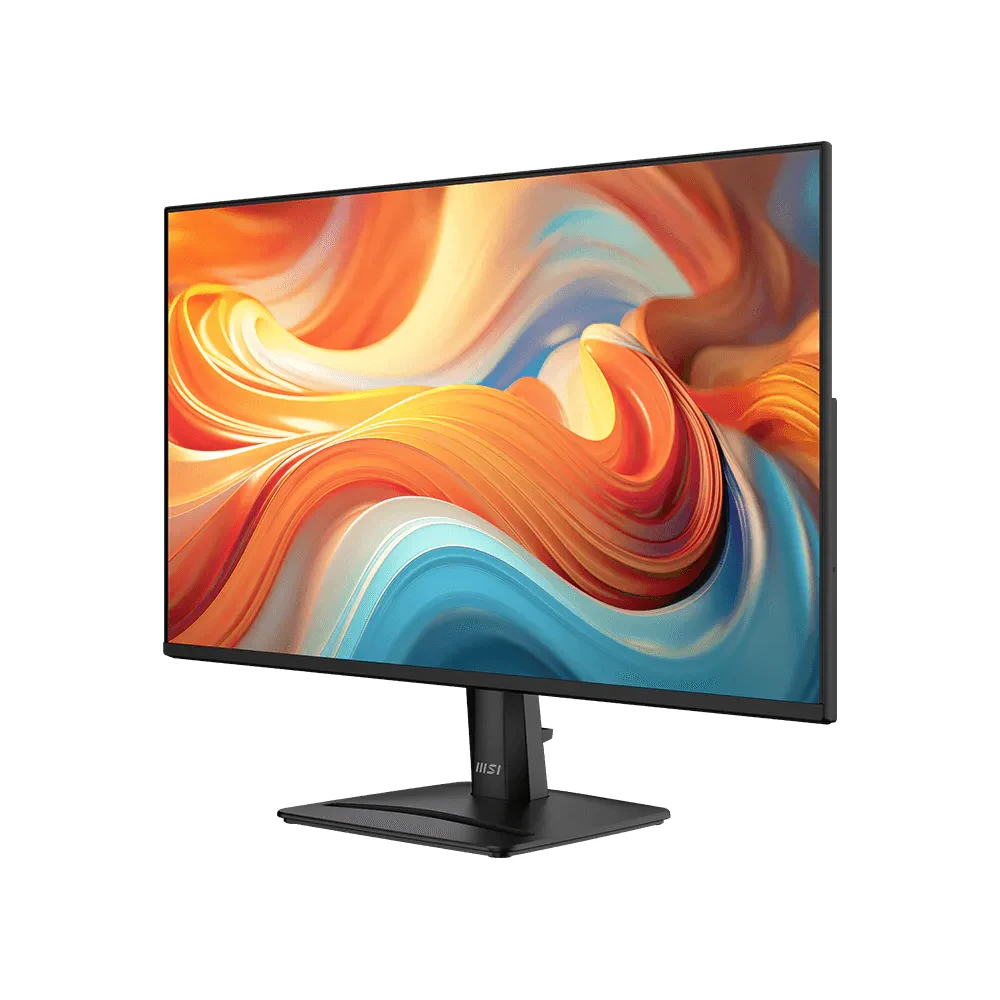
IPS gives wide 178-degree viewing angles and steady colour, which matters when you share the screen with a colleague. MSI rates brightness at 300 nits and contrast at 1500:1, and lists colour coverage of 80% Adobe RGB, 85% DCI-P3 and 110% sRGB.
The 144Hz refresh rate makes scrolling and moving windows look smoother than on a standard 60Hz office screen. Response time is 1ms MPRT (4ms GtG).
Connections for older and newer PCs
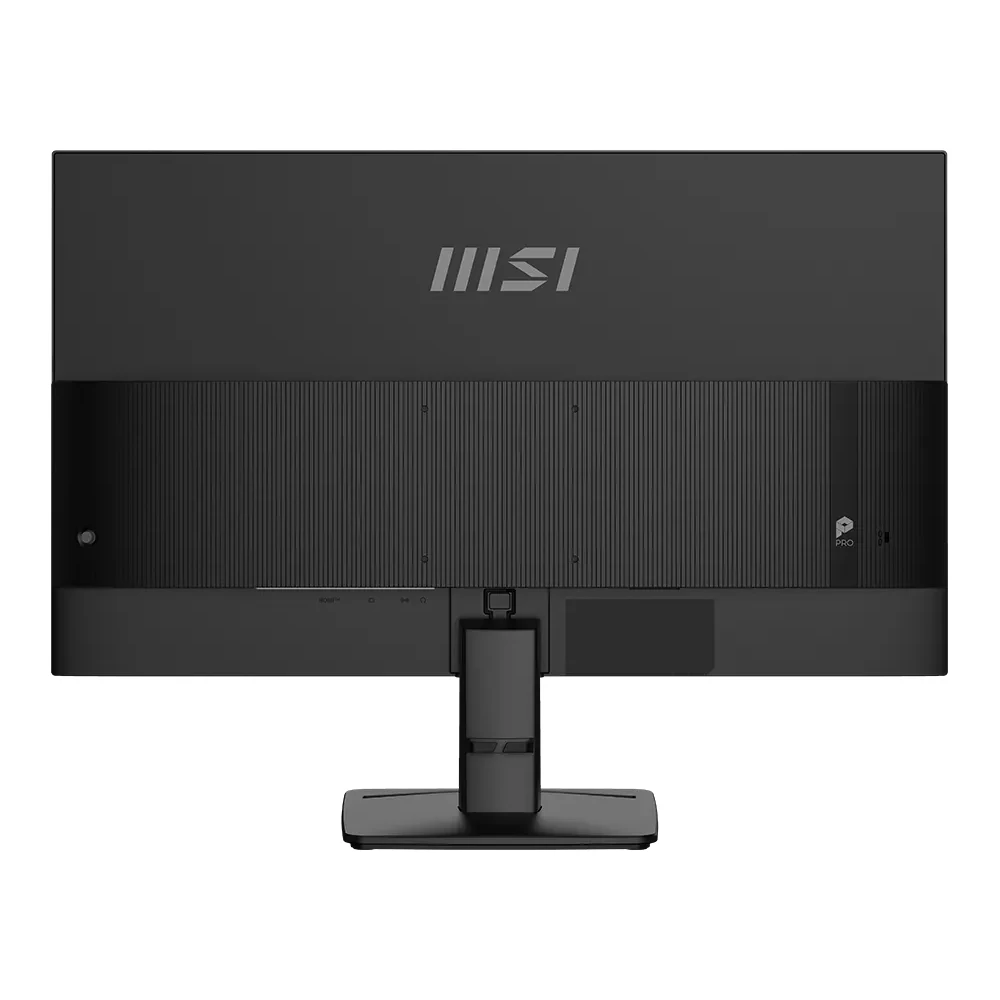
You get one HDMI input, which runs at up to 144Hz, and one D-Sub (VGA) input at up to 60Hz for older desktops and projectors. There is an audio line-in and a headphone output. MSI includes an HDMI cable in the box. Note that MSI does not list a DisplayPort input on this model.
With MSI Power Link and HDMI CEC, an MSI mini PC mounted on the back can be powered on from the monitor’s own button.
Speakers, eye care and mounting
The two 2W speakers cover system sounds and video calls without extra boxes on the desk. MSI’s EyesErgo tools include anti-flicker, less blue light and an Eye-Q Check reminder to rest your eyes. The VESA mount lets you move the screen to an arm or hang a compact PC behind it.
Setting it up at home or in the office
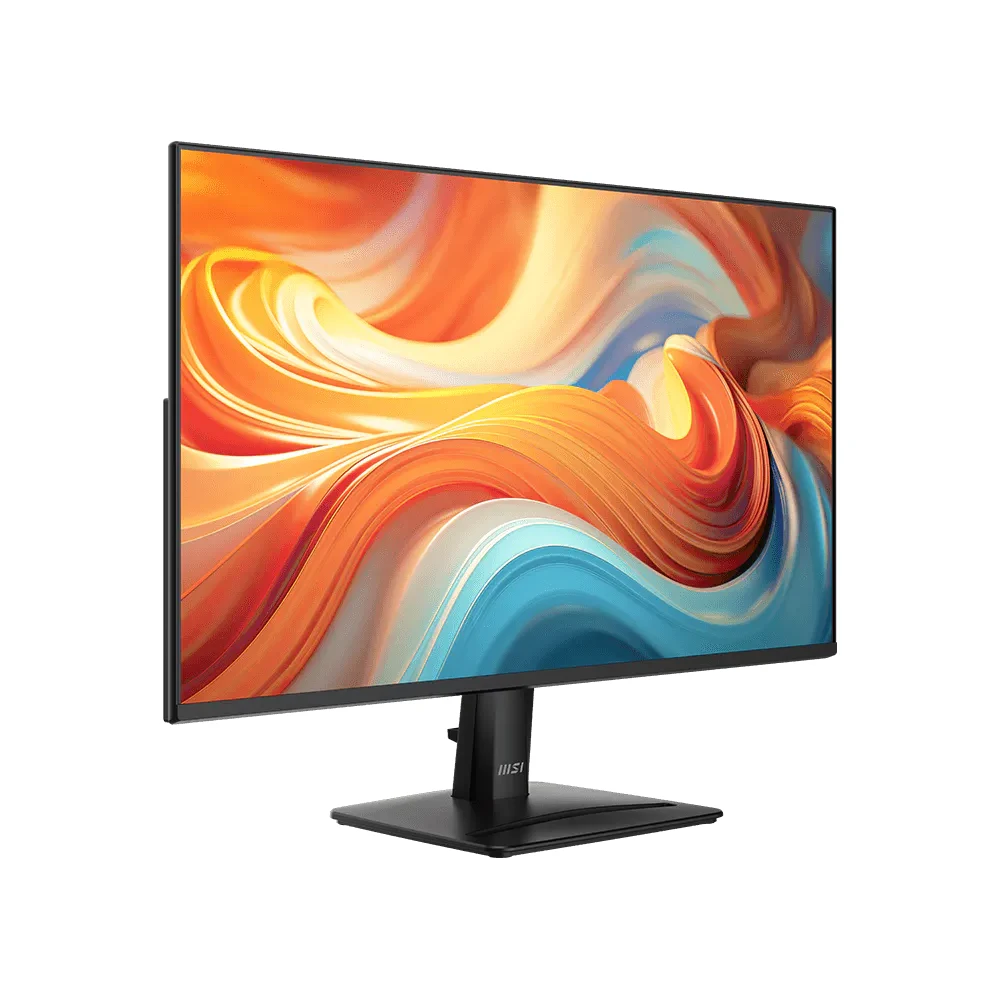
Connect a laptop or desktop with the HDMI cable in the box, then set the refresh rate to 144Hz in your display settings, because many computers default to 60Hz. If your PC has an AMD graphics card, enable FreeSync in the driver; NVIDIA cards can use it as G-SYNC Compatible where the driver allows.
For two-screen setups, a pair of these 27-inch panels side by side gives a wide, even workspace, and the slim bezels keep the gap between them small. An older office PC with only a VGA port still works, at up to 60Hz.
Who the MSI PRO MP275 E14L Is Not For
- Users who need DisplayPort or USB-C: inputs are HDMI and VGA only.
- Sharp-text work on a large screen: Full HD on 27 inches is softer than WQHD.
- Competitive gamers chasing 240Hz or more.
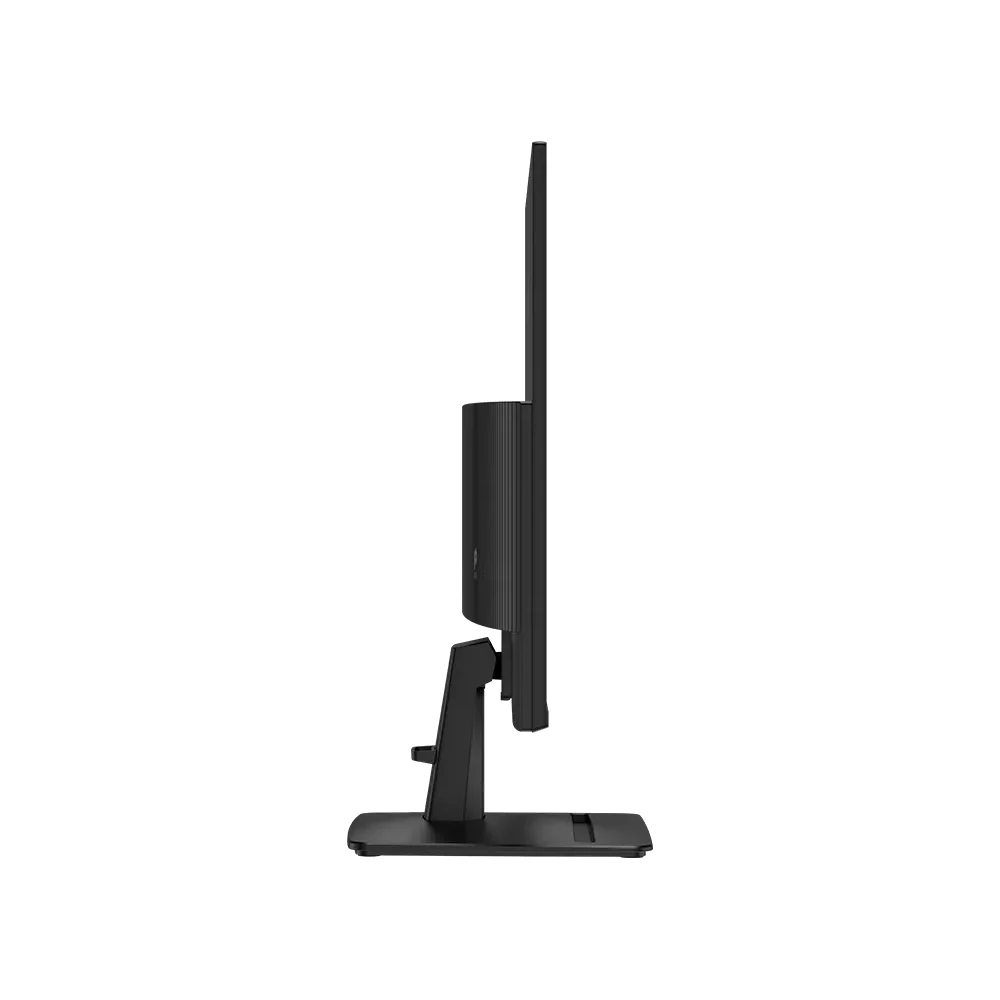
- Anyone who needs height adjustment from the stand: MSI lists no height, swivel or pivot adjustment.
Ordering the MSI PRO MP275 E14L from Totot
Every MSI PRO MP275 E14L we ship is new, original and sealed in its box. It reaches any emirate within 3 business days, with free delivery on orders from AED 300. You can pay by card, cash on delivery, or split the payment with Tabby or Tamara. If your MSI PRO MP275 E14L arrives faulty or is not the model you ordered, you can return it within 14 days, and please report any shipping damage within 48 hours of delivery. This is a global-version unit, so it comes with a 1-year warranty from Totot.
Browse more Monitors at Totot, or see the official MSI page for full product details.
MSI PRO MP275 E14L Specifications
- Panel: 27″ IPS, flat
- Resolution: 1920 x 1080 (FHD)
- Refresh rate: 144Hz (HDMI); VGA up to 60Hz
- Response time: 1ms MPRT / 4ms GtG
- Adaptive sync: AMD FreeSync, 48–144Hz
- Brightness: 300 nits
- Contrast: 1500:1
- Colour: 80% Adobe RGB, 85% DCI-P3, 110% sRGB (CIE1976)
- HDR: HDR Ready
- Inputs: 1x HDMI 2.0, 1x D-Sub (VGA), audio line-in, headphone out
- Speakers: 2 x 2W
- Stand: Tilt -5° to 20°; VESA 100 x 100 mm
- Weight: 3.94 kg net / 6.05 kg gross
- Dimensions: 612.1 x 206.8 x 457.3 mm (with stand)
- In the box: HDMI cable (1.4), power cord, quick guide
- Warranty: 1-year warranty from Totot
Frequently Asked Questions
Does the MSI PRO MP275 E14L have DisplayPort?
No. MSI lists one HDMI and one VGA input.
Does it have speakers?
Yes, 2 built-in 2W speakers.
What refresh rate does it reach?
144Hz over HDMI; the VGA input runs at up to 60Hz.
Is an HDMI cable included?
Yes. MSI lists an HDMI cable, the power cord and a quick guide.

 No products in the cart.
Reviews
There are no reviews yet