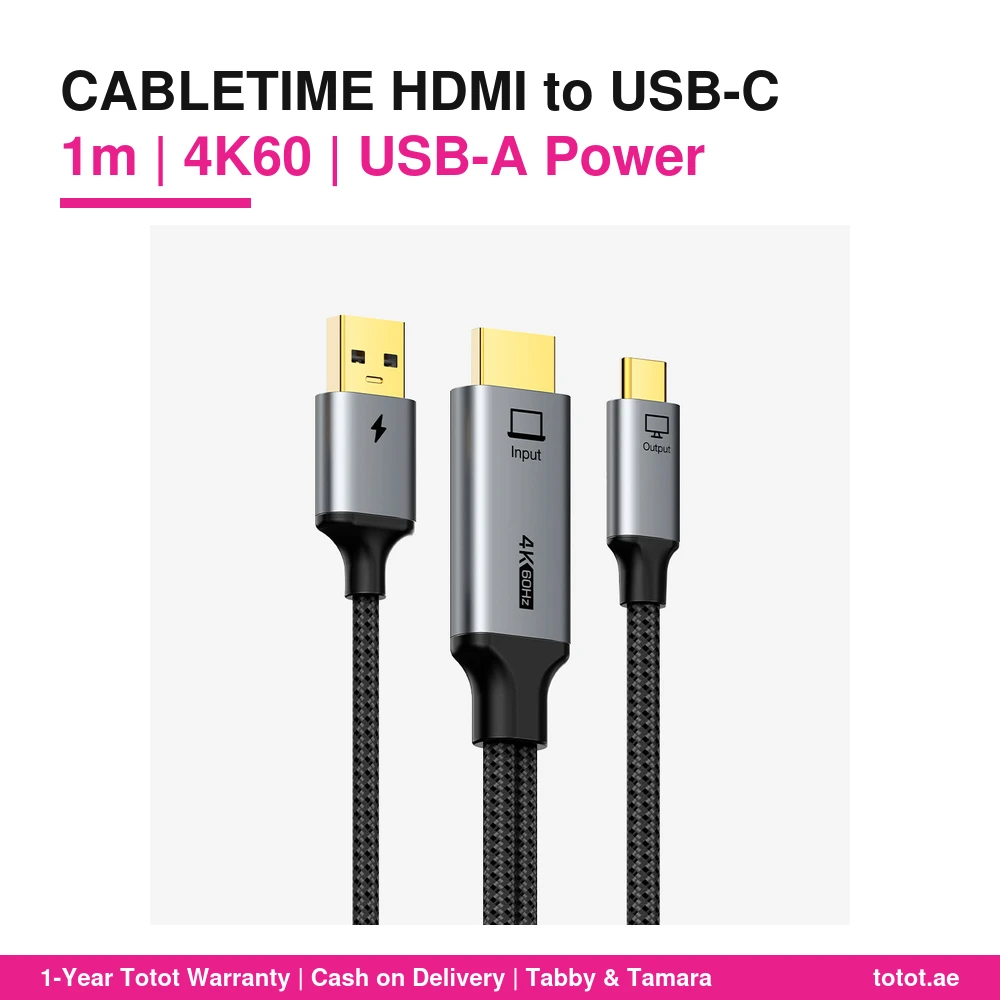
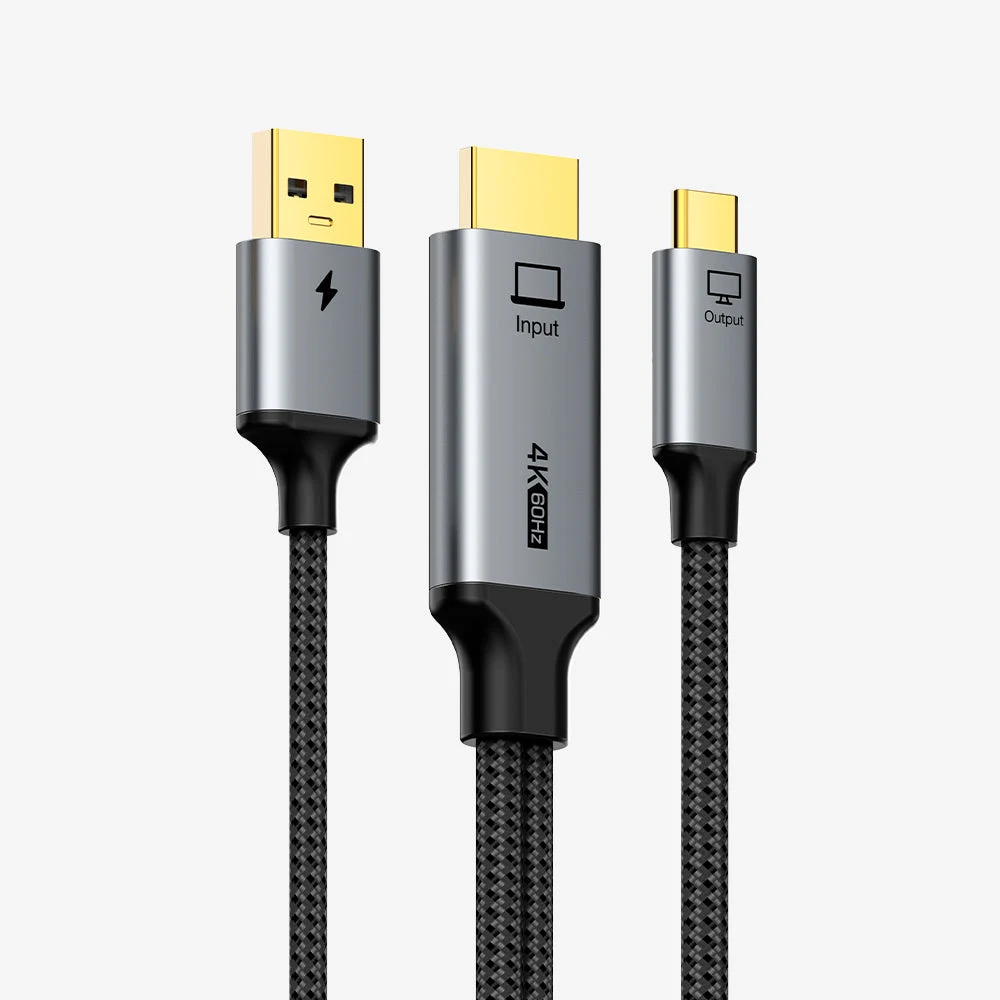
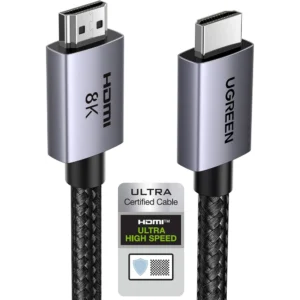
The CABLETIME HDMI to USB-C Cable is an active, one-way cable that sends video from an HDMI device to a USB-C screen. This is the 1 m version, SKU CT-HMCM4K-AG1, printed on the box as model CC18H. It has three plugs: HDMI male (the input), USB-C male (the output to the display) and a USB-A male plug on a short lead that powers the converter chip inside.
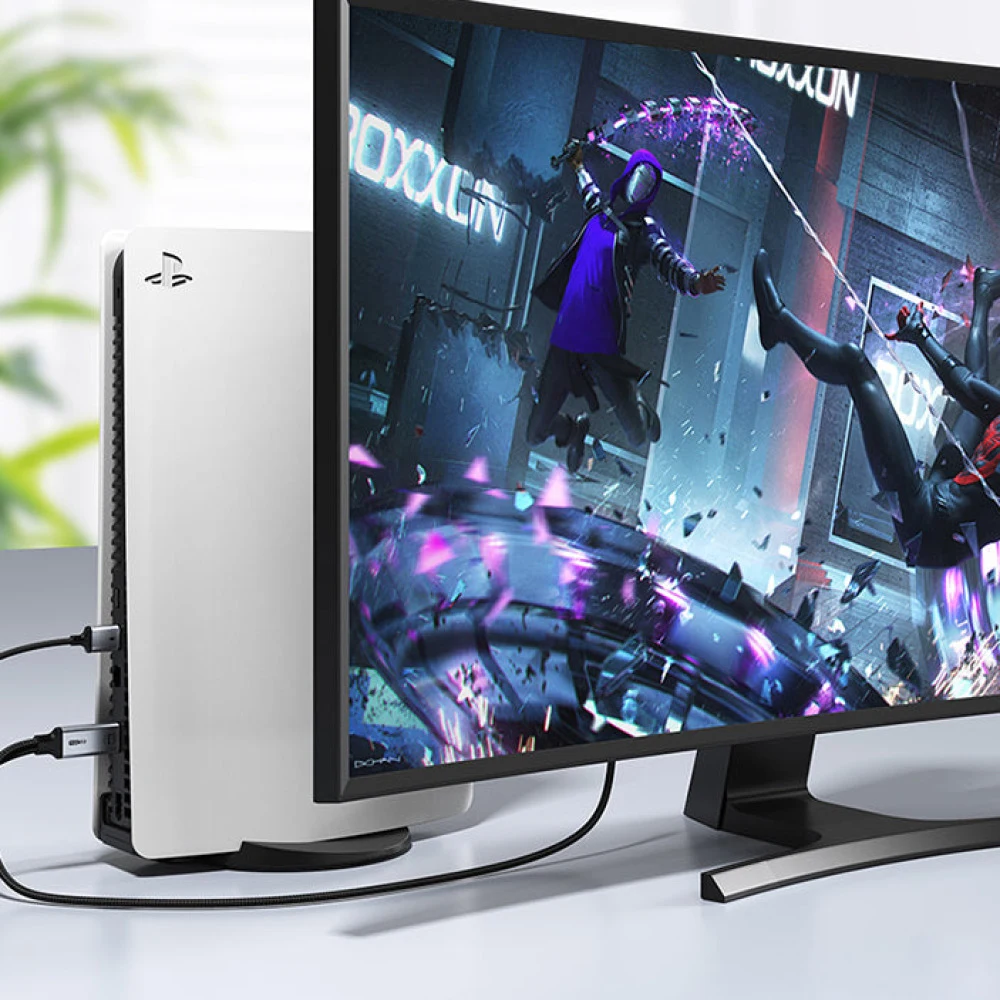
CABLETIME names AR glasses such as Xreal Air 2, Rokid Max and RayNeo, plus PS5, Xbox and the Nintendo Switch dock, as typical uses. This page explains how the CABLETIME HDMI to USB-C Cable is wired, what it needs to work, and its limits.
Contents
CABLETIME HDMI to USB-C Cable: How It Works
Plug the HDMI end into the source: a games console, a desktop PC, a laptop with HDMI out, or a TV box. Plug the USB-A lead into a USB port or a 5 V USB charger for power. Then connect the USB-C end to the display. CABLETIME says the USB-A plug must be connected for the best picture, and that the cable does not supply power to the portable screen or carry data; it only powers its own converter.
The cable is unidirectional. It cannot take video from a USB-C phone, iPad or laptop to an HDMI TV.
4K@60Hz to Monitors and AR Glasses
The CABLETIME HDMI to USB-C Cable supports up to 4K at 60Hz. It works in mirror mode or extend mode when the source is a computer. The display’s USB-C port must support DisplayPort Alt Mode; most portable monitors and AR glasses that take a USB-C video signal do.
CABLETIME warns that Apple Studio Display, LG UltraFine 5K and other Thunderbolt displays may have limited compatibility: with a PS5 or Xbox on an Apple Studio Display it may only show 1080p, and audio, camera, microphone, brightness control and USB hub functions may not work. 4K output is not guaranteed on those screens.
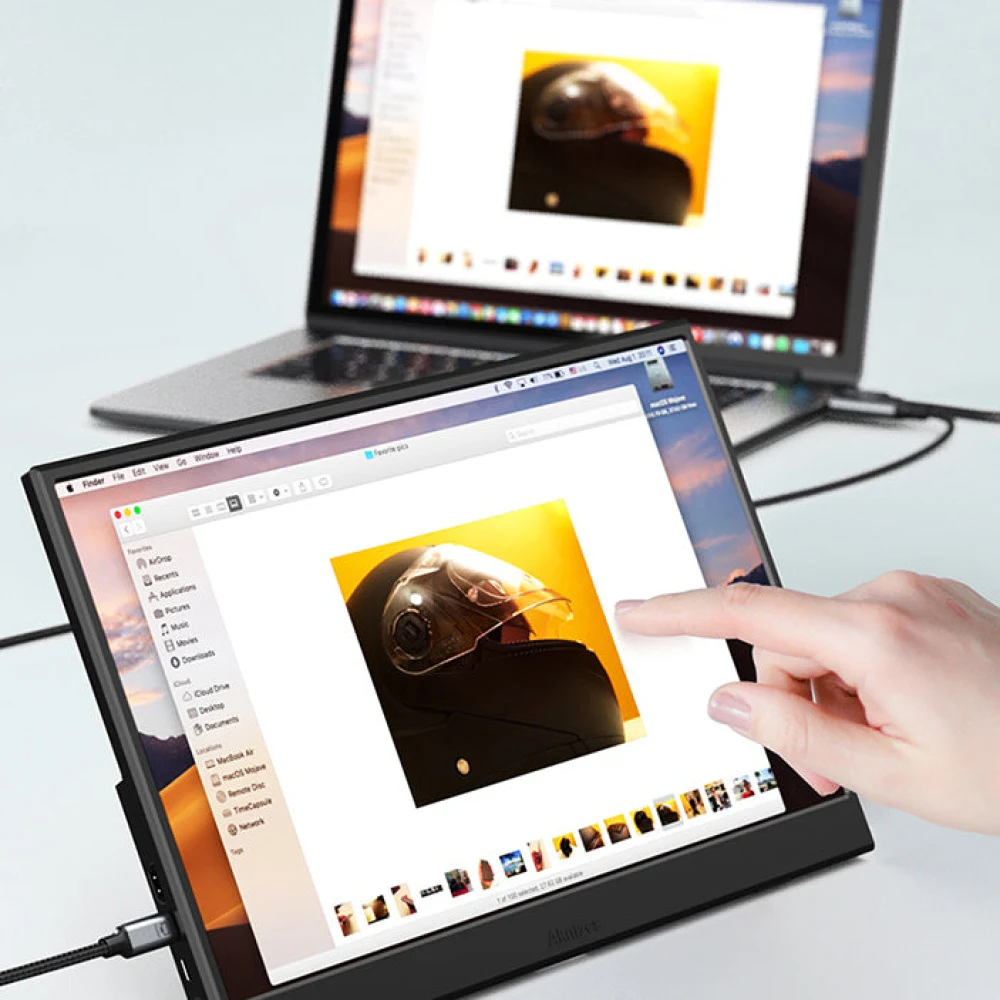
Built for Travel Bags
Both main plugs have aluminium shells, the connectors are gold-plated and the cable has a braided nylon jacket, which handles being rolled up in a console or glasses case. At 1 m it is a good length for a console beside a portable monitor on a desk or a tray table.
Who This Is Not For
- Anyone who wants to connect a phone, iPad or USB-C laptop to an HDMI TV; this cable only works HDMI to USB-C.
- Owners of USB-C screens without DisplayPort Alt Mode input.
- Apple Studio Display users who need 4K, sound or the camera from a console.
- Setups where the screen needs power from the same cable; it does not power the display.
Every order from Totot is delivered across the UAE in up to 3 business days, free on orders from AED 300. Report shipping damage within 48 hours; defective or non-matching items can be returned within 14 days.
Browse more Computer Accessories at Totot, or see the official CABLETIME page for full product details.
CABLETIME HDMI to USB-C Cable Specifications
- SKU / model: CT-HMCM4K-AG1 / CC18H
- Length: 1 m
- Input 1: HDMI male, gold-plated
- Input 2: USB-A male (power), on a 0.5 m lead
- Output: USB-C male
- Direction: one-way, HDMI source to USB-C display
- Resolution: up to 4K@60Hz
- Display requirement: USB-C port with DisplayPort Alt Mode
- Shell: aluminium
- Jacket: braided nylon
- Colour: grey and black
- Warranty: 1-year warranty from Totot
CABLETIME HDMI to USB-C Cable FAQ
Does the CABLETIME HDMI to USB-C Cable work with Xreal Air 2?
Yes. CABLETIME lists Xreal Air 2, Rokid Max and RayNeo glasses.
Do I have to connect the USB-A plug?
Yes. CABLETIME says the USB port must be connected for the best display.
Can it connect my phone to a TV?
No. It only sends HDMI to USB-C.
What is the maximum resolution?
4K at 60Hz.
Does it charge my portable monitor?
No. The USB-A plug only powers the cable’s converter.







 No products in the cart.
Reviews
There are no reviews yet