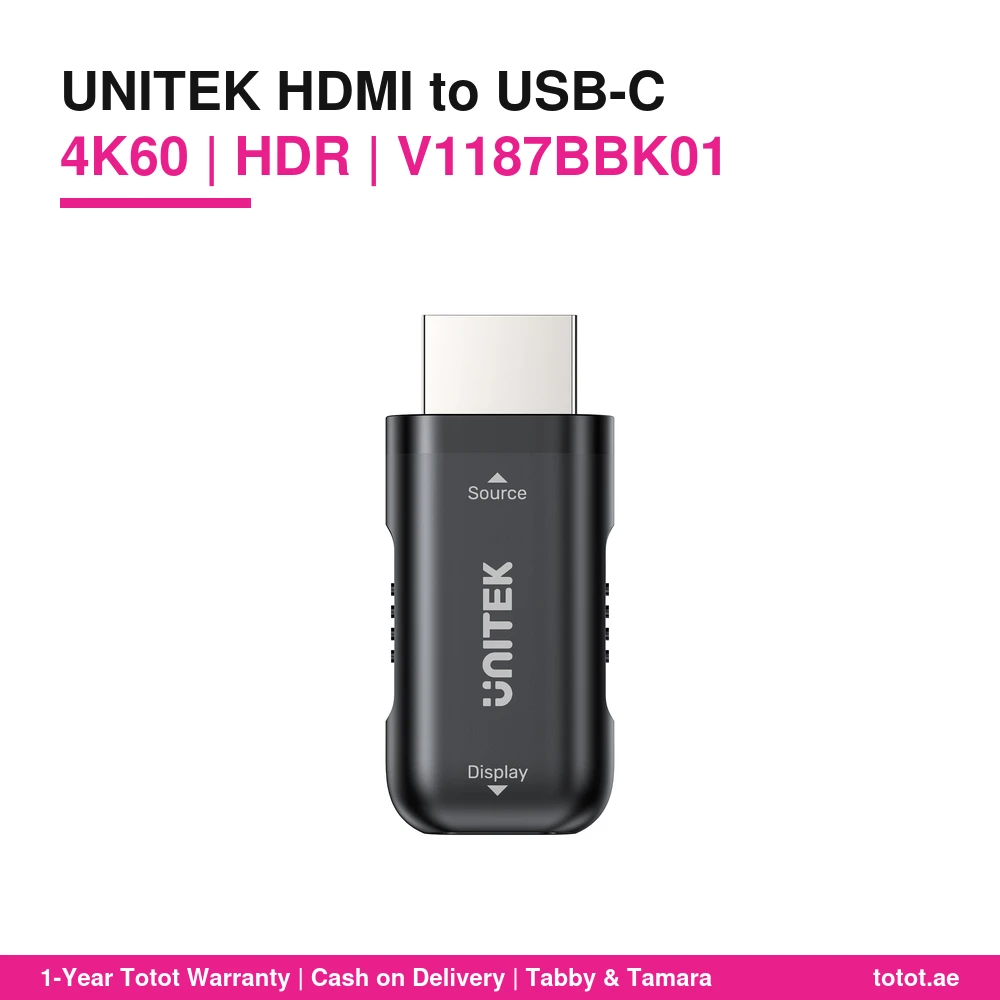
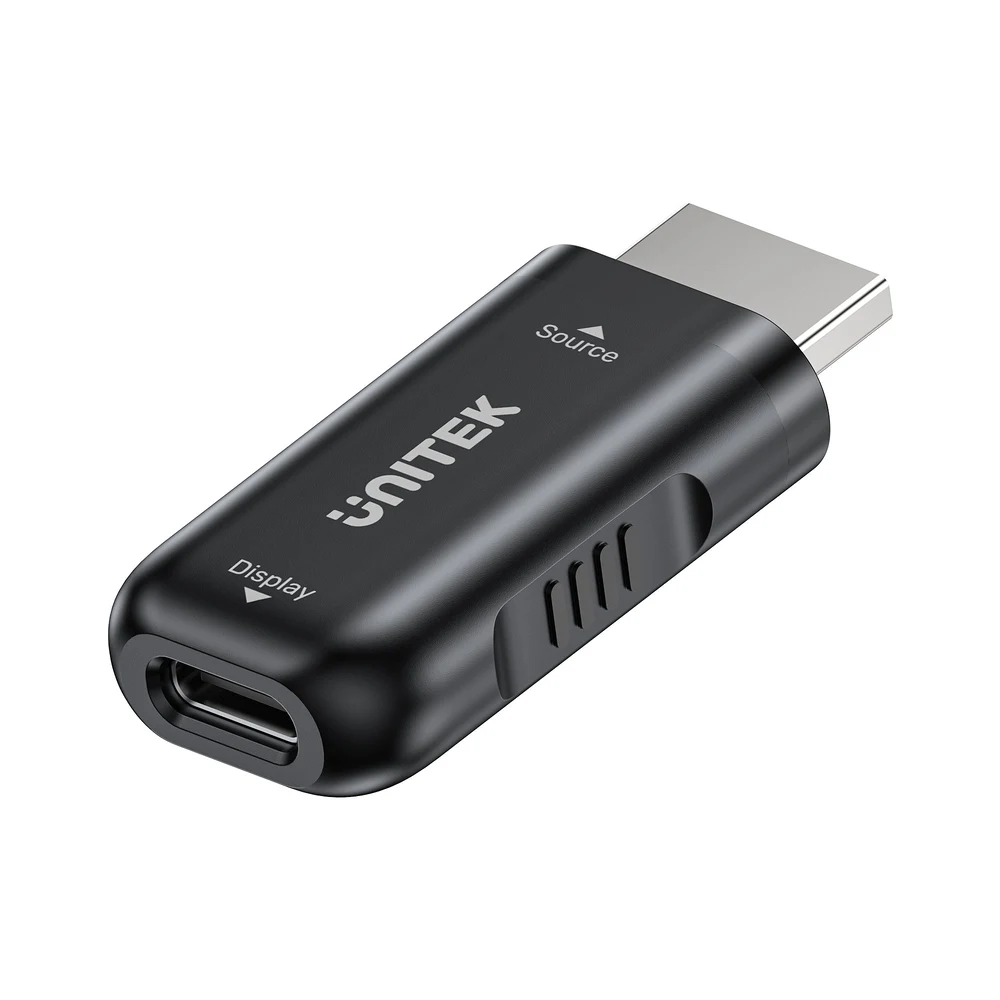
The UNITEK HDMI to USB-C Adapter does the opposite of the usual laptop adapter: it takes video from an HDMI source and sends it to a USB-C screen. UNITEK’s part number is V1187BBK01. Plug the HDMI end into a PC, a games console or a camera, connect a USB-C cable from the adapter to a portable monitor or a display with a video-capable USB-C input, and the picture appears at up to 4K@60Hz.
Many people buy a slim USB-C portable monitor and then find their PlayStation, desktop PC or camera only has HDMI out. This page explains how the UNITEK HDMI to USB-C Adapter solves that, what kind of cable and screen it needs, and where it will not work.
Contents
UNITEK HDMI to USB-C Adapter: One-Way, HDMI In to USB-C Out
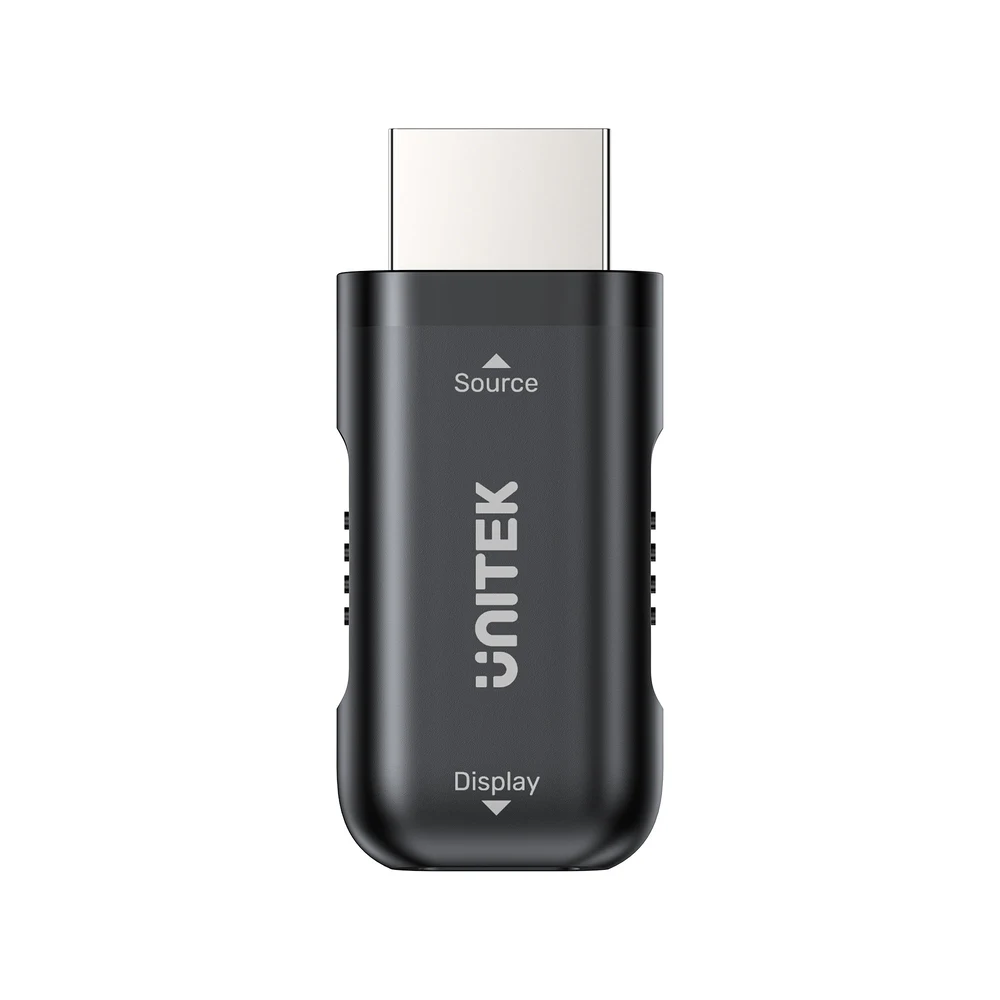
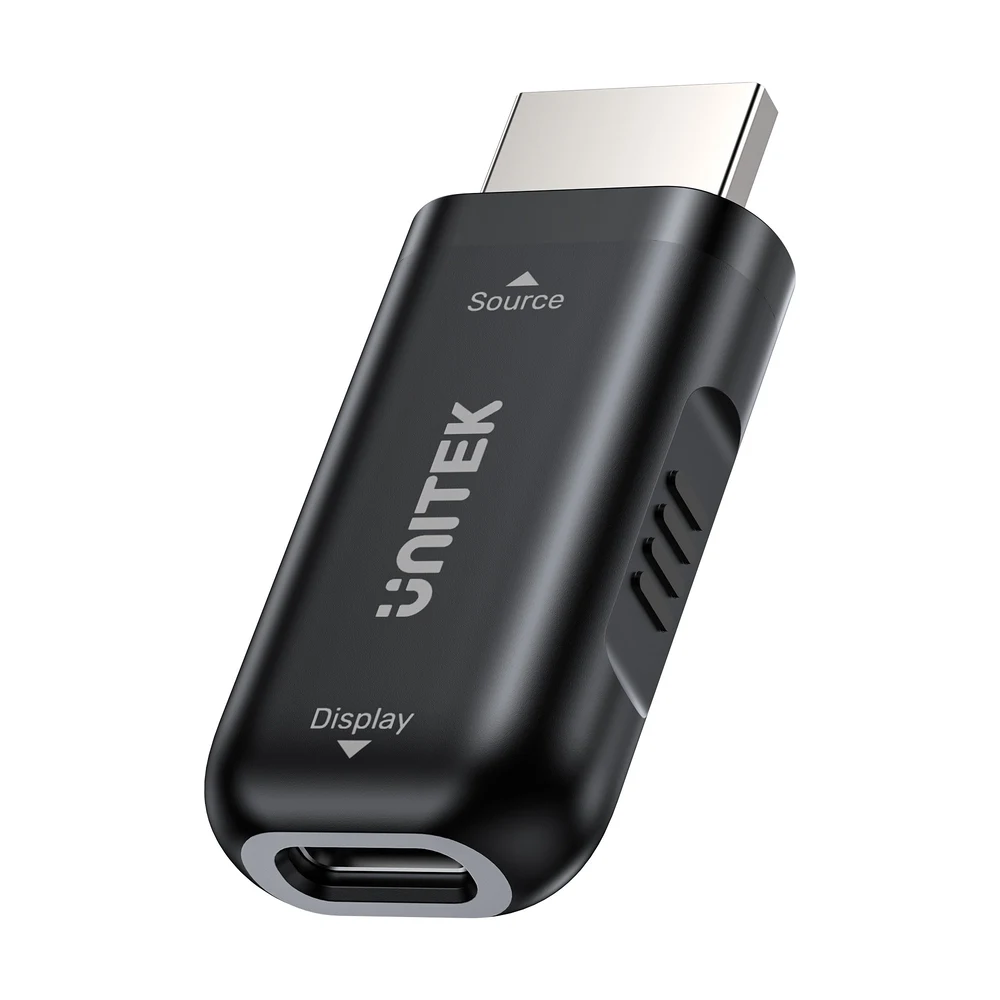
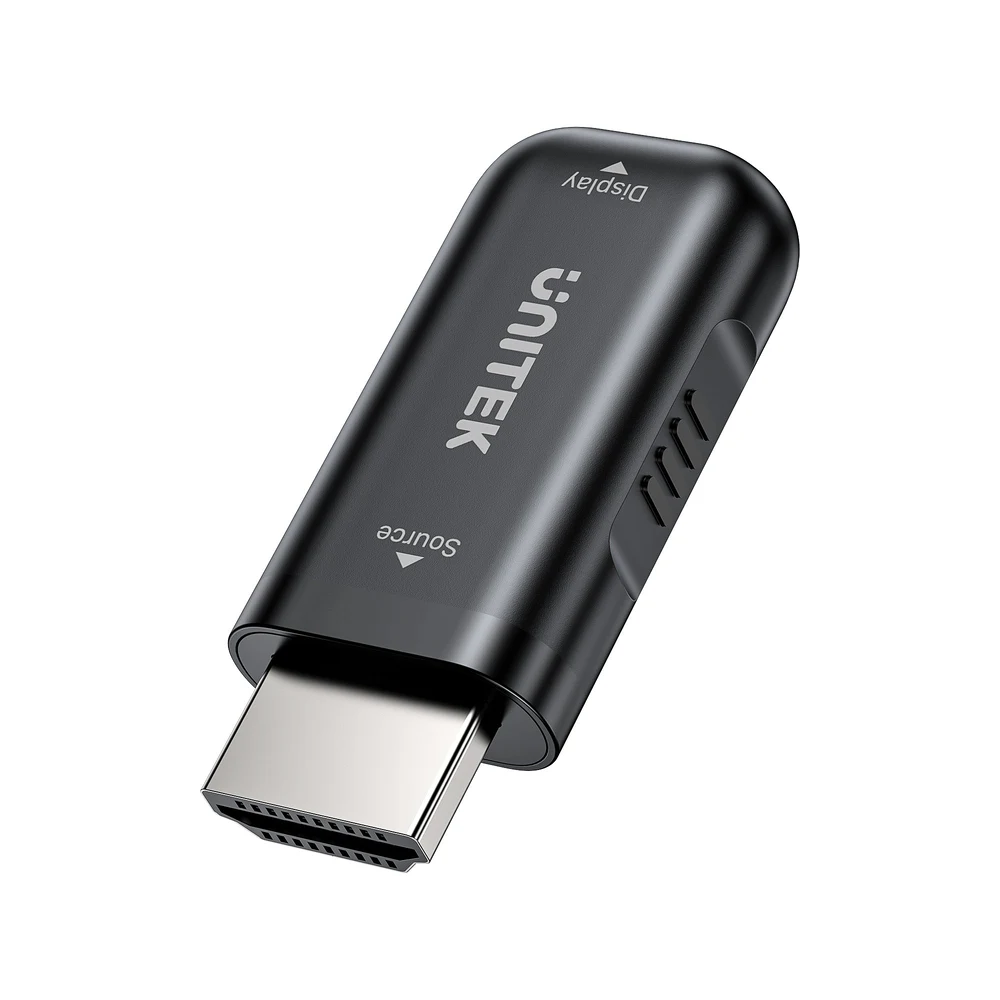
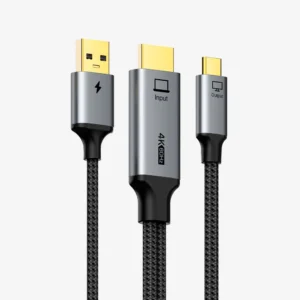
UNITEK states that the adapter only supports one-way transmission from HDMI to USB-C. The HDMI side is marked “Source” and the USB-C side is marked “Display” on the body, so you always know which way it goes. It will not let a USB-C laptop output to an HDMI TV; for that you need a normal USB-C to HDMI adapter.
4K@60Hz with Dynamic HDR
The maximum output is 4K@60Hz, and it also runs at 4K@30Hz and 1080p@60Hz. UNITEK lists dynamic HDR support, and HDCP 2.2 and 1.4 so protected content from streaming boxes and consoles can play. You can mirror the source screen or extend a computer desktop onto the USB-C display, and there are no drivers to install.
The Right Cable and Screen
Two things decide whether the UNITEK HDMI to USB-C Adapter works:
- The display: its USB-C port must accept video input (DisplayPort Alt Mode). Many portable monitors and some tablets do; a phone or a USB-C charger port does not.
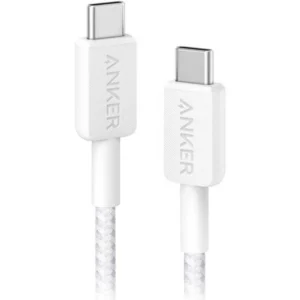
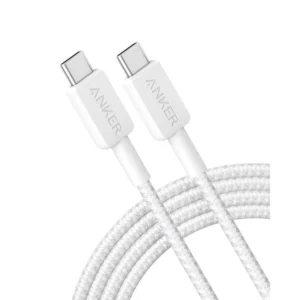
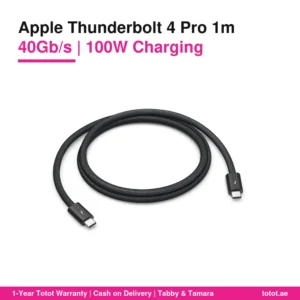
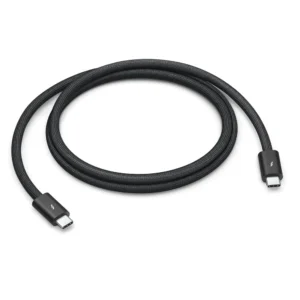
- The cable: a charging-only USB-C cable carries no video. UNITEK recommends a Thunderbolt 4, Thunderbolt 3 or USB4 cable, or a full-featured USB-C cable of USB 3.2 or above for 4K@60Hz.
UNITEK also notes it is not compatible with hubs, docks or KVM switches in between.
Small Enough for a Travel Kit
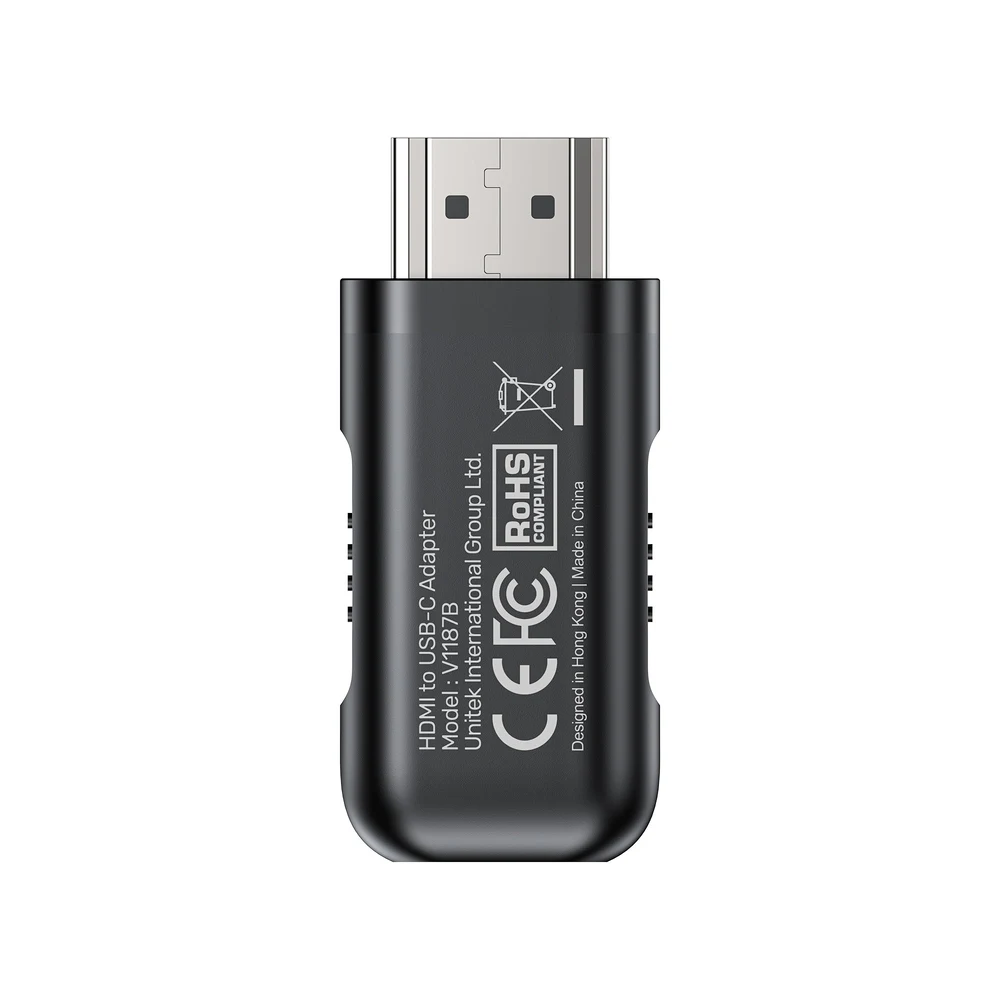
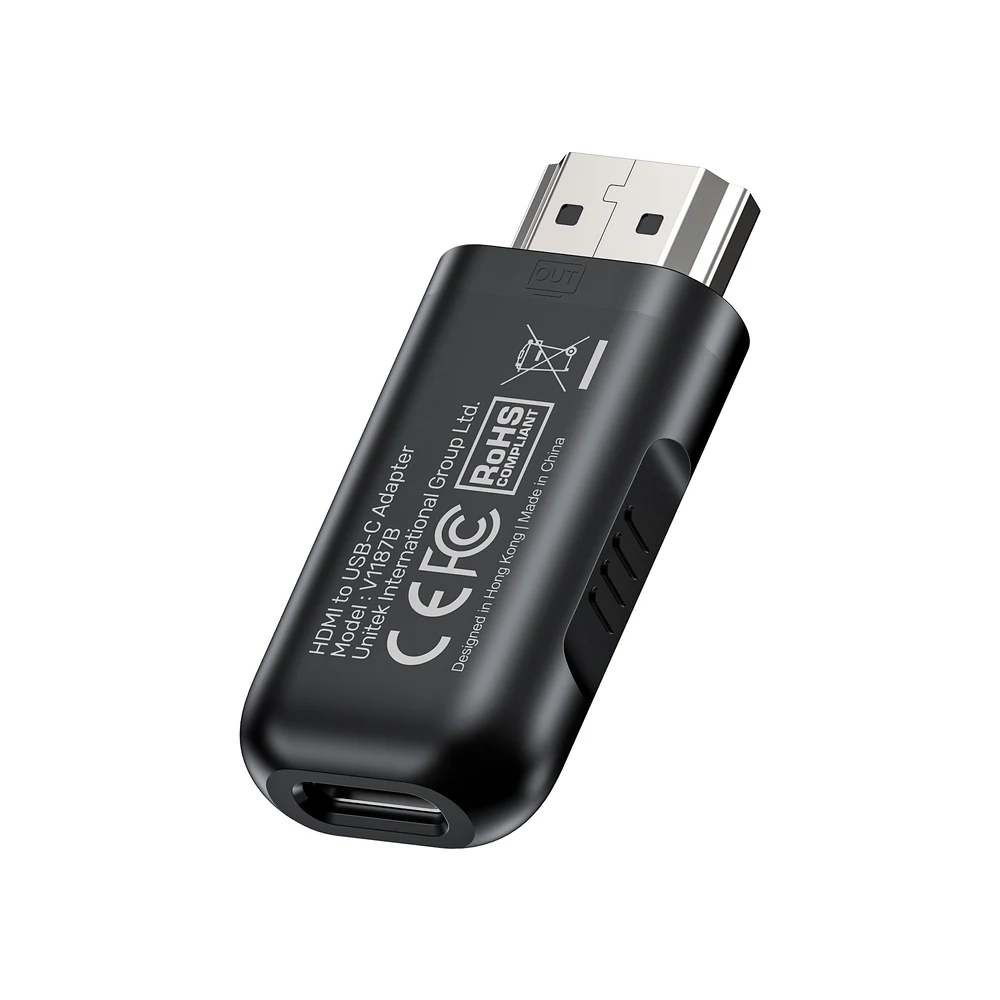
The UNITEK HDMI to USB-C Adapter measures 46.0 × 20.8 × 9.0 mm and is made of PVC. It fits in a console travel case or a laptop bag next to a portable monitor, so you can play a PS5 or show a camera feed on a 15-inch USB-C screen in a hotel room or a majlis.
Who This Is Not For
- Anyone who wants to connect a USB-C laptop or phone to an HDMI TV; this adapter only works the other way.
- Owners of displays whose USB-C port is for power or data only.
- Setups with a hub, dock or KVM switch between the adapter and the screen.
- People who want the USB-C cable included; it is an adapter only.
Every order from Totot is delivered across the UAE in up to 3 business days, free on orders from AED 300. Report shipping damage within 48 hours; defective or non-matching items can be returned within 14 days.
Browse more Computer Accessories at Totot, or see the official UNITEK page for full product details.
UNITEK HDMI to USB-C Adapter Specifications
- Part number: V1187BBK01
- Direction: one-way, HDMI source to USB-C display
- Ports: HDMI (male, source side), USB-C (female, display side)
- Resolution: up to 4K@60Hz; also 4K@30Hz and 1080p@60Hz
- HDR: dynamic HDR
- HDCP: 2.2 and 1.4
- Display modes: mirror and extend
- Requirements: USB-C display with video input; video-capable USB-C cable (Thunderbolt 3/4, USB4 or USB 3.2+ full-featured for 4K@60Hz)
- Not compatible with: hubs, docks, KVM switches
- Drivers: not needed
- Material: PVC
- Colour: Black
- Dimensions: 46.0 × 20.8 × 9.0 mm
- Warranty: 1-year warranty from Totot
UNITEK HDMI to USB-C Adapter FAQ
Can the UNITEK HDMI to USB-C Adapter connect my PS5 to a portable monitor?
Yes, if the monitor’s USB-C port accepts video and you use a video-capable USB-C cable.
Can I use it to connect my MacBook to an HDMI TV?
No. It only sends HDMI to USB-C, not USB-C to HDMI.
Does it support 4K at 60Hz?
Yes, up to 4K@60Hz with a USB 3.2 or better full-featured USB-C cable.
Is a USB-C cable included?
No. It is the adapter only.
Does it need a driver?
No. It is plug and play.





 No products in the cart.
Reviews
There are no reviews yet