
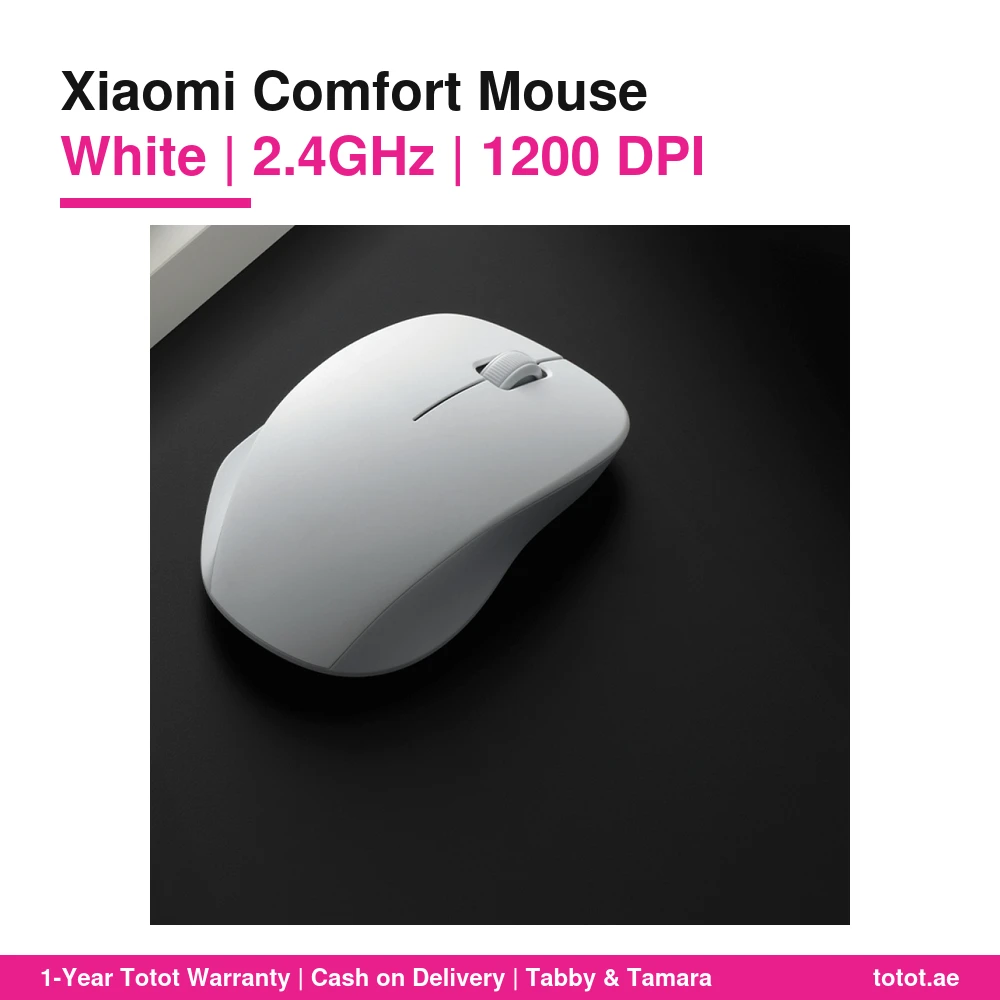


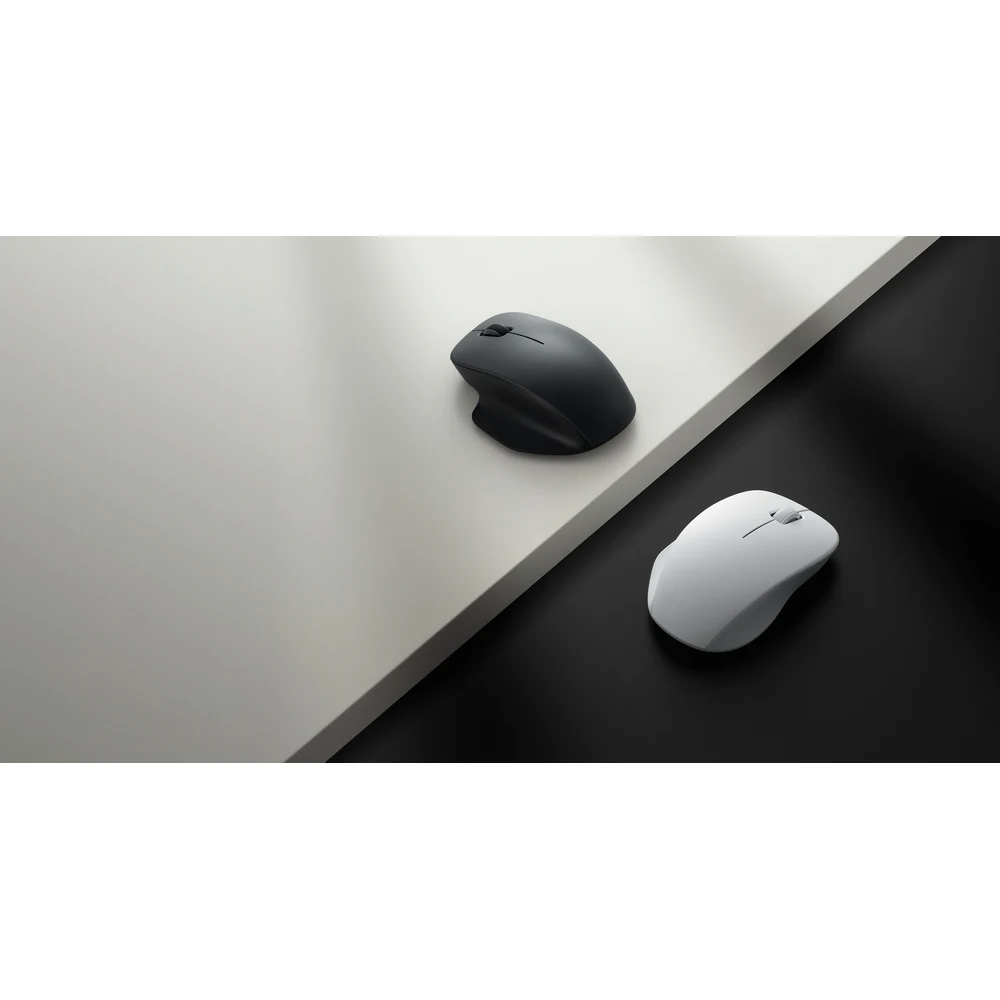
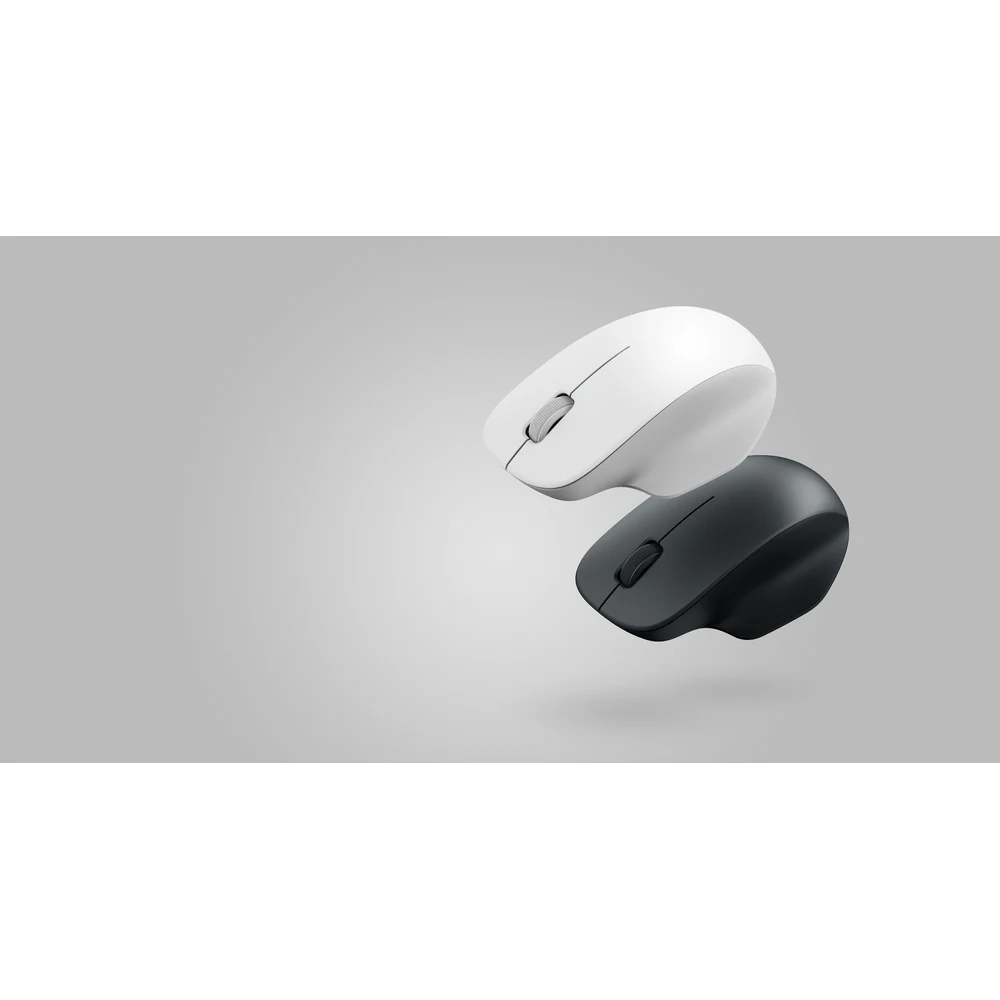
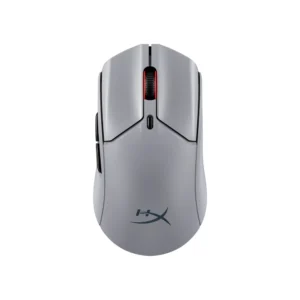
The Xiaomi Comfort Edition Mouse White is the light version of Xiaomi’s ergonomic Wireless Mouse Comfort Edition (XMWXSB04YM). It shares the same right-hand shape as the black model, with a thumb rest on the left and a raised back for the palm, but its matte white shell is aimed at bright, minimal desks, silver laptops and home study corners.
This page looks at the white mouse from a home and student point of view, including how to keep it clean.
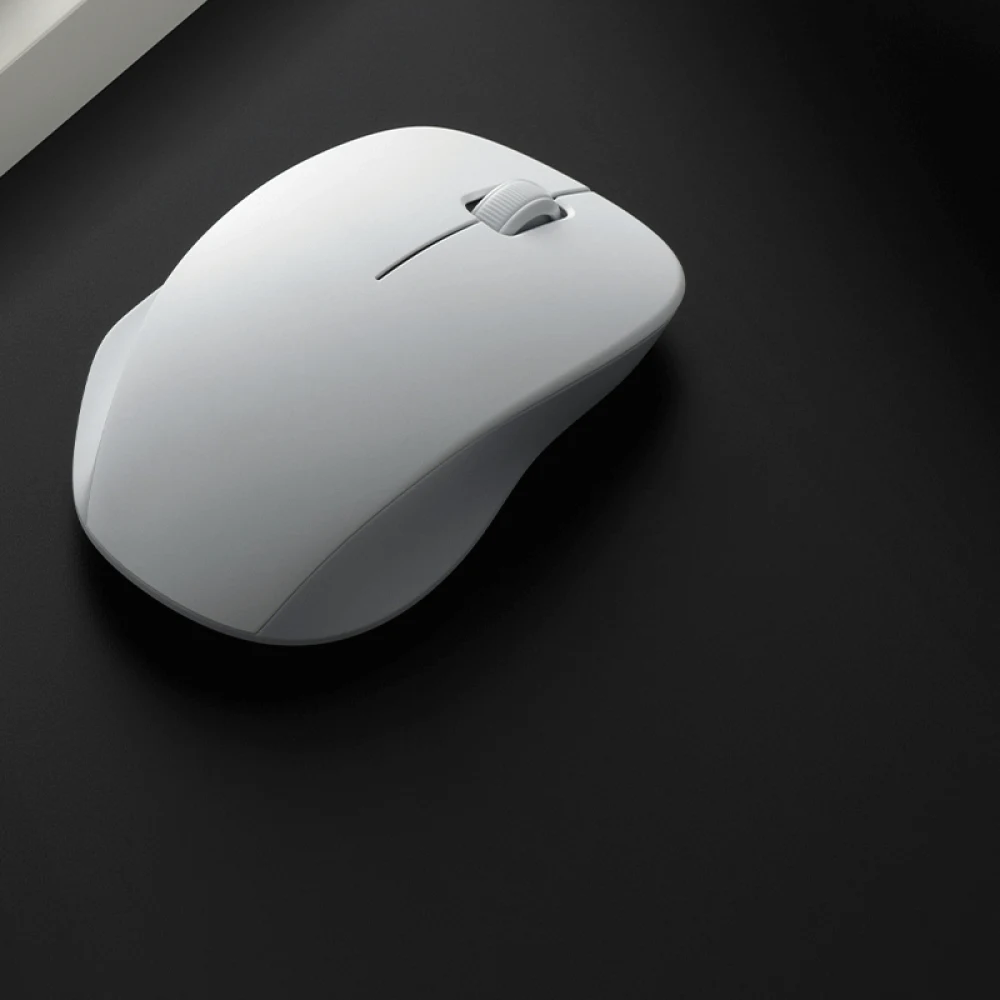
Xiaomi Comfort Edition Mouse White on a Light Setup
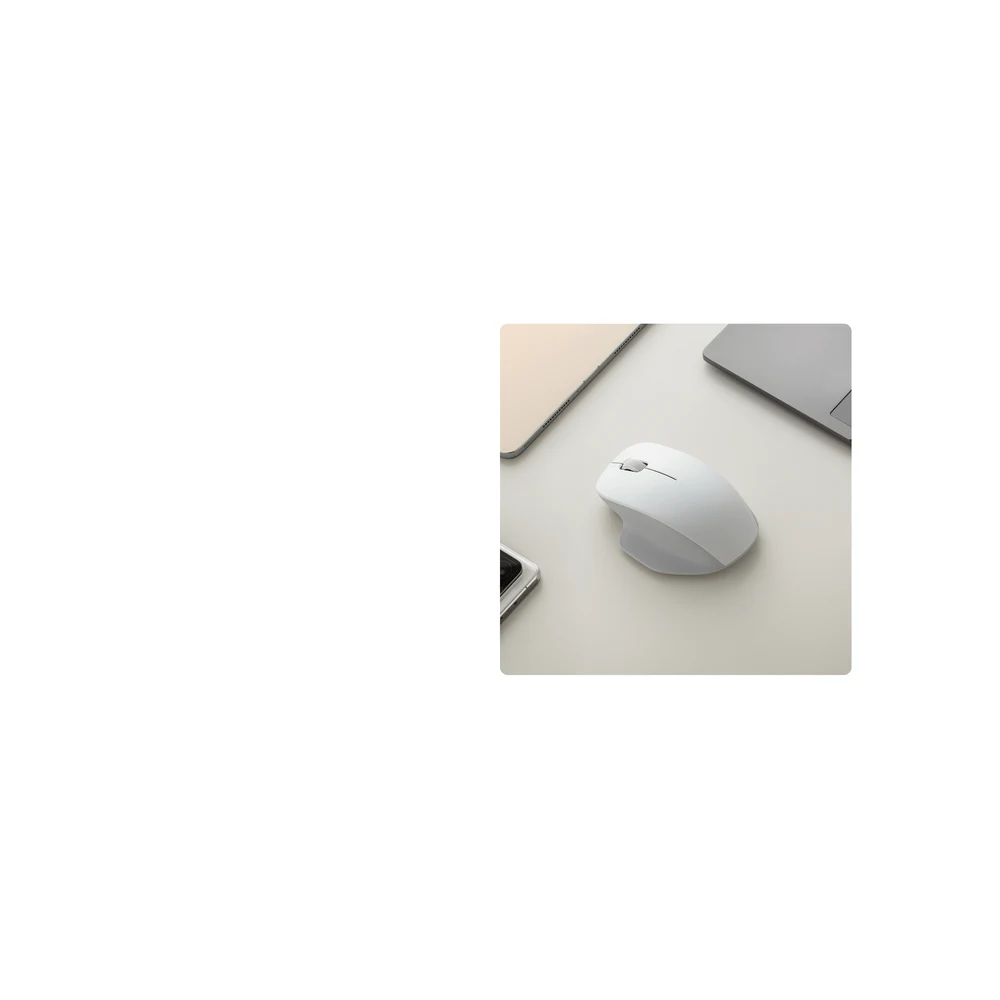
White plastic next to a silver MacBook, a white keyboard or a light wooden desk looks like one set. The Xiaomi Comfort Edition Mouse White has a fine sandblasted matte surface, so it does not shine under desk lamps the way glossy white mice do. Xiaomi lists its size as 111.2 × 74.5 × 40.6 mm and its weight as about 62 g without the battery.
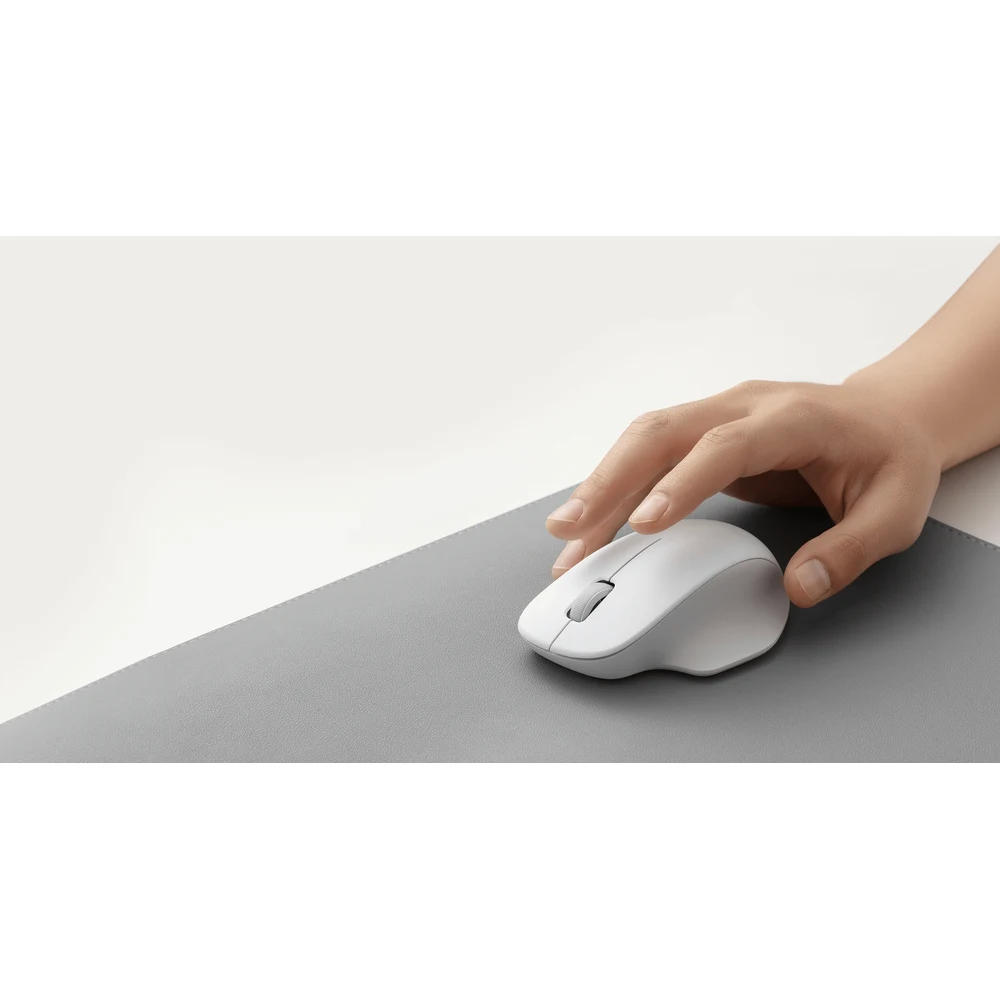
Shape That Supports the Hand
Instead of a flat oval, the body leans to the right and gives the thumb a groove to sit in. Xiaomi says this asymmetric design provides reliable thumb support and full palm support. For students writing long essays or parents working from home in the evening, the hand stays relaxed rather than gripping the sides.

Quiet in a Shared Room
The TTC buttons are quieter than Xiaomi’s earlier mice, according to Xiaomi, which helps when someone is sleeping in the same room or a sibling is studying nearby. The 1200 DPI sensor is fixed, which is fine for school work, browsing and office apps.
Keeping a White Mouse Clean
Any white mouse picks up marks from pens, jeans and food over time. Wipe the Xiaomi Comfort Edition Mouse White with a slightly damp microfibre cloth once a week, and use a little isopropyl alcohol on a cloth for stubborn marks. Do not spray liquid directly onto the buttons.
Setup in Seconds
Take the nano receiver out of the battery compartment, insert one AA battery, plug the receiver into a USB-A port and start working. Xiaomi lists Windows 10 or later and macOS 10.13 or later; no driver is needed. When you pack the laptop, put the receiver back inside the mouse.
Who This Is Not For
- Left-handed users; the shape fits the right hand only.
- People who do not want to clean their mouse; dirt shows sooner on white than on black.
- Gamers and designers who need adjustable DPI or extra buttons.
Every order from Totot is delivered across the UAE in up to 3 business days, free on orders from AED 300. Report shipping damage within 48 hours; defective or non-matching items can be returned within 14 days.
Browse more Mouse at Totot, or see the official Xiaomi page for full product details.
Xiaomi Comfort Edition Mouse White Specifications
- Model: XMWXSB04YM
- Colour: White
- Connection: 2.4 GHz wireless, nano USB-A receiver (USB 2.0) stored in the battery compartment
- Sensor resolution: 1200 DPI
- Buttons: TTC switches with reduced click noise
- Power: 1 × AA battery, rated input 1.5 V ⎓ 50 mA
- Compatibility: Windows 10 or later, macOS 10.13 or later
- Operating temperature: 0 °C to 40 °C
- Material: plastic, metal
- Weight: approx. 62 g (without battery)
- Dimensions: 111.2 × 74.5 × 40.6 mm
- In the box: mouse, 2.4 GHz receiver, user manual, warranty card
- Warranty: 1-year warranty from Totot
Xiaomi Comfort Edition Mouse White FAQ
Does the Xiaomi Comfort Edition Mouse White get dirty quickly?
Yes, faster than the black model; a damp microfibre cloth cleans it.
Is the white mouse the same as the black one inside?
Yes. Both are XMWXSB04YM with the same 1200 DPI sensor, receiver and size.
Does it suit a silver MacBook?
Yes. The matte white shell matches silver and light grey laptops well.
Is it quiet enough for a shared bedroom?
Yes. Xiaomi’s TTC buttons click with significantly less noise than its earlier mice.
Can I use it with my left hand?
No. It is shaped for the right hand.







 No products in the cart.

Reviews
There are no reviews yet