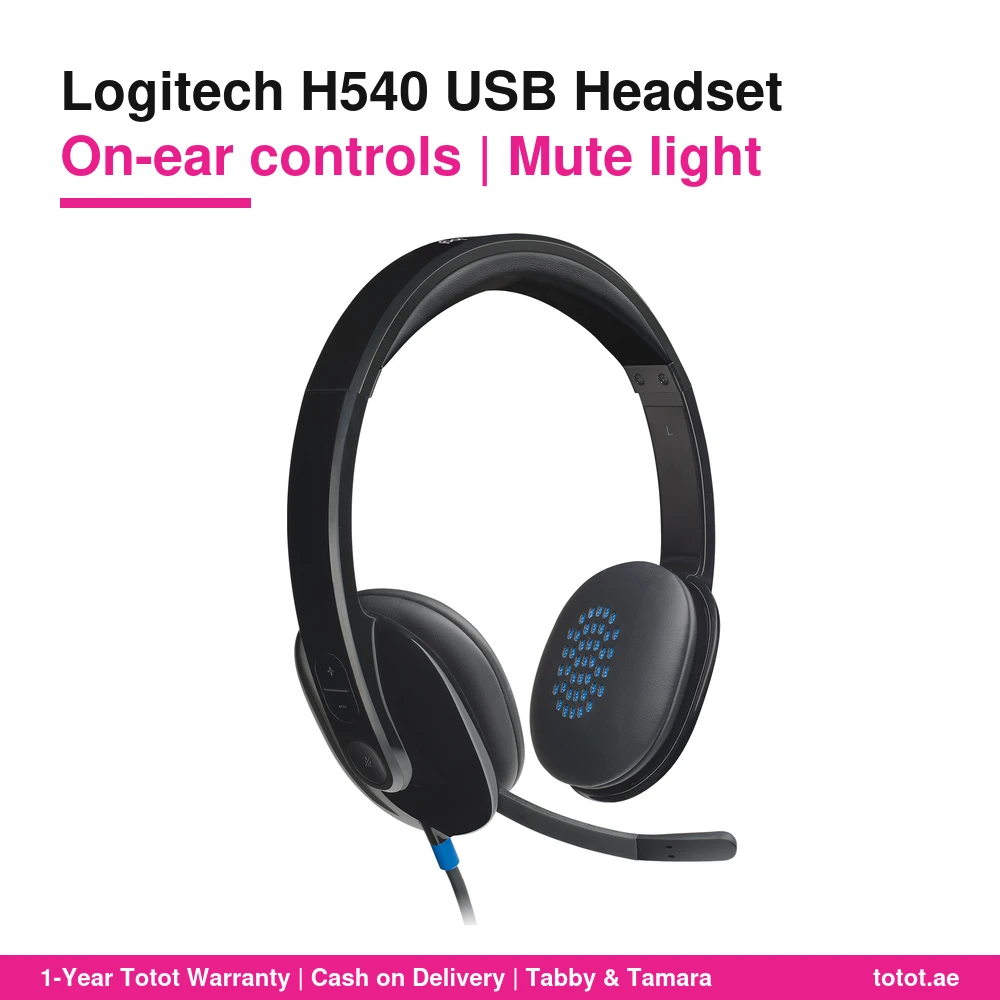

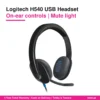
The Logitech H540 USB Computer Headset (981-000480) is the step-up office headset in Logitech’s USB range, made for people who spend most of the day on calls: volume and mute buttons sit on the right ear cup, a light on the cord confirms when the mic is muted, and padded leatherette covers both the headband and the ear cups.
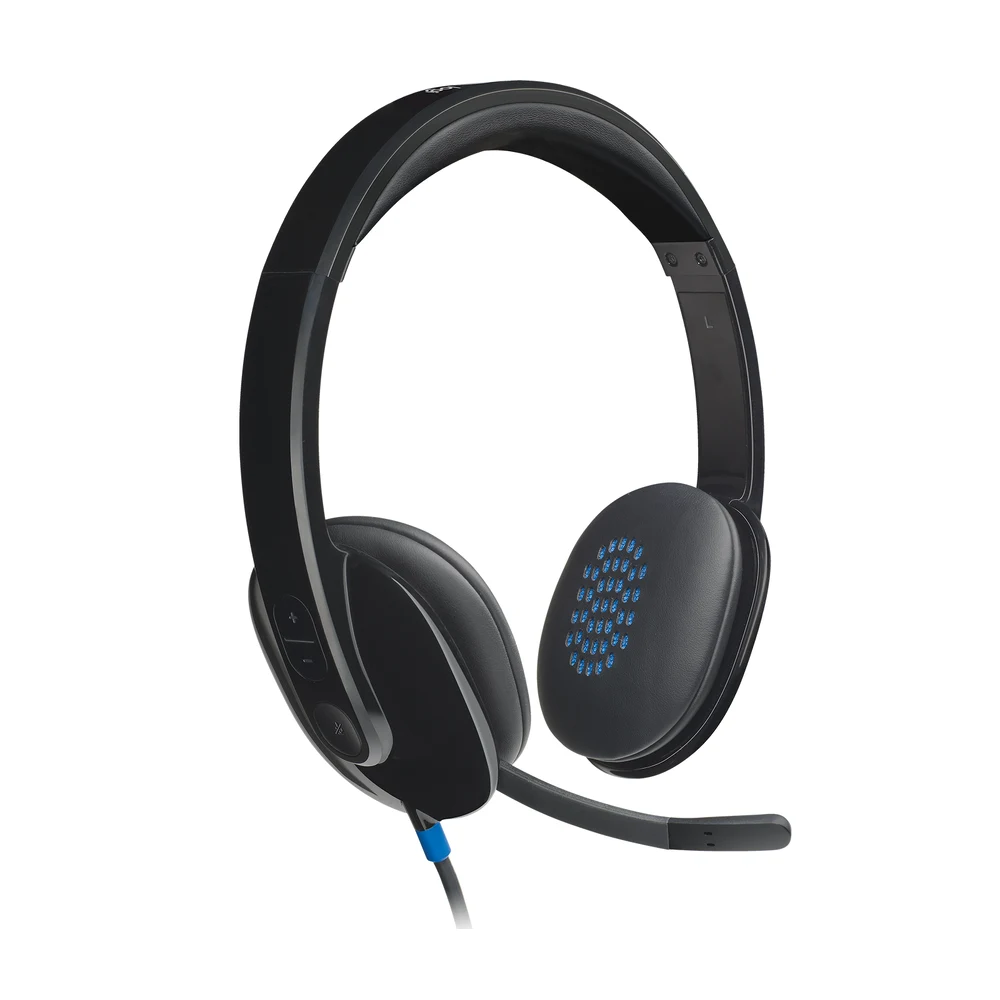
Table of Contents
The Logitech H540 for a Full Day of Calls
Account managers, recruiters, support leads and anyone who moves from one video meeting to the next need two things from a headset: controls they can find without looking, and comfort that lasts into the afternoon. The Logitech H540 answers both. Logitech describes it as a plug-and-play USB headset for music, movies and calls in rich digital stereo, with on-ear controls and a mute indicator light that make it easy to see when the mic is muted.
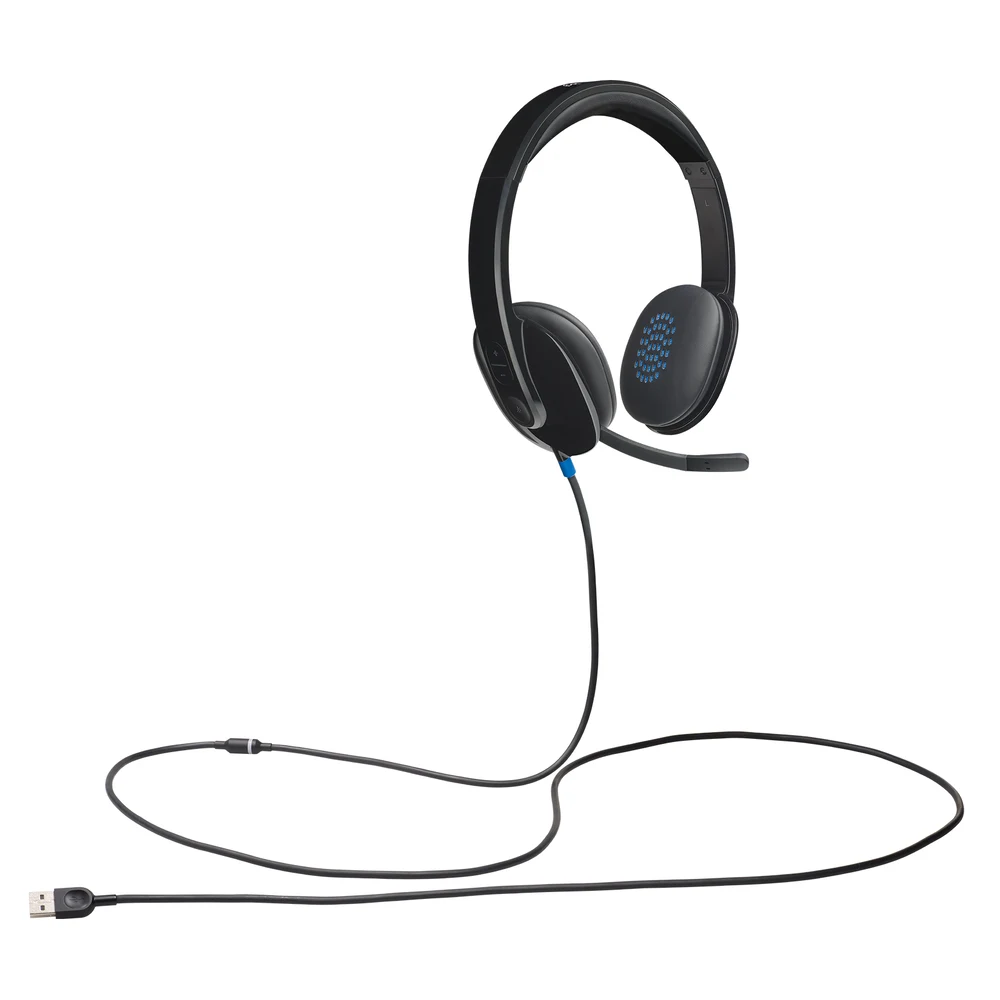
On-Ear Controls and a Mute Light on the Logitech H540
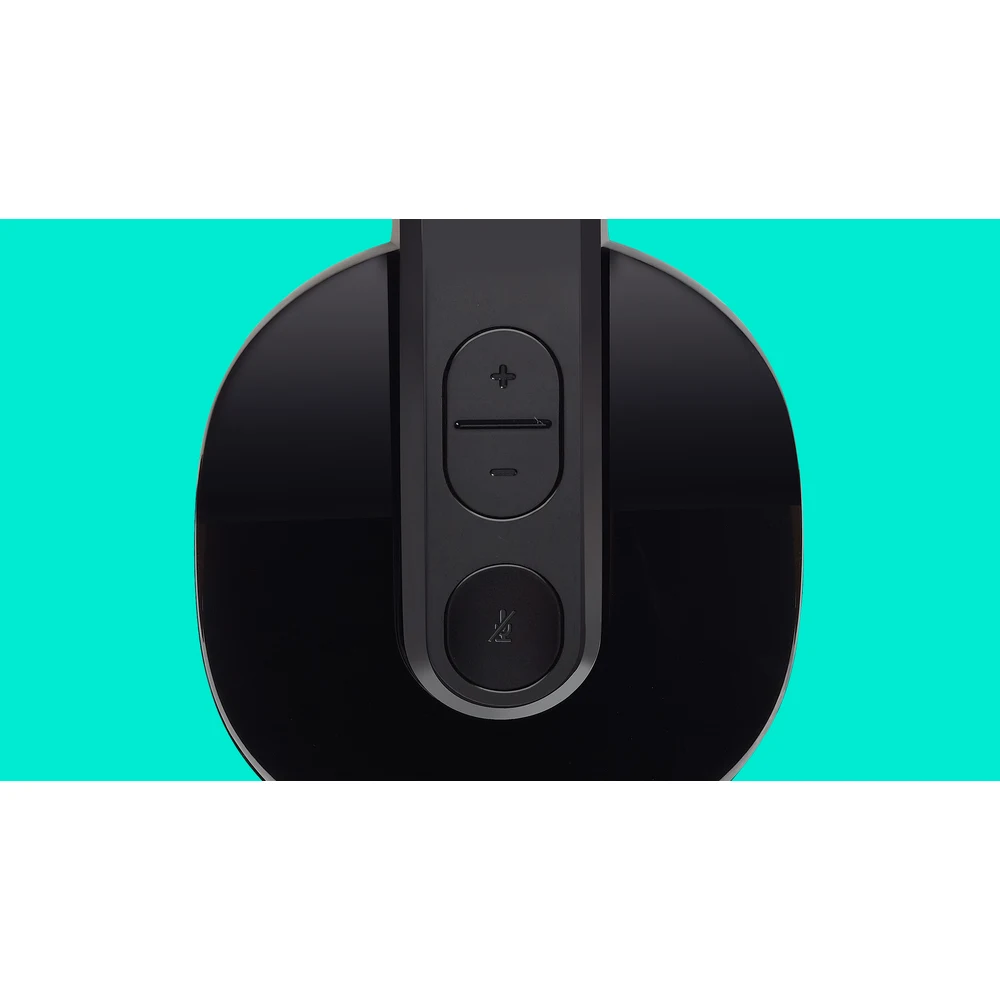
Instead of a pod hanging on the cable, the Logitech H540 puts its buttons on the headset itself. Logitech says you adjust the volume or mute your calls with simple on-ear controls located on the right ear cup, and confirm mute status with an easy-to-see light indicator on the headset cord. The mute light is the detail that saves you from talking to a room that cannot hear you, or from sharing a side conversation you thought was private.

Laser-Tuned Drivers and a Built-In Equalizer
Logitech states that laser-tuned drivers and a built-in equalizer provide rich digital audio for music, games and calls. The published figures are a frequency response of 20 Hz to 20 kHz, input impedance of 20 ohms and headphone sensitivity of 115 dB ±3 dB. Logitech does not publish the driver diameter or let you adjust the equalizer in an app, so the tuning stays as Logitech set it.
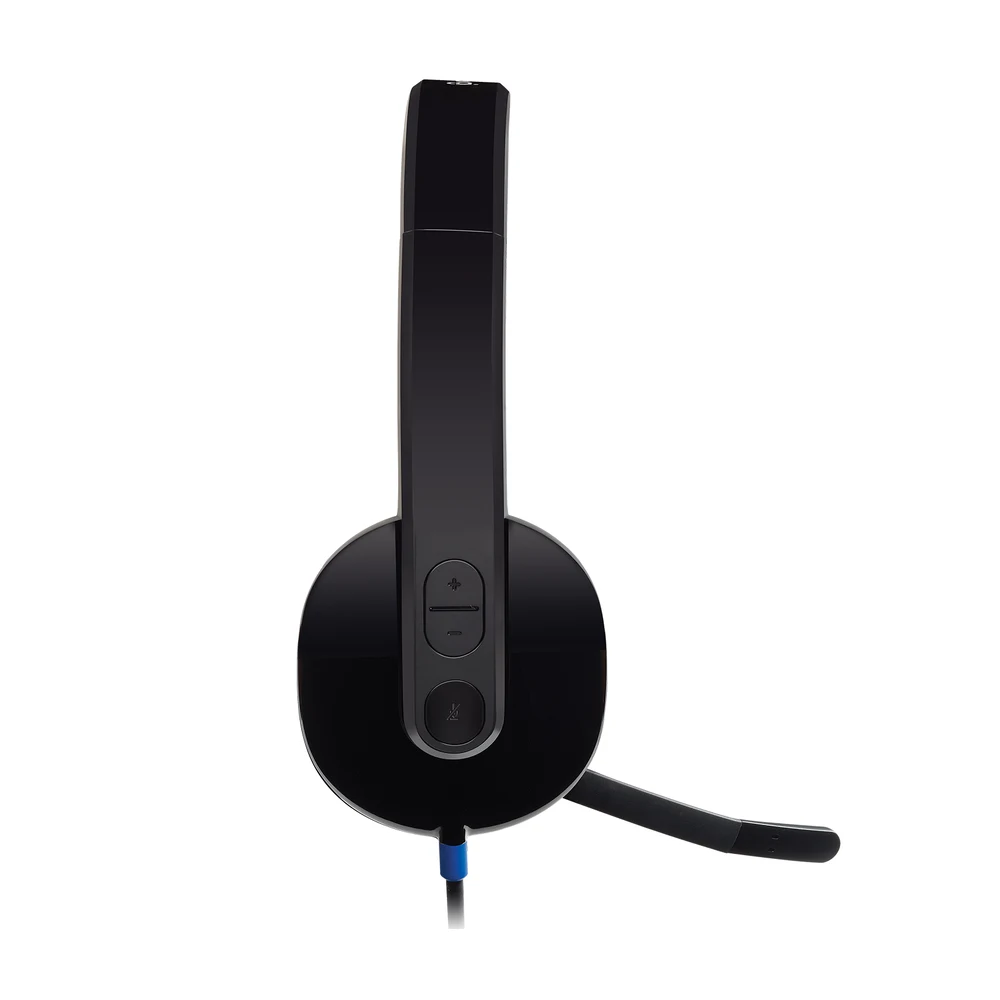
A Noise-Canceling Mic on the Right
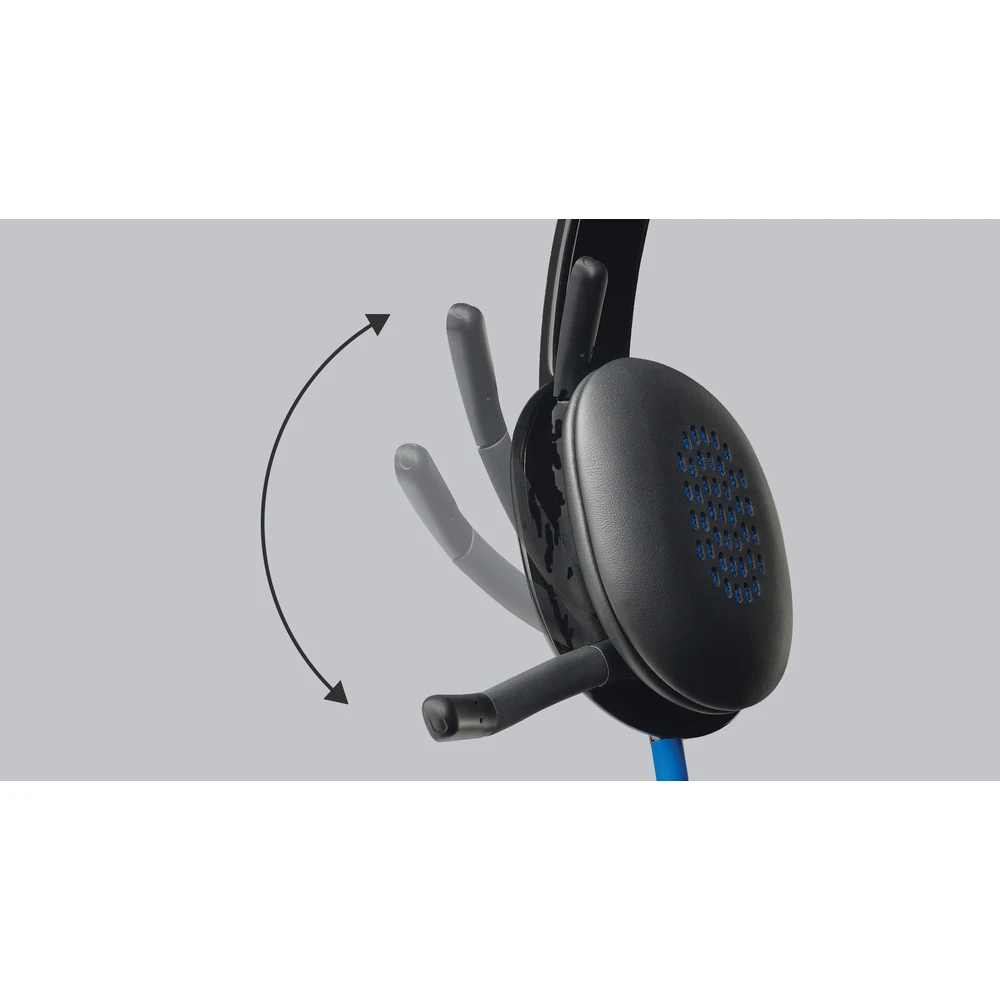
The microphone is bi-directional and, according to Logitech, minimizes unwanted background noise for clear conversations. It is on the right side and can be positioned for better voice capture; when you do not need it, the discreet boom tucks inside the headband. Mic frequency response is 100 Hz to 16 kHz and sensitivity is -42 dBV/Pa ±3 dB. As with all of Logitech’s USB office headsets, the noise canceling applies to the microphone, not to what you hear.
Padded Leatherette Comfort
Logitech calls the design ultra-comfortable and adjustable, with a soft, padded leatherette headband and ear cups that feel good even after hours of listening. The headset weighs 0.12 kg, and Logitech lists its size as 180 mm high, 245 mm wide and 78 mm deep, with a 1.8 m cable. The packaging is FSC-certified, and Logitech publishes a carbon footprint of 4.47 kg CO2e for the product.
Connection and Compatibility
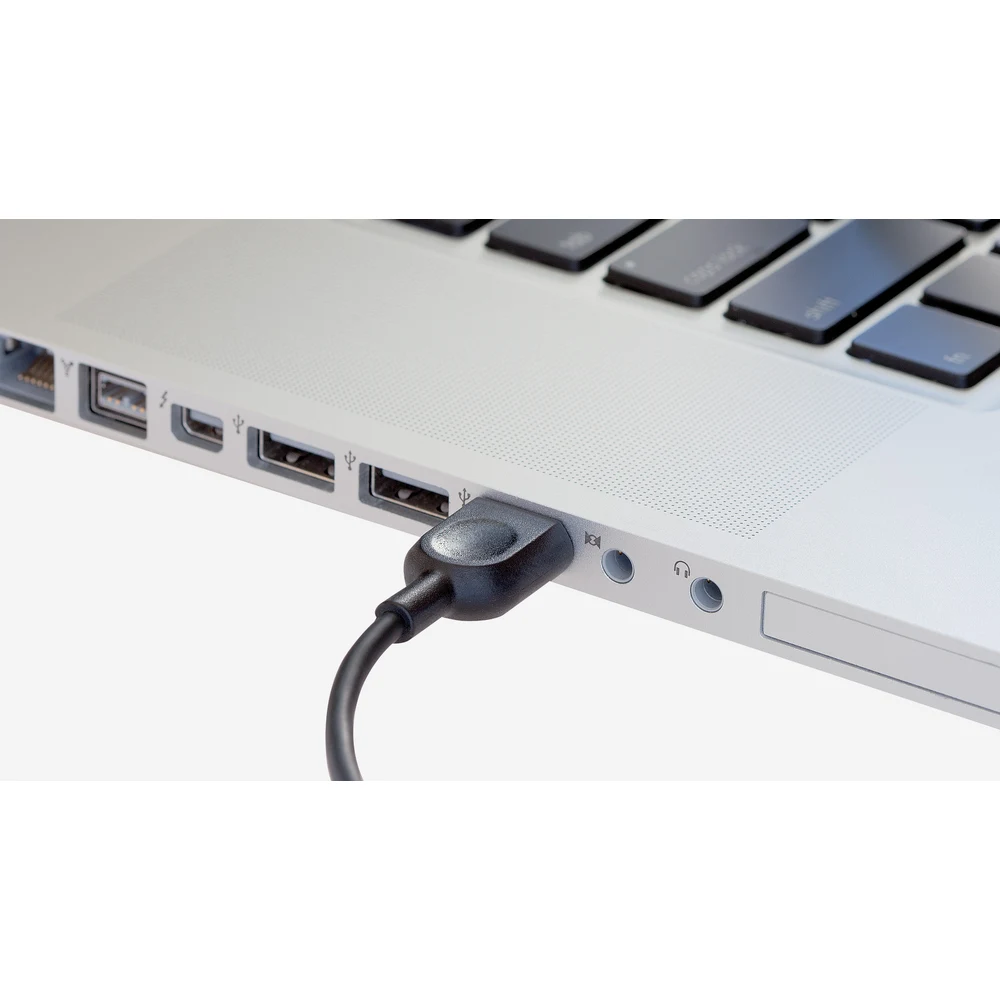
The Logitech H540 connects with a USB-A plug and, in Logitech’s words, can be used with any PC or Mac with a USB-A port or adapter without installing software. System requirements are Windows, macOS or ChromeOS with popular calling platforms and a USB port, and the H540 is certified Works With Chromebook. The box contains the headset and user documentation.
Who This Is Not For
The Logitech H540 is not for USB-C-only laptops unless you use an adapter, which is not supplied. It is wired, with no Bluetooth, so it will not follow you away from the desk further than its 1.8 m cable. There is no active noise cancellation for listening. At 245 mm wide it is a bigger headset than Logitech’s lighter H340, and leatherette can feel warmer than foam in a hot room. If you only make a few short calls a week, the extra controls and padding may not be worth the higher price.
Shipping and Returns
Order the Logitech H540 from Totot and we deliver it anywhere in the UAE within three business days, free of charge on orders from AED 300, with cash on delivery, Tabby or Tamara available. Faulty units or items that do not match your order can be returned within 14 days, and shipping damage should be reported within 48 hours of delivery.
Browse more Headphones at Totot, or see the official Logitech page for full product details.
Technical Specifications
- Model: Logitech H540 USB Computer Headset
- Part number: 981-000480
- Colour: Black
- Connection: Wired USB-A, plug-and-play
- Audio: Laser-tuned drivers with built-in equalizer
- Controls: Volume and mute on the right ear cup; mute indicator light on the cord
- Microphone type: Bi-directional, noise-canceling, right side, boom tucks into headband
- Input impedance: 20 Ohms
- Sensitivity (headphone): 115 dB +/-3 dB
- Sensitivity (microphone): -42 dBV/Pa +/- 3 dB
- Frequency response (headset): 20 Hz – 20 kHz
- Frequency response (microphone): 100 Hz – 16 kHz
- Cable length: 1.8 m
- Materials: Padded leatherette headband and ear cups
- System requirements: Windows, macOS or ChromeOS and popular calling platforms; certified Works With Chromebook; USB port
- Dimensions: Height 180 mm x Width 245 mm x Depth 78 mm
- Weight: 0.12 kg
- In the box: USB Computer Headset, user documentation
- Warranty: 1-year warranty from Totot
FAQ
Are the Logitech H540 controls on the cable?
No. The volume and mute buttons are on the right ear cup.
Does the Logitech H540 show when the mic is muted?
Yes. Logitech places a mute indicator light on the headset cord.
Is the Logitech H540 more comfortable than the H340?
Yes, for long days: the H540 has padded leatherette on the headband and ear cups, while Logitech lists foam cushions on the H340.
Does the Logitech H540 work with a Mac?
Yes. Logitech lists macOS and says it works with any PC or Mac with a USB-A port or adapter.
Can I change the equalizer?
No. Logitech describes a built-in equalizer but offers no app setting for it on this model.
Does it plug into USB-C?
No, not directly. It has a USB-A plug and needs an adapter for USB-C-only computers.
How heavy is the Logitech H540?
0.12 kg according to Logitech.
Is it certified for Chromebook?
Yes. Logitech lists Works With Chromebook certification.




 No products in the cart.
Reviews
There are no reviews yet