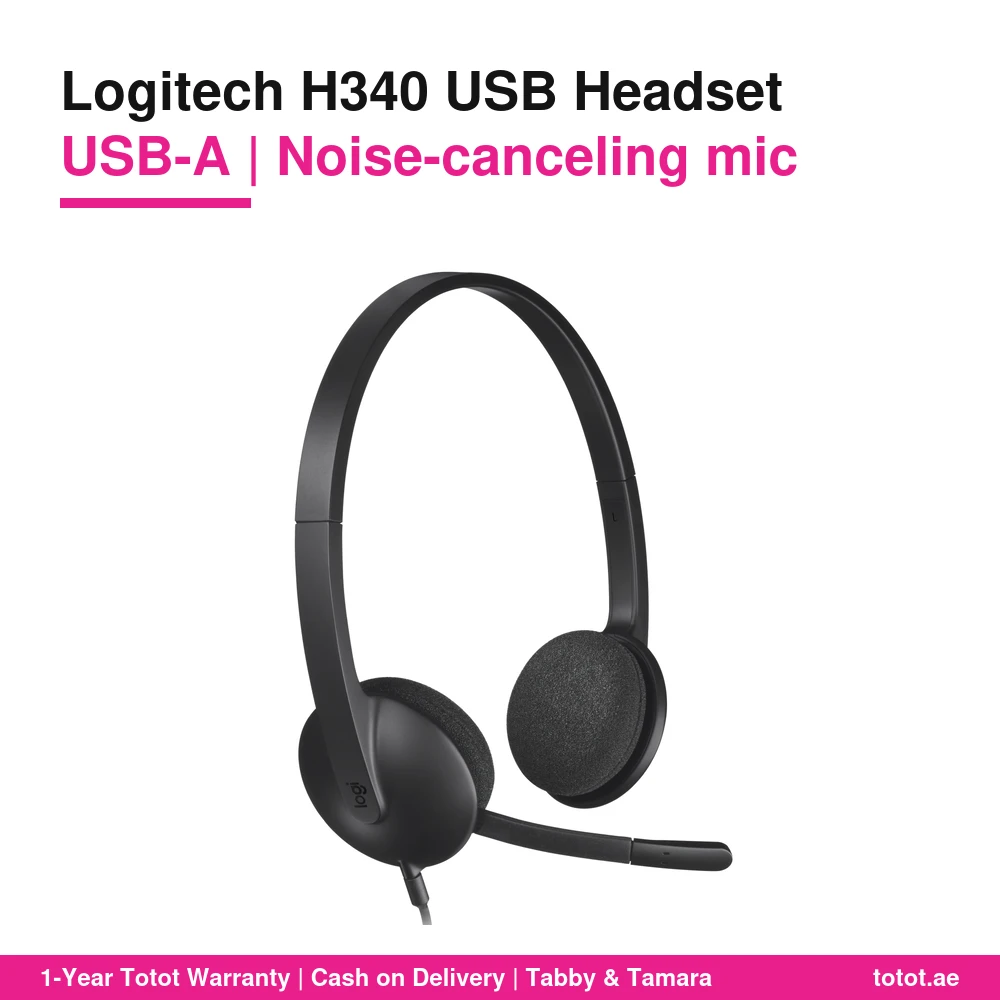
The Logitech H340 USB Computer Headset (part number 981-000475) is Logitech’s simple everyday headset for voice calls, online classes and webinars: plug its USB-A connector into a Windows PC, Mac or Chromebook and it works, with a noise-canceling microphone on the right and a light 0.1 kg build that is easy to share across many desks.
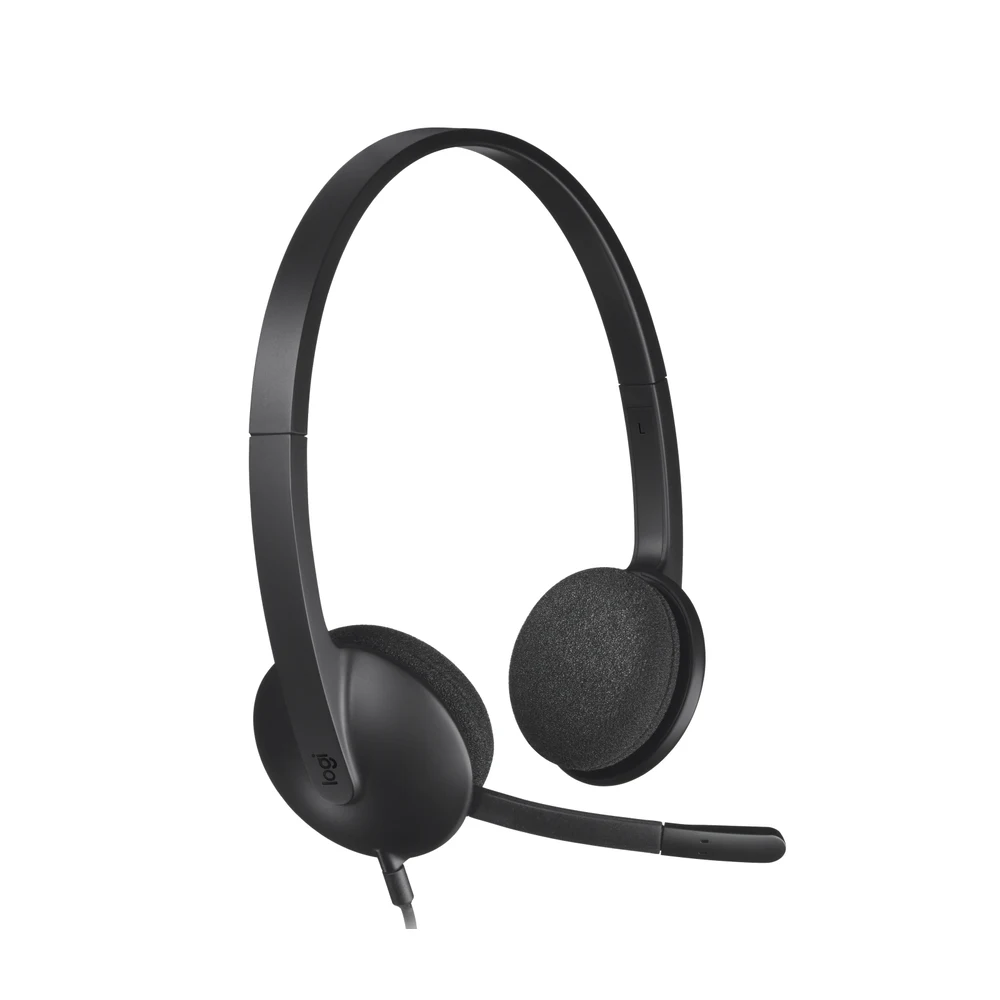
Table of Contents
The Logitech H340 as an Everyday USB-A Headset
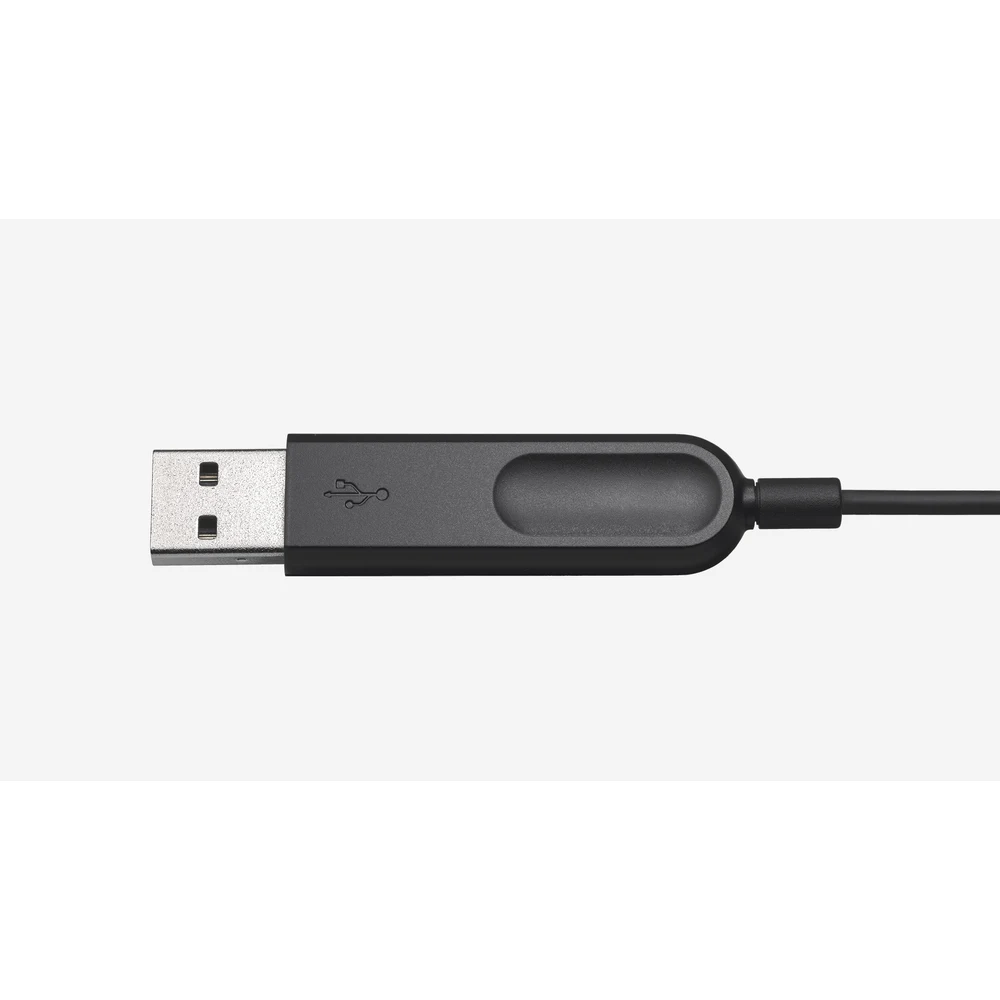
Logitech calls the H340 “the perfect everyday headset with a simple plug-and-play USB-A connection.” There is nothing to configure: no driver, no app, no pairing. The computer recognises the headset as its own sound card, and Logitech states that it works with any PC or Mac computer with a USB-A port or adapter without the need to install software. For an IT team setting up ten or fifty desks, that means one cable, one port and no extra support tickets.
Part number 981-000475 is the version sold on Logitech’s UAE, UK and European stores. Logitech’s US store lists the H340 under a different number, 981-000507.
Where the Logitech H340 Fits Best
The Logitech H340 is built for places where many people need a reliable headset and the budget is per seat: school and university computer labs, training rooms, help desks, reception counters and home study corners. Logitech names voice calls, Skype, webinars and VoIP among its uses, and it also lists Windows, macOS and ChromeOS with popular calling platforms in the system requirements. The H340 is certified for Works With Chromebook, which helps schools that run Chromebooks.
A Right-Side Mic That Tucks Away
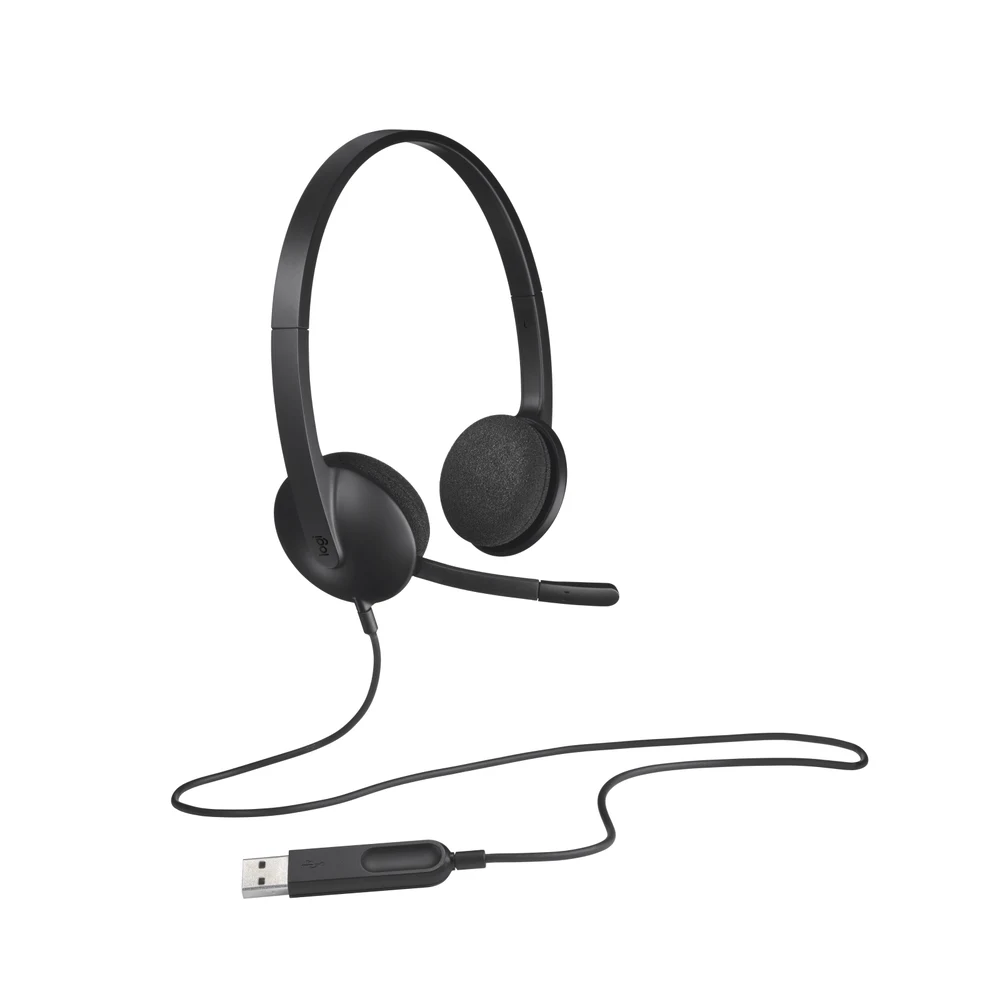
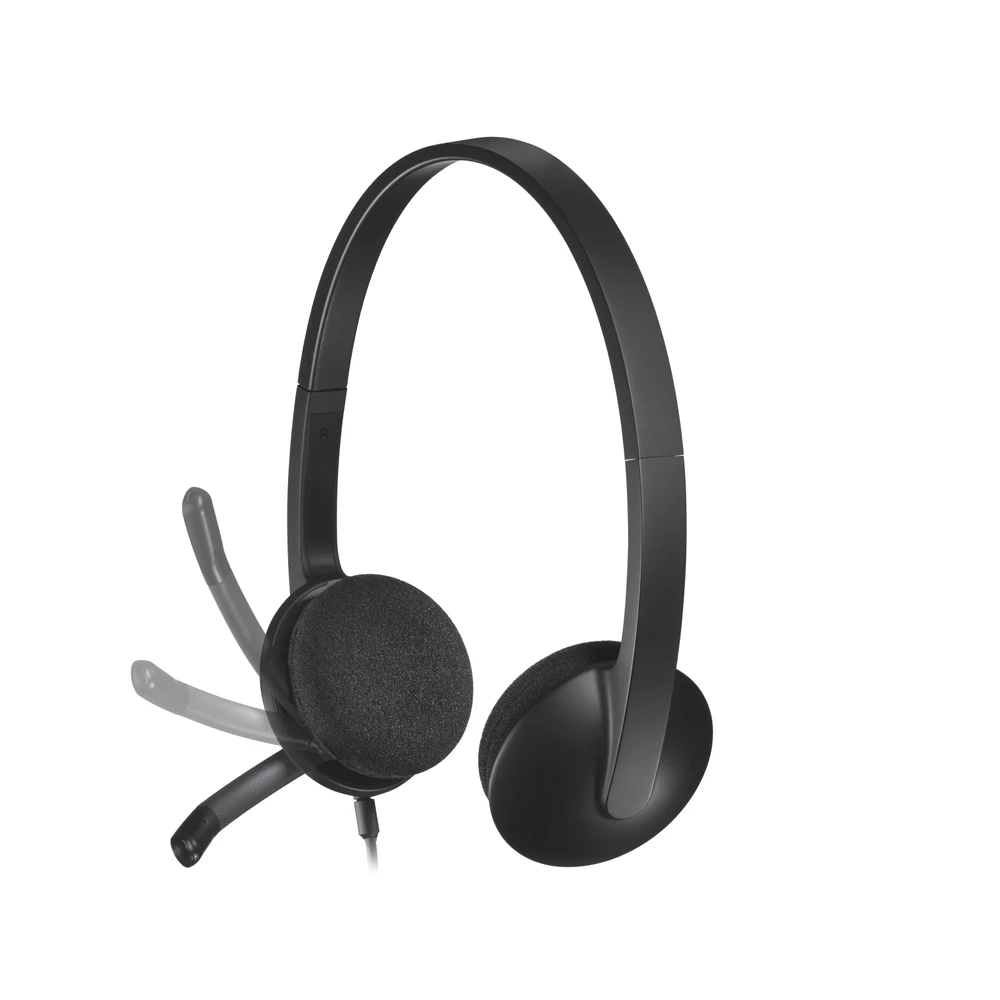
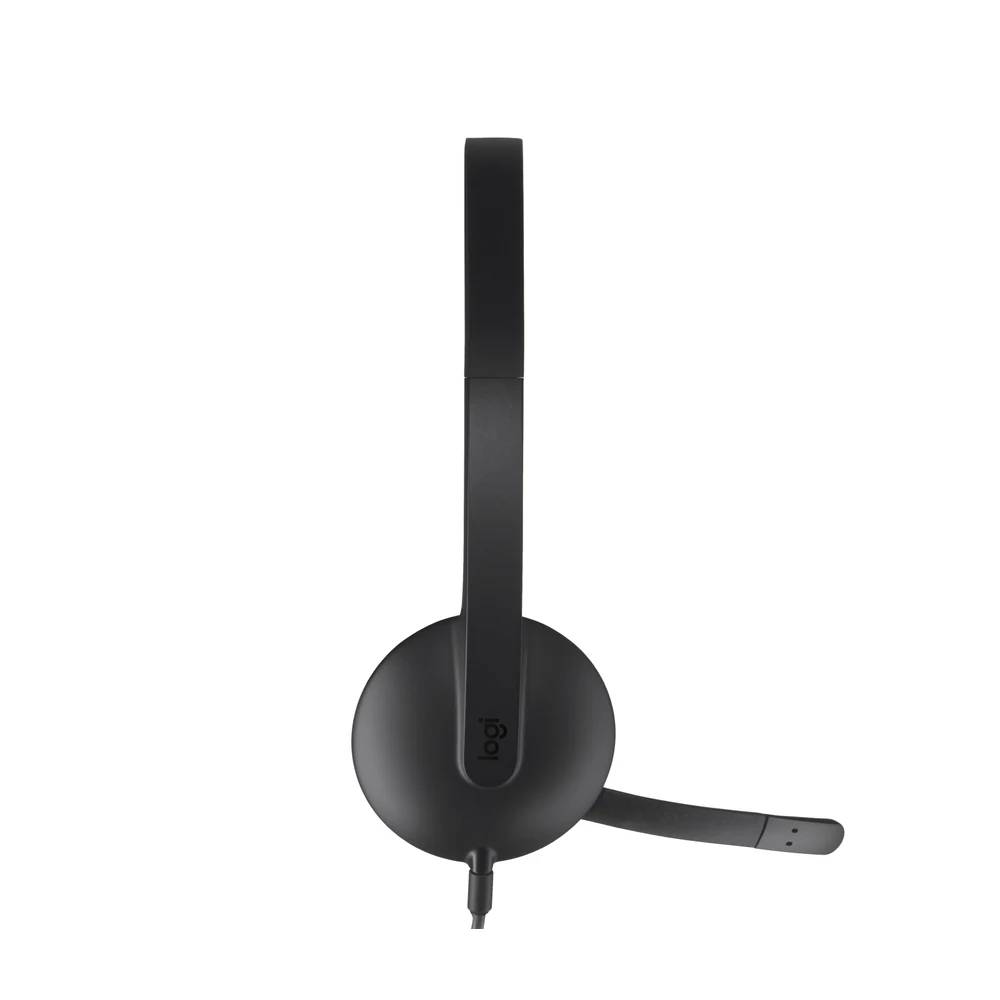
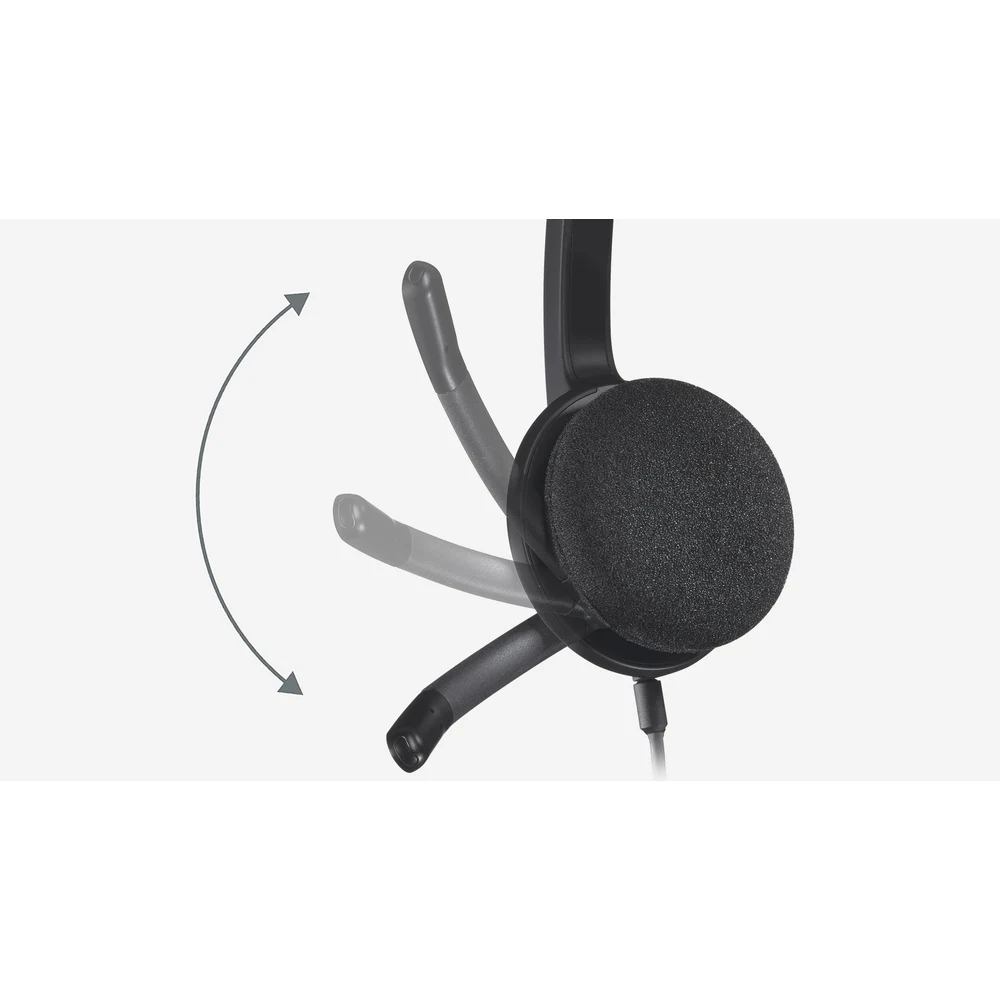
The microphone on the Logitech H340 sits on the right side. Logitech describes it as a noise-canceling mic that reduces background noise and delivers clear digital audio for calls, and it lists the type as bi-directional. The boom can be positioned for better voice capture and, when you are only listening, it tucks inside the headband out of the way. Published mic figures are a frequency response of 100 Hz to 16 kHz and a sensitivity of -42 dBV/Pa ±3 dB.
Digital Stereo Sound
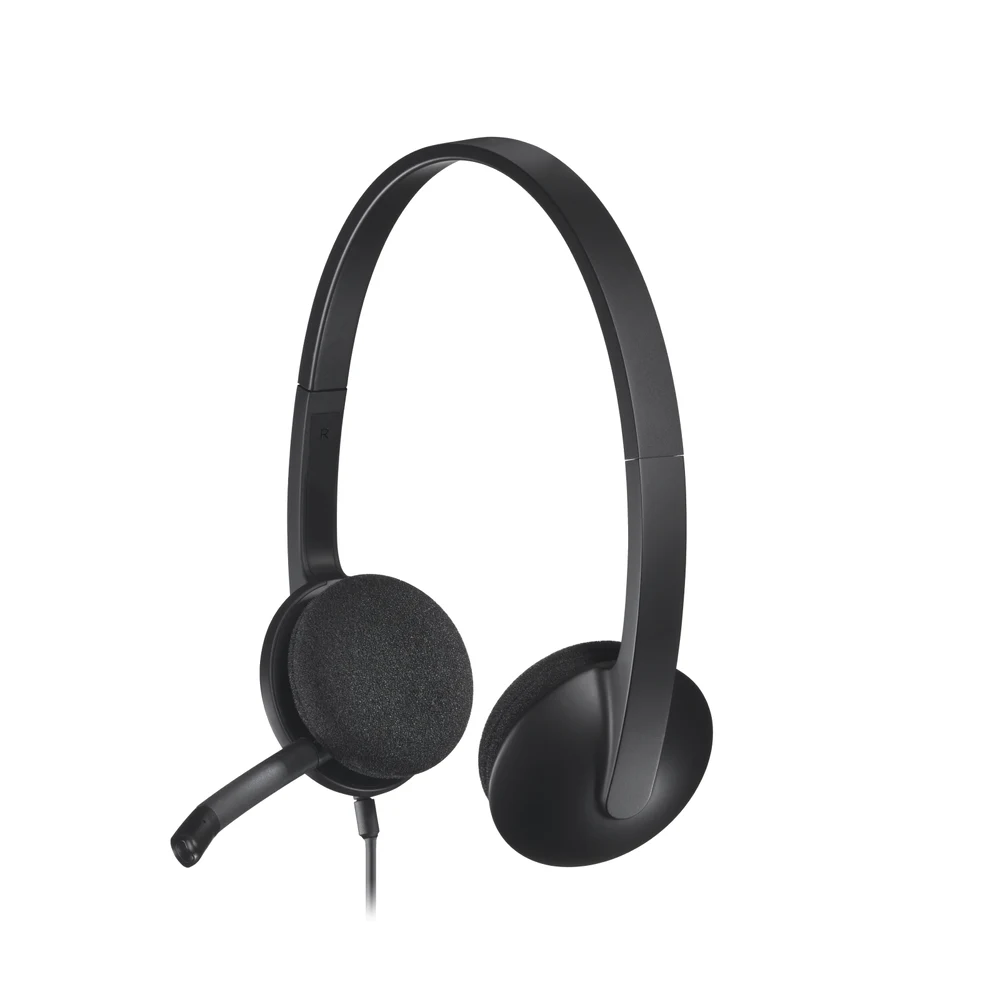
Logitech promises crystal-clear digital stereo audio for music, games and calls. The headset’s frequency response is 20 Hz to 20 kHz, the input impedance is 22 ohms, and headphone sensitivity is 115 dB ±3 dB. These are solid numbers for a voice-first headset; the Logitech H340 is meant for clear speech and everyday listening rather than for studio work. Logitech does not publish the driver size for this model.
A Light Build for Long Sessions
Logitech lists the H340 at 0.1 kg, with a size of 160 mm high, 175 mm wide and 60 mm deep. The headband is light and adjustable, and the ear cushions are foam and swivel-mounted, which Logitech says gives hours of audio comfort. The cable is 1.8 m long; Logitech describes the 180 cm length as just right to stand up and stretch during long conversations. The packaging is FSC-certified and Logitech publishes a product carbon footprint of 4.47 kg CO2e.
Setup in One Step
Plug the USB-A connector into the computer, then select the Logitech H340 as the speaker and microphone in Zoom, Teams, Google Meet or any other calling app. Volume and mute are handled from the computer or the calling app, because Logitech does not list any inline or ear-cup controls on this model. If your laptop only has USB-C ports, Logitech notes that a USB-A port or an adapter is needed; no adapter is included in the box, which contains the headset and user documentation.
Who This Is Not For
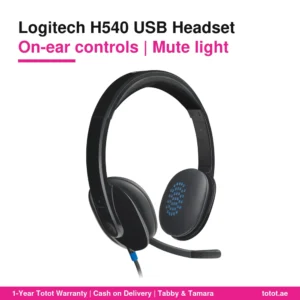
The Logitech H340 is not for people who want buttons on the cable or ear cup: Logitech lists no physical volume or mute controls, so you use the computer for both. It is not a fit for USB-C-only laptops unless you add an adapter. The foam ear cushions and light headband favour low weight over isolation, and there is no active noise cancellation for listening, so a loud open office will still be heard. It is wired, with no Bluetooth. Gamers who want surround sound, and users who want a leatherette, more padded design, should look at a higher model such as the H540.
Ordering the Logitech H340 in the UAE
Totot ships the Logitech H340 to all seven emirates within three business days, with free delivery on orders from AED 300. Pay by cash on delivery, Tabby or Tamara. A headset that arrives defective or different from your order can be returned within 14 days; any damage from shipping should be reported to us within 48 hours of receiving the parcel.
Browse more Headphones at Totot, or see the official Logitech page for full product details.
Technical Specifications
- Model: Logitech H340 USB Computer Headset
- Part number: 981-000475
- Colour: Black
- Connection: Wired USB-A, plug-and-play
- Microphone type: Bi-directional, noise-canceling, right side, boom tucks into headband
- Input impedance: 22 Ohms
- Sensitivity (headphone): 115 dB +/-3 dB
- Sensitivity (microphone): -42 dBV/Pa +/- 3 dB
- Frequency response (headset): 20 Hz – 20 kHz
- Frequency response (microphone): 100 Hz – 16 kHz
- Controls: None listed by Logitech (use computer or app)
- Cable length: 1.8 m
- Ear cushions: Swivel-mounted foam
- System requirements: Windows, macOS or ChromeOS and popular calling platforms; certified Works With Chromebook; USB port
- Dimensions: Height 160 mm x Width 175 mm x Depth 60 mm
- Weight: 0.1 kg
- In the box: USB Computer Headset, user documentation
- Warranty: 1-year warranty from Totot
FAQ
Does the Logitech H340 need drivers?
No. Logitech says it works with any PC or Mac with a USB-A port or adapter without installing software.
Does it work on a Chromebook?
Yes. Logitech lists it as certified Works With Chromebook.
Does the Logitech H340 have a mute button?
No. Logitech lists no inline or ear-cup controls; mute from the computer or the calling app.
How long is the cable?
1.8 m (180 cm), according to Logitech.
How many microphones does it have, and on which side?
1 noise-canceling mic, on the right side; the boom tucks inside the headband when not in use.
Will it plug into a USB-C-only laptop?
No, not directly. It has a USB-A plug, so a USB-C laptop needs an adapter, which is not in the box.
How much does it weigh?
0.1 kg, as published by Logitech.
Is it a good choice for a school computer lab?
Yes. It is light, plug-and-play over USB-A and certified for Chromebook, which suits shared lab desks.





 No products in the cart.

Reviews
There are no reviews yet