
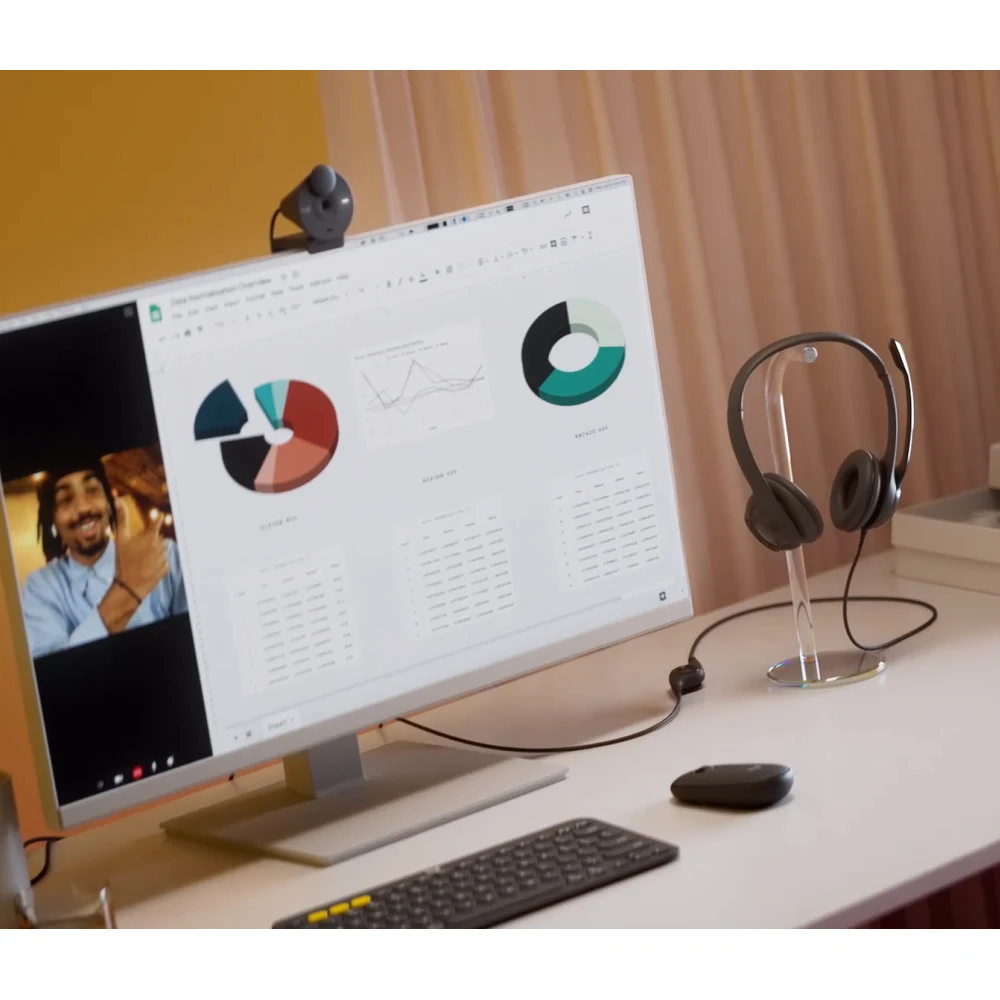

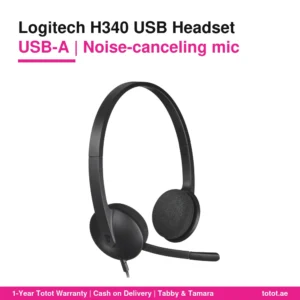
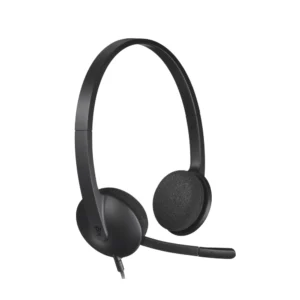
The Logitech H390 USB-C is the USB-C version of Logitech’s H390 USB Computer Headset, part number 981-001576, in black. It plugs straight into the USB-C port of a recent laptop, Chromebook or desktop and gives you a noise-canceling boom microphone, 30 mm drivers and inline volume and mute buttons on a 1.9 m cable, with no dongle and no software to install.

Table of Contents
Why the Logitech H390 USB-C Suits Modern Laptops
Logitech sells the H390 in two connector versions, and its spec sheet says it plainly: the connection type is wired USB-C or USB-A, depending on the version you buy. Part number 981-001576 is the black USB-C model, listed on Logitech’s UK and European stores, and the box contents read “H390 USB-C Computer Headset” plus user documentation. That matters because many current notebooks, including MacBook Air and MacBook Pro models and thin Windows ultrabooks, have only USB-C ports. With the Logitech H390 USB-C you plug the headset in directly instead of carrying a USB-A adapter in your bag.
Because it is a USB headset, the sound is handled digitally inside the cable, so the computer sees it as its own audio device. In Windows, macOS or ChromeOS you simply pick “H390” as the speaker and microphone in your calling app, and the setting stays there for the next meeting.
Two Listening Modes on the Logitech H390 USB-C
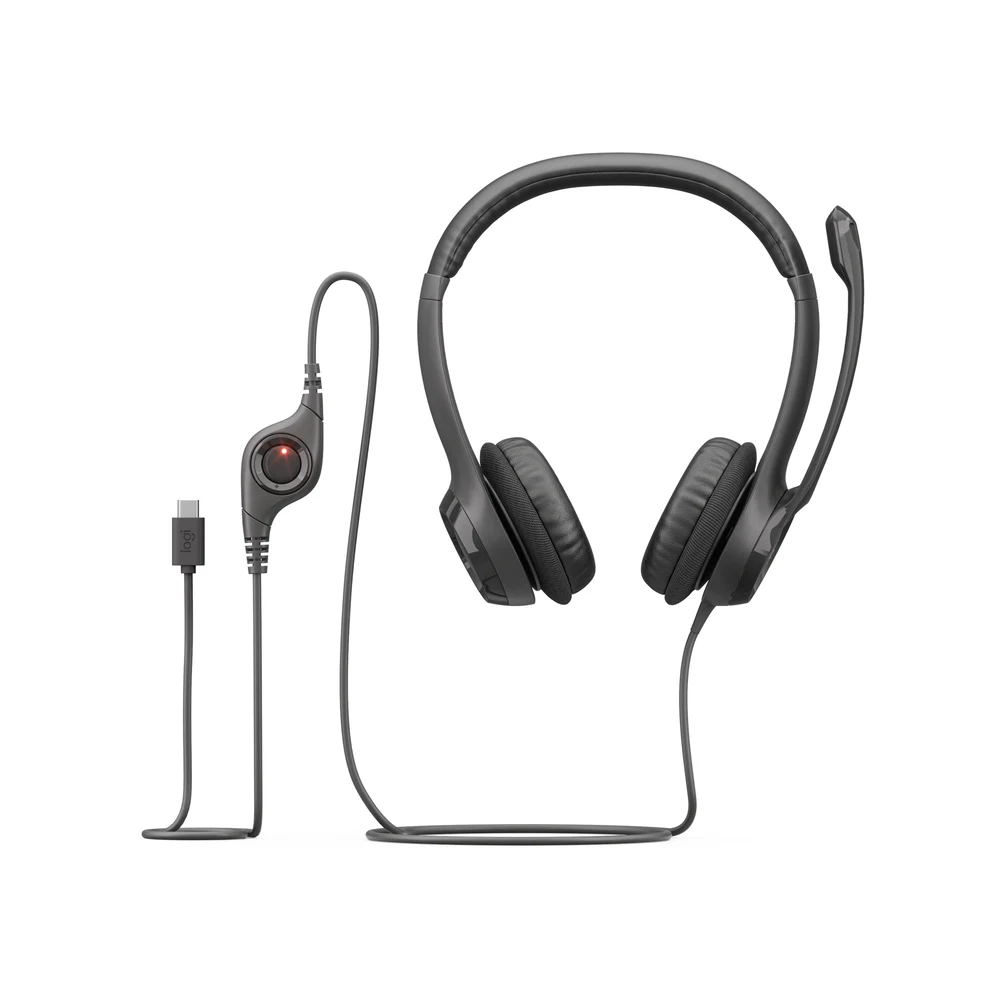
Logitech gives two frequency ranges for the headphones: 20 Hz to 20 kHz in music mode and 100 Hz to 10 kHz in talk mode. In practice that means full-range sound when you play a song or a training video, and a narrower band focused on the human voice during calls. The fine-tuned 30 mm drivers in the Logitech H390 USB-C are rated at 32 ohms impedance and 94 dB ±3 dB sensitivity at 1 kHz. Logitech describes the result as enhanced digital audio for meetings, music and more; it does not publish a separate figure for distortion or maximum volume.
A Boom Mic You Can Move Out of the Way
The microphone sits on the left side of the Logitech H390 USB-C. Logitech calls it a noise-canceling mic on a long, rigid boom, and its job is to reduce unwanted background noise such as keyboards or a nearby conversation so the other side hears your voice clearly. The boom rotates, so you can bring it close to your mouth for a call and swing it up out of the way when you only want to listen. Logitech lists the microphone frequency response as 100 Hz to 10 kHz. The noise canceling here works on the microphone only; the ear cups do not have active noise cancellation for what you hear.
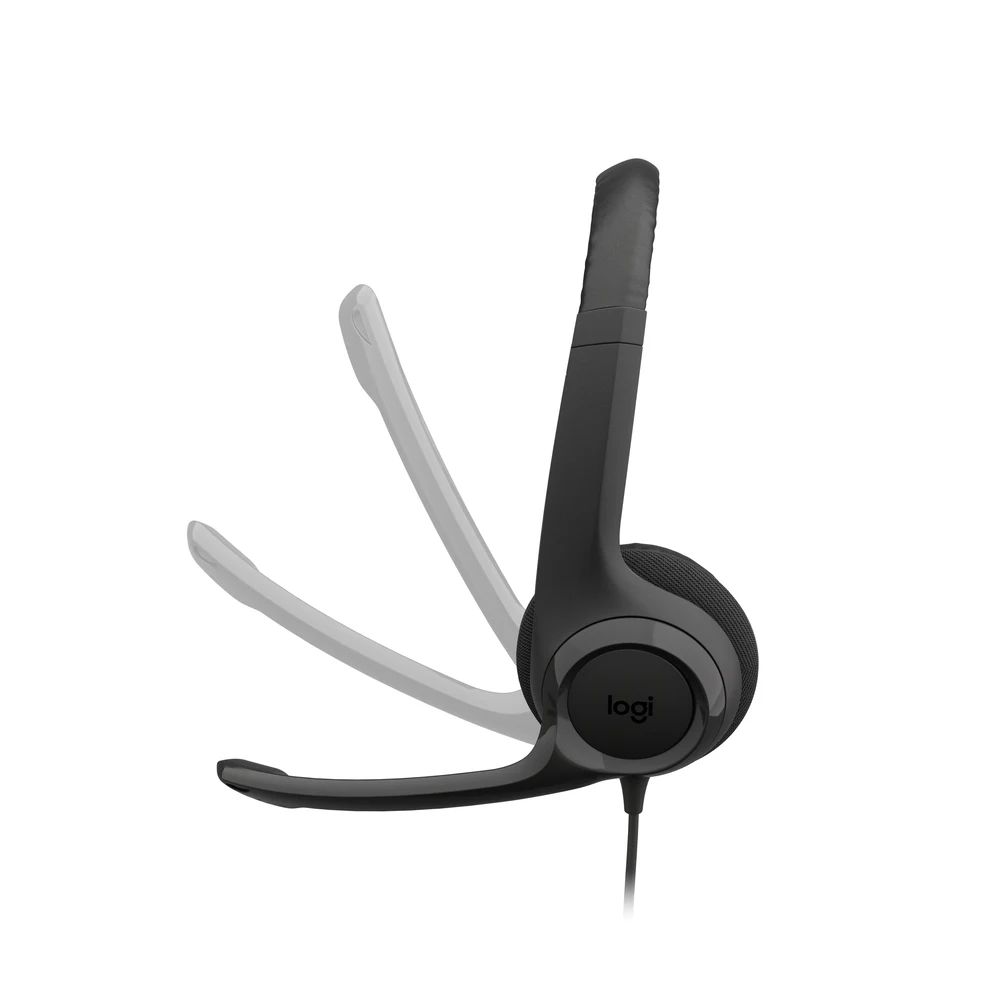
Inline Controls for Calls
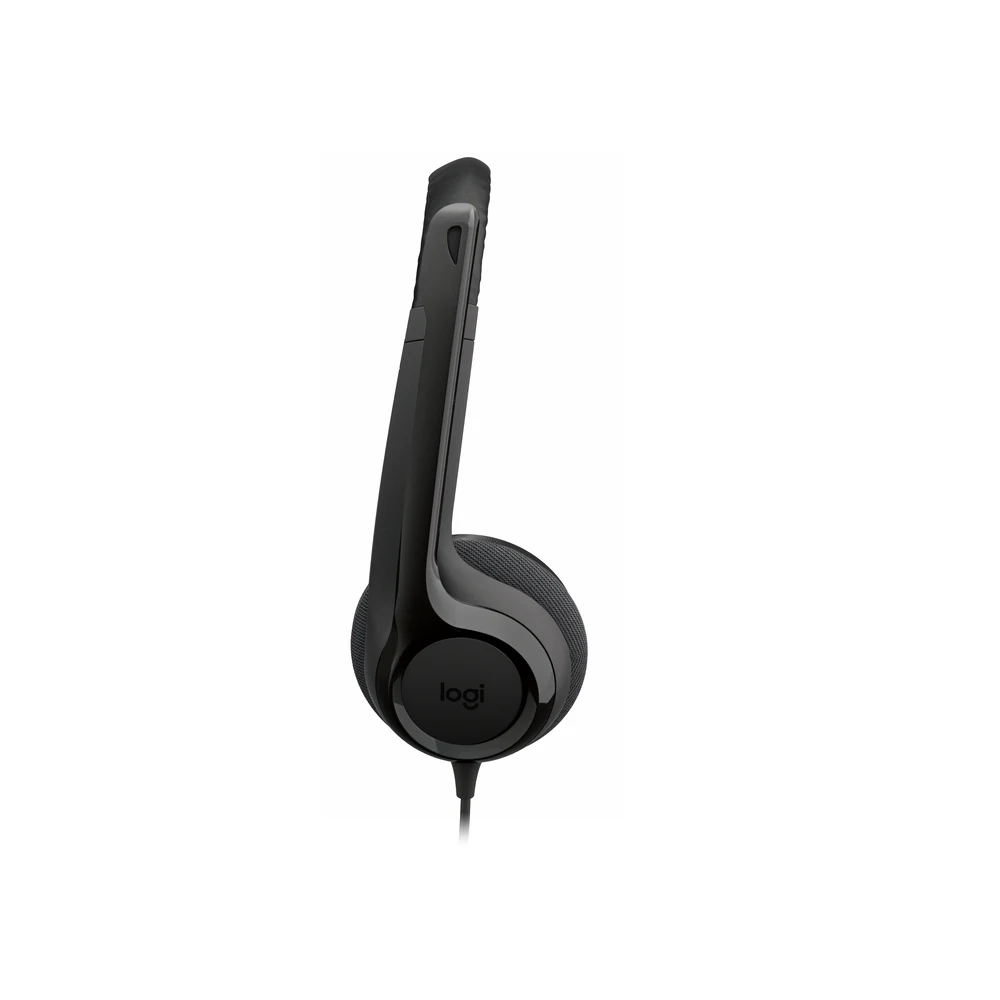
A control pod on the cable of the Logitech H390 USB-C lets you raise or lower the volume and mute the microphone without clicking around in the meeting window. Logitech’s wording is that you can adjust the volume or mute calls without disruption. This is handy when a colleague walks up to your desk or a child calls you from the next room during a home-office call. The cable is 1.9 m long, which Logitech says gives you room to stand up and stretch during long conversations.

Comfort and Materials
The adjustable headband carries swivel-mounted leatherette ear cushions that Logitech describes as comfortable for hours. The Logitech H390 USB-C weighs 197 g according to Logitech, and its published size is 151 mm high, 171 mm wide and 68 mm deep. On the materials side, Logitech states 54% post-consumer recycled plastic for the black version, excluding electronic components, cables, the printed wiring assembly and packaging, and the packaging is FSC-certified. Logitech also publishes a product carbon footprint of 4.78 kg CO2e.

Compatibility
Logitech lists Windows, macOS and ChromeOS as compatible systems for the Logitech H390 USB-C, and the H390 is certified for Works With Chromebook. No driver or app is required. If your computer only has USB-A ports, note that this 981-001576 version has a USB-C plug and Logitech does not include an adapter in the box. Logitech does not list phones or tablets in the compatibility line, so we do not promise support for them.
Who This Is Not For
The Logitech H390 USB-C is not the right pick if your PC only has USB-A ports and you do not want to use an adapter; the USB-A version of the H390 is a separate product. It is wired, so there is no Bluetooth and no wireless freedom beyond the 1.9 m cable. It has no active noise cancellation for listening, so it will not silence an open-plan office or a flight. Gamers who want surround sound or a detachable microphone should look at a gaming headset. Finally, Logitech does not list phone or tablet compatibility, and it does not publish Microsoft Teams or Zoom certification for this model.
Delivery and Returns
Totot delivers the Logitech H390 USB-C to every emirate within three business days, and delivery is free on orders from AED 300. You can pay cash on delivery or split the payment with Tabby or Tamara. If the headset arrives defective or is not the item you ordered, you can return it within 14 days, and please report any shipping damage within 48 hours of delivery.
Browse more Headphones at Totot, or see the official Logitech page for full product details.
Technical Specifications
- Model: Logitech H390 USB Computer Headset, USB-C version
- Part number: 981-001576
- Colour: Black
- Connection: Wired USB-C
- Drivers: 30 mm
- Frequency response (headphones): 20 Hz – 20 kHz in music mode; 100 Hz – 10 kHz in talk mode
- Impedance: 32 Ω
- Sensitivity (headphones): 94 dB ±3 dB @1 kHz
- Microphone: 1 noise-canceling mic on a long, rotating boom (left side)
- Microphone frequency response: 100 Hz – 10 kHz
- Controls: Inline volume and mute
- Cable length: 1.9 m
- Compatibility: Windows, macOS, ChromeOS; certified for Works With Chromebook
- Dimensions: Height 151 mm x Width 171 mm x Depth 68 mm
- Weight: 197 g
- Recycled plastic: 54% post-consumer recycled material in the black version (excludes electronic components, cables, PWA and packaging)
- In the box: H390 USB-C Computer Headset, user documentation
- Warranty: 1-year warranty from Totot
FAQ
Does the Logitech H390 USB-C plug into a USB-A port?
No. Part number 981-001576 has a USB-C plug. For a USB-A port you need an adapter, which is not in the box, or the separate USB-A version of the H390.
Does it work with a MacBook?
Yes. Logitech lists macOS as compatible, and the USB-C plug fits the USB-C or Thunderbolt ports on MacBook models.
Is it certified for Chromebook?
Yes. Logitech states that the H390 is certified for Works With Chromebook.
How long is the Logitech H390 USB-C cable?
1.9 m, according to Logitech.
Can I mute the mic without touching the computer?
Yes. The inline control on the cable has volume and mute buttons.
Does the Logitech H390 USB-C have active noise cancellation?
No. The noise canceling is in the microphone, which reduces background noise for the people you talk to; the ear cups do not cancel outside noise.
How much does it weigh?
197 g, as published by Logitech.
Do I need to install software?
No. Logitech describes the H390 as plug-and-play over USB.





 No products in the cart.

Reviews
There are no reviews yet