
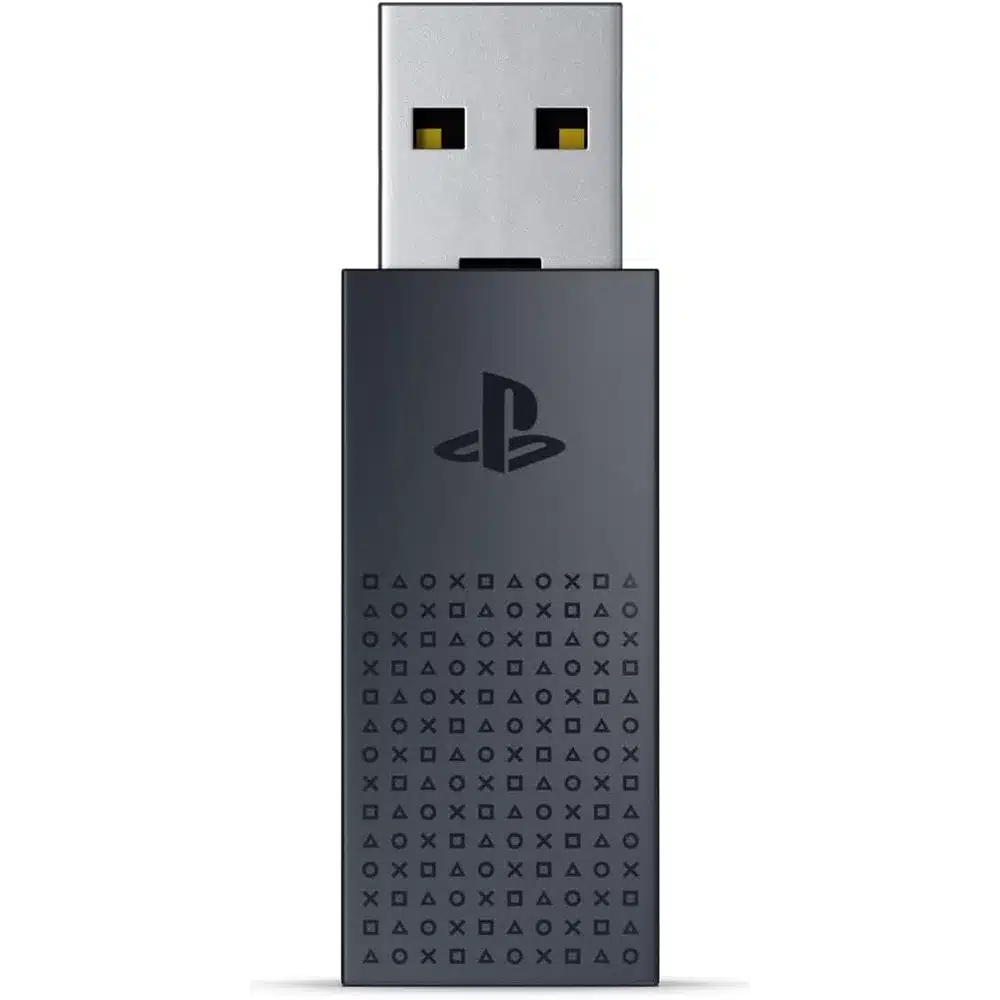
The PlayStation Link USB Adapter brings Sony’s lossless, ultra-low-latency wireless audio standard to devices that do not have it built in. Plug this small adapter into a PC, Mac, or console and your PULSE Elite headset or PULSE Explore earbuds connect with none of the compression or delay Bluetooth introduces. For competitive players, the PlayStation Link USB Adapter is the difference between hearing a footstep and reacting to it in time.
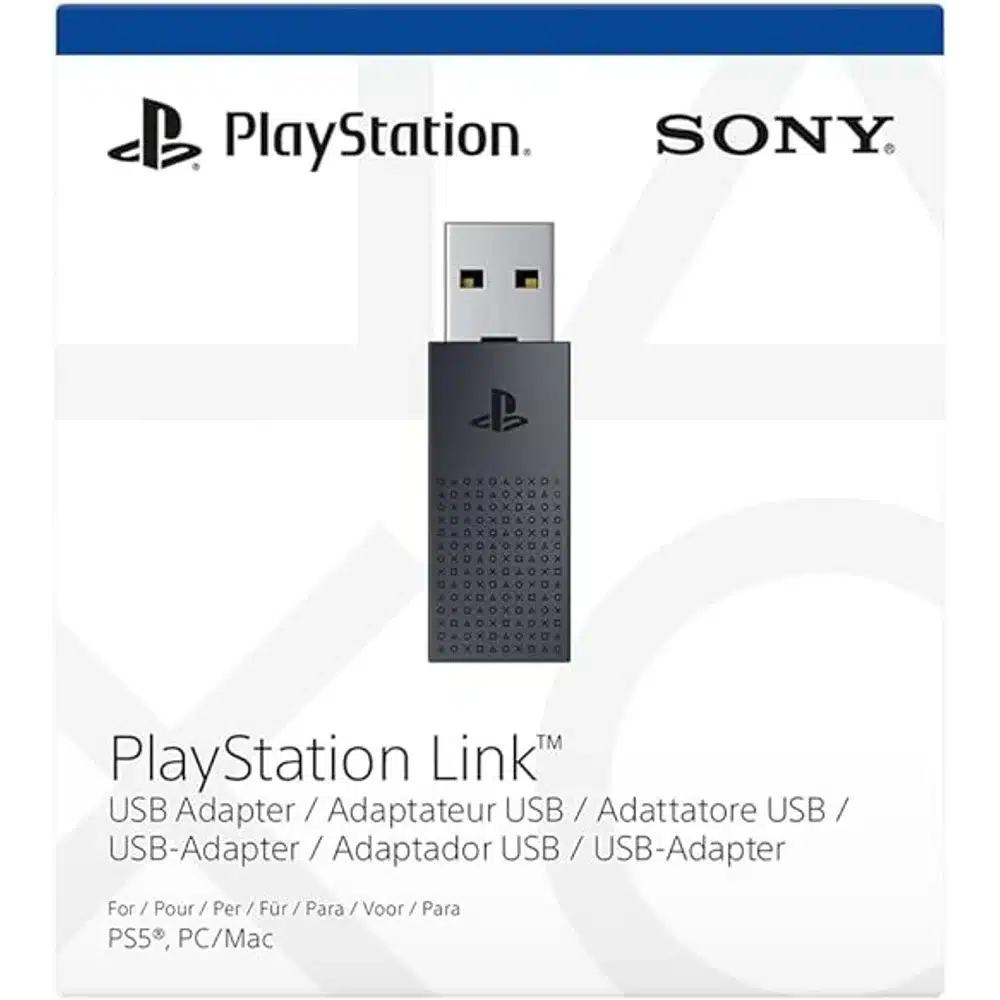
Table of Contents
PlayStation Link USB Adapter: What PlayStation Link Actually Does
PlayStation Link is Sony’s own wireless audio standard, built specifically for gaming rather than adapted from general-purpose Bluetooth. This small USB adapter carries that connection to devices that do not have it built in, so a PULSE Elite wireless headset or PULSE Explore wireless earbuds can connect to a PC, a Mac, or a second console without swapping hardware.
Lossless, Ultra-Low Latency Audio
Standard Bluetooth compresses audio and introduces delay — usually harmless for music, costly in a competitive shooter where footstep direction decides a fight. PlayStation Link keeps the connection lossless and the latency extremely low, so what you hear lines up with what is on screen. That is the entire reason the standard exists.
Switching Between Devices
The real convenience comes from owning two adapters. Pair your headset or earbuds to both, leave one in your PS5 and the other in your PC or Mac, and you can move between them without unplugging anything or re-pairing. For anyone who games on console and works on a laptop, that removes a small daily irritation entirely.
What It Works With
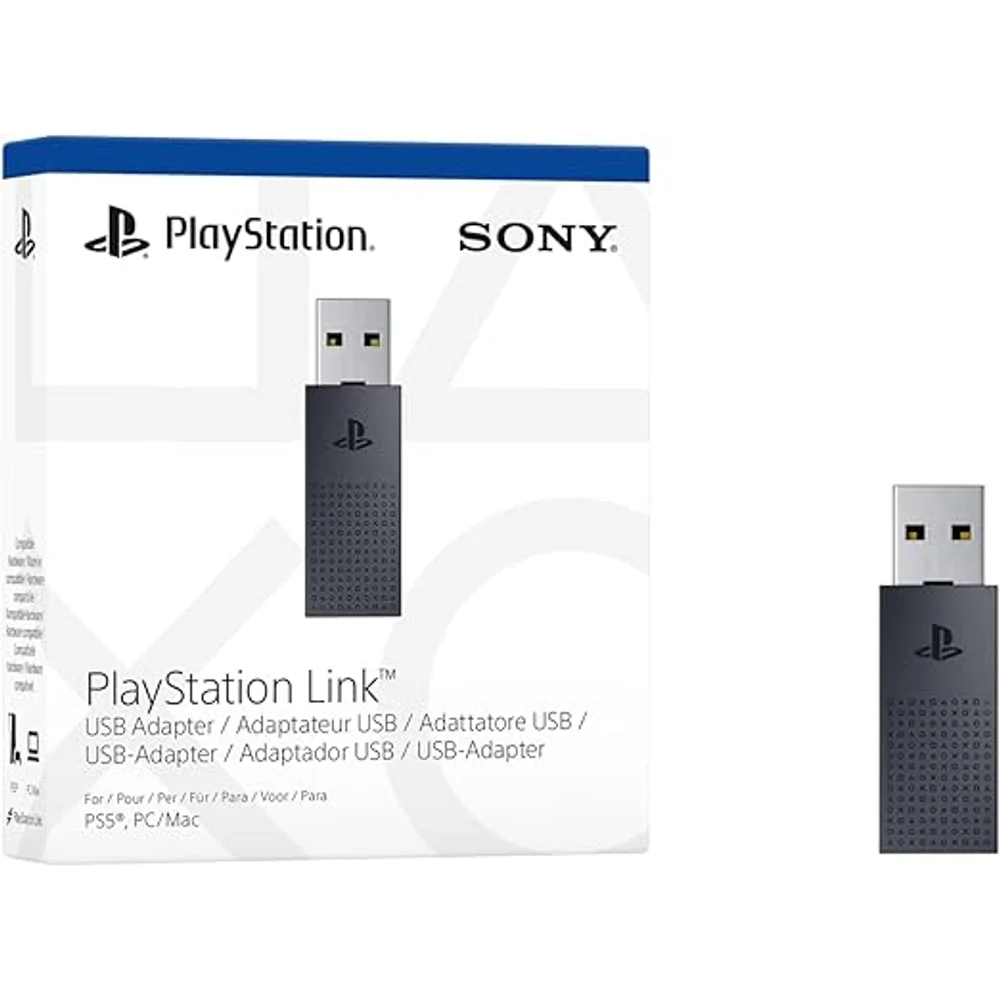
The adapter is designed for PlayStation Link audio devices — the PULSE Elite wireless headset and PULSE Explore wireless earbuds. It plugs into a standard USB port, requires no drivers, and works on PS5, PC, and Mac. Note that it is not a general Bluetooth dongle: it carries the PlayStation Link connection specifically.
The PlayStation Portal Remote Player uses the same PlayStation Link standard for wireless audio. Browse more in our Gaming Accessories collection.
Full official details are available on the official PlayStation Link USB adapter page.
Who Actually Needs One
If you only ever use a PULSE headset with a single PS5, the adapter that came in the box already covers you. This one is for people running audio across more than one machine: console in the living room and gaming PC at the desk, or a work laptop that you would rather not keep re-pairing every morning. It is also useful as a spare, because the small USB adapters that ship with PULSE devices are exactly the kind of accessory that disappears behind furniture. At this size and price, keeping a second one permanently installed in your PC is a practical fix rather than an indulgence.
Technical Specifications
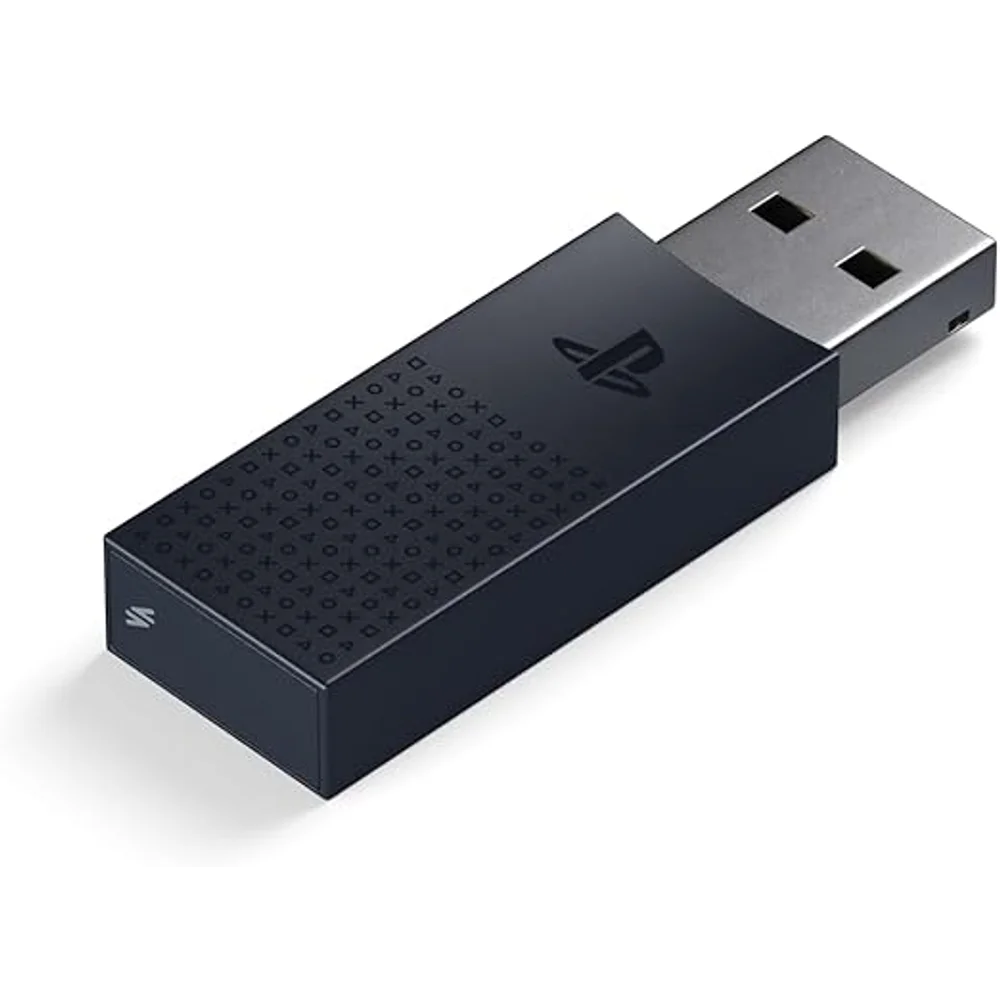
- Model: Official Sony PlayStation Link USB adapter
- Standard: PlayStation Link wireless audio
- Audio: Lossless transmission, ultra-low latency
- Connection: USB, no drivers required
- Compatible Devices: PULSE Elite wireless headset, PULSE Explore wireless earbuds
- Compatible Hosts: PS5, Windows PC, Mac (PS4 is not supported; PlayStation Portal has PlayStation Link built in and needs no adapter)
- Multi-Device: Use two adapters to switch between systems without re-pairing
- Warranty: 1-year warranty from Totot
FAQ – PlayStation Link USB Adapter
Is this a Bluetooth adapter?
No — it carries the PlayStation Link standard, which is lossless and much lower latency than Bluetooth. It will not pair with ordinary Bluetooth headphones.
Do I need one if I already have a PS5?
Only if you want to use your PULSE headset on another device such as a PC or Mac, or to switch between systems without moving a single adapter back and forth.
Which headphones work with it?
PlayStation Link audio devices — primarily the PULSE Elite wireless headset and PULSE Explore wireless earbuds.
How fast is delivery in the UAE?
Totot ships nationwide in up to 3 business days, free on orders from AED 300, with cash on delivery, Tabby, and Tamara available at checkout.
من نفس العلامة التجارية
- PlayStation DualSense Wireless Controller – Chroma Pearl, Haptic Feedb… — د.إ274
- Dragon Age: The Veilguard Standard Edition PS5 – Action RPG, BioWare — د.إ99
قد يناسبك أيضاً




 No products in the cart.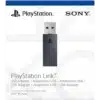
Reviews
There are no reviews yet