
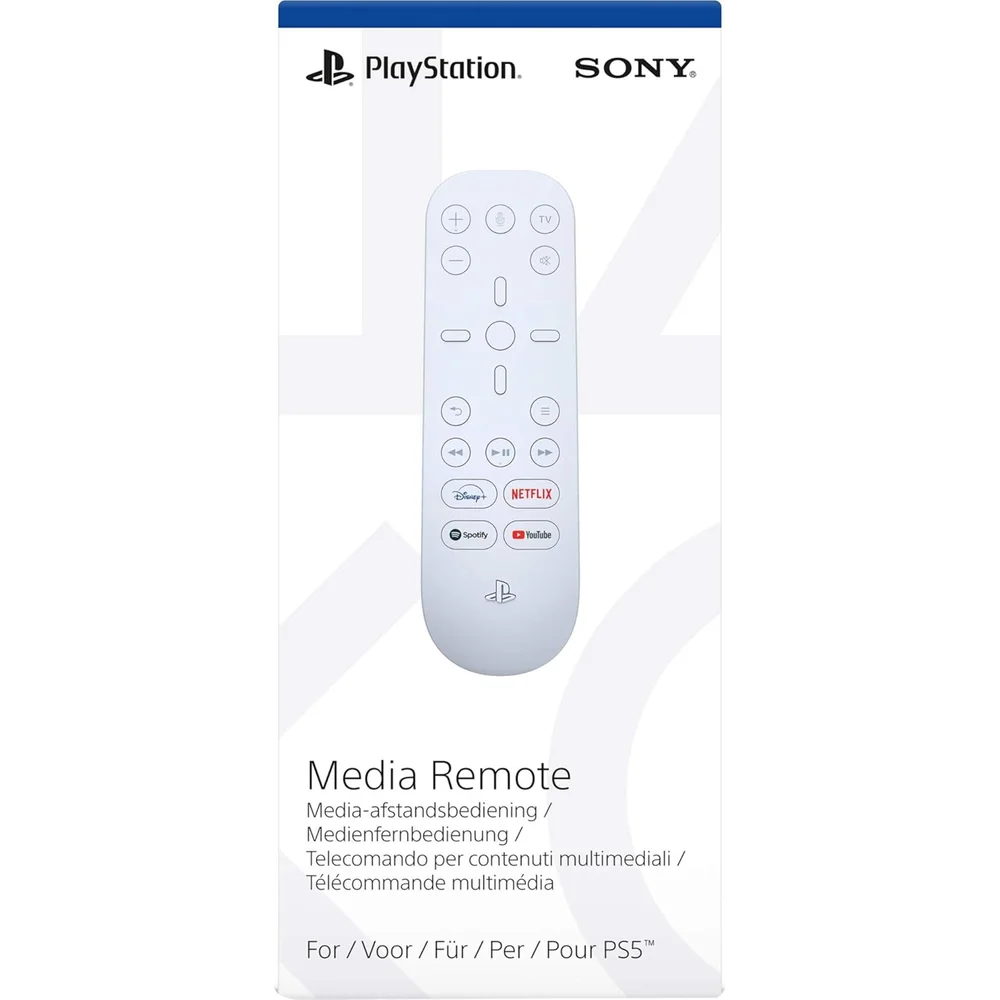
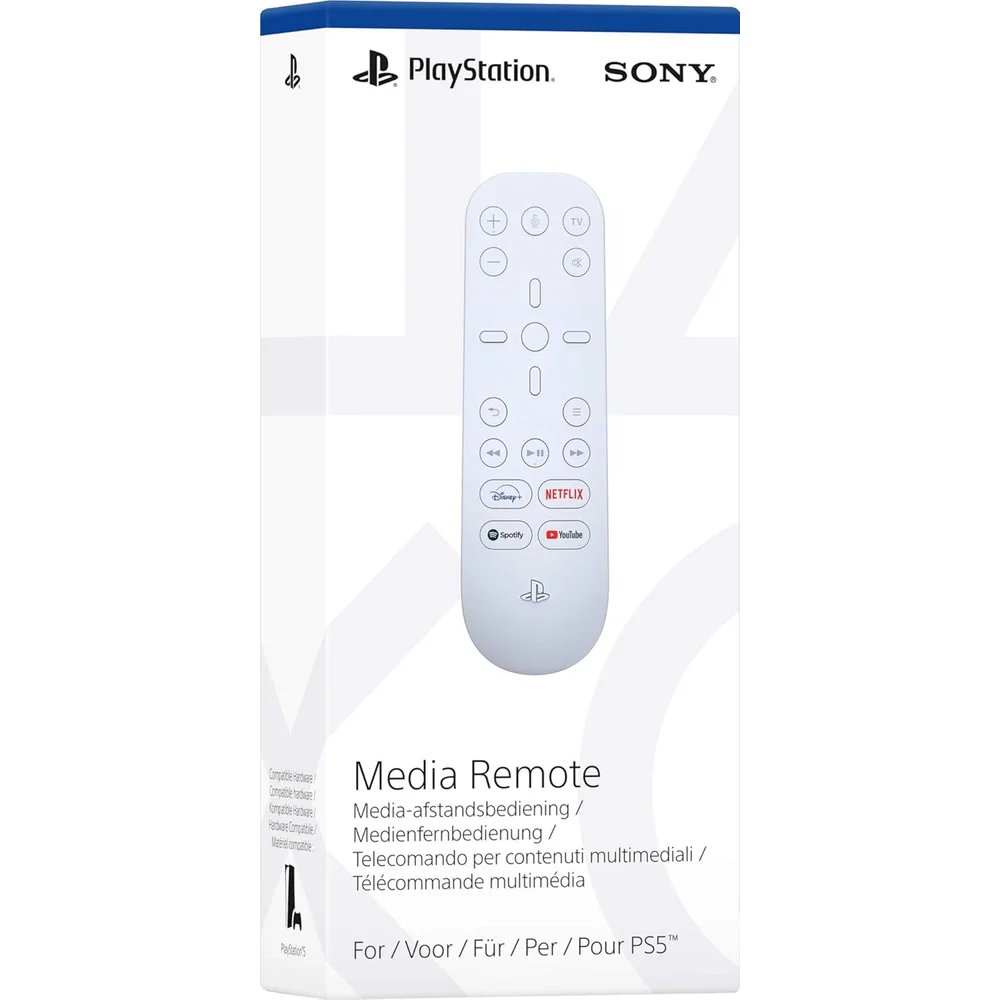
The PlayStation 5 Media Remote is Sony’s official remote control for the PS5 console. Sony describes it as a way to navigate entertainment on PS5 with intuitive media and TV controls, without picking up a wireless controller. It has dedicated buttons that launch Disney+, Netflix, Spotify and YouTube, playback keys for play/pause, fast forward and fast reverse, and a PS button that powers on the console. A built-in IR transmitter also lets it adjust the volume and power of compatible TVs. It is white, matching the PS5 design.
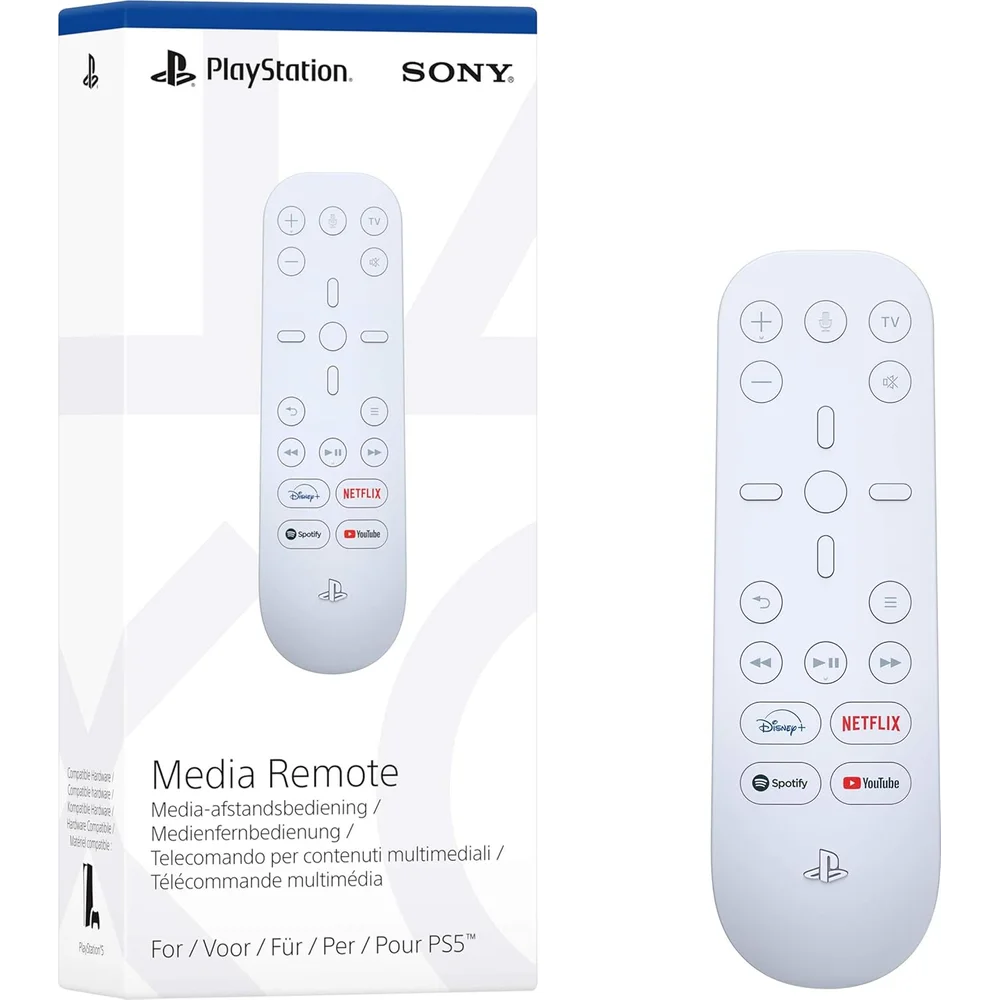
Table of Contents
Streaming at the push of a button
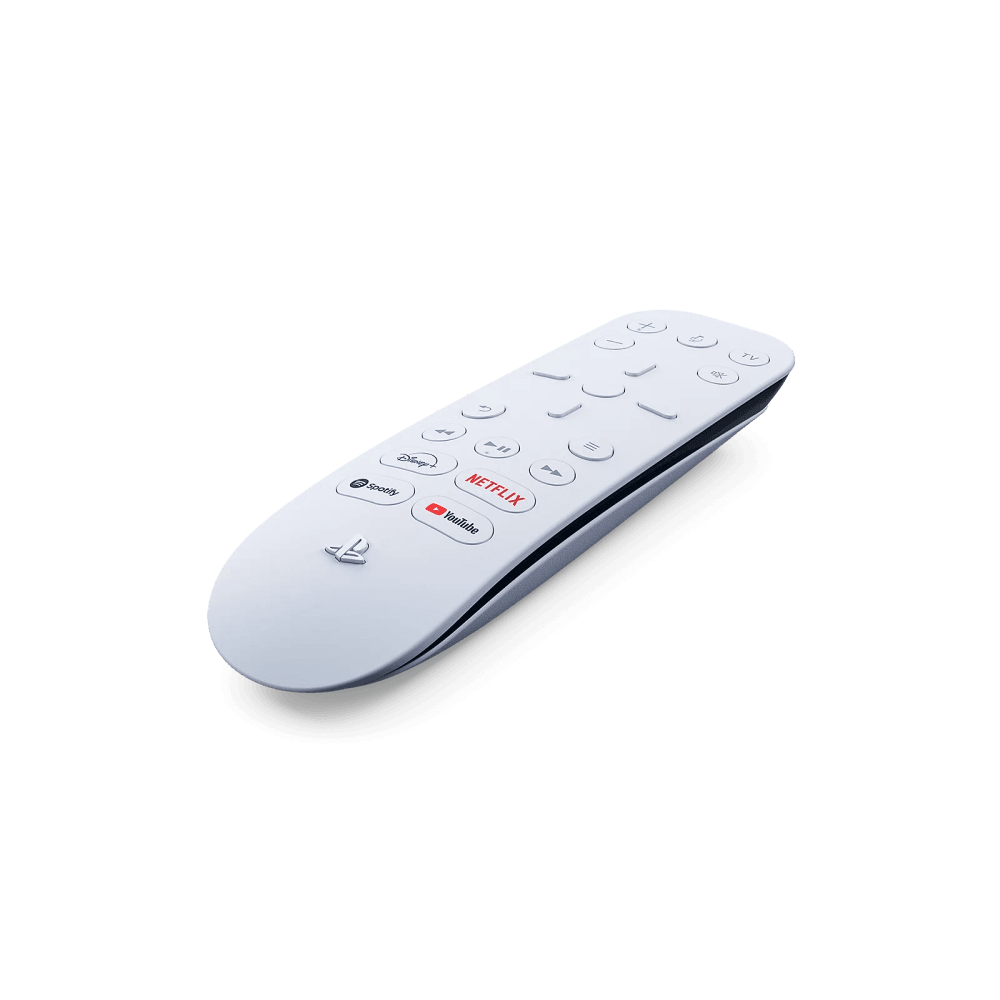
The most useful part of the PlayStation 5 Media Remote is the row of service launch buttons. Sony says they launch Disney+, Netflix, Spotify and YouTube with a single press, even when the console is powered off. Sony adds two conditions: an internet connection and an account for PlayStation are required, and the streaming services may need a paid subscription and are not available in every country. For a family that uses the PS5 as the main streaming box in the living room, this removes several steps from every film night.
Playback and menu controls
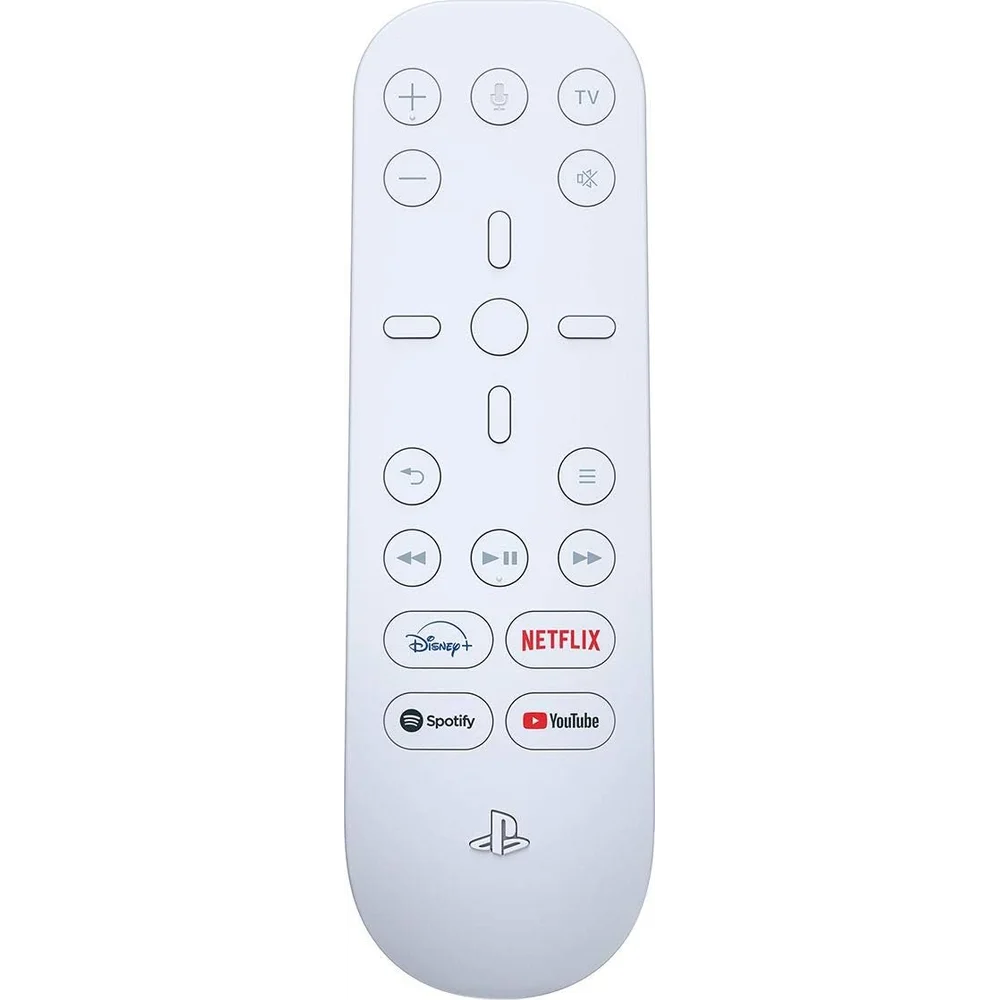
Sony’s support page lists the full layout. Directional buttons highlight items on screen, the ENTER button confirms, the back button cancels, and the options button works like the one on the wireless controller. The play/pause, fast forward and fast reverse buttons work for music and video in full screen, picture-in-picture or pin-to-side layouts, and depending on the app they can also skip tracks. The PS button works like the PS button on the controller, so the PlayStation 5 Media Remote can power on the console and move through its menus directly.
Controlling your TV
A built-in IR transmitter in the PlayStation 5 Media Remote sends infrared signals to your television. Sony lists TV power, TV volume up and down, and TV mute buttons, so in many living rooms you can leave the TV remote in the drawer. Sony notes that this works with compatible TVs and that a PS5 system software update may be required. There is also a microphone button, which Sony describes as reserved for future use, so do not expect voice control today.
Setup and compatibility
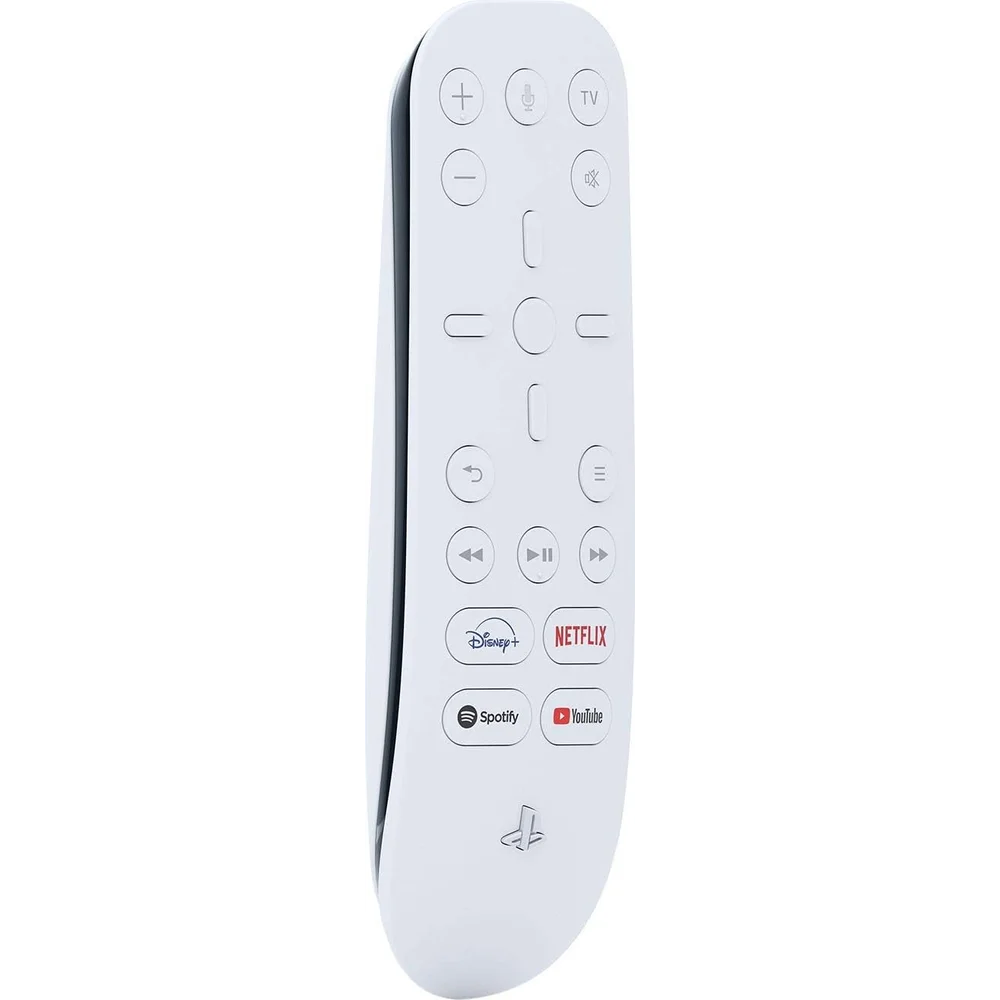
To use the PlayStation 5 Media Remote, you pair it with the console: Sony’s instructions are Settings > Accessories > Media Remote > Set Up Media Remote, then follow the on-screen steps, with a manual setup option if automatic pairing does not work. It is a PS5 accessory only; Sony states it is not compatible with PlayStation 4 consoles. Find more accessories in our gaming accessories collection.
Who it suits
The PlayStation 5 Media Remote suits households where several people watch films and series on the PS5, and where passing a DualSense controller around is awkward. It is also handy if you charge your controllers between gaming sessions, because the remote handles playback while the controllers charge. Players who only game and rarely stream will get little from it, but for anyone who uses the PS5 as a home media centre it is a simple, official upgrade.
Who This Is Not For
The PlayStation 5 Media Remote does not work with PS4, so it is not for PS4 owners. It cannot play games, and the microphone button has no function yet according to Sony. Streaming buttons need internet, a PlayStation account and the matching subscriptions. TV control works only with compatible TVs over infrared, so the remote needs a clear line of sight to the TV.
Ordering from Totot
Totot sells the PlayStation 5 Media Remote brand-new and genuine in its sealed box, backed by a 1-year warranty from Totot. Delivered across the UAE in up to 3 business days, free on orders from AED 300, with cash on delivery or instalments via Tabby and Tamara. Items that arrive defective or not as ordered can be returned within 14 days, and any shipping damage should be reported within 48 hours of delivery. Browse more in our Gaming Accessories range, or see the official PlayStation page for the PS5 Media Remote.
PlayStation 5 Media Remote Specifications
- Product: PlayStation 5 Media Remote (Sony)
- Compatibility: PS5 consoles only; not compatible with PS4
- App buttons: Disney+, Netflix, Spotify, YouTube
- Playback: Play/pause, fast forward, fast reverse
- Navigation: Directional buttons, ENTER, back, options, PS button
- TV control: Power, volume, mute via built-in IR transmitter (compatible TVs)
- Microphone button: Reserved for future use
- Pairing: Settings > Accessories > Media Remote > Set Up Media Remote
- Colour: White
- Warranty: 1-year warranty from Totot
PlayStation 5 Media Remote FAQ
Does the PlayStation 5 Media Remote work with PS4?
No. Sony states it is not compatible with PlayStation 4 consoles.
Can the PlayStation 5 Media Remote turn on my TV?
Yes. It controls power and volume of compatible TVs through its built-in IR transmitter.
Can it start Netflix when the PS5 is off?
Yes. Sony says the app buttons work even when the console is powered off, with internet and a PlayStation account.
Does the microphone button work for voice search?
No. Sony describes the microphone button as reserved for future use.
How many app buttons does it have?
4: Disney+, Netflix, Spotify and YouTube.
Is it genuine?
Yes. We sell the genuine Sony PlayStation 5 Media Remote, brand-new in its sealed box.
How long does delivery take?
Up to 3 business days anywhere in the UAE, free on orders from AED 300; any current delivery fee for your order is shown at checkout.

 No products in the cart.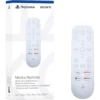
Reviews
There are no reviews yet