
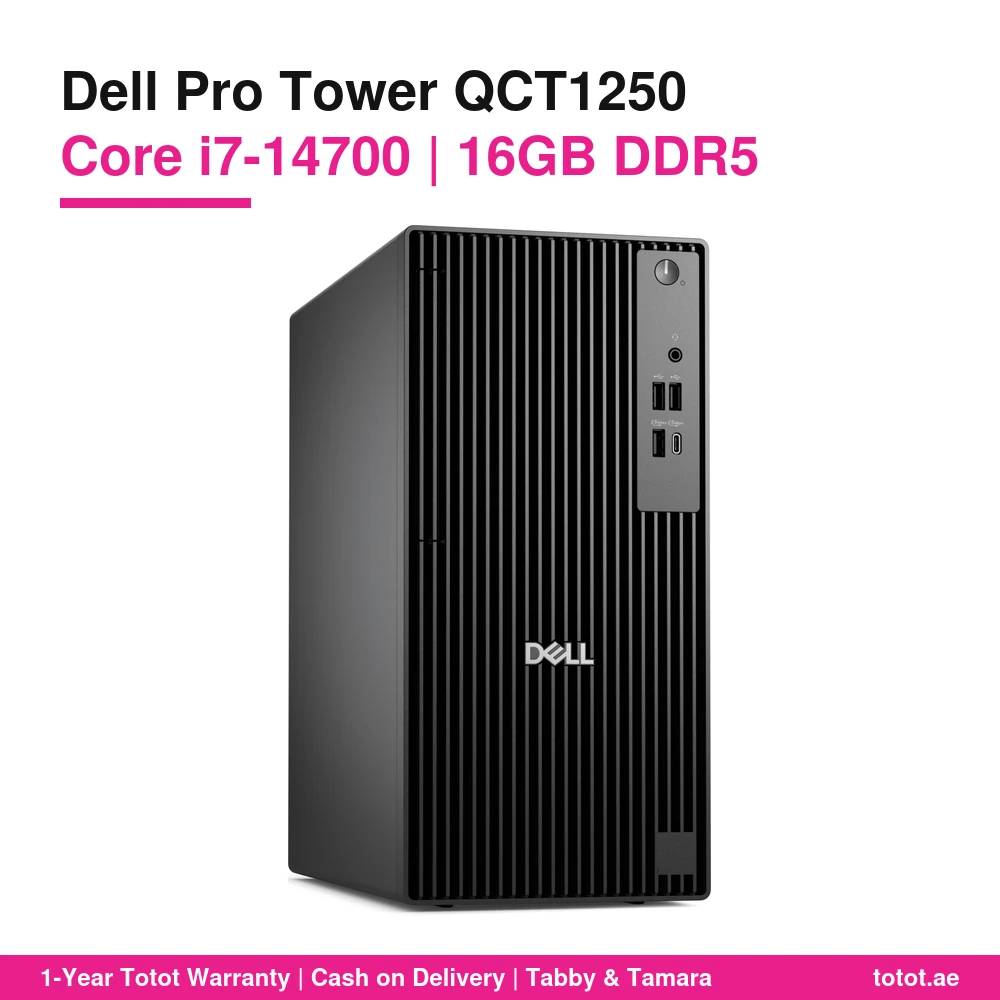
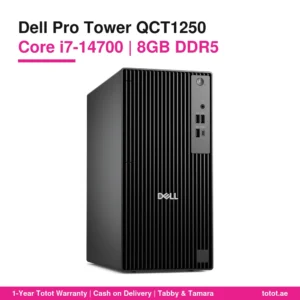
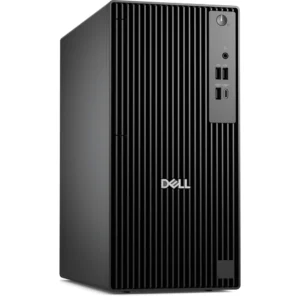
The Dell Pro Tower QCT1250 i7 16GB is Dell’s business tower paired with the 20-core Intel Core i7-14700, 16 GB of DDR5 memory at 5600 MT/s and a 512 GB NVMe SSD. It ships with DOS, which means no Windows licence is installed, plus a Dell KB216 wired keyboard with English and Arabic keys and a Dell MS116 wired optical mouse. This is the configuration for offices and home users who keep many programs open at once and want a quiet, serviceable tower rather than an all-in-one.

Table of Contents
- Who the Dell Pro Tower QCT1250 i7 16GB Is Built For
- Intel Core i7-14700: 20 Cores for Real Multitasking
- Memory on the Dell Pro Tower QCT1250 i7 16GB: Room to Grow to 64 GB
- Storage, Slots and Ports on the Dell Pro Tower QCT1250 i7 16GB
- DOS on the Dell Pro Tower QCT1250 i7 16GB Means No Windows Licence
- Keyboard and Mouse in the Box
- Who This Is Not For
- Ordering in the UAE
- Technical Specifications
- FAQ
Who the Dell Pro Tower QCT1250 i7 16GB Is Built For
Sixteen gigabytes is the point where a modern desktop stops feeling tight. With Outlook, Teams, a browser with twenty tabs, a large Excel workbook and an ERP or accounting client open together, 8 GB machines start swapping to the SSD and slow down. The Dell Pro Tower QCT1250 i7 16GB gives the i7-14700 enough memory to stretch its legs. It suits accountants and finance teams working with heavy spreadsheets, sales coordinators who live in a CRM and video calls all day, designers doing light photo and layout work, developers running a local database, and students who code or edit short videos. If the i7 is the reason you chose this tower, the 16 GB version is the one that lets the processor show its speed.
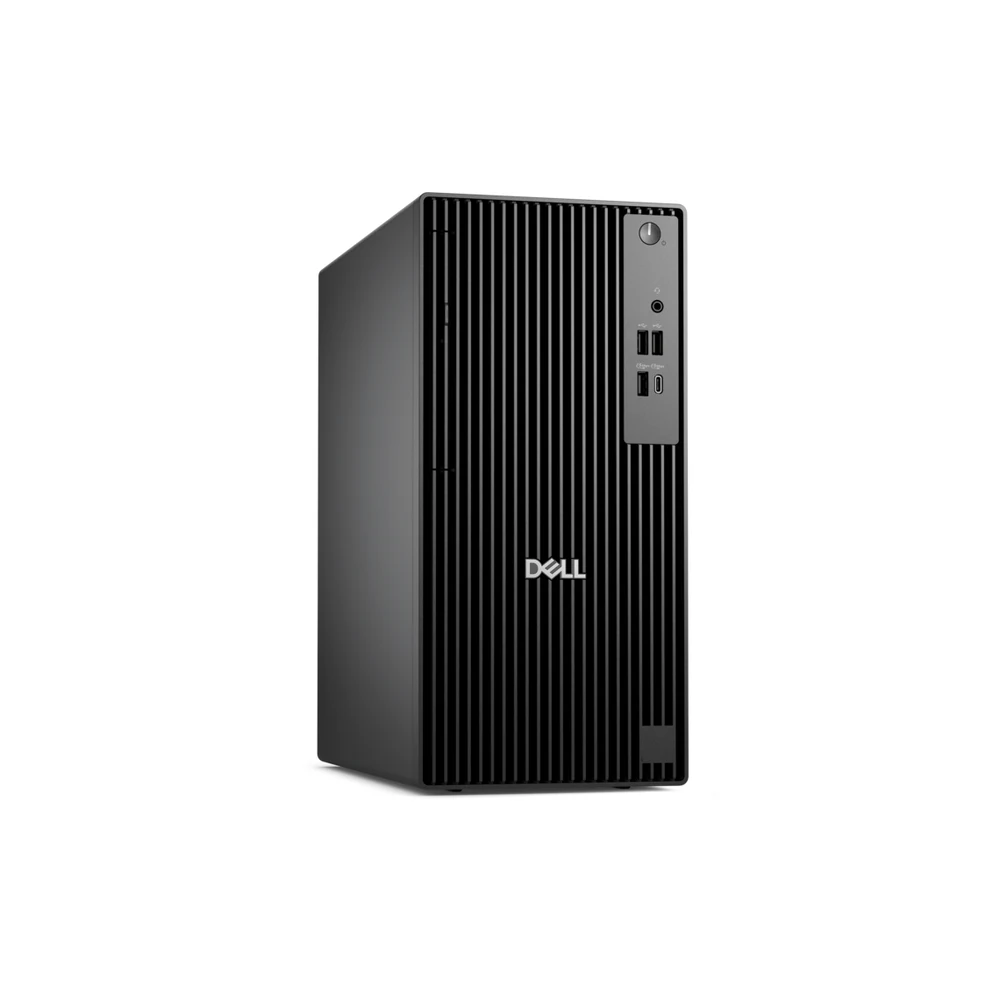
Intel Core i7-14700: 20 Cores for Real Multitasking
Intel lists the Core i7-14700 with 8 Performance-cores and 12 Efficient-cores, 28 threads, a maximum turbo of 5.4 GHz and 33 MB of Intel Smart Cache. Base power is 65 W and Intel’s maximum turbo power is 219 W, so short bursts such as opening big files or exporting a report finish quickly. Dell’s manual lists this chip in the QCT1250 at 65 W with Intel UHD Graphics 770, an integrated GPU with 32 execution units according to Intel. That is enough for office work, 4K video playback and two monitors on the HDMI 2.1 and DisplayPort 1.4a outputs. It is not a gaming graphics card.
Memory on the Dell Pro Tower QCT1250 i7 16GB: Room to Grow to 64 GB
Dell fits the QCT1250 with two UDIMM DDR5 slots and supports 8 GB to 64 GB, using 8, 16 or 32 GB per slot. With the i7-14700 Dell rates memory at up to 5600 MT/s, which matches the installed DDR5 5600. Dell builds 16 GB either as one 16 GB module (single-channel, one free slot) or as two 8 GB modules (dual-channel, both slots used); the supplier does not state which layout this unit has, so open the side cover or check the BIOS before buying more memory. From one 16 GB module, adding a second 16 GB module of the same size gives 32 GB in dual-channel. From two 8 GB modules, the path to 32 GB is two 16 GB modules, and Dell’s top configuration is 2 × 32 GB for 64 GB.
Storage, Slots and Ports on the Dell Pro Tower QCT1250 i7 16GB
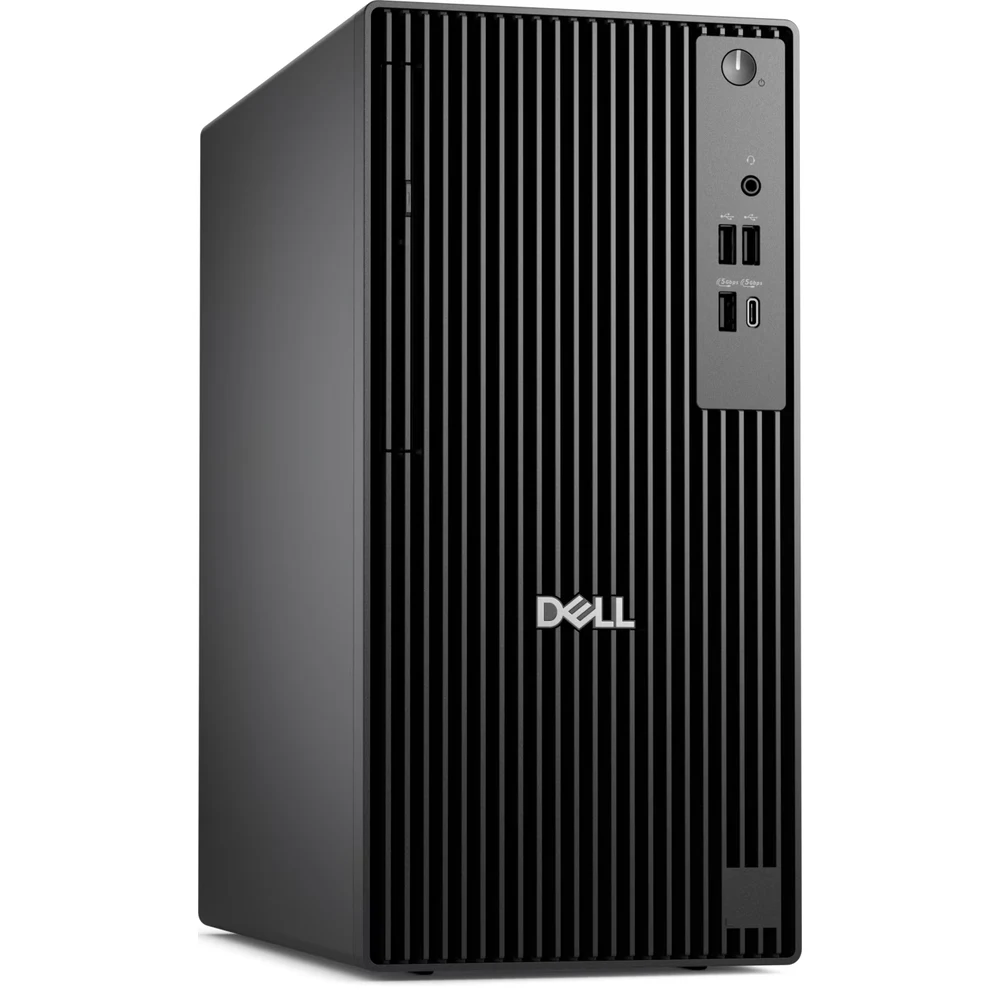
The 512 GB SSD sits in an M.2 2230/2280 slot and uses NVMe, so Windows or Linux boots fast and large files open without waiting. Inside, Dell provides two SATA 3.0 connections: one for a 3.5-inch hard drive and a second for another 3.5-inch drive or a slim optical drive. There is one full-height PCIe x16 slot and two PCIe x1 slots for a graphics card, a network card or other add-in cards. Dell’s port list includes four USB 2.0 ports (two with SmartPower On), three USB 3.2 Gen 1 Type-A ports and one USB 3.2 Gen 1 Type-C port at 5 Gbps, HDMI 2.1, DisplayPort 1.4a, Gigabit Ethernet and a headset jack. Wi-Fi is an optional module in Dell’s list; the supplier does not state that this unit has one, so plan on a cable or add a module later.
DOS on the Dell Pro Tower QCT1250 i7 16GB Means No Windows Licence
DOS here is a placeholder, not a working desktop system. No Windows licence is installed or included, so you will need your own Windows 11 licence or install a free system such as Ubuntu 24.04 LTS, which Dell lists among the supported systems for the QCT1250 together with Windows 11 Home and Pro. Companies with volume licensing often prefer DOS units because they image them with their own Windows build anyway. Dell publishes drivers for this model on its support site.
Keyboard and Mouse in the Box
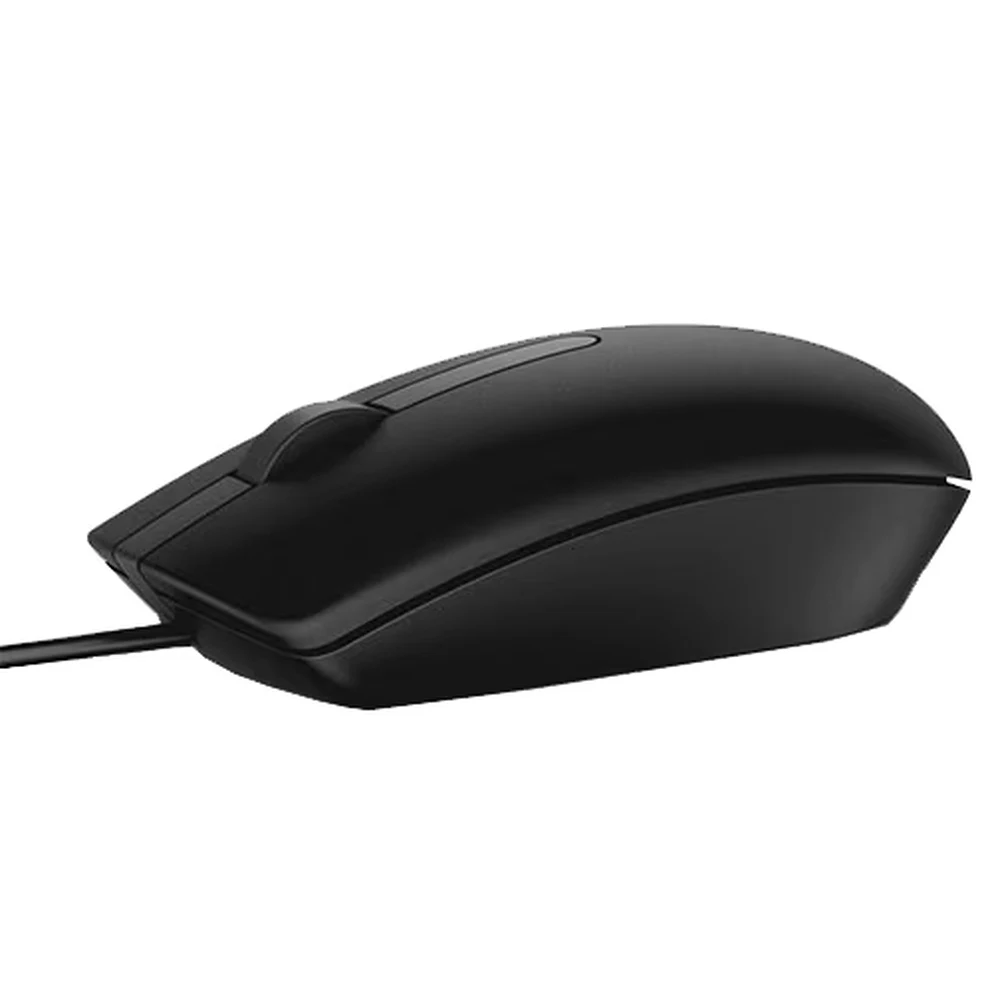
Every Dell Pro Tower QCT1250 i7 16GB comes with input devices. The Dell KB216 is a full-size wired USB keyboard; Dell lists multimedia keys for volume, mute and play/pause and calls it spill resistant. This unit carries English and Arabic legends, useful for Arabic data entry in UAE offices. The Dell MS116 is a three-button wired optical mouse at 1000 dpi with a USB cable that Dell lists at 6 ft.
Who This Is Not For
Gamers and 3D users: there is no dedicated graphics card, and the Intel UHD Graphics 770 is for office and media work. Anyone who wants to switch on and start at once: you must install an operating system first because there is no Windows licence. Users who need Wi-Fi out of the box: the supplier does not confirm a wireless module. Light users who only browse and type: the 8 GB version or a smaller Core i5 tower is enough.
Ordering in the UAE
The Dell Pro Tower QCT1250 i7 16GB is in stock with Totot and is delivered anywhere in the UAE within up to 3 business days, with free delivery on orders of AED 300 or more. If the unit arrives defective or is not what you ordered, you can return it within 14 days; please report any shipping damage within 48 hours of delivery. Pay cash on delivery, or split the amount with Tabby or Tamara.
Browse more Desktop Computers at Totot, or see the official Dell page for full product details.
Technical Specifications
- Model: Dell Pro Tower QCT1250 (desktop tower, black)
- Processor: Intel Core i7-14700, 20 cores (8 Performance + 12 Efficient), 28 threads, up to 5.4 GHz, 33 MB cache, 65 W base power
- Graphics: Intel UHD Graphics 770 (integrated, uses shared system memory)
- Memory installed: 16 GB DDR5 5600 MT/s (module layout not stated by the supplier; Dell builds 16 GB as 1 × 16 GB or 2 × 8 GB)
- Memory support (Dell): 2 × UDIMM DDR5 slots, 8 GB to 64 GB, 8/16/32 GB per slot, up to 5600 MT/s with the i7-14700
- Storage: 512 GB M.2 NVMe SSD
- Drive expansion (Dell): 1 × M.2 2230/2280 SSD slot, 2 × SATA 3.0 (3.5-inch HDD; second bay for a 3.5-inch HDD or a slim optical drive)
- Expansion slots: 1 × PCIe x16 full-height, 2 × PCIe x1 full-height
- Chipset: Intel Q670
- Ports: 4 × USB 2.0 (2 with SmartPower On), 3 × USB 3.2 Gen 1 Type-A (5 Gbps), 1 × USB 3.2 Gen 1 Type-C (5 Gbps), 1 × HDMI 2.1 (TMDS), 1 × DisplayPort 1.4a (HBR2), 1 × RJ45 Gigabit Ethernet, 1 × headset jack
- Operating system: DOS – no Windows licence installed
- Power supply (Dell options): 180 W Bronze or 360 W Platinum, 90–264 V AC, 47–63 Hz
- Dimensions: 324.3 × 154 × 293 mm (H × W × D)
- Weight: from 4.34 kg to 6.78 kg depending on configuration (Dell)
- In the box: Dell KB216 wired keyboard (English-Arabic), Dell MS116 wired optical mouse
- Warranty: 1-year warranty from Totot
FAQ
Does the Dell Pro Tower QCT1250 i7 16GB come with Windows?
No. It ships with DOS and no Windows licence is installed. You need to install Windows 11 with your own licence, or another system such as Ubuntu 24.04 LTS.
Does the supplier state whether the Dell Pro Tower QCT1250 i7 16GB uses one memory module or two?
No. Dell builds 16 GB as 1 × 16 GB or 2 × 8 GB, so check the slots or the BIOS before you buy an upgrade.
What is the maximum memory of the Dell Pro Tower QCT1250 i7 16GB?
64 GB. Dell supports 2 × 32 GB DDR5 in the two UDIMM slots.
Can I add a graphics card to the Dell Pro Tower QCT1250 i7 16GB?
Yes. There is one full-height PCIe x16 slot. Check the card’s power needs against the power supply in your unit; Dell offers 180 W and 360 W supplies for this model.
Can the Dell Pro Tower QCT1250 i7 16GB drive two monitors?
Yes. It has HDMI 2.1 and DisplayPort 1.4a outputs on the integrated Intel UHD Graphics 770.
Is the keyboard of the Dell Pro Tower QCT1250 i7 16GB Arabic?
Yes. The included Dell KB216 is the English-Arabic layout.




 No products in the cart.
Reviews
There are no reviews yet