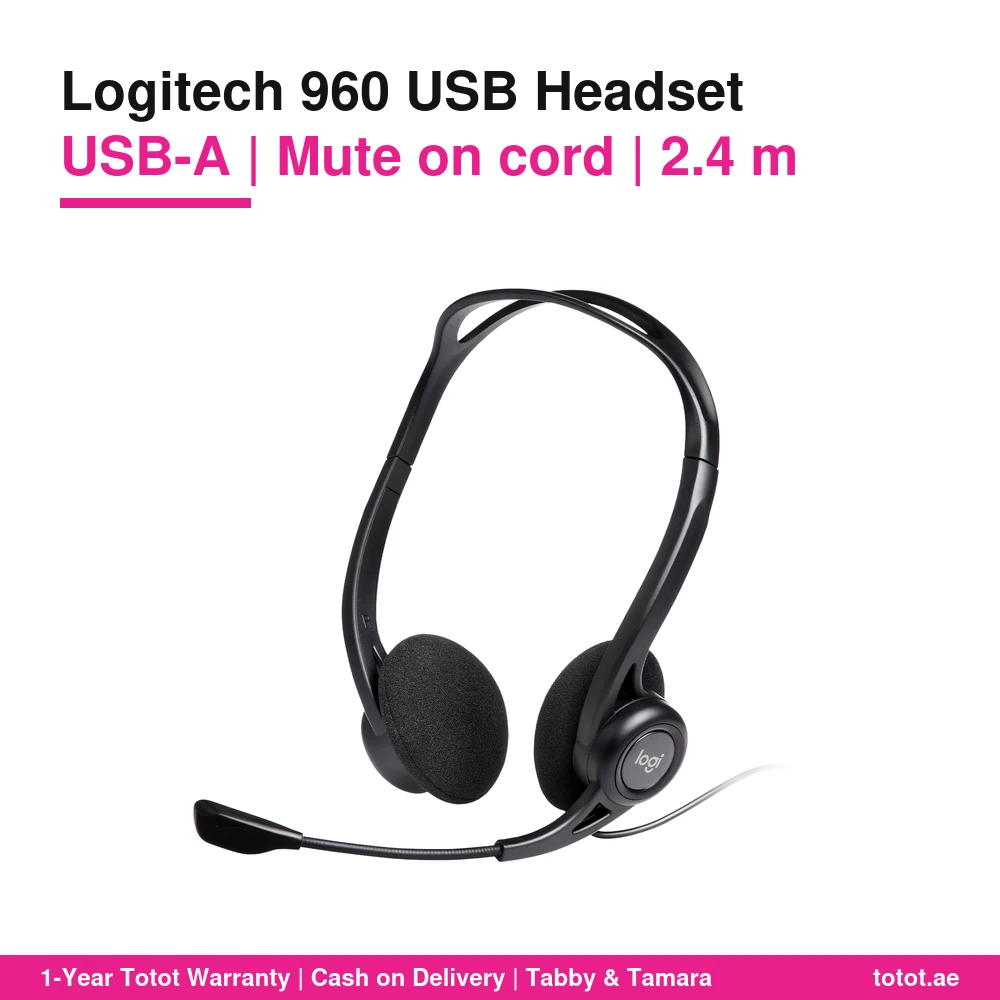
The Logitech 960 USB headset is Logitech’s long-running USB-A computer headset for calls: plug it into a PC, Mac or Chromebook and the headset brings its own digital audio, a noise-cancelling microphone and in-line controls. It is part number 981-000100, sold by Logitech as the “960 USB Headset” and described on its UK and US sites as an affordable computer headset. Retailers often list it as “H960” or “PC Headset 960”; Logitech’s own name is simply 960 USB Headset. It weighs 120 g and has a 2.4 m cable according to Logitech.
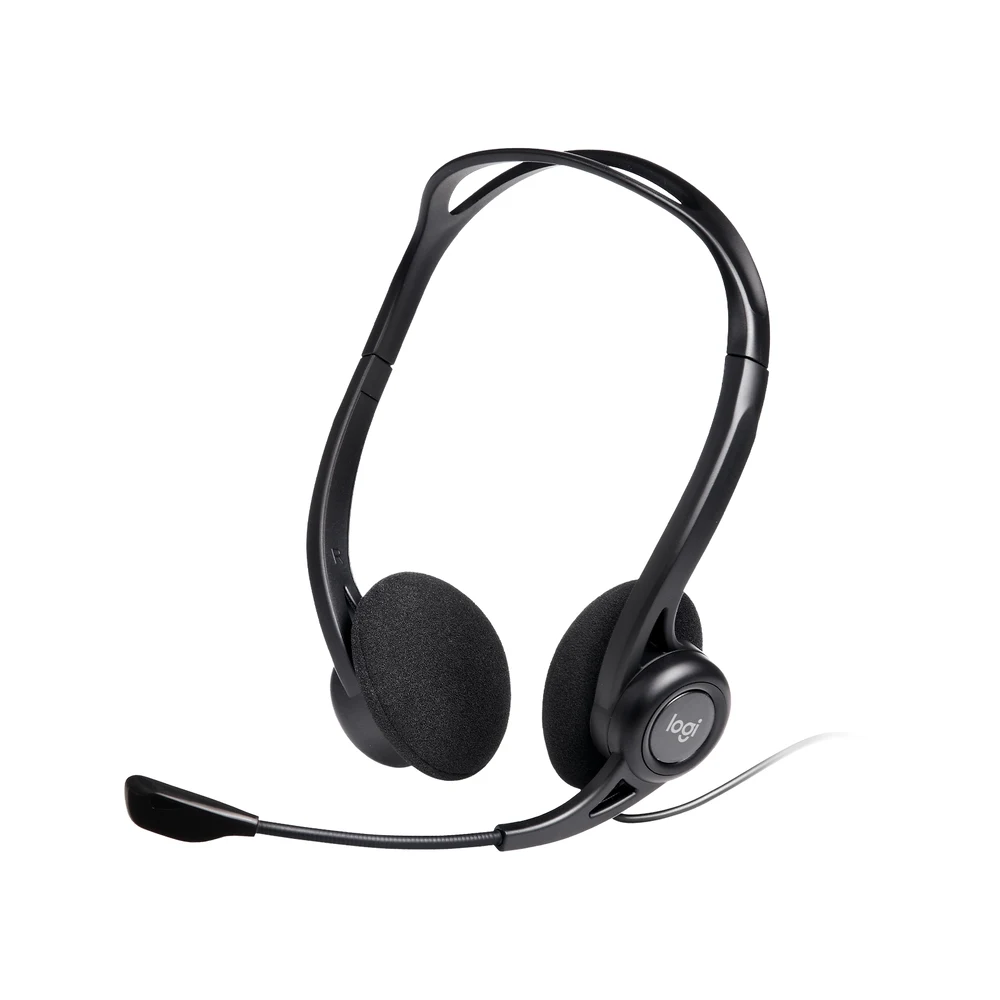
Table of Contents
- Why the Logitech 960 USB Is Still a Lab and Call Centre Favourite
- Plug and Play over USB-A
- A Noise-Cancelling Mic for Busy Rooms
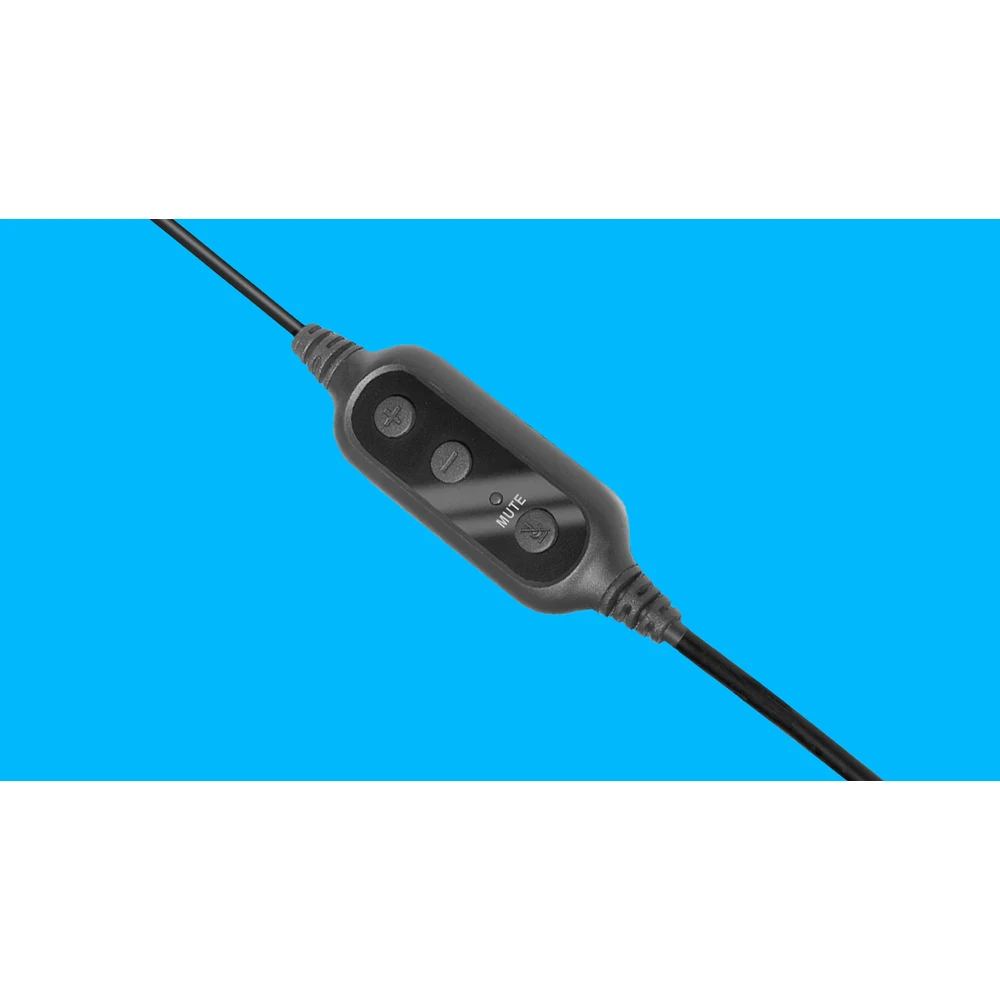
- Volume and Mute on the Cord
- Rolling Out the Logitech 960 USB Across Many Desks
- Logitech’s Published Audio Figures
- Who This Is Not For
- Ordering in the UAE
- Technical Specifications
- FAQ
Why the Logitech 960 USB Is Still a Lab and Call Centre Favourite
Logitech says the 960 is for business people who spend their day on the phone and like to enjoy music between calls. That description fits the places where the Logitech 960 USB is usually found: computer labs, training rooms, help desks and call centres. These are rooms full of desktop PCs with USB-A ports, where every seat needs the same headset, and where nobody has time to troubleshoot audio settings on twenty machines.
A USB headset solves the most common problem in those rooms. The Logitech 960 USB does not rely on the computer’s analogue headphone and microphone sockets, which are often damaged, disabled or simply on the back of the tower. It uses the USB port and its own enhanced digital audio, as Logitech puts it.
Plug and Play over USB-A
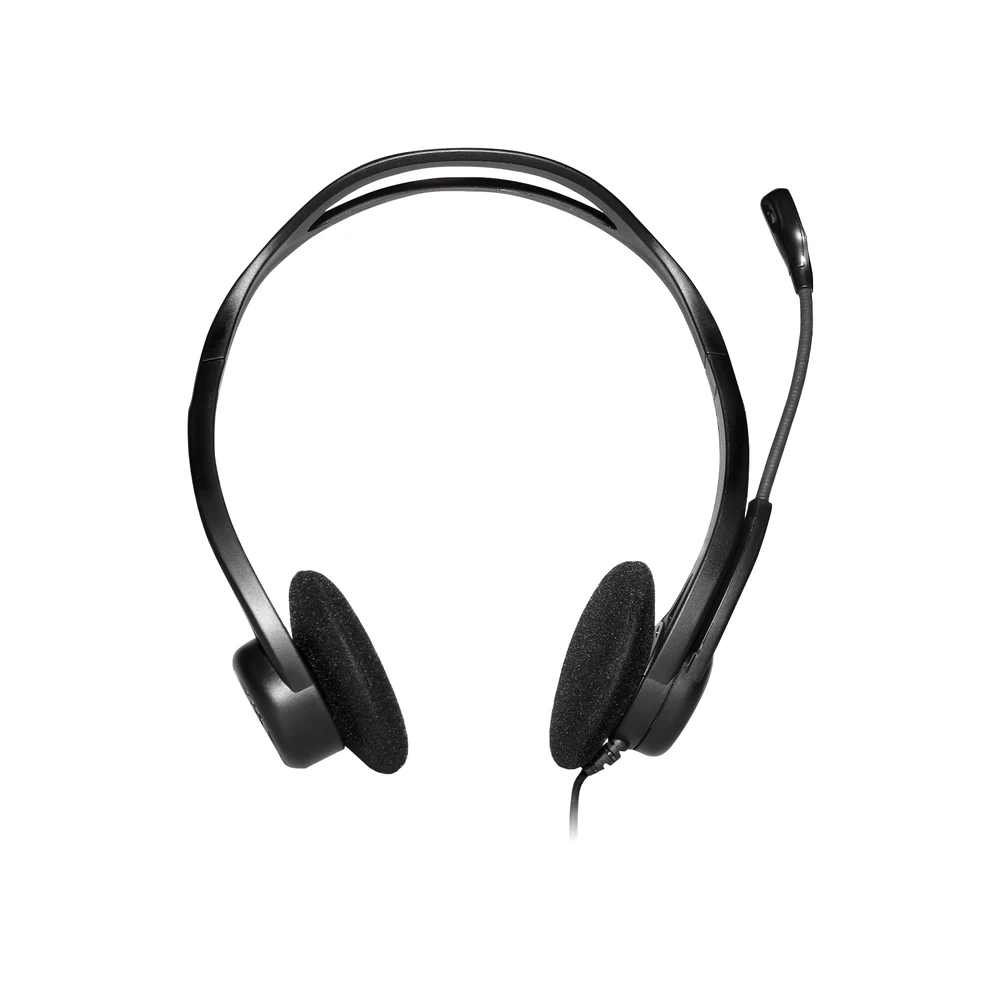
Logitech describes the 960 as ready to go from day one: just plug the USB-A connector into your computer and start talking. Logitech lists Windows or macOS and ChromeOS as supported, says it works with common calling applications across almost all platforms and operating systems, and asks for a USB port, either Type A or an adapter. The connection is listed as USB-A compatible with USB 1.1, 2.0 and 3.0, so older lab PCs and new laptops are both covered.
No driver download is part of Logitech’s setup description. Your computer sees the headset as a USB audio device; select it as the input and output in your calling app and it is ready.
A Noise-Cancelling Mic for Busy Rooms
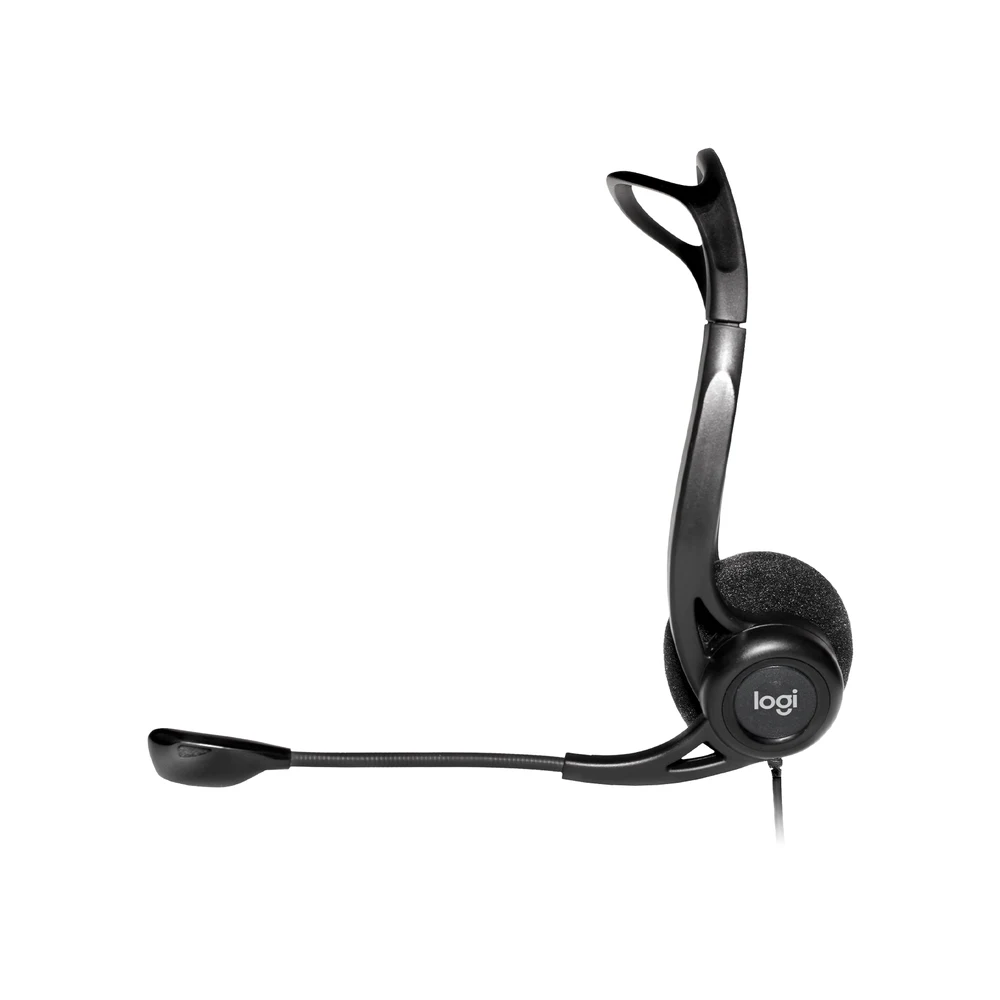
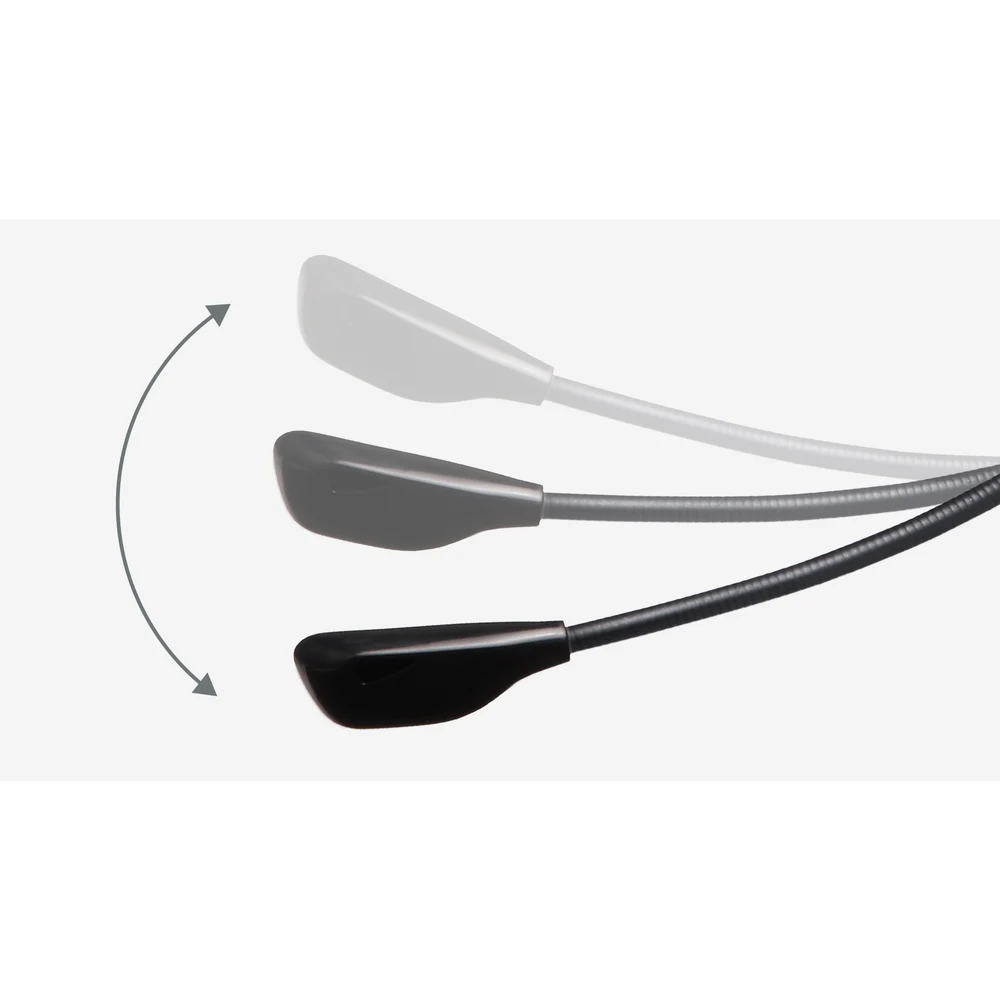
Logitech says the 960 has a noise-cancelling mic that keeps background activity to a minimum so callers hear every word. In a room where ten agents talk at once, that matters more than any other feature. The boom is adjustable, so it can be moved closer to the mouth for better voice capture, and Logitech says the left-side mic rotates out of the way when you finish your calls.
Logitech lists the microphone as bi-directional, with a frequency response of 200 Hz to 6 kHz and a sensitivity of -42 dBV/Pa +/-3 dB. Logitech does not publish a figure for how many decibels of background noise the microphone removes.
Volume and Mute on the Cord
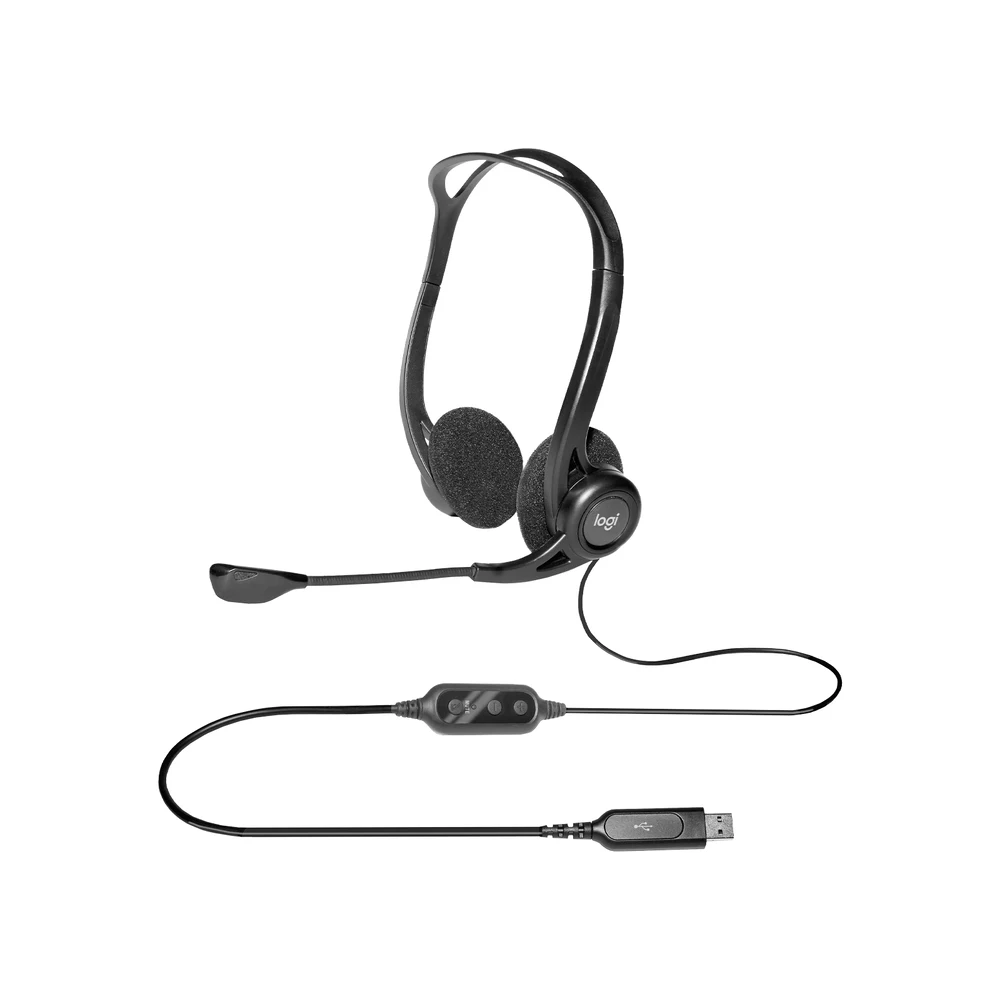
Logitech says convenient in-line controls on the cord make it easy to adjust volume up or down or mute, without disrupting the call or your workflow. For call centre agents this keeps hands on the keyboard and eyes on the customer record. For a teacher running a language lab, it means students can lower the volume themselves without opening any settings.
The cable is 2.4 m long according to Logitech, which describes the 240 cm length as giving you the freedom to stand up and stretch during long conversations. It also helps when the PC tower sits on the floor under the desk.
Rolling Out the Logitech 960 USB Across Many Desks
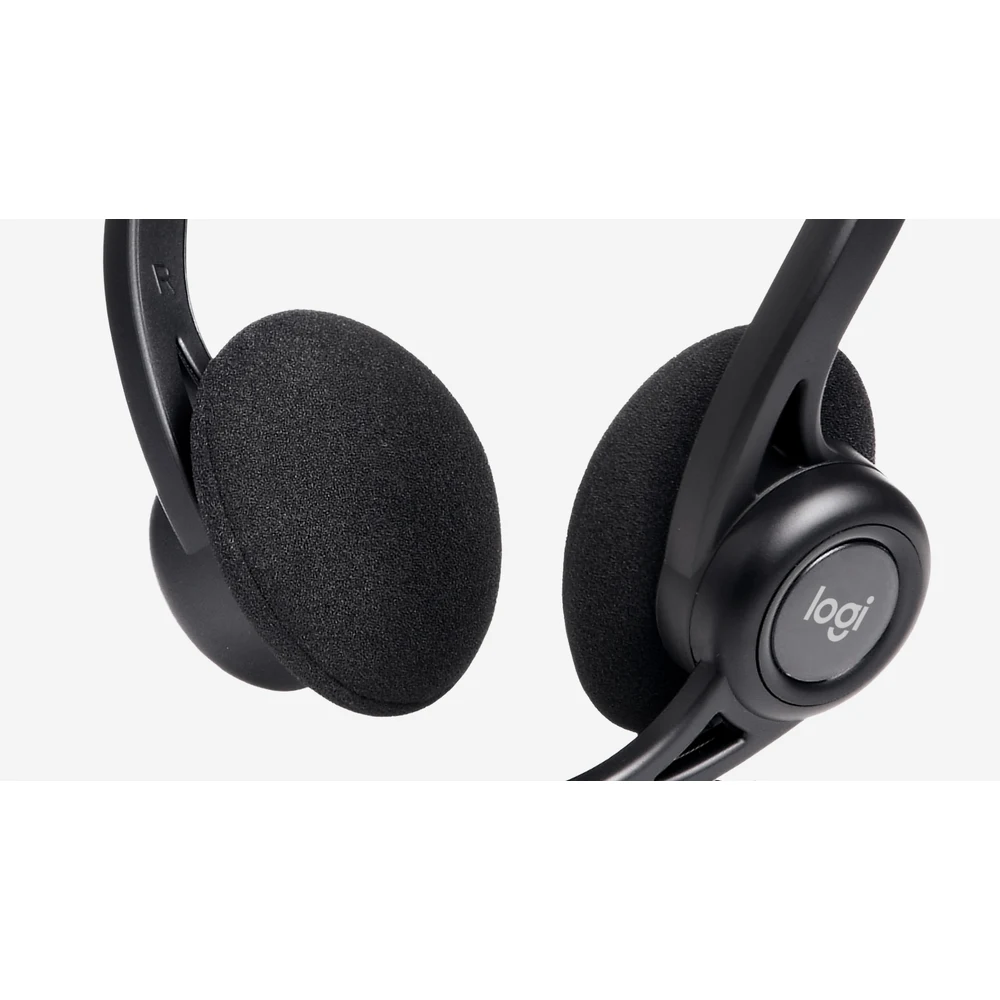
When an IT team buys headsets for a whole floor, consistency is the point. The Logitech 960 USB has one part number, one colour and one connector, so every desk gets the same experience. Logitech describes an over-the-head design with a lightweight headband and swivel-mounted ultra-foam ear cushions for all-day comfort, and says the design gives a non-slip fit even when you move around.
The box is simple too: Logitech lists the USB headset and user documentation. There are no batteries, no dongles and no charging cradles to lose or replace.
Logitech’s Published Audio Figures
Logitech lists a headset frequency response of 100 Hz to 10 kHz, an input impedance of 32 Ohms and a headphone sensitivity of 111 dBSPL +/-3 dB. The headset measures 200 mm high, 245 mm wide and 54 mm deep, and weighs 120 g. Those figures describe a headset tuned for speech, with enough range for background music between calls.
Who This Is Not For
The Logitech 960 USB has a USB-A plug only, with no 3.5 mm jack and no Bluetooth, so it does not connect to phones, and a laptop with only USB-C ports needs a USB-C to USB-A adapter that is not included. Logitech lists a headset frequency response of 100 Hz to 10 kHz, narrower than the 20 Hz to 20 kHz it lists for the H111 and H151, so music lovers who want deep bass should choose another headset. Logitech describes the microphone as left-side, and it does not state that it can be moved to the right ear. The ear cushions sit on the ear and do not block outside noise.
Ordering in the UAE
Totot delivers across the UAE within three business days, and delivery is free on orders from AED 300. A defective item or one that does not match your order can be returned within 14 days, and any shipping damage should be reported within 48 hours of delivery. You can pay by cash on delivery, Tabby or Tamara. For lab and call centre orders of the Logitech 960 USB, every unit is part number 981-000100 in Logitech’s retail box.
Browse more Headphones at Totot, or see the official Logitech page for full product details.
Technical Specifications
- Official name: Logitech 960 USB Headset
- Part number: 981-000100
- Colour: Black
- Connection: USB-A compatible (1.1, 2.0, 3.0)
- Cable length: 2.4 m
- Controls: In-line volume up/down and mute on the cord
- Microphone type: Bi-directional, noise-cancelling (Logitech), adjustable boom that rotates out of the way
- Input impedance: 32 Ohms
- Headphone sensitivity: 111 dBSPL +/- 3 dB
- Microphone sensitivity: -42 dBV/Pa +/- 3 dB
- Frequency response (headset): 100 Hz – 10 KHz
- Frequency response (microphone): 200 Hz – 6 KHz
- Compatibility: Windows or macOS, ChromeOS; common calling applications; USB port (Type A port or adapter)
- Weight: 120 g
- Dimensions: Height 200 mm, Width 245 mm, Depth 54 mm
- In the box: USB headset, user documentation
- Warranty: 1-year warranty from Totot
FAQ
Is the Logitech 960 USB the same as the Logitech H960 or PC Headset 960?
Yes. Those are retailer names; Logitech sells part number 981-000100 as the 960 USB Headset.
Does the Logitech 960 USB work without installing software?
Yes. Logitech says you just plug the USB-A connector into your computer and start talking.
Will the Logitech 960 USB work on a Chromebook?
Yes. Logitech lists ChromeOS among the supported systems.
Can I plug the Logitech 960 USB into a USB-C laptop?
Yes, with a USB-C to USB-A adapter. Logitech asks for a Type A port or adapter, and the adapter is not in the box.
Does the Logitech 960 USB work with a phone?
No. It has a USB-A plug only, and Logitech lists Windows, macOS and ChromeOS computers.
How long is the Logitech 960 USB cable?
2.4 m, according to Logitech.
How much does the Logitech 960 USB weigh?
120 g, according to Logitech.


 No products in the cart.

Reviews
There are no reviews yet