
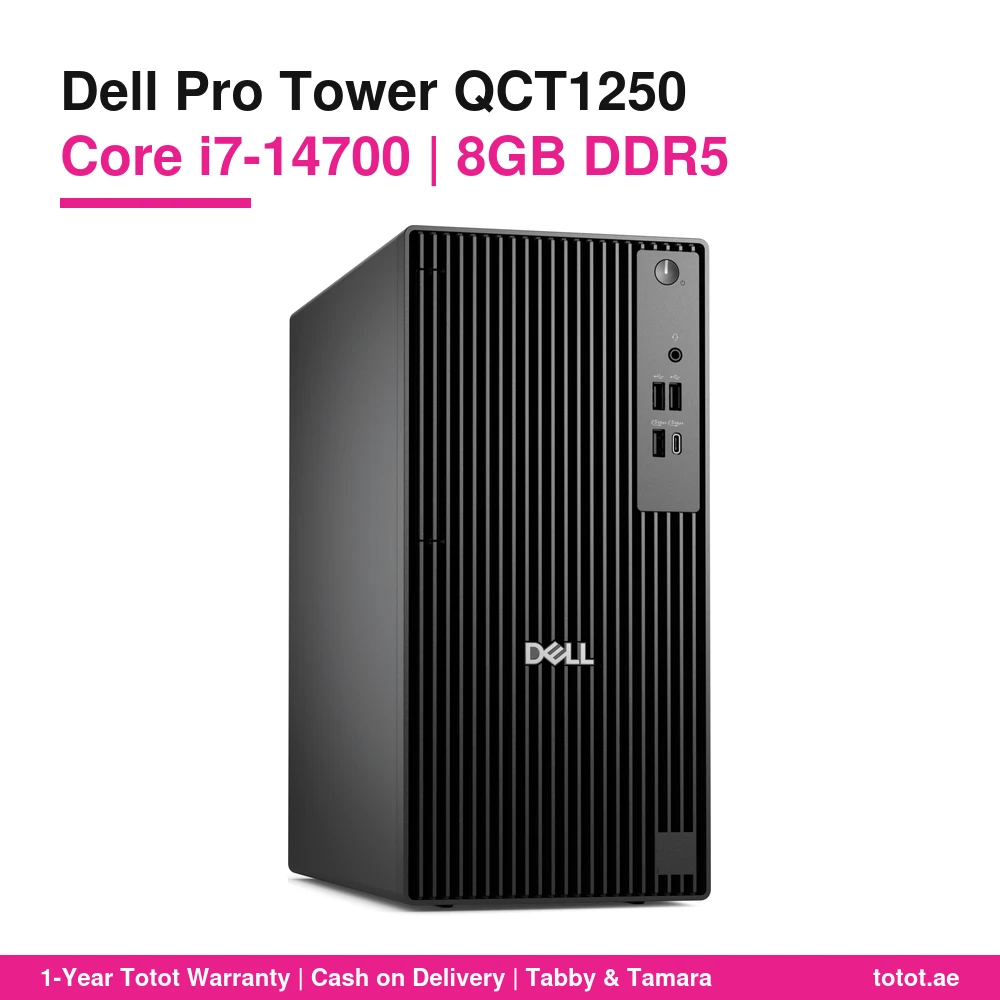
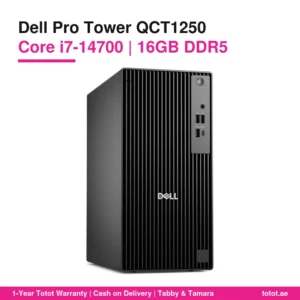
The Dell Pro Tower QCT1250 i7 8GB puts Intel’s 20-core Core i7-14700 into Dell’s business tower at the entry memory size: 8 GB of DDR5 5600 and a 512 GB NVMe SSD. It is supplied with DOS, so there is no Windows licence on it, and it comes with a Dell KB216 English-Arabic wired keyboard and a Dell MS116 wired mouse. Think of it as a fast processor with a low starting cost, ready for you to add memory when your work needs it.
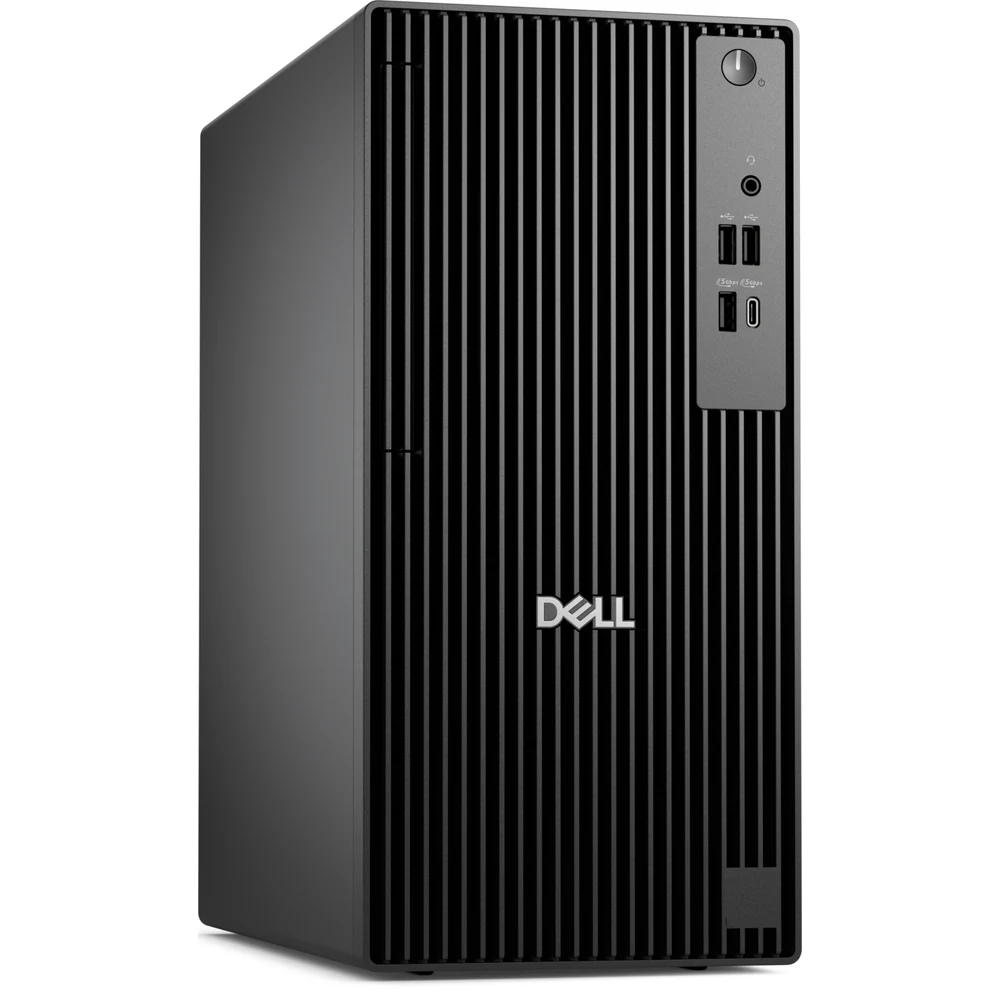
Table of Contents
- Why Pick the Dell Pro Tower QCT1250 i7 8GB
- What 8 GB Handles on the Dell Pro Tower QCT1250 i7 8GB
- The Upgrade Path for the Dell Pro Tower QCT1250 i7 8GB
- Inside the Core i7-14700 of the Dell Pro Tower QCT1250 i7 8GB
- Expansion, Ports and Networking on the Dell Pro Tower QCT1250 i7 8GB
- No Windows Licence: What DOS Means
- Who This Is Not For
- Ordering in the UAE
- Technical Specifications
- FAQ
Why Pick the Dell Pro Tower QCT1250 i7 8GB
Many buyers want the i7 for its life span: a 20-core chip stays useful for years, while memory is cheap and easy to add later. The 8 GB version keeps the purchase price down and leaves the decision about extra memory to you. It is a sensible choice for IT departments that keep their own stock of DDR5 modules, for businesses buying several desks at once, and for anyone who plans to upgrade in the first months.
What 8 GB Handles on the Dell Pro Tower QCT1250 i7 8GB
Eight gigabytes runs one or two main applications comfortably: a point-of-sale or booking system at a reception desk, a warehouse or delivery terminal, a school lab PC, Word and email with a modest number of browser tabs, or a dedicated screen showing a dashboard. It starts to feel tight when you combine video calls, a dozen browser tabs and large spreadsheets at the same time, because Windows 11 alone uses a good share of the memory. The integrated Intel UHD Graphics 770 also borrows from system RAM, which is one more reason to upgrade if you run two screens.
The Upgrade Path for the Dell Pro Tower QCT1250 i7 8GB
Dell’s memory table for the QCT1250 lists only one way to build 8 GB: a single 8 GB module, which runs in single-channel mode and leaves the second UDIMM slot empty. That makes the first upgrade simple. Add one 8 GB DDR5 module of the same size and the system moves to 16 GB in dual-channel, which also helps the integrated graphics. For more headroom, two 16 GB modules give 32 GB, and Dell’s maximum is 64 GB with two 32 GB modules. With the i7-14700, Dell rates memory at up to 5600 MT/s, so DDR5 5600 UDIMM modules are the natural match.
Inside the Core i7-14700 of the Dell Pro Tower QCT1250 i7 8GB
Intel’s specification sheet gives the i7-14700 8 Performance-cores and 12 Efficient-cores with 28 threads, up to 5.4 GHz and 33 MB of cache, at 65 W base power and 219 W maximum turbo power. The extra cores matter in batch jobs such as compressing archives, converting files or compiling code, and they keep the desktop responsive while background updates or antivirus scans run.
Expansion, Ports and Networking on the Dell Pro Tower QCT1250 i7 8GB
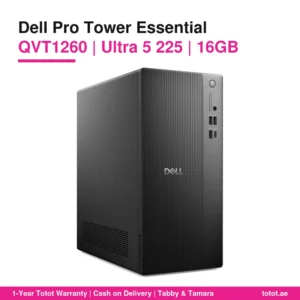
The tower has one PCIe x16 slot and two PCIe x1 slots at full height, one M.2 slot holding the 512 GB SSD, and two SATA 3.0 connections for a 3.5-inch hard drive plus either a second hard drive or a slim optical drive. On the outside Dell lists eight USB ports in total (four USB 2.0, three USB 3.2 Gen 1 Type-A and one USB 3.2 Gen 1 Type-C), HDMI 2.1, DisplayPort 1.4a, Gigabit Ethernet and a headset jack. The supplier does not list a Wi-Fi card for this unit, so expect to use the network cable.
No Windows Licence: What DOS Means
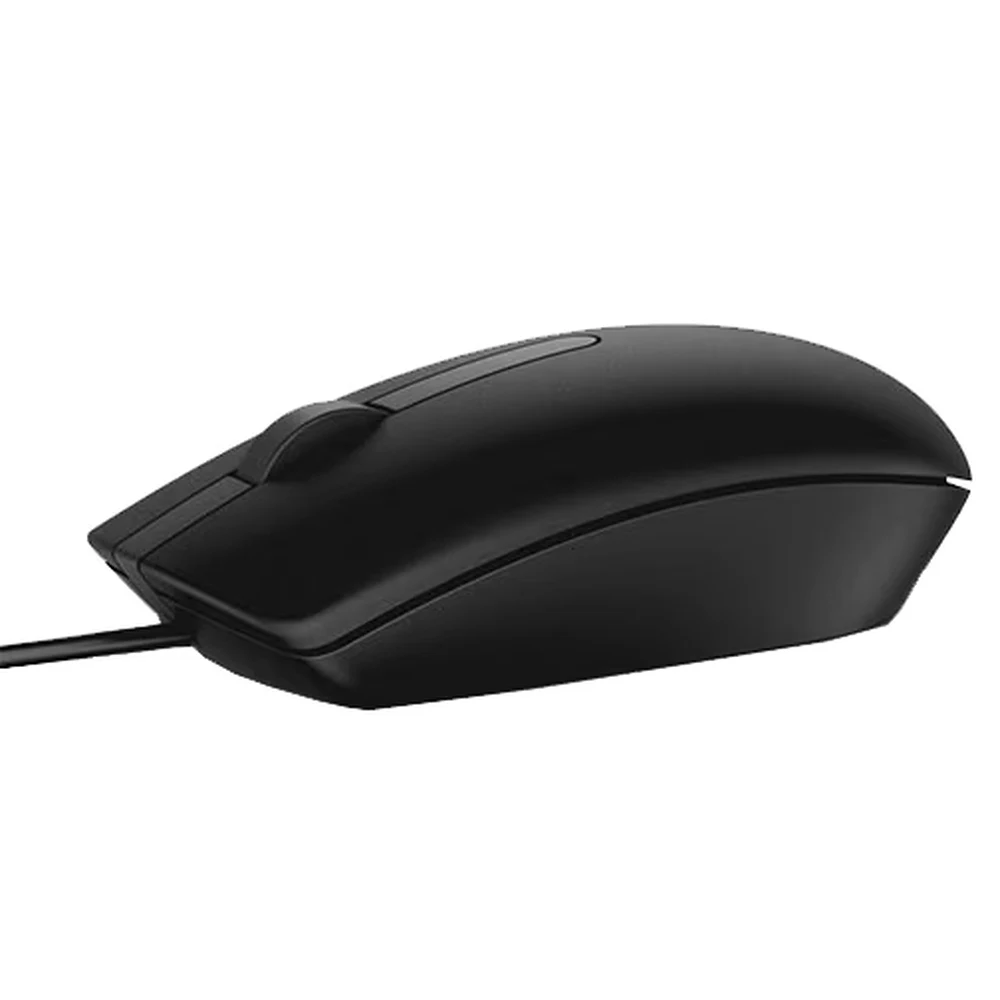
The machine boots to DOS, which is only a basic placeholder. You need to install an operating system before use: Windows 11 with a licence you buy separately, or a free option such as Ubuntu 24.04 LTS, which Dell lists as supported on the QCT1250. The supplied Dell KB216 keyboard has English and Arabic letters, Dell lists it as spill resistant with media keys, and the MS116 mouse is a three-button optical model at 1000 dpi.
Who This Is Not For
Heavy multitaskers who will not open the case: buy the 16 GB version instead. Gamers and video editors: there is no separate graphics card. Buyers who expect Windows ready on first boot: there is no licence installed. Anyone who needs wireless out of the box: Wi-Fi is not confirmed for this unit.
Ordering in the UAE
Totot keeps this tower in stock and ships it to every emirate within up to 3 business days; delivery costs nothing on orders from AED 300. You have 14 days to return a unit that is defective or not as ordered, and any damage from shipping should be reported within 48 hours. Payment options are cash on delivery, Tabby and Tamara.
Browse more Desktop Computers at Totot, or see the official Dell page for full product details.
Technical Specifications
- Model: Dell Pro Tower QCT1250 (desktop tower, black)
- Processor: Intel Core i7-14700, 20 cores (8 Performance + 12 Efficient), 28 threads, up to 5.4 GHz, 33 MB cache, 65 W base power
- Graphics: Intel UHD Graphics 770 (integrated, uses shared system memory)
- Memory installed: 8 GB DDR5 5600 MT/s (Dell’s only 8 GB build is 1 × 8 GB, single-channel, with one slot free)
- Memory support (Dell): 2 × UDIMM DDR5 slots, 8 GB to 64 GB, 8/16/32 GB per slot, up to 5600 MT/s with the i7-14700
- Storage: 512 GB M.2 NVMe SSD
- Drive expansion (Dell): 1 × M.2 2230/2280 SSD slot, 2 × SATA 3.0 (3.5-inch HDD; second bay for a 3.5-inch HDD or a slim optical drive)
- Expansion slots: 1 × PCIe x16 full-height, 2 × PCIe x1 full-height
- Chipset: Intel Q670
- Ports: 4 × USB 2.0 (2 with SmartPower On), 3 × USB 3.2 Gen 1 Type-A (5 Gbps), 1 × USB 3.2 Gen 1 Type-C (5 Gbps), 1 × HDMI 2.1 (TMDS), 1 × DisplayPort 1.4a (HBR2), 1 × RJ45 Gigabit Ethernet, 1 × headset jack
- Operating system: DOS – no Windows licence installed
- Power supply (Dell options): 180 W Bronze or 360 W Platinum, 90–264 V AC, 47–63 Hz
- Dimensions: 324.3 × 154 × 293 mm (H × W × D)
- Weight: from 4.34 kg to 6.78 kg depending on configuration (Dell)
- In the box: Dell KB216 wired keyboard (English-Arabic), Dell MS116 wired optical mouse
- Warranty: 1-year warranty from Totot
FAQ
Is the Dell Pro Tower QCT1250 i7 8GB single-channel?
Yes. Dell builds 8 GB as one 8 GB module, so it runs single-channel until you add a second module.
What memory should I add to the Dell Pro Tower QCT1250 i7 8GB?
1 × 8 GB DDR5 UDIMM of the same size gives 16 GB in dual-channel. Dell rates the i7-14700 at up to 5600 MT/s.
How far can the Dell Pro Tower QCT1250 i7 8GB be upgraded?
64 GB, using two 32 GB DDR5 modules, according to Dell.
Does the Dell Pro Tower QCT1250 i7 8GB include Windows?
No. It has DOS and no Windows licence. Install Windows 11 with your own licence or a system such as Ubuntu 24.04 LTS.
Is the Dell Pro Tower QCT1250 i7 8GB enough for office work?
Yes, for one or two main programs such as email, Word and a web app. For many tabs, video calls and large spreadsheets together, 16 GB is the better size.
Can I add a second storage drive to the Dell Pro Tower QCT1250 i7 8GB?
Yes. Dell provides SATA 3.0 connections for a 3.5-inch hard drive inside the tower.





 No products in the cart.
Reviews
There are no reviews yet