


The Logitech MX Master 4 is the fourth generation of Logitech’s best-known productivity mouse, and the first MX Master you can feel respond. A Haptic Sense Panel under the thumb gives short vibrations for actions you set in Logi Options+, and a new Actions Ring puts your most-used shortcuts one press away. The rest is familiar: the MagSpeed electromagnetic scroll wheel, an 8000 DPI sensor that tracks on glass, multi-device switching, and a battery Logitech rates at up to 70 days per full charge. This page is the Graphite colour.
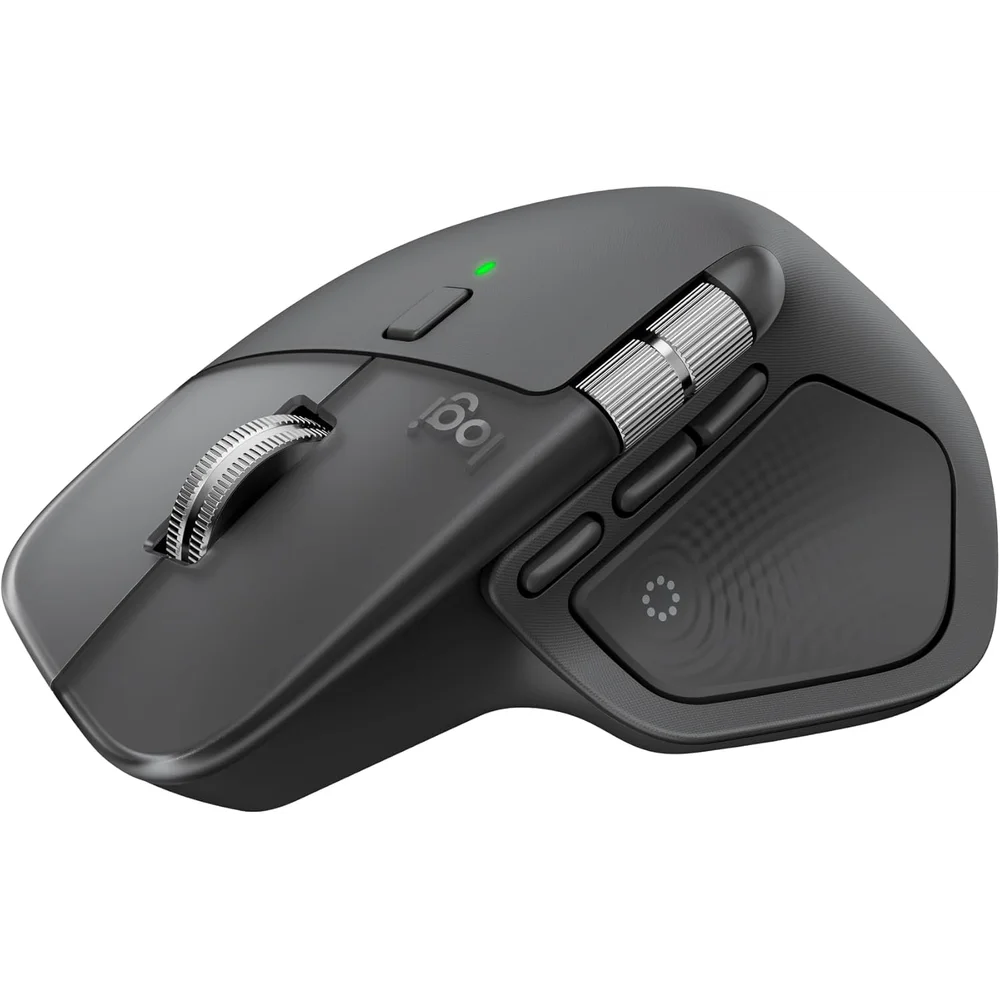
Table of Contents
What Is New Compared With the MX Master 3S
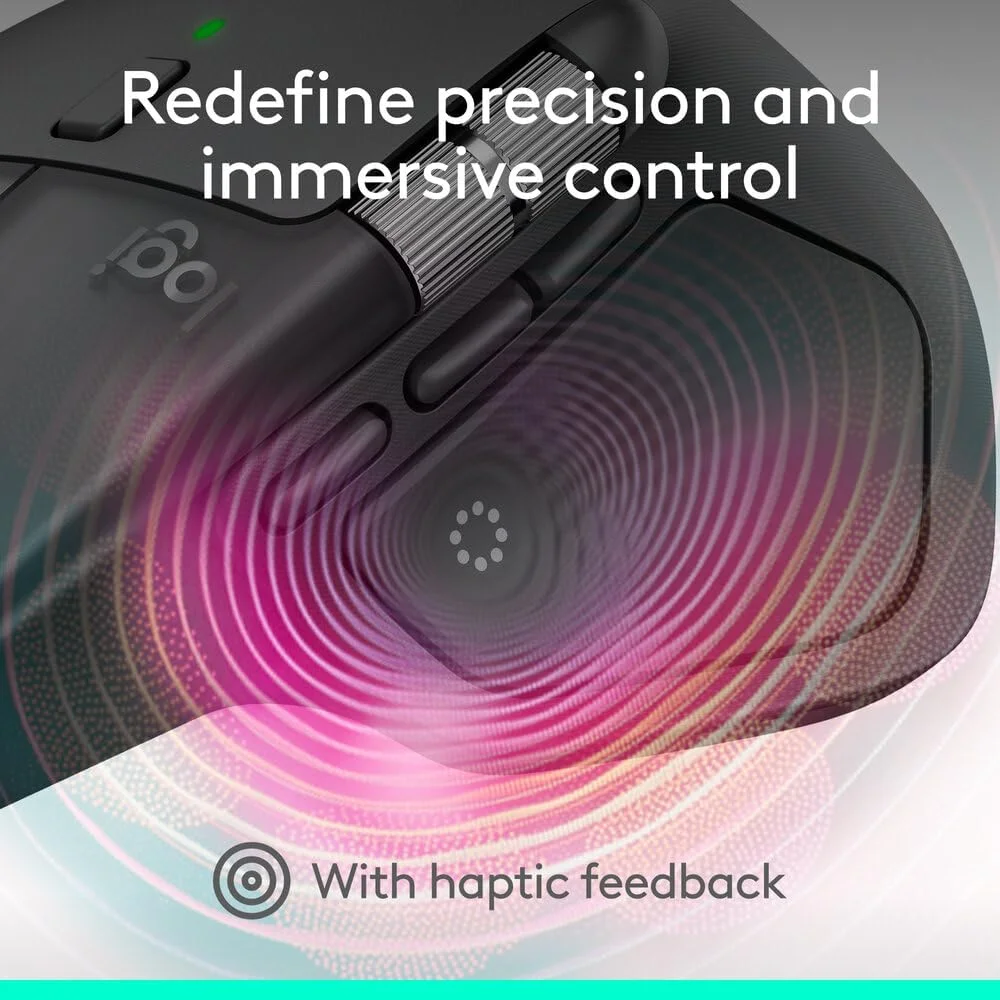
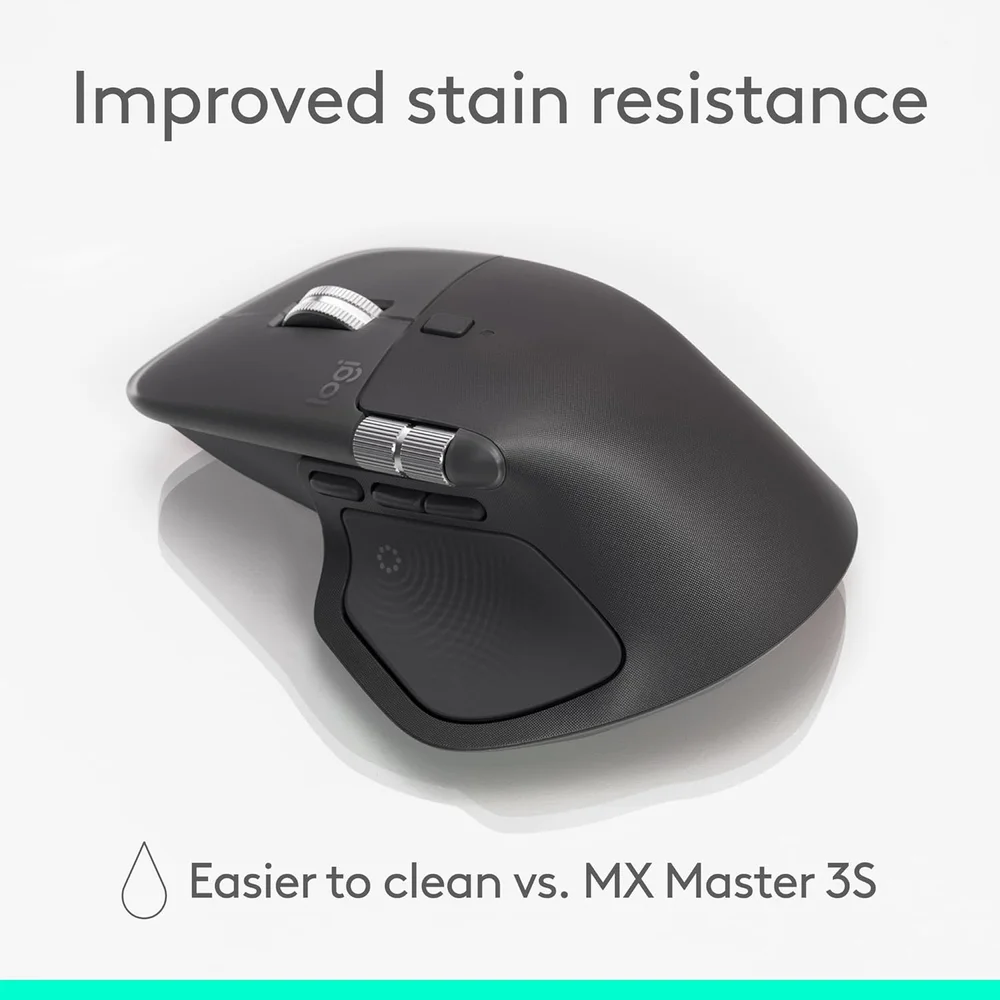
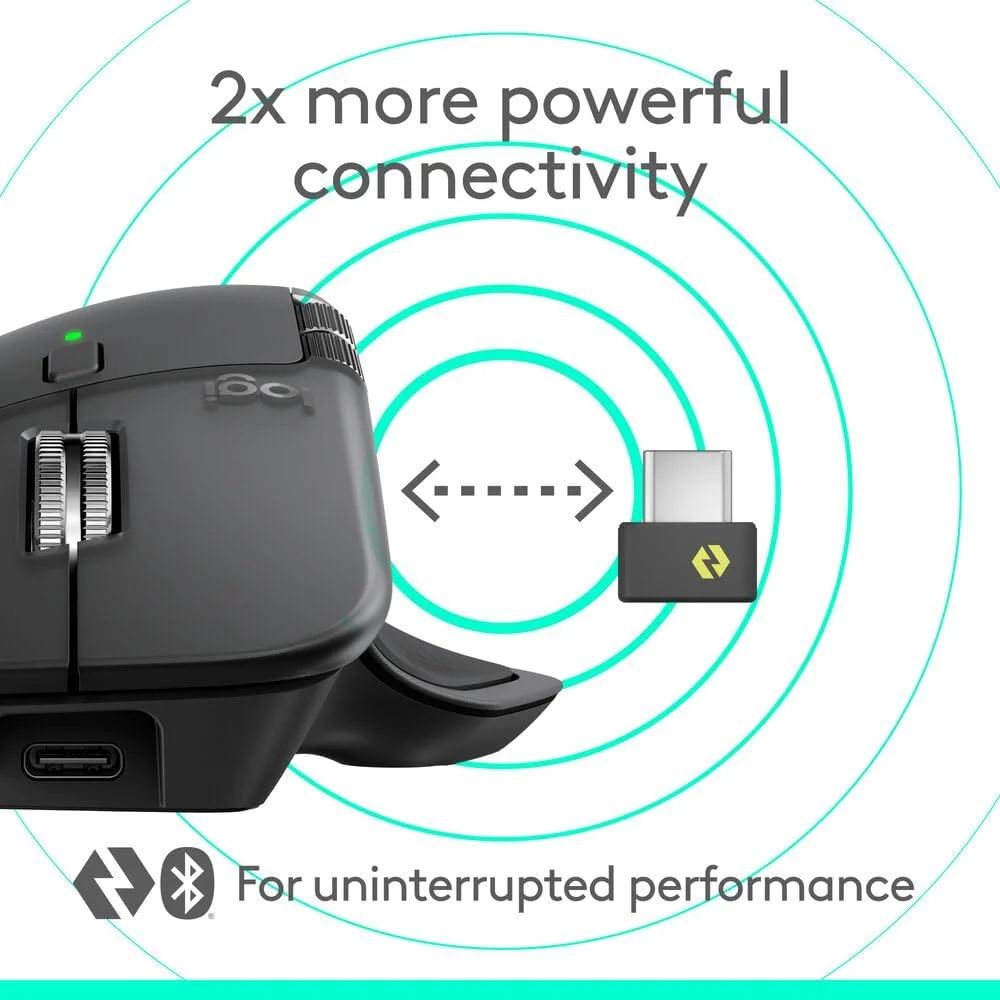
Logitech highlights four changes. First, haptic feedback: the Logitech MX Master 4 vibrates for actions you choose, such as grid snapping or switching desktops, with the feel and intensity set in Logi Options+. Second, the Actions Ring, an overlay of shortcuts that adapts to the app you are in; Logitech says it can save up to 33% of your time. Third, connectivity: Logitech claims 2x more powerful connectivity than the MX Master 3S, from a new radio chip, better antenna placement and a new USB-C Logi Bolt receiver. Fourth, Logitech lists improved stain resistance on the surface.
Logitech also says the left and right clicks are 90% quieter than on the MX Master 3, measured as sound power level. Note that comparison is with the MX Master 3, not the 3S.
Haptic Sense Panel and Actions Ring in Practice
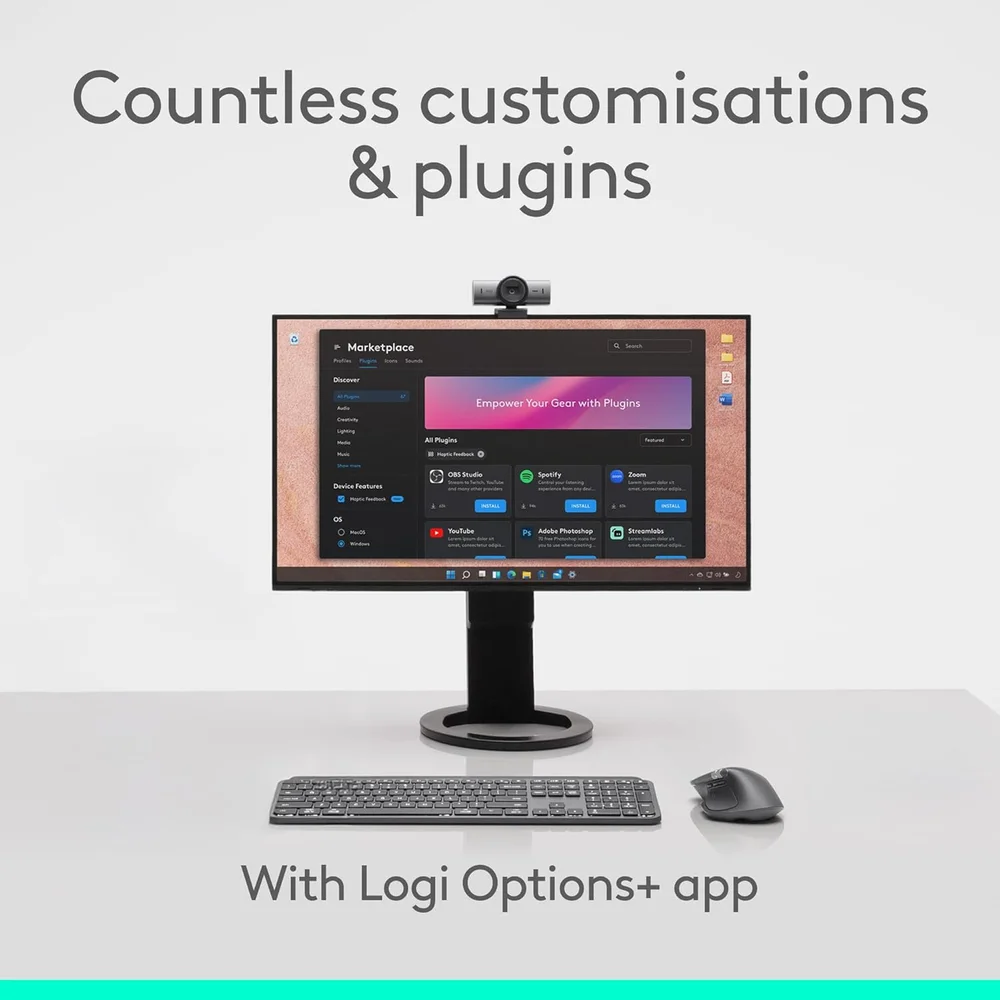
Haptics on the Logitech MX Master 4 need Logi Options+, which runs on Windows and macOS. Logitech lists haptic support for Options+ features including the Actions Ring, Smart Actions and gestures, and for plugins for Adobe Photoshop, Adobe Lightroom Desktop and Zoom. On Linux, ChromeOS, iPadOS and Android the mouse works with basic functions, so the haptic and software features do not apply there.
Smart Actions let you chain several steps into one button press, and app-specific presets change what the buttons do in editing, design or coding tools. If you only browse and type emails, these features are optional; if you live in Photoshop, Lightroom or spreadsheets all day, they are the reason to choose this mouse.
Sensor and MagSpeed Scrolling
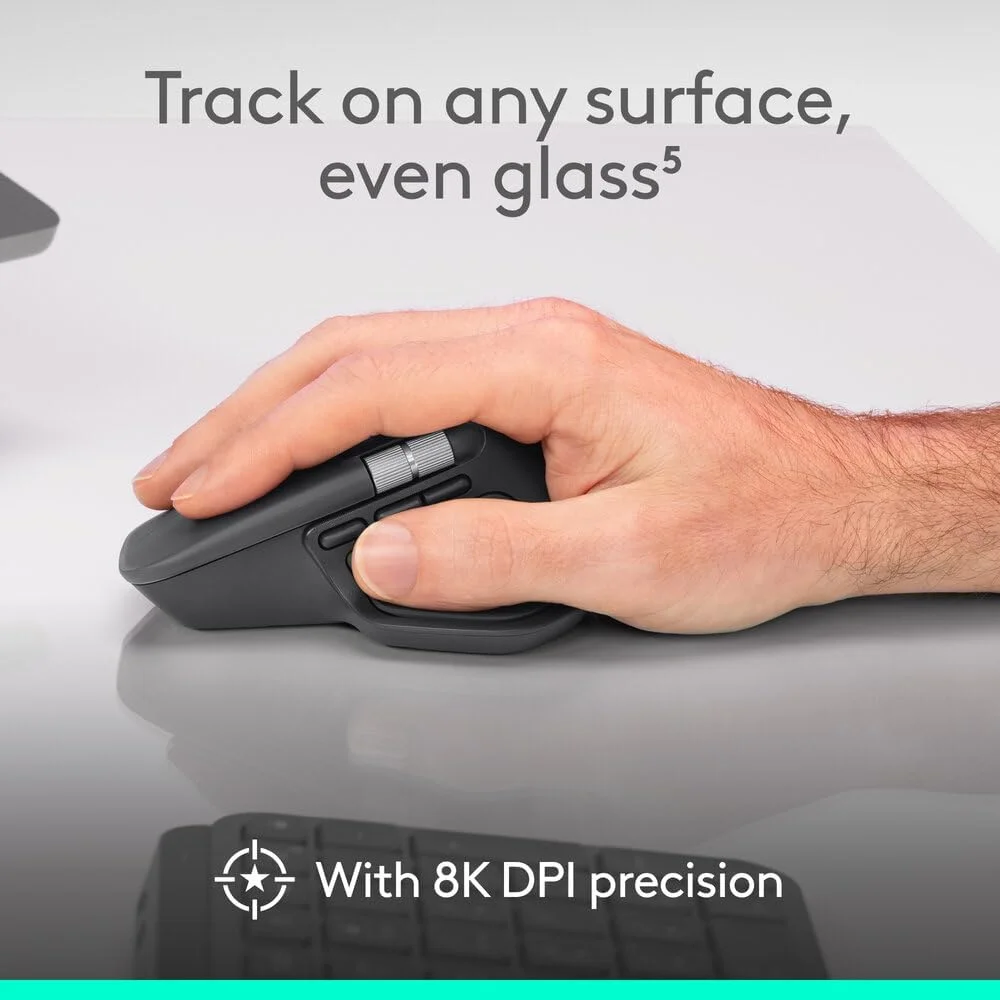
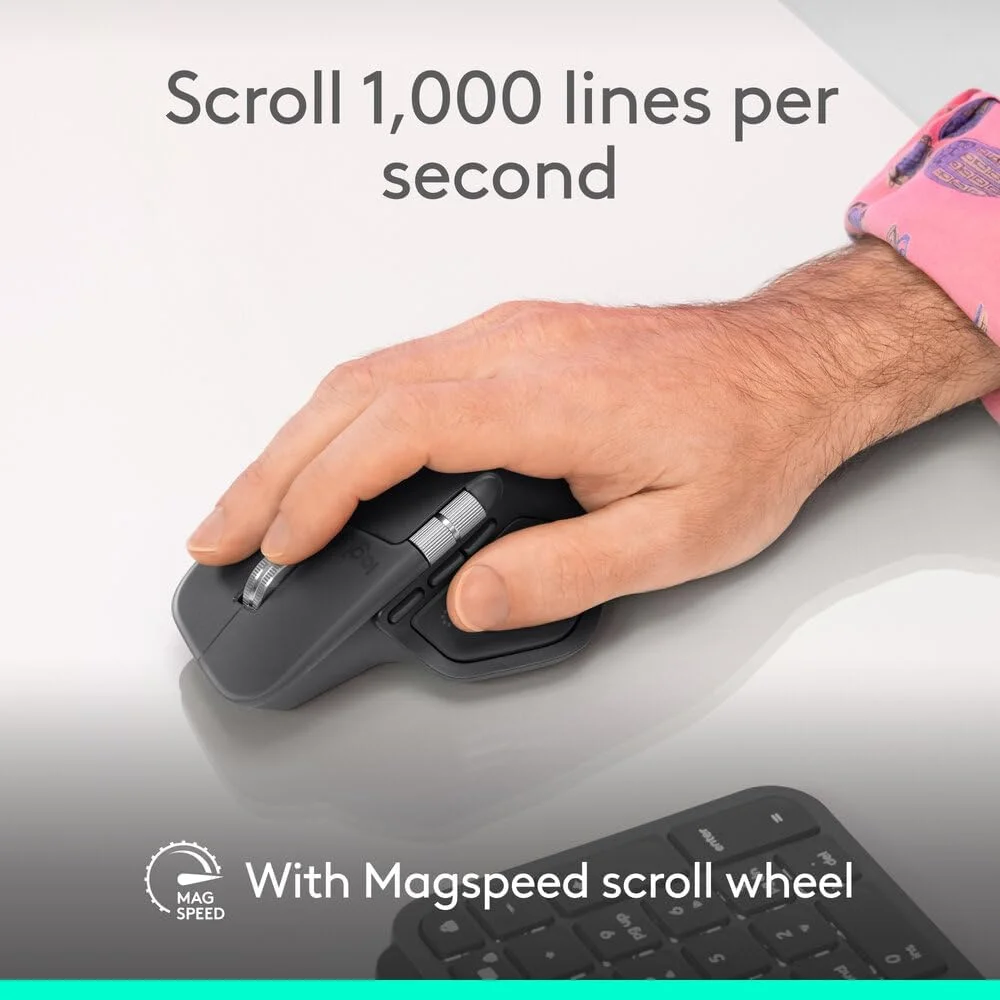
The Darkfield high-precision sensor in the Logitech MX Master 4 runs from 200 to 8000 DPI in steps of 50, with a nominal 1000 DPI. Logitech calls it its most accurate sensor and says it tracks on glass with a minimum thickness of 4 mm. The steel MagSpeed wheel switches between ratchet mode for line-by-line precision and a free-spin mode that Logitech rates at 1,000 lines per second, with SmartShift switching automatically. A thumb wheel handles horizontal scrolling across timelines and wide spreadsheets.
Connections, Battery and What Is in the Box
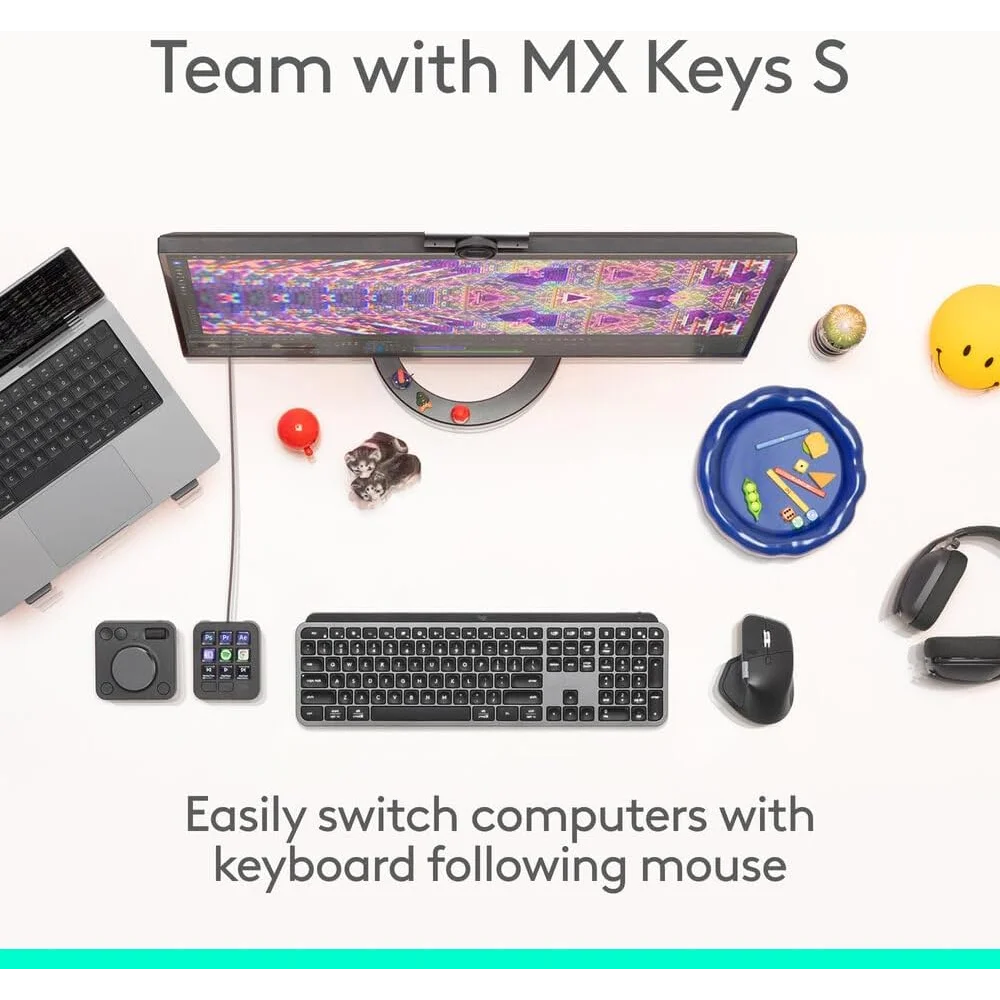
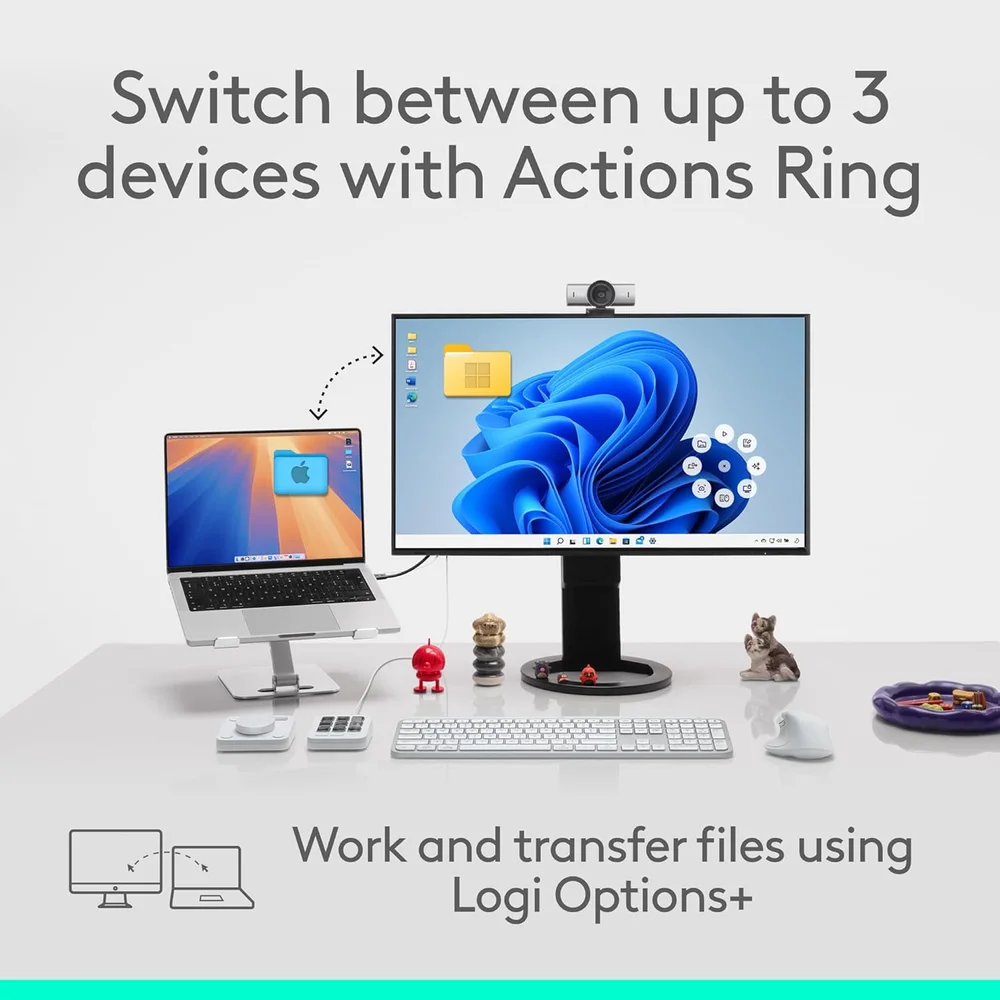
The Logitech MX Master 4 connects through the included Logi Bolt USB-C receiver or Bluetooth Low Energy 5.1, with a range of about 10 m, and pairs with up to 3 devices. You switch between them with the Easy-Switch buttons or from the Actions Ring, and with Logi Options+ the keyboard can follow the mouse between computers. Logitech lists Logi Bolt support for Windows 10 or 11, macOS 13 or later, Linux and ChromeOS, and Bluetooth support for Windows 11, macOS 13 or later, Linux, ChromeOS, iPadOS 15 or later and Android 12 or later.
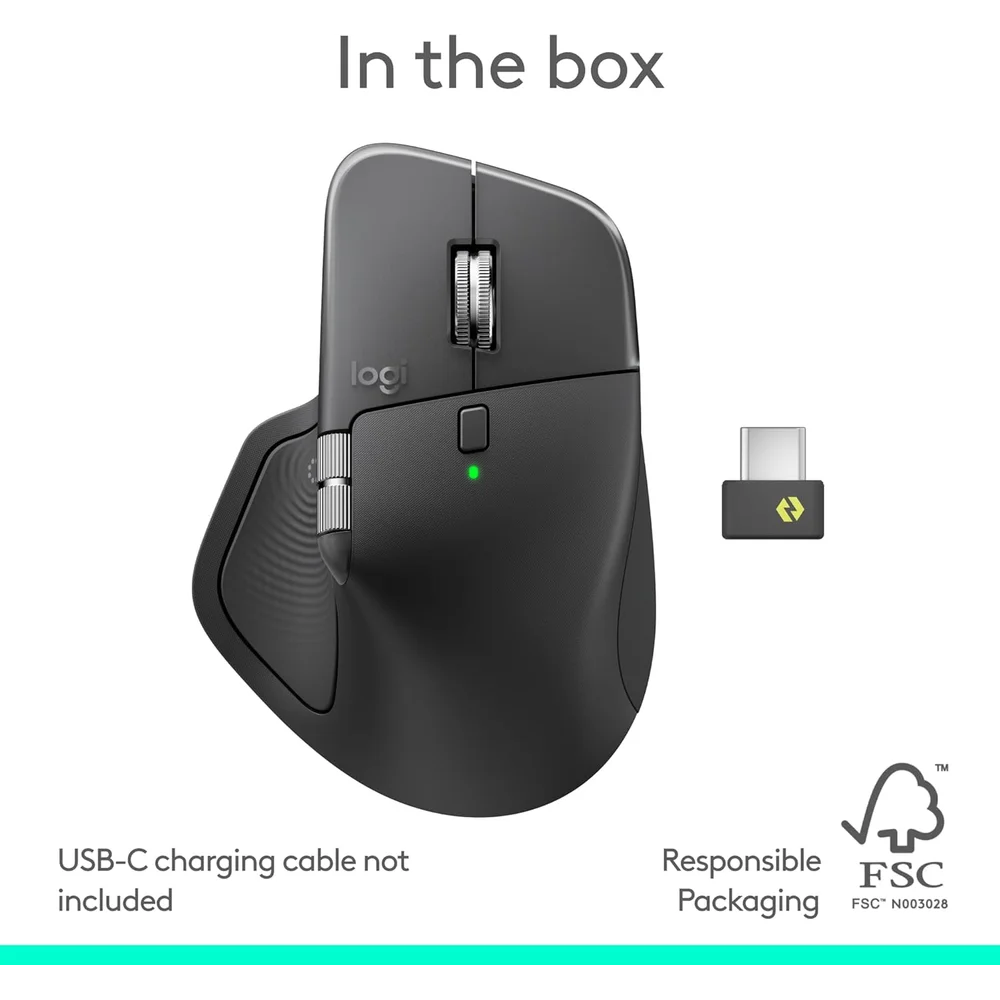
The 650 mAh battery is rated at up to 70 days per full charge, and a 1-minute quick charge gives about 3 hours of use; Logitech notes battery life varies with use. You can keep working while it charges over USB-C. Logitech’s listing puts the mouse, the USB-C Logi Bolt receiver and documentation in the box and states the USB-C cable is not included, so use a USB-C cable you already own.
Size, Weight and the Graphite Finish
Logitech lists the Logitech MX Master 4 at 128.15 mm long, 88.35 mm wide and 50.8 mm tall, weighing 150 g. It is a large right-handed shape with an optimised tilt angle meant for a relaxed hand posture, and it has 8 buttons including the gesture button. Graphite is the darker of the two Logitech MX Master 4 colours and hides daily wear; Pale Gray is the lighter alternative.
Who This Is Not For
Left-handed users: this is a right-handed ergonomic mouse. Gamers: at 150 g, the Logitech MX Master 4 is built for productivity, not for fast shooters. People with small hands, who may find the 88 mm wide body large. Anyone expecting a charging cable in the box. And Linux, ChromeOS, iPad or Android users who want haptics and the Actions Ring, which need Logi Options+ on Windows or macOS.
Ordering the Logitech MX Master 4 in the UAE
We deliver the Logitech MX Master 4 anywhere in the UAE within 3 business days, free for orders of AED 300 or more. It comes with a 1-year warranty from Totot, a 14-day return window for defective or non-matching items, and 48 hours from delivery to report shipping damage.
Technical Specifications
- Model: Logitech MX Master 4, Graphite
- Sensor: Darkfield high precision; tracks on glass (4 mm minimum thickness)
- DPI: 200-8000 in 50 DPI steps; nominal 1000
- Buttons: 8, including gesture button
- Haptics: Haptic Sense Panel, customisable in Logi Options+
- Scroll: MagSpeed steel wheel with SmartShift; thumb wheel for horizontal scroll
- Connectivity: Logi Bolt USB-C receiver (included) and Bluetooth Low Energy 5.1
- Wireless range: 10 m
- Multi-device: Up to 3 devices, Easy-Switch
- Battery: Rechargeable 650 mAh; up to 70 days per full charge; 1-minute quick charge for about 3 hours
- Charging: USB-C (cable not included, per Logitech)
- OS (Logi Bolt): Windows 10/11, macOS 13 or later, Linux, ChromeOS
- OS (Bluetooth): Windows 11, macOS 13 or later, Linux, ChromeOS, iPadOS 15 or later, Android 12 or later
- Software: Logi Options+ (Windows, macOS)
- Dimensions: 128.15 x 88.35 x 50.8 mm
- Weight: 150 g
- In the box: Mouse, USB-C Logi Bolt receiver, user documentation
- Warranty: 1-year warranty from Totot
Specifications are from Logitech’s MX Master 4 product page and technical specifications (Graphite, 910-007558). Full details are published on the Logitech MX Master 4 page.
FAQ
Does the Logitech MX Master 4 have haptic feedback?
Yes. The Haptic Sense Panel gives haptic feedback for actions you set in Logi Options+ on Windows and macOS.
Is a Logi Bolt receiver included?
Yes. Logitech lists a USB-C Logi Bolt receiver in the box.
Is a charging cable included?
No. Logitech states the USB-C cable is not included.
How long does the battery last?
70 days per full charge, per Logitech, and 1 minute of charging gives about 3 hours.
How many devices can it connect to?
3 devices, switched with Easy-Switch or the Actions Ring.
Does the Logitech MX Master 4 work on glass?
Yes, on glass at least 4 mm thick, according to Logitech.
Browse more in our Mouse range. Every order from Totot carries a 1-year warranty covering manufacturing defects, with our 14-day return policy for defective or non-compliant items, and nationwide UAE delivery.

 No products in the cart.
Reviews
There are no reviews yet