
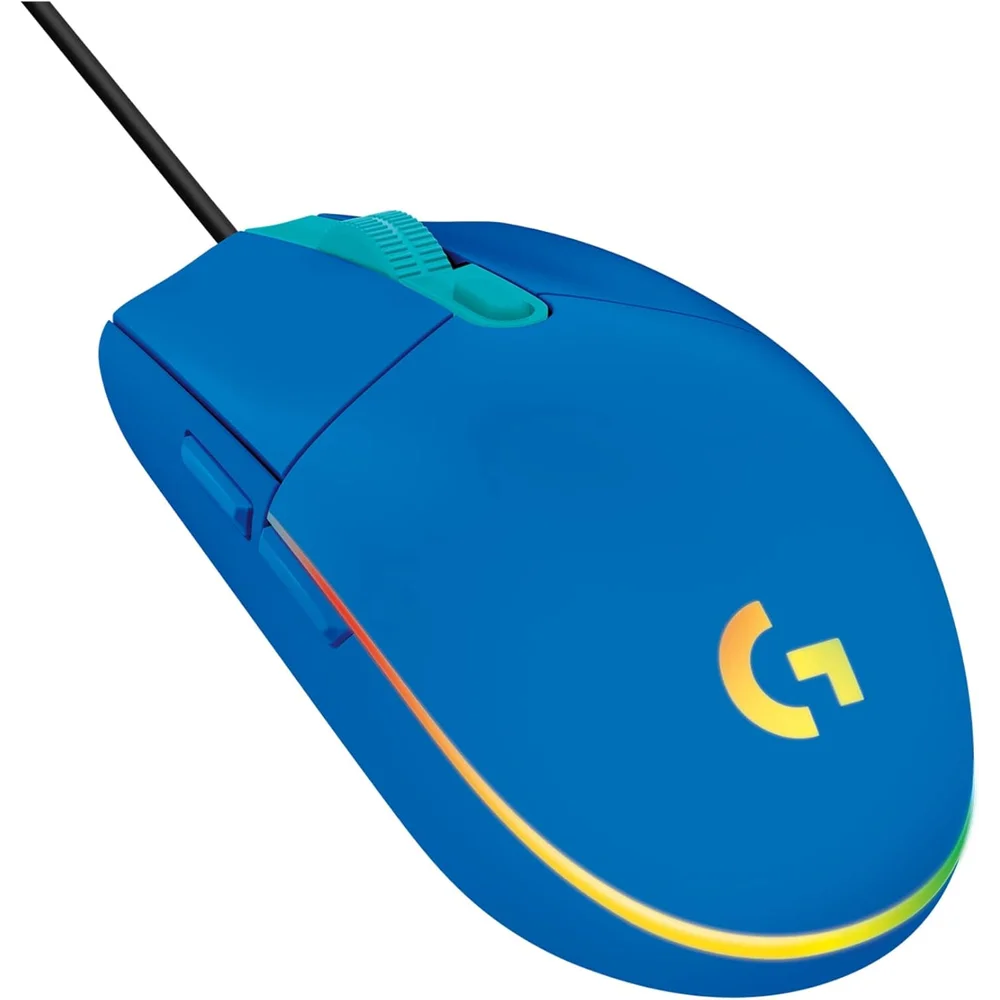
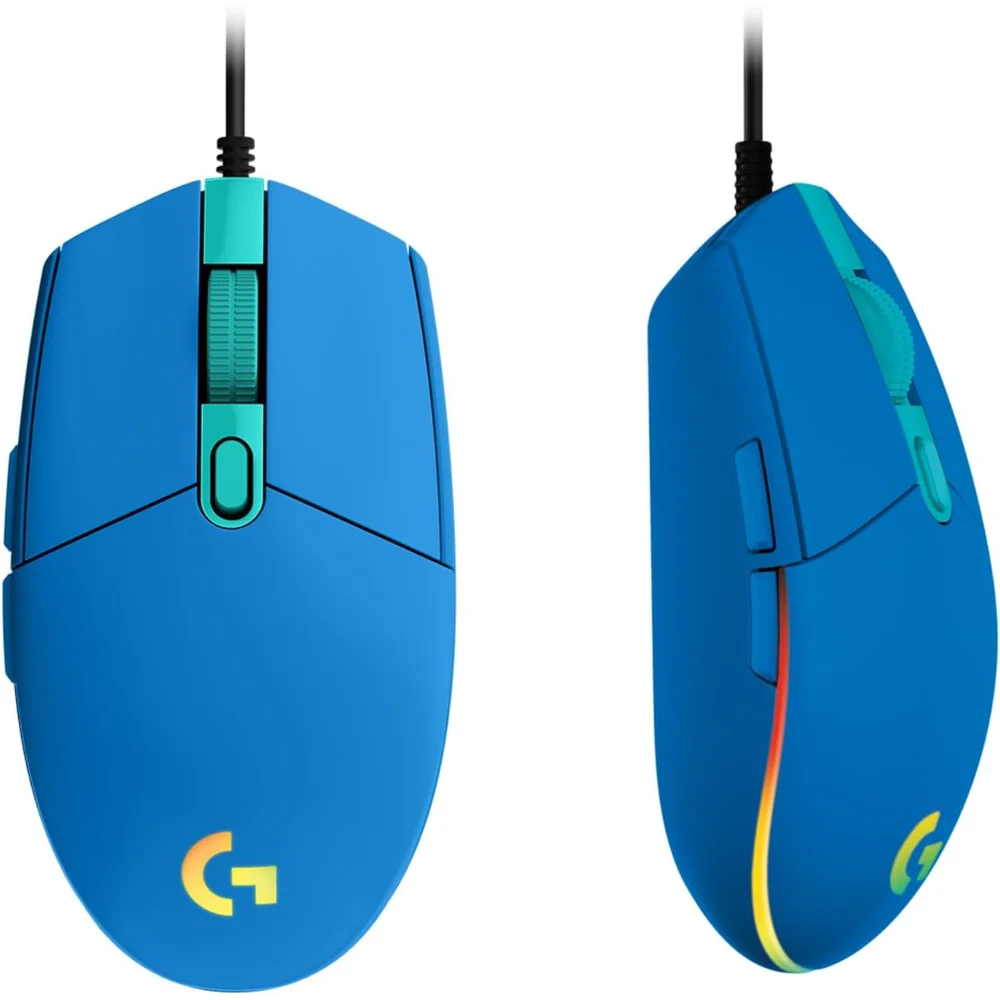
The Logitech G203 LIGHTSYNC Blue is the current, second-generation version of Logitech G’s entry-level wired gaming mouse, finished in a soft blue shell. Logitech gives it a gaming-grade sensor adjustable from 200 to 8,000 DPI, a 1,000Hz (1 ms) USB report rate, six programmable buttons in the classic G203 layout and a LIGHTSYNC RGB zone that can display around 16.8 million colours. It weighs 85 g and connects with a 2.1 m cable, so there is no battery to charge and no wireless pairing to manage. It suits a first gaming setup, a student desk or anyone who wants a light, simple shooter mouse that also looks good.
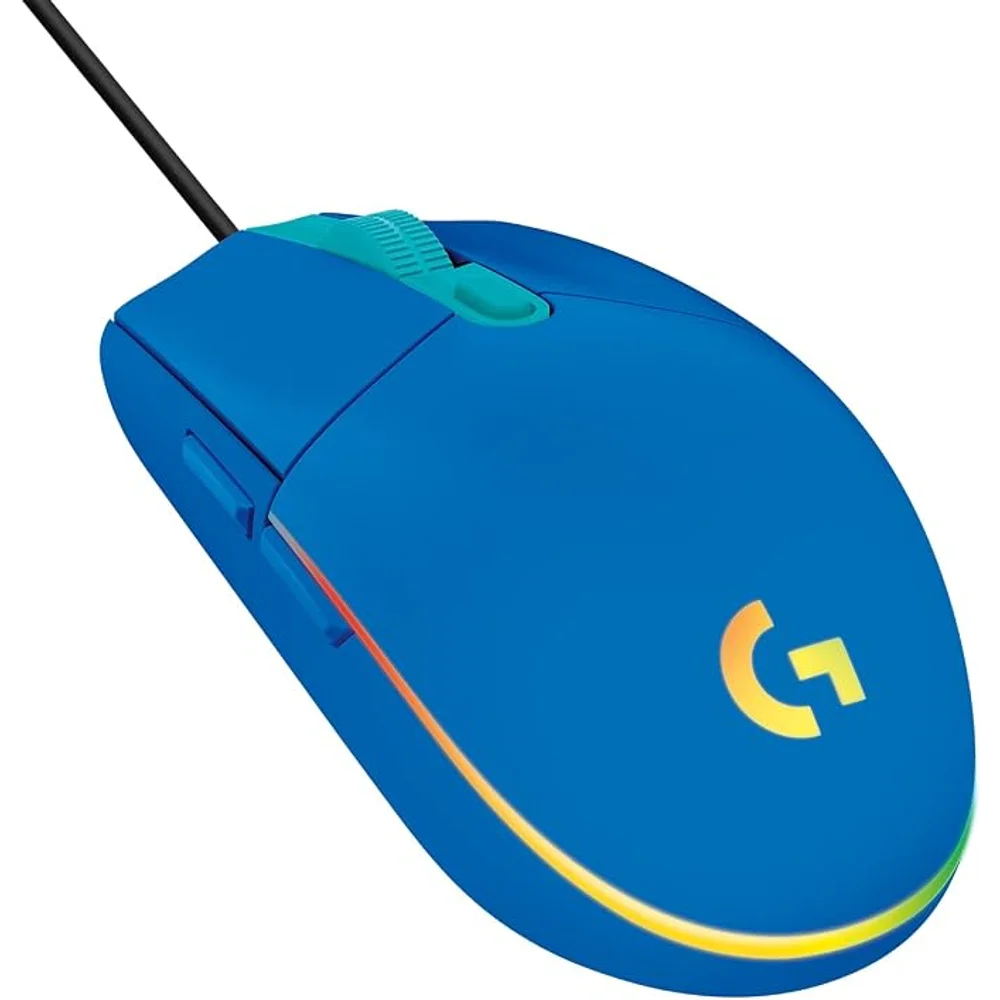
Table of Contents
A gaming-grade sensor from 200 to 8,000 DPI
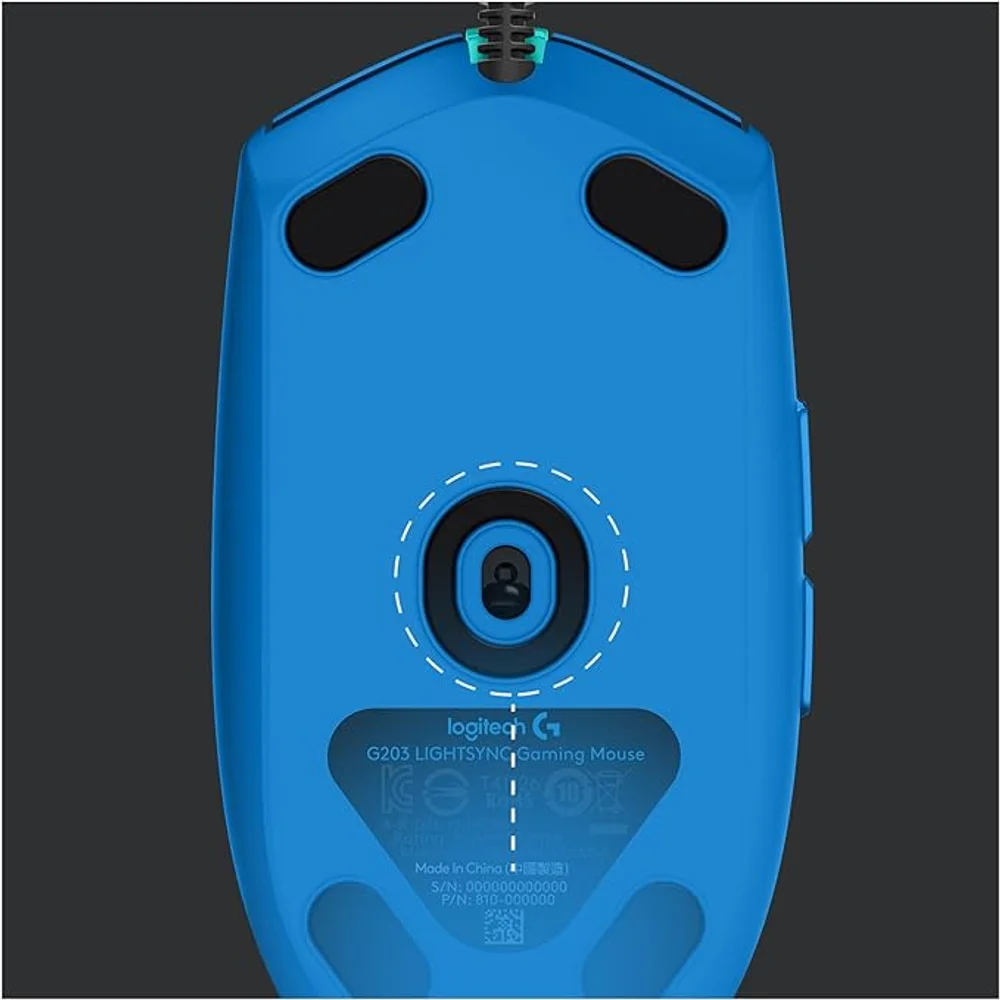
Logitech describes the sensor in the Logitech G203 LIGHTSYNC Blue as gaming-grade, with sensitivity you can set anywhere from 200 to 8,000 DPI. In practice most players sit between 400 and 1,600 DPI for shooters and raise it for desktop work on large or high-resolution monitors. With the free Logitech G HUB software you can store up to five DPI presets and switch between them with the DPI button behind the scroll wheel, which is handy when you move from a sniper rifle to a fast-moving class, or from a game to a spreadsheet. Logitech does not publish the sensor model, maximum speed (IPS) or acceleration figures for this mouse, so we do not quote them here.
1,000Hz report rate on a wired connection
The mouse reports its position to the PC 1,000 times per second, a 1 ms interval, and it uses a 32-bit ARM microprocessor with a 16-bit-per-axis USB data format, according to Logitech. Because the Logitech G203 LIGHTSYNC Blue is wired, there is no wireless link, no dongle to lose and no battery level to watch during a long session. The 2.1 m cable is long enough to reach a tower PC under the desk. The trade-off is that the cable can drag on the mouse pad; a simple mouse bungee or keeping some slack over the desk edge helps if you play fast-paced shooters.
Six programmable buttons in a classic shape
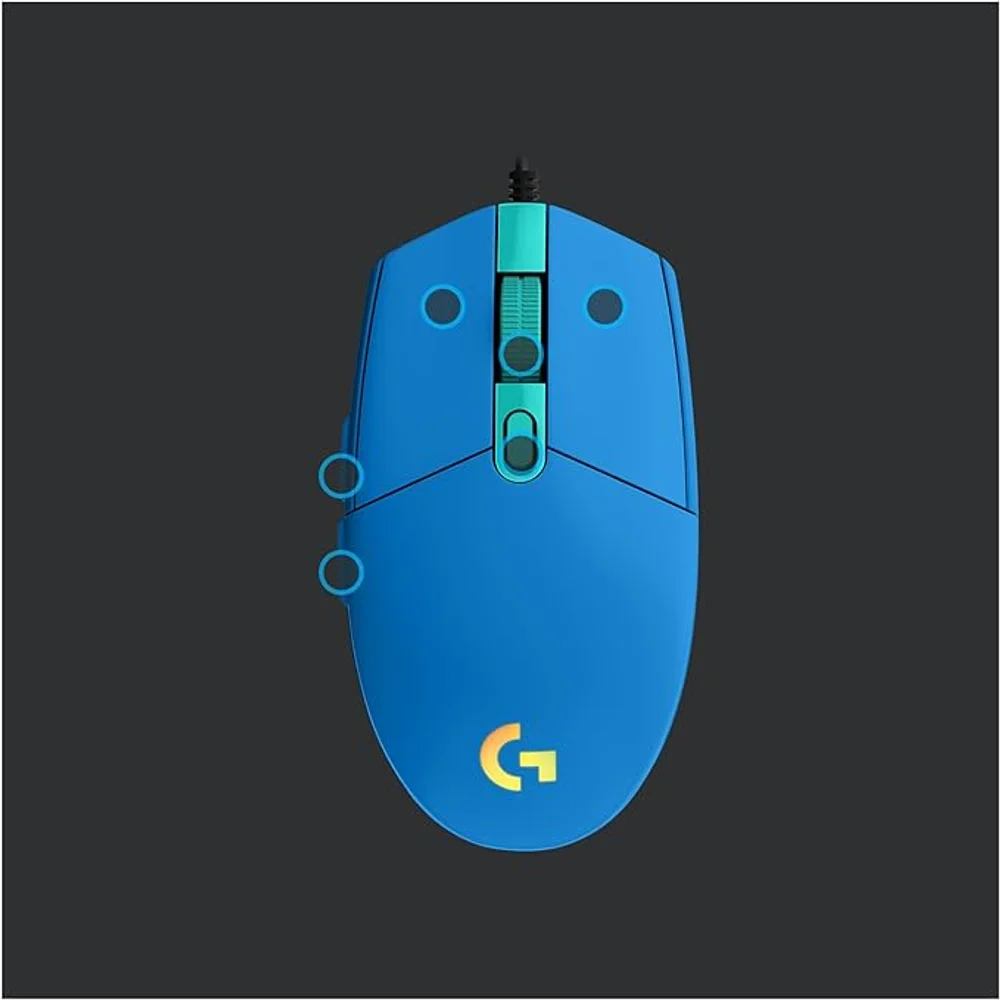
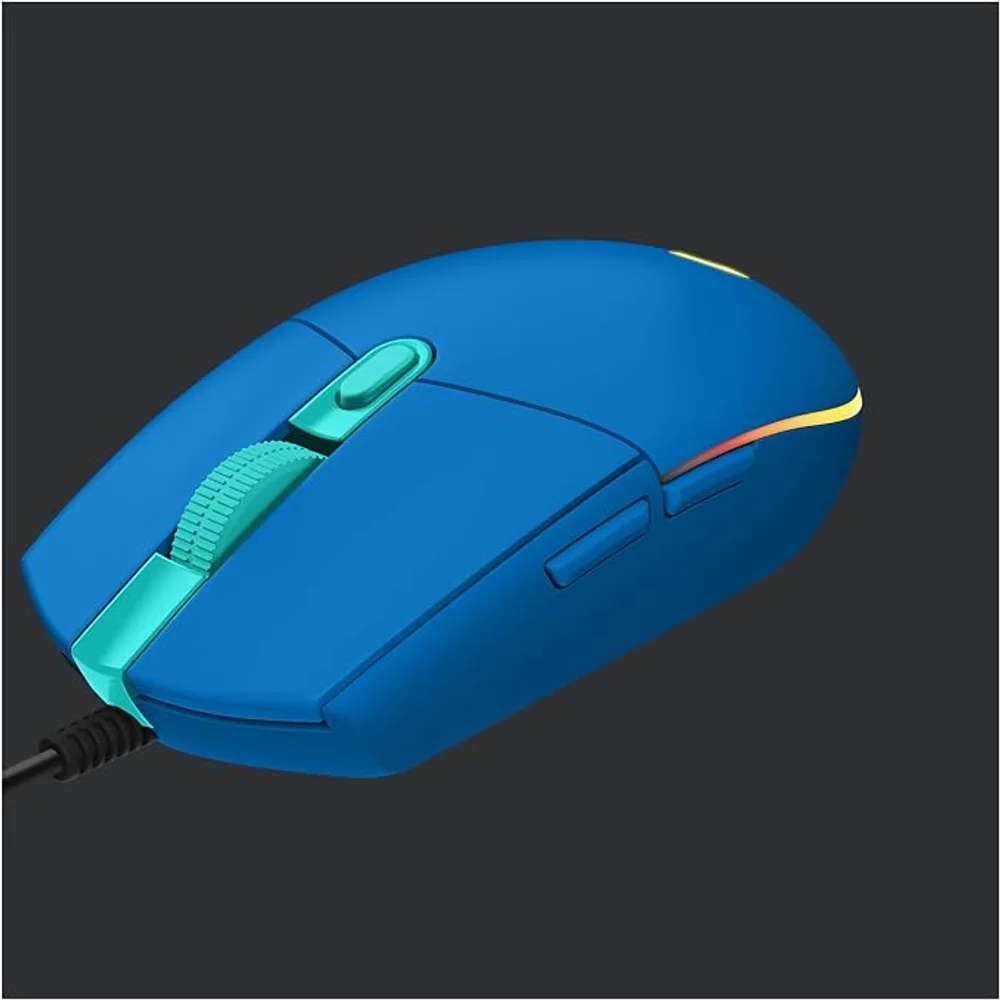
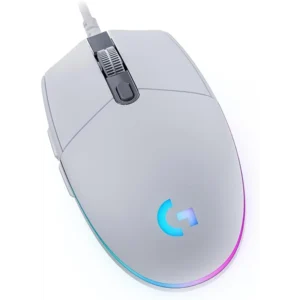
The Logitech G203 LIGHTSYNC Blue keeps the familiar layout: left and right click, a clickable scroll wheel, two thumb buttons on the left side and a DPI button. All six buttons can be reassigned in G HUB to keyboard keys, macros, media controls or other commands. The shape is low and symmetrical in outline, with the thumb buttons on the left, so it is designed for right-handed use. At 116.6 mm long, 62.1 mm wide and 38.2 mm high, it is a medium-small mouse that works best with a claw or fingertip grip, or a palm grip for smaller hands.
LIGHTSYNC RGB: colour wave, screen sampler and audio visualiser
The lighting is not just a fixed glow. Through G HUB you can pick a single colour, blend three colours, run animated effects such as colour wave, or create your own from roughly 16.8 million colours. Screen Sampler makes the mouse follow the colours on your monitor, and the audio visualiser flashes the light in time with music, films or game sound. You can also sync the Logitech G203 LIGHTSYNC Blue with other Logitech G LIGHTSYNC keyboards, headsets and mouse pads so the whole desk matches. If you prefer a quiet look, the lighting can be turned off completely.
Why the blue version
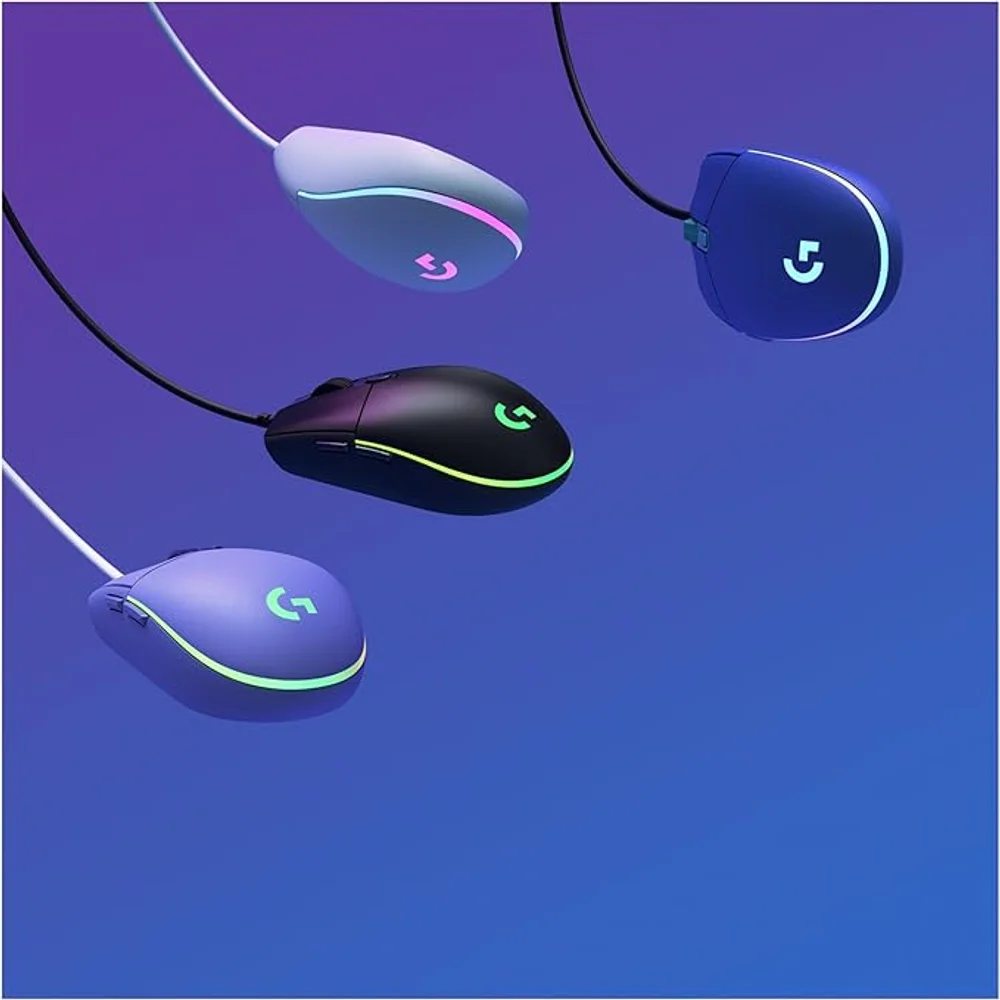
Logitech sells the G203 LIGHTSYNC in Black, White, Lilac and Blue; the Logitech G203 LIGHTSYNC Blue carries part number 910-005798. Its blue is a calm, slightly pastel shade rather than a glossy royal blue, and it pairs well with white keyboards, light wooden desks and pastel setups, or with a blue LIGHTSYNC colour for a matching look. Compared with the white version, the Logitech G203 LIGHTSYNC Blue hides marks from daily handling a little better, and compared with black it brings colour to the desk without looking loud. The matte shell can be cleaned with a slightly damp cloth while the mouse is unplugged.
Who This Is Not For
The Logitech G203 LIGHTSYNC Blue does not suit left-handed players, because the thumb buttons sit on the left side. The Logitech G203 LIGHTSYNC Blue is wired only, so it is not for anyone who wants a cable-free desk or plans to use it with a laptop on the go. At 85 g it is light, but not in the ultralight class of 60 g or less that some competitive players prefer, and it has no adjustable weights. It also has no extra side buttons for MMO games, and advanced features such as DPI presets, lighting effects and button remapping require Logitech G HUB on Windows or macOS.
Ordering from Totot
Totot sells the Logitech G203 LIGHTSYNC Blue brand-new and genuine in its sealed box, backed by a 1-year warranty from Totot. It reaches any emirate within 3 business days at most, with free delivery on orders from AED 300, with cash on delivery or instalments via Tabby and Tamara. Items that arrive defective or not as ordered can be returned within 14 days, and any shipping damage should be reported within 48 hours of delivery. Browse more in our Gaming Mouse range, or see the official Logitech G G203 LIGHTSYNC page (UAE).
Logitech G203 LIGHTSYNC Blue Specifications
- Model: Logitech G203 LIGHTSYNC Gaming Mouse, Blue (910-005798)
- Sensor: Gaming-grade optical sensor
- Resolution: 200 – 8,000 DPI, up to 5 presets via G HUB
- USB report rate: 1,000Hz (1 ms)
- USB data format: 16 bits per axis
- Microprocessor: 32-bit ARM
- Buttons: 6 programmable buttons
- Lighting: LIGHTSYNC RGB, about 16.8 million colours
- Connection: Wired USB
- Cable length: 2.1 m
- Dimensions: 116.6 × 62.1 × 38.2 mm (L × W × H)
- Weight: 85 g
- System requirements: Windows 7 or later, macOS 10.13 or later, USB port; G HUB for advanced features
- In the box: G203 LIGHTSYNC mouse, user documentation
- Colour: Blue
- Warranty: 1-year warranty from Totot
Logitech G203 LIGHTSYNC Blue FAQ
Is the Logitech G203 LIGHTSYNC Blue wired or wireless?
Wired. It connects with a 2.1 m USB cable and has no battery or wireless receiver.
What is the maximum DPI?
8,000 DPI. Logitech lists an adjustable range of 200 to 8,000 DPI, with up to five presets saved through G HUB.
Does the Logitech G203 LIGHTSYNC Blue work without software?
Yes. It works as a standard mouse when plugged in; G HUB is only needed for DPI presets, lighting effects and button remapping.
How heavy is it?
85 g, according to Logitech, with dimensions of 116.6 × 62.1 × 38.2 mm.
Is it suitable for left-handed users?
No. The two thumb buttons are on the left side, so the mouse is designed for right-handed use.
Which colours does the G203 LIGHTSYNC come in?
4 colours: Logitech sells Black, White, Lilac and Blue. The Logitech G203 LIGHTSYNC Blue is part number 910-005798.
Is it genuine?
Yes. We sell the genuine Logitech G203 LIGHTSYNC in Blue, brand-new in its sealed box.
How long does delivery take?
3 business days at most across the UAE. Orders from AED 300 ship free, and the checkout page shows any current fee for your order.


 No products in the cart.
Reviews
There are no reviews yet