
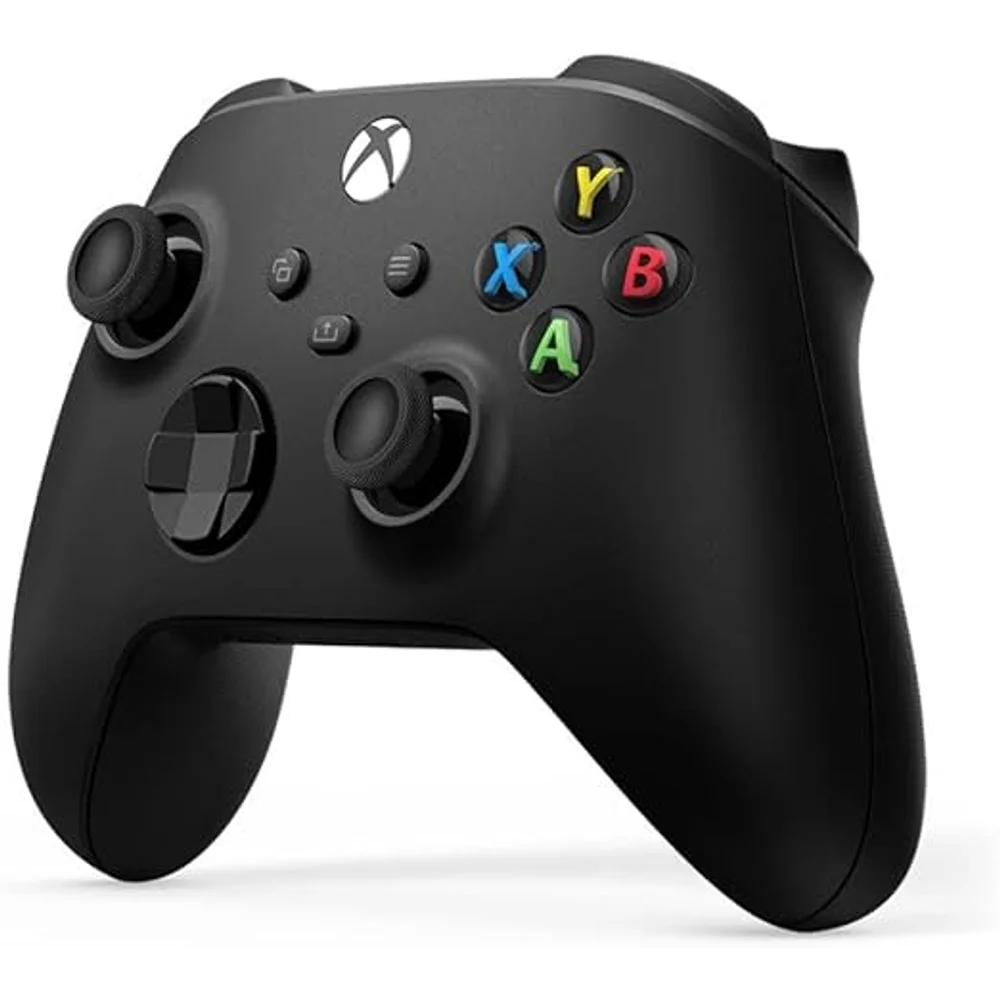
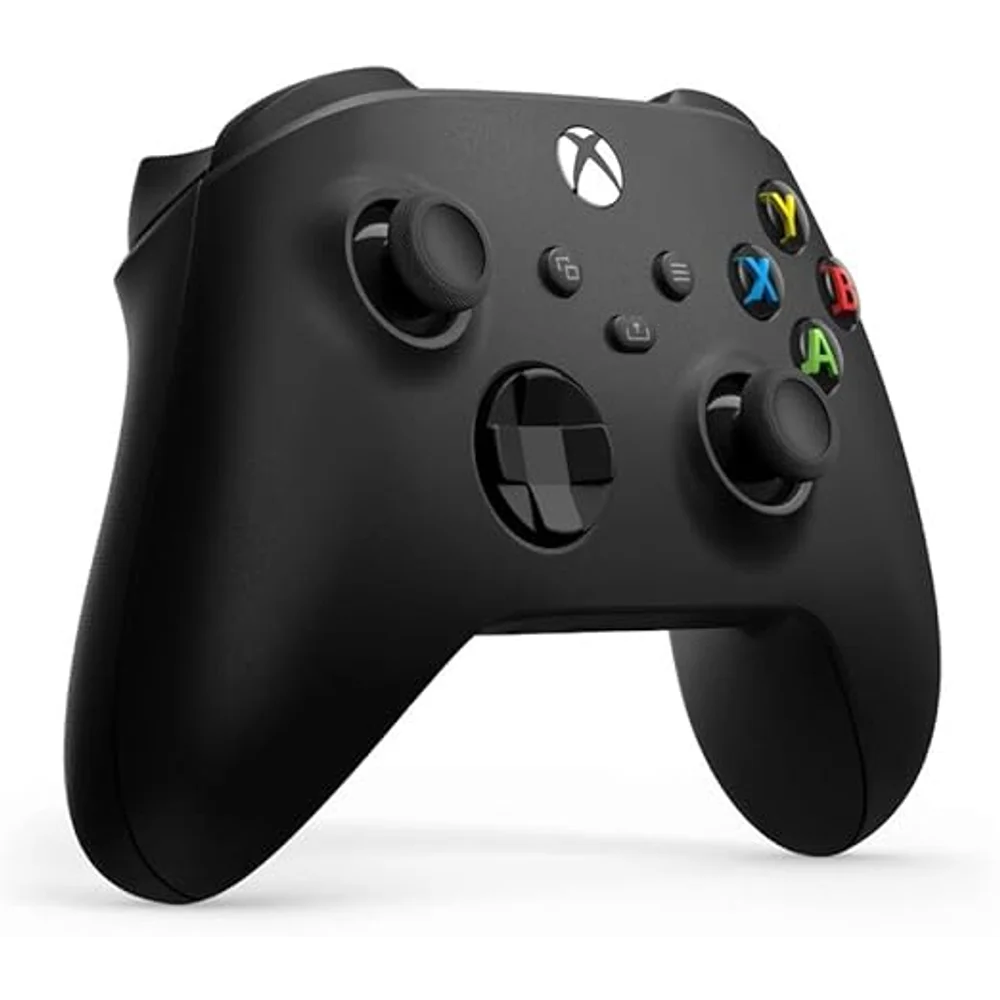
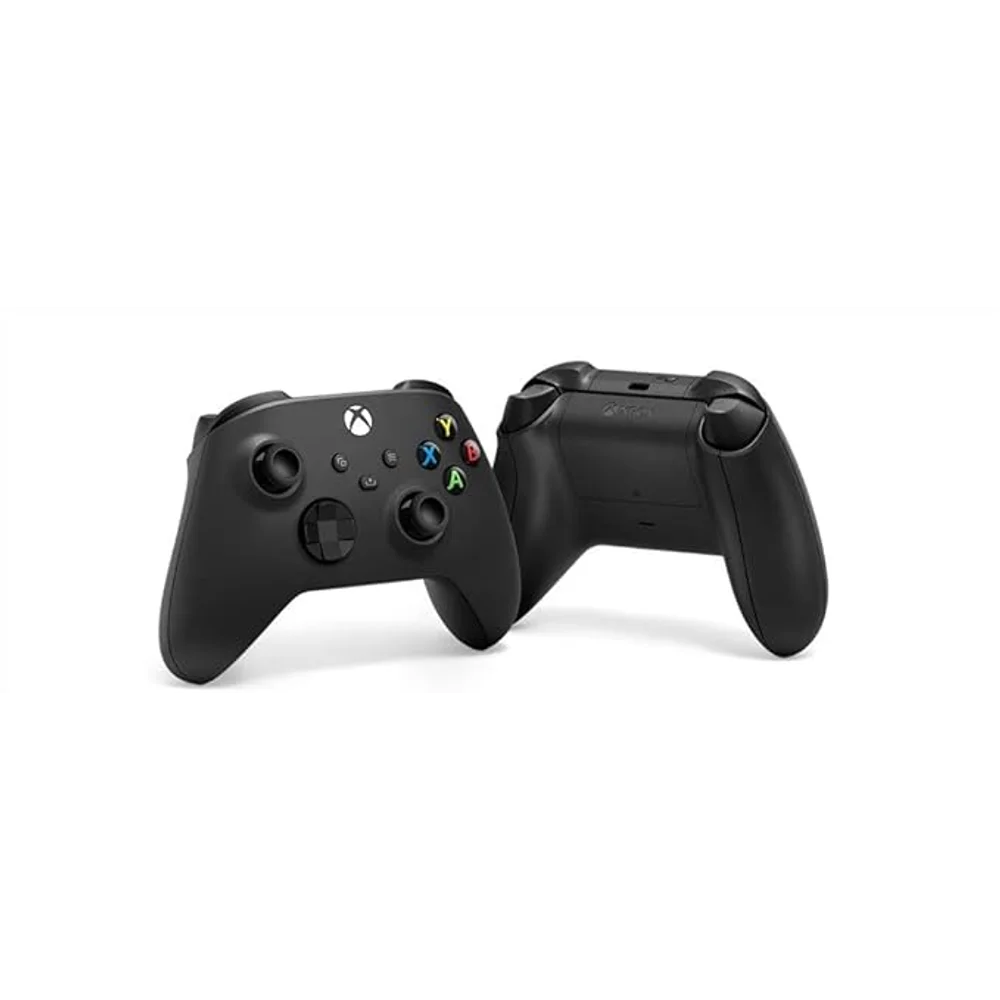
The Xbox Wireless Controller in Carbon Black is the pad that ships with the Series X and Series S, sold on its own. If you already own an Xbox, this is the second controller you buy for couch co-op. If you game on PC, it is the controller most games are built around, because Windows treats the Xbox layout as the default and you skip the configuration that other pads demand. We stock it in the UAE with a one-year Totot warranty.
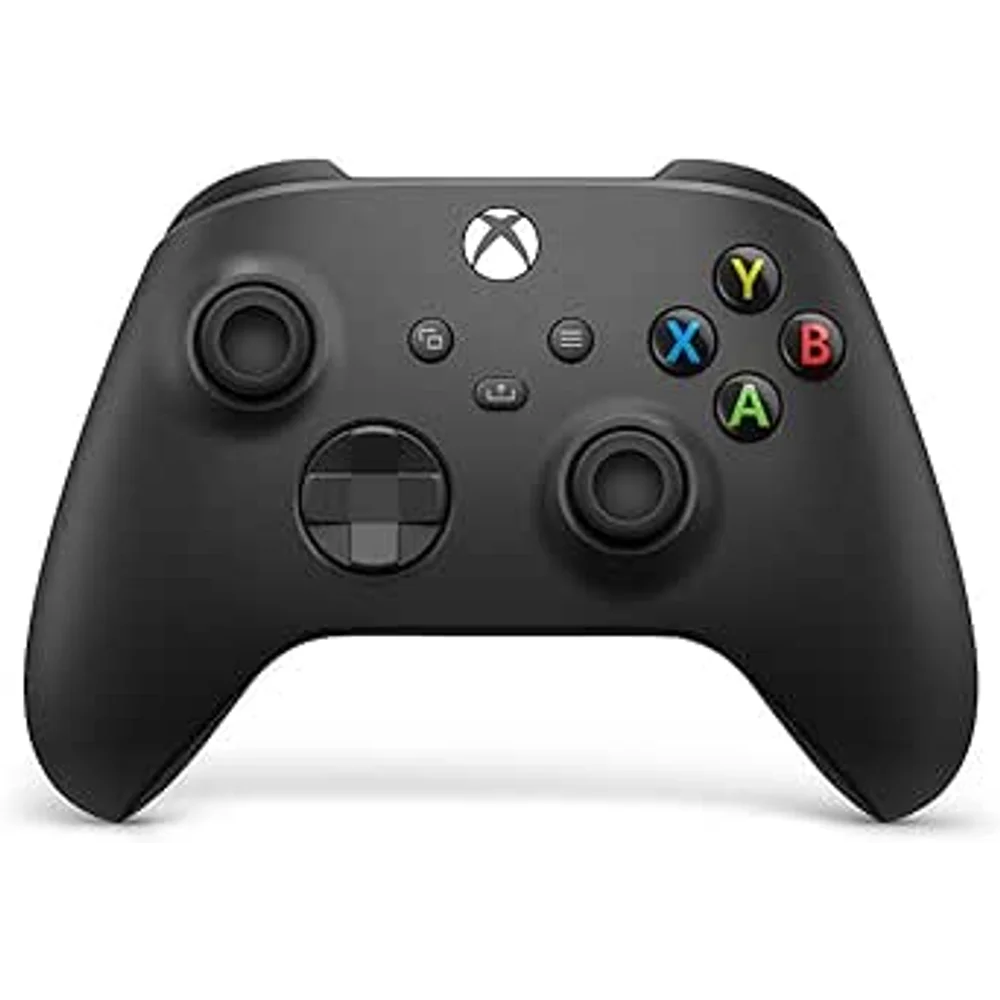
Table of Contents
- What the Xbox Wireless Controller works with
- Batteries on the Xbox Wireless Controller: the part people love or hate
- The Share button and hybrid D-pad on the Xbox Wireless Controller
- Audio, remapping and using the Xbox Wireless Controller on PC
- Who the Xbox Wireless Controller is not for
- Buying the Xbox Wireless Controller in the UAE
- Technical Specifications
- FAQ
What the Xbox Wireless Controller works with
Microsoft lists Xbox Series X, Xbox Series S and Xbox One on the console side, and Windows 10, Windows 11, Android and iOS beyond that. One controller covering a console, a laptop and a phone is unusual, and it is the main practical reason to pick this over a third-party pad.
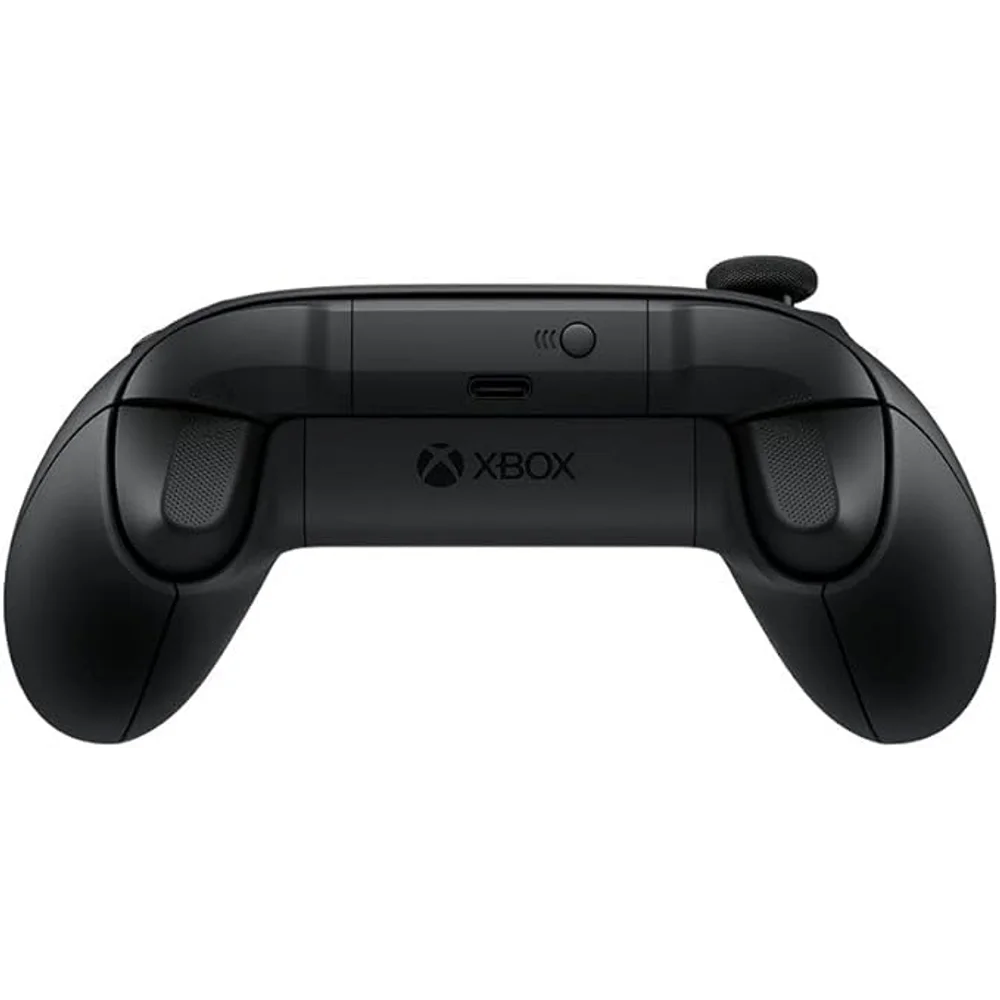
There are two separate radios inside inside the Xbox Wireless Controller and they are not interchangeable. Xbox Wireless is the proprietary protocol the controller uses to talk to a console, and Bluetooth is what it uses for PC, tablets and phones. On a PC without a built-in Xbox Wireless adapter you will be pairing over Bluetooth, which works but adds a little latency compared with the console connection. Serious PC players often buy the Xbox Wireless Adapter for Windows separately for that reason.
Microsoft also notes that compatibility applies to select devices and operating system versions. In practice that mostly matters on older Android phones and on iOS, where the controller works for games that support external controllers and not for those that do not.
Batteries on the Xbox Wireless Controller: the part people love or hate
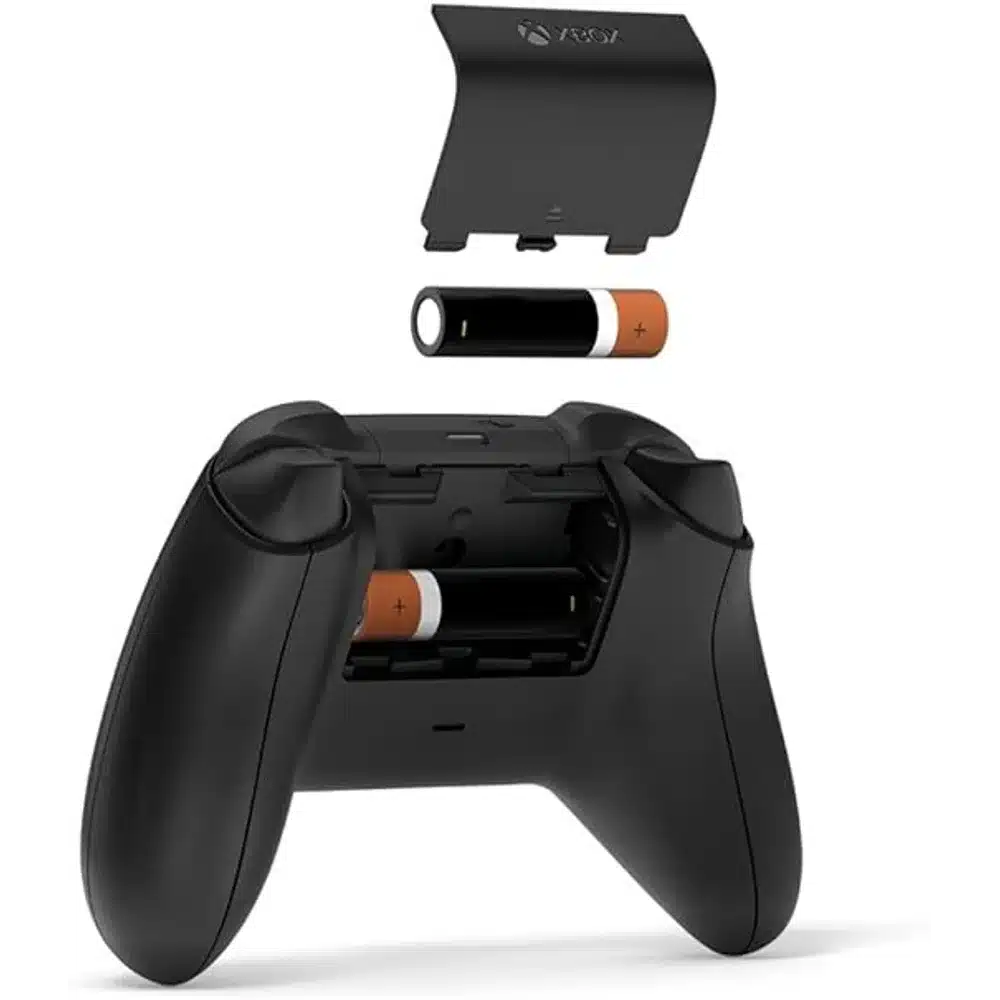
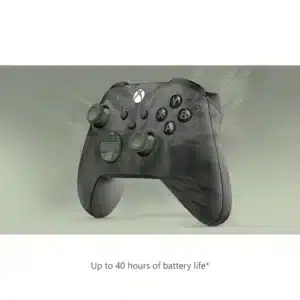
The Xbox Wireless Controller runs on AA batteries and Microsoft quotes up to 40 hours from a set. That number is generous in real use, and 40 hours is genuinely a long time between changes.
It is also the most divisive thing about the Xbox Wireless Controller. A PlayStation pad has a built-in rechargeable battery; this one does not. Some people prefer AAs precisely because a flat controller is fixed in ten seconds with a spare pair rather than by plugging it in and waiting. Others find buying batteries in 2026 absurd.
The honest answer is that it depends on how you play. If you game in long sessions and want the controller ready every time, a set of rechargeable AA cells solves it permanently for the price of one good meal. If you game in short bursts and always have a cable nearby, the Xbox Play and Charge Kit replaces the battery compartment with a rechargeable pack; it is sold separately and is not in this box.
One more thing worth knowing before you order: Microsoft does not publish a box-contents list on its product page for this controller, and the button-mapping feature explicitly requires a USB-C cable that Xbox states is sold separately. So plan on supplying your own cable if you want to remap buttons or update firmware over USB.
The Share button and hybrid D-pad on the Xbox Wireless Controller
The Share button sits in the middle of the pad, below the Xbox button. A single press captures a screenshot; holding it records the last stretch of gameplay. It is the feature that quietly changed how people use an Xbox, because clipping something the moment it happens no longer means pausing to navigate a menu.
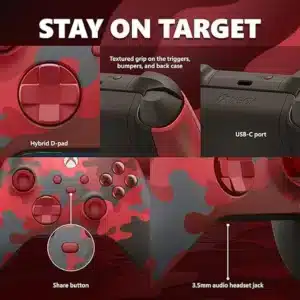
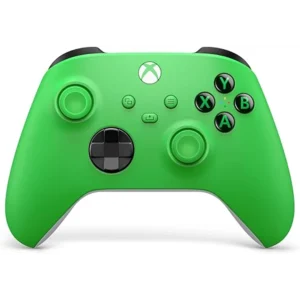
The hybrid D-pad is the other change worth caring about. It is the dished, faceted design rather than the raised cross of the older Xbox One pad, and it gives you both clean four-way input and reliable diagonals. For fighting games, 2D platformers and anything where the D-pad is the primary input rather than an afterthought, it is a real upgrade.
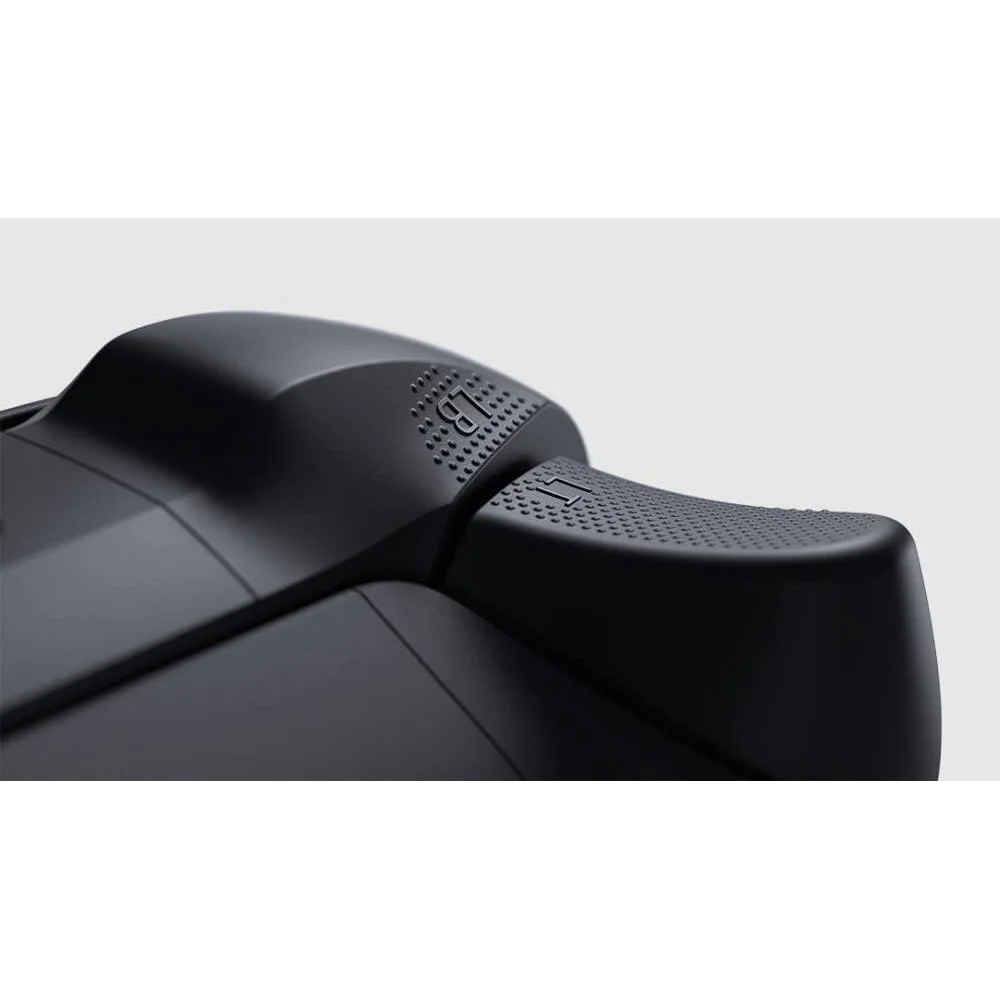
Textured surfaces run across the triggers, the bumpers and the back case. This is the kind of detail that sounds like marketing until you play in a room at 30 degrees with the air conditioning off, which in this country is most of the year. A smooth pad gets slippery; the Xbox Wireless Controller does not.
Audio, remapping and using the Xbox Wireless Controller on PC
There is a 3.5mm stereo headset jack on the bottom edge, so any wired gaming headset or ordinary pair of earphones plugs straight in with no adapter and no dongle. On a console that is the simplest way to get chat and game audio without buying a wireless headset.
Button remapping is handled through the Xbox Accessories app on console or PC. You can swap any button, adjust stick and trigger sensitivity, and save profiles to the controller itself. Xbox states that this requires a compatible USB-C cable, sold separately, so budget for one if remapping is part of why you are buying.
On Windows, the Xbox Wireless Controller is effectively the reference pad. Games show Xbox button prompts by default, Steam recognises it with no configuration, and driver problems are rare. If you have ever spent an evening making a third-party controller behave in a PC game, that alone is worth the price difference.
Who the Xbox Wireless Controller is not for
Not for anyone who refuses to deal with batteries. There is no built-in rechargeable pack and no charging cable in the box. Rechargeable AA cells or the separately sold Play and Charge Kit fix it, but both are an extra purchase and you should know that before ordering rather than after.
Not for PlayStation. The Xbox Wireless Controller does not work with a PS5 or a PS4, and no adapter we would recommend changes that. If you are shopping for a PlayStation pad, the DualSense is the product you want.
Not for anyone who needs back paddles, adjustable trigger stops or swappable sticks. That is the Xbox Elite Series 2, a different and considerably more expensive controller. This is the standard pad, and it is standard on purpose.
Not for competitive PC play at the highest level over Bluetooth alone. Bluetooth is fine for the great majority of games, but if you are counting milliseconds you want the Xbox Wireless Adapter for Windows or a wired USB-C connection.
Buying the Xbox Wireless Controller in the UAE
We ship across the Emirates including Dubai, Abu Dhabi, Sharjah and Ajman from locally held stock, so delivery is measured in days rather than the weeks an overseas order takes. Units are genuine Microsoft retail items in sealed packaging, not refurbished or bulk-packed pulls from a console bundle.
Warranty is one year from Totot against manufacturing defects. The Xbox Wireless Controller product title carries no TDRA registration, so there is no separate agent warranty attached to it, and we prefer to state that plainly rather than let you assume local agent coverage that does not apply. Our 14-day return policy covers defective or non-conforming items.
Carbon Black is the standard colour and the one that matches a Series X or a Series S out of the box. If you want a second pad for couch co-op that nobody argues over, this is the one people reach for.
Technical Specifications
- Colour: Carbon Black
- Console compatibility: Xbox Series X, Xbox Series S, Xbox One
- Other compatibility: Windows 10 and Windows 11, Android, iOS (select devices and OS versions)
- Console connection: Xbox Wireless
- PC and mobile connection: Bluetooth
- Battery: AA batteries, up to 40 hours depending on use and accessories
- Share button: Yes, press for a screenshot or hold to record gameplay
- D-pad: Hybrid design for four-way and diagonal input
- Headset jack: 3.5 mm stereo
- Grip: Textured surfaces on the triggers, bumpers and back case
- Button mapping: Xbox Accessories app, requires a compatible USB-C cable sold separately
- Dimensions and weight: Not published by Xbox on its product page
- In the box: Xbox does not publish a box-contents list on its product page. No USB-C cable is included, since Xbox states the cable for button mapping is sold separately
- Warranty: 1 year Totot warranty against manufacturing defects
Every feature listed here comes from Microsoft’s own Xbox product page for this controller. Where Xbox does not publish a figure, such as exact dimensions or a box-contents list, we say so instead of copying a number from a marketplace listing. Full details are published on the official Xbox product page.
FAQ
Does the Xbox Wireless Controller work with a PlayStation 5?
No. It works with Xbox Series X, Xbox Series S, Xbox One, Windows 10 and 11, Android and iOS. For a PS5 you need a DualSense.
Is a rechargeable battery built in?
No. It runs on AA batteries, rated up to 40 hours. Rechargeable AA cells work fine, or you can buy the Xbox Play and Charge Kit separately for a built-in pack.
Is a USB-C cable included?
No. Xbox states that the compatible USB-C cable needed for button mapping is sold separately, so plan on supplying your own.
Can I use it on a PC without an adapter?
Yes, over Bluetooth, on Windows 10 and Windows 11. For the lowest latency Microsoft sells the Xbox Wireless Adapter for Windows separately, or you can connect with a USB-C cable.
Does it have a headphone jack?
Yes, a 3.5 mm stereo headset jack on the bottom edge, so any wired headset plugs in directly.
What does the Share button do?
One press takes a screenshot, holding it records the recent gameplay clip. It sits below the Xbox button in the centre of the pad.
Can I remap the buttons?
Yes, through the Xbox Accessories app on console or PC. Xbox notes it requires a compatible USB-C cable, which is sold separately.
Does it work on an iPhone?
Yes, over Bluetooth on iOS, for games that support external controllers. Xbox notes compatibility applies to select devices and operating system versions.
How long do the batteries last?
Up to 40 hours according to Xbox, and the figure varies with how you play and which accessories you attach.
Is this the Elite controller?
No. This is the standard Xbox Wireless Controller. The Elite Series 2 is a separate, more expensive model with back paddles, adjustable triggers and swappable sticks.
Browse more in our Xbox Controllers range. Every order from Totot carries a 1-year warranty covering manufacturing defects, with our 14-day return policy for defective or non-compliant items, and nationwide UAE delivery.
 No products in the cart.
Reviews
There are no reviews yet