
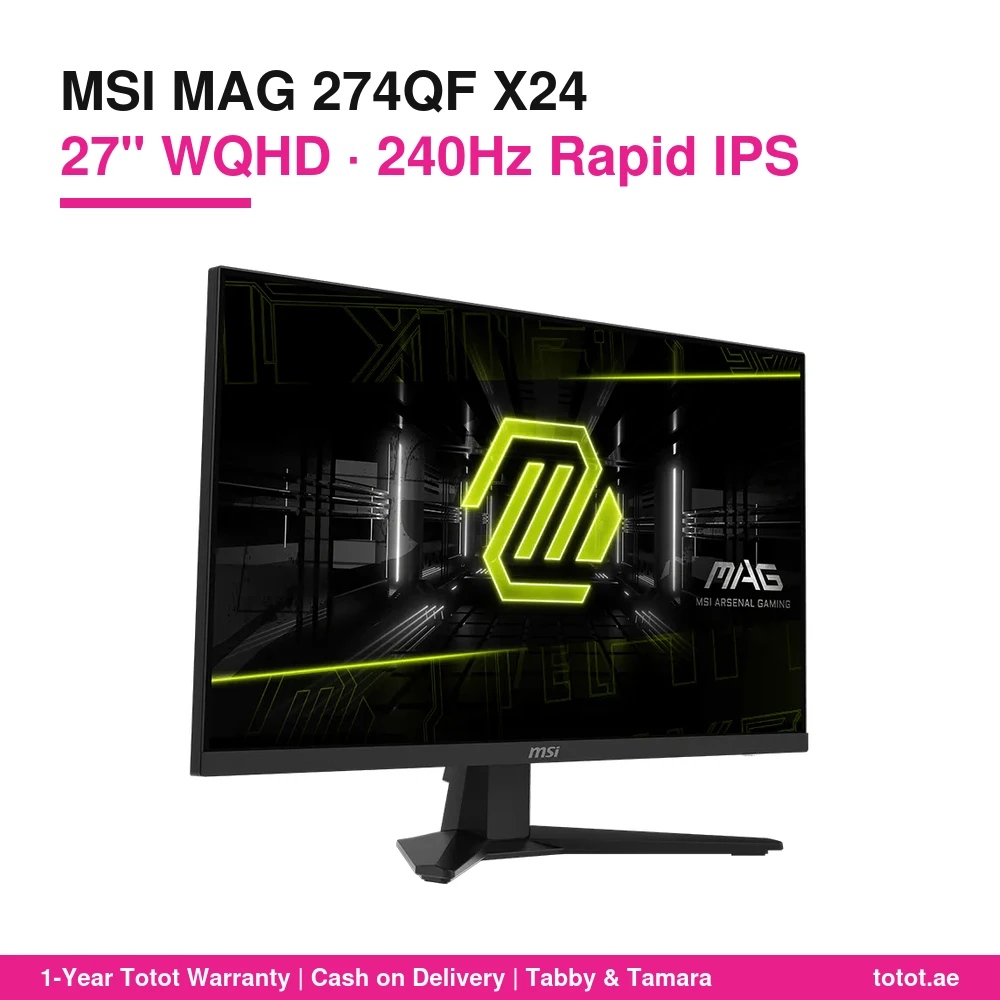
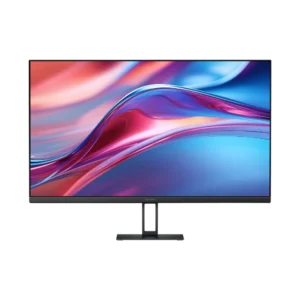
The MSI MAG 274QF X24 is a 27-inch gaming monitor that pairs a 2560 x 1440 (WQHD) Rapid IPS panel with a 240Hz refresh rate. MSI rates its response time at 0.5ms GtG (minimum), and the panel supports AMD FreeSync Premium across a 48 to 240Hz range, so frame delivery stays smooth when your frame rate moves around.
It sits in the spot many PC players look for: sharper than a 1080p screen at the same size, fast enough for competitive shooters, and with IPS viewing angles for everything else you do at the desk.
Contents
240Hz at WQHD on the MSI MAG 274QF X24
The full 240Hz is reached over DisplayPort 1.4a. MSI lists the two HDMI 2.0b ports at up to 144Hz at 2560 x 1440, which is the figure that matters if you plan to connect a PlayStation 5 or Xbox Series X alongside your PC. Use the DisplayPort cable in the box for the PC and keep HDMI for consoles or a laptop.
A 27-inch WQHD panel works out to roughly 109 pixels per inch, so text and UI elements look cleaner than on a 27-inch 1080p screen, and you do not need the GPU power that 4K demands to hold high frame rates.
MSI MAG 274QF X24 colour and HDR
MSI quotes 1.07 billion colours (8-bit + FRC) and coverage of 93% Adobe RGB, 96% DCI-P3 and 130% sRGB, measured to the CIE1976 standard. Typical SDR brightness is 250 nits with a 1000:1 static contrast ratio.
The monitor is labelled HDR Ready, which means it accepts an HDR signal. At 250 nits it does not have the brightness for a strong HDR effect, so treat HDR as a compatibility feature rather than a reason to buy.
Stand, ports and setup
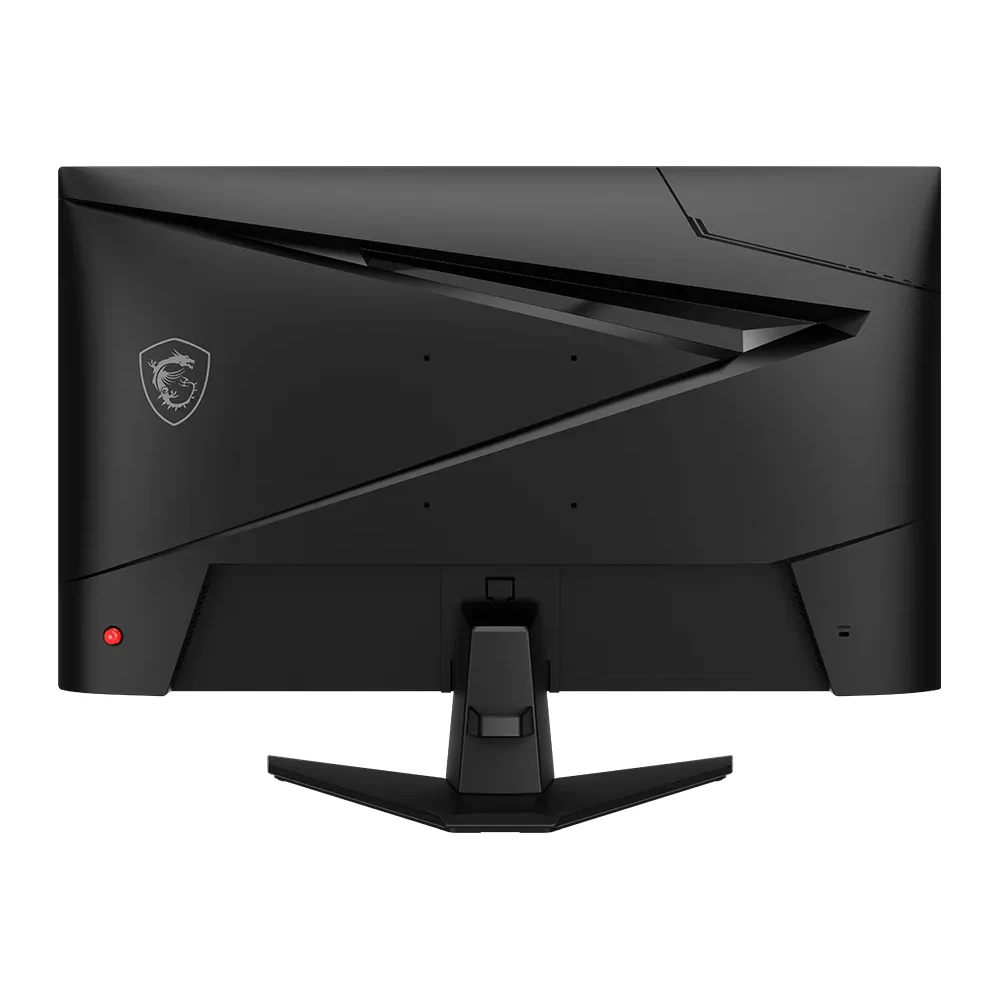
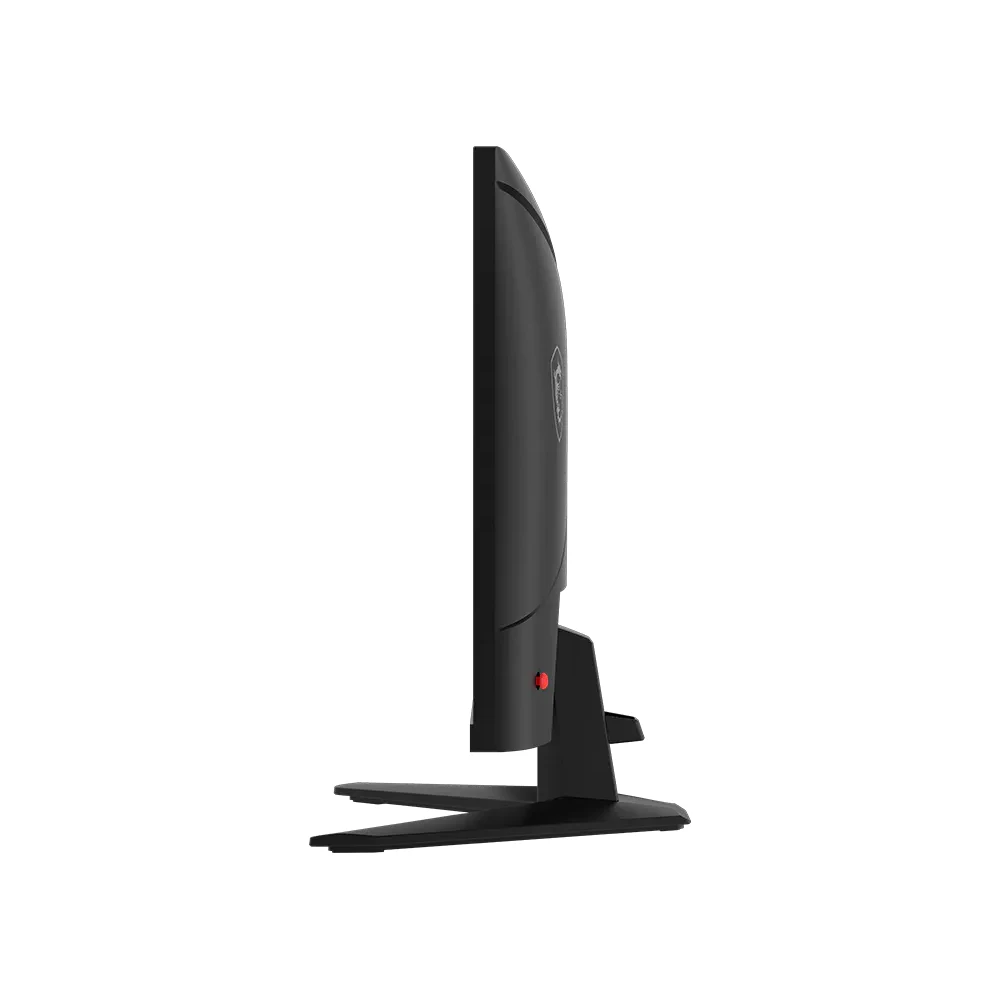
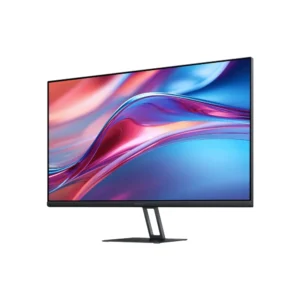
The stand tilts from -5 to 20 degrees; MSI does not list height or swivel adjustment for this model, so if you need those, plan on a VESA 100 x 100 mm arm. Power is built in, running on 100 to 240V, so there is no external brick. Next to the two HDMI 2.0b ports and the DisplayPort 1.4a input you get a headphone output, and MSI also lists support for PIP/PBP and HDMI CEC.
Who the MSI MAG 274QF X24 Is Not For
- Buyers who need height or swivel adjustment out of the box: the stand only tilts.
- Anyone wanting real HDR punch: typical brightness is 250 nits.
- Console-only players: HDMI tops out at 144Hz at WQHD, so the 240Hz mode needs a PC on DisplayPort.
- People who want USB ports or built-in speakers on the monitor: MSI lists neither.
Ordering the MSI MAG 274QF X24 from Totot
Every MSI MAG 274QF X24 we ship is new, original and sealed in its box. Delivered across the UAE in up to 3 business days, free on orders from AED 300. You can pay by card, cash on delivery, or split the payment with Tabby or Tamara. If your MSI MAG 274QF X24 arrives faulty or is not the model you ordered, you can return it within 14 days, and please report any shipping damage within 48 hours of delivery. This is a global-version unit, so it comes with a 1-year warranty from Totot.
Browse more Gaming Monitors at Totot, or see the official MSI page for full product details.
MSI MAG 274QF X24 Specifications
- Panel: 27″ Rapid IPS, flat, anti-glare
- Resolution: 2560 x 1440 (WQHD), 16:9
- Refresh rate: 240Hz (DisplayPort); up to 144Hz over HDMI
- Response time: 0.5ms GtG (min)
- Adaptive sync: AMD FreeSync Premium, 48–240Hz
- Brightness: 250 nits (SDR)
- Contrast: 1000:1
- Colour: 1.07 billion (8-bit + FRC); 93% Adobe RGB, 96% DCI-P3, 130% sRGB (CIE1976)
- HDR: HDR Ready
- Inputs: 2x HDMI 2.0b, 1x DisplayPort 1.4a, 1x headphone out
- Stand: Tilt -5° to 20°; VESA 100 x 100 mm
- Power: Internal, 100–240V 50/60Hz
- Dimensions: 613.5 x 249.7 x 438.5 mm (with stand)
- Weight: 4.7 kg net / 6.55 kg gross
- In the box: DisplayPort cable, power cord, quick guide
- Warranty: 1-year warranty from Totot
Frequently Asked Questions
Does the MSI MAG 274QF X24 run 240Hz over HDMI?
No. MSI lists 240Hz on DisplayPort only; the HDMI 2.0b ports reach up to 144Hz at 2560 x 1440.
Is it good for PS5?
Yes, for 1440p at up to 120Hz through HDMI, which is what the PS5 outputs. The extra headroom to 240Hz is for PC.
Is the stand height adjustable?
No. MSI lists tilt from -5° to 20° only. The monitor is VESA 100 x 100 mm compatible if you want an arm.
Which cable is included?
A DisplayPort cable, plus the power cord and a quick guide. An HDMI cable is not listed in the box.



 No products in the cart.
Reviews
There are no reviews yet