
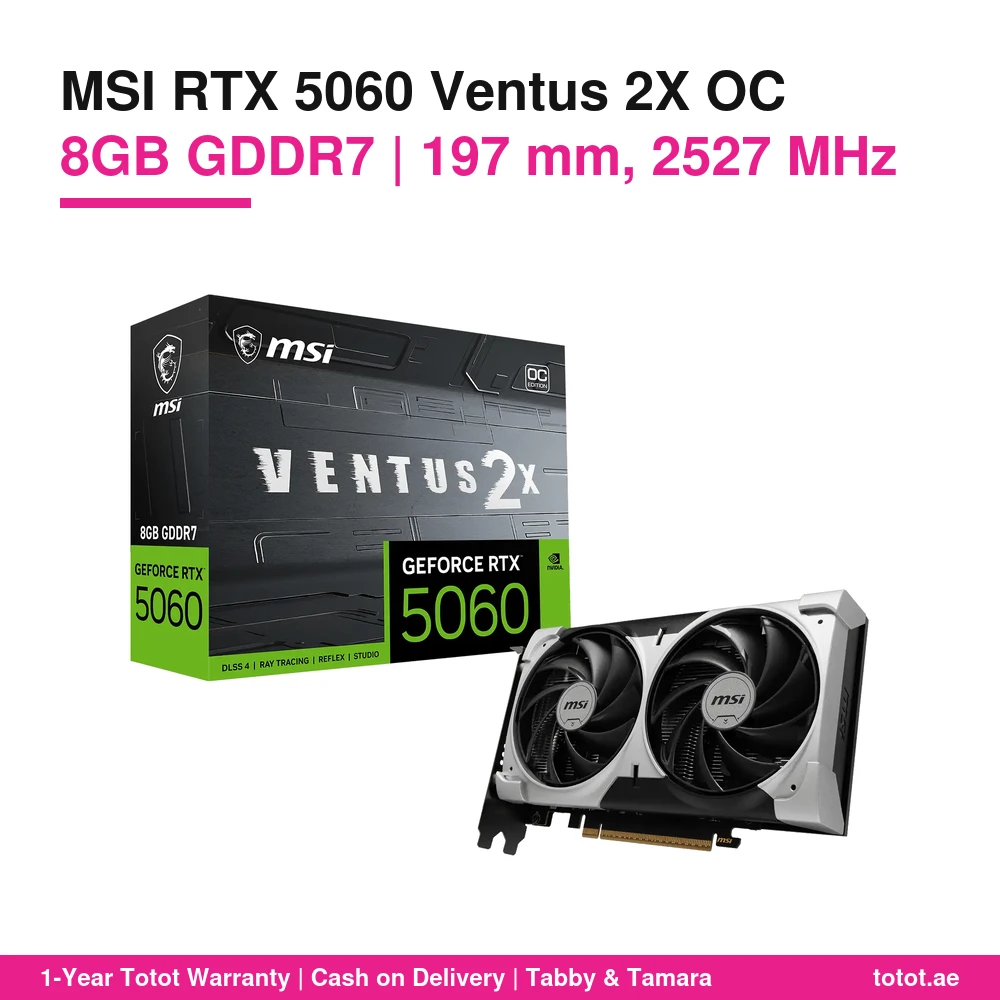
The MSI RTX 5060 Ventus 2X OC is MSI’s dual-fan GeForce RTX 5060 with 8GB of GDDR7 memory and a factory boost clock of 2527 MHz. At 197 mm long it is one of the shorter RTX 5060 cards around, yet it keeps TORX FAN 5.0 fans, a nickel-plated copper baseplate and fans that stop completely when the PC is idle. It runs from a single 8-pin cable, MSI recommends a 550W power supply, and it is in stock in the UAE and shipped by Totot.
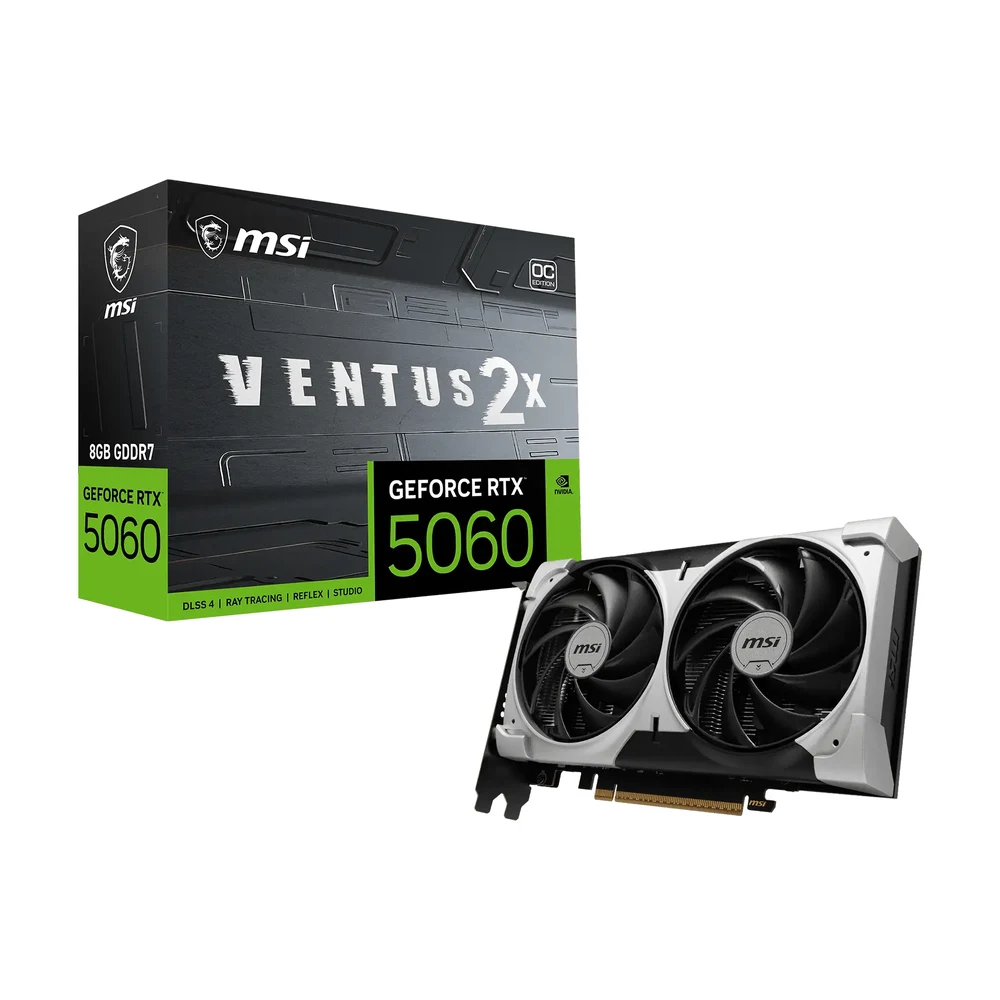
Table of Contents
Why the MSI RTX 5060 Ventus 2X OC suits short cases
Many mid-tower and micro-ATX cases sold with office and starter gaming PCs have limited room in front of the graphics slot, especially when a front radiator or drive cage is fitted. MSI lists the MSI RTX 5060 Ventus 2X OC at 197 × 120 × 41 mm, so it clears most of these cases with space left for cables. The design is plain black with no lighting to fight with other parts, which MSI describes as a neutral look that fits any build.
Inside, the GPU is NVIDIA’s Blackwell-based GeForce RTX 5060 with 3,840 CUDA cores, fifth-generation Tensor Cores and fourth-generation RT cores. It supports DLSS with Multi Frame Generation, NVIDIA Reflex for lower input lag and the ninth-generation NVIDIA encoder for streaming and recording.
Clock speeds, memory and what they mean in games
On the MSI RTX 5060 Ventus 2X OC, MSI sets the boost clock at 2527 MHz out of the box. Switch MSI Center to its Extreme Performance profile and the card runs up to 2535 MHz. The 8GB of GDDR7 runs at 28 Gbps on a 128-bit bus, and the card plugs into a PCI Express Gen 5 x16 slot while using eight lanes electrically.
In practice that is a card for high-refresh 1080p and for 1440p with DLSS turned on. Competitive shooters, MOBA titles and most single-player games at high settings are a comfortable match. The 8GB frame buffer is the limit to keep in mind: in a few new releases at maximum textures it fills up, and dropping texture quality one step is the usual fix on the MSI RTX 5060 Ventus 2X OC.
Cooling: TORX FAN 5.0, copper baseplate and Zero Frozr
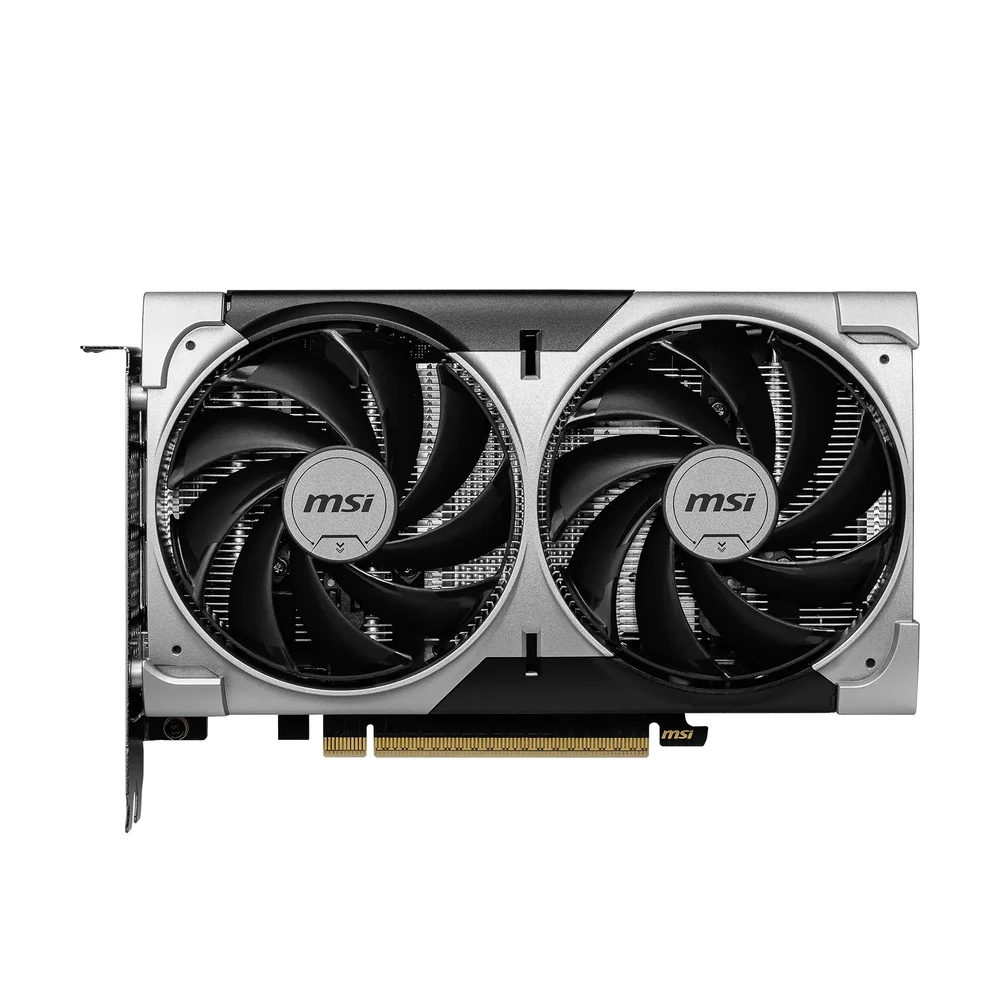
The MSI RTX 5060 Ventus 2X OC pairs two TORX FAN 5.0 fans with a large heatsink. Each fan links its blades with ring arcs, and MSI quotes 23% more airflow than a standard axial fan. A nickel-plated copper baseplate draws heat from both the GPU and the memory chips into the heat pipes, while clay-based thermal pads cover other board components.
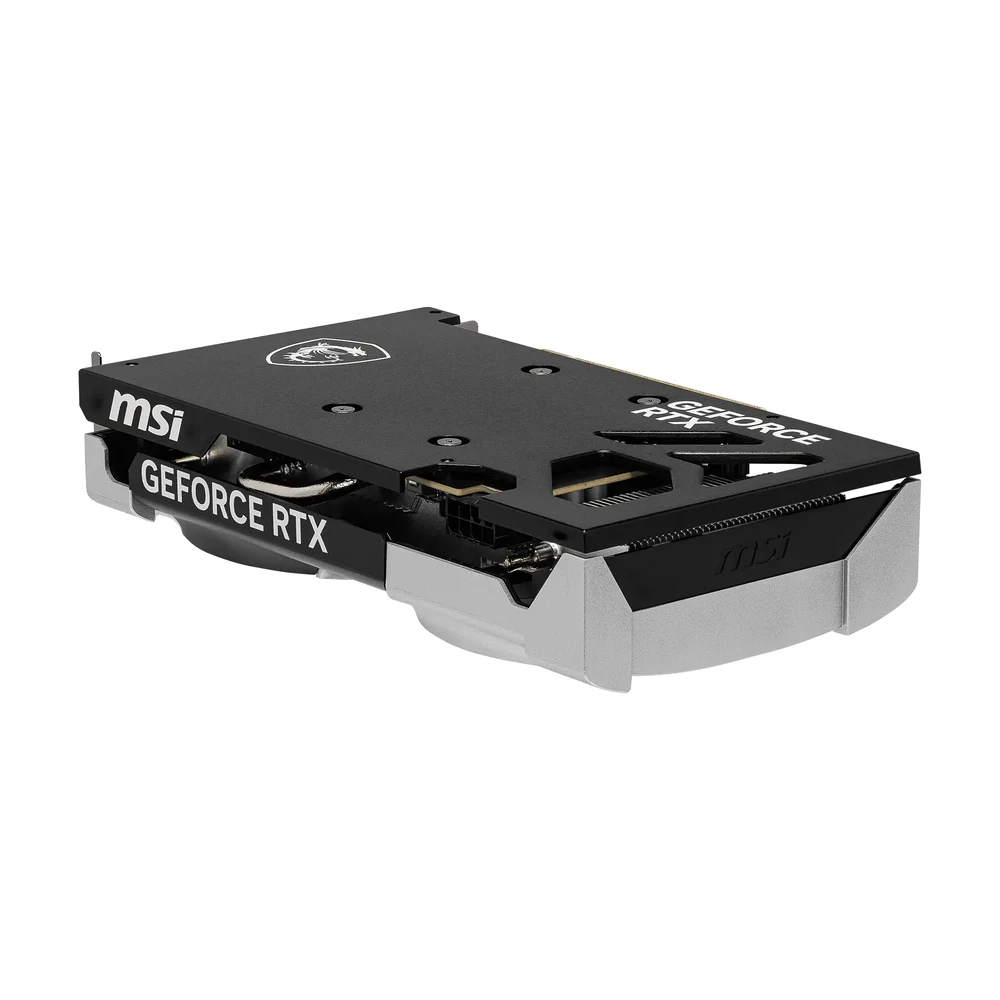
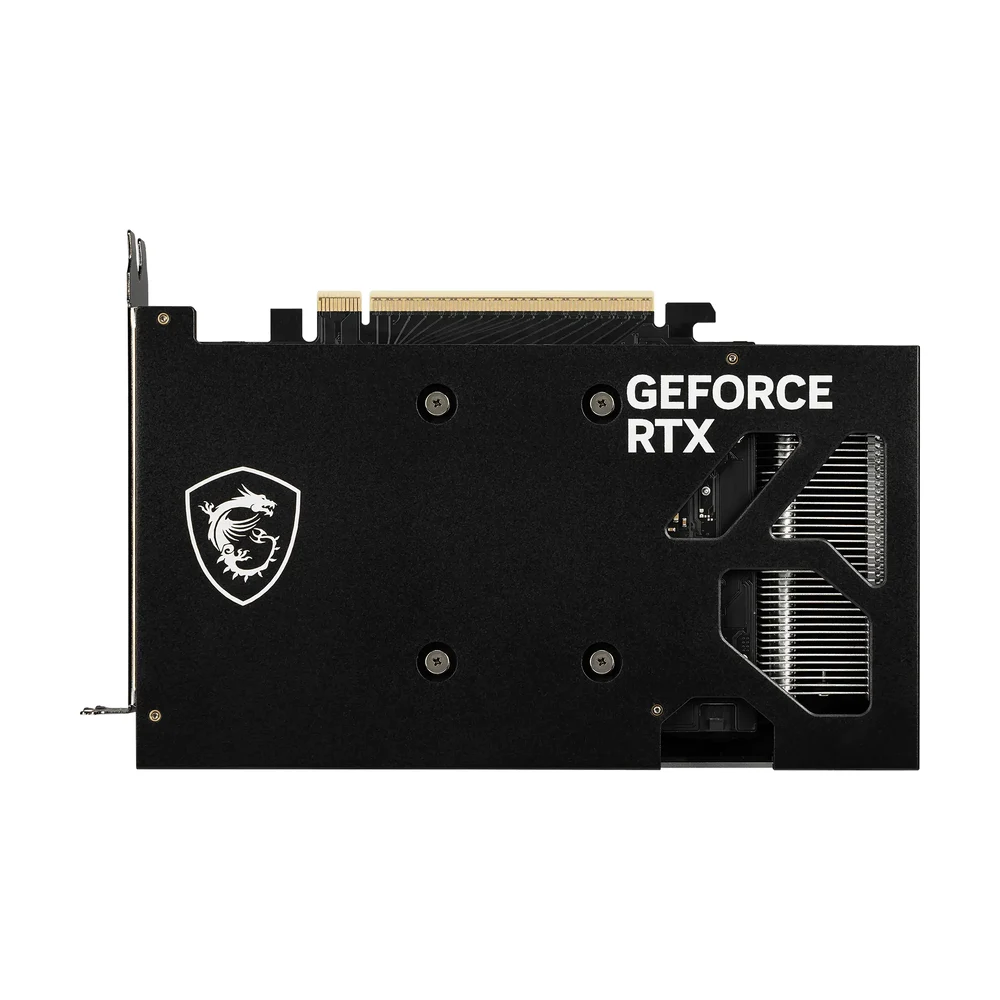
Zero Frozr stops the fans completely at lower temperatures, so the card is silent while you browse or work, and the fans spin up again automatically when a game starts. On the back, a reinforcing backplate has a vent that lets exhaust air pass straight through. The custom PCB adds extra fuses for electrical protection and uses DrMOS power stages.
Screens and connections
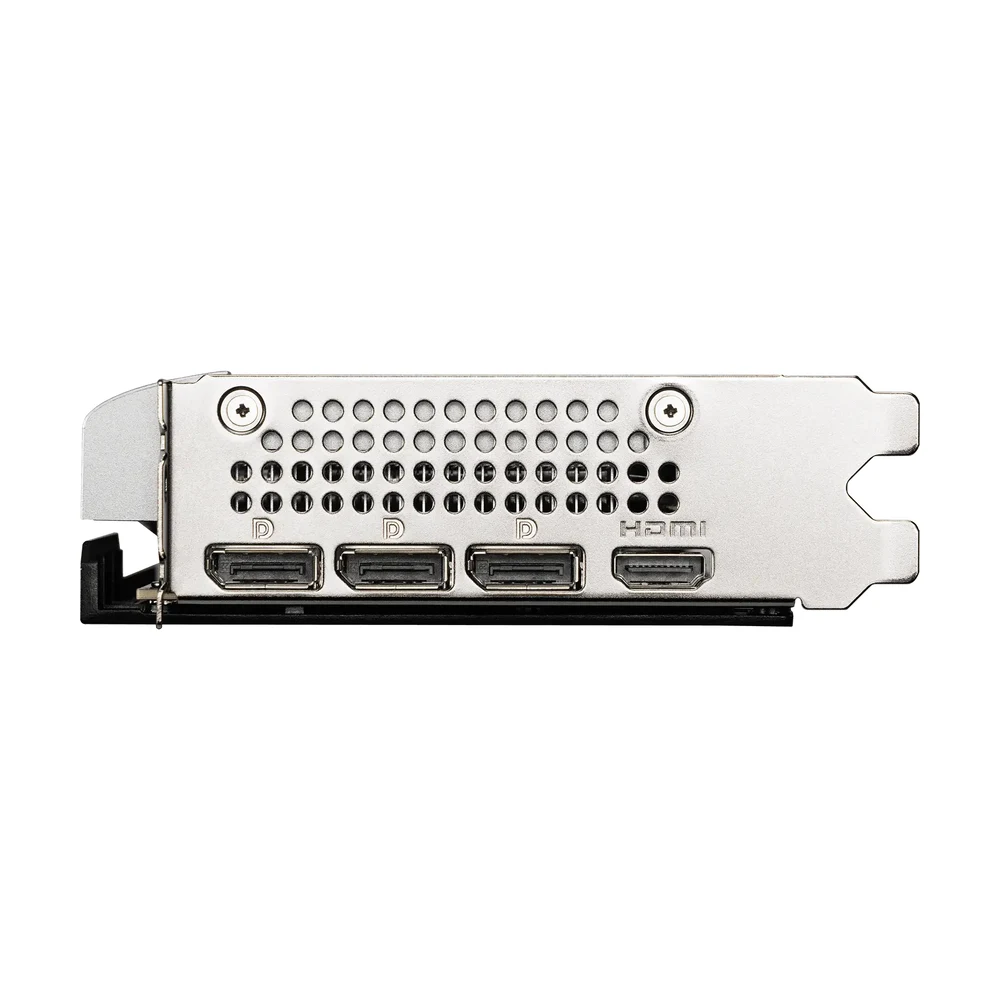
The MSI RTX 5060 Ventus 2X OC has three DisplayPort 2.1b outputs and one HDMI 2.1b port. MSI lists the HDMI port at up to 4K 480Hz or 8K 120Hz with DSC, with gaming VRR and HDR. Up to four displays can run together, the maximum digital resolution is 7680 × 4320, and G-SYNC and HDCP are supported. DirectX 12 Ultimate and OpenGL 4.6 cover current games and creative apps.
Tuning the MSI RTX 5060 Ventus 2X OC with MSI software
MSI Center handles monitoring, the Extreme Performance profile and its AI Tuning feature. MSI Afterburner, a free download, adds custom fan curves, on-screen frame-rate counters and manual overclocking. To install, fit the card in the top PCIe x16 slot, connect one 8-pin PCIe cable from the power supply, plug the monitor into the card, then install the latest GeForce driver.
Who This Is Not For
The MSI RTX 5060 Ventus 2X OC is not meant for 4K gaming at high settings or for AI and 3D work that needs more than 8GB of video memory; an RTX 5060 Ti 16GB or higher card suits that better. It has no RGB lighting and comes in black only on this listing (MSI sells a separate White version). Because it uses eight PCIe lanes, an older PCIe 3.0 motherboard gives it less bandwidth than a PCIe 4.0 or 5.0 board. Your power supply must offer a free 8-pin PCIe cable and should be at least 550W.
Ordering in the UAE
Totot delivers across all seven emirates in up to 3 business days, and delivery is free on orders from AED 300. If the card arrives defective or is not the item you ordered, you can return it within 14 days; please report any shipping damage within 48 hours. Pay cash on delivery or split the amount with Tabby or Tamara.
Browse more Graphics Cards at Totot, or see the official MSI page for full product details.
Technical Specifications
- Model: MSI GeForce RTX 5060 8G VENTUS 2X OC
- Colour: black
- GPU: NVIDIA GeForce RTX 5060 (Blackwell)
- CUDA cores: 3,840
- Boost clock: 2527 MHz; 2535 MHz in MSI Center Extreme Performance mode
- Video memory: 8GB GDDR7
- Memory bus / speed: 128-bit / 28 Gbps
- Interface: PCI Express Gen 5 x16 slot (uses x8)
- Outputs: 3 × DisplayPort 2.1b, 1 × HDMI 2.1b (up to 4K 480Hz or 8K 120Hz with DSC, gaming VRR, HDR)
- Maximum displays: 4
- Maximum digital resolution: 7680 × 4320
- G-SYNC / HDCP: yes / yes
- Power consumption: 145W
- Power connector: 1 × 8-pin
- Recommended power supply: 550W
- Cooling: 2 × TORX FAN 5.0, nickel-plated copper baseplate, heat pipes, Zero Frozr fan stop
- Backplate: reinforcing backplate with airflow vent
- Dimensions: 197 × 120 × 41 mm
- APIs: DirectX 12 Ultimate, OpenGL 4.6
- Software: MSI Center, MSI Afterburner (free downloads)
- Warranty: 1-year warranty from Totot
FAQ
How long is the MSI RTX 5060 Ventus 2X OC?
197 mm. MSI lists the card at 197 × 120 × 41 mm, so measure the GPU clearance in your case before ordering.
Are the fans on the MSI RTX 5060 Ventus 2X OC silent at idle?
Yes. Zero Frozr stops both fans at lower temperatures and starts them again automatically under gaming load.
What is the boost clock?
2527 MHz by default, and up to 2535 MHz with the Extreme Performance profile in MSI Center.
Which power supply do I need?
550W is MSI’s recommendation, with one free 8-pin PCIe cable. MSI rates the card’s power consumption at 145W.
Does it have RGB lighting?
No. The Ventus 2X OC has a plain black design without RGB.
Will it work in a PCIe 4.0 motherboard?
Yes. It fits any PCIe x16 slot and runs at the board’s PCIe generation, using eight lanes.




 No products in the cart.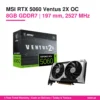
Reviews
There are no reviews yet