
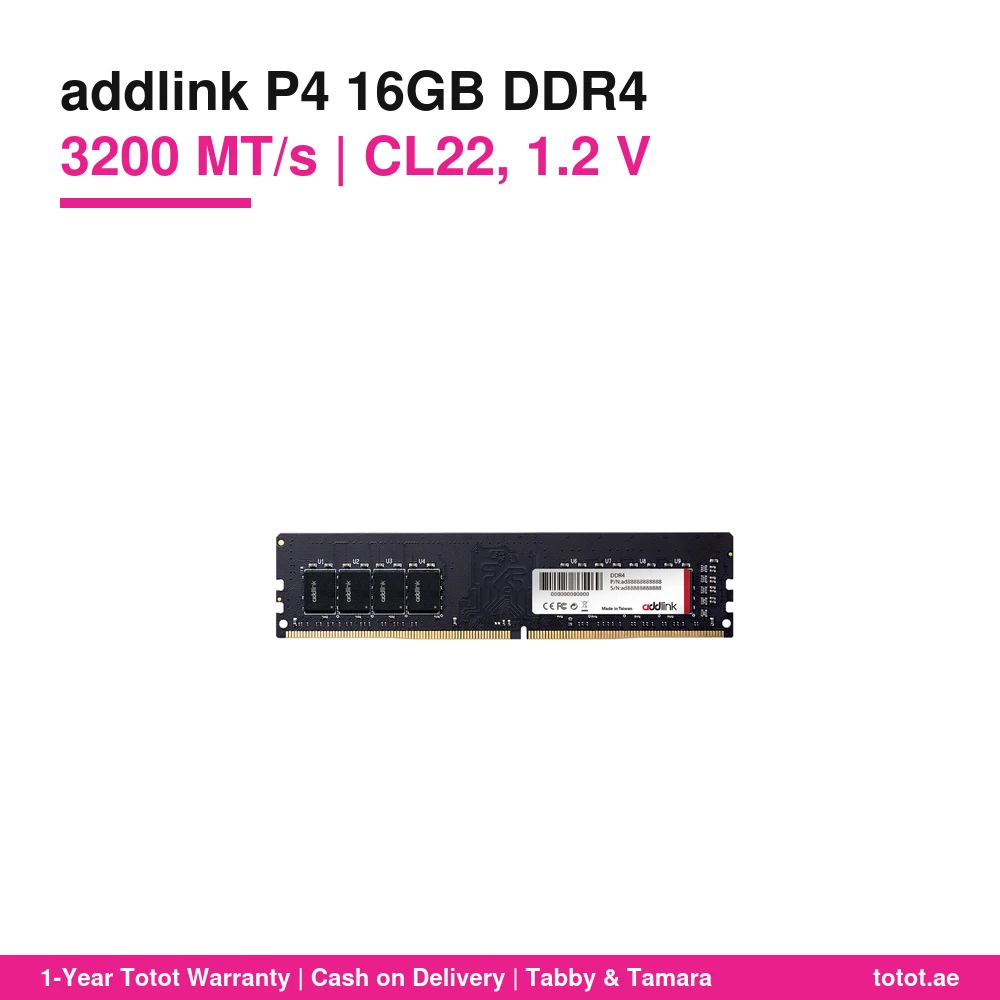
The addlink P4 16GB DDR4 3200 is a 16GB DDR4 desktop memory module from addlink’s P4 Value Series, running at 3200 MT/s with CL22 timings at 1.2 V. It is a 288-pin UDIMM for Intel and AMD DDR4 desktops, made in Taiwan, and it needs no XMP or EXPO setting to reach its rated speed. It is in stock in the UAE and ships from Totot.
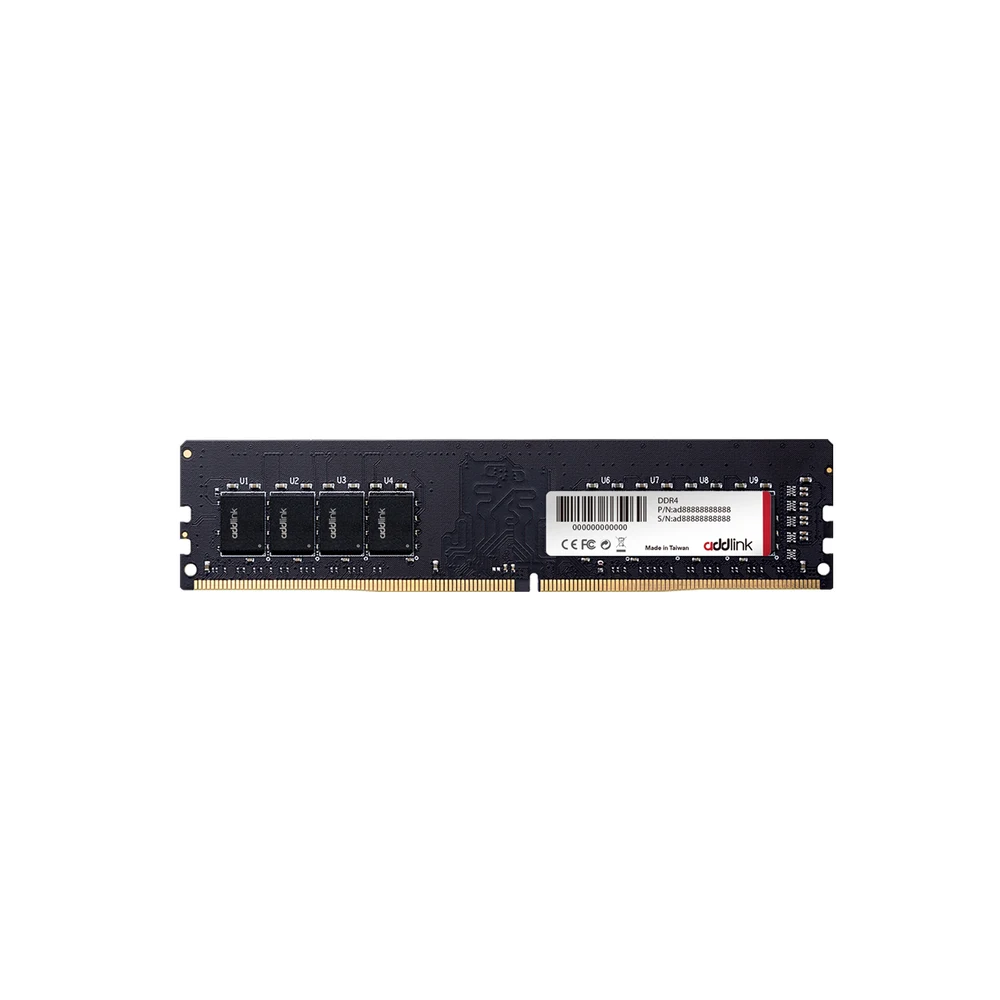
Table of Contents
What the addlink P4 16GB DDR4 3200 is
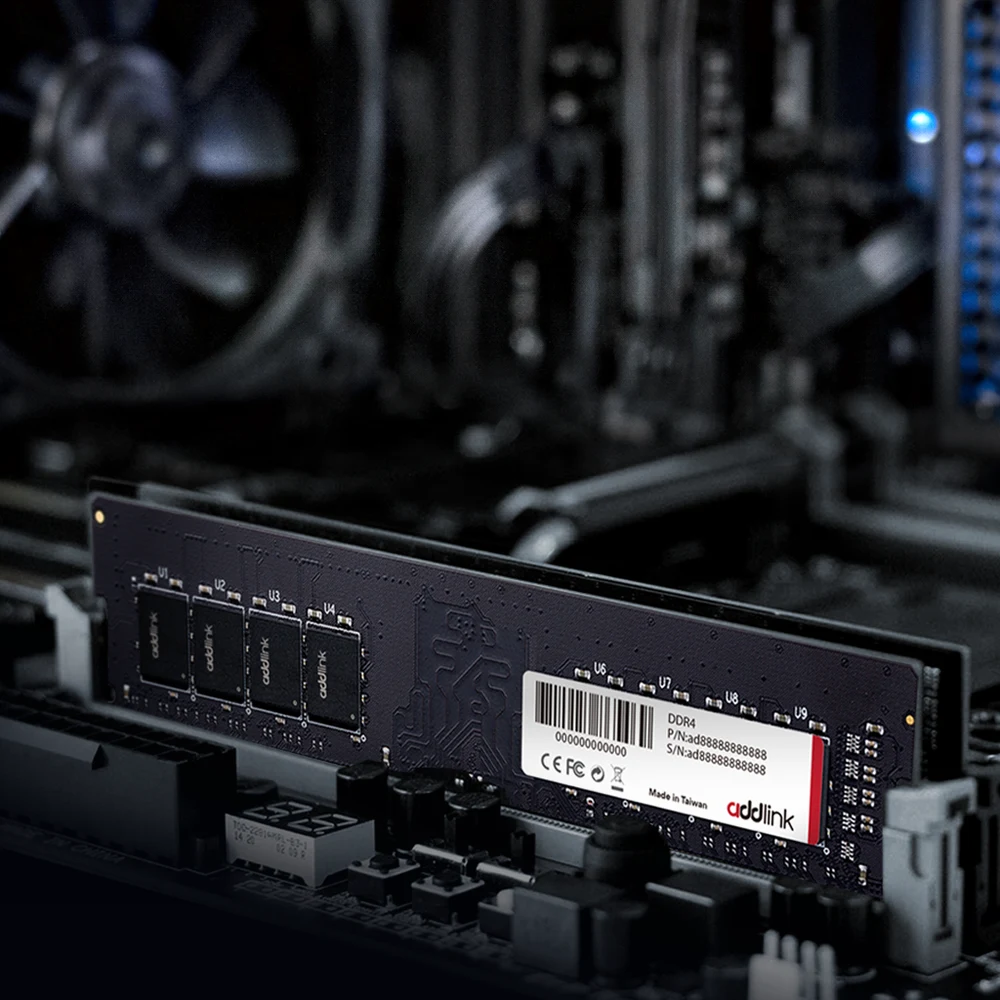
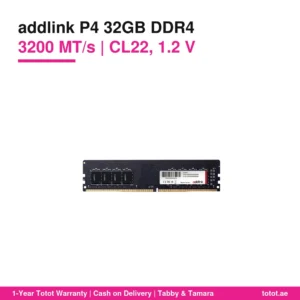
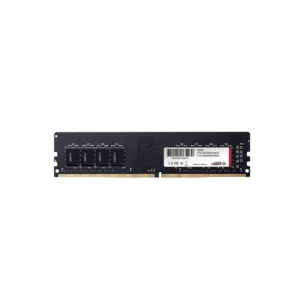
addlink sells the P4 as a value line: a plain black PCB with no heat spreader, no lighting and no overclocking profiles. The idea is simple. The module runs at the JEDEC standard speed of 3200 MT/s with CL22 timings at 1.2 V, so a DDR4 desktop recognises it and runs it without any BIOS change. addlink describes the P4 as a cost-effective upgrade built from quality chips that are fully tested for reliability.
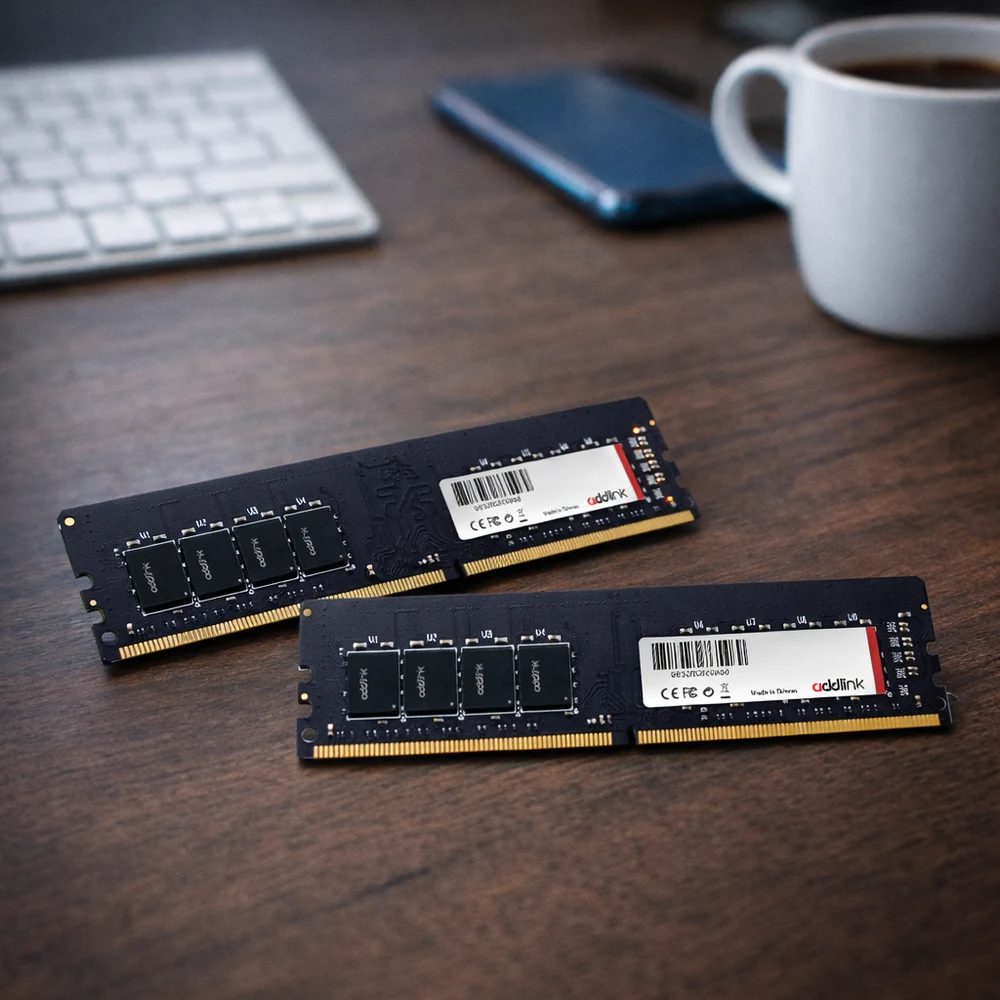
The addlink P4 16GB DDR4 3200 is a single 16GB stick. addlink offers the series in 16GB and 32GB module sizes and in single and dual-channel kits, and this listing is one 16GB module. If you want dual-channel operation, order two and fill matching slots on your board.
Why the addlink P4 16GB DDR4 3200 suits most office PCs
Many office and family desktops still ship with 8GB of DDR4. That is tight for a modern browser with a dozen tabs, a video call and an office suite running together. Adding one 16GB module to an existing 8GB stick gives 24GB, and replacing a single 8GB stick with 16GB doubles what the machine can keep in memory before it starts paging to the drive.
The addlink P4 16GB DDR4 3200 suits that job well because it is not a gaming kit with tall heat spreaders. It is a bare module, so it clears large tower coolers and fits compact office cases. addlink positions it for everyday computing, office work and light gaming, and that is the honest scope: it makes a slow PC feel responsive again rather than chasing benchmark scores.
Speed, CL22 and mixing with existing memory
DDR4-3200 at CL22 is the standard JEDEC grade most Intel and AMD DDR4 platforms support out of the box. Because addlink does not use XMP or EXPO on the P4, there is nothing to enable: the board reads the module settings and runs it. On older platforms that top out at 2666 or 2933 MT/s, the module simply runs at the board’s supported speed.
When you add the module next to memory you already own, the system runs all sticks at the speed and timings of the slowest one. For the cleanest result, pair one addlink P4 16GB DDR4 3200 with a second addlink P4 16GB DDR4 3200. Check how many DDR4 slots your motherboard has and the maximum capacity it supports before you buy.
Installing the module
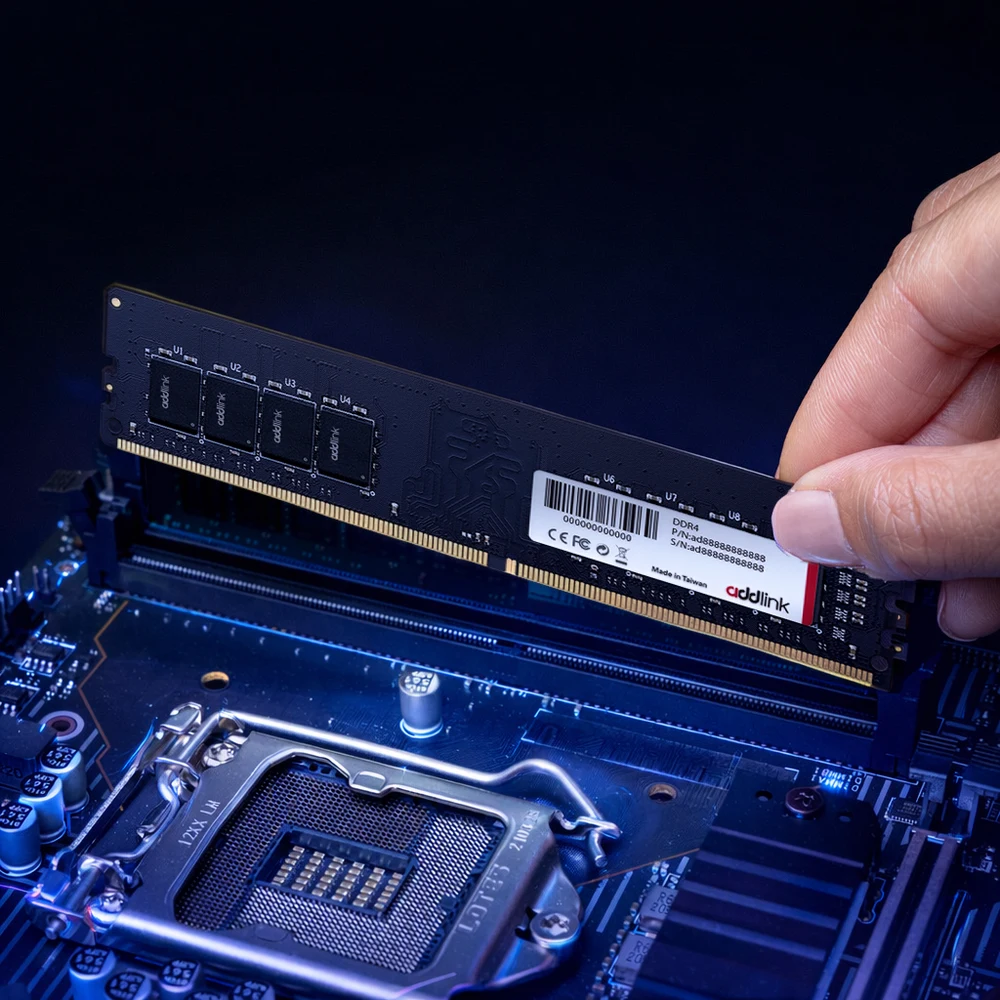
Power the PC off and unplug it before you fit the addlink P4 16GB DDR4 3200: touch the metal case to discharge static, then open the side panel. Open the clips on the DIMM slot, line up the notch on the module with the key in the slot, and press firmly on both ends until the clips lock. addlink calls the P4 plug-and-play, and the system should report the new total on the next boot. If the board has four slots, its manual shows which pair to fill first for dual channel.
Who This Is Not For
The addlink P4 16GB DDR4 3200 is desktop memory only. It does not fit laptops, which use SO-DIMM modules, and it does not work in DDR5 or DDR3 motherboards because the notch position is different. It has no heat spreader, no RGB and no overclocking profile, so it is not for builders who want 3600 MT/s gaming kits or lighting that matches their case. Servers that need ECC registered memory should look elsewhere. addlink also notes that real performance depends on the motherboard, CPU, BIOS and system configuration.
Ordering the addlink P4 16GB DDR4 3200 in the UAE
Totot ships this memory from UAE stock and delivers to every emirate within up to 3 business days. Orders from AED 300 travel free. If the module arrives faulty or is not the one you ordered, you can return it within 14 days, and any damage from shipping should be reported within 48 hours of delivery. You can pay cash on delivery or split the payment with Tabby or Tamara.
Browse more RAM (Random Access Memory) at Totot, or see the official addlink page for full product details.
Technical Specifications
- Product: addlink P4 DDR4 Value Memory, 16GB
- Series: addlink P4 Value Series (non-overclocking)
- Module type: DDR4 UDIMM, 288-pin (desktop)
- Capacity: 16GB (single module)
- Speed: 3200 MT/s (JEDEC standard, no XMP or EXPO profile needed)
- CAS latency: CL22
- Voltage: 1.2 V
- Capacity options in the series: 16GB, 32GB
- Dimensions: 133.7 x 41 mm (per addlink datasheet)
- Platforms: Intel and AMD DDR4 desktop platforms
- Made in: Taiwan
- Warranty: 1-year warranty from Totot
FAQ
Is the addlink P4 16GB DDR4 3200 a single module or a kit?
1 module. This listing is one 16GB DDR4 UDIMM. Order two for a dual-channel 32GB setup.
Do I need to enable XMP?
No. addlink says the P4 runs at JEDEC standard speed without XMP or EXPO, so it works at 3200 MT/s on boards that support it with no BIOS change.
Will it work in my laptop?
No. It is a 288-pin desktop UDIMM. Laptops need SO-DIMM modules.
Can I mix it with my current 8GB DDR4 stick?
Yes, on most DDR4 desktops. All modules will run at the speed and timings of the slowest stick.
Does it have a heat spreader or RGB?
No. The P4 is a bare value module without heat spreader or lighting.
Does it work with AMD Ryzen and Intel Core desktops?
Yes. addlink lists support for Intel and AMD DDR4 desktop platforms.





 No products in the cart.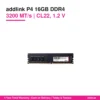
Reviews
There are no reviews yet