Best Warzone Settings for Max FPS and Visibility: Visual Guide (2026)

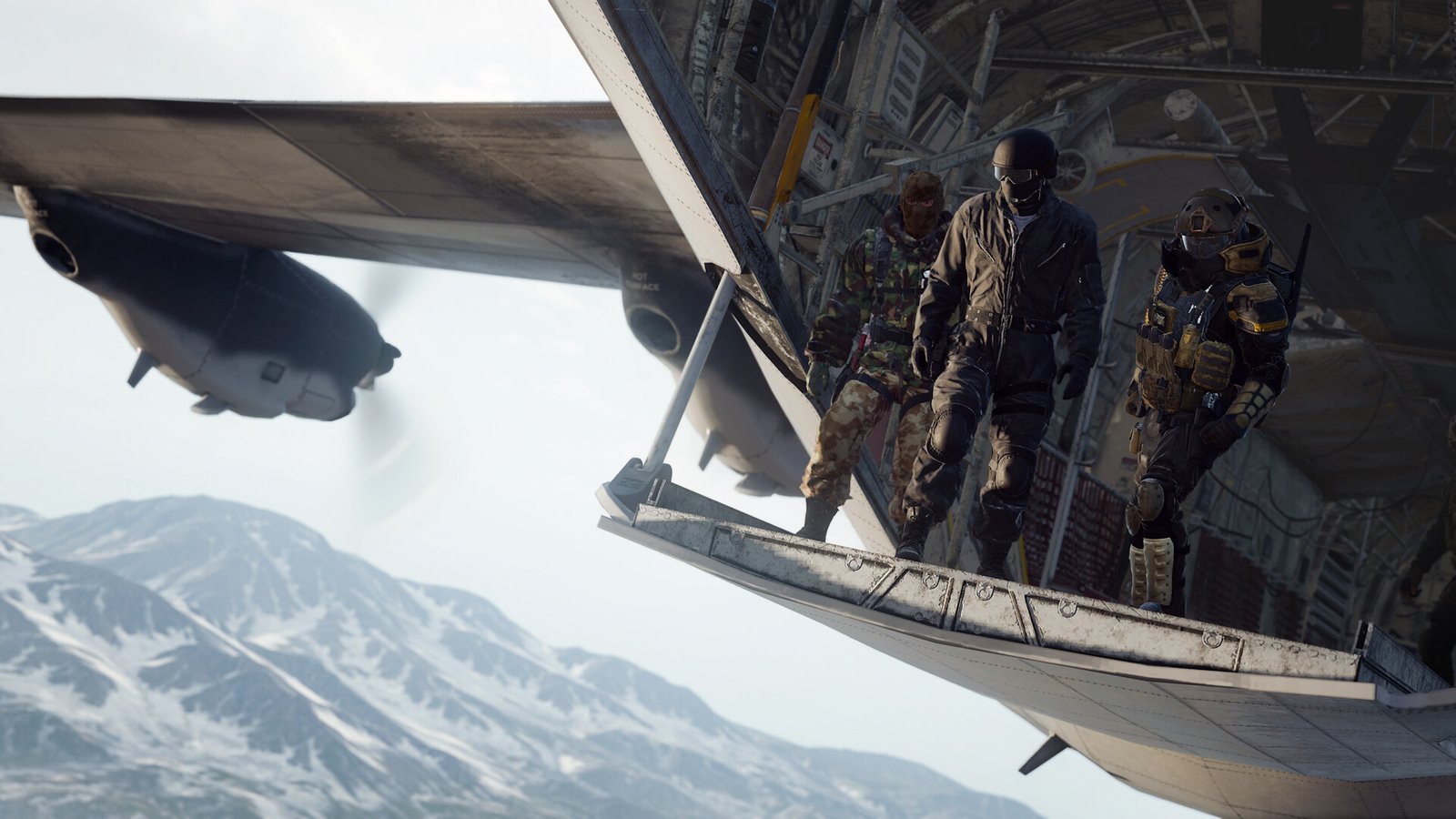
Call of Duty Warzone gameplay
Best Warzone Settings for Max FPS and VisibilityCall of Duty: Warzone — Activision

TOTOT.AE | VISUAL GUIDE FOR GAMERS

Best Warzone Settings for Max FPS and Visibility

Call of Duty: Warzone PC settings with visuals, real test numbers, and Activision’s official advice on shaders.

🎯 FPS + visibility📊 Real test numbers📷 Visual walkthrough

Warzone is one of the heaviest battle royales on PC, and its graphics menu has dozens of settings. What matters is knowing which ones really cost FPS and which ones affect how clearly you see enemies. We gathered the settings with visuals and numbers from real tests.

Version note: Modern Warfare 4 launched on October 23, 2026, and Warzone moves to it with Season 1. Some setting names may change slightly after that update, but the logic stays the same.
141 → 204FPS from DLSS Quality in Black Ops 7 — GameGPU
17%+What high Shader Quality costs in Warzone — PC Optimized Settings
7%The only gap between Very Low and Ultra shadows
116 GBSSD space required — Activision

Can My PC Run Warzone?

Official requirements from Activision support:

MinimumRecommended (60 FPS High)Competitive / 4K
CPURyzen 5 1400 / i5-6600Ryzen 5 1600X / i7-6700KRyzen 5 5600X / i7-10700K
GPURX 470 / GTX 1060RX 6600 XT / RTX 3060RX 9070 XT / RTX 4080 / 5070
RAM8 GB12 GB16 GB

Every tier needs an SSD with 116GB free, plus TPM 2.0 and Secure Boot enabled.

Display Settings (With Visuals)

DISPLAYGRAPHICSSHADOWS & LIGHTINGVIEW
SettingValue
Display ModeFullscreen Exclusive
Display ResolutionYour native resolution
Refresh RateMaximum
V-SyncOff
Gameplay FPS LimitYour refresh rate
Menu FPS Limit60
NVIDIA Reflex Low LatencyOn + Boost
If you see stutter, set Gameplay FPS Limit a little below your refresh rate (see player experiences below).
📷 Illustration of the Display menu in Warzone

Graphics Settings

Recommended values for max FPS with clear visibility, from Beebom and PC Optimized Settings:

DISPLAYGRAPHICSSHADOWS & LIGHTINGVIEW
SettingValueFPS cost
Render Resolution100
Dynamic ResolutionOff
Upscaling / SharpeningFidelityFX CAS / DLSS
Frame GenerationOff
VRAM Scale Target80
Variable Rate ShadingOn
Texture ResolutionLow / Normal
Texture Filter AnisotropicHigh
Depth of FieldOff
Shader QualityLow
Bullet ImpactsOff
Persistent EffectsOff
On-Demand High-Quality StreamingMinimal
🔴 Heavy FPS cost   🟡 Medium   🟢 Light — estimate based on PC Optimized Settings testing.
📷 Illustration of the Graphics menu in Warzone
DLSS or not? Sources disagree: some recommend FidelityFX CAS only because it’s sharper, others DLSS or FSR Balanced for much more FPS. If your PC already gets enough FPS, stay on CAS; if not, use DLSS Quality.

Shadows and Lighting

DISPLAYGRAPHICSSHADOWS & LIGHTINGVIEW
SettingValueFPS cost
Shadow QualityVery Low / Low
Screen Space ShadowsOff
Occlusion and Screen Space LightingOff
Screen Space ReflectionsOff
Static Reflection QualityLow
Weather Grid VolumesOff
Volumetric QualityLow
Most of these add fog and lighting that hide enemies at range, so turning them off gives you FPS and clearer visibility.
📷 Illustration of Shadows, Lighting & Environment
DISPLAYGRAPHICSSHADOWS & LIGHTINGVIEW
SettingValueFPS cost
Field of View100 – 120
ADS Field of ViewAffected
Weapon Field of ViewWide
World Motion BlurOff
Weapon Motion BlurOff
Film Grain0
Motion blur and film grain make the image softer and hide enemies behind visual noise.
📷 Illustration of the View menu
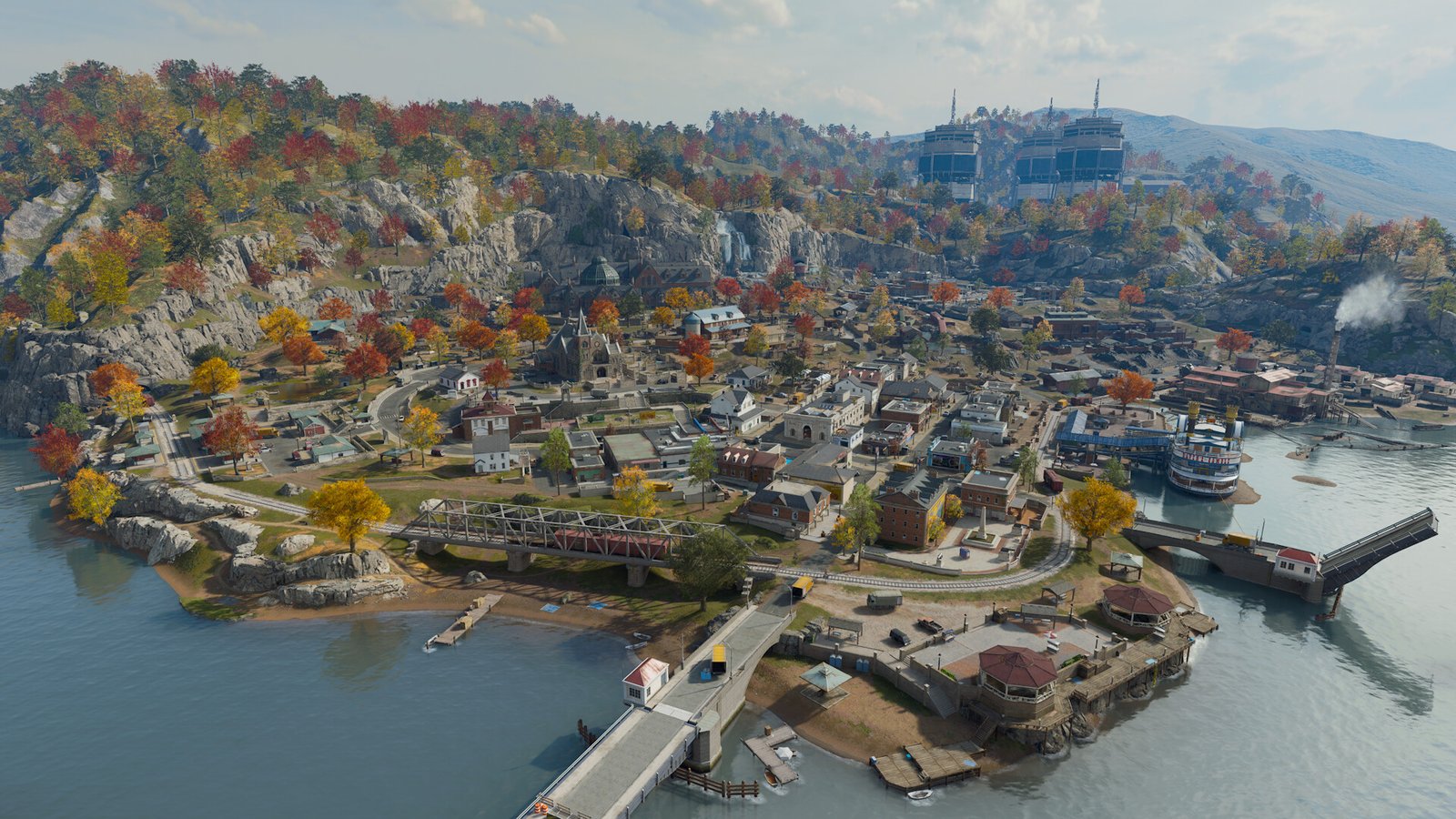
Warzone map© Activision
📷 Official Warzone screenshot: huge maps and long view distances are what make the game heavy on both the CPU and GPU.

Before and After in Numbers

🧪 Real testDLSS impact — RTX 4070 Ti with Ryzen 7 9800X3D at 1080p
DLSS off (native)
141 FPS
DLSS Quality
204 FPS
DLSS Balanced
269 FPS
DLSS Ultra Performance
291 FPS
+45% FPS in Quality mode
Source: GameGPU — tested in the Black Ops 7 beta on multiplayer maps, not Warzone itself, but the same engine.
🧪 Real testHow much does each setting cost in Warzone?
Shader Quality
17%+
Volumetrics → Low
10.5%
Screen Space Reflections
9–10%
Shadows: Very Low vs Ultra
7%
Shaders matter more than shadows in this game
Source: PC Optimized Settings — tested on a Ryzen 9 7950X with an RTX 4090 in Black Ops 6 Season 1. The same test found DLSS Quality raised FPS by 65%.
🎬 VIDEOBest Warzone settings for max FPS and quality (exZact)

Shaders and Stutter (Per Activision)

Let shader pre-loading finishWhen you first launch the game, wait until shader pre-loading is done. According to Activision, leaving the main menu stops it and can hurt performance.
Close monitoring appsActivision recommends disabling NZXT CAM, MSI Afterburner and Razer Cortex while playing.
Choose Minimal streamingIn Menu → Manage Files → Graphics, setting On-Demand High-Quality Streaming to Minimal uses less bandwidth; Optimized gives nicer textures but uses more.

Sources: Activision — Warzone PC troubleshooting and Managing Call of Duty content.

TOTOT PC CARE

Do It in One Click with Totot PC Care

Clean junk files, disable startup bloat, switch to the best power plan, and watch CPU/GPU temperatures in real time — all from one simple Windows tool.

Get Totot PC Care — 39 AED →

Player Experiences

SteamSteam player (165Hz monitor)

Lowered his FPS cap from 165 to 145 and said the stutter now barely happens.

Stutter reducedSource ↗
SteamSteam player

Reinstalling shader pre-loading stopped his crashes; others also cleared the cache and quit from the in-game menu instead of Alt+F4.

Crashes fixedSource ↗
SteamMicro-stutter thread

One player said setting Shader Cache to Unlimited in NVIDIA Control Panel helped, while another needed more advanced tweaks.

Try UnlimitedSource ↗
🎬 VIDEOModern Warfare 4 settings for FPS, latency and visibility — useful because Warzone is moving to the same engine (JagsFPS)

If the problem is your system, see our Windows 11 FPS guide and graphics settings explained.

✅ Your settings at a glance

  • Fullscreen Exclusive
  • V-Sync Off + FPS cap
  • Reflex On + Boost
  • Shader Quality: Low
  • Shadows: Very Low / Low
  • Occlusion / SSR: Off
  • Weather Grid / Volumetrics: Off
  • Motion Blur + Film Grain: Off
  • FOV 100–120
  • Wait for shader pre-loading

Frequently Asked Questions

Which setting costs the most FPS in Warzone?

In PC Optimized Settings’ test, Shader Quality cost 17% or more, followed by Volumetrics at about 10.5% and Screen Space Reflections at about 9–10%. Shadows only made a 7% difference.

Why does Warzone stutter when I first load in?

Usually because shaders haven’t finished. Activision recommends waiting for shader pre-loading to finish before playing and closing monitoring apps like MSI Afterburner.

Should I use DLSS in Warzone?

Yes, if your FPS isn’t high enough. In GameGPU’s Black Ops 7 test, DLSS Quality raised FPS from 141 to 204. If your FPS is already high, FidelityFX CAS gives a sharper image.

What are the minimum requirements for Warzone?

Per Activision: Ryzen 5 1400 or i5-6600, an RX 470 or GTX 1060, 8GB RAM, and an SSD with 116GB free, plus TPM 2.0 and Secure Boot.

TOTOT PC CARE

Do It in One Click with Totot PC Care

Clean junk files, disable startup bloat, switch to the best power plan, and watch CPU/GPU temperatures in real time — all from one simple Windows tool.

Get Totot PC Care — 39 AED →

Has your PC fallen behind?

RTX 50 gaming laptops, RAM and SSDs are available on totot.ae with interest-free installments.

Shop gaming laptops →
Leave a Reply

شاركنا رأيك بالمقالة
كن أول من يقيم هذه المقالة

Your email address will not be published. Required fields are marked *

Comment

Name

Home Shop Categories 0 Wishlist Account
Need Help!
Main Menu
Shopping Cart (0)

No products in the cart. No products in the cart.

Main Menu
Shop by Category See All