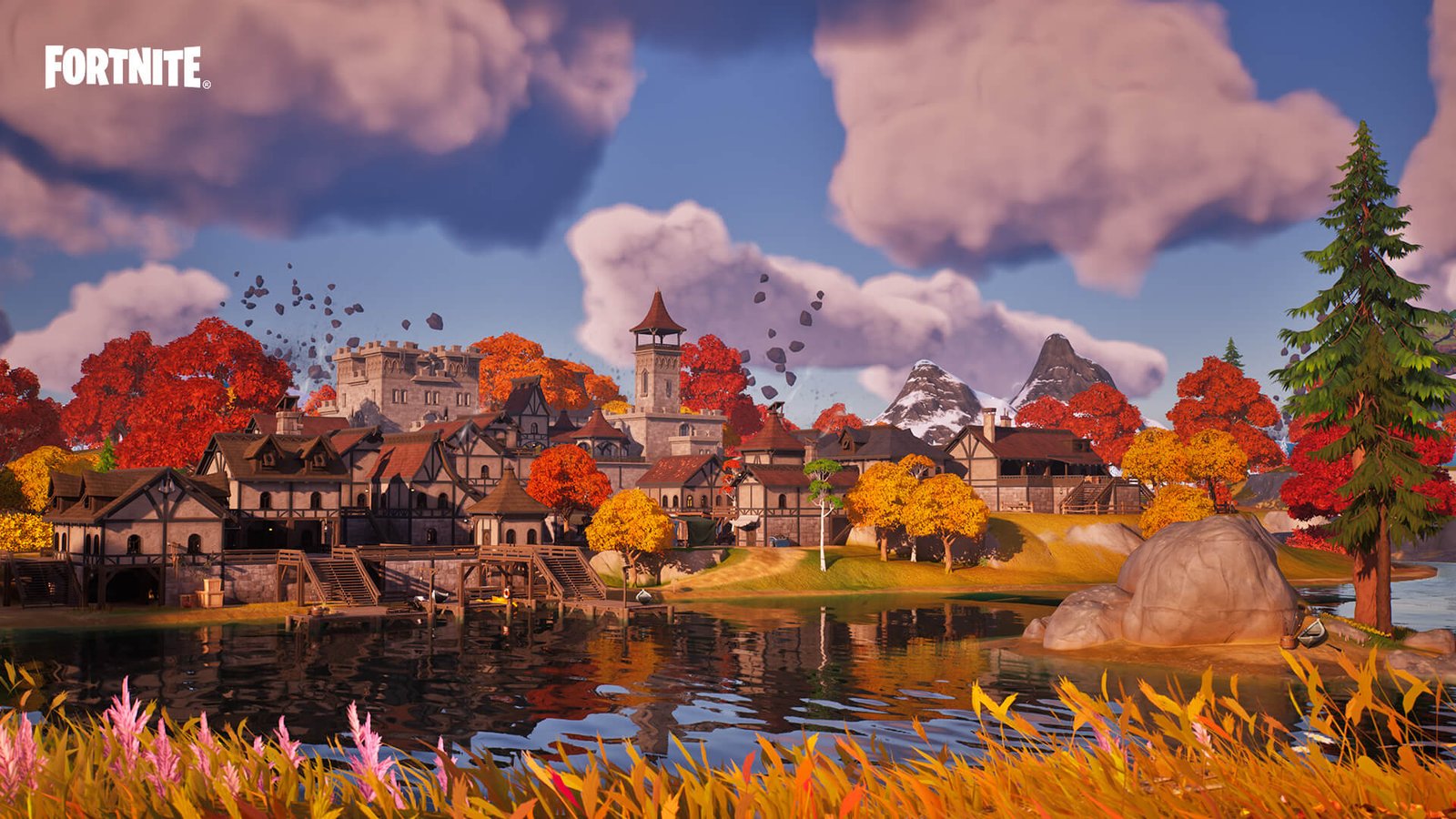
 Fortnite — Epic Games
TOTOT.AE | VISUAL GUIDE FOR GAMERS
Best Fortnite Settings for Max FPS and Low Lag
Performance Mode and every video setting explained with visuals, plus Epic’s official numbers and stutter fixes.
Fortnite runs on Unreal Engine 5, which means the same game can be very light or very heavy depending on your settings. The good news is that Epic built a dedicated Performance Mode that can more than double FPS on weaker PCs. This guide explains every setting with visuals and numbers.
Can My PC Run Fortnite?
Official requirements from Epic Games support:
| Minimum | Recommended | Epic presets | |
|---|---|---|---|
| GPU | Intel HD 4000 / Radeon Vega 8 | GTX 960 / R9 280 | RTX 3070 / RX 6700 XT |
| CPU | Core i3-3225 | Core i5-7300U / Ryzen 3 3300U | Core i7-8700 / Ryzen 7 3700X |
| RAM | 8 GB | 16 GB | 16 GB |
| Storage | — | NVMe SSD | NVMe SSD |
Performance or DirectX 12?
Performance Mode (full name: Performance – Lower Graphical Fidelity) is an official Epic mode that lowers graphics so weaker PCs get higher FPS, and most competitive players use it even on strong PCs.
Display Settings (With Visuals)
Graphics Quality Settings
These are the values ProSettings recommends for maximum competitive FPS (last updated May 2026):
Nanite and Lumen: What Are They and Why Turn Them Off?
According to Epic’s official announcement, Nanite only works on DirectX 12 and is on by default at High and Epic, Lumen requires Nanite, and ray tracing needs both. These official images show what they do:
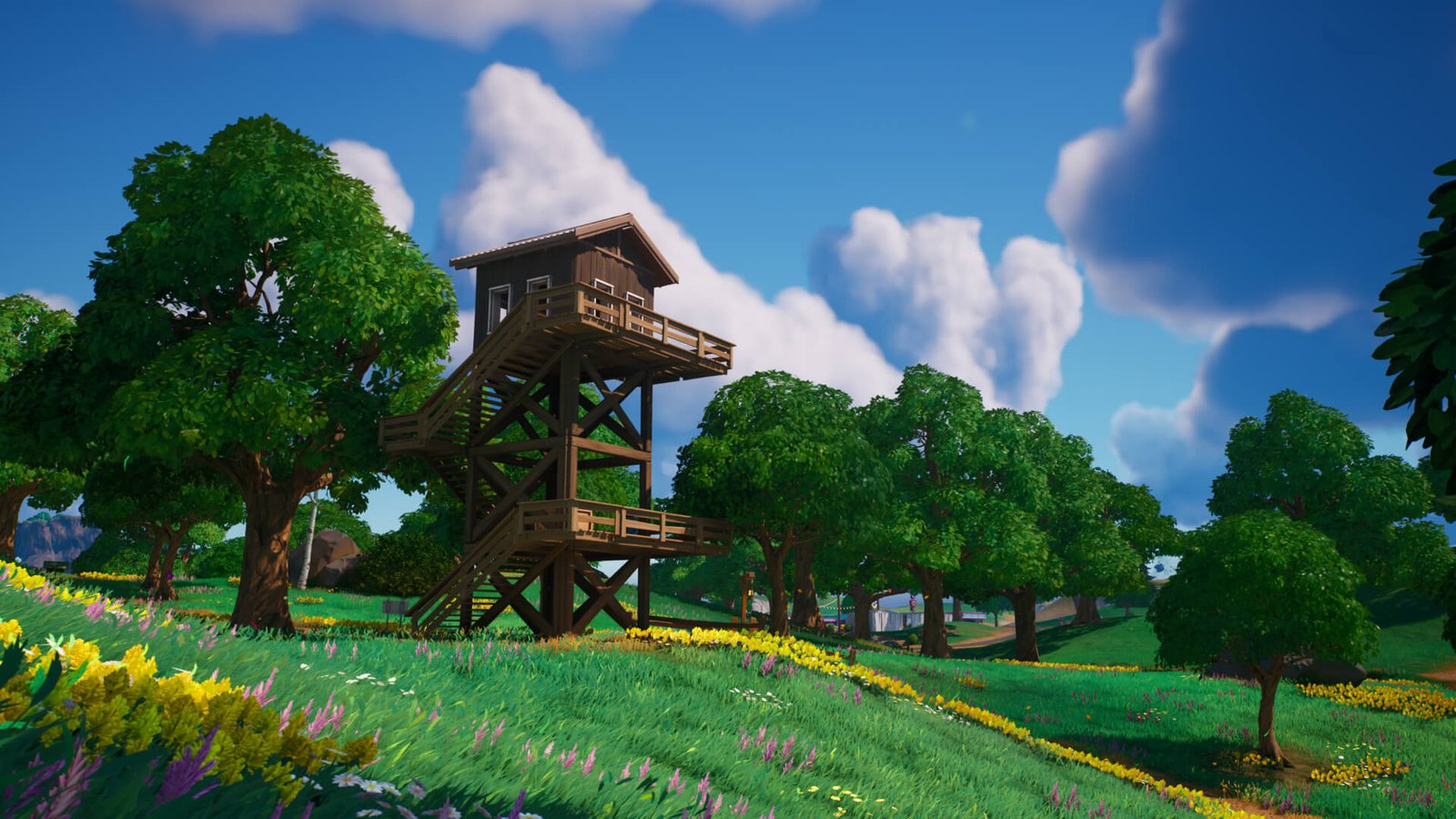 © Epic Games
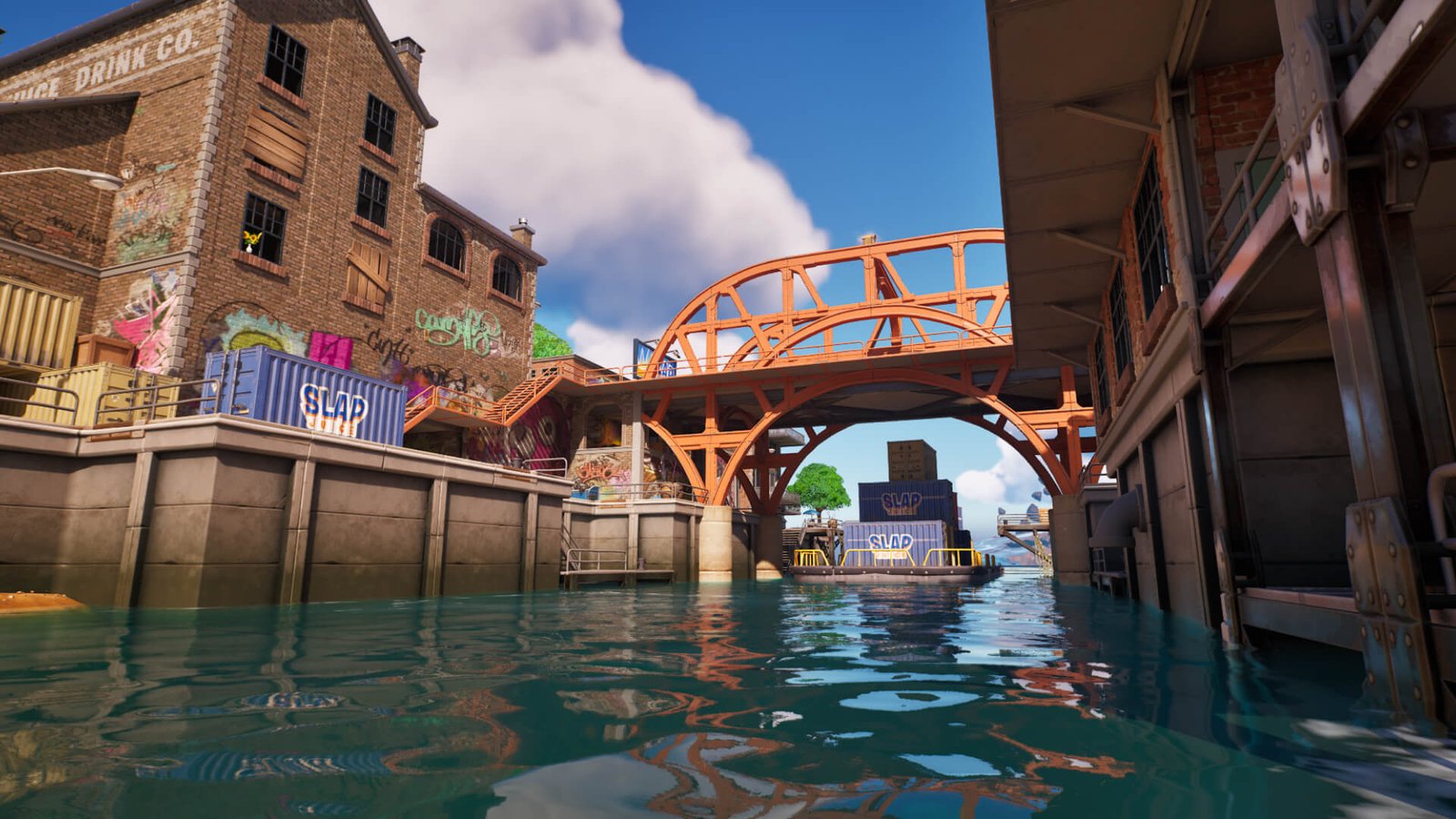 © Epic Games
Fixing Stutter (Per Epic)
Epic explains that DirectX 12 stutter can come from the game repeatedly rebuilding shaders. The official fix:
Source: Epic Games support — DirectX 12 stutter
Epic also recommends these Windows steps:
Source: Epic Games support — improve low FPS. For the full steps, see our Windows 11 FPS guide.
Do It in One Click with Totot PC Care
Clean junk files, disable startup bloat, switch to the best power plan, and watch CPU/GPU temperatures in real time — all from one simple Windows tool.
Get Totot PC Care — 39 AED →Player Experiences
A player with stutter said that after switching to Performance Mode the game ran brilliantly.
Stutter fixedSource ↗A player noticed an AMD driver update greatly reduced slow-downs while moving around the map in Performance Mode.
Update driversSource ↗Another user in the thread said turning off Windows Game Mode removed their stutter, and the original poster was advised to move the game off an external USB SSD.
Test it yourselfSource ↗✅ Your settings at a glance
- Rendering Mode: Performance
- Fullscreen + Vsync Off
- 3D Resolution: 100%
- Nanite / Lumen: Off
- Shadows: Off
- View Distance: Near
- Effects / Post Processing: Low
- Reflex: On + Boost
- Net Debug Stats on
- Game on the dedicated GPU
Frequently Asked Questions
What is Performance Mode in Fortnite?
An official Epic mode that lowers graphics for higher FPS. In Epic’s numbers, a laptop with UHD 620 graphics went from 24 to 61 FPS. Enable it in Settings → Video → Rendering Mode → Performance, then restart.
Why does Fortnite stutter on DirectX 12?
According to Epic, it is usually the game rebuilding shaders. Delete the NVIDIA or AMD DirectX cache, and only the first match afterwards should stutter a little.
Should I turn off Nanite and Lumen?
For competitive play, yes; they cost a lot of FPS and give no advantage in fights. Keep them if you play casually or take screenshots on a strong PC.
What are the minimum requirements for Fortnite?
Per Epic: Intel HD 4000 or Radeon Vega 8, a Core i3-3225 and 8GB RAM. Recommended is a GTX 960 with 16GB RAM and an NVMe SSD.
Do It in One Click with Totot PC Care
Clean junk files, disable startup bloat, switch to the best power plan, and watch CPU/GPU temperatures in real time — all from one simple Windows tool.
Get Totot PC Care — 39 AED →Ready for your next Victory Royale?
Gaming laptops, mice and headsets are available on totot.ae with interest-free installments.
Shop gaming gear →
 No products in the cart.